
INSTRUCTION MANUAL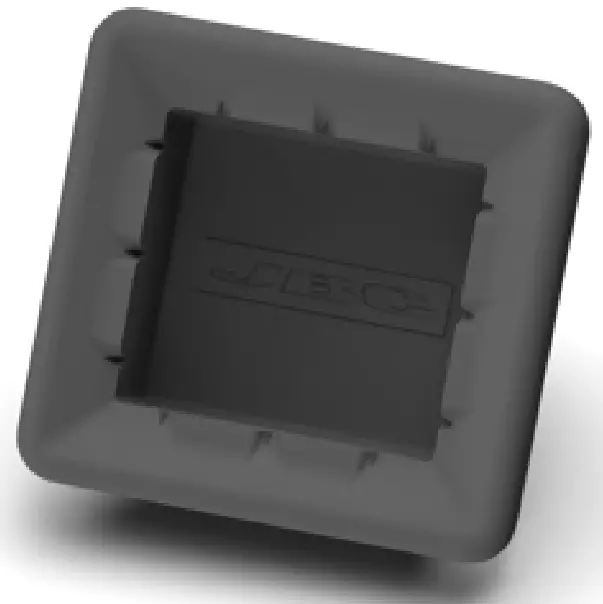 CL7984, CL0160
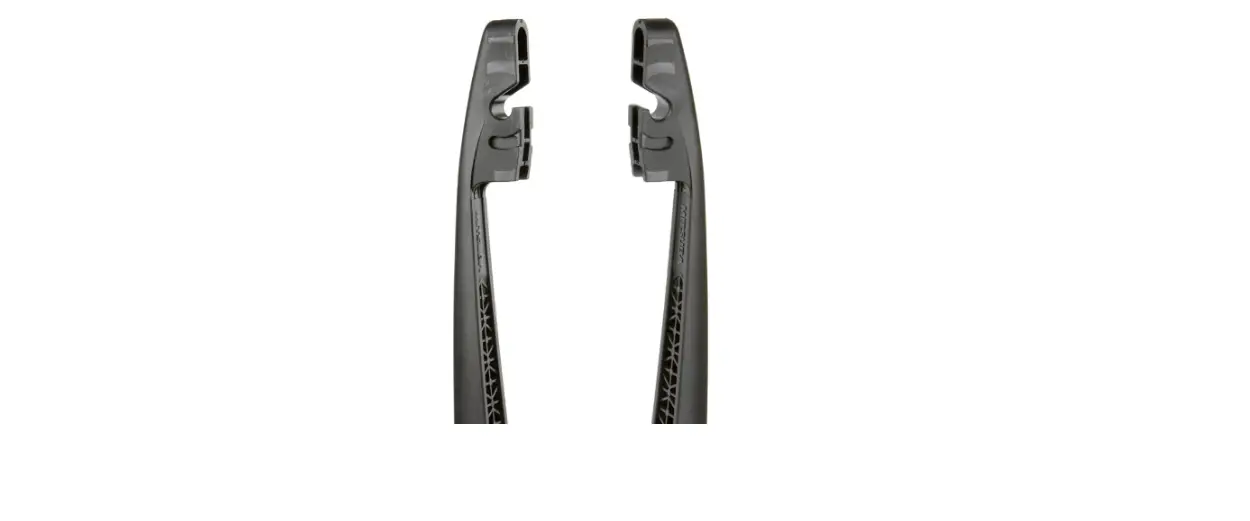
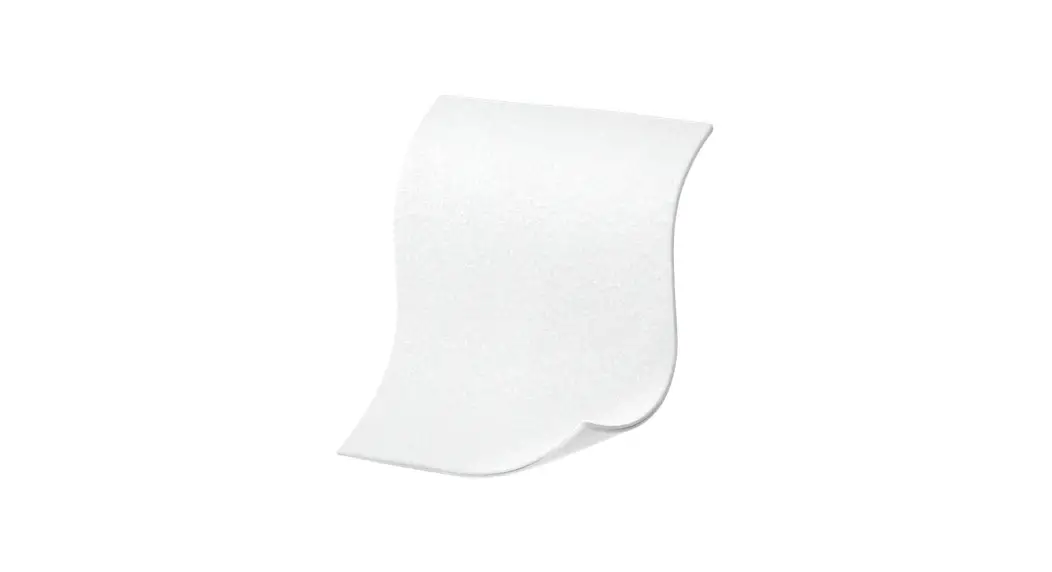
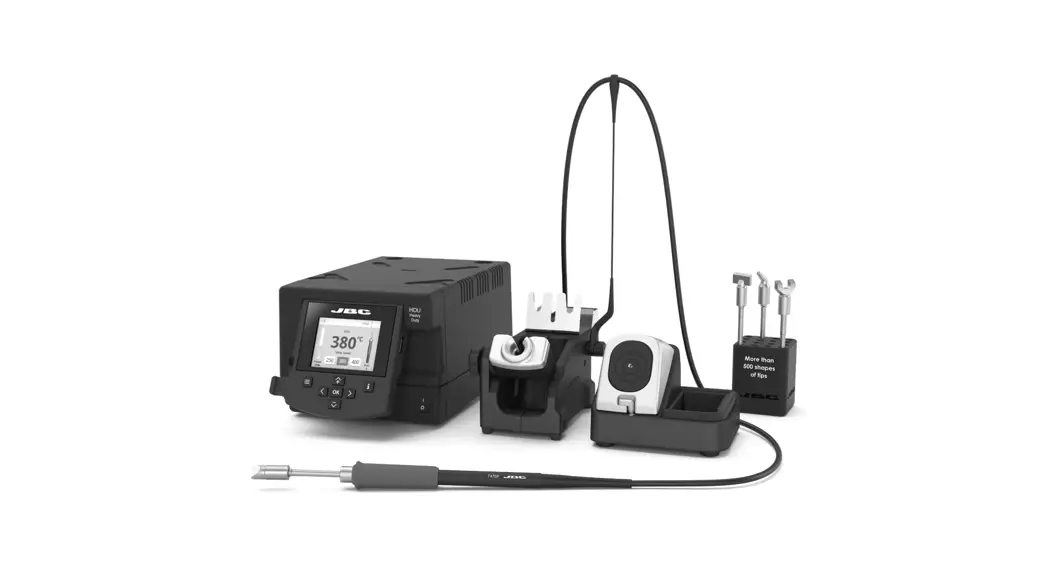
Wiper for Compact Stations
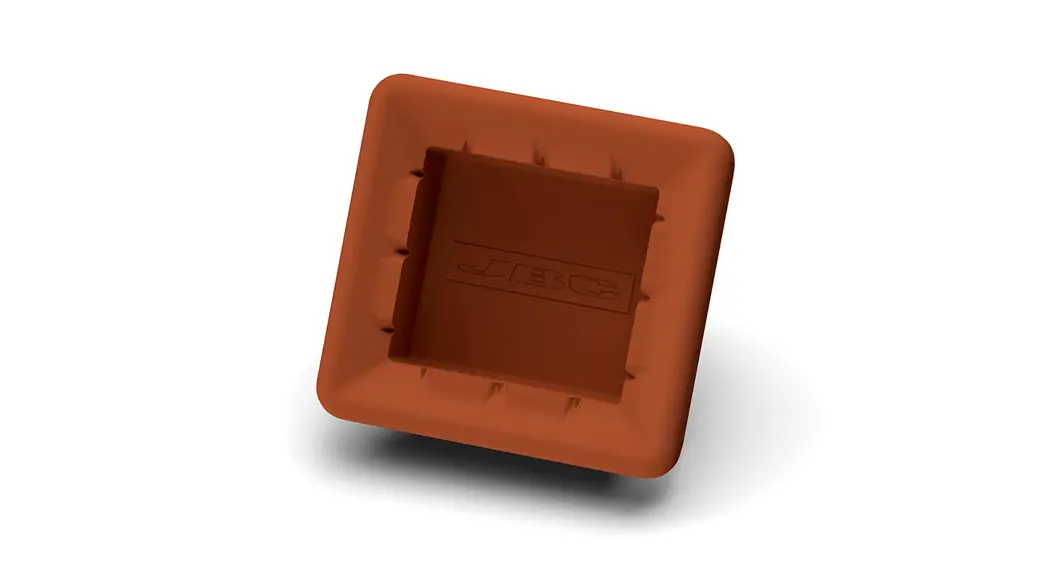
This manual corresponds to the following references:
| CL7984 – red | CL0160 – black |
Packing List
The following items are included: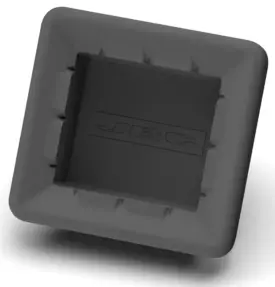
Wiper for
Compact Stations …….. 1 unit 
Manual ……………………….. 1 unit
Ref. 0029718
Features
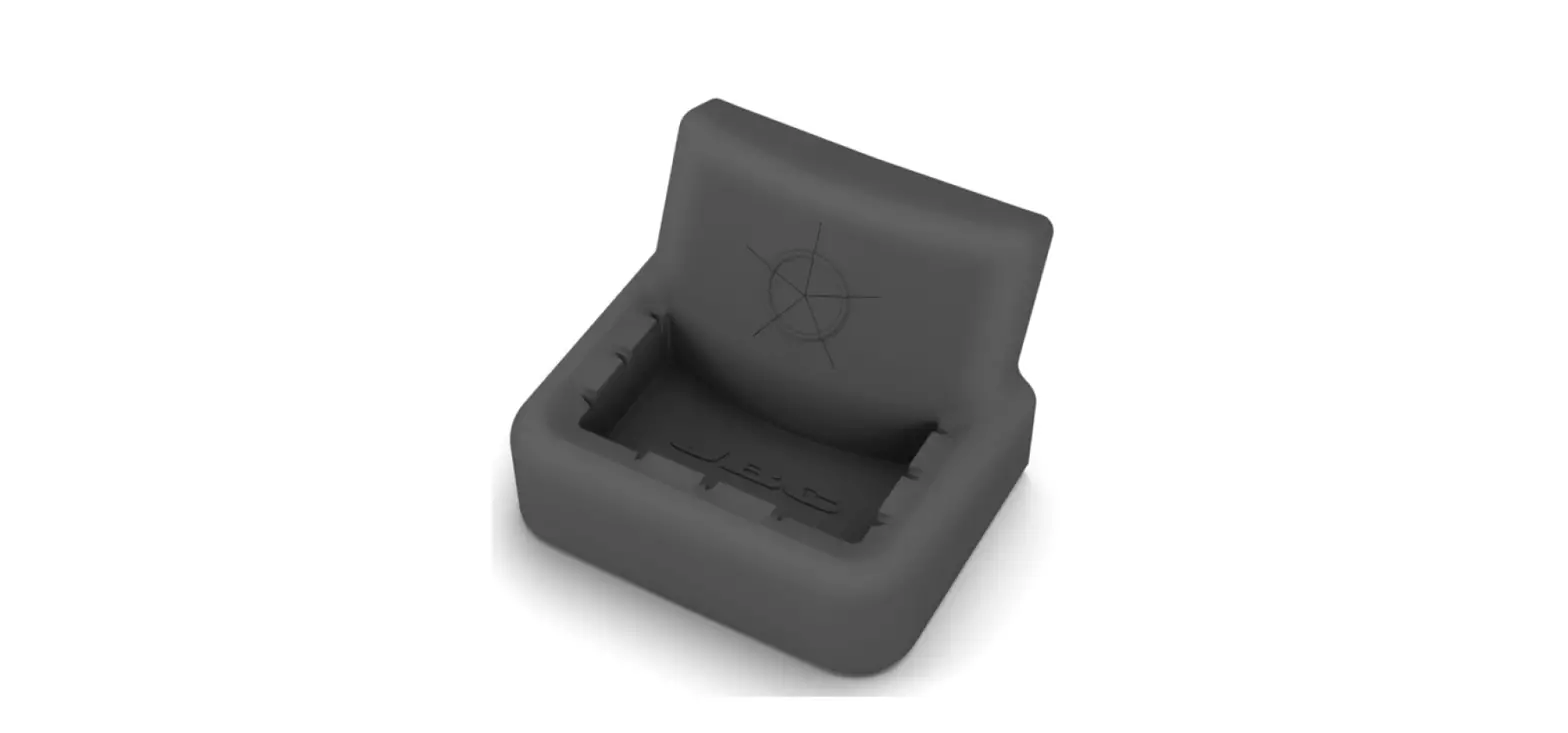
Tapping: Tap gently to remove excess solder.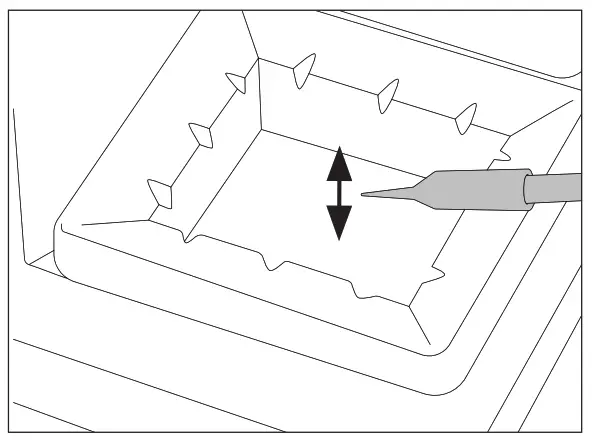 Wiping:
Use the slots to remove the remaining particles.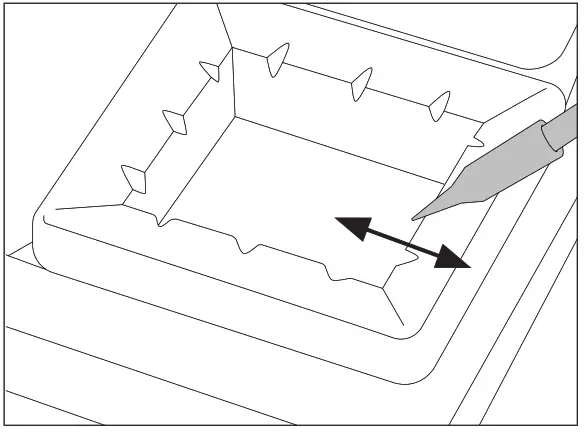
Wiper Replacement
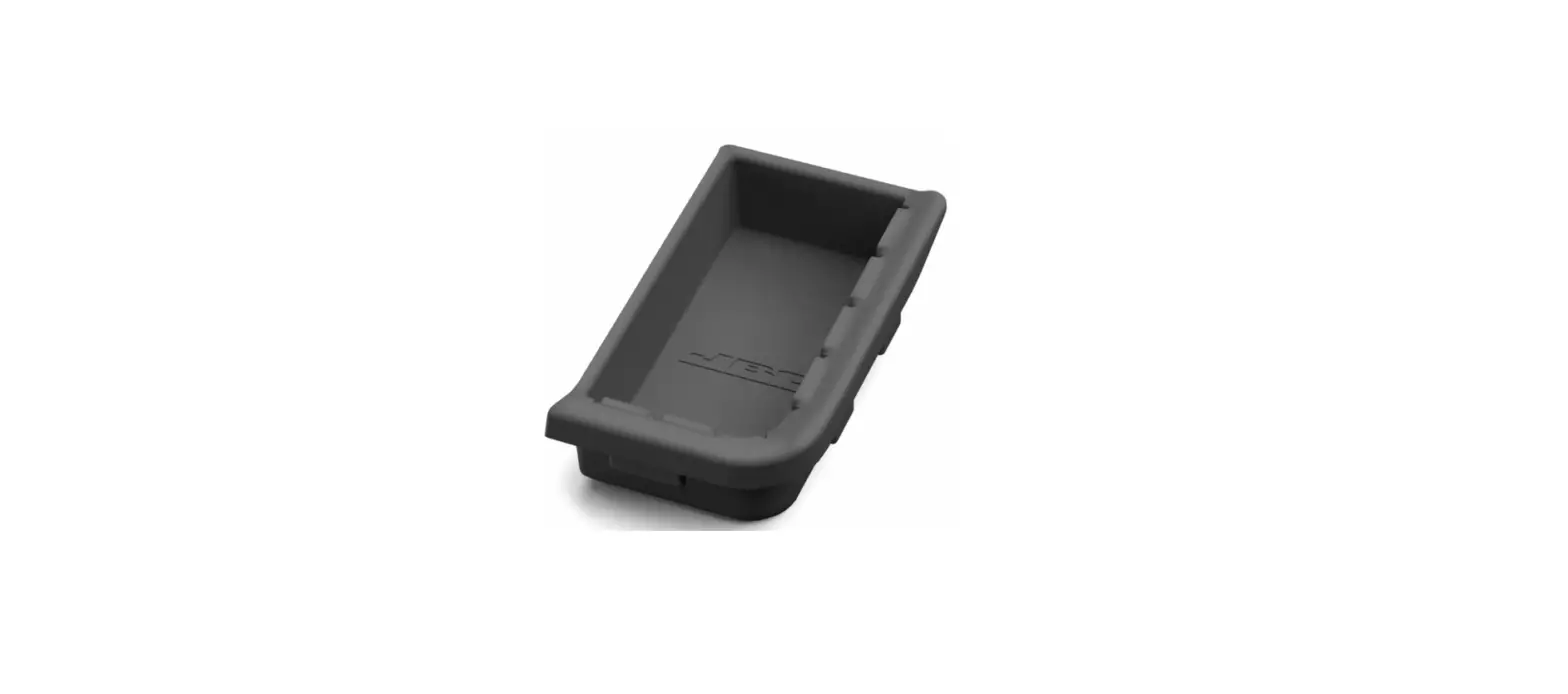
Pull out the worn or dirty wiper (1). 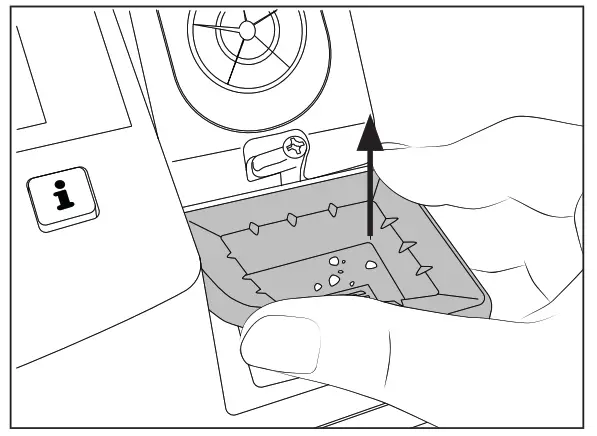
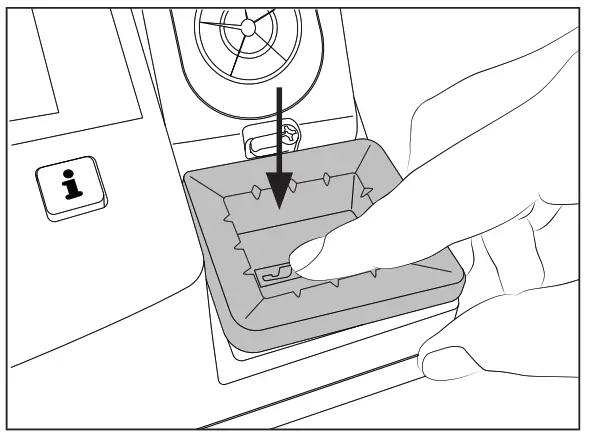
Press the wiper down to center it in place (3).
 Insert the new one making sure that the JBC logo is the right way round (2).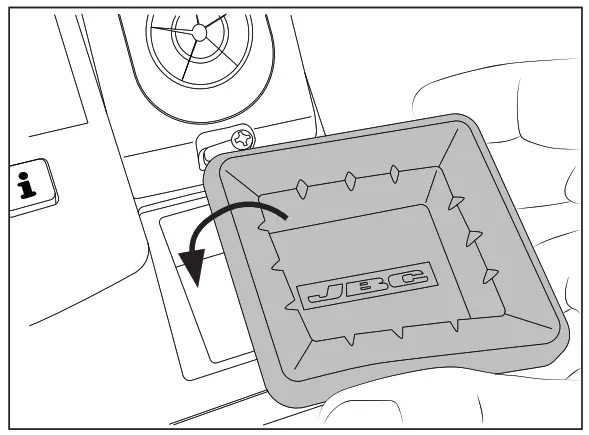
At the stations bottom side, pull on the tab to attach the wiper and secure it in place (4).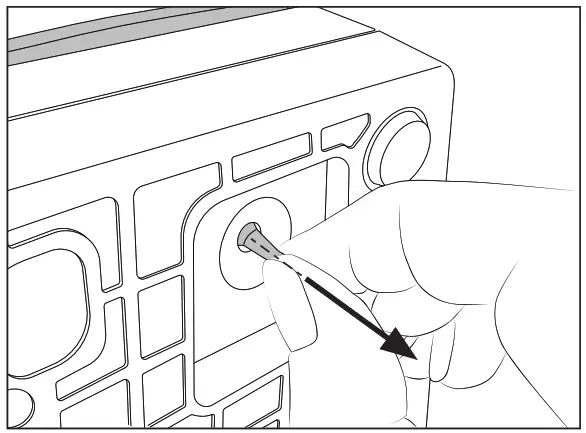
Specifications
CL7984, CL0160
Wiper for Compact Stations
Ref. CL7984 – red
Ref. CL0160 – black
– Total Net Weight: 24 g / 0.053 lb
– Package Dimensions / Weight: 90 x 55 x 40 mm / 34 g
(L x H x W) 3.54 x 2.17 x 1.57 in / 0.075 lb
Warranty
JBC’s 2-year warranty covers this equipment against all manufacturing defects, including the replacement of defective parts and labor.
The warranty does not cover product wear or misuse.
In order for the warranty to be valid, equipment must be returned, postage paid, to the dealer where it was purchased.
 This product should not be thrown in the garbage.
In accordance with the European directive 2012/19/EU, electronic equipment at the end of its life must be collected and returned to an authorized recycling facility.
 www.jbctools.com
0029718-220722