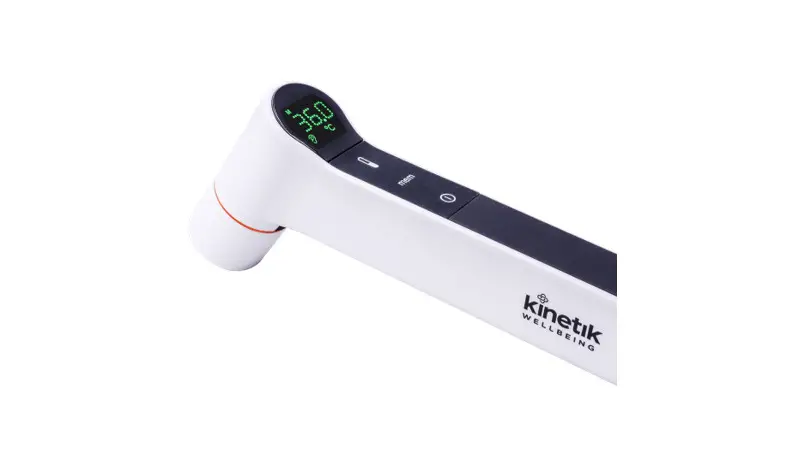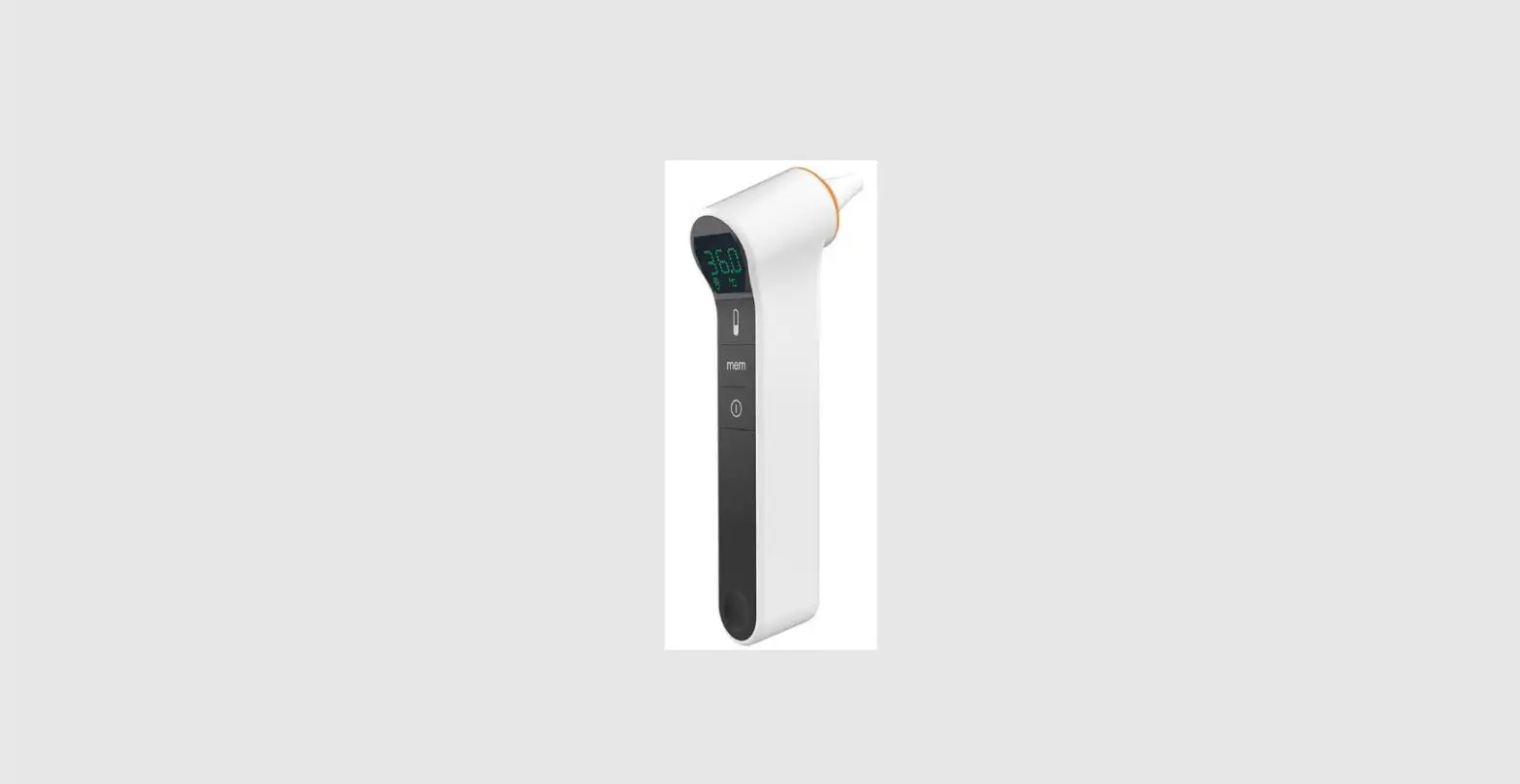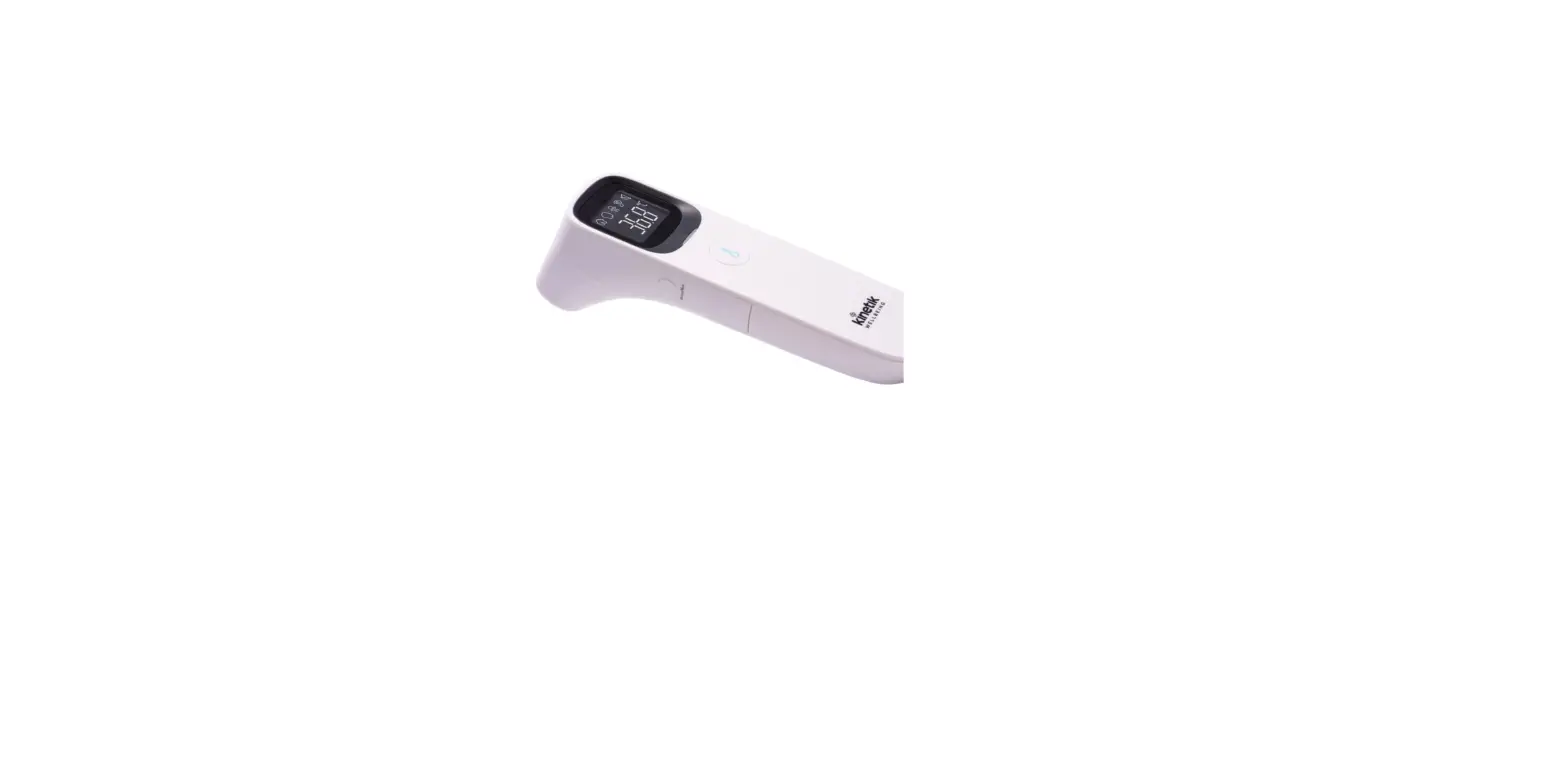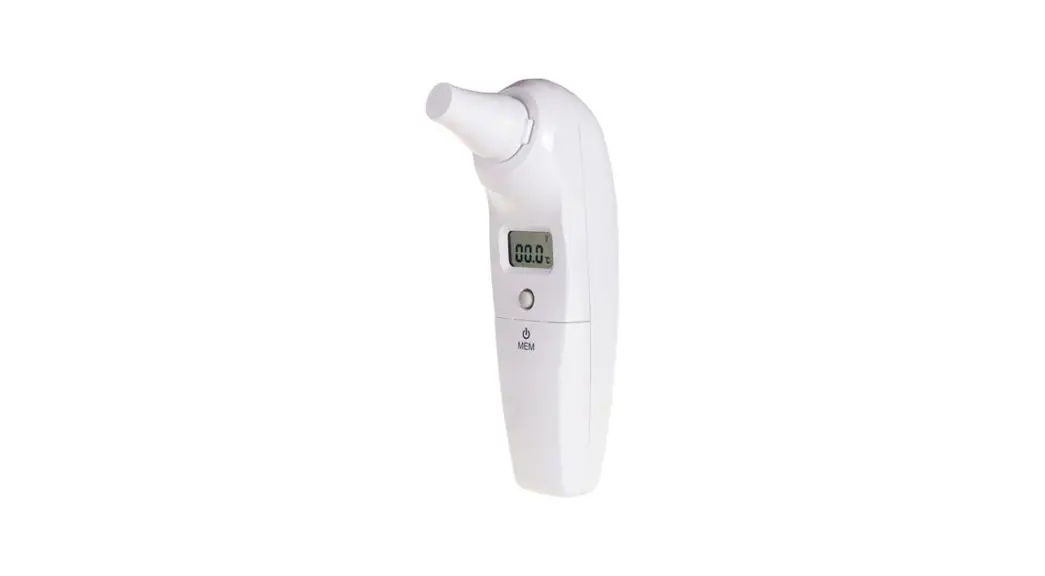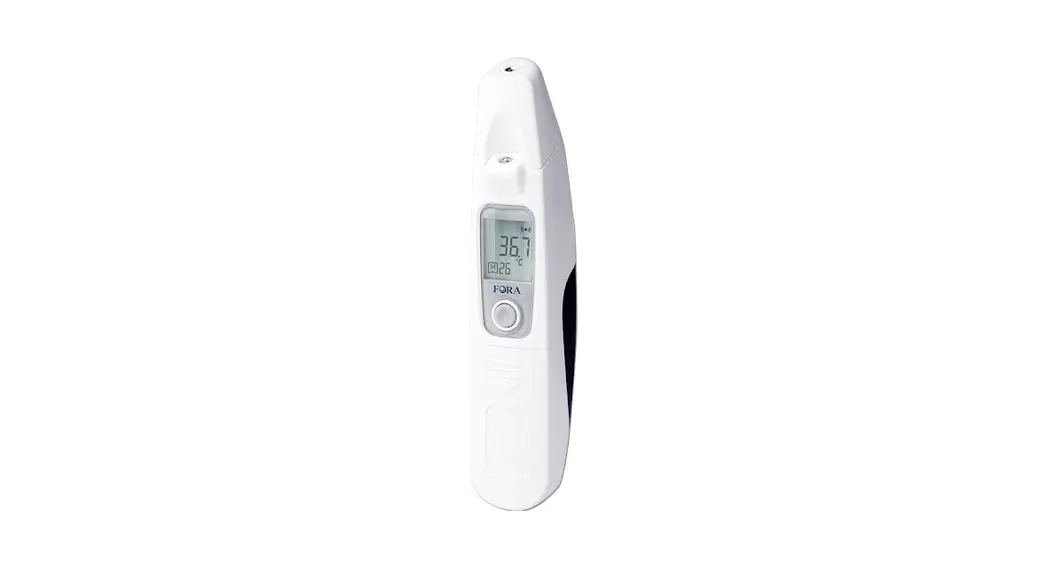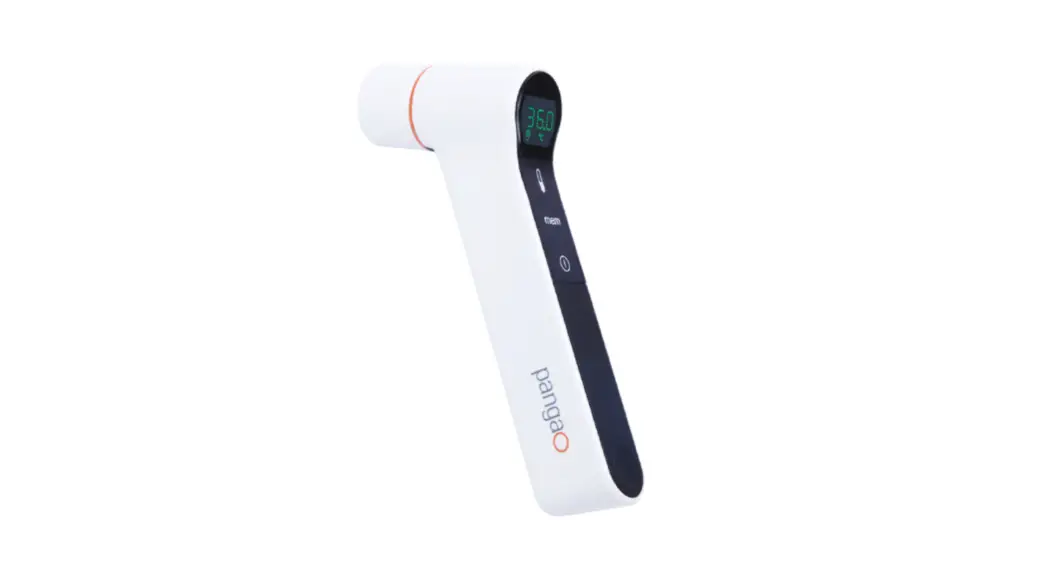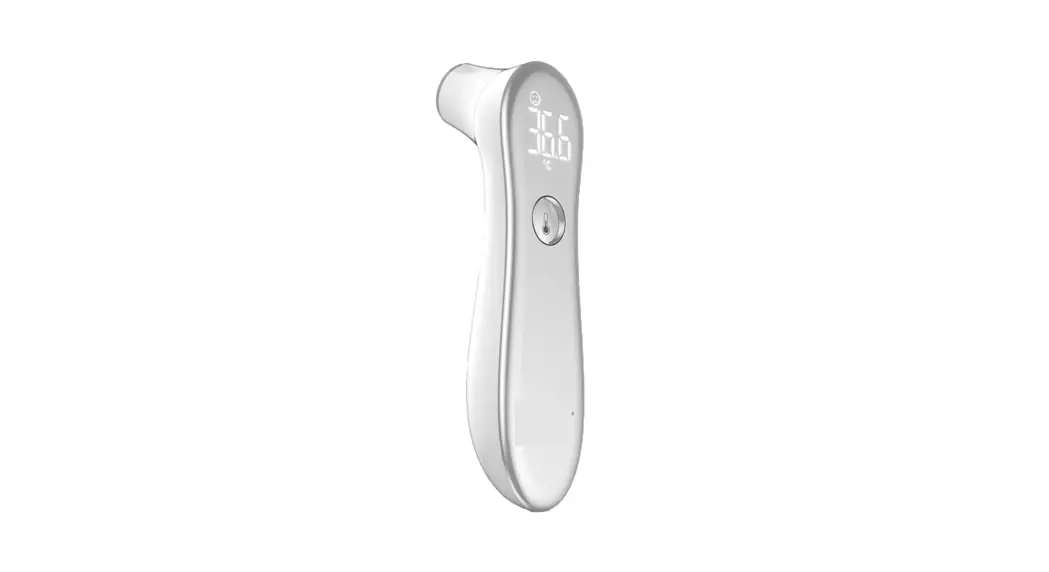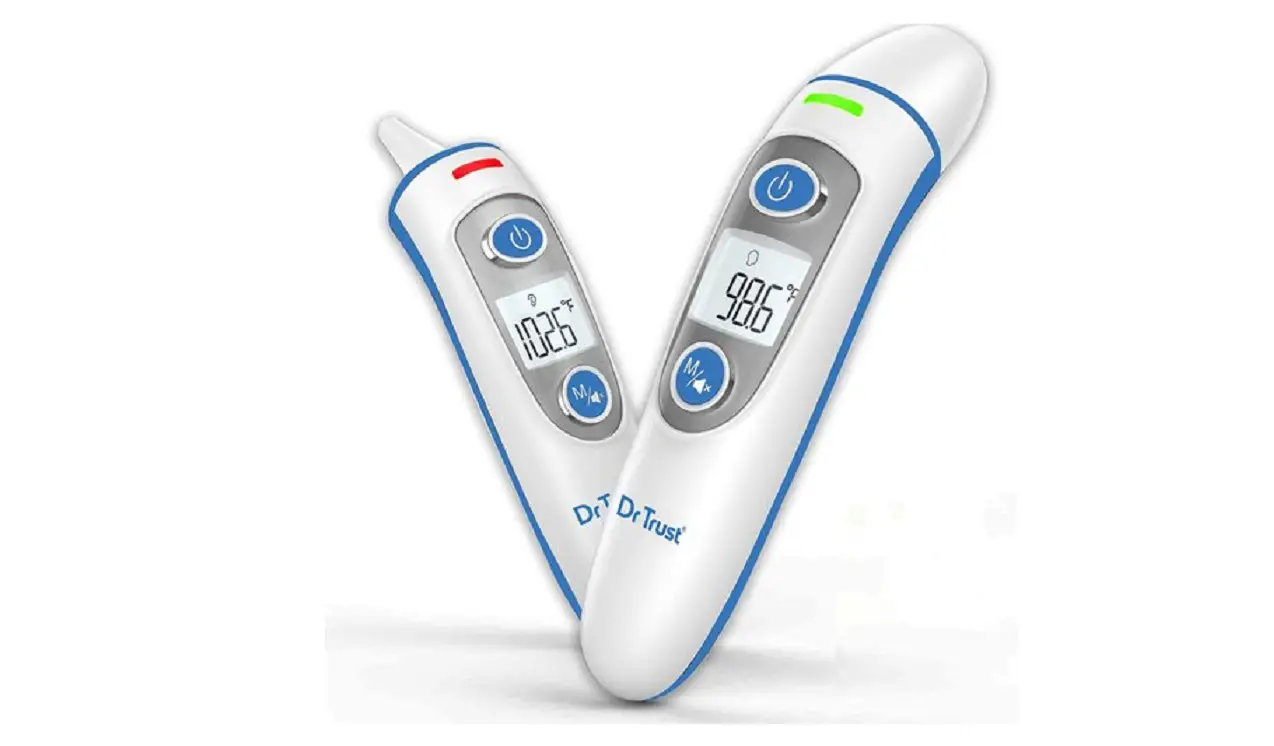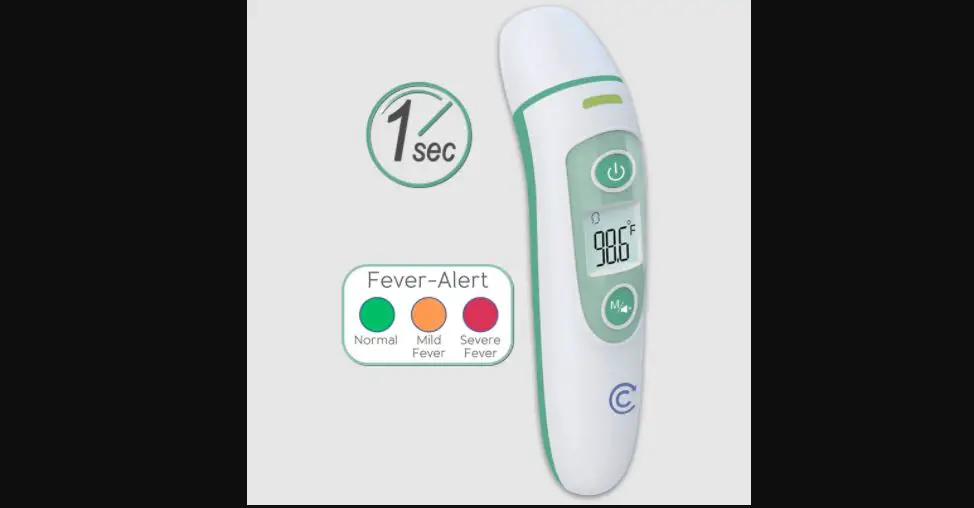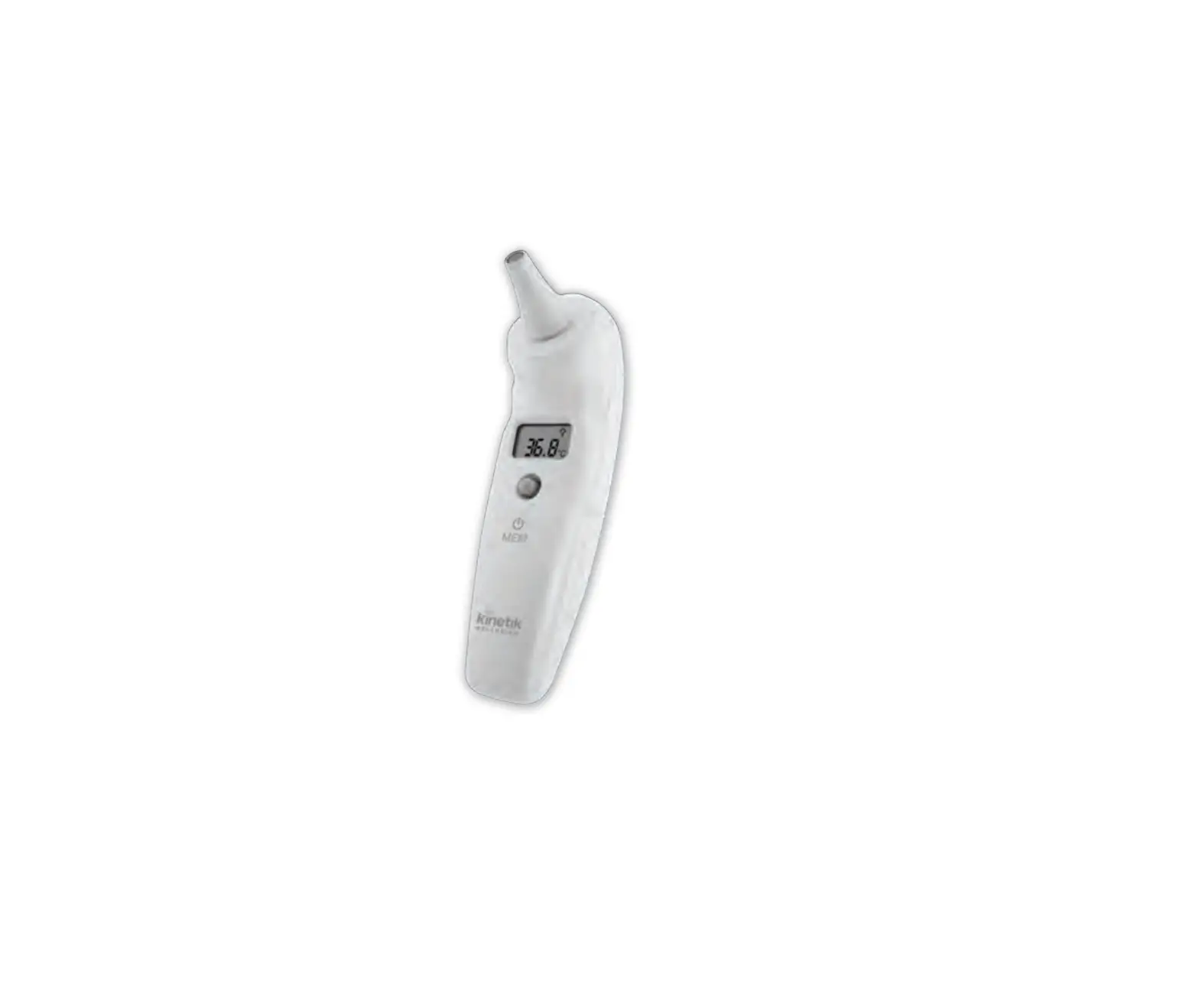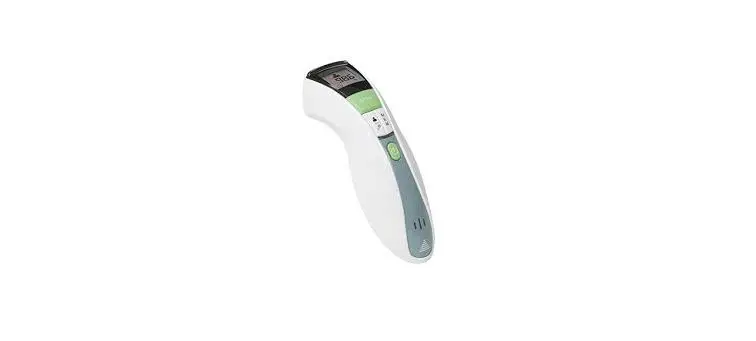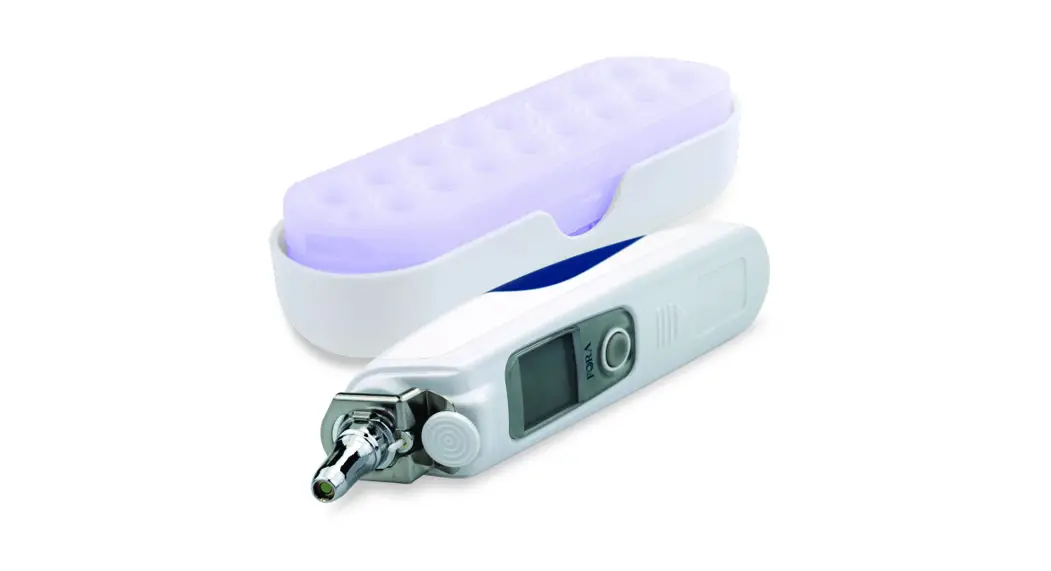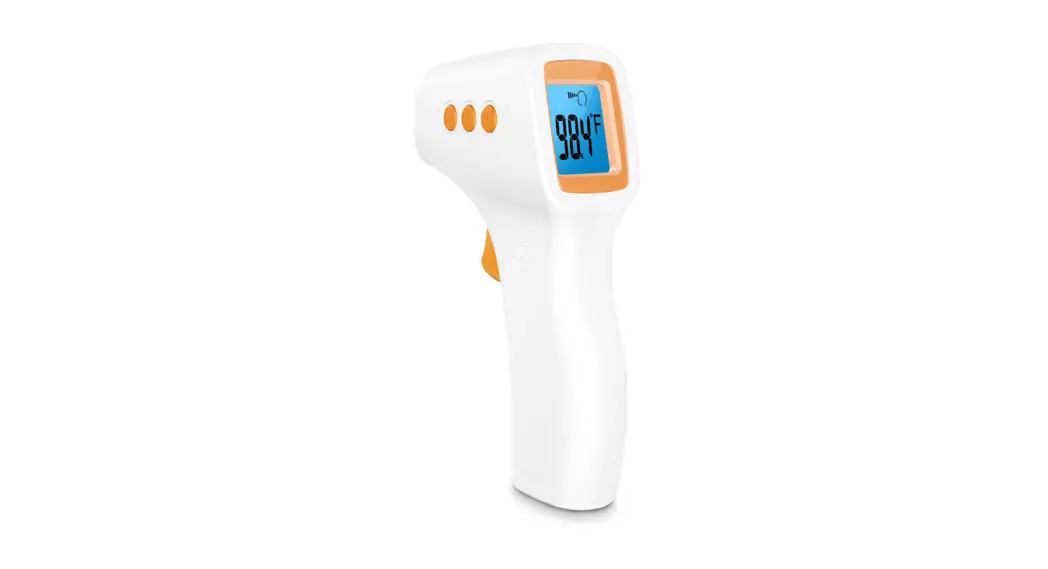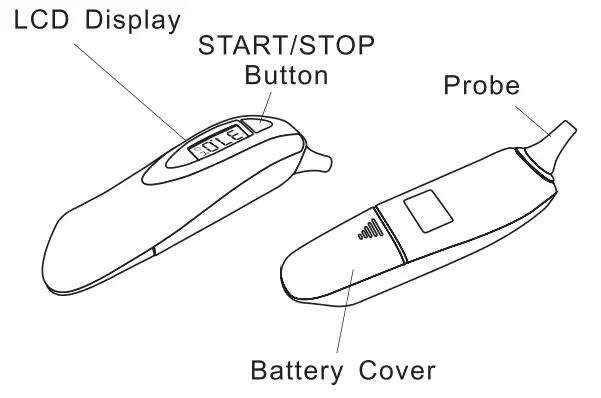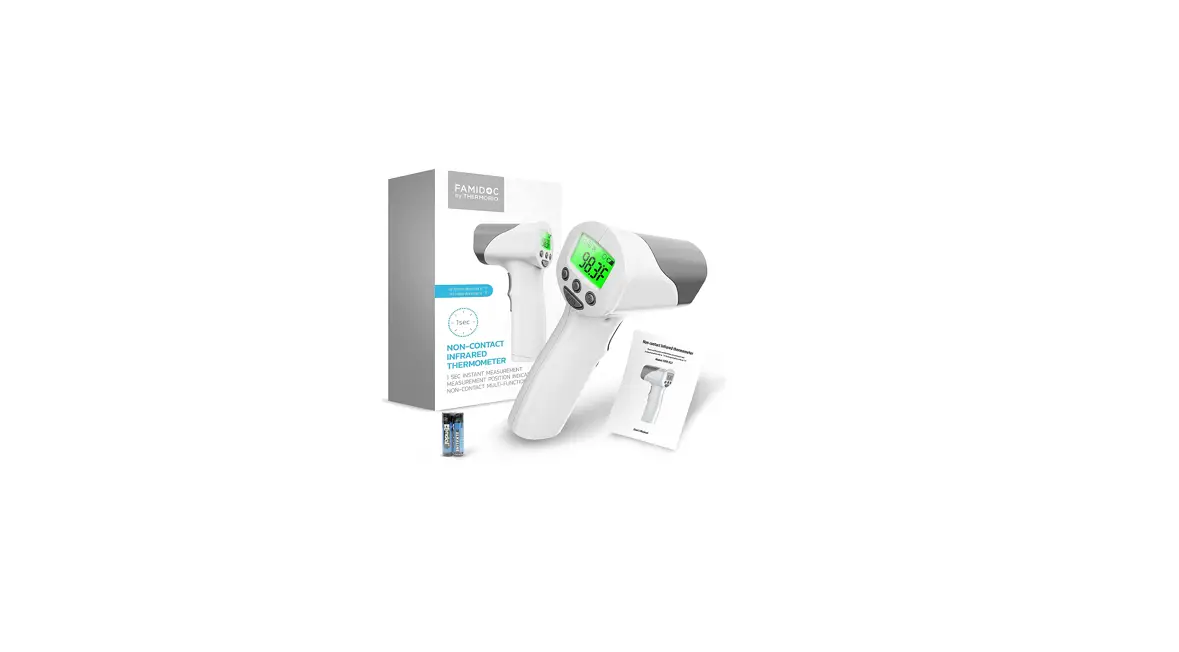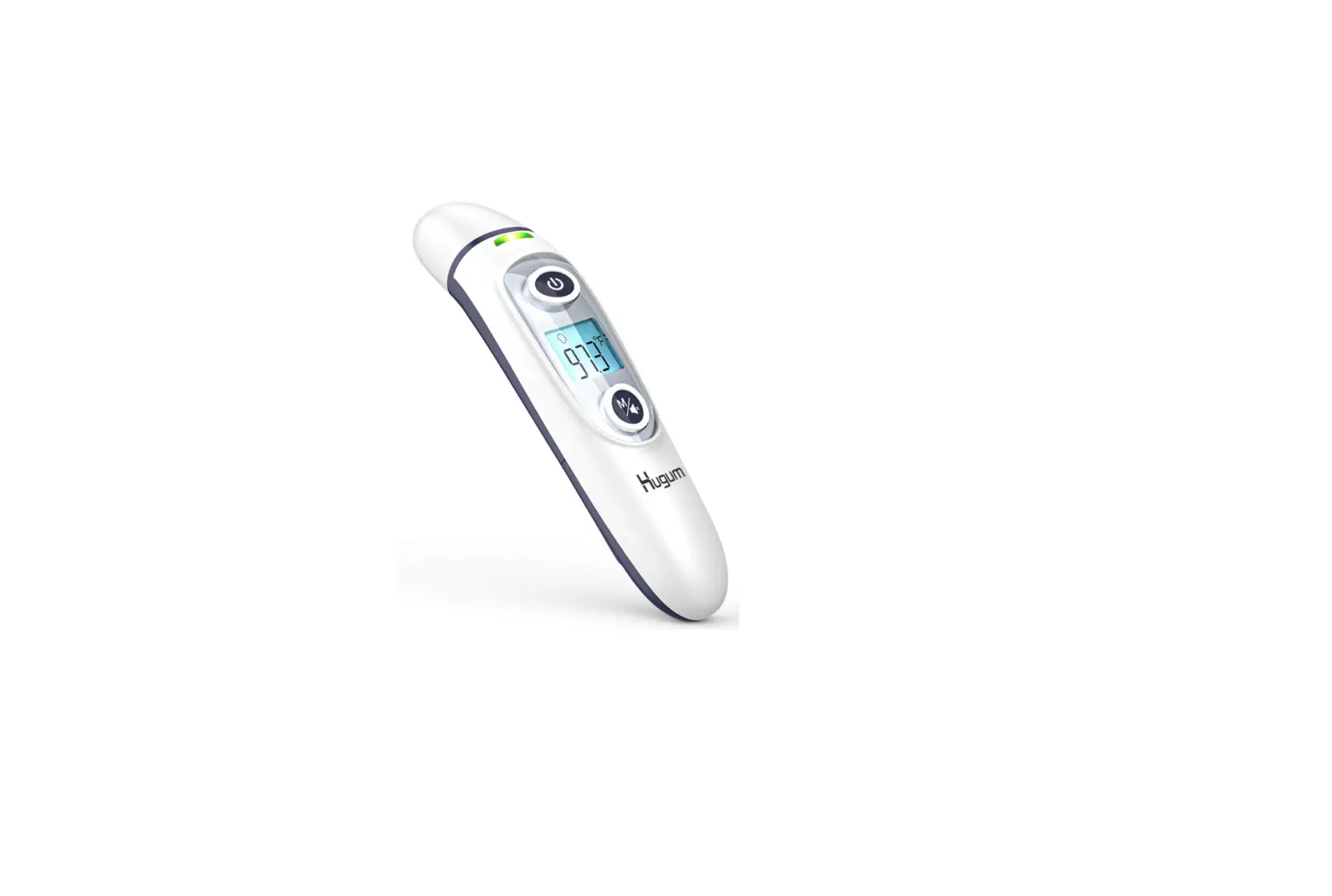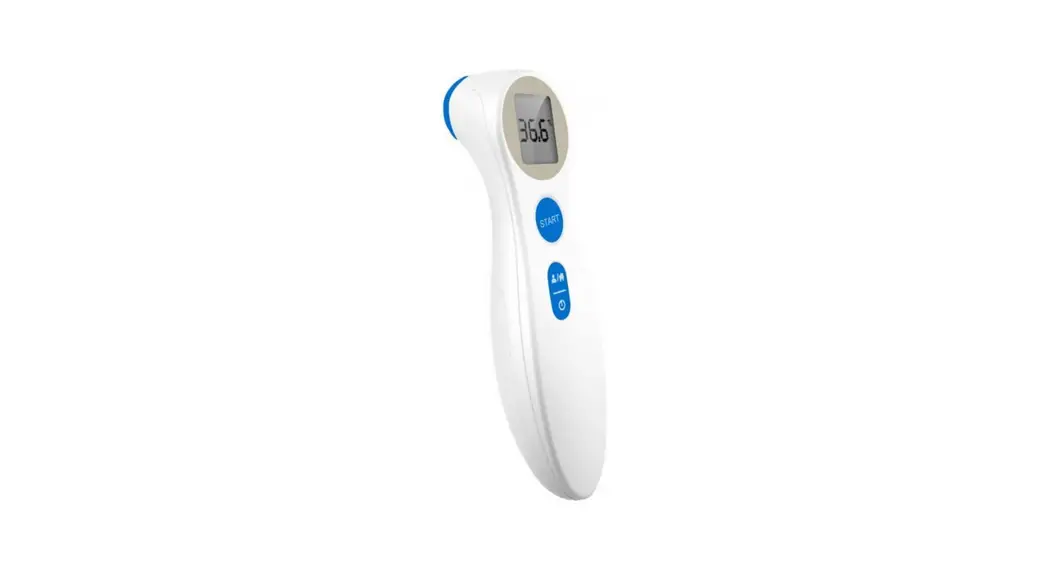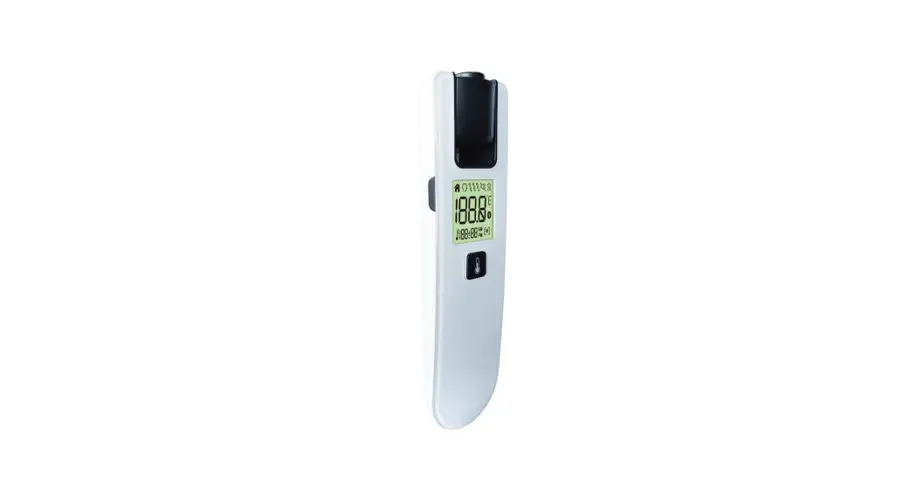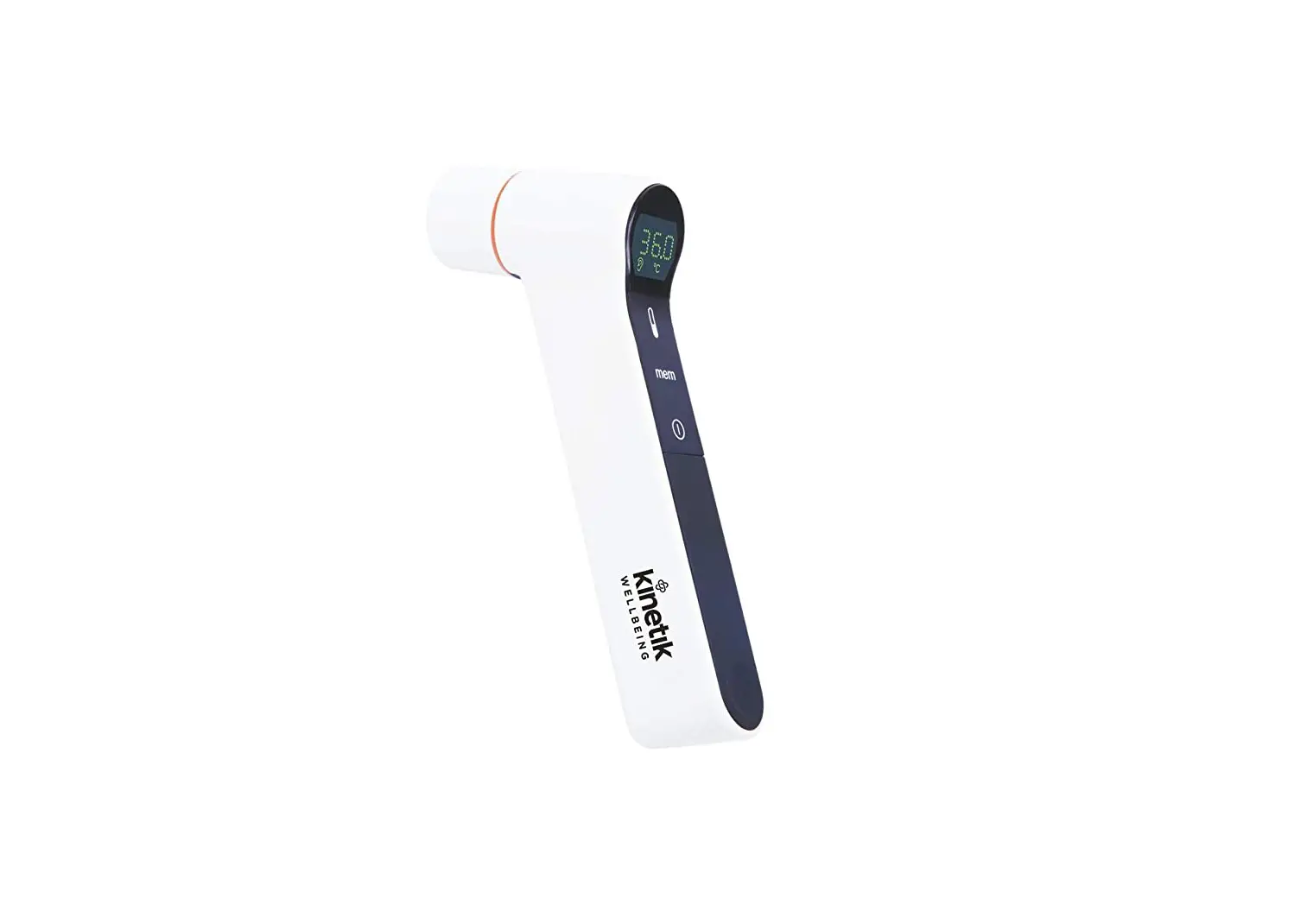
Kinetik PG-IRT1603 Infrared Ear/Forehead Thermometer User Guide
Quick Start Guide
- Unpack thermometer and insert batteries
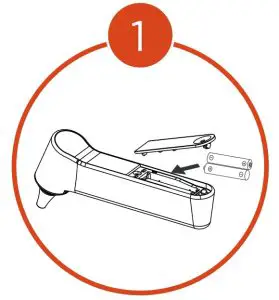
- Condition the thermometer at room temperature for 30 minutes before using devices for the first time
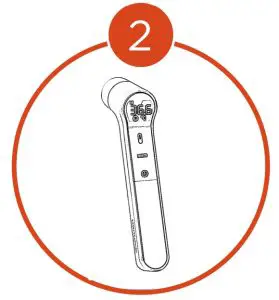
- Turn on device, remove cap and thermometer will switch to ear mode automatically and
 will be shown on screen.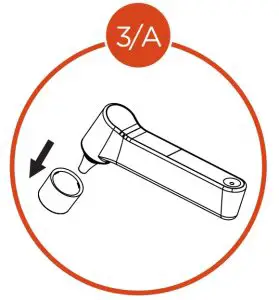
Ear mode
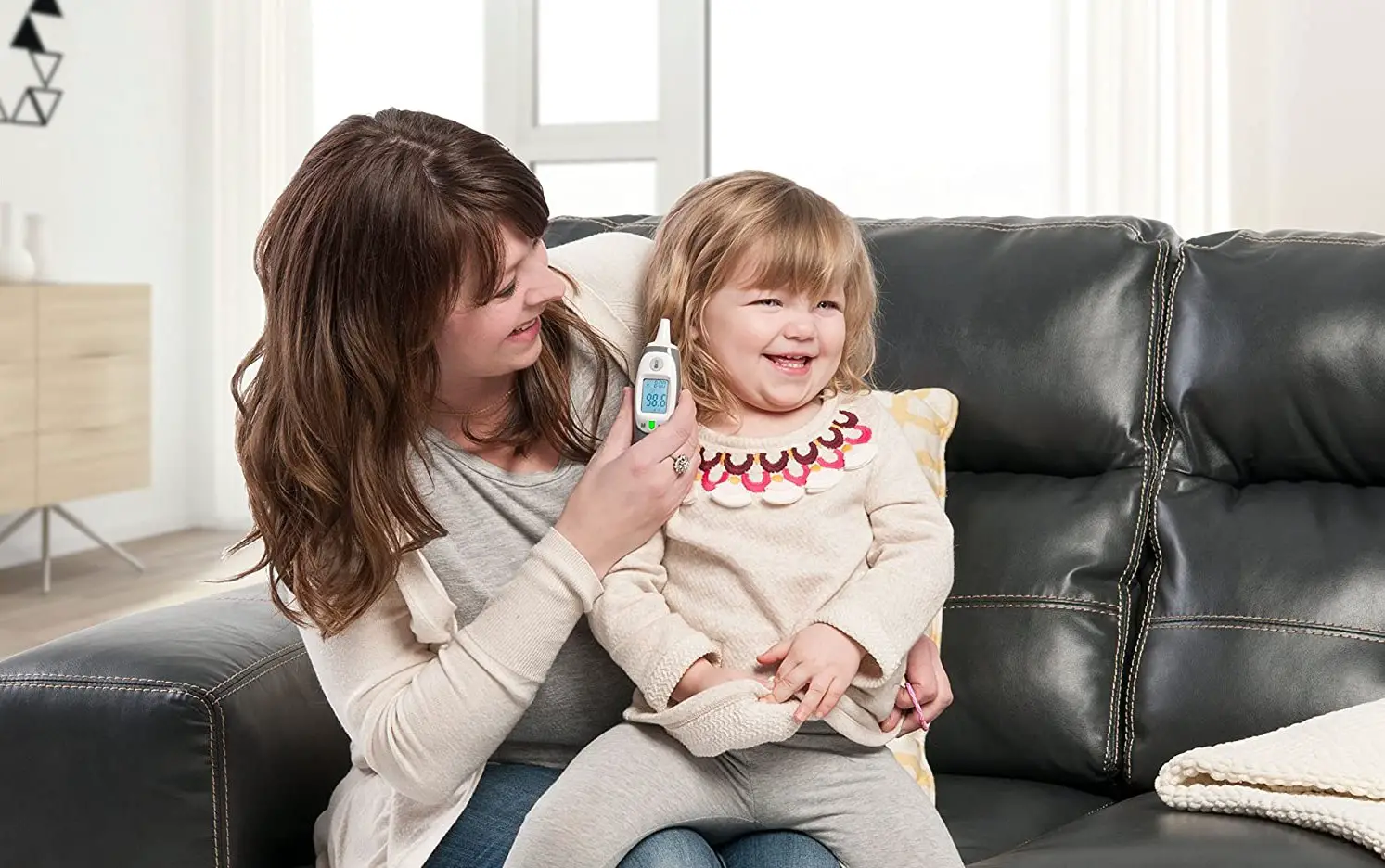
- Insert thermometer correctly into ear depending on age, and press
 for measurement.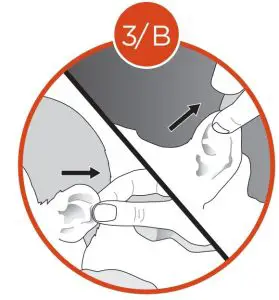
- Keep cap on probe and turn on with
 symbol.
 symbol.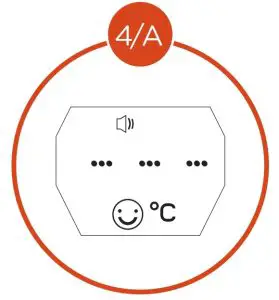
Forehead mode
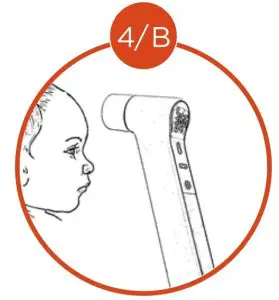
- Point the thermometer to forehead 0-5mm away from skin surface and press
- Keep the cap on and press and hold
 for 6 seconds for object mode then press for measurement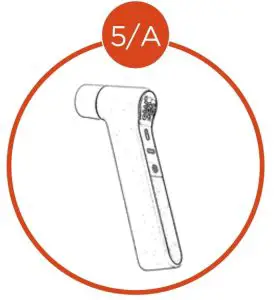
Object mode
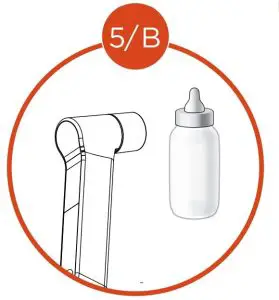
- Point thermometer to object 1-5mm away and press for measurement
for more information visit :
kinetikwellbeing.com