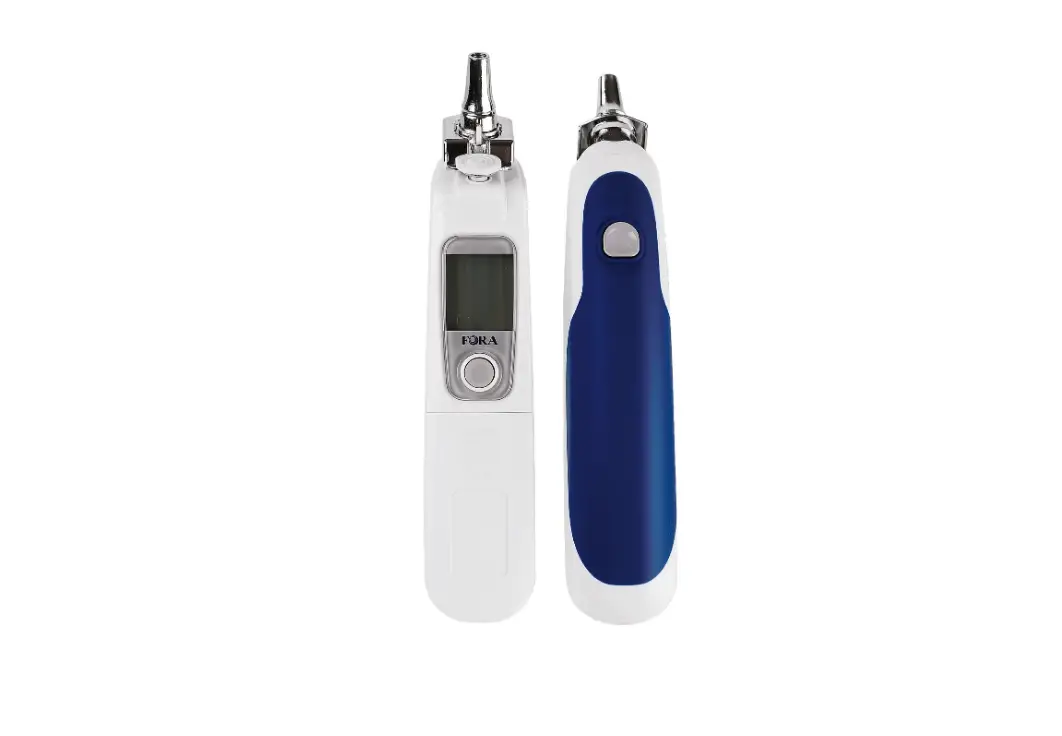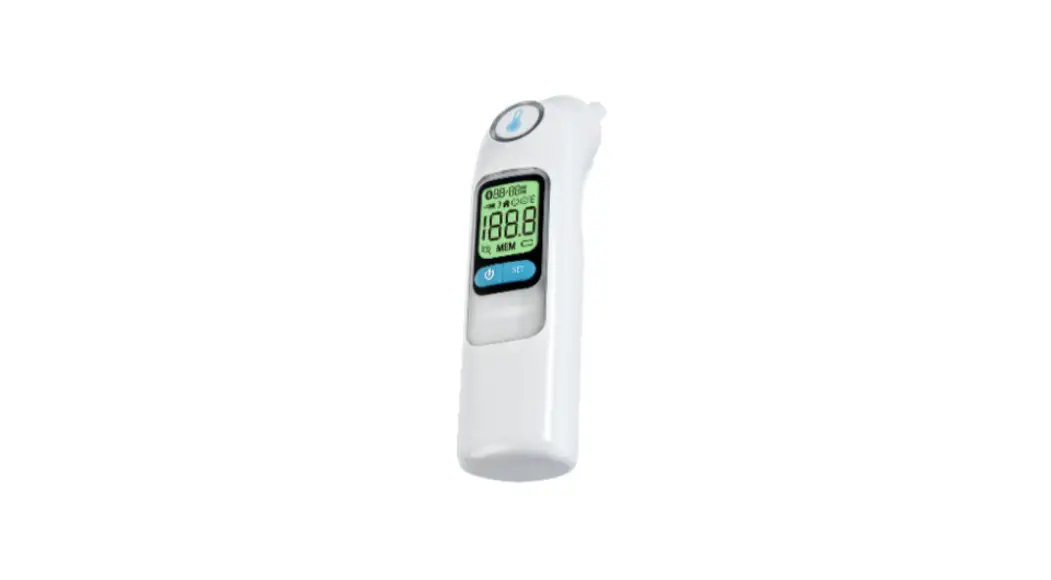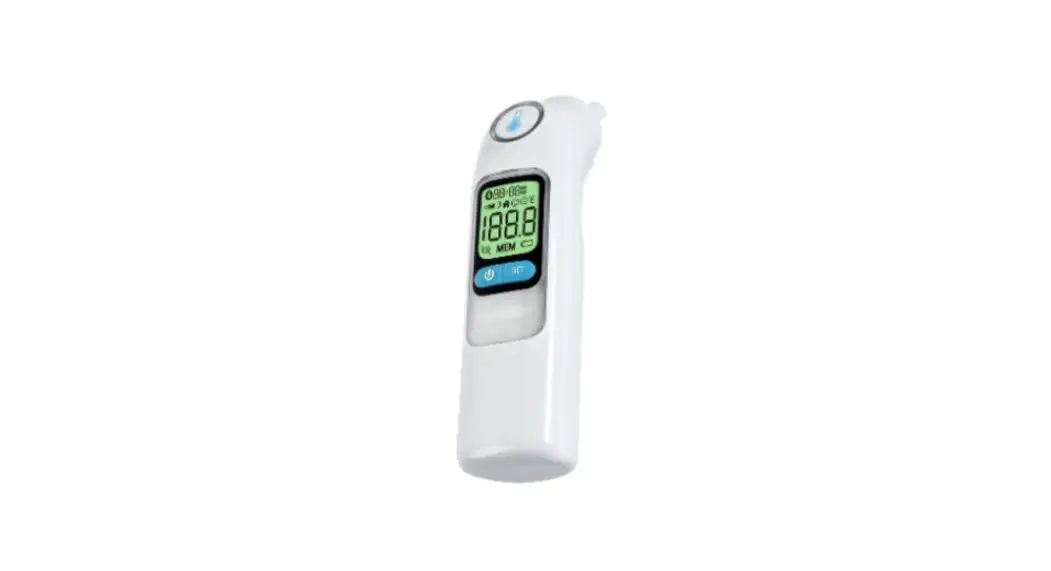

IR20b
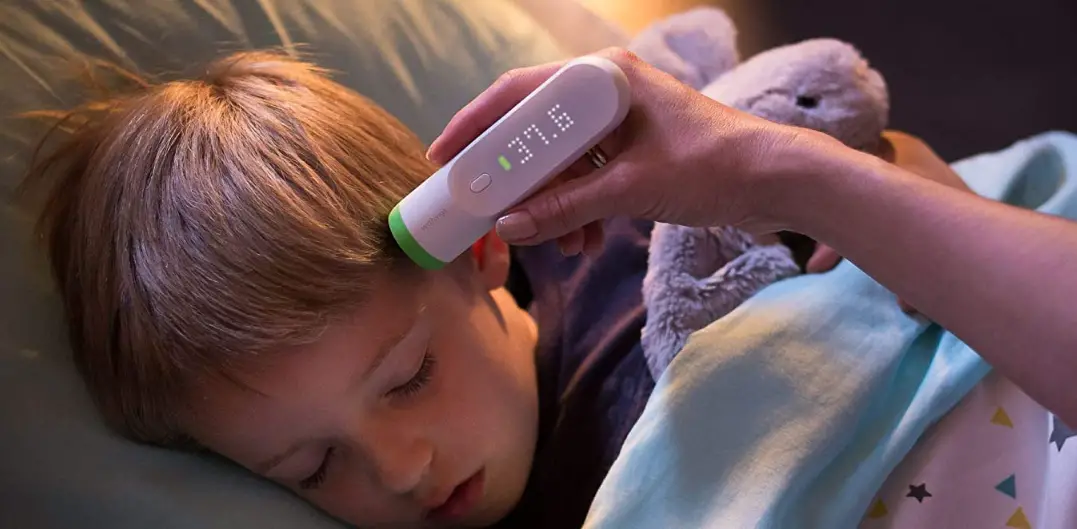
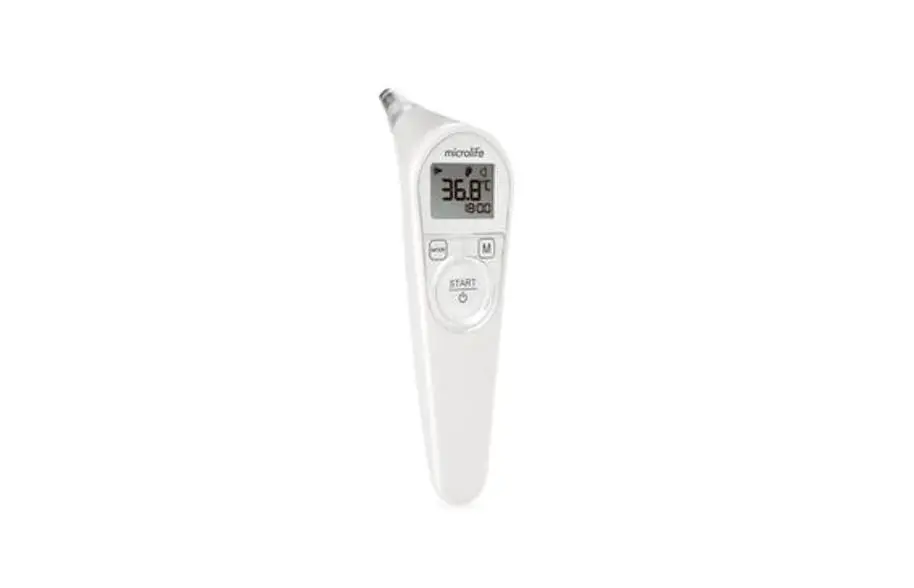
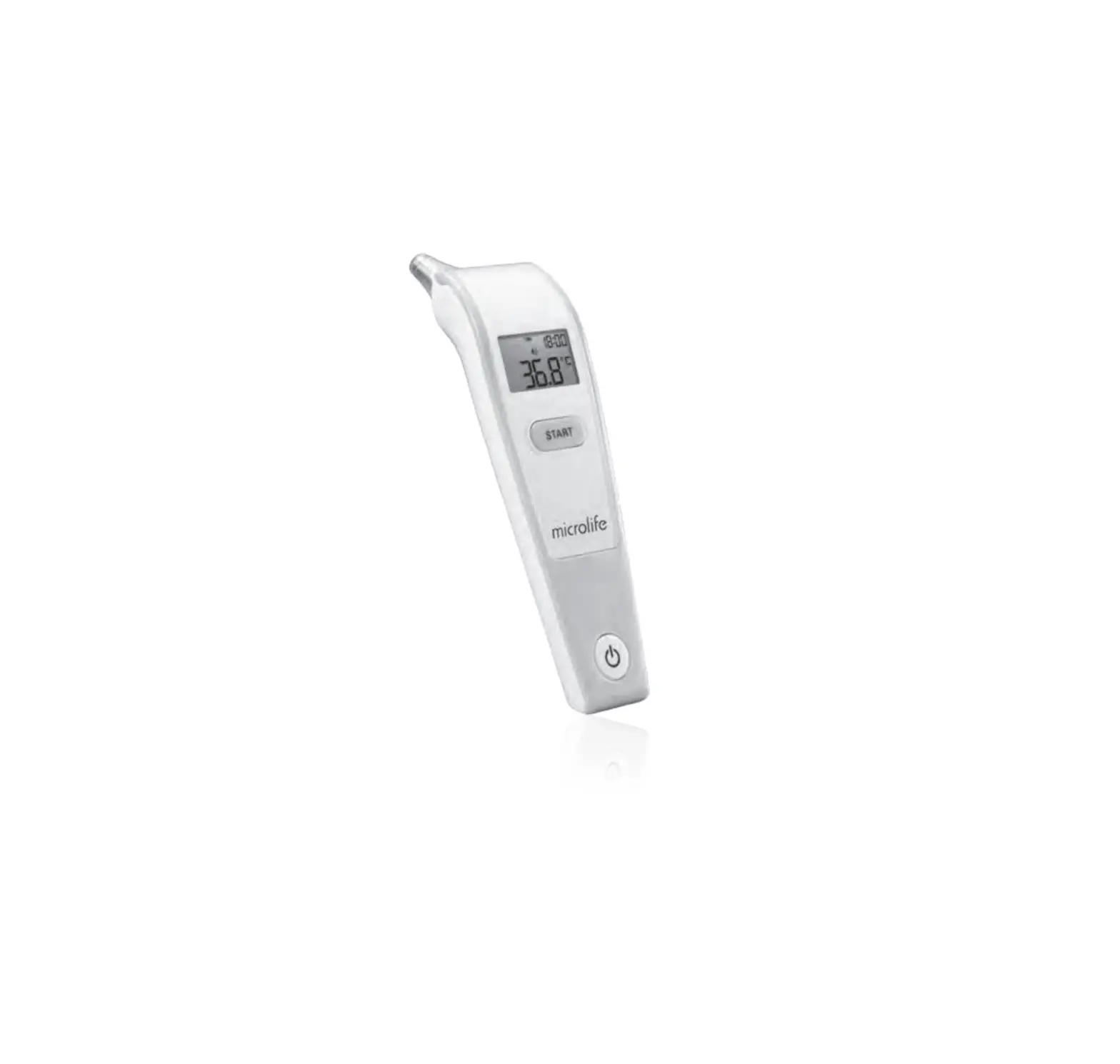
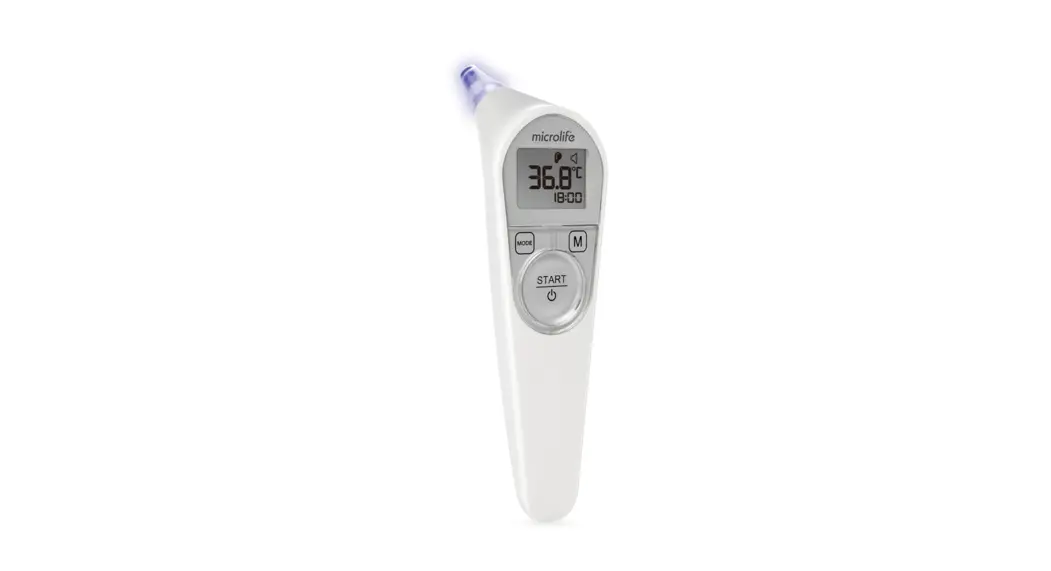
Ear Thermometer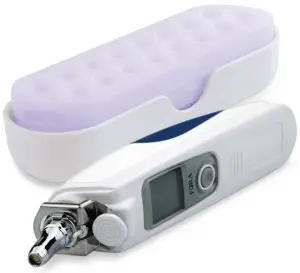
Quick Start Guide
Performing a Test
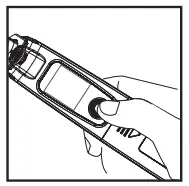
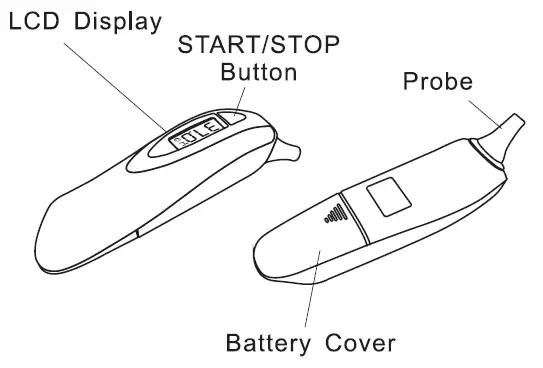
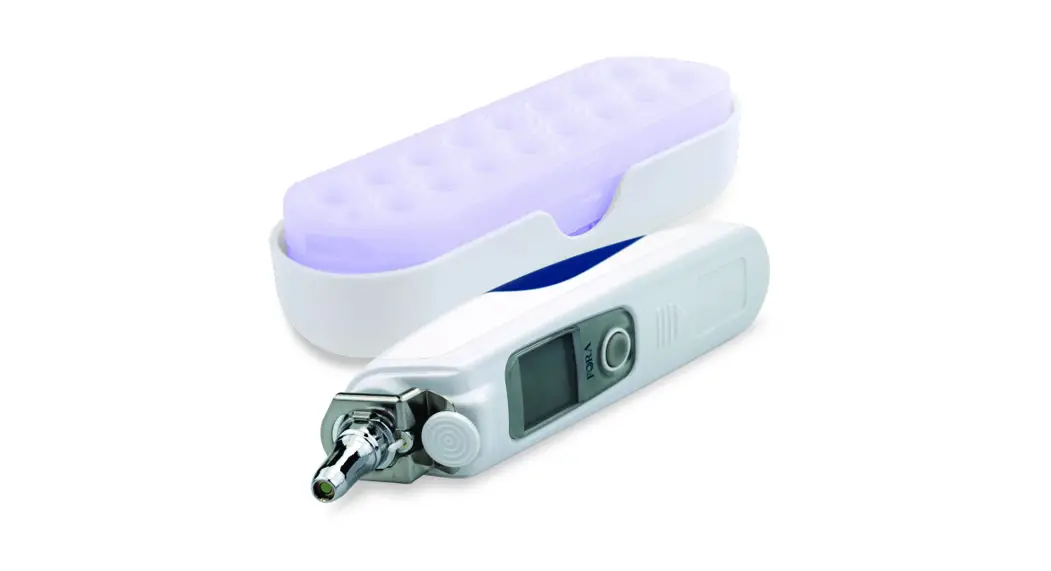
1. Press and release the On/Memory button to turn on the thermometer. When ready, the thermometer displays the last measurement. 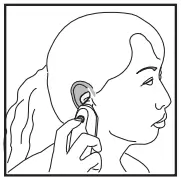
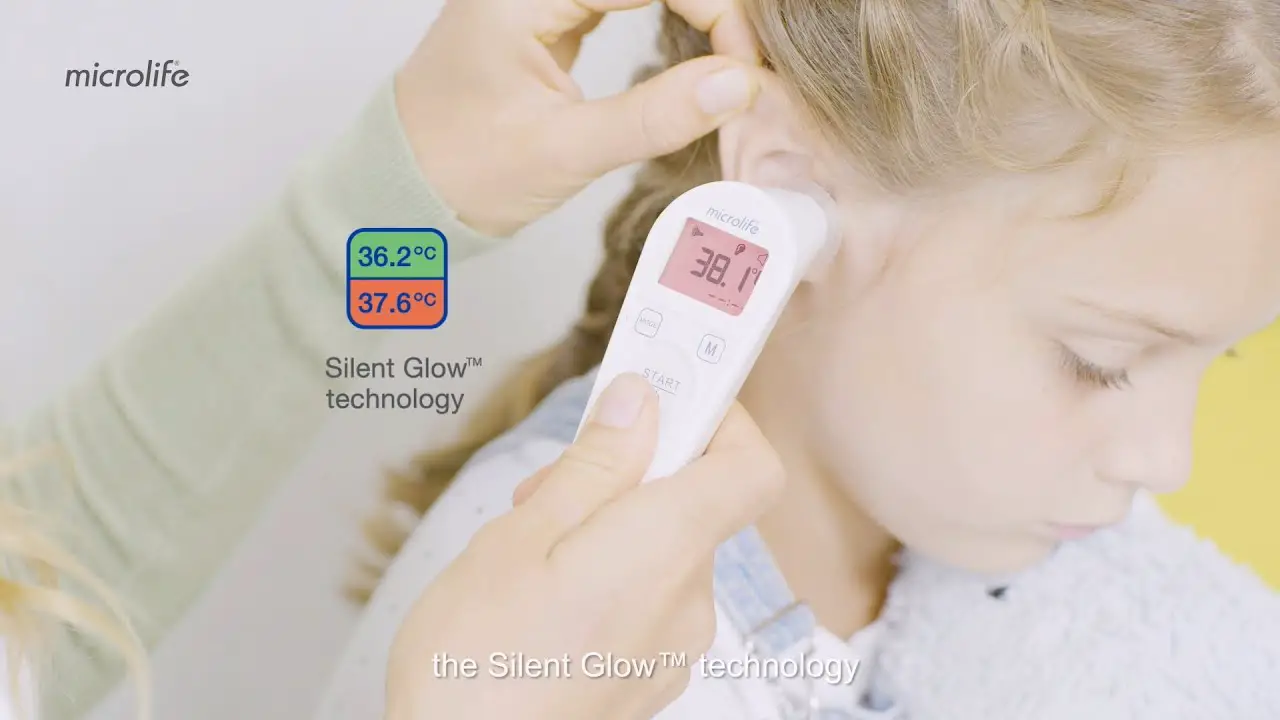
2. Gently fit the probe with a clean probe cover into the ear canal.
3. Press and release the Scan button on the back of the device. You will hear a beep to indicate the measurement is complete and the thermometer can be removed. 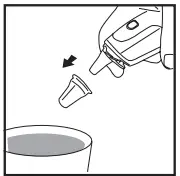
4. Read the result. “ ” and “ ” are shown together with a temperature value.
5. Press the ejection button to discard the used probe cover into a trash can.
Helpful Information
General
- Turn off the thermometer by pressing the On/ Memory button once. It will automatically turn off if left idle for 3 minutes.
- If ear drops or medications have been placed in one ear, take measurements from the other ear.
- The accuracy cannot be ensured when blood or drainage is found in the ear canal.
Uploading Results
- The FORA IR20b has Bluetooth capabilities and is compatible with various FORA Apps as well as the Gateway.
- To upload results via the Gateway, please refer to the Gateway guide.
- To pair the device to the iFORA Smart or if MP app, please refer to the fora App Quick Guides.
FAQ
How does the IR20b thermometer work?
The thermometer measures the infrared heat generated by the eardrum and its surrounding tissue. The thermometer then converts it into a temperature value shown on the LCD screen. Download the iFORA Smart App or iFORA MP App from your smartphone’s app store to review your data. Data automatically uploads to the 24/7 HealthView Telehealth System via Bluetooth or cellular Gateway.
What’s the proper way to take a measurement?
Press the power button on the thermometer, gently fit a clean probe cover onto the probe and insert it into the ear canal, press and release the scan button. You will hear a beep when the measurement is complete. Make sure you are not moving or talking while taking measurements.
Are the probe covers reusable?
For accuracy and hygienic purposes, a new probe cover should be used every time you take a new measurement.
How often do I need to replace the battery?
The lifespan of your battery will vary considerably with how it is used, how it is maintained and charged, temperature, and other factors such as frequency of testing. The thermometer comes with two 1.5V AAA alkaline batteries. Replace them when the low battery icon appears.
How often should I take my temperature while I have a high fever or discomfort?
Please consult a physician to determine how often you should test your temperature.
Where can I review my data?
You can check your memory on the IR20b for the latest 10 readings by holding the on the button for 3 seconds, or keep track of your trends, the Bluetooth- enabled meter will connect to the iFORA Smart App or iFORA MP App, which can be downloaded from your smartphone’s app store. The meter also automatically uploads data to the 24/7 HealthView Telehealth System via Bluetooth or cellular Gateway. The product user manual can be downloaded from the website product page.
What are the cleaning and disinfecting procedures for the IR20b?
The probe and the body of the thermometer are not waterproof. Please wipe the probe with a clean and dry cotton swab. Use a soft and dry cloth the clean the body. Do not submerge the thermometer into water and do not use abrasive cleaners.
What can I do if I receive an error code?
If there is an error, the device will show ERR on the display screen along with a code. Refer to the manual for the full error code listing. The most common error codes are listed on the next page.
Troubleshooting
| Error | What It Means | What To Do |
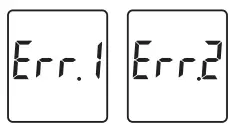 | Appear when the environmental temperature is below or above the system operating range. | Put the thermometer under operating temperature range of 60.8°F to 104°F (16°C to 40°C). |
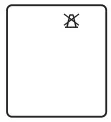 | No probe cover was detected. | Ensure the probe cover is fitted on firmly, or replace it with a new one. |
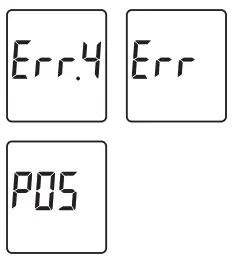 | Thermometer errors. | Review the instructions and re-start the measurement procedure. If the problem persists, please contact customer service. |
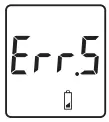 | Appears when the batteries can’t provide enough power for a test. | Replace the old batteries with new ones immediately. |
For questions on how to use the FORA medical devices, please contact the
FORA Customer Service Line at 1-888-307-8188