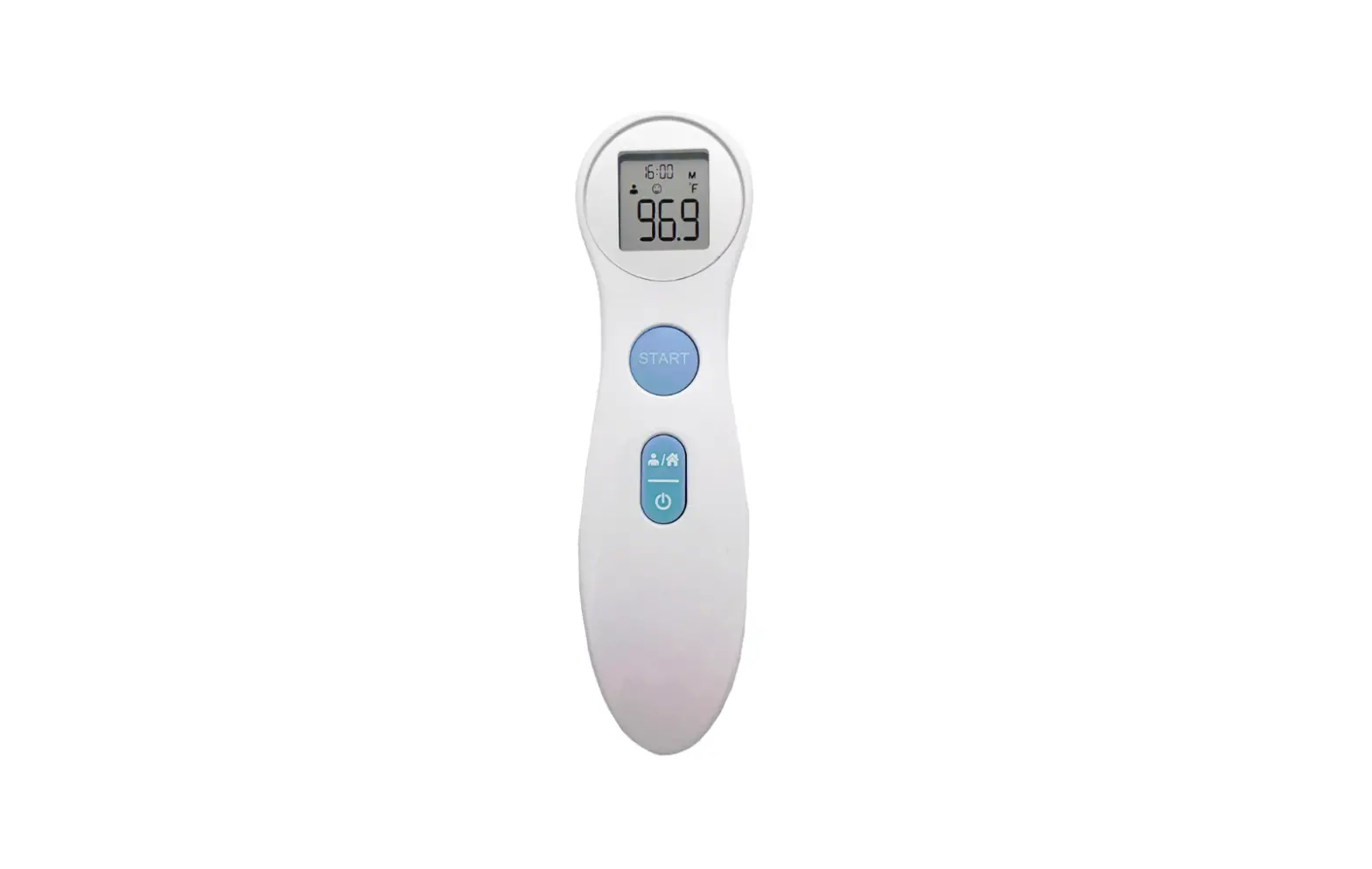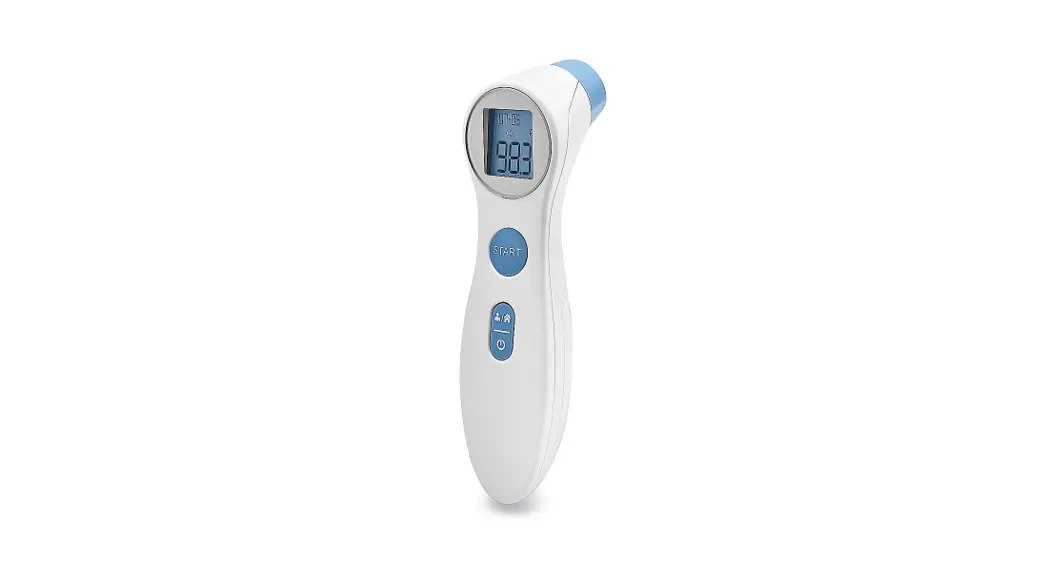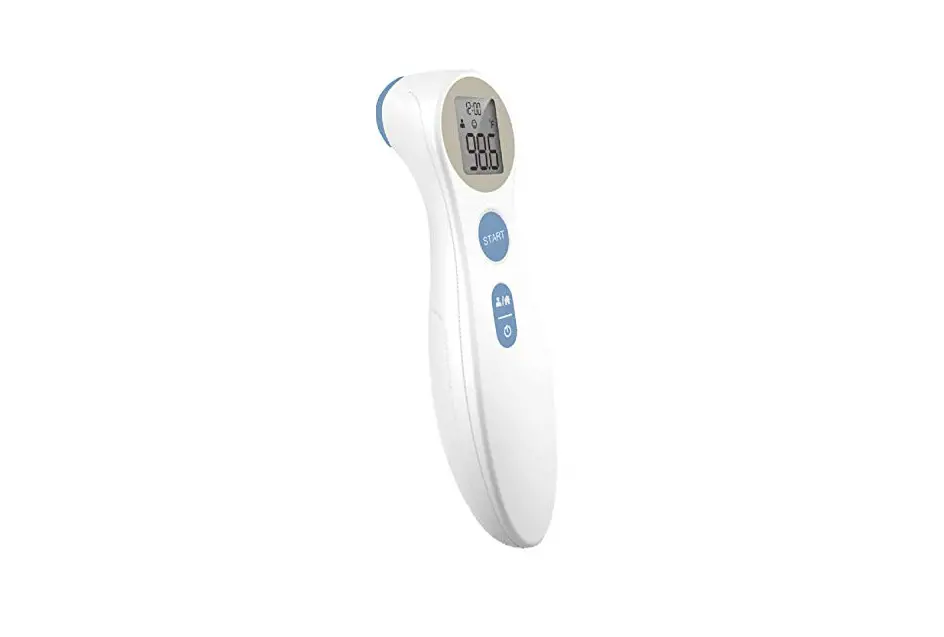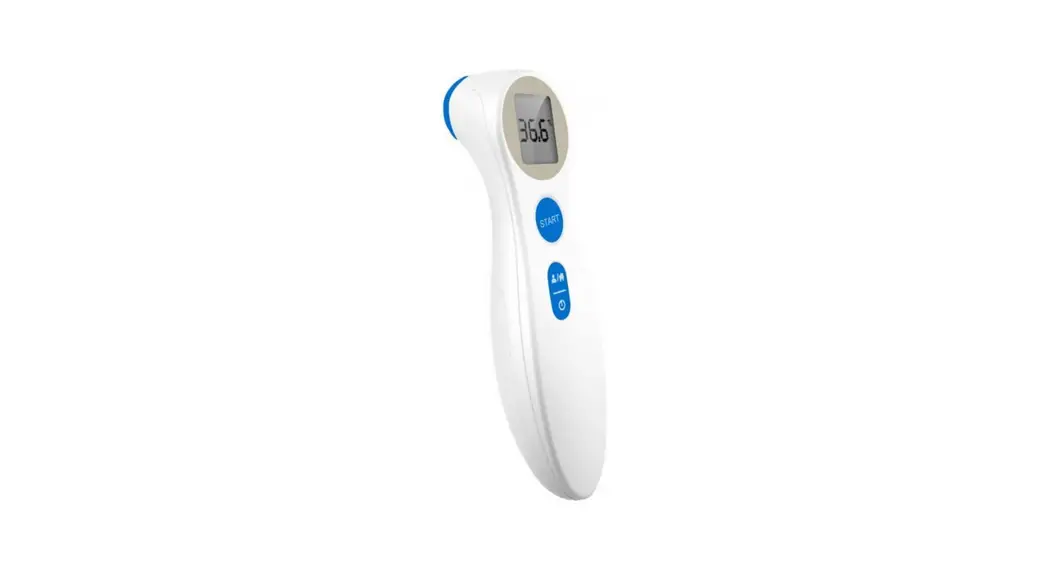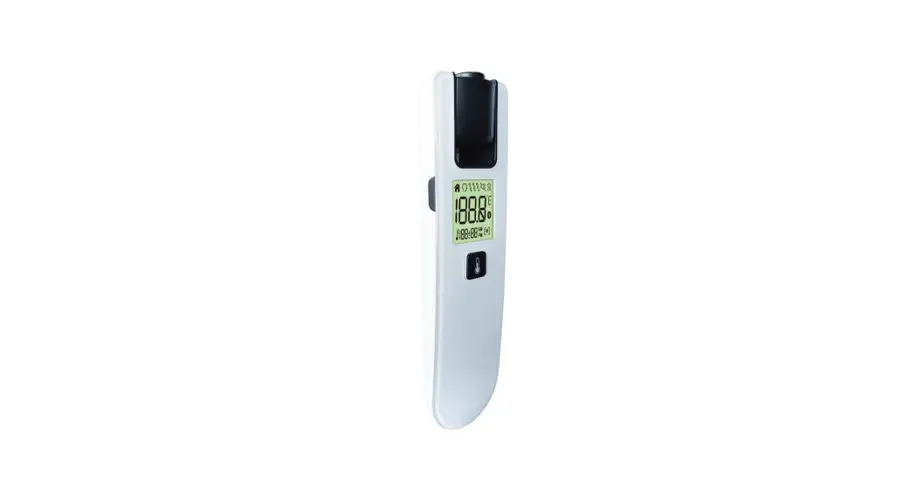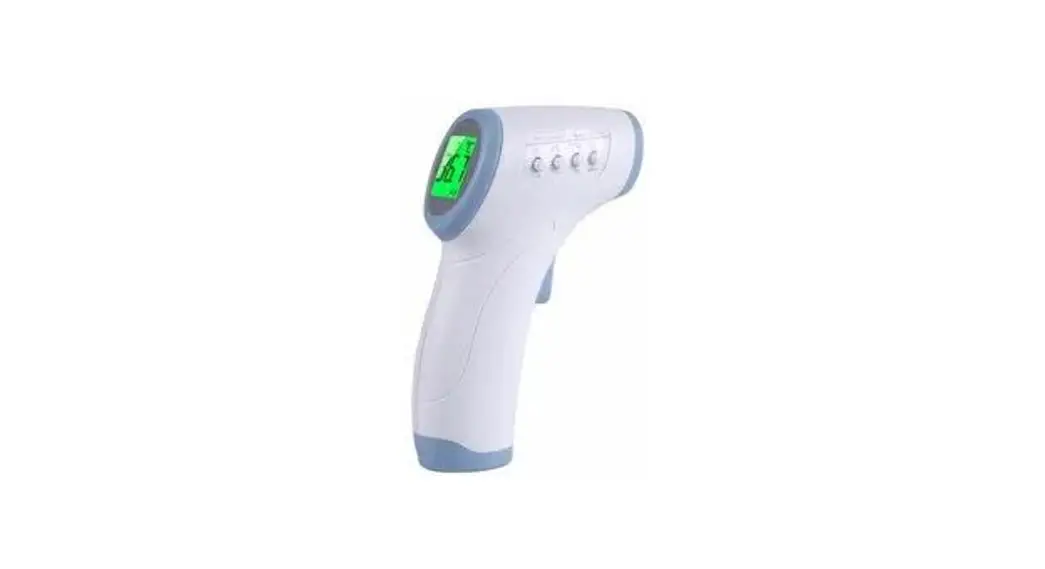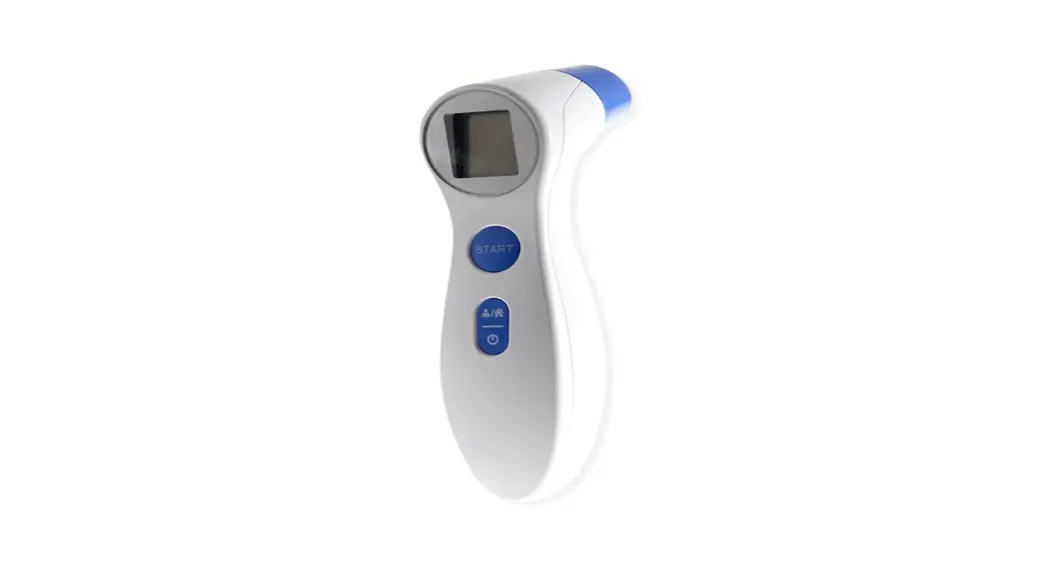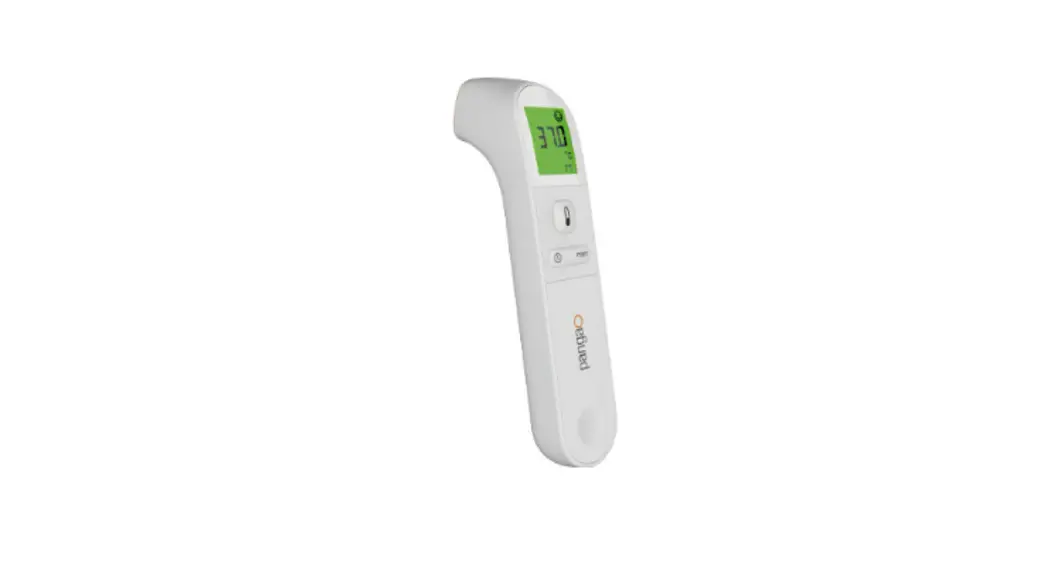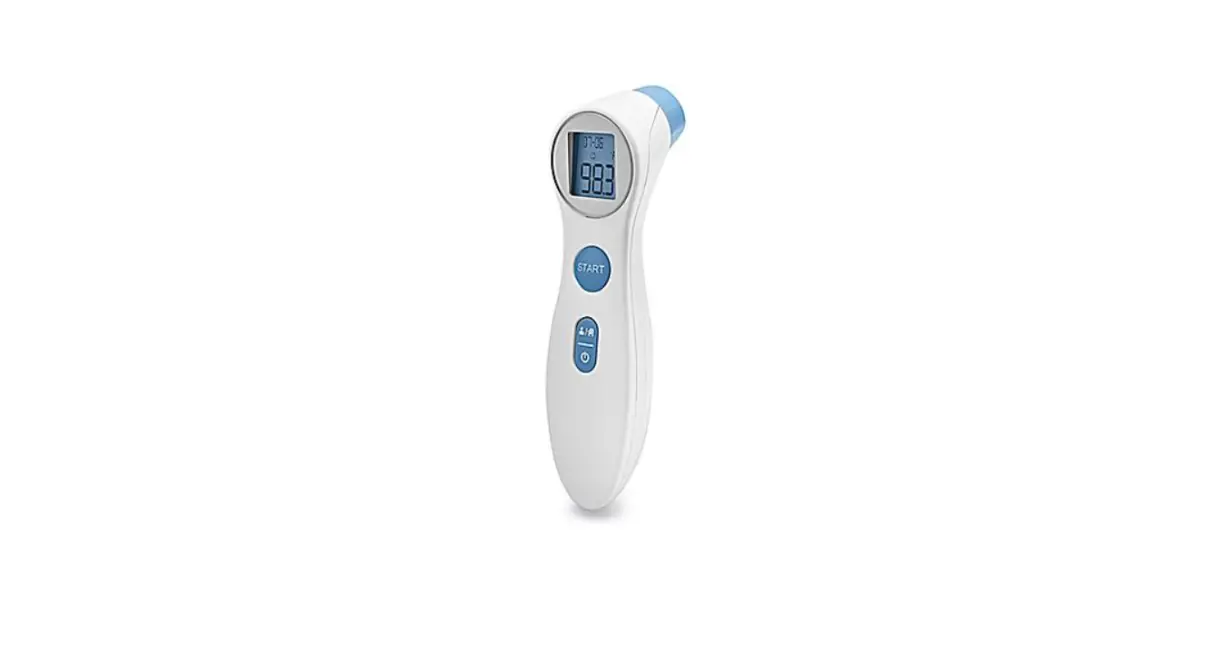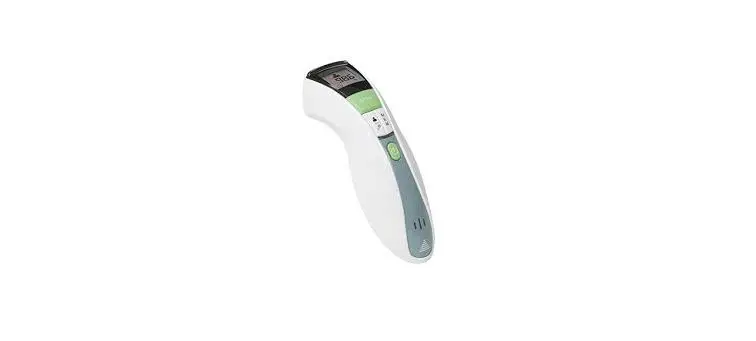

VERIDIAN 09-349 Infrared Forehead Thermometer
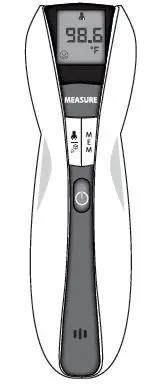 Model 09-349
These brief instructions allow you to quickly begin using your Infrared Thermometer for Body Temperature Measurements. Please refer to the Instruction Manual for more detailed instructions covering all features of the thermometer, including Object Temperature measurements.
- The infrared technology used in this thermometer is safe and is not harmful in any way. However, we recommend avoiding looking into the lens during use
USER GUIDE:
To measure body temperature using your Infrared Thermometer, follow these steps:
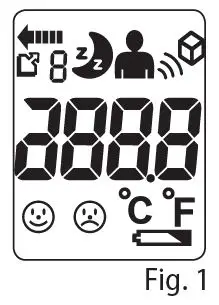
- Press the POWER button to turn the thermometer on. The unit will run a self-test and all symbols on the display will momentarily appear, Fig. 1.

- Ensure that the thermometer is in Person mode; the Person symbol will be on the display. To alternate between modes press and release the PERSON/OBJECT Mode button until you see the desired measurement symbol on the display
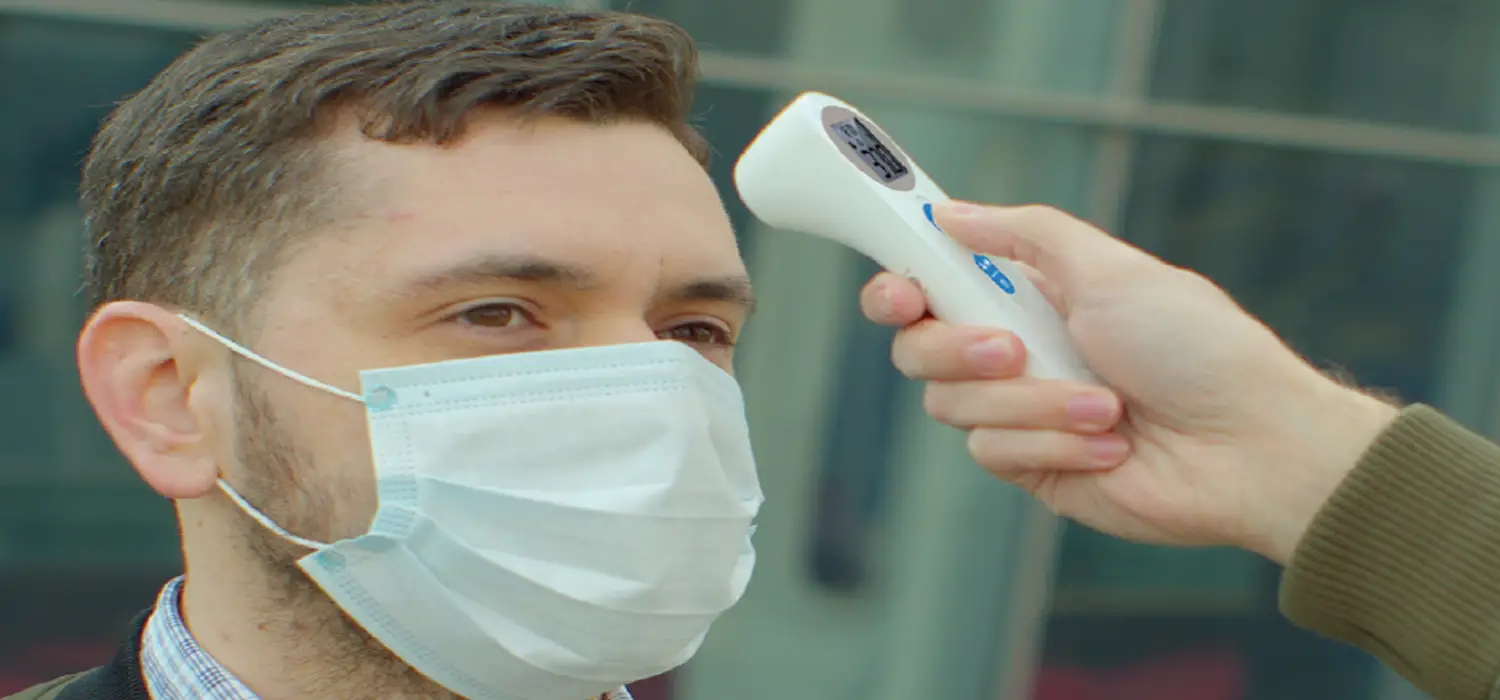
- Aim the infrared lens at the individual’s forehead, holding the thermometer approximately 1” away.
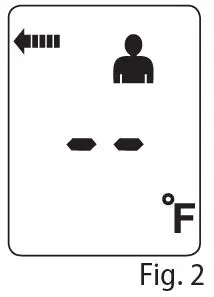
- Press and release the MEASURE button. The Person symbol, Scan in Progress symbol and “- – ” will be displayed, Fig. 2.

- The positioning sensor will detect if the thermometer is in the correct position. As necessary, slowly and steadily move the thermometer toward or further from the forehead until the thermometer is positioned correctly. The display will show flashing dashes and will beep steadily while finding the position.
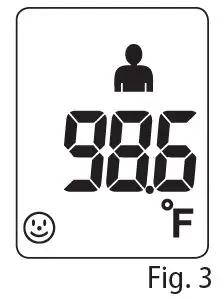
- When the location is correct, the reading will will occur in 1-second. The thermometer will emit a final beep, and the results will appear on the display, Fig 3.

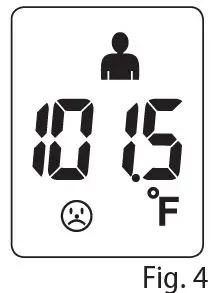
- If the temperature measurement is below 100.4°F
(38°C), a happy face will appear on the display. If the reading is at or above 100.4°F (38°C), a sad face will display and the device will sound 1 long and 2 short beeps, Fig 4..
- After about one minute after use, the thermometer will automatically beep and shut off.
NOTE: Proper placement and position of the sensor is crucial for effective and accurate measurement.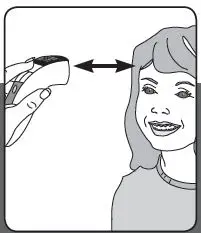
PLEASE NOTE
- Wait at least one minute between consecutive readings to ensure accuracy.
- Attempting to take temperature readings from sites on the body other than the forehead may produce inaccurate results.
- The patient should remain still while the reading is being taken.
- If “Lo,” “Hi,” “Err,” or another error message appears, see the Troubleshooting section of the manual for instructions on how to resolve the problem.
- Infrared forehead temperature readings are equivalent to oral temperature readings.
- Readings taken while asleep should not be compared directly to readings taken while awake, as body temperature while asleep is typically lower.
- Do not take body temperature readings within 30 minutes of being outdoors, exercising or bathing.
- Illness may be present even without an elevated temperature, particularly in the elderly, in infants under 3 months of age, and those with compromised immune systems. If illness is apparent without a fever, consult with a healthcare professional.
Distributed by:
Veridian Healthcare
1175 Lakeside Drive
Gurnee, IL 60031
www.veridianhealthcare.com
Made in China
#93-2020 07/19
©2019 Veridian Healthcare, LLC
 Veridian Healthcare