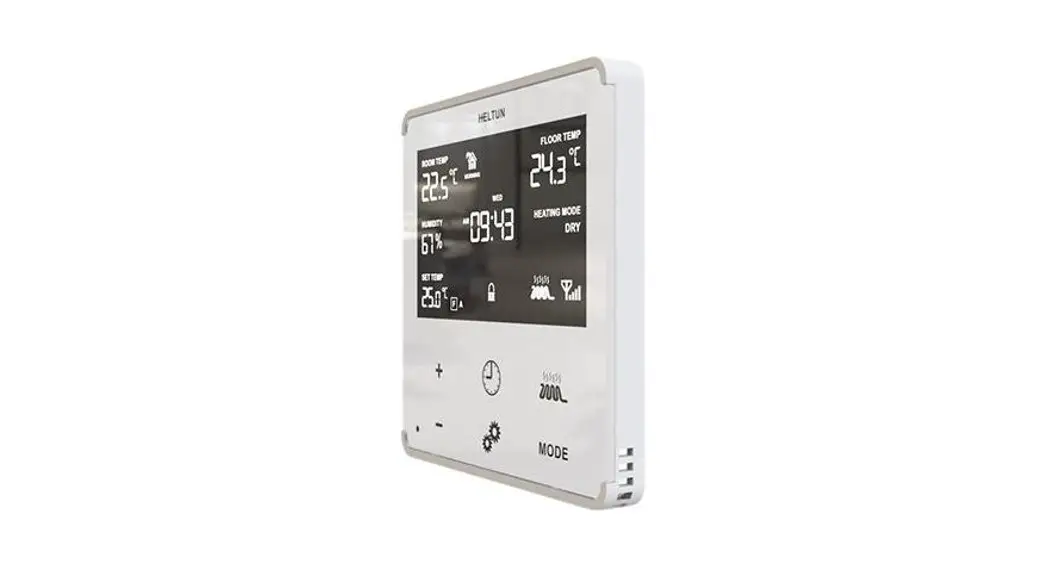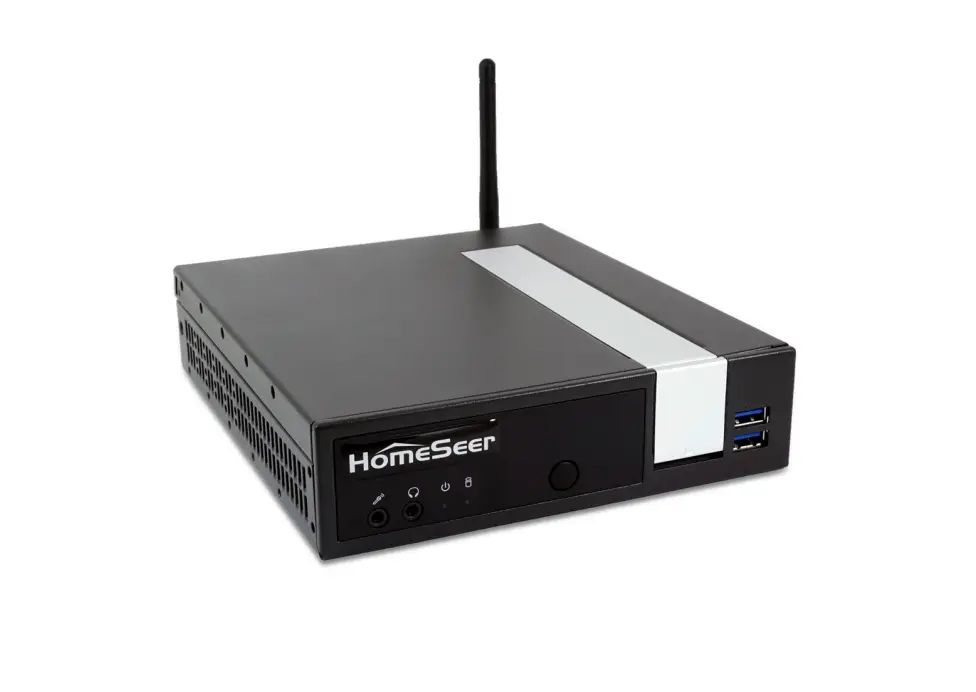
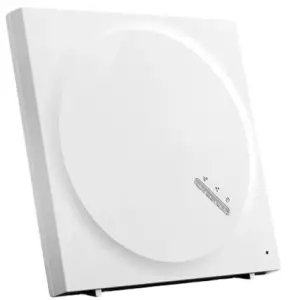
heatit 4512699 Z-Wave Gateway Smart Home Control Unit
STEP 1 DOWNLOAD THE HEATIT Z-GATEWAY APP
|  Heatit Z-Gateway Heatit Z-Gateway |  iPhone iPhone |
|


Scan the QR code to download the software “Heatit Z- Gateway” from App Store for iPhone/iPad or from Google Play for Android devices.
STEP 2 SET UP THE GATEWAY
Please click the ”  ” icon in the App and follow the instructions to set up the gateway.
STEP 3 LOG ON TO THE Z-WAVE GATEWAY Tap the gateway icon to
log on to the gateway. Enter the administration account name to log on. The default administration account is “admin”. The default administration password is empty (left blank).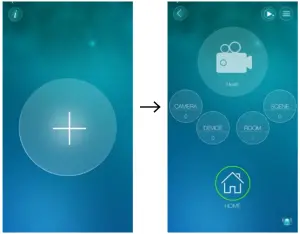
STEP 4 ADD A Z-WAVE DEVICE – Regular
To add a Z-wave device in the gateway :
- Set the gateway in adding mode.
a. Tap the “DEVICE” icon in the App.
b. Tap the “ ”.
”.
c. Select the device you wish to add and then follow the onscreen instructions. Choose ”Other Z-Wave device” if you can’t find the product. - When the gateway recognizes the Z-Wave device, a sound signal signifies a successful addition.
NB! If the device failed to be added to the gateway, please check:
a. if the Z-Wave frequency of the device is the same as the gateway.
b. that the device is not already added in another network. If so, run a removal procedure before trying again.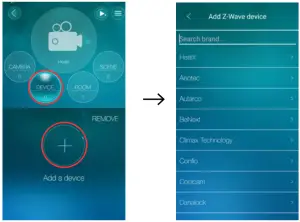
ADD A Z-WAVE DEVICE – SmartStart
Make sure that the device supports SmartStart.
- Set the gateway in adding mode.
a. Tap the “DEVICE” icon in the app.
b. Tap the ” “. c. Select “SmartStart”.
d. Scan the QR-code on the device or on the device manual while the device is powered off.
e. After conformation from the app, turn the device on. - When the gateway recognizes the Z-Wave device, a sound signal signifies successful addition.
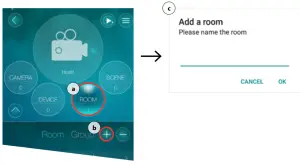
STEP 5 ADD A NEW ROOM
a. Tap the “ROOM” button.
b. Tap the ” ” icon to add a new room.
c. Name the room and then press “OK”.
After a room is added, click the room icon to add Z-Wave devices into the room. If there are temperature sensors and humidity sensors in the room, the temperature and humidity values will be displayed in the room overview. If there is a camera installed in the room, add the camera in the gateway. The camera video will be displayed for the room when this room is clicked in the live video display