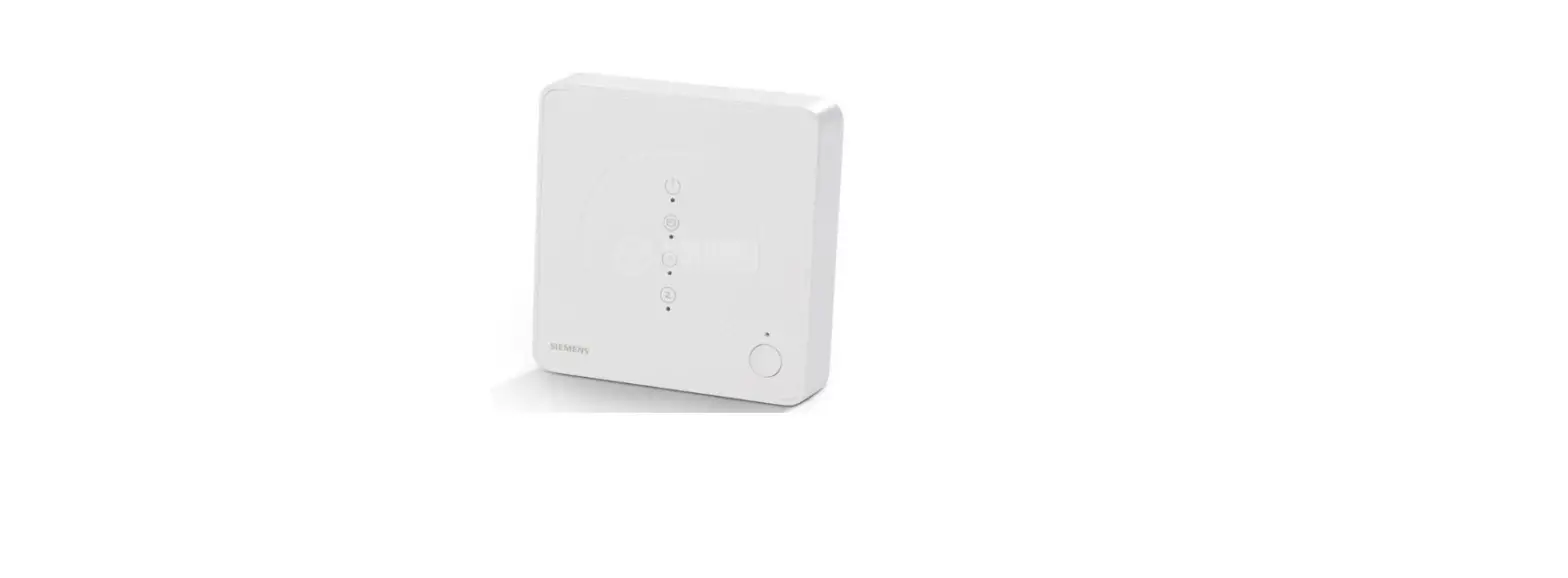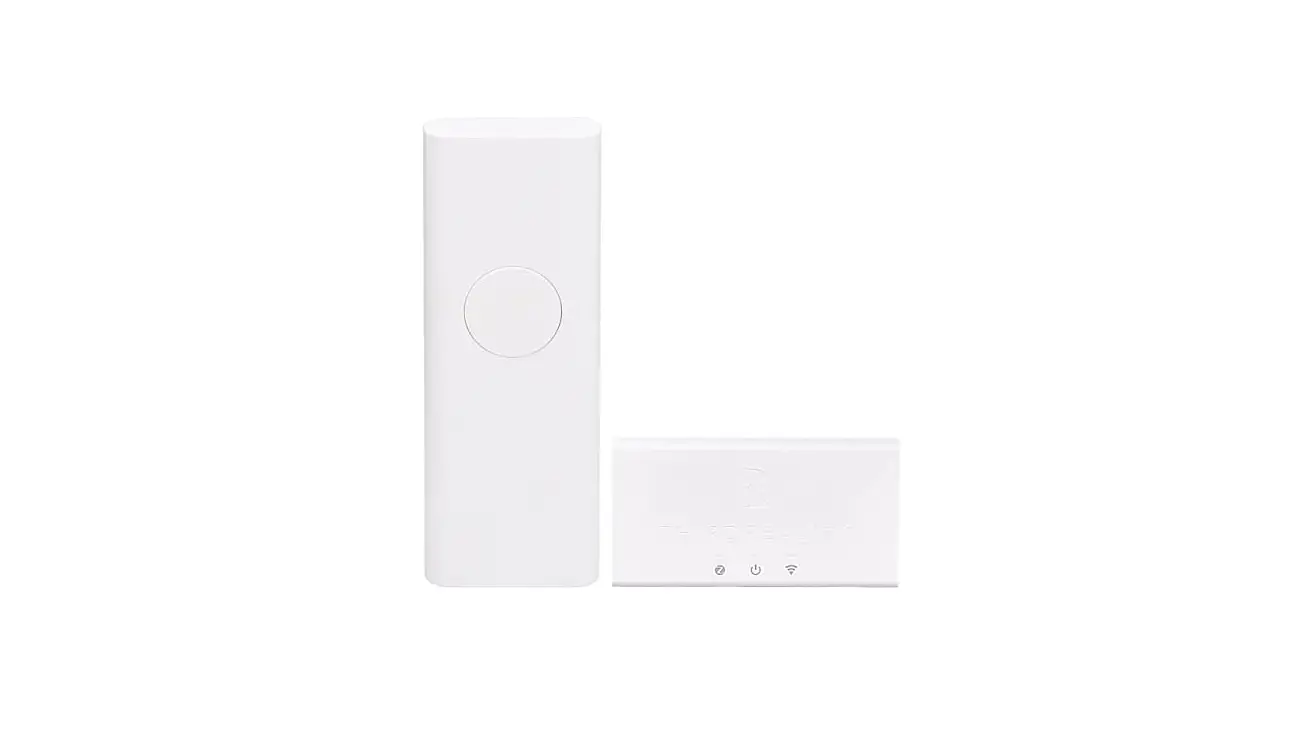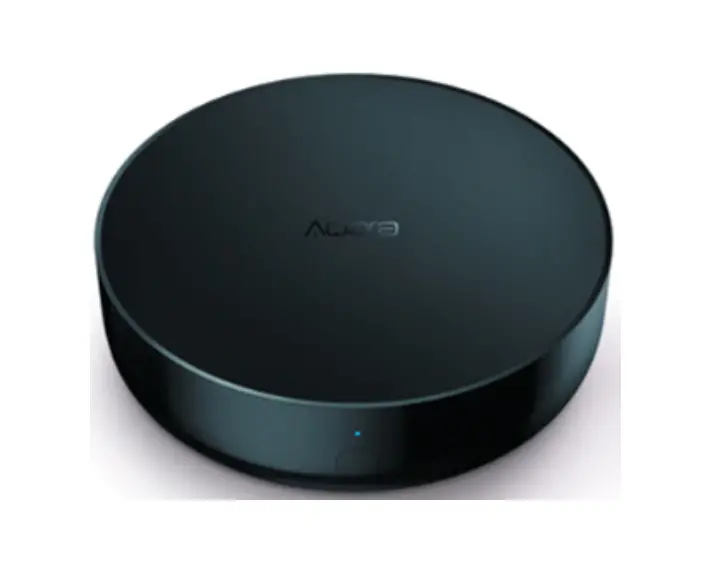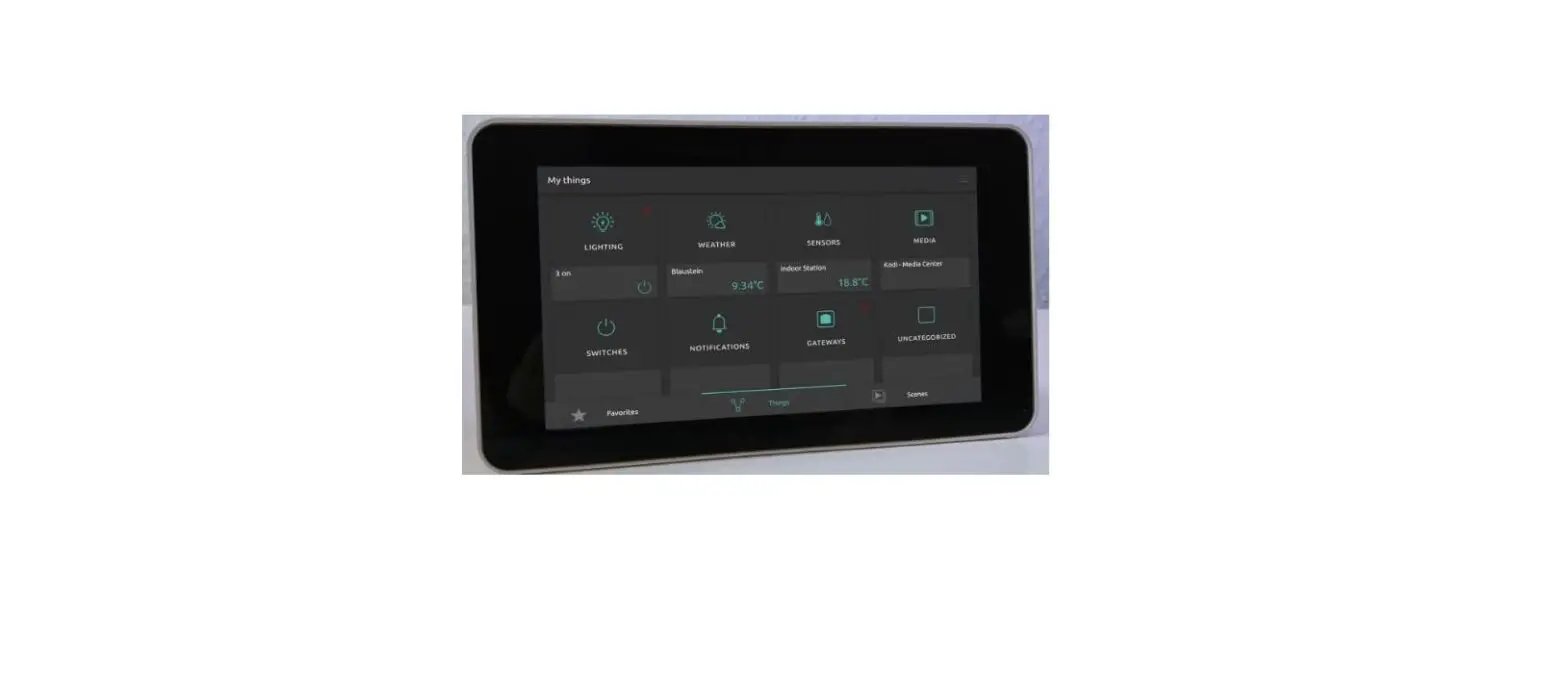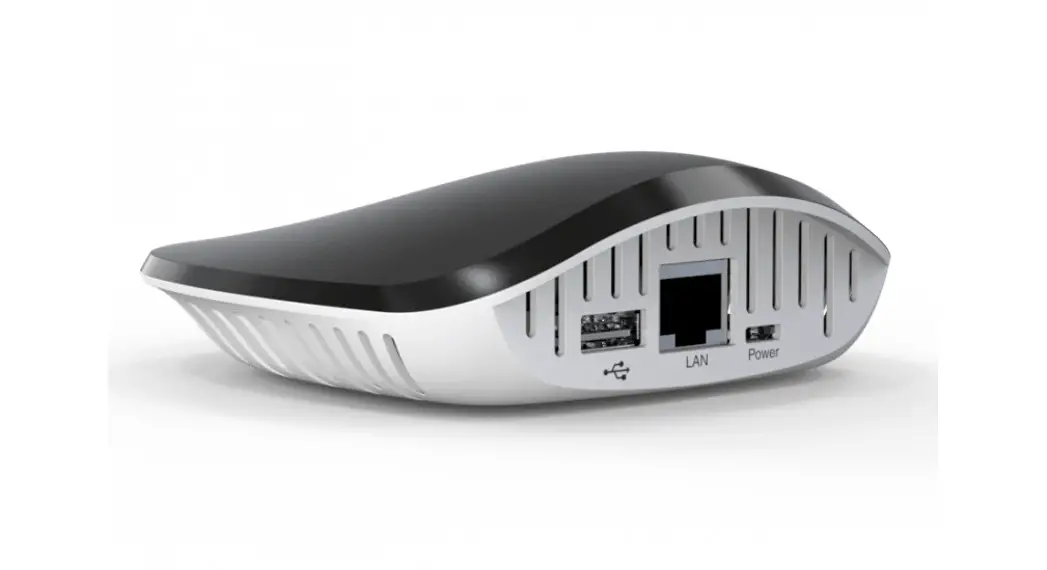
 Superior home control, sleek design & cutting-edge techonology.
Reset button & LED Behavior guide
Details
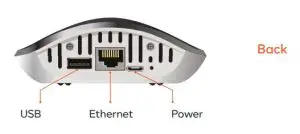
The reset button requires a pin or paperclip to be pressed
| RESET BUTTON ACTION | RESULT ACTION | LED STATUS |
| 1 short (0.05 – 0,5 seconds) press within 1 .5 second 2 short (0.05 – 0,5 seconds) presses within 1.5 second 3 short (0.05 – 0,5 seconds) presses within 1.5 second One long (2 – 5 seconds) press One long (5 – 10 seconds) press One long (10 – 20 seconds) press Holding more than 20 seconds | Send the broadcast message to cloud server Reset client connection Wi-Fi settings Perform hub Power off action Reboot controller Soft reset Factory reset Cancel factory reset start | Two blinks Fast blinking (4 times per second) Fast blinking (4 times per second) Fast blinking (twice per second) Fast blinking (twice per second) Fast blinking (twice per second)Slow blinking (once per second) Fast blinking (twice per second)Slow blinking (once per second) |
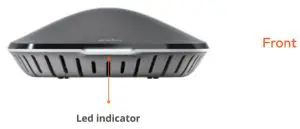
LED indicator color
Reset logic
| HUB ELEMENT | SOFT RESET LED Fast blinking (twice per second) | HARD RESET LED Slow blinking (once per second) |
| Included devices Z-Wave network ID WiFi settings ackups stored at controller Plugins data Other user data Usser addons and plugins Default addons and plugins LED light color | Remove from hub, left in included state Change to random value Don’t change Don’t change Remove Remove Don’t change Don’t change | Remove from hub, left in included state Change to random value Restore to defaults Remove Remove Remove Remove Restore to defaults |
LED light color
Note: Holding more than 20 seconds will cancel the factory reset.
LED STATUS 

 | Slow blinking (once per second) Fast blinking (twice per second) Slow blinking (once per second) Fast waving (twice per second) | Booting/Power on Firmware is running and there is nothing else to notify System has booted but firmware not Firmware update The controller has connection to the Internet but it cannot establish connection with Cloud Process of adding new smart device is started Process of removing smart device is started |