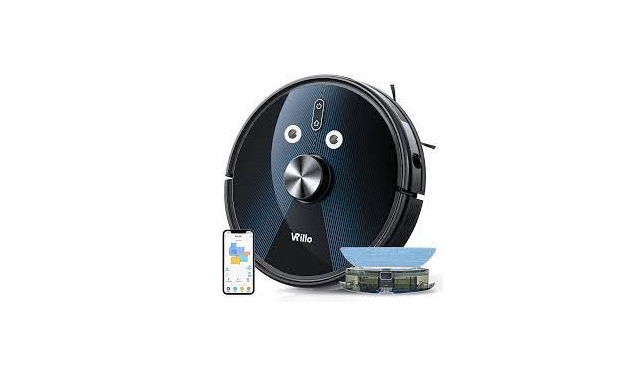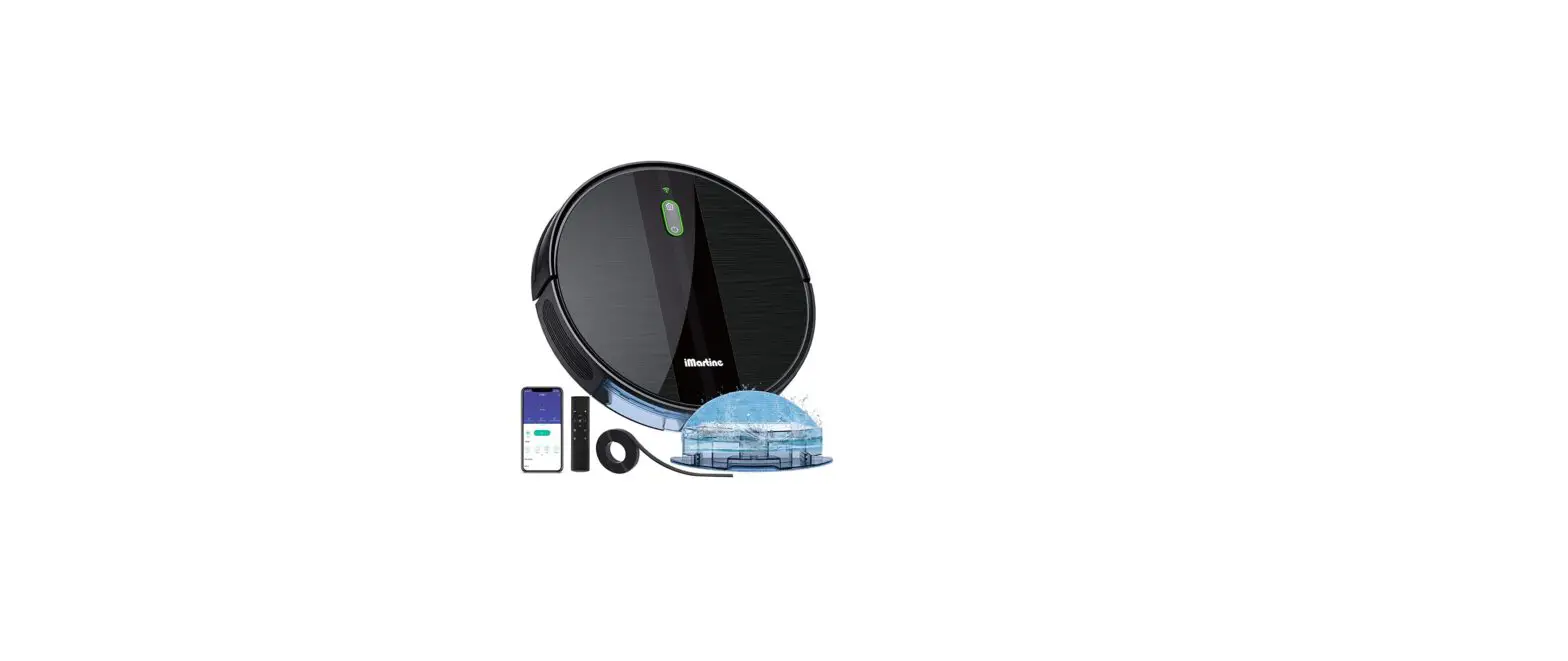

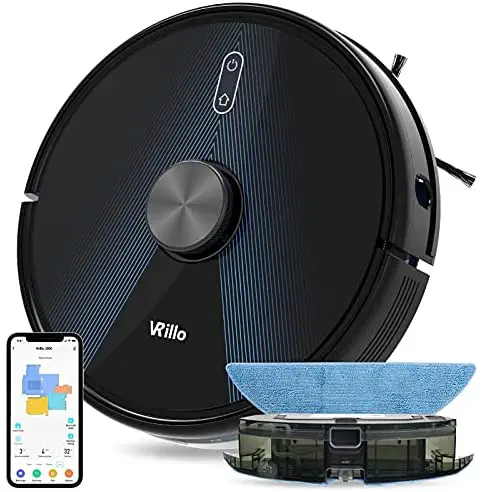
VRillo J300 Robot Vacuum and Mop Cleaner
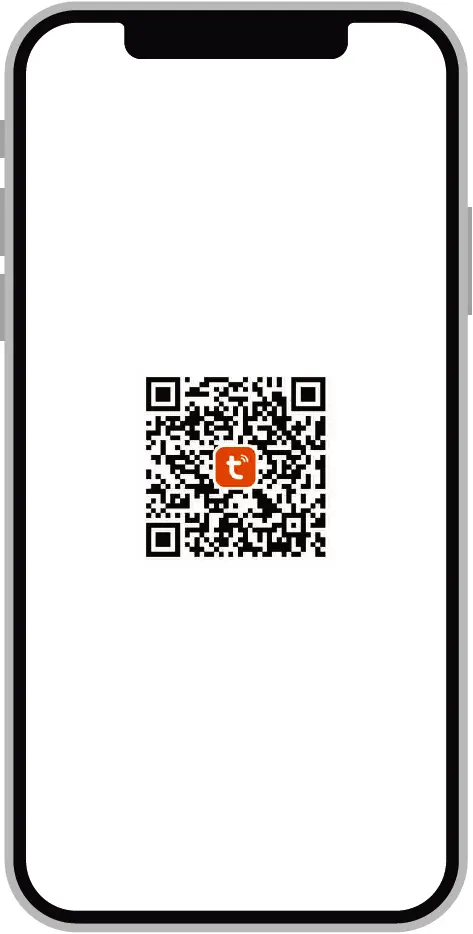
- Search and download 1uvo Smart App from Google Play or Apple APP Store or scan the QR code aside.

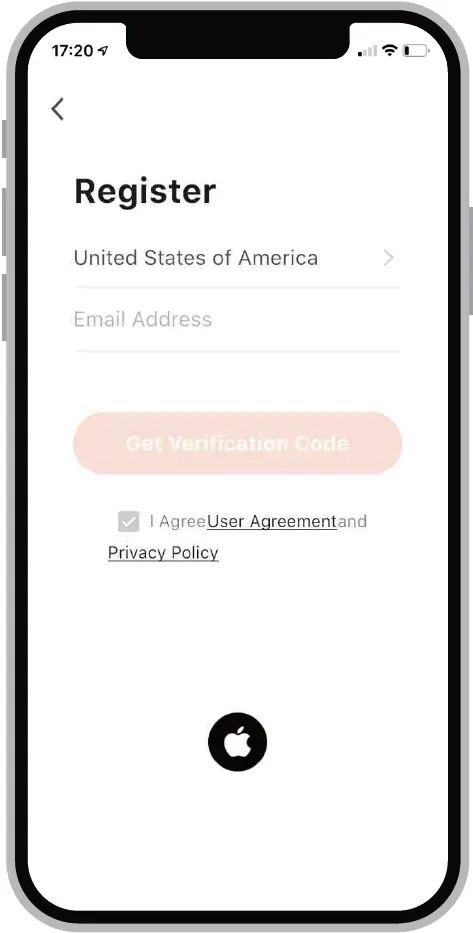
- For new users, please register a new user account. For existing users, just log in the Tuya Smart APP.

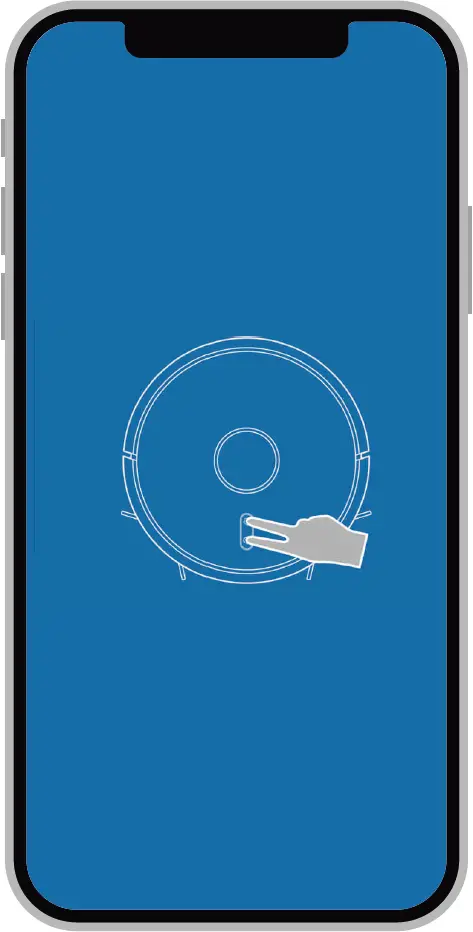
- Please ensure the robot is in standby mode before connection. If not please hold both the home button and on off button for 3 seconds until the robot indicator light starts flashing and broadcast voice prompt.
Wi-Fi Lost, please follow the app instructions for reconnection. Ensure your phone and robot are connected with the same Wi-Fi network.
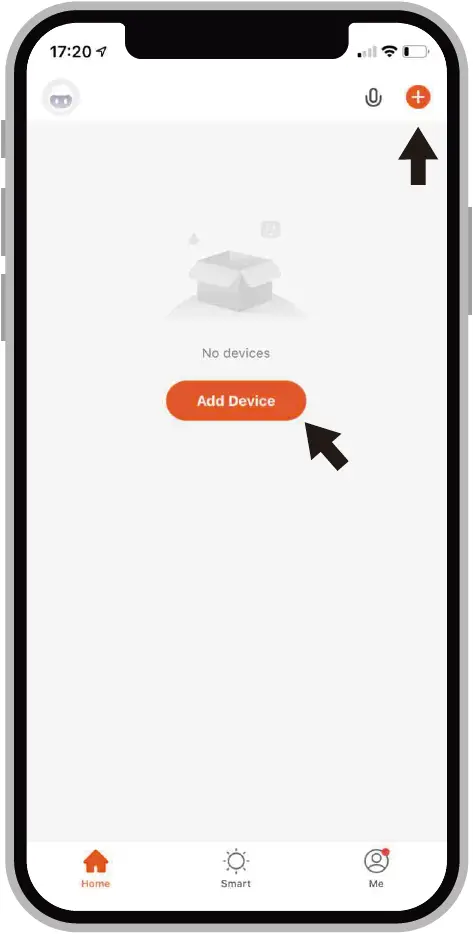
- Click “Add Device” or “+”.
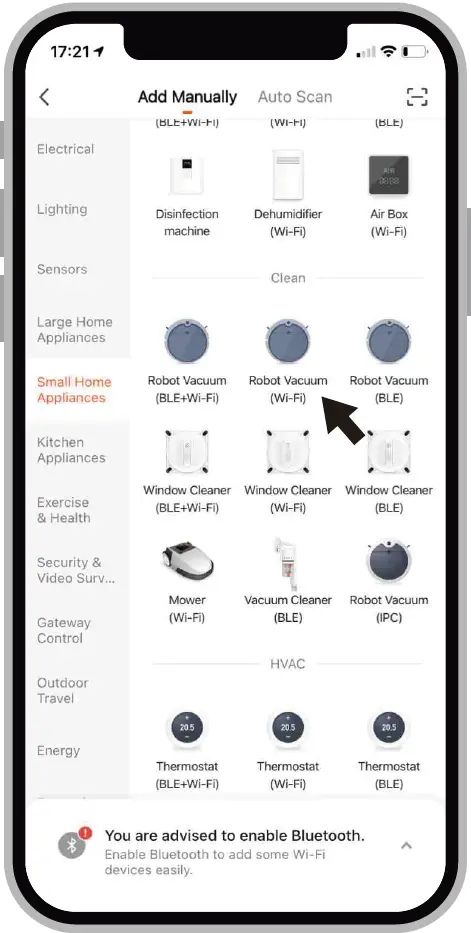
- Select Small Home Appliance Category and choose Robot Vacuum (Wi-Fi).

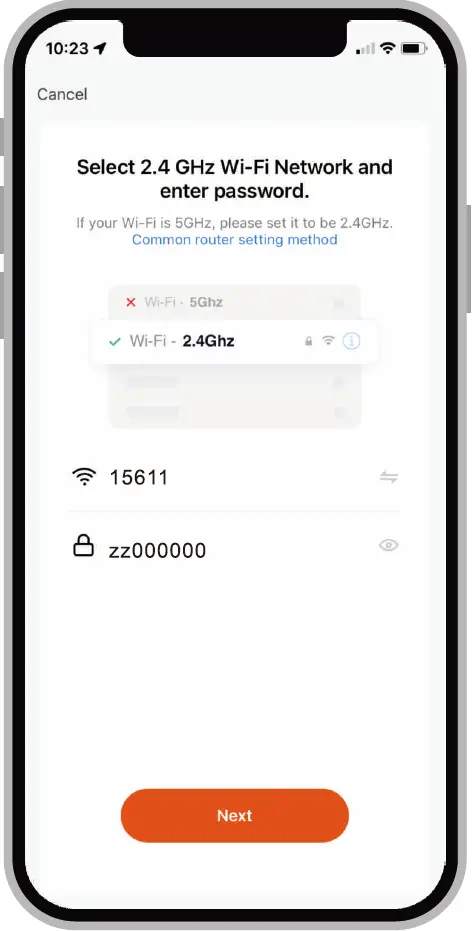
- Log in your Wi-Fi network. Notice: the robot can only work with 2.4GHz Wi-Fi. If your Wi-Fi is 5GHz, please follow the Router Setting Instructions on APP and set it to 2.4GHz.

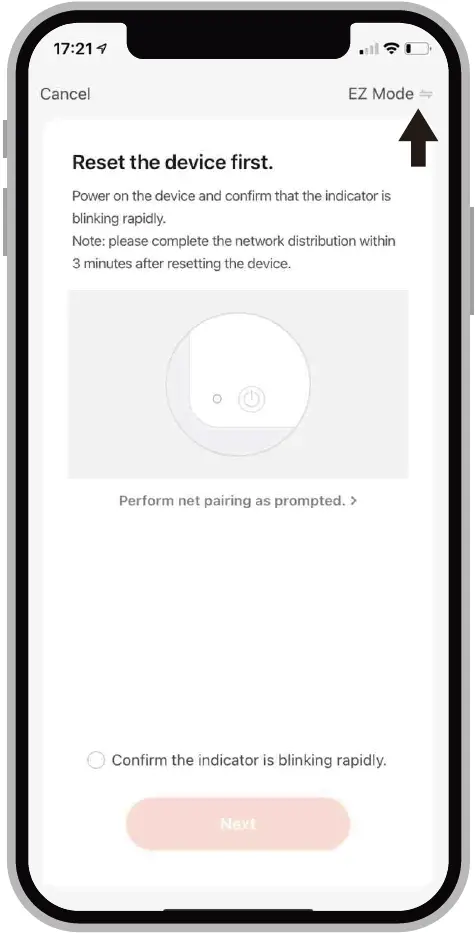
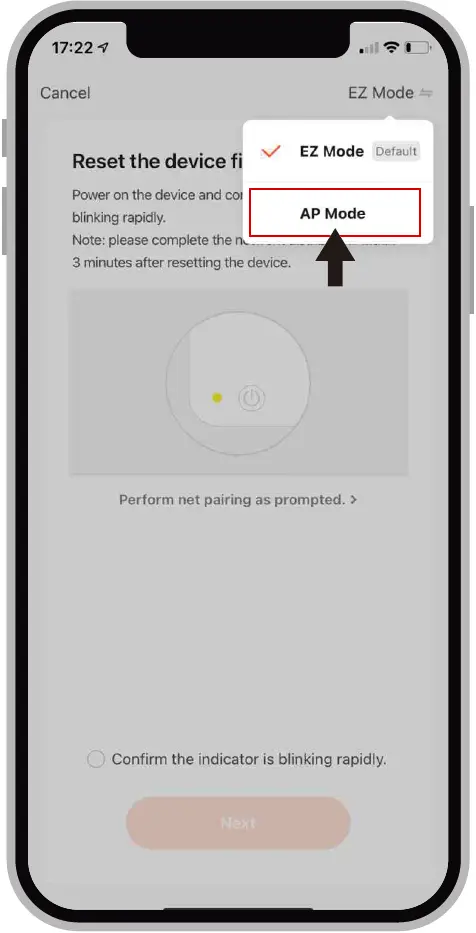
- The app default connection mode is EZ mode, please switch it to AP mode.


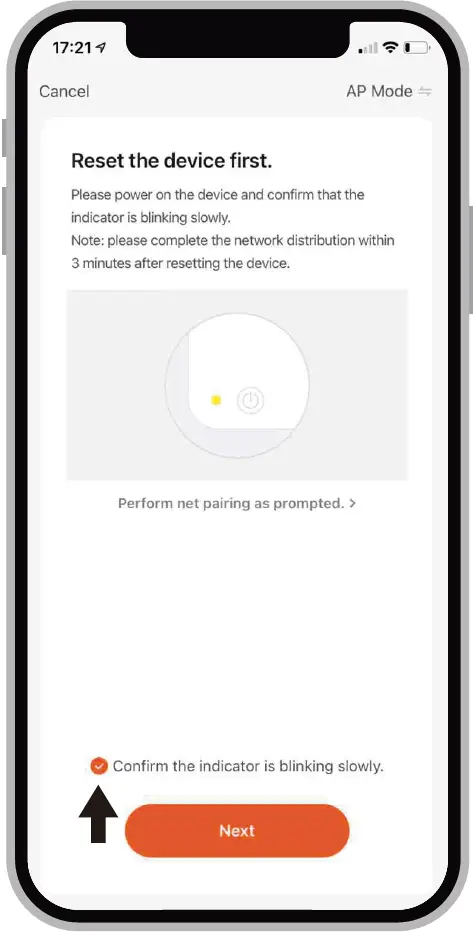
- Ensure the Wi-Fi indicator light on the robot is flashing slowly, and confirm it on your phone.
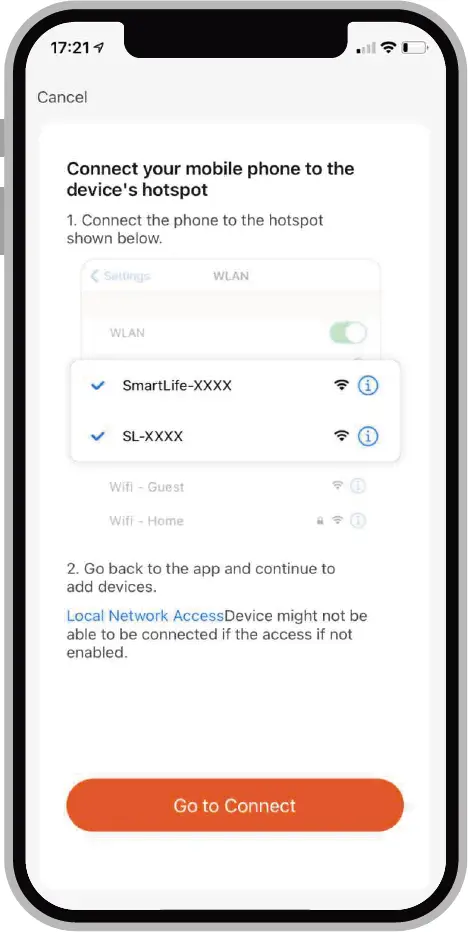
- Select “Go to Connect”.

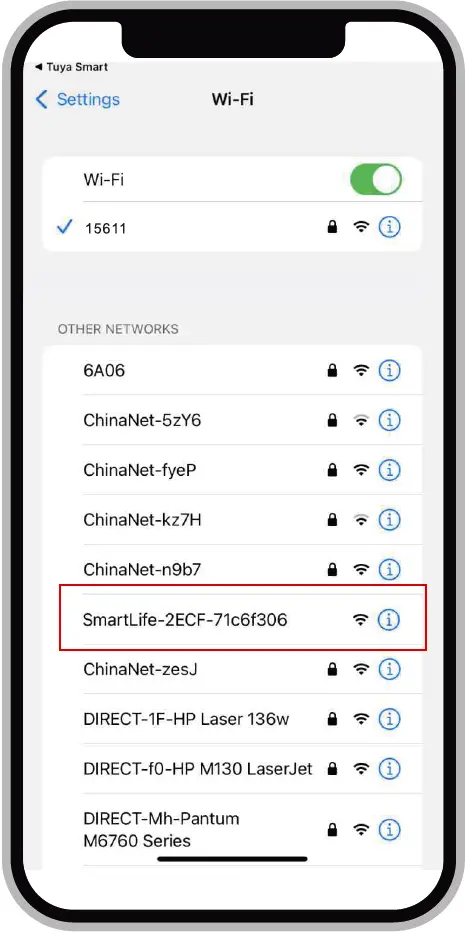
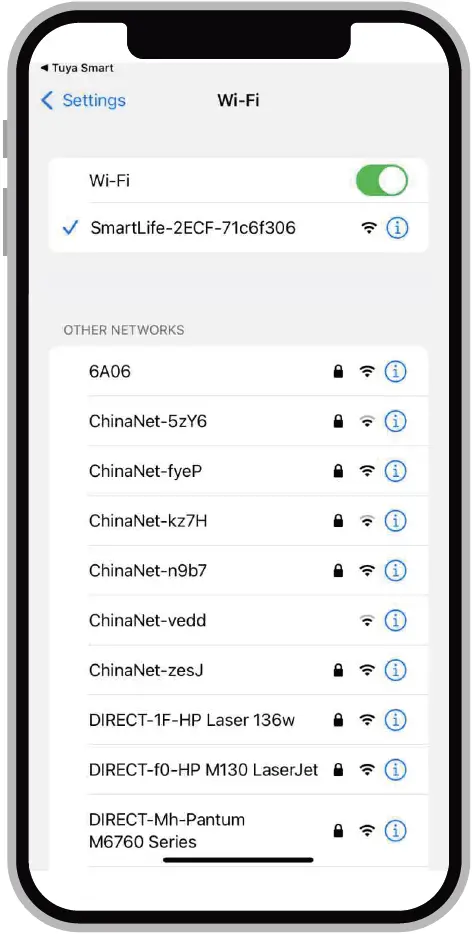
- Find Wi-Fi network named “SmartLife-XXXX”, no password needed.


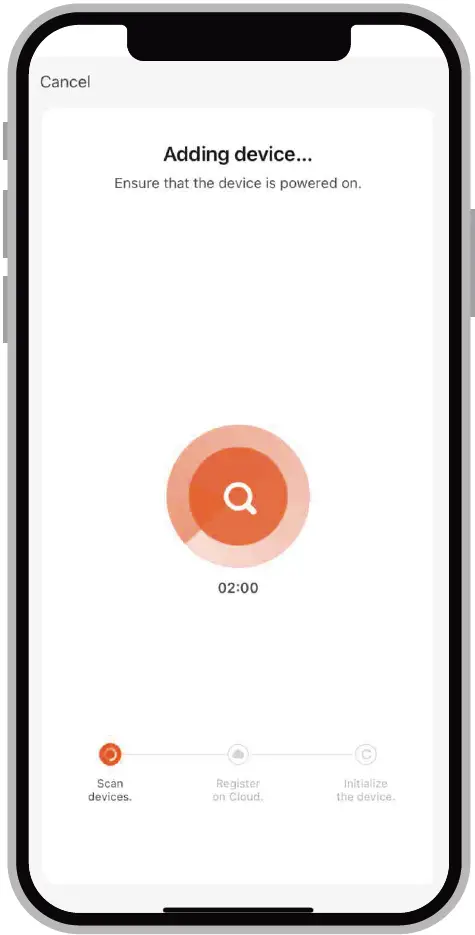
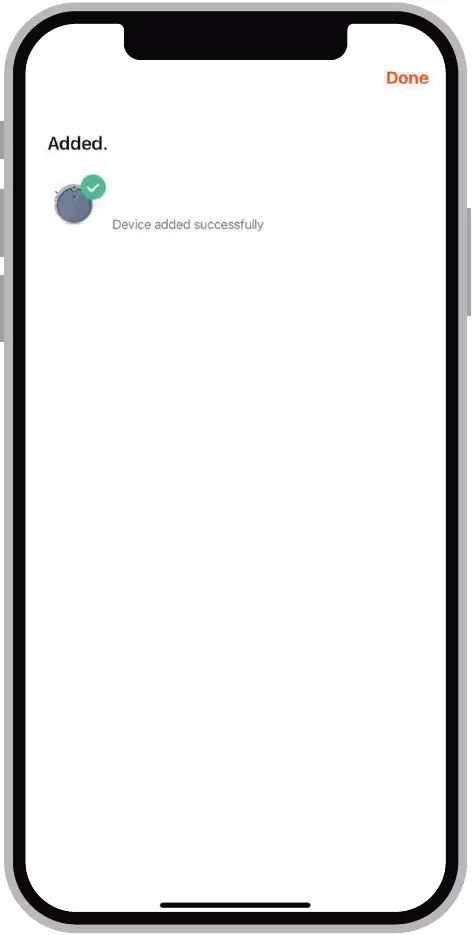
- The Robot will connect with you phone within 2 minutes. If not, please try again or contact our customer service team ([email protected]).


Email: [email protected]
Warranty Web: vrillo.warrantyhere.com
Official Web: www.imartine.com