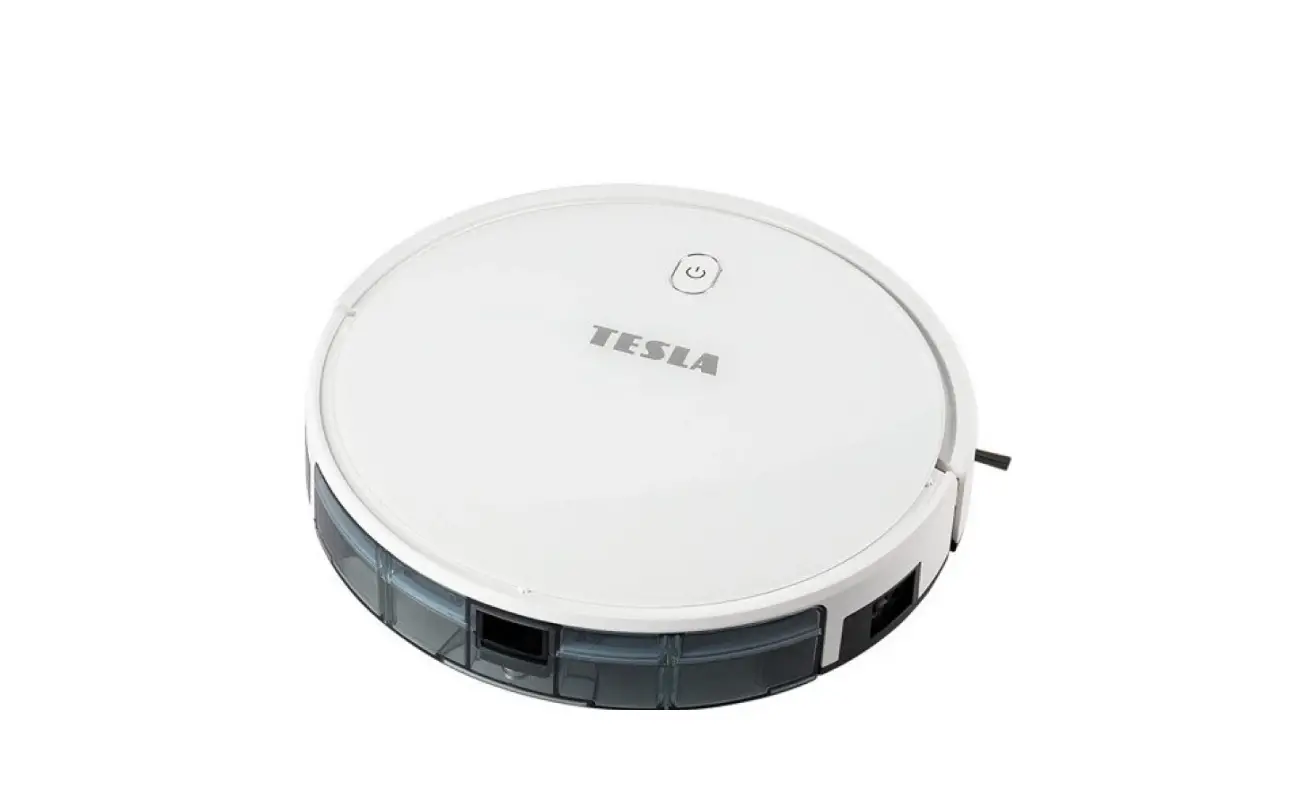
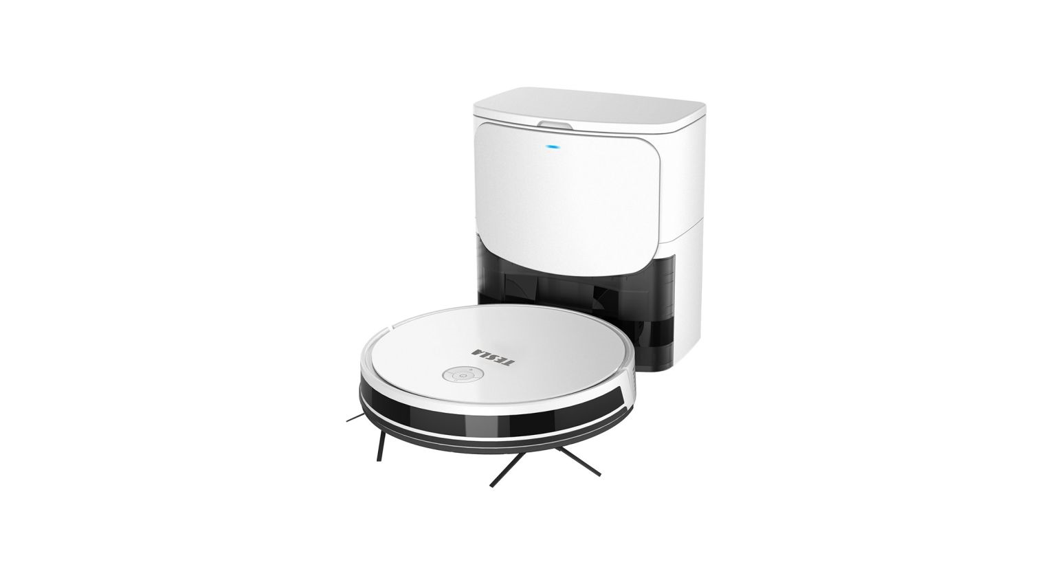
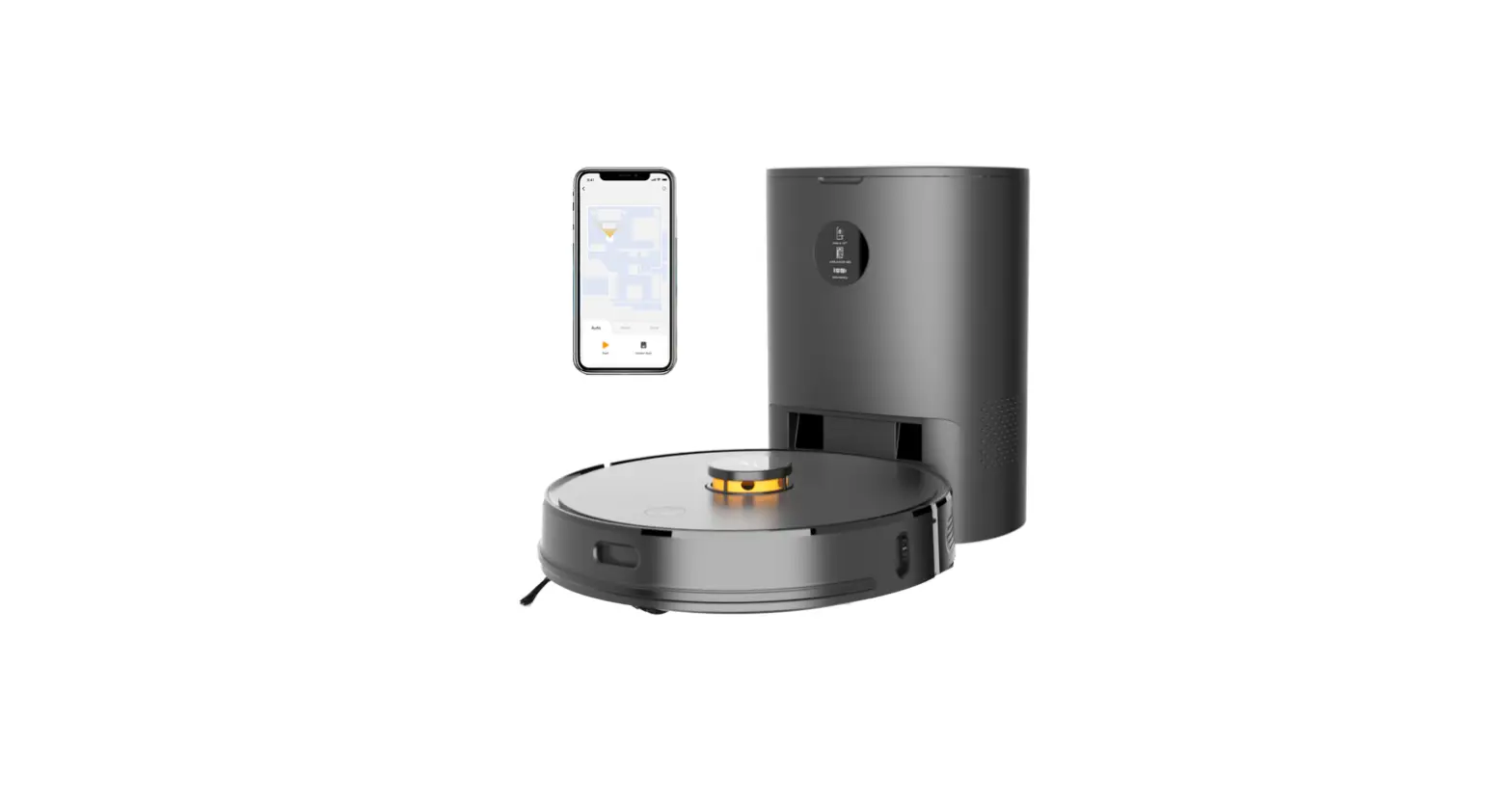
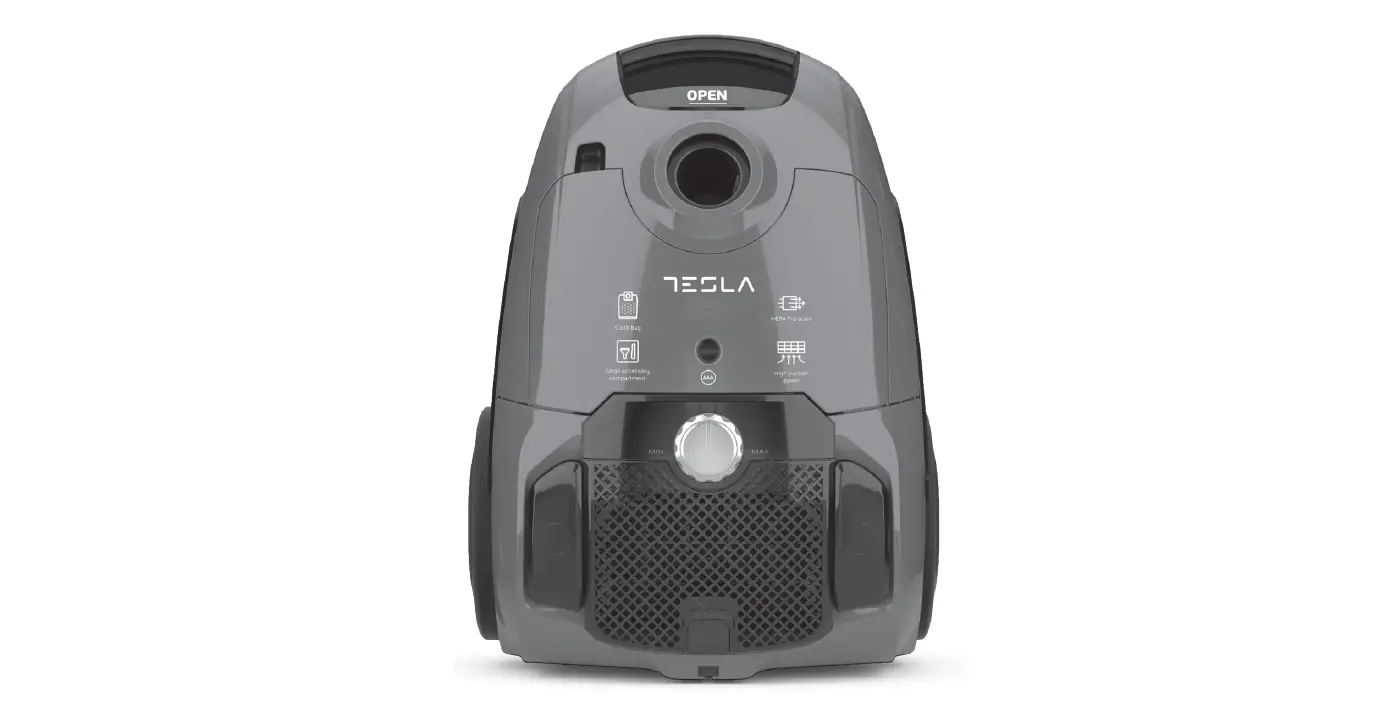
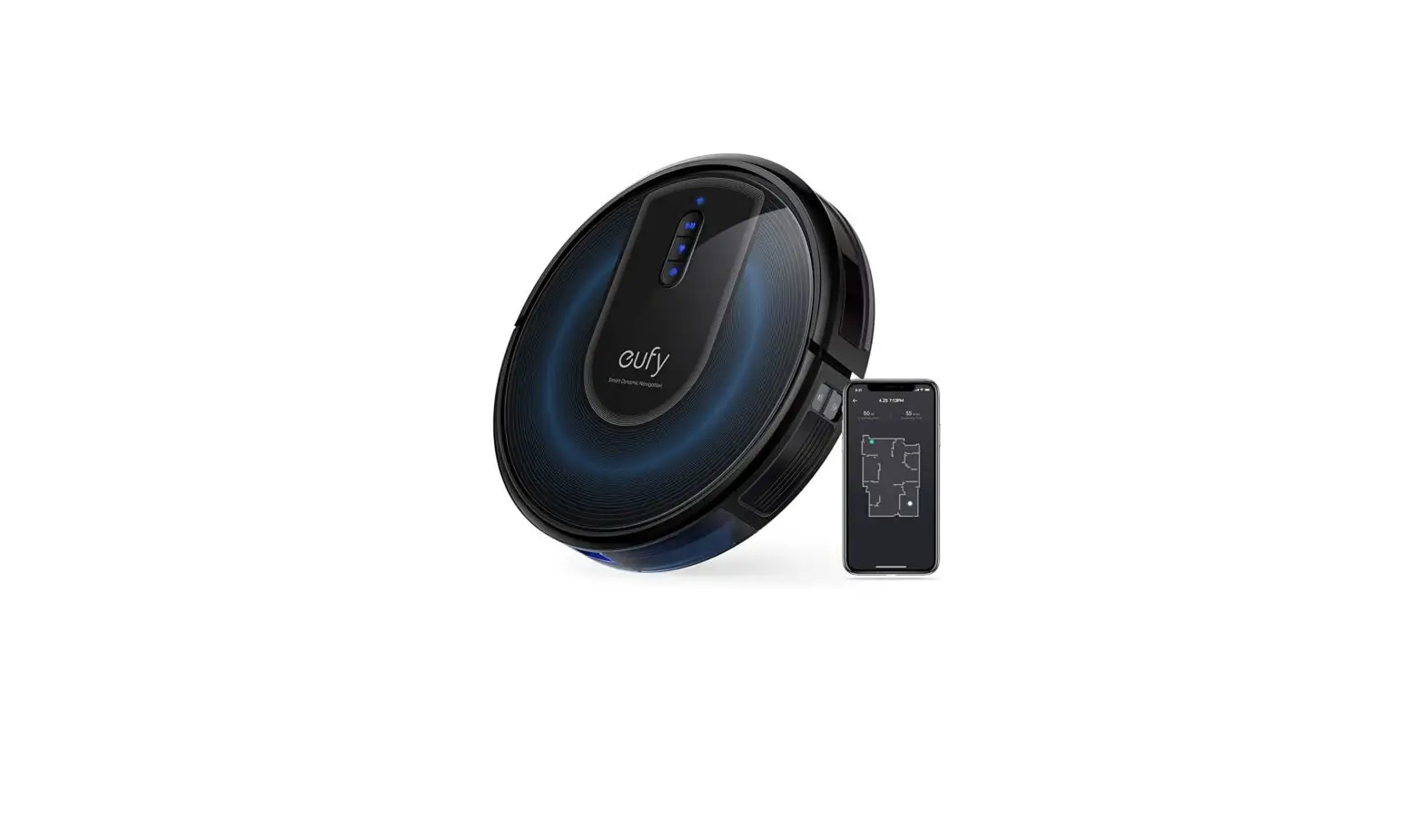
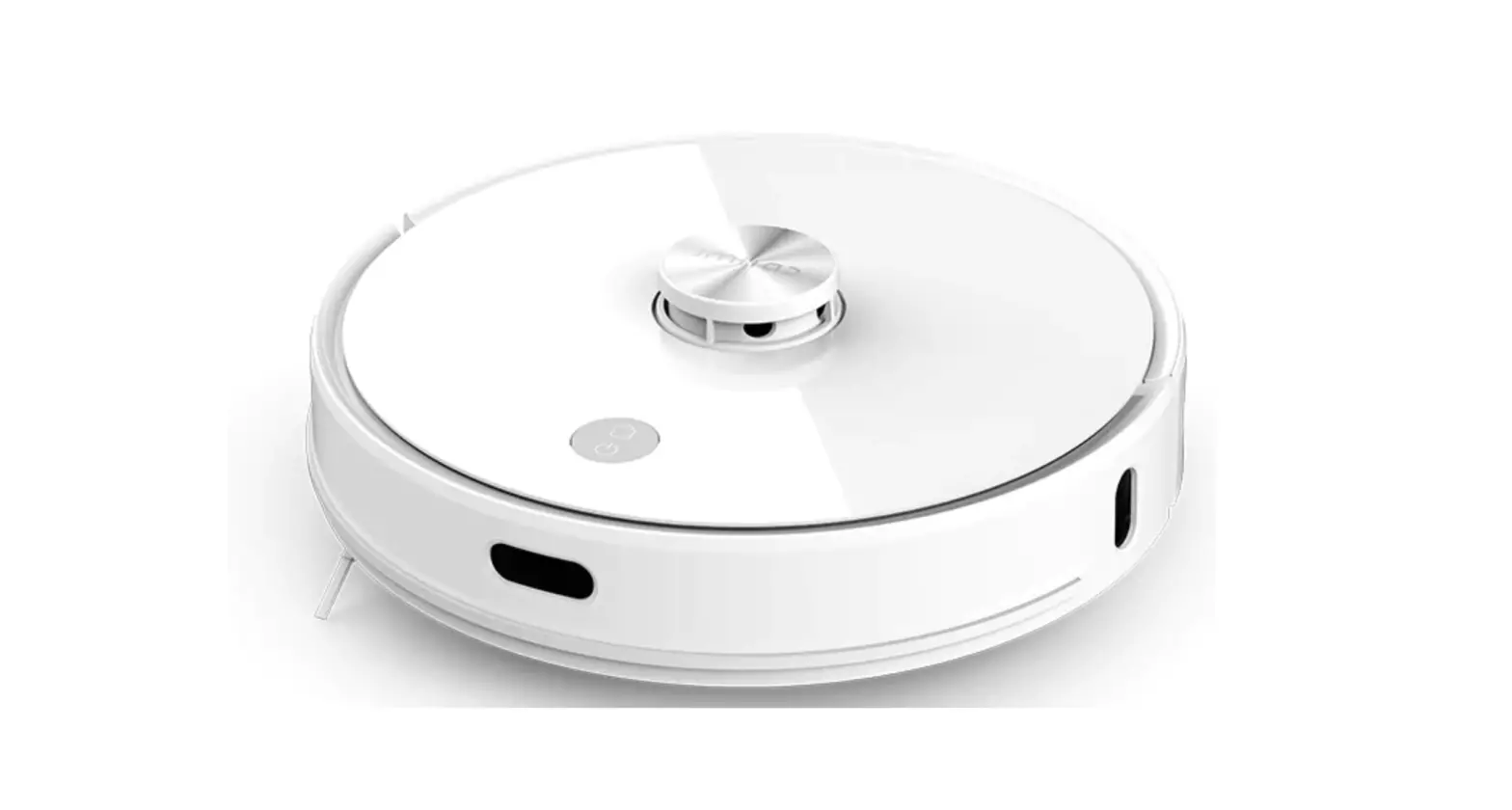
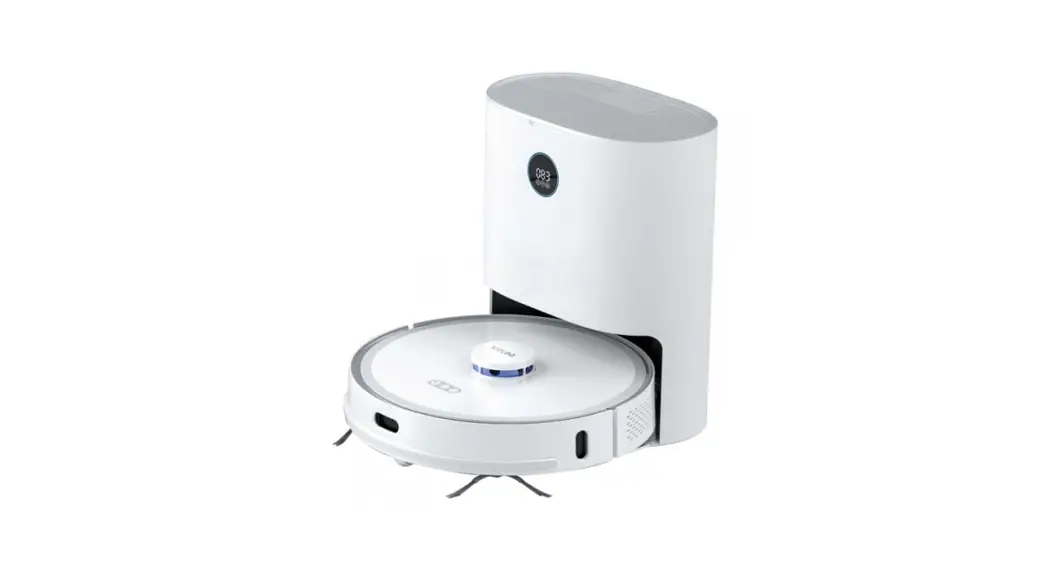
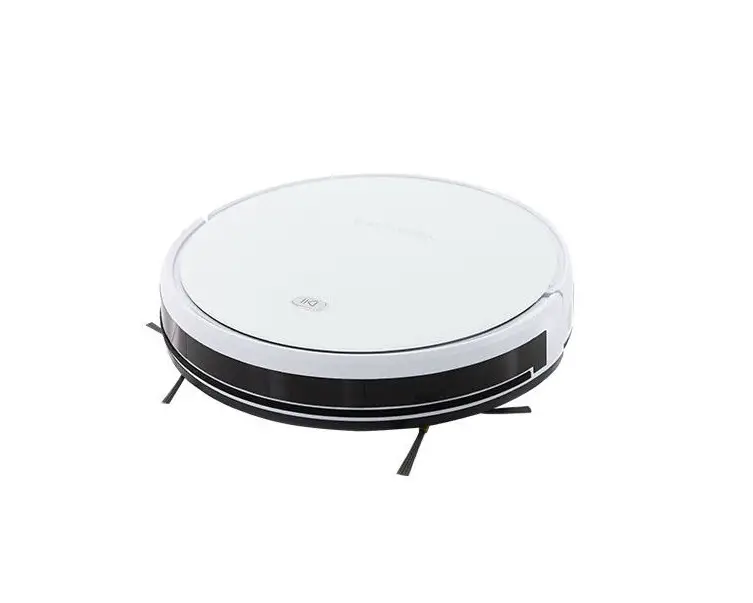
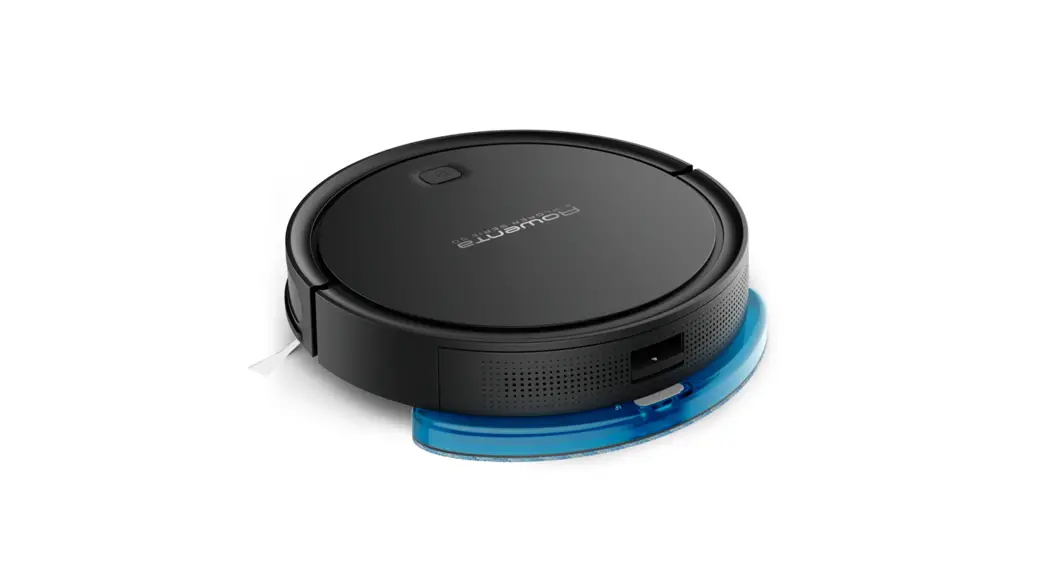
RoboStar iQ300 Robotic Vacuum Cleaner
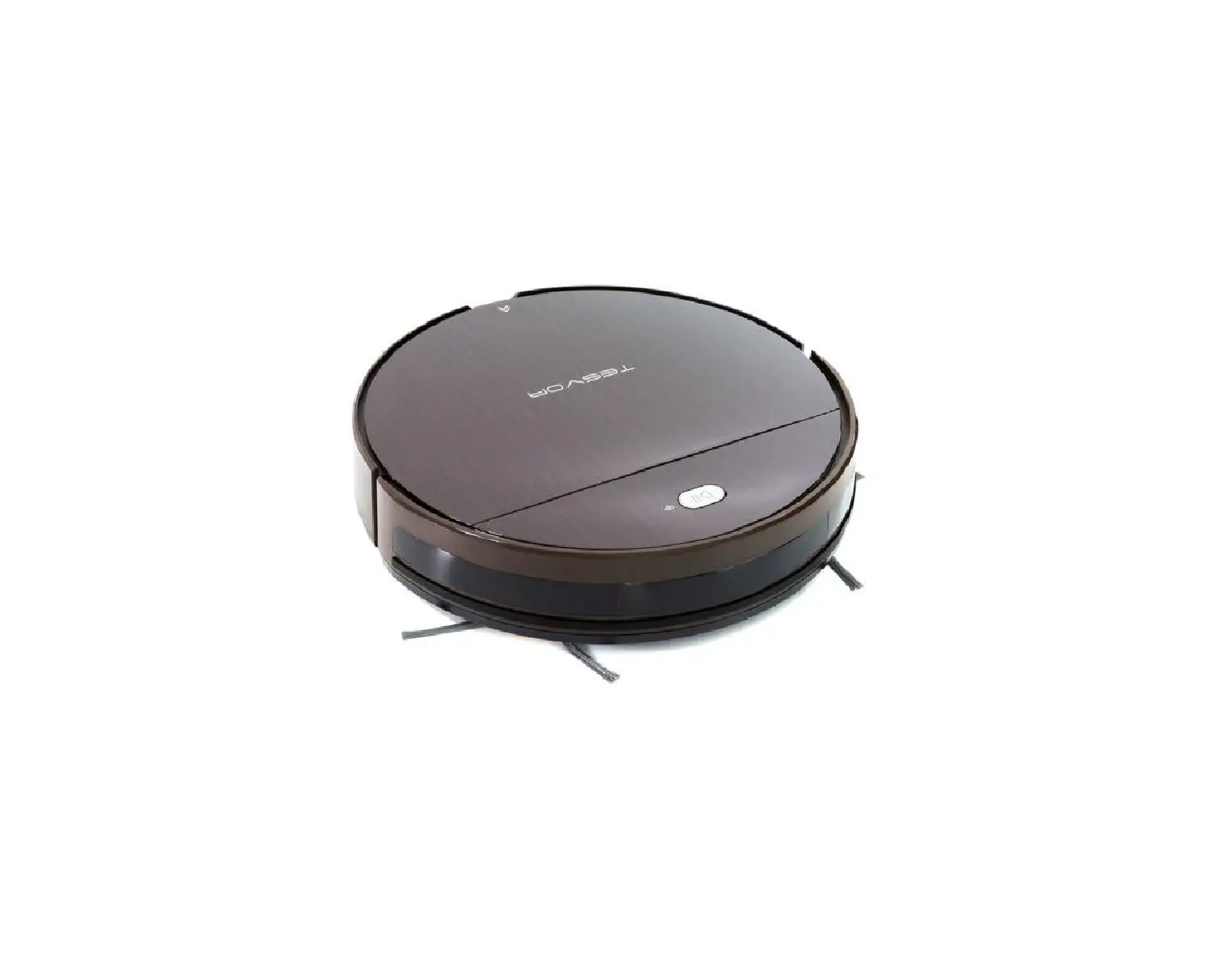
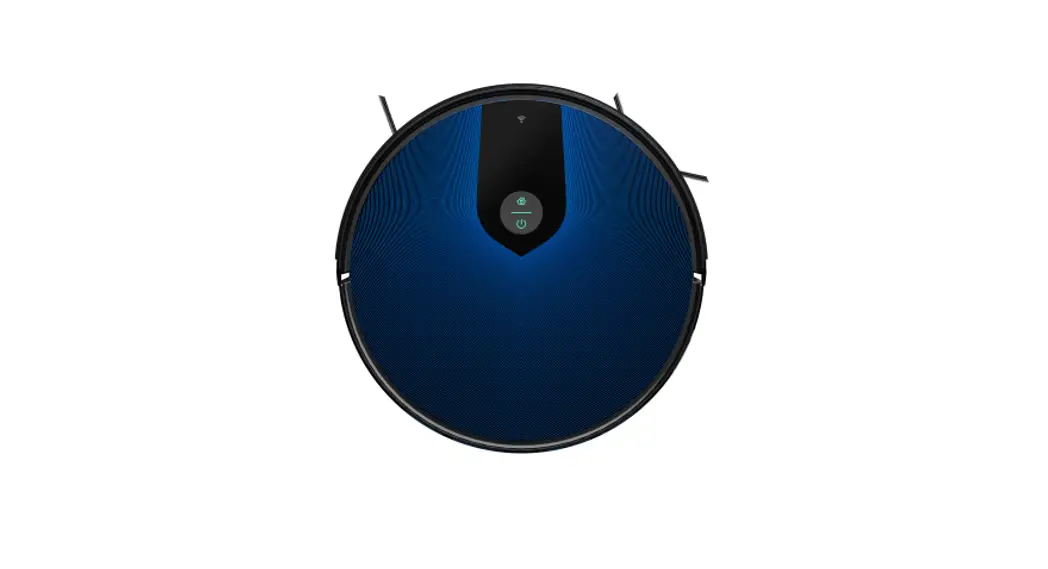
TESLA RoboStar iQ300
The TESLA RoboStar iQ300 is a robotic vacuum cleaner that can be
paired with your mobile phone using the WeBack app. Following are
the steps to pair the robotic vacuum cleaner with your mobile
phone:
- Download WeBack app from Google Play.
- Confirm the user agreement and privacy policy.
- Enter your login information or create a new account and enter
a password. - Click on the PLUS icon.
- Allow permissions.
- Scan the QR code.
- Allow permissions.
- Enter password for your Wi-Fi network.
- Turn off and on the robotic vacuum cleaner with the main switch
on the side of the device and hold the top button for 3-5 seconds.
You will hear a beep and then click the Next button. - The robotic vacuum cleaner will start logging into the
app. - Robotic vacuum cleaner will create a Wi-Fi Hotspot , click the
Connect button. - You will then see a successful connection screen.
- Click Done to finish pairing the robotic vacuum cleaner with
your mobile phone.
Once you have successfully paired your TESLA RoboStar iQ300 with
your mobile phone, you can use the WeBack app to control the
robotic vacuum cleaner. You can schedule cleaning times, monitor
cleaning progress, and customize cleaning settings. Additionally,
you can use voice commands through Amazon Alexa or Google Assistant
to control the robotic vacuum cleaner.
To use the TESLA RoboStar iQ300, simply turn it on and select
the desired cleaning mode. The robotic vacuum cleaner will navigate
around your home, cleaning carpets, hardwood floors, and other
surfaces. It has a large dustbin that can hold up to 0.6L of
debris, and its high-efficiency filter captures allergens and dust
particles.
The TESLA RoboStar iQ300 also has advanced sensors that prevent
it from falling down stairs or colliding with furniture. It can
also detect obstacles and adjust its cleaning path accordingly.
With its powerful suction and intelligent navigation, the TESLA
RoboStar iQ300 is an effective and convenient way to keep your home
clean.
TESLA RoboStar iQ300
pairing procedure for robotic vacuum cleaner and your mobile phone
1. Download “WeBack” app from Google Play:
2. Confirm the user agreement and privacy policy:
3. Enter your login information or create a new account and enter a password:
4. Click on the “PLUS” icon:
5. Allow permissions: 6. Scan the QR code:
7. Allow permissions: 8. Enter password for your Wi-Fi network:
9. Turn off and on the robotic vacuum cleaner with the main switch on the side of the device and hold the top button for 3-5 seconds. You will hear a beep and then click the Next button:
10. The robotic vacuum cleaner will start logging into the app:
11. Robotic vacuum cleaner will create a Wi-Fi Hotspot , click the Connect button :
12. You will then see a successful connection screen:
13. Click Done to finish pairing the robotic vacuum cleaner with your mobile phone: