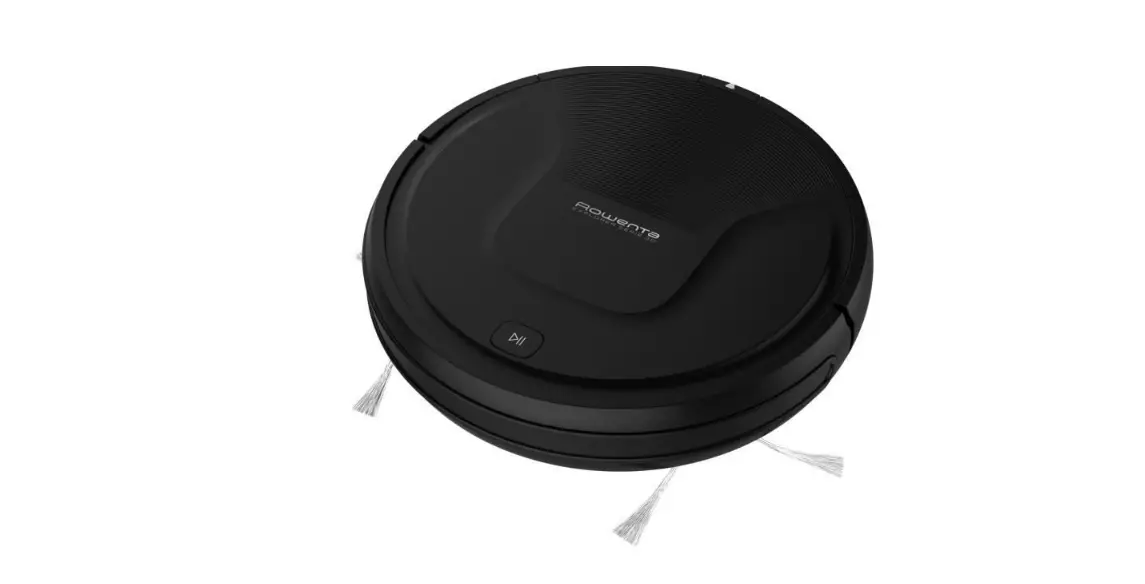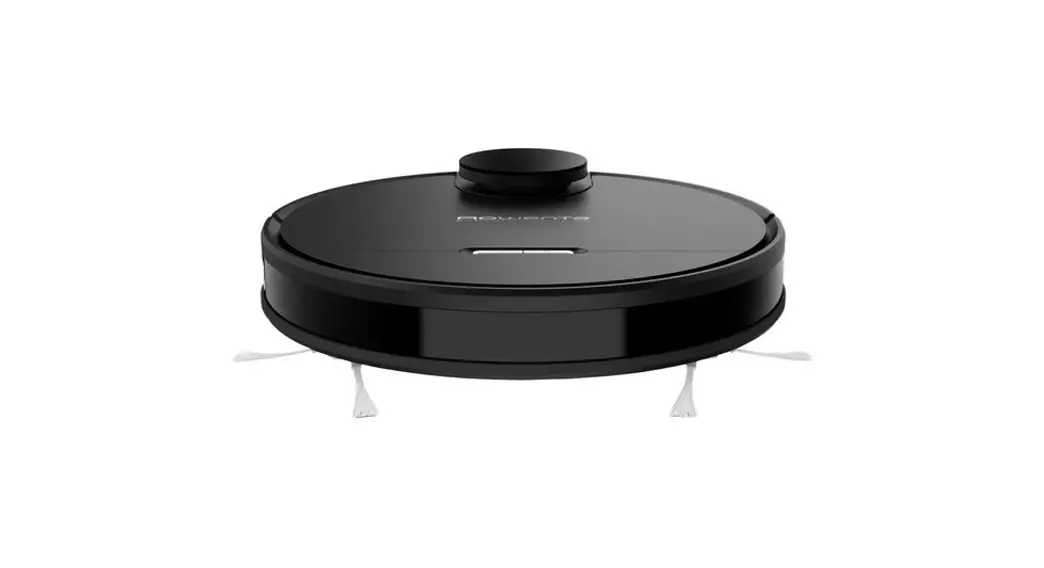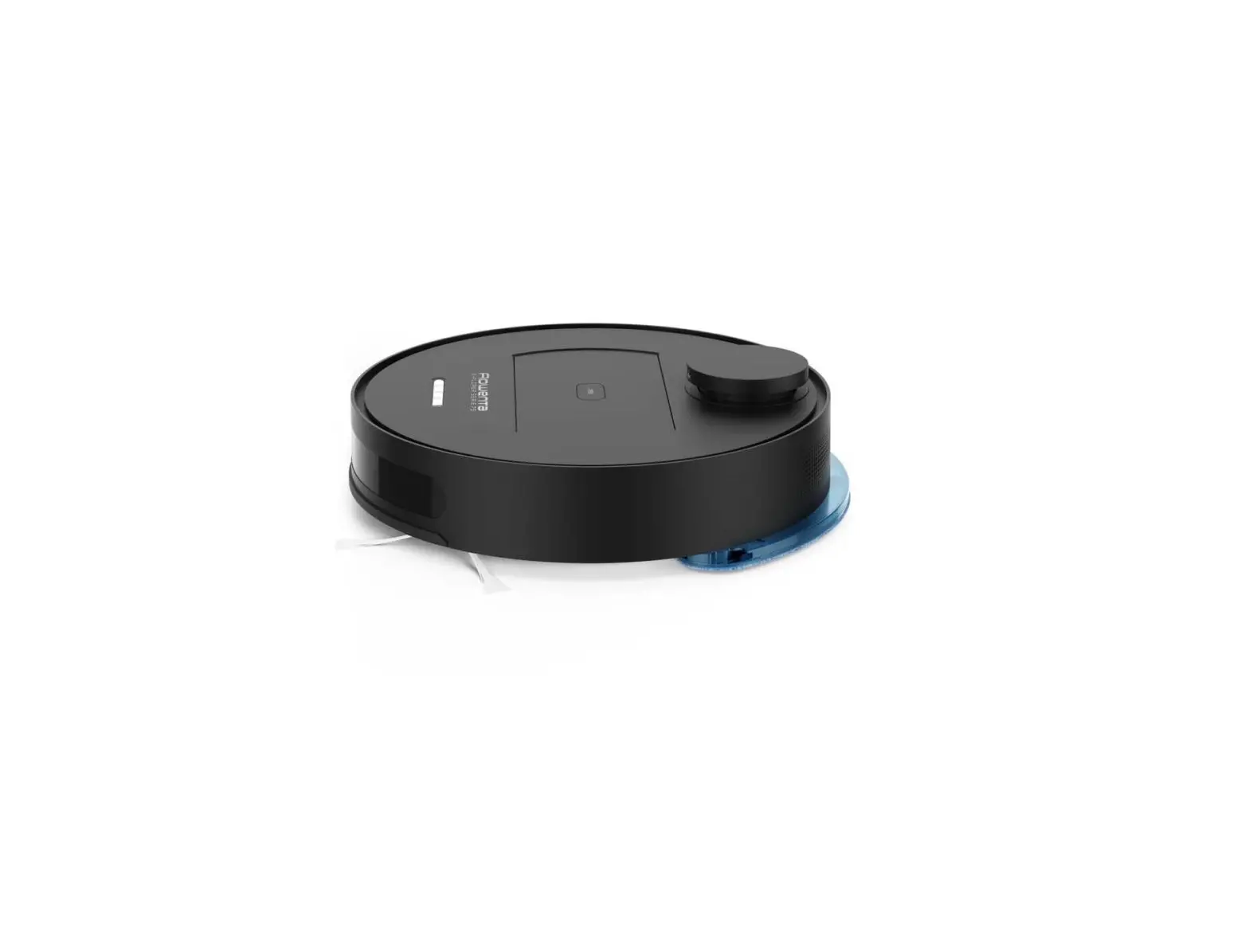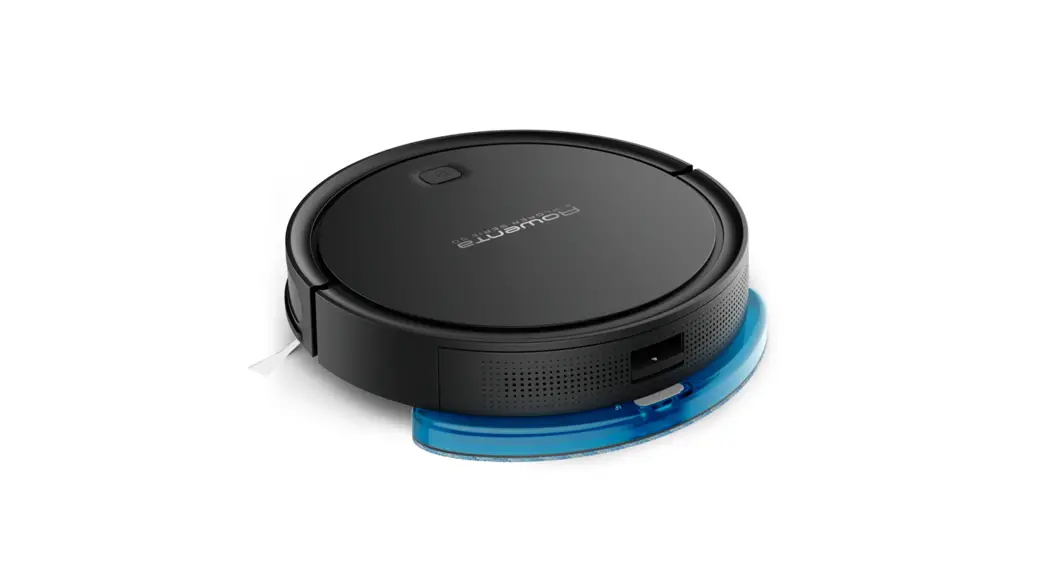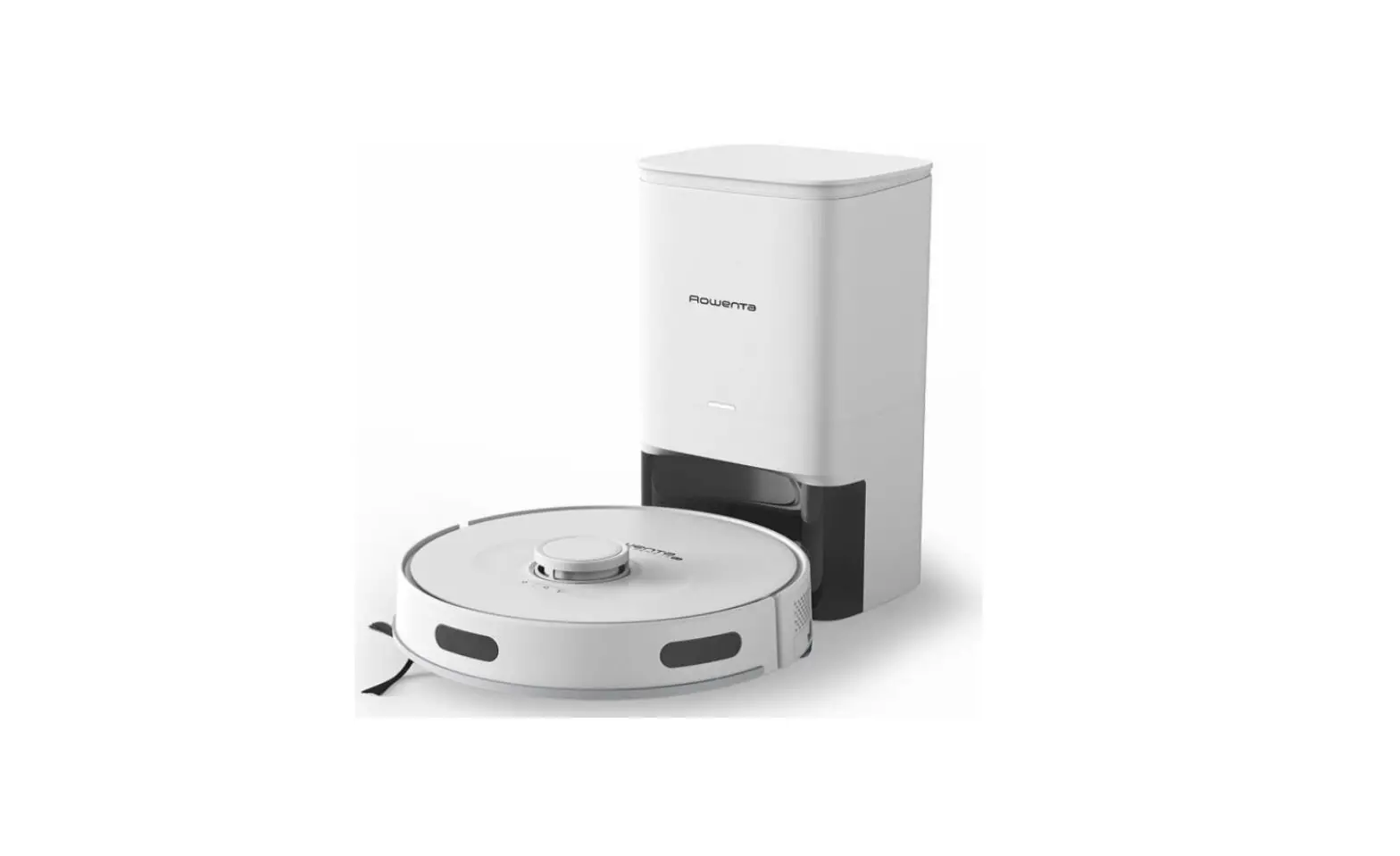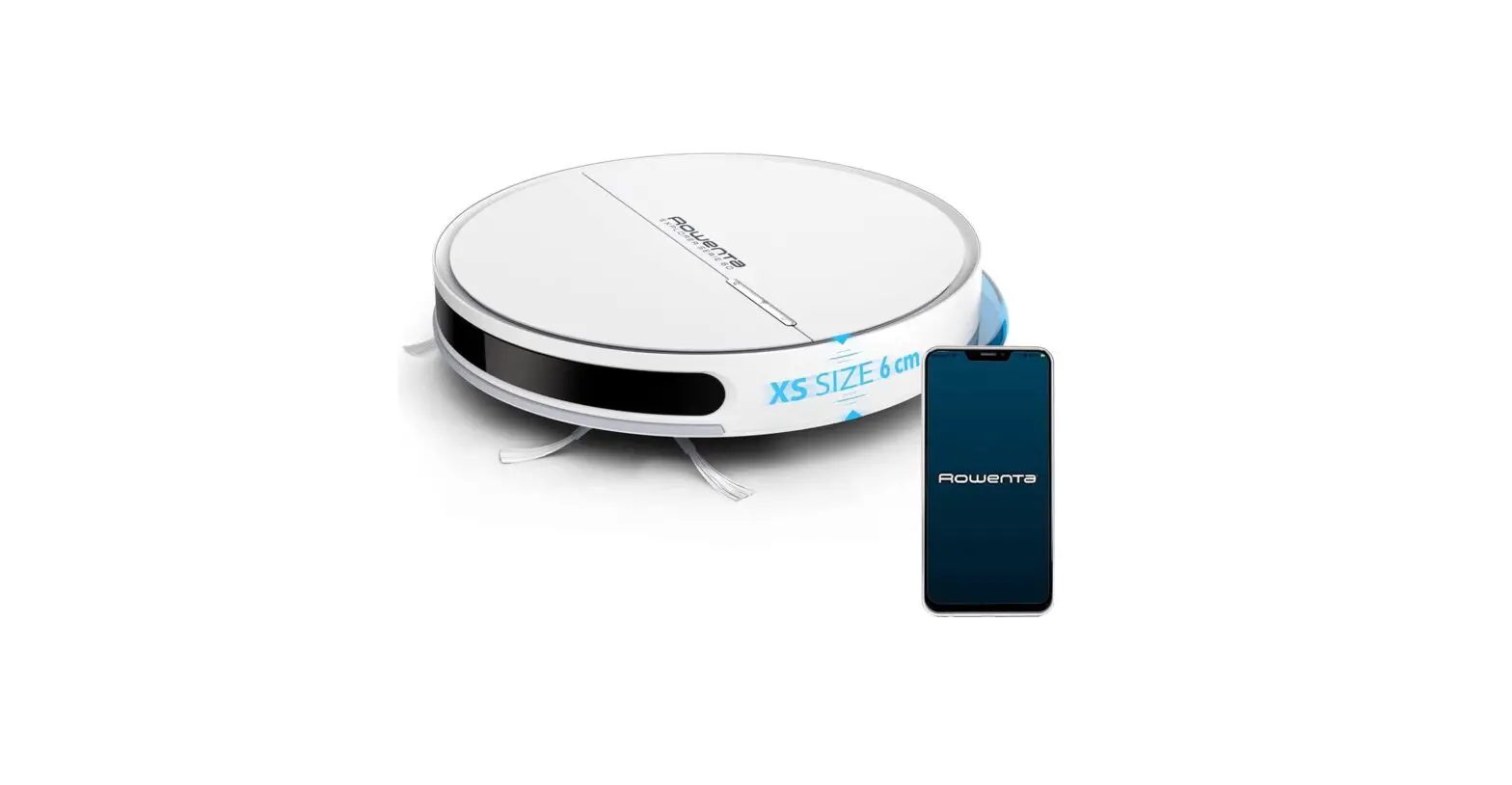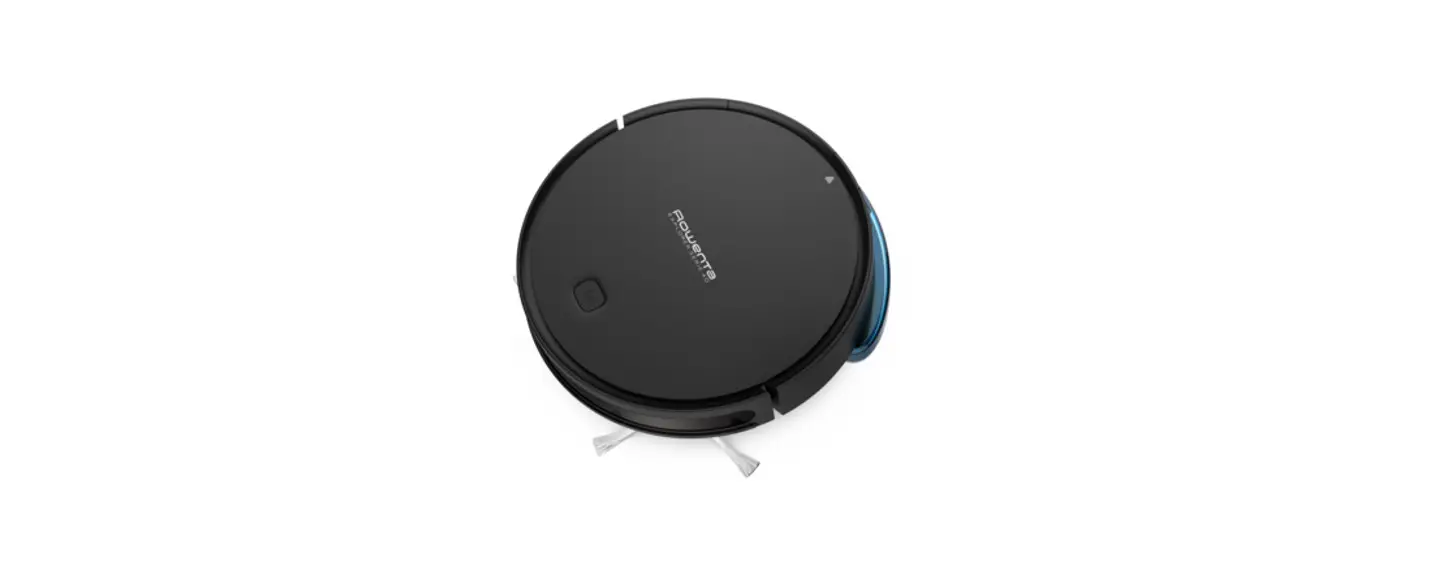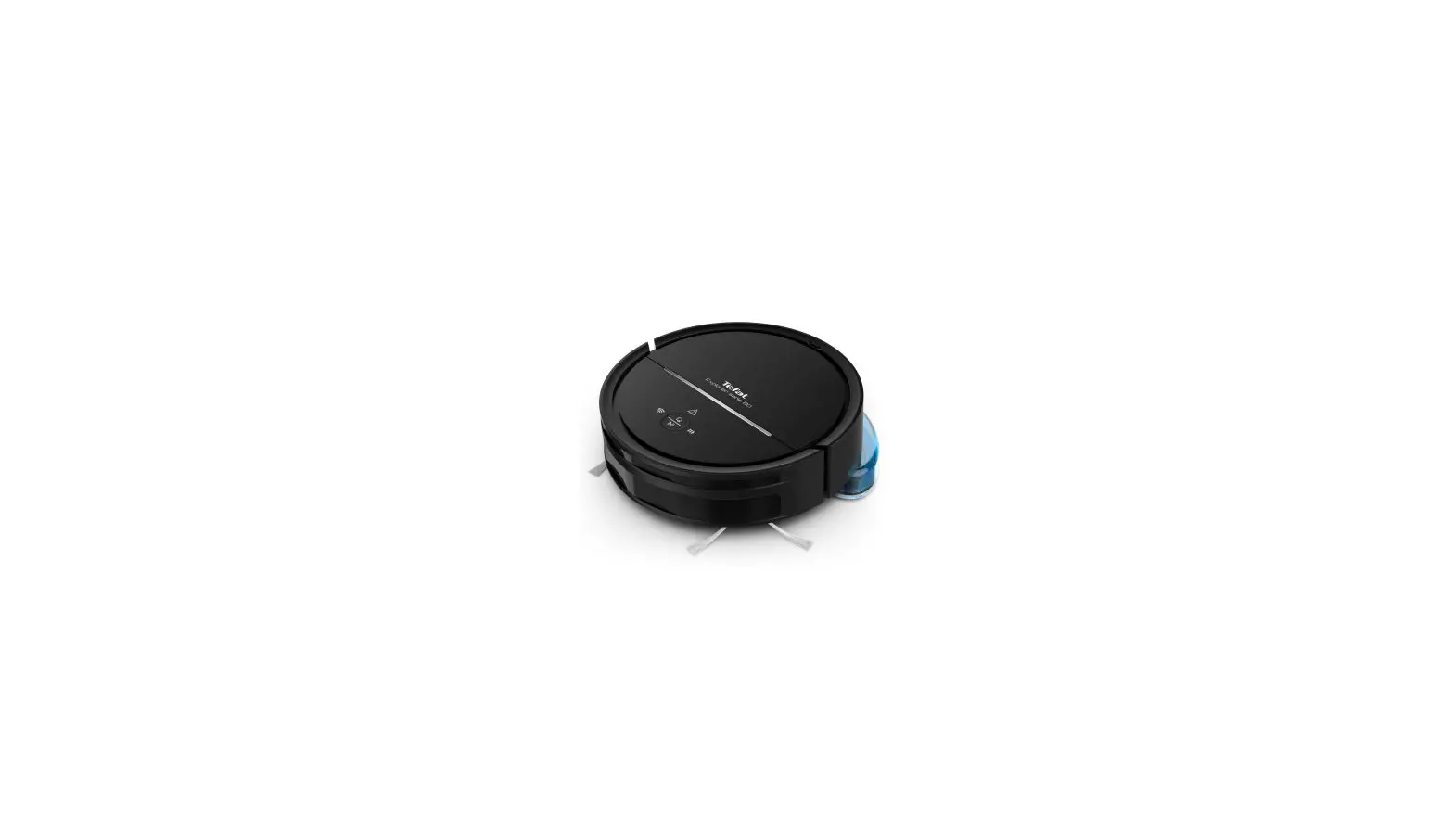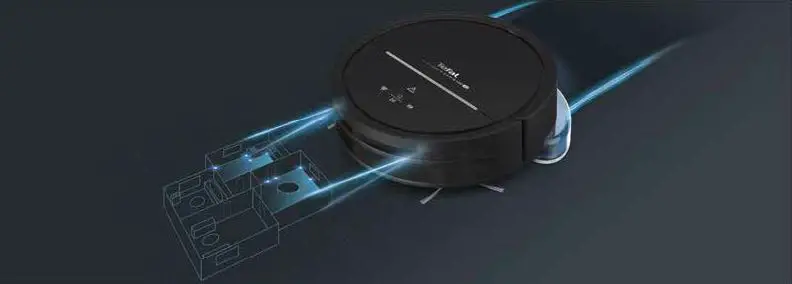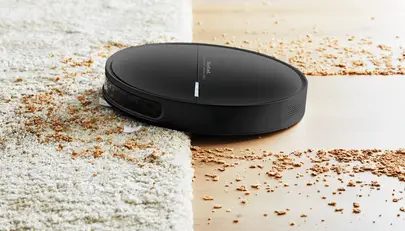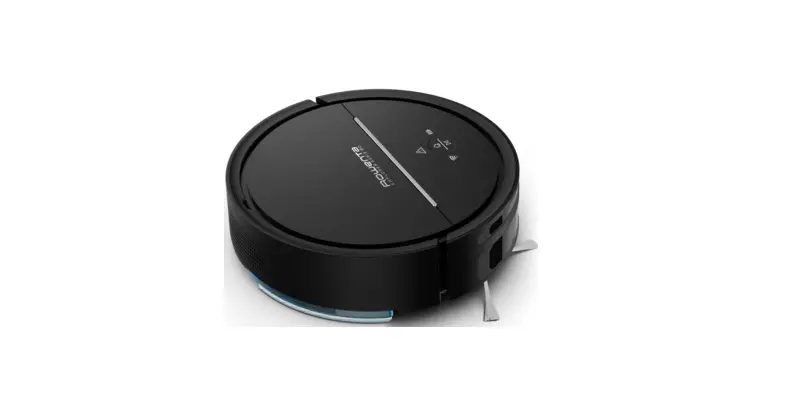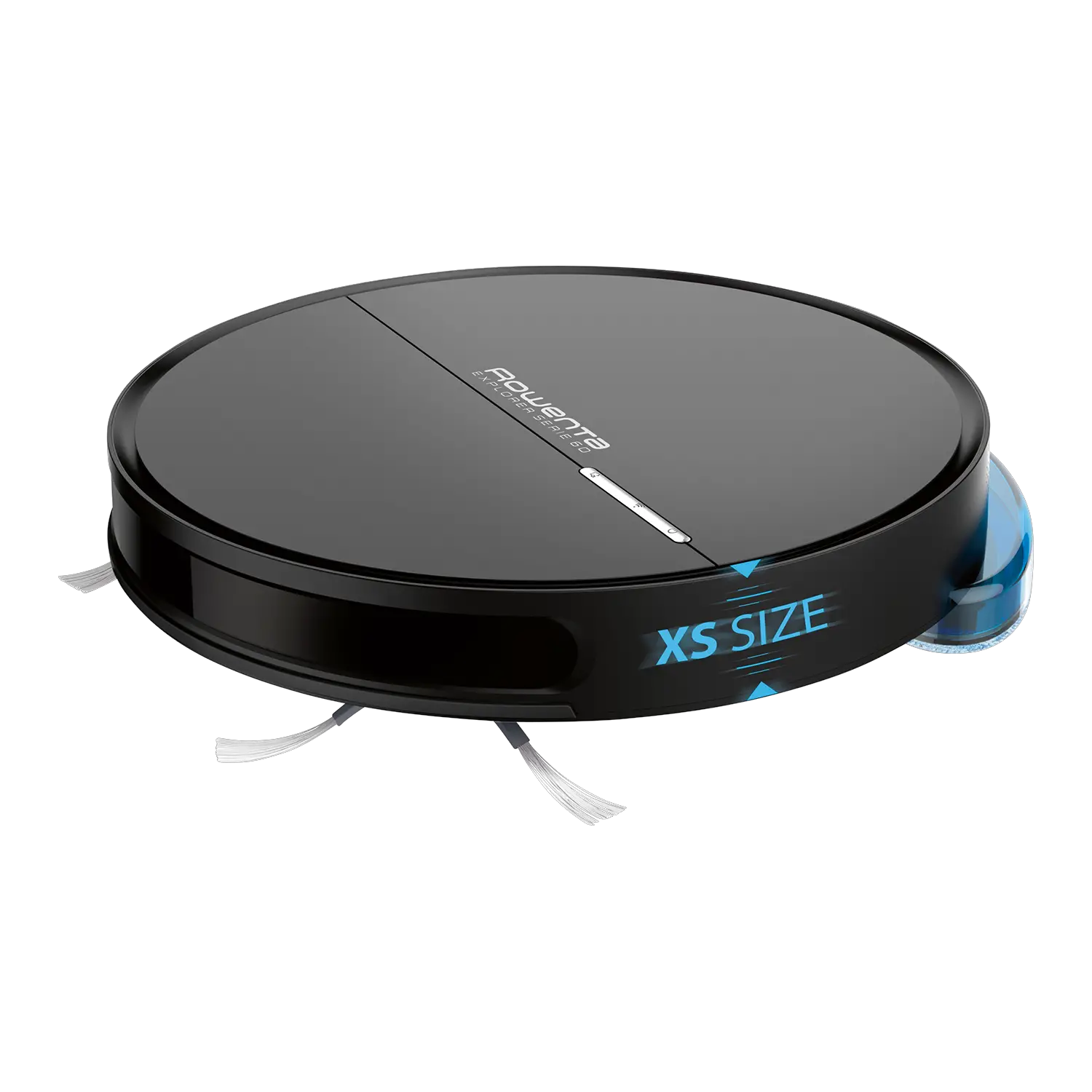

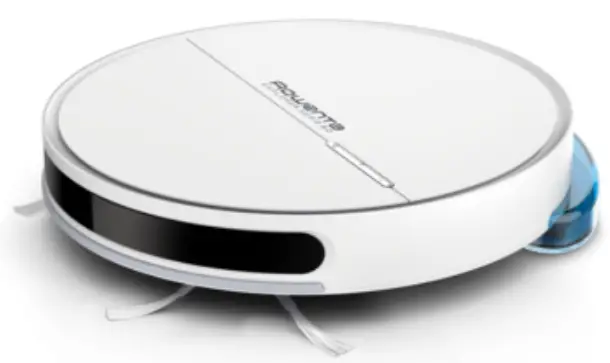
Rowen Ta X-PLORER SERIE 60 Robot Vacuum Cleaner
Product Information
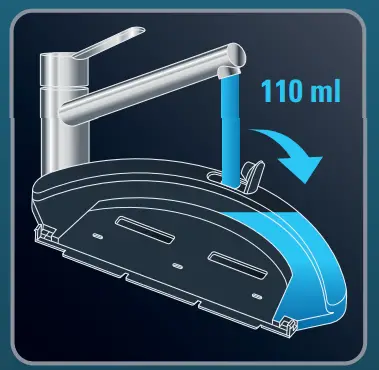
The product is a robotic vacuum cleaner with mop support. It has a water tank that can hold up to 110 ml of water and can be used to moisten the mop. The product comes with a docking station that needs to be plugged in and charged for 6 hours before use. The product also comes with a Quick Start Guide that provides instructions on how to set up the docking station, charge the robot, and use the mop support.
Product Usage Instructions
- Open the water tank of the mop support and fill it with 110ml of water.
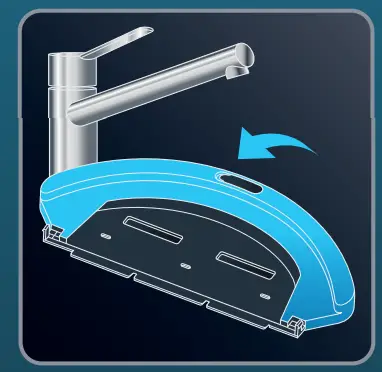
- Close the water tank.
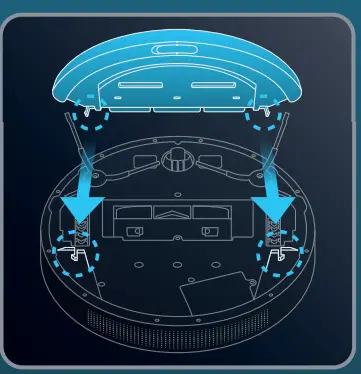
- Clip the mop support in the two holes provided for this purpose.
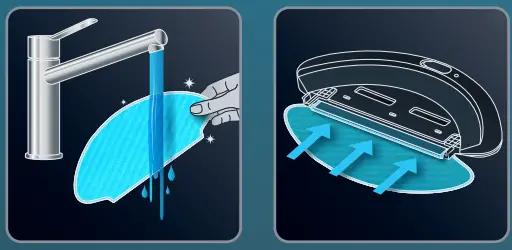
- Moisten the mop with water before use.
- Attach the mop to the water tank.
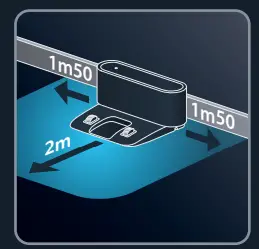
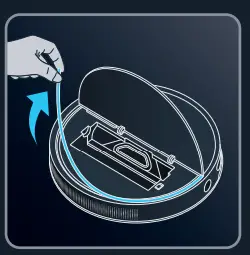
- Choose the location of your docking station and remove the protective strip from the bumper.
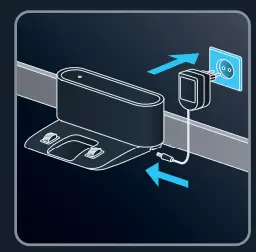
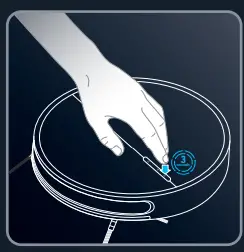
- Plug in your docking station and press the power button for 3 seconds.
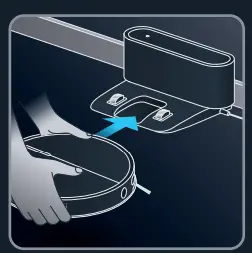
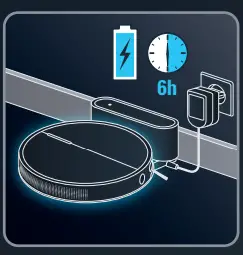
- Position your robot on its docking station and wait 6 hours for the robot to be fully charged.
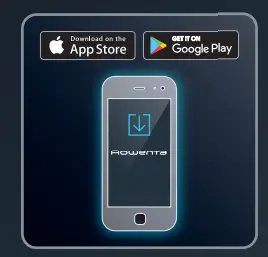
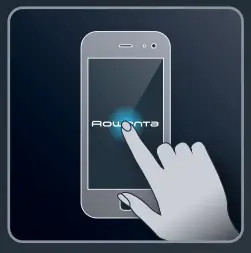
- Download the free app “Rowenta Robots” and follow the instructions in the app to operate your robot.
HOW TO USE
- Choose the location of your docking station

- Remove the protective strip from the bumper.

- Plug your docking station

- Press the power button for 3 seconds.

- Position your robot on its docking station

- Wait 6 hours for the robot to be fully charged.

- Download the «Rowenta Robots» free app (cf. QR code)


- Just let yourself be guided by the instructions in the app to enjoy your robot!


CLEANING
- Moisten the mop with water before use.
- Attach the mop to the water tank.

- Open the water tank of the mop support and fill it with 110ml of water

- Close the water tank.

- Clip the mop support in the two holes provided for this purpose.

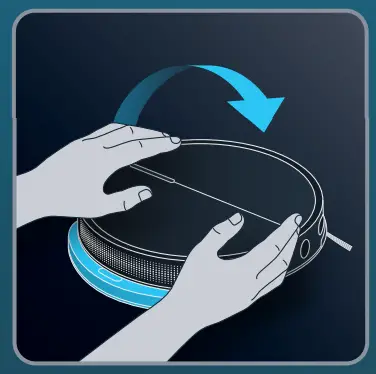
- Turn back your robot.

 Rowenta USA | Garment Steamers, Steam Irons & Humidifiers