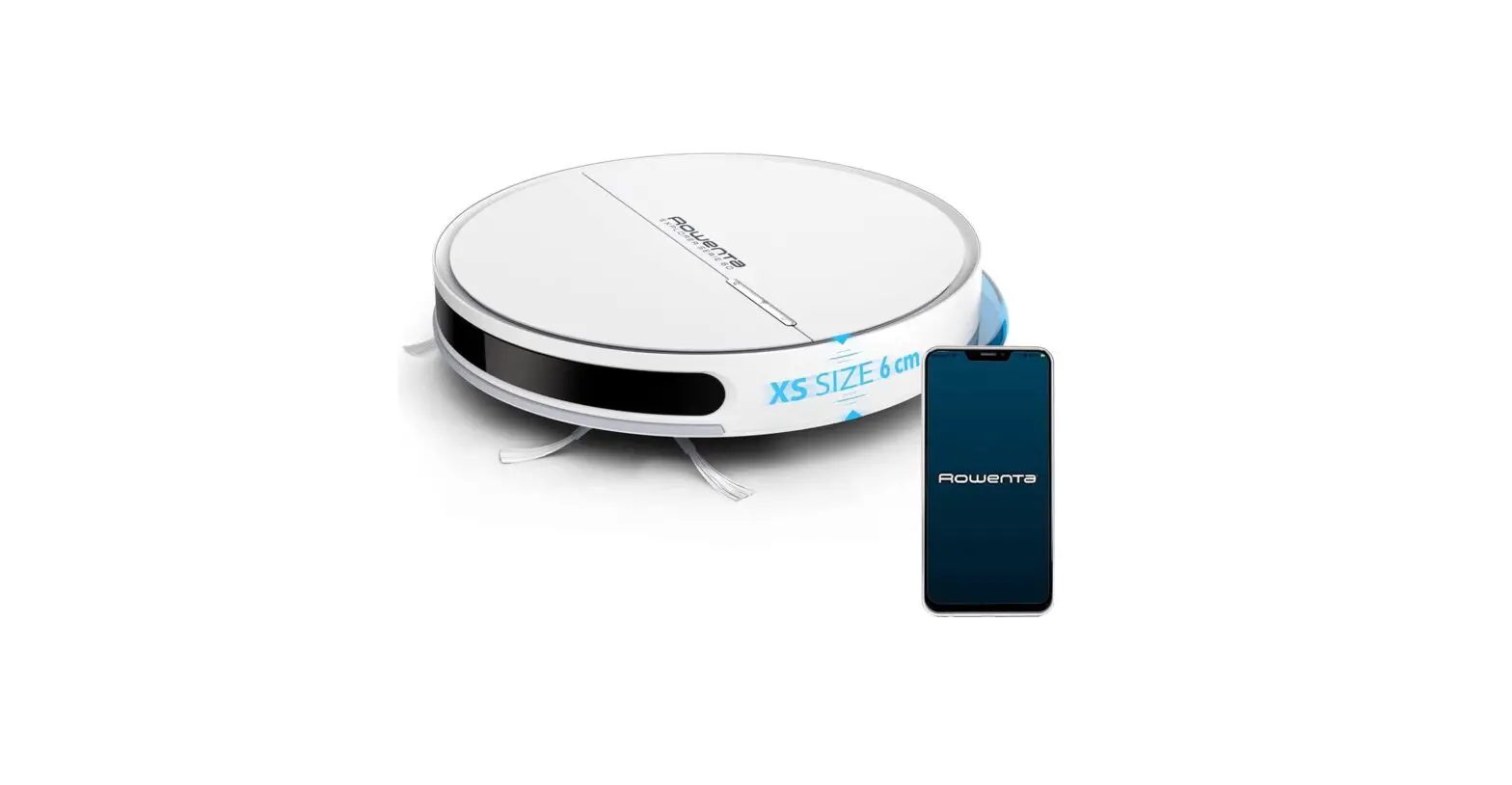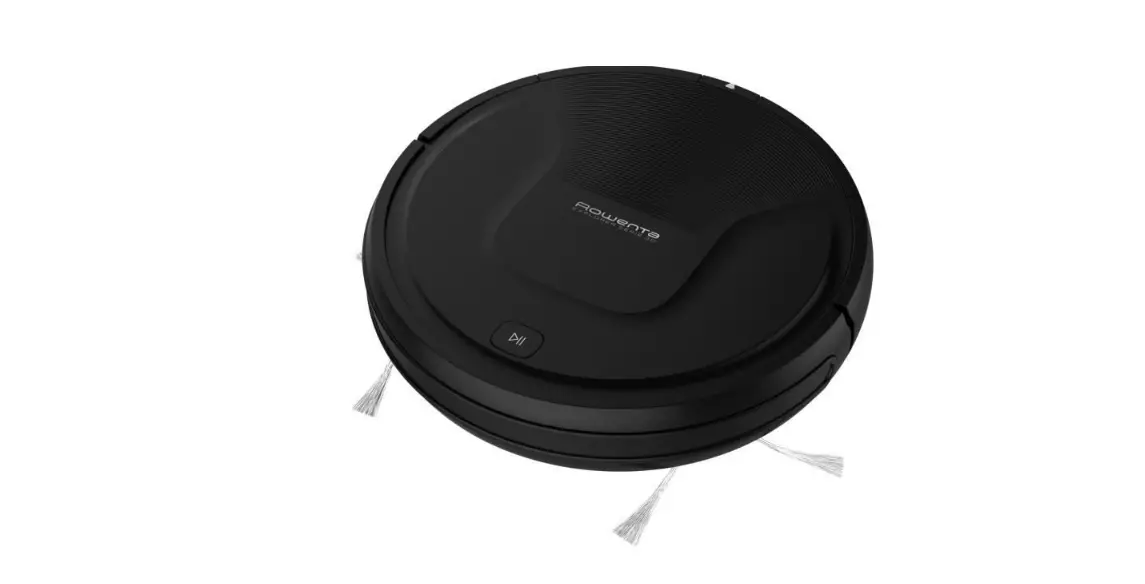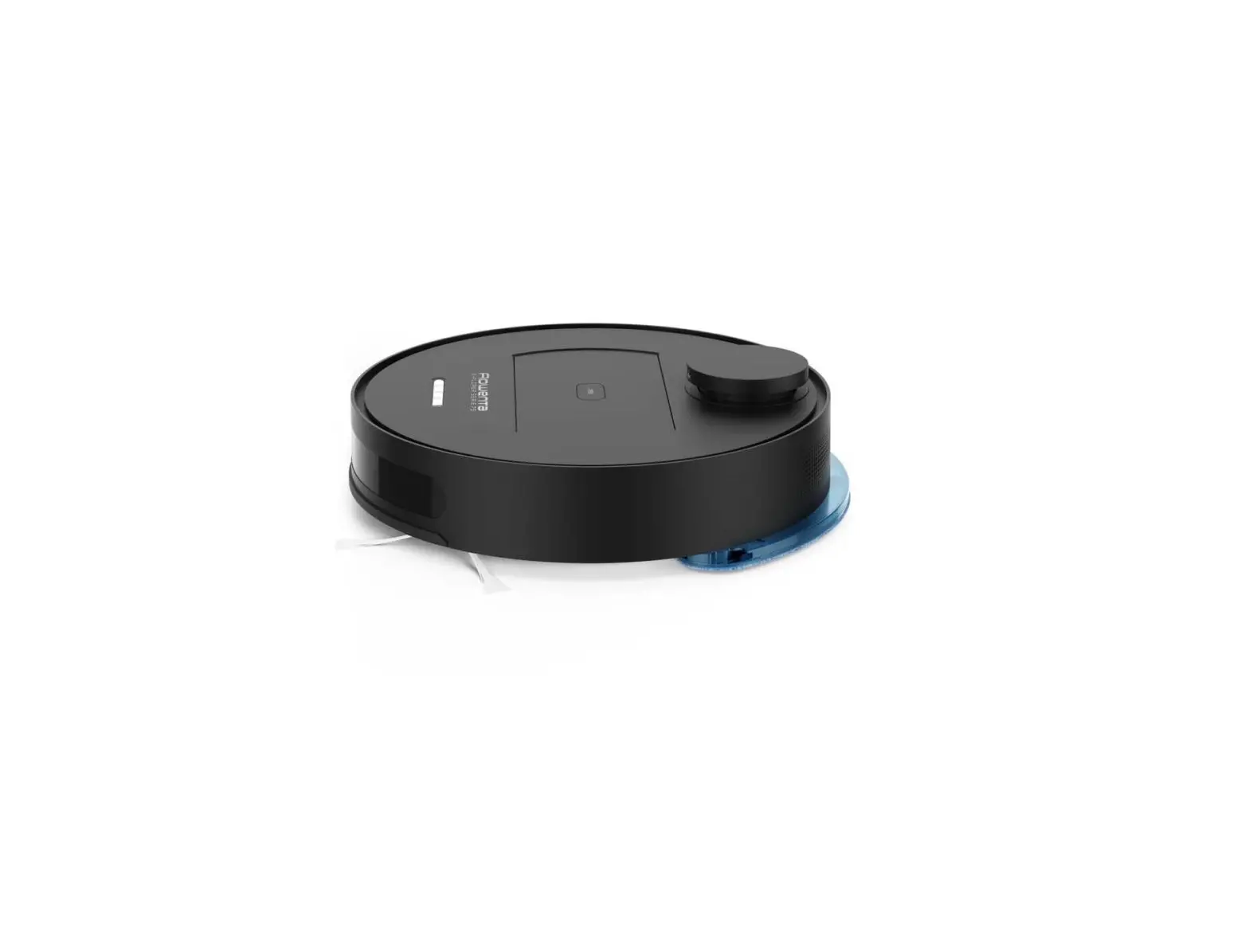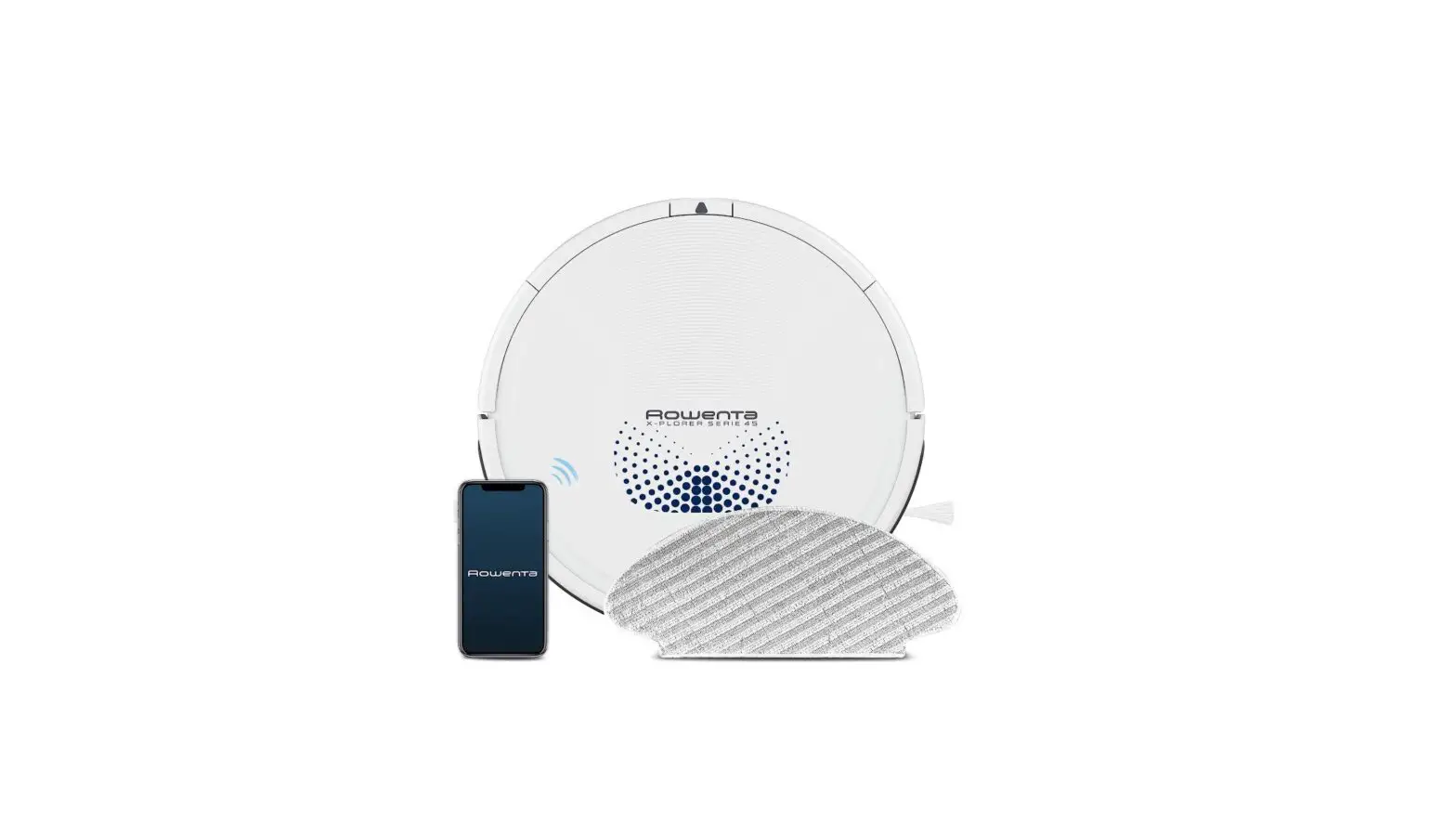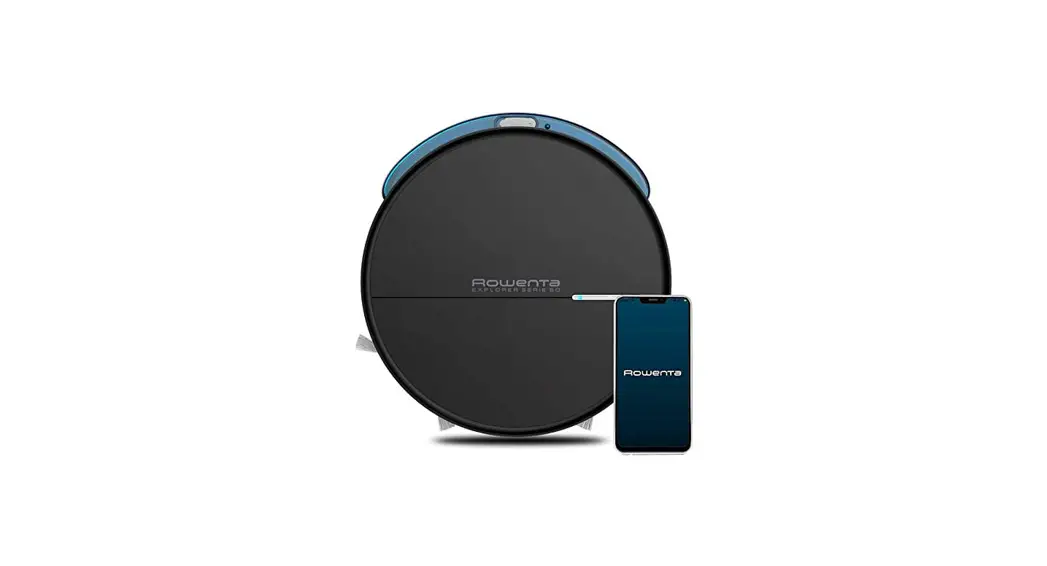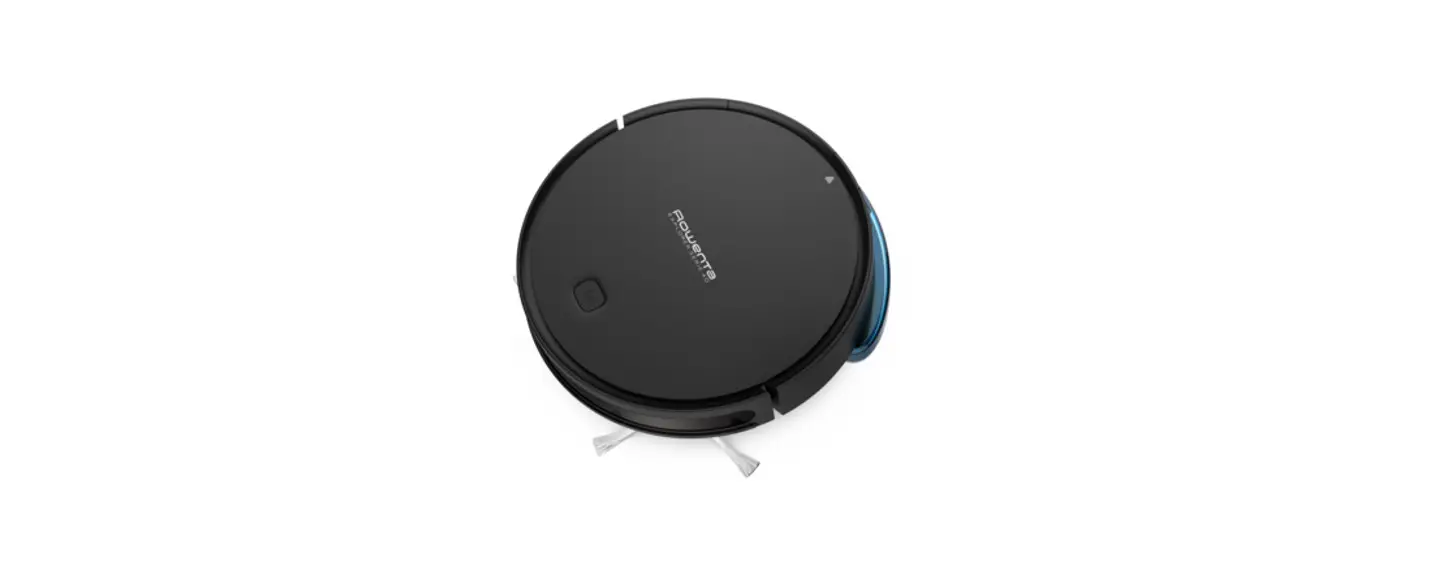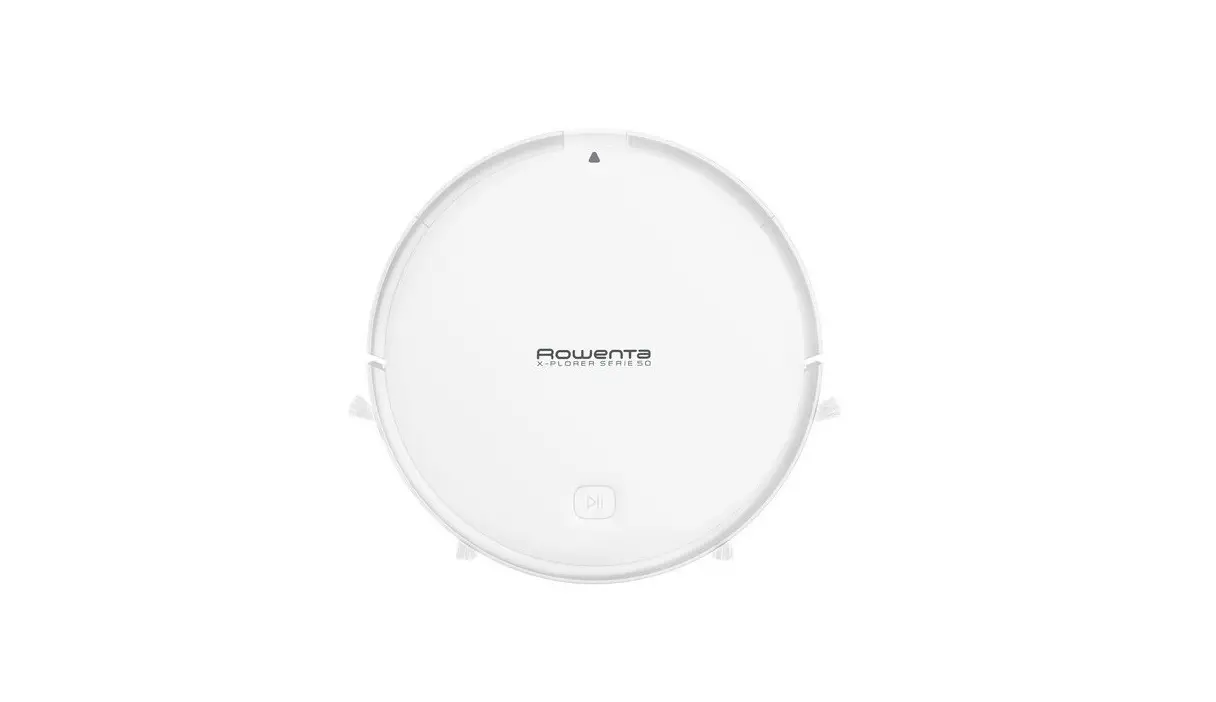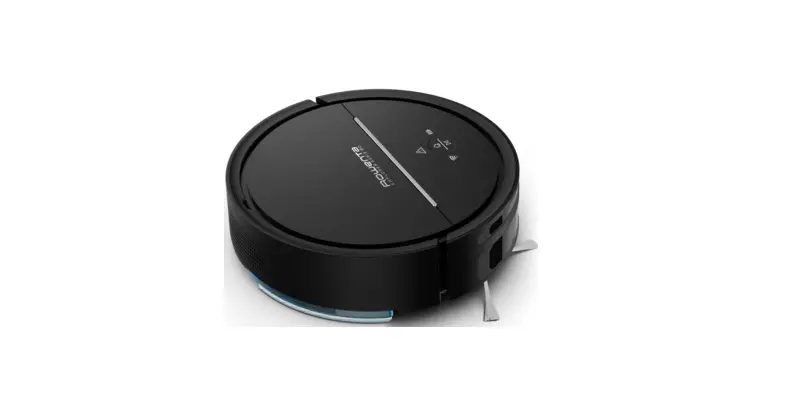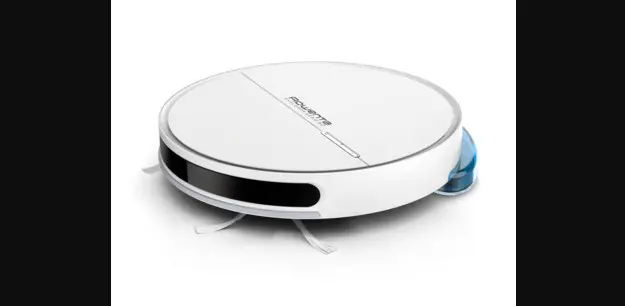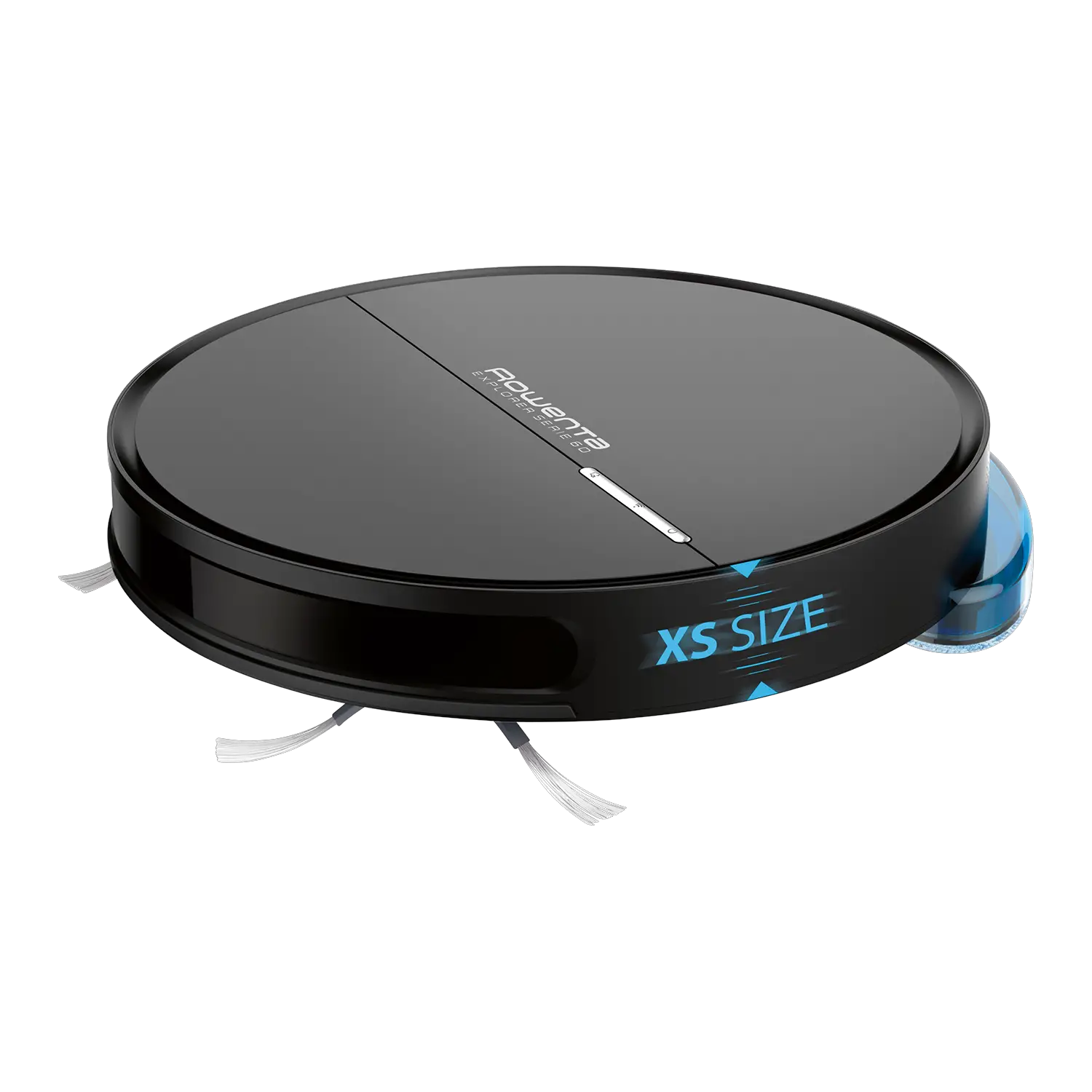

Rowenta 1759688 Explorer Serie 60 Animal Connect Robot Vacuum Cleaner And Floor Mopper User Guide

Rowenta 1759688 Explorer Serie 60 Animal Connect Robot Vacuum Cleaner And Floor Mopper User Guide

Rowenta

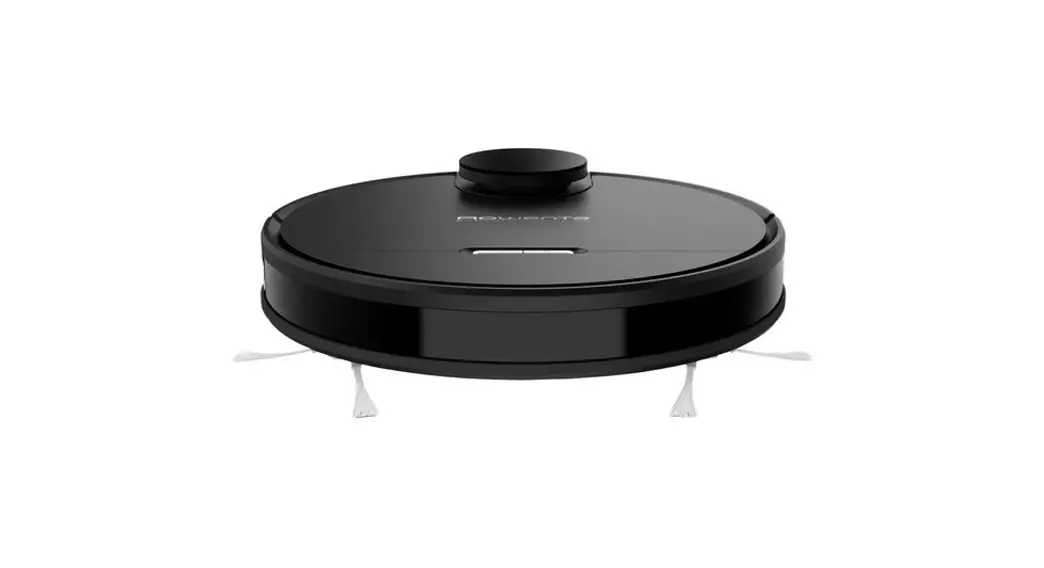
Rowenta 1759688 Explorer Serie 60 Animal Connect Robot Vacuum Cleaner and Floor Mopper
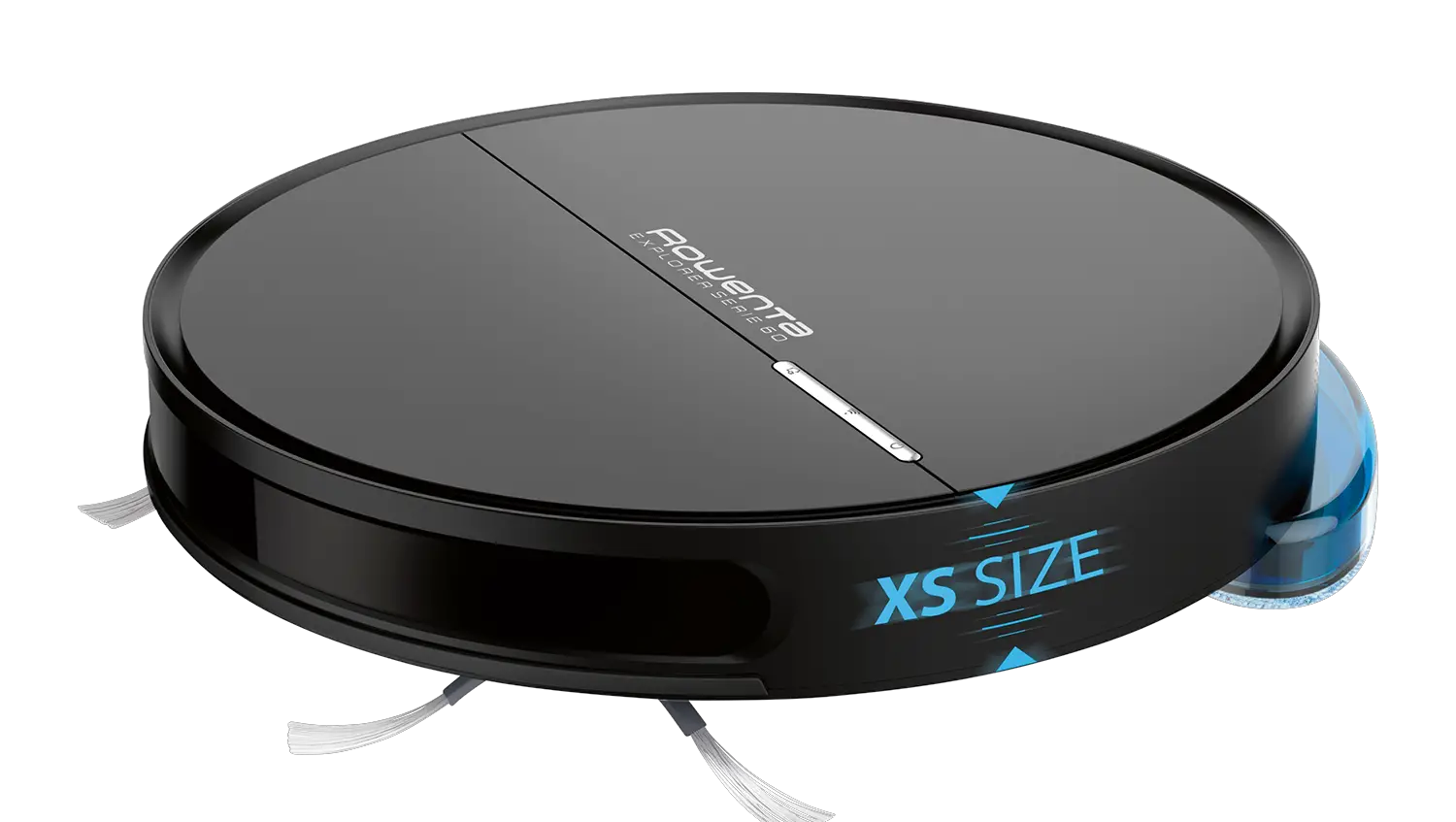
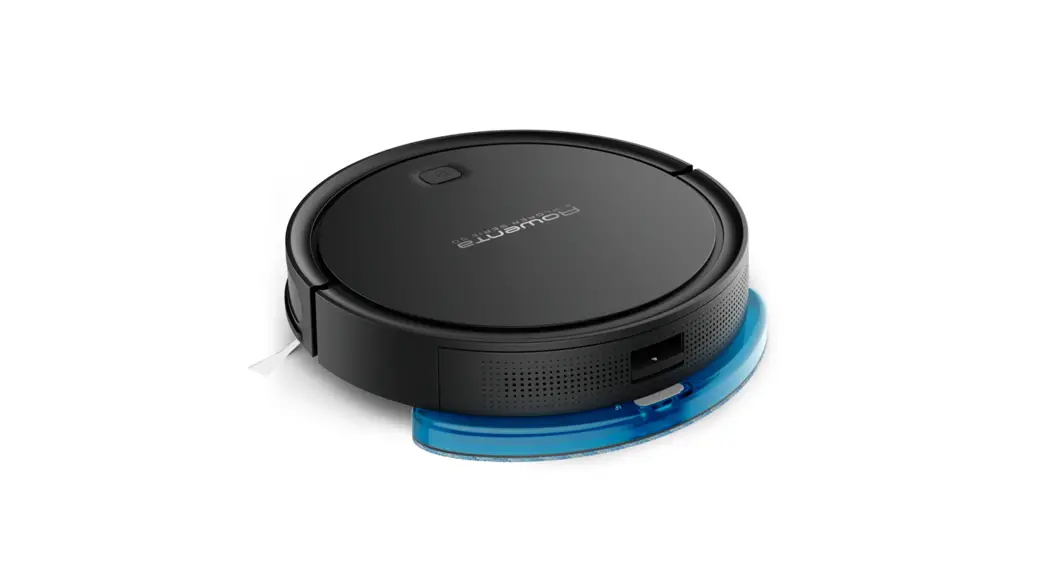
Rowenta 1759688 Explorer Serie 60 Animal Connect Robot Vacuum Cleaner and Floor Mopper featured

QUICK START GUIDE

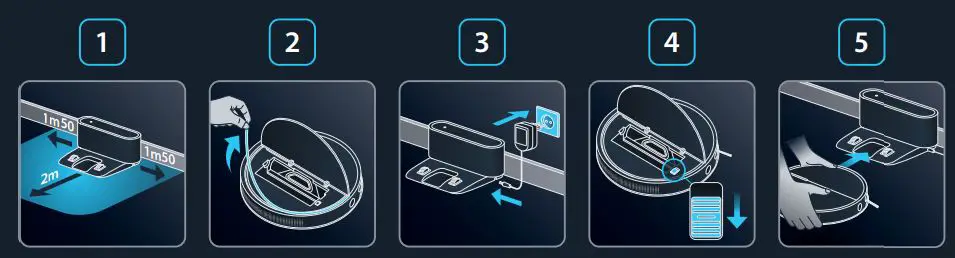
Rowenta 1759688 Explorer Serie 60 Animal Connect Robot Vacuum Cleaner and Floor Mopper fig1

  1. Choose the location of your docking station.
  2. Remove the protective strip from the bumper.
  3. Plug your docking station.
  4. Toggle the on/off switch to “on”.
  5. EN Position your robot on its docking station
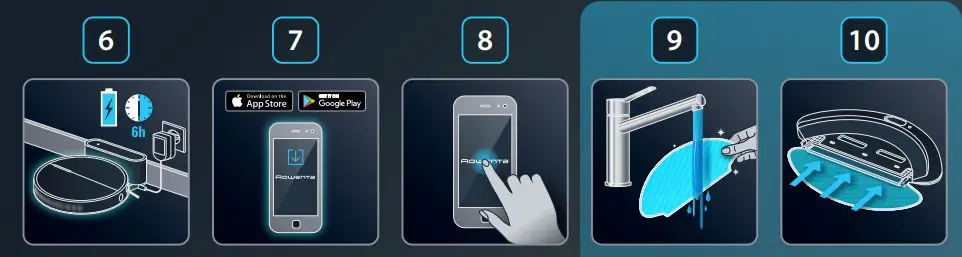
    Rowenta 1759688 Explorer Serie 60 Animal Connect Robot Vacuum Cleaner and Floor Mopper fig2
  6. Wait 6 hours for the robot to be fully charged.
  7. Download the «Rowenta Robots» free app (cf. QR code)
  8. Just let you guidedby the instructions in the app to enjoy your robot!
  9. Moisten the mop with water before use.
  10. Attach the mop to the water tank.
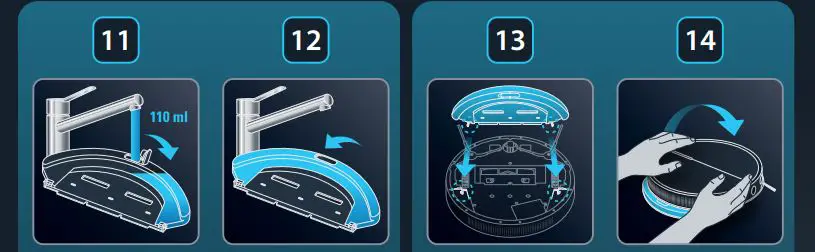
    Rowenta 1759688 Explorer Serie 60 Animal Connect Robot Vacuum Cleaner and Floor Mopper fig3
  11. Open the water tank of the mop support and fill it with 110ml of water.
  12. lose the water tank.
  13. Clip the mop support in the two holes provided for this purpose.
  14. Turn back your robot.
www.rowenta.com

Documents / Resouces

Download manual
Here you can download full pdf version of manual, it may contain additional safety instructions, warranty information, FCC rules, etc.


Related Manuals