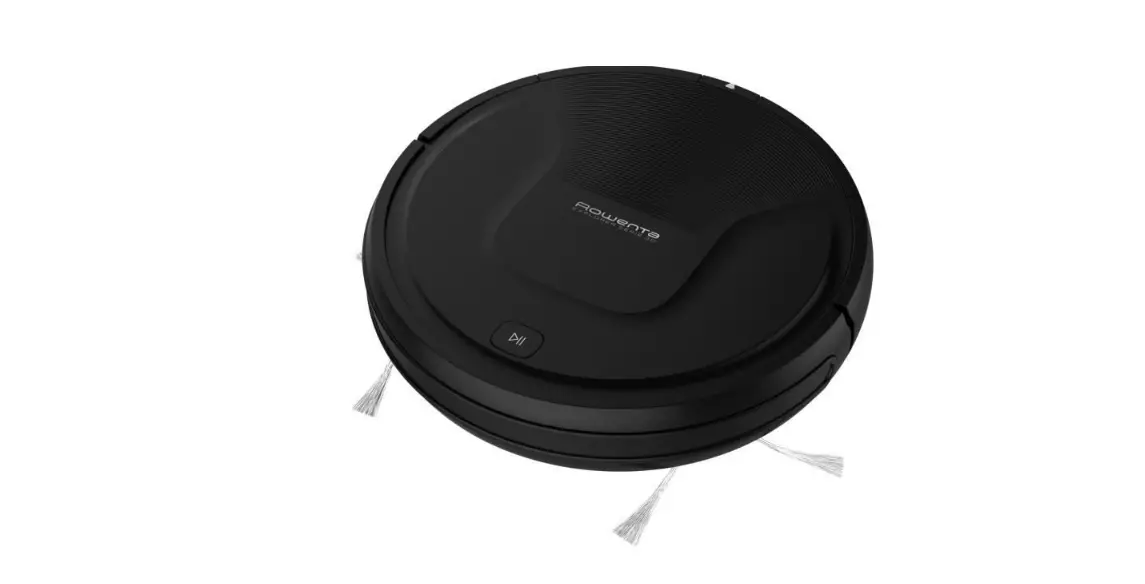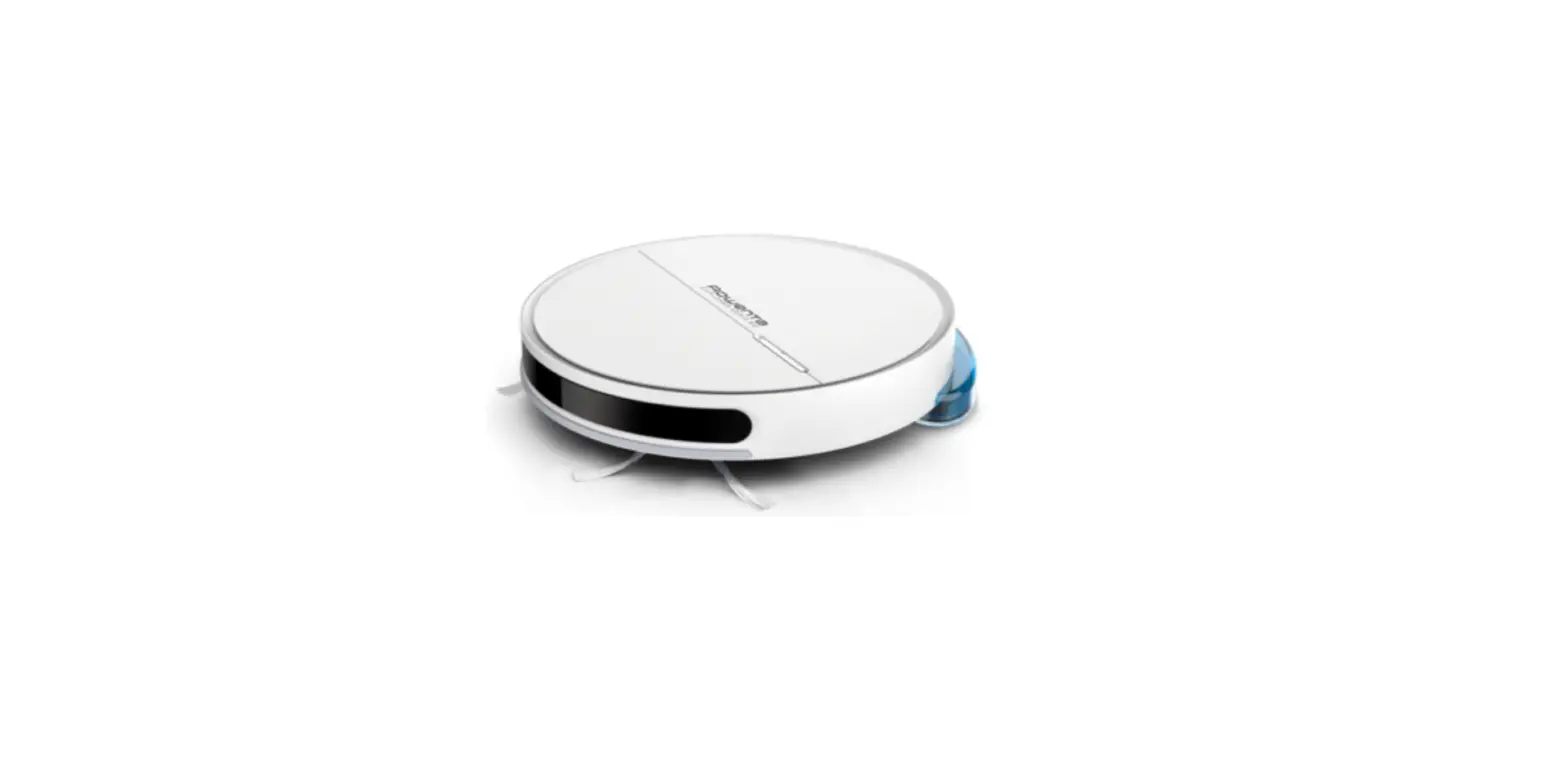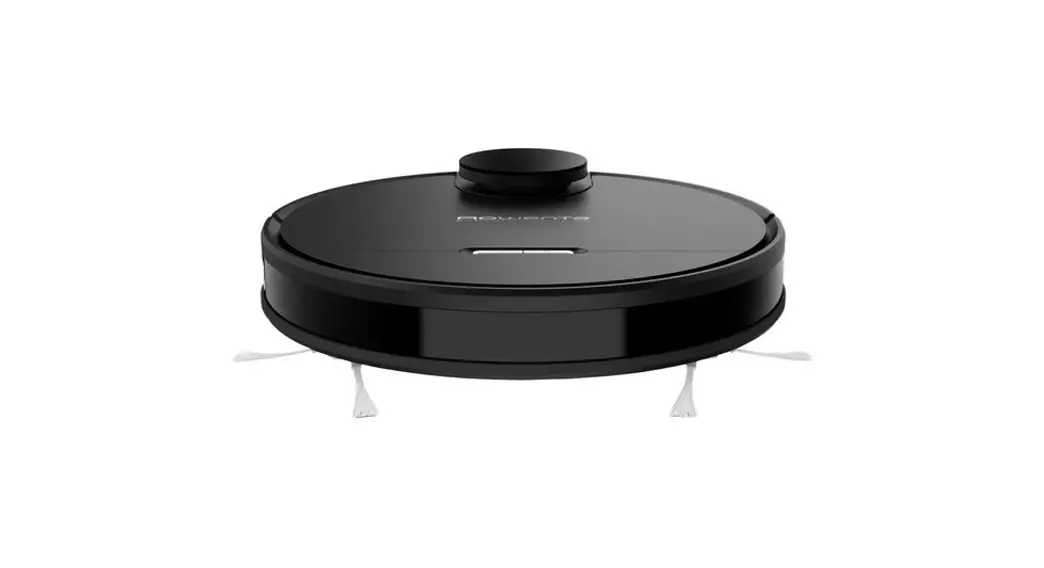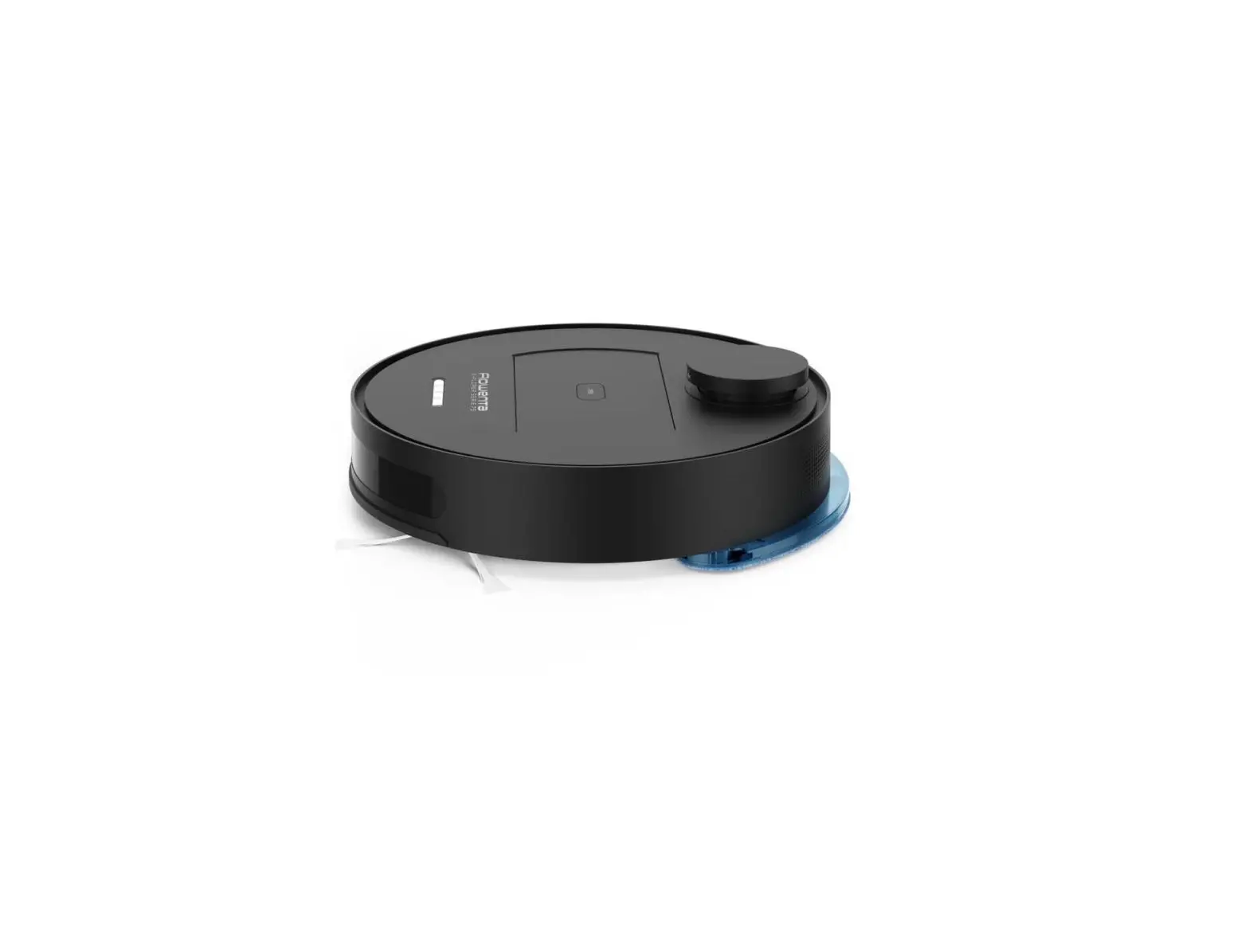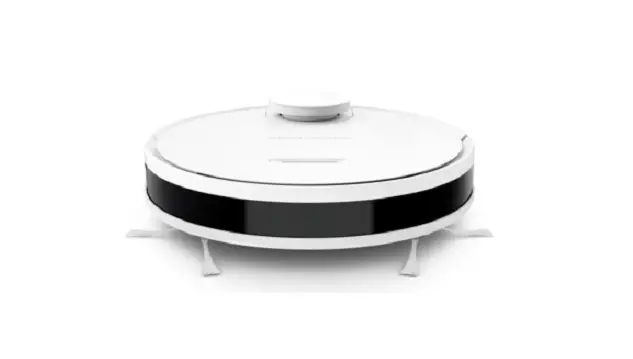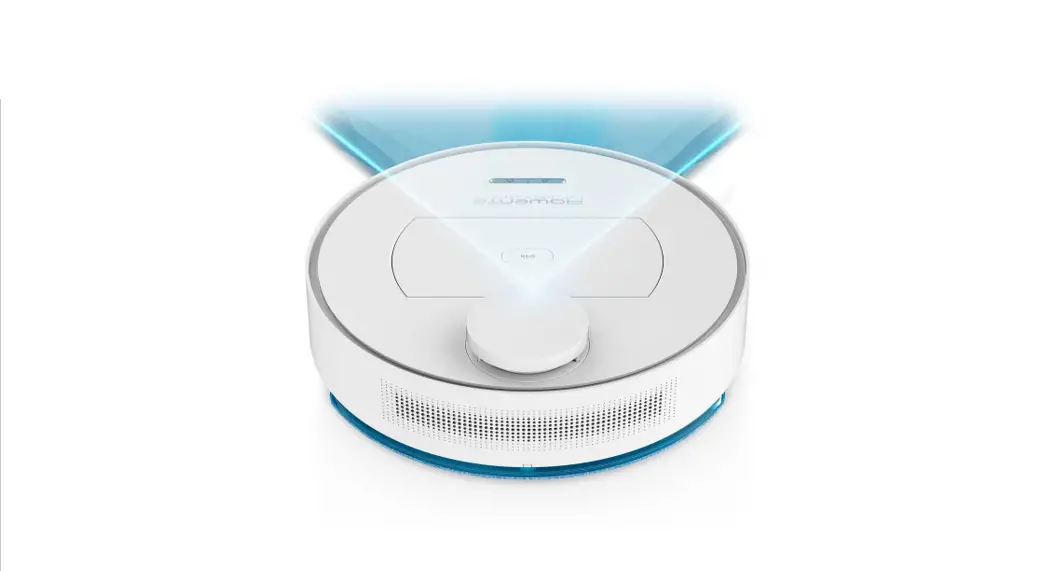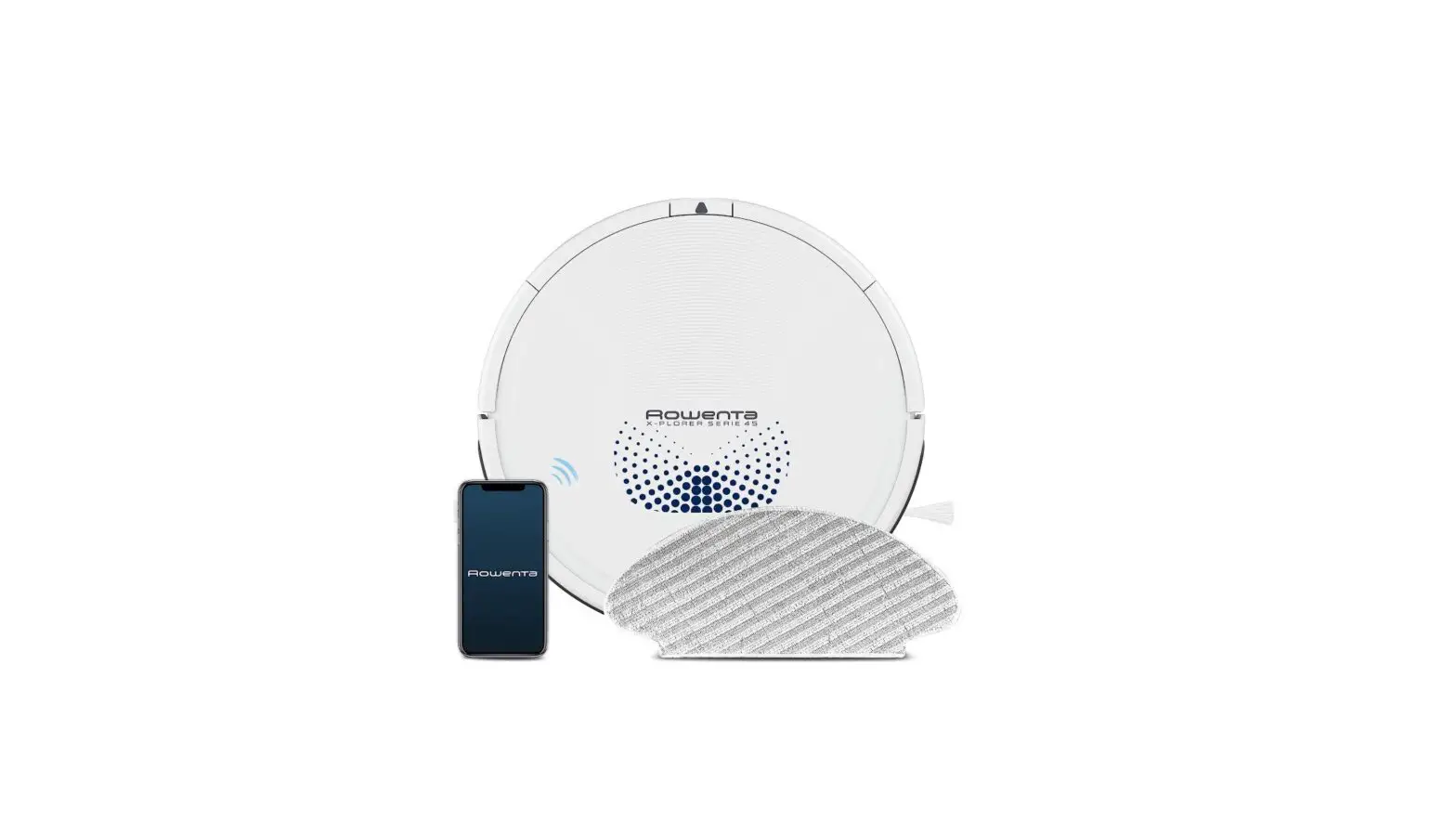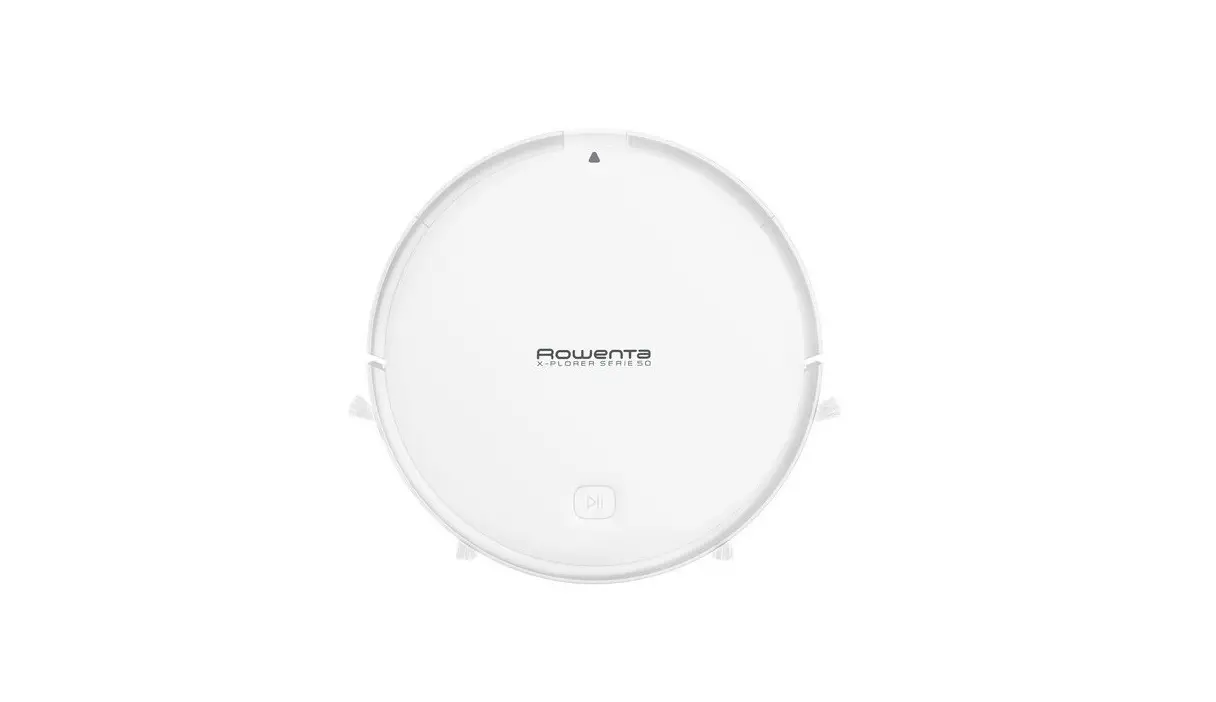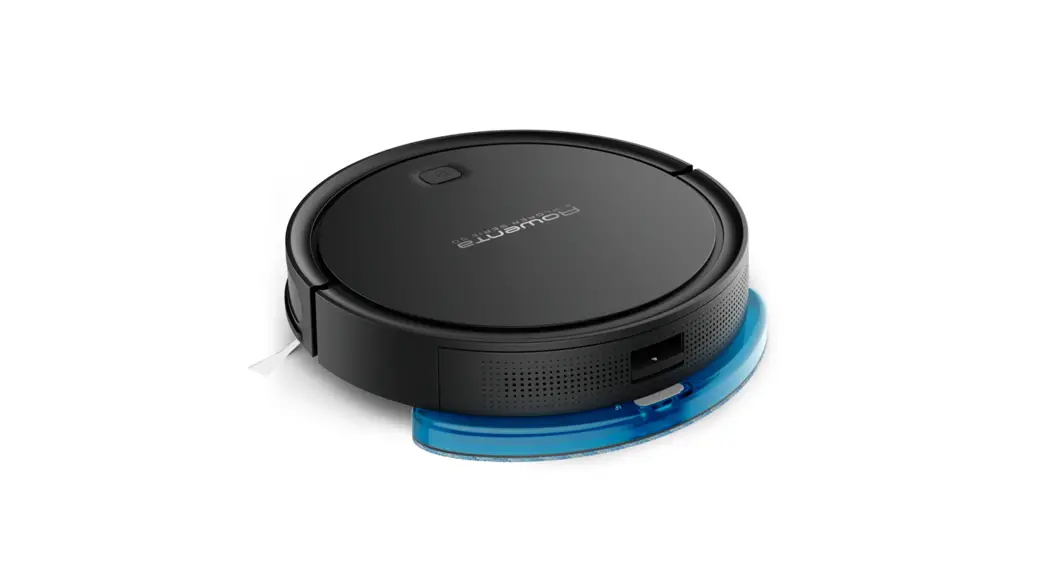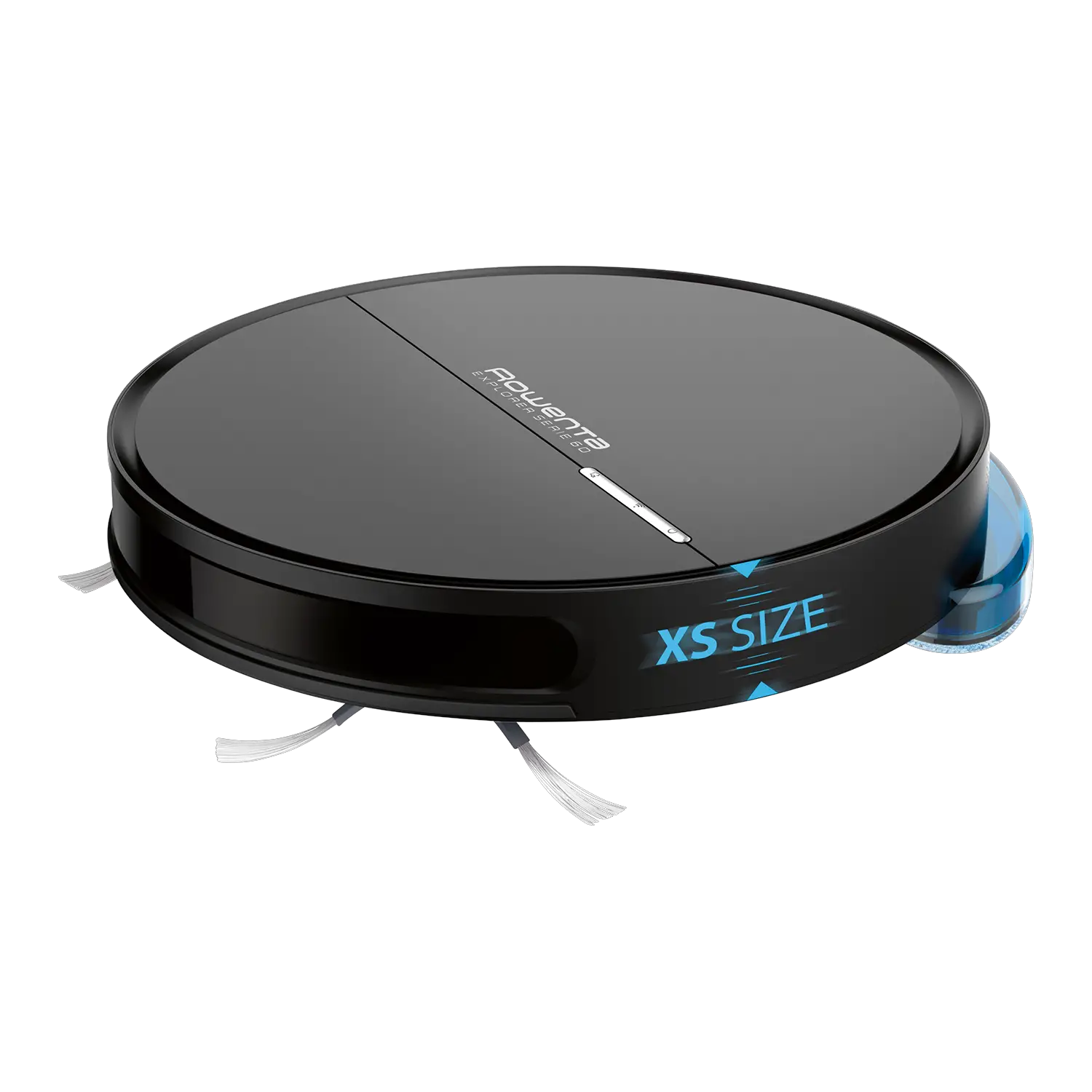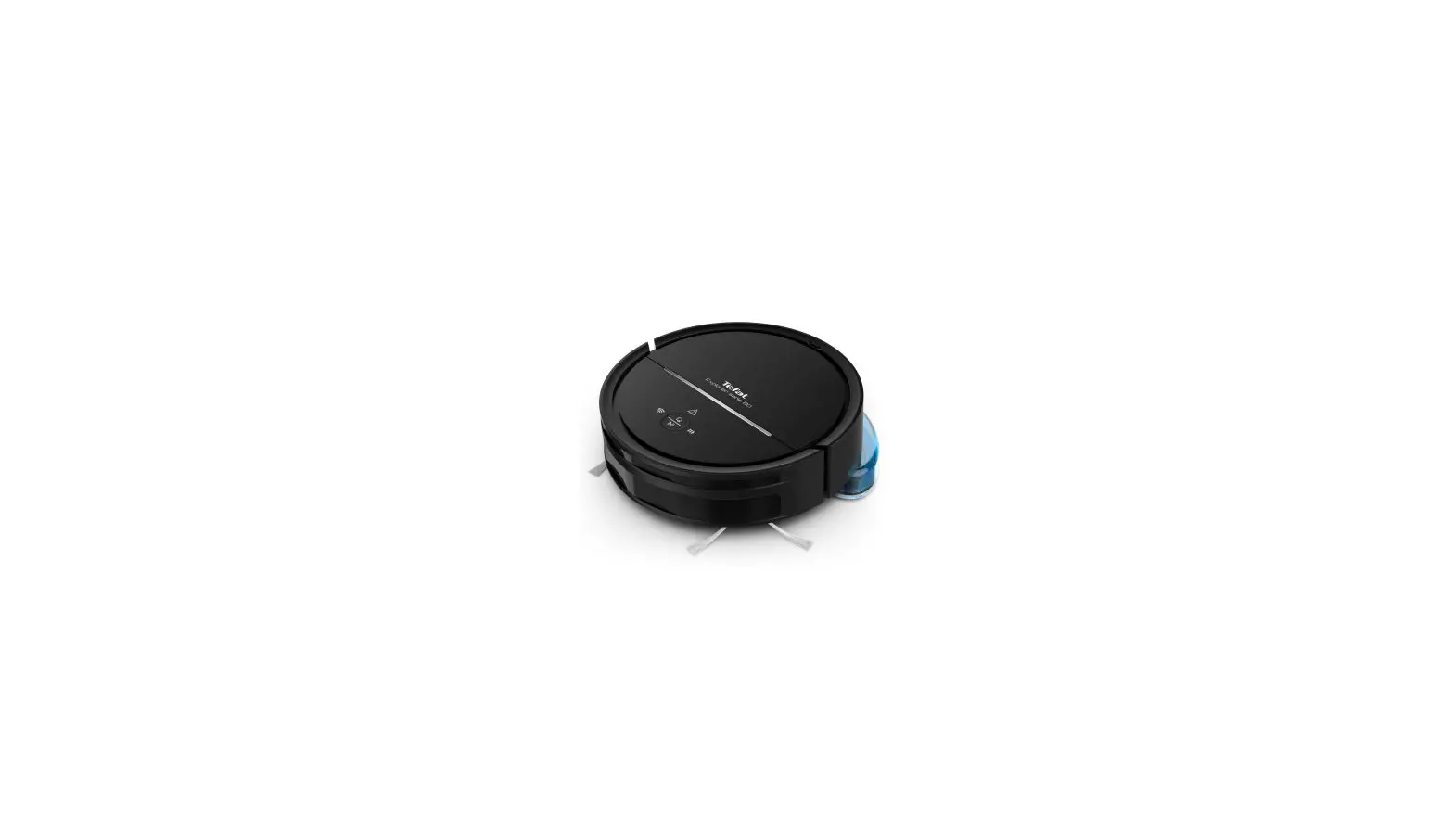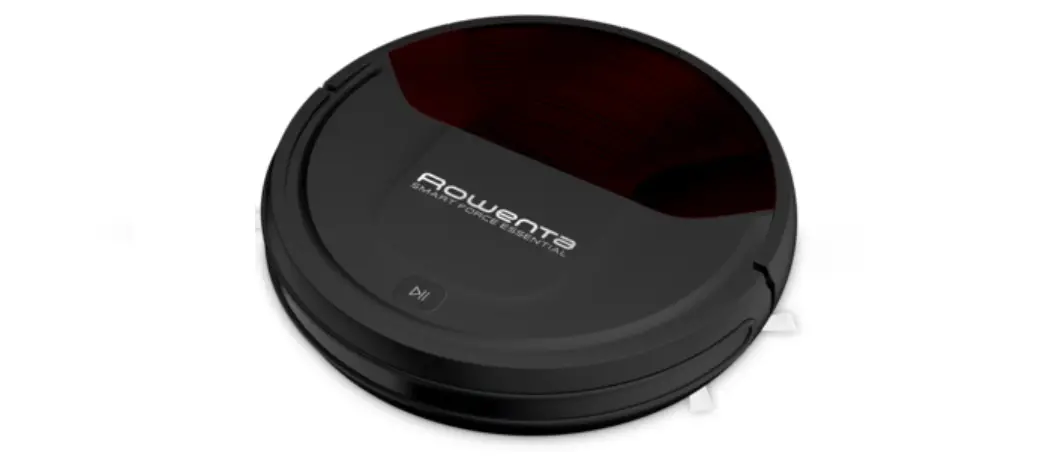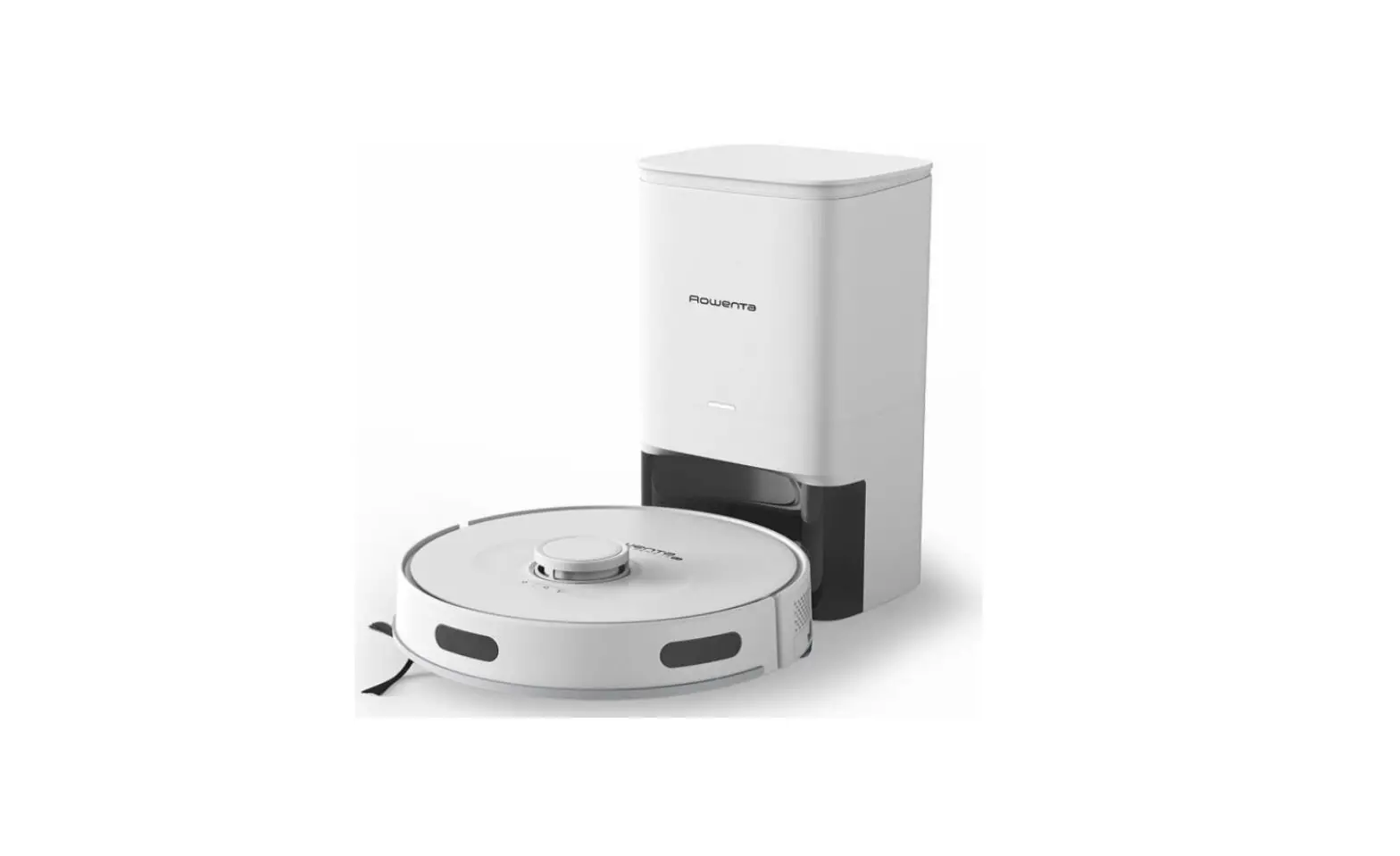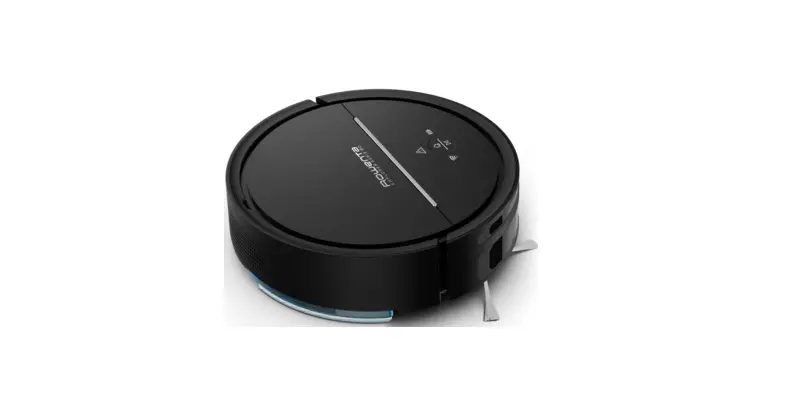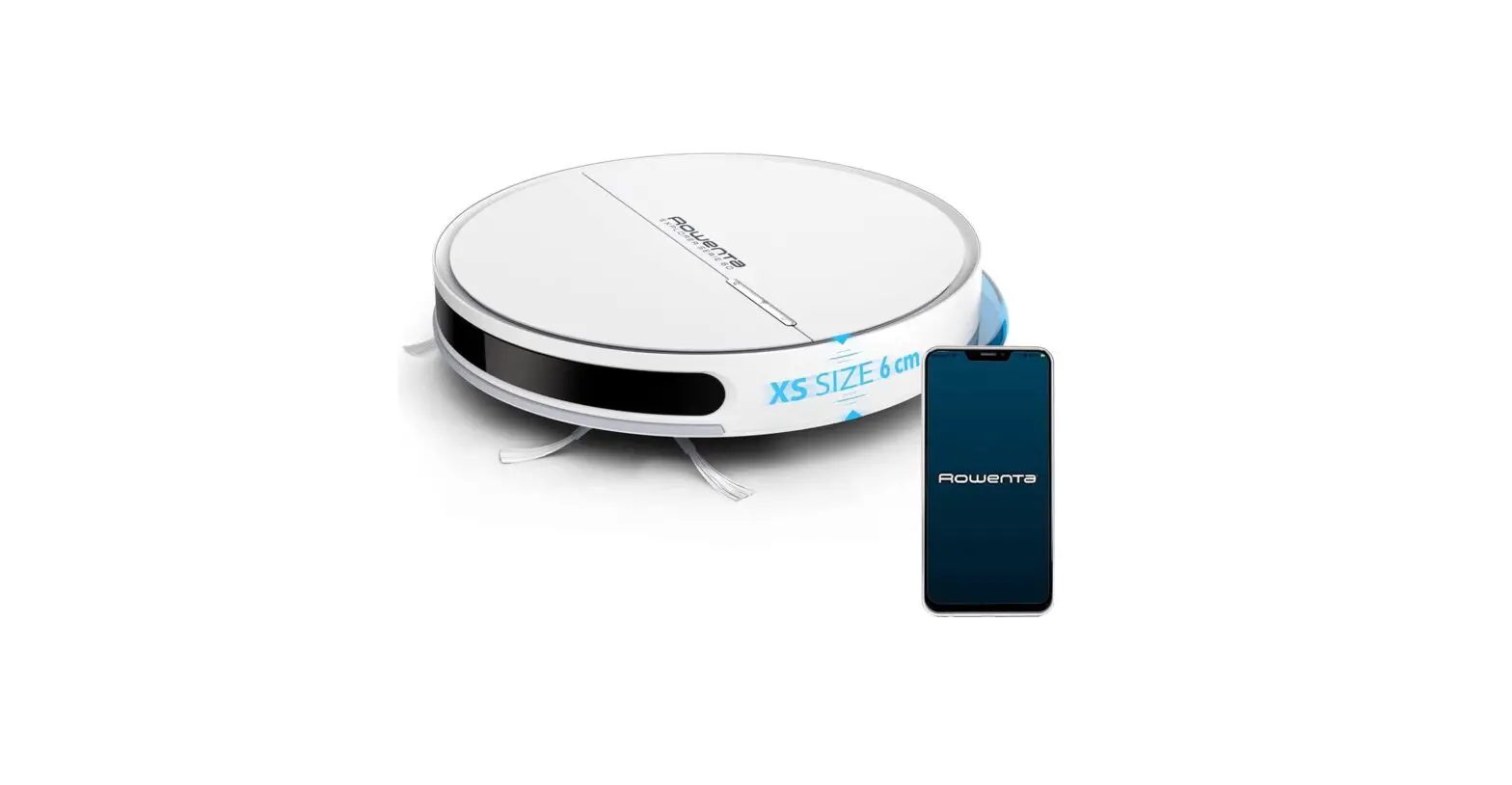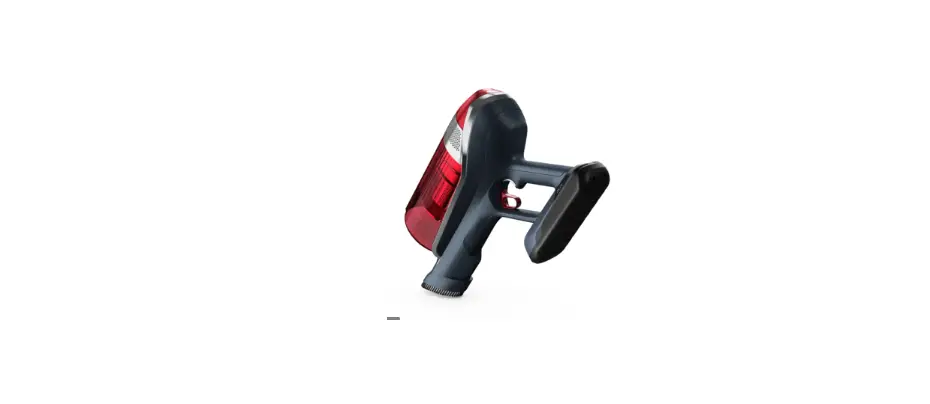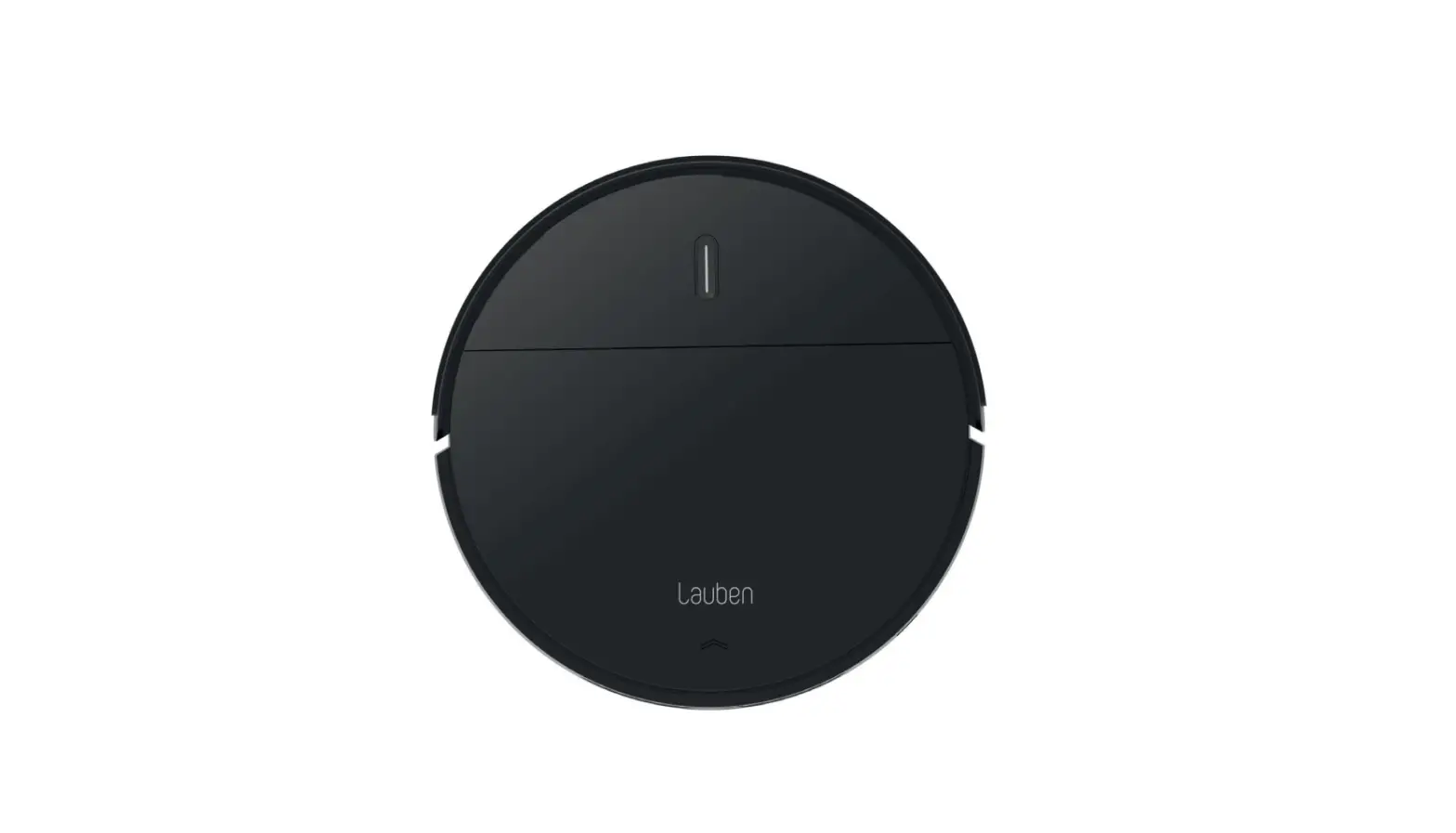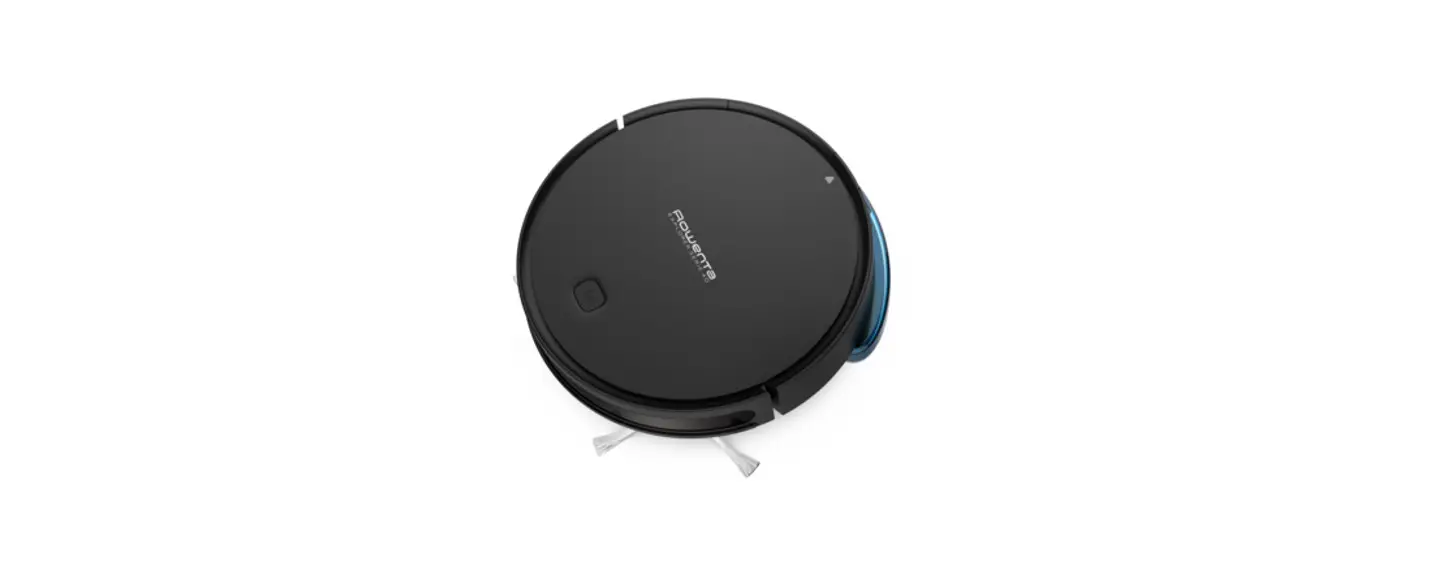
 X-PLORER Serie 40 Animal Care Robot Vacuum Cleaner
and Wash Hard Floor
User Guide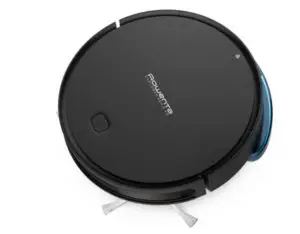
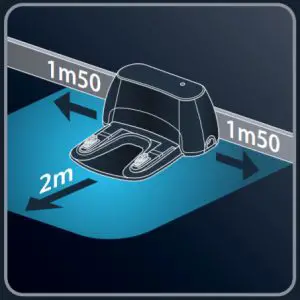 | 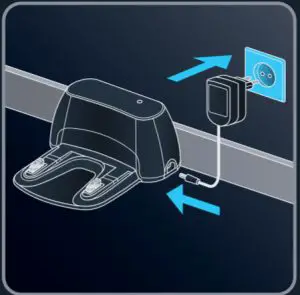 |
| Choose the location of your docking station. | Plug your docking station. |
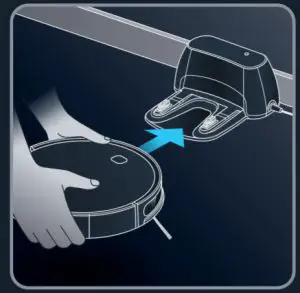 | 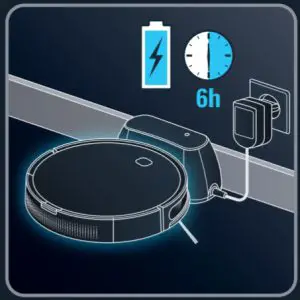 |
| Position your robot on its docking station until the button is flashing red. | Wait 6 hours for the robot to be fully charged. |
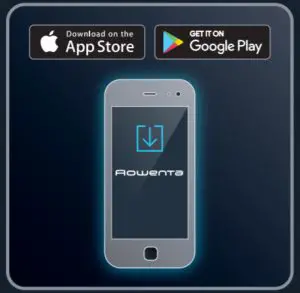 | 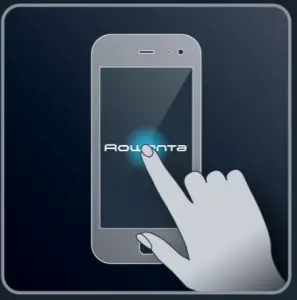 |
| Download the «Rowenta Robots» free app (cf. QR code) | Just let you guided by the instructions in the app to enjoy your robot! |
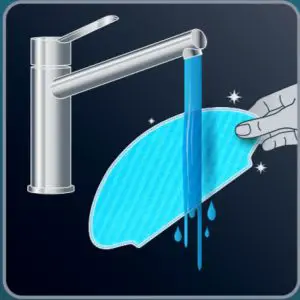 | 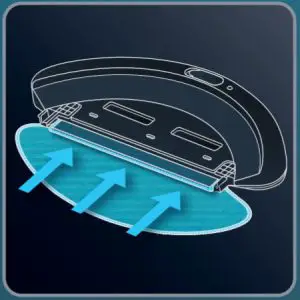 |
| Moisten the mop with water before use. | Attach the mop to the water tank. |
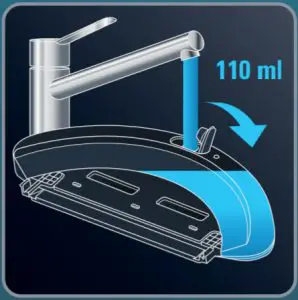 | 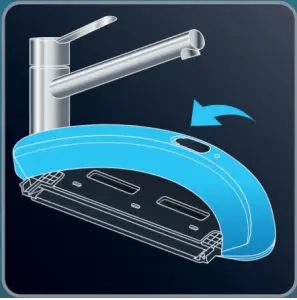 |
| Open the water tank of the mop support and fill it with 110ml of water. | Close the water tank. |
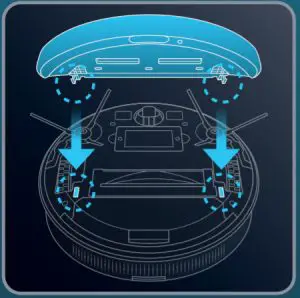 | 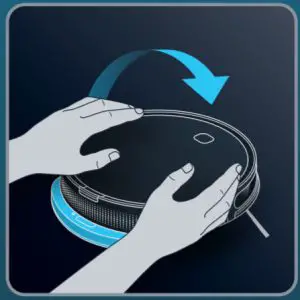 |
| Clip the mop support in the two holes provided for this purpose. | Turn back your robot. |