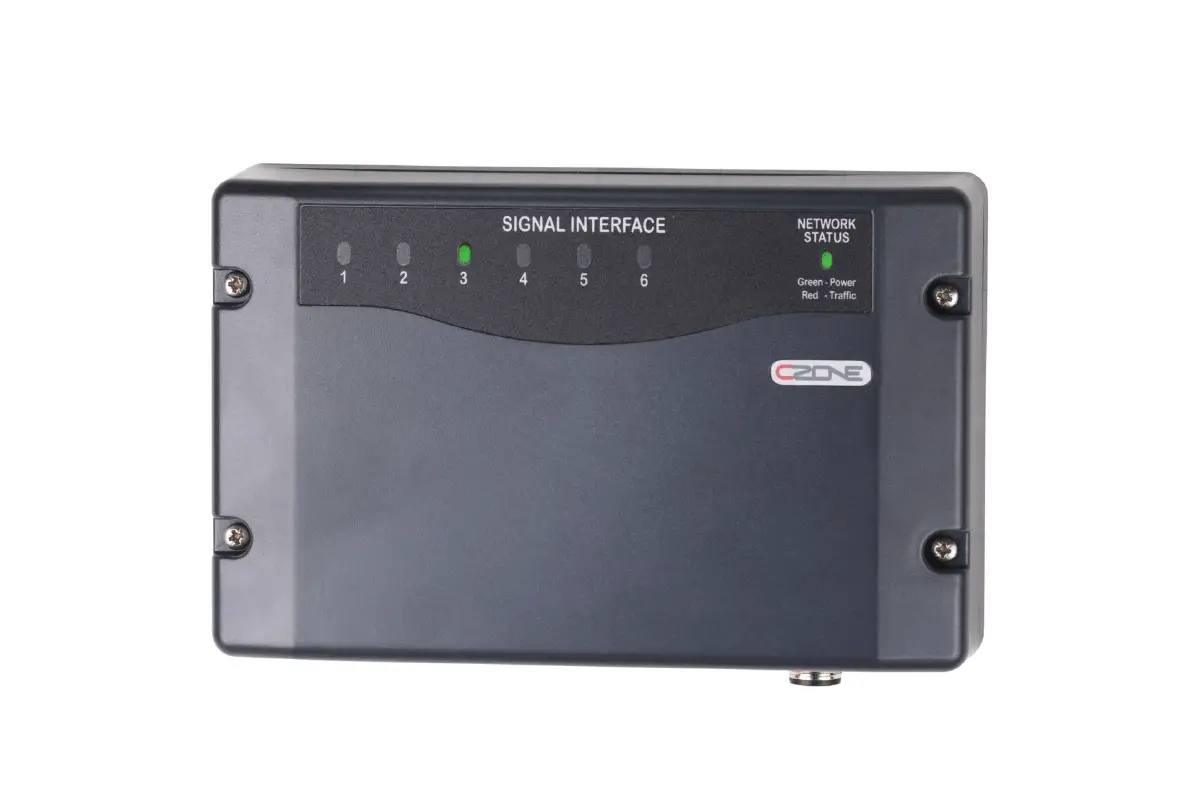
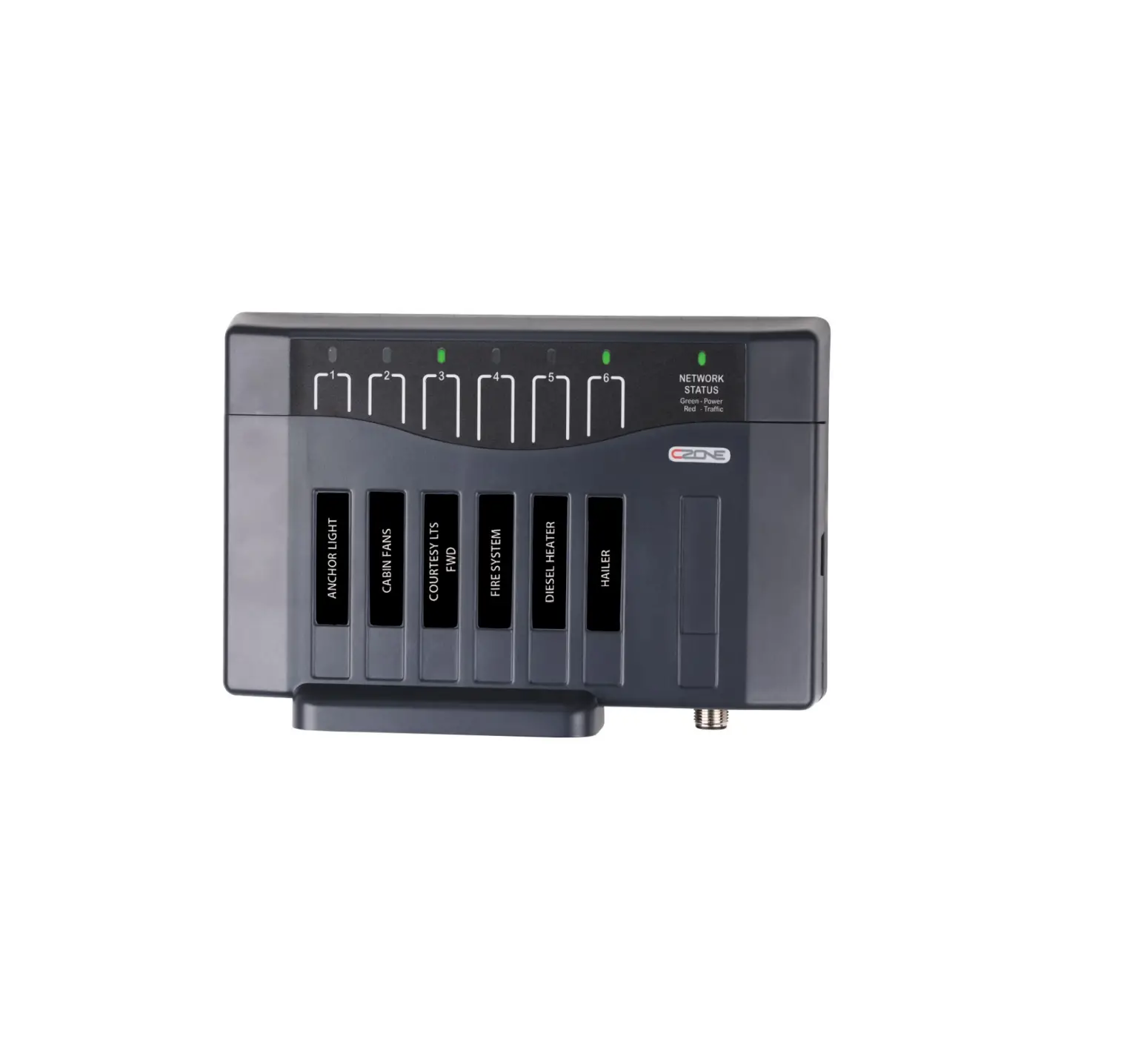
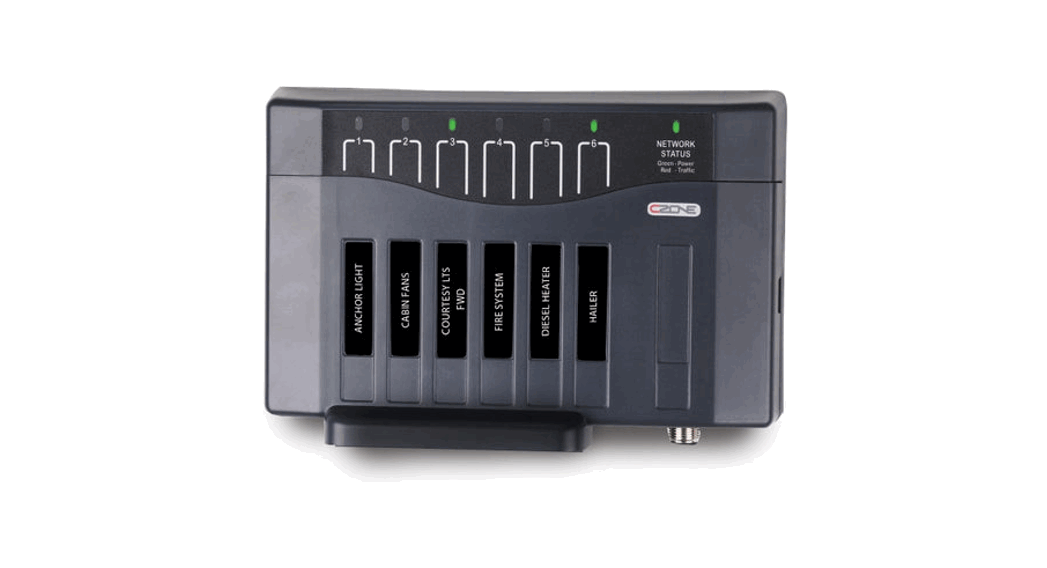
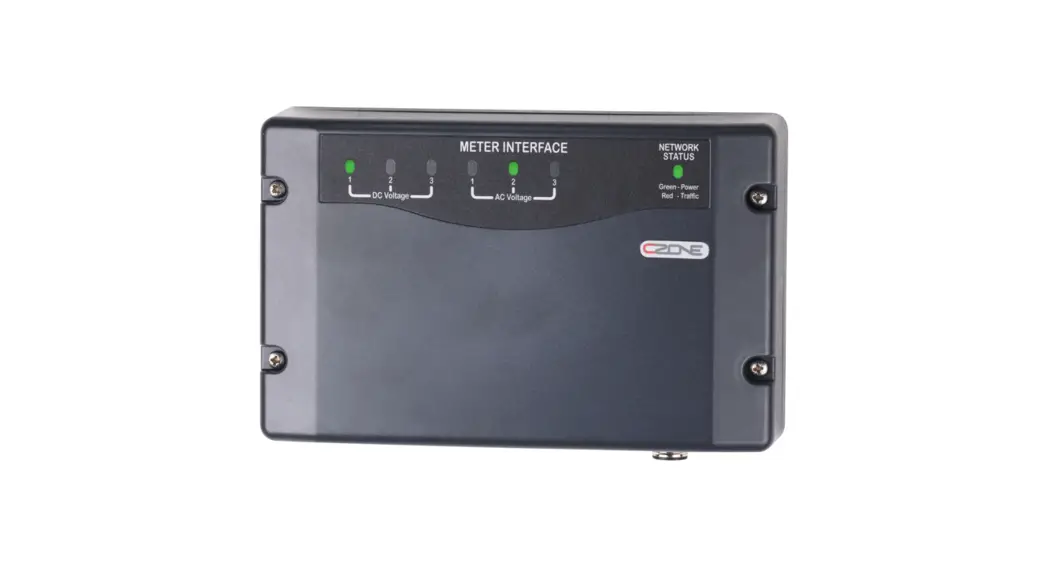
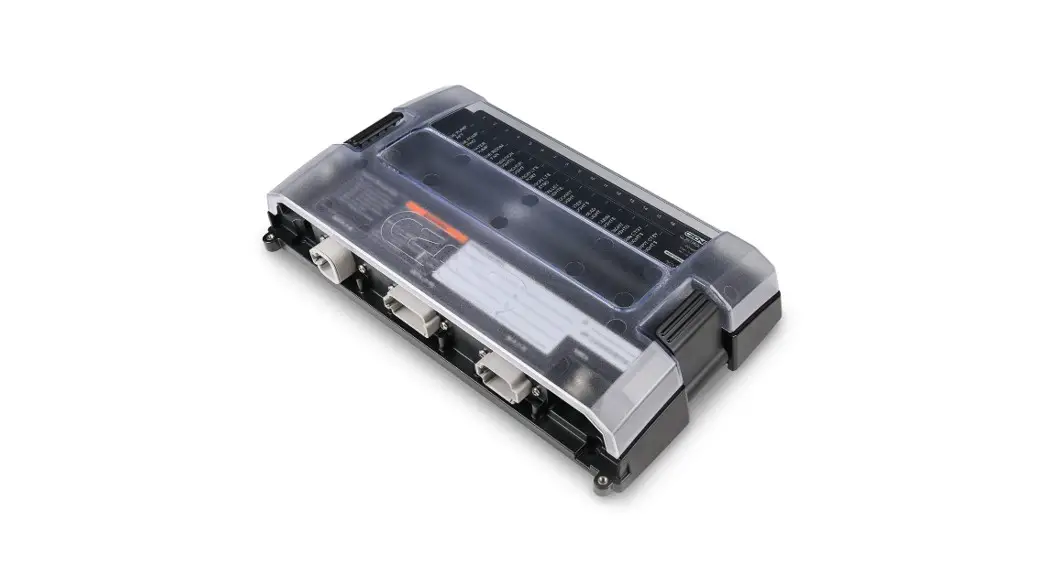
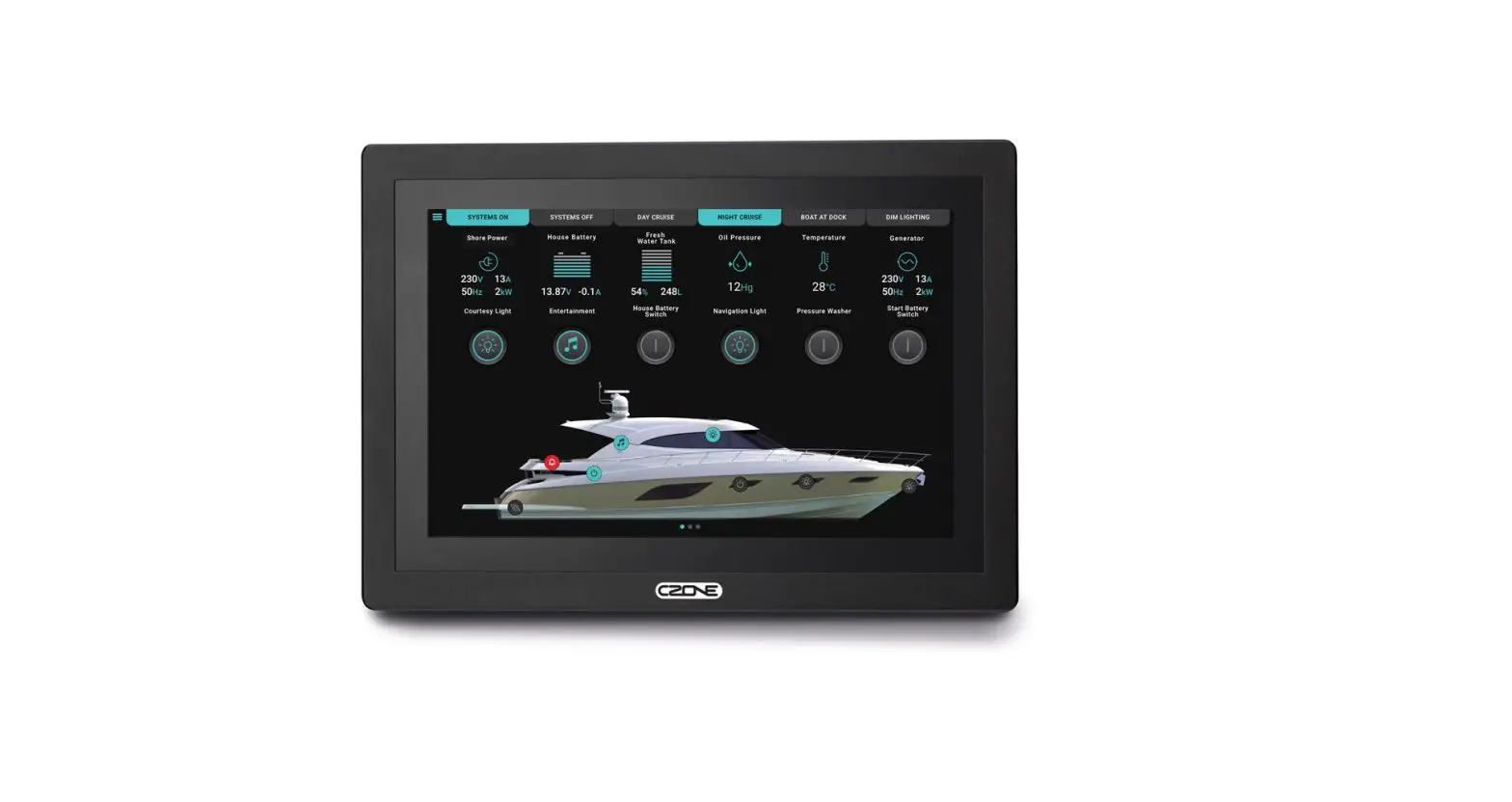
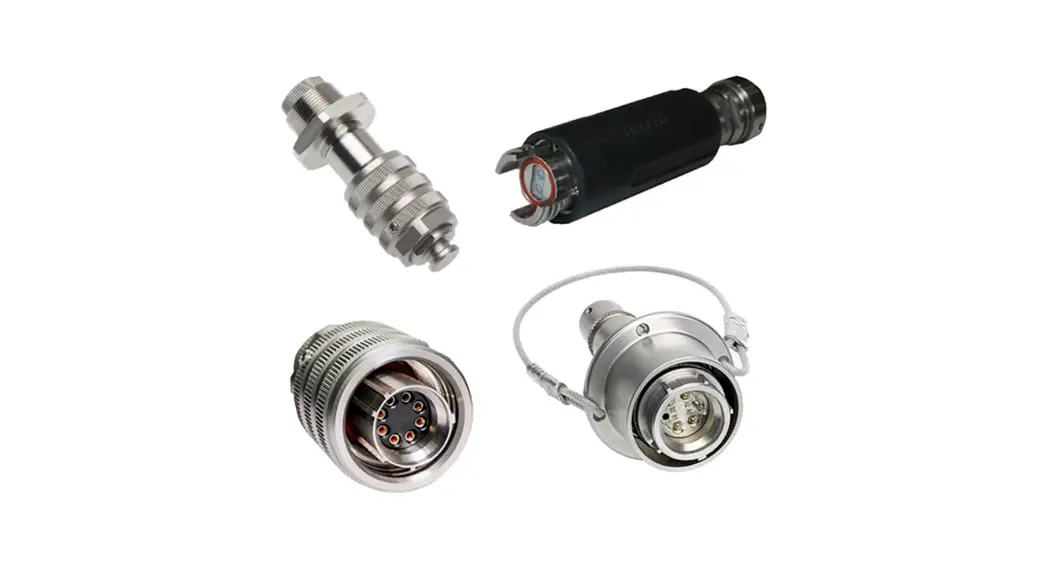
80-911-0119-00 Combination Output Interface with Connectors
Product Information: Product Name: COI (Combination Output
Interface) Version: V1.3 Copyright: This document is copyright 2016
under the Creative Commons agreement. Rights are granted to
research and reproduce elements of this document for non-commercial
purposes on the condition that BEP is credited as the source.
Electronic re-distribution of the document in any format is
restricted, to maintain quality and version control. Table of
Contents: 1. General Information 2. Safety and Installation
Precautions 3. Overview 4. Installation 5. Specifications
General Information: – Use of this manual: It is obligatory
that every person who works on or with the COI is completely
familiar with the contents of this manual, and that he/she
carefully follows the instructions contained herein. – Guarantee
Specifications: BEP Marine guarantees that this unit has been built
according to the legally applicable standards and specifications.
Should work take place which is not in accordance with the
guidelines, instructions, and specifications contained in this
Installation manual, then damage may occur, and/or the unit may not
fulfill its specifications. – Quality: During their production and
prior to their delivery, all of our units are extensively tested
and inspected. The standard guarantee period is two years. –
Validity Of This Manual: All of the specifications, provisions, and
instructions contained in this manual apply solely to standard
versions of the Combined Output Interface delivered by BEP Marine.
– Liability: BEP can accept no liability for important technical
information required for service and maintenance that can be
derived from the type number plate. – Changes To The Combined
Output Interface: Changes to the COI may be carried out only after
obtaining the written permission of BEP. Safety and Installation
Precautions: – Warnings And Symbols: The manual provides
warnings and symbols to ensure safe installation and usage of the
COI. – Use For Intended Purpose: The COI should be used only for
its intended purpose. – Organizational Measures: Proper
organizational measures should be taken while installing and
working on the COI. – Maintenance And Repair: Maintenance and
repair of the COI should be carried out only by qualified,
authorized, and trained personnel, consistent with locally
applicable standards and safety guidelines. – General Safety and
Installation Precautions: The manual provides general safety
guidelines and installation precautions to be followed.
Overview: – Description: The COI is a Combination Output
Interface. – Features: The manual provides a description of the
features of the COI, including LED indicators, labeling, USB port,
and system example. Installation: – Things You Need: The
manual lists the things required for installation. – Environment:
The manual provides information about the installation environment.
– Planning: The manual guides the user through the planning process
for installation. – Deutsch Connector Kit: Information about the
Deutsch connector kit is provided. – Mounting: Instructions for
mounting the COI are provided. – Connections: Instructions for
making connections are provided. – Labels & Fuses: Information
about labels and fuses is provided. – Insert Fuses: Instructions
for inserting fuses are provided. – Set Dipswitch: Instructions for
setting the dipswitch are provided. – Initial Power Up:
Instructions for the initial power-up process are provided.
Specifications: – Technical Specifications: The manual
provides technical specifications of the COI. – NMEA 2000 PGN’s:
Information about NMEA 2000 PGN’s is provided. – Dimensions: The
dimensions of the COI are mentioned. Please refer to the complete
user manual for detailed instructions and additional information.
COI
Combination Output Interface
User & Installation Manual
V1.3
EN / CZone® COI Combination Output Interface
2
Copyright This document is copyright 2016 under the Creative Commons agreement. Rights are granted to research and reproduce elements of this document for non-commercial purposes on the condition that BEP is credited as the source. Electronic re-distribution of the document in any format is restricted, to maintain quality and version control.
Important BEP strives to ensure all information is correct at the time of printing. However, the company reserves the right to change without notice any features and specifications of either its products or associated documentation. Translations: In the event that there is a difference between a translation of this manual and the English version, the English version should be considered the official version. It is the owner’s sole responsibility to install and operate the device in a manner that will not cause accidents, personal injury or property damage.
3 EN / CZone® COI Combination Output Interface
TABLE OF CONTENTS
1 GENERAL INFORMATION
5
Use of this manual
5
Guarantee Specifications
5
Quality
5
Validity Of This Manual
5
Liability
5
Changes To The Combined Output Interface
5
2 SAFETY AND INSTALLATION PRECAUTIONS
6
Warnings And Symbols
6
Use For Intended Purpose
6
Organizational Measures
6
Maintenance And Repair
6
General Safety and Installation Precautions
6
3 OVERVIEW
7
Description
7
Features
7
COI Overview
8
Led Indicators
9
Labelling
10
USB Port
10
3.6.1 General Requirements & Tips
10
3.6.2 Reading Configuration From Network
10
3.6.3 Writing Configuration To Network
11
3.6.4 Updating Device Firmware
11
System Example
12
4 INSTALLATION
13
Things You Need
13
Enivronment
13
Planning
14
Deutsch connector kit
15
Mounting
16
Connections
16
Labels & Fuses
19
Insert Fuses
19
Set Dipswitch
20
Initial Power Up
20
5 SPECIFICATIONS
21
Technical Specifications
21
NMEA 2000 PGN’s
21
EN / CZone® COI Combination Output Interface
Dimensions 6 ORDERING INFORMATION 7 EC DELCARATION OF CONFORMITY
4
22 23 24
Table of Figures Figure 1. COI with covers…………………………………………………………………………………………………………. 8 Figure 2. COI no covers …………………………………………………………………………………………………………… 8 Figure 3. LED Indicators ………………………………………………………………………………………………………….. 9 Figure 4. Blank Circuit Label …………………………………………………………………………………………………… 10 Figure 5. Blank Input Label …………………………………………………………………………………………………….. 10 Figure 6. CZone COI & Masterbus System Example …………………………………………………………………. 12 Figure 7. Detusch HDT-48-00 Crimp Tool ………………………………………………………………………………… 13 Figure 8. Output Channel Specifications ………………………………………………………………………………….. 14 Figure 9. COI Bilge Pump Wiring Example ……………………………………………………………………………….. 14 Figure 10. COI Deutsch Connector Kit Parts …………………………………………………………………………….. 15 Figure 11. Mounting Screw Locations………………………………………………………………………………………. 16 Figure 12. COI Connections……………………………………………………………………………………………………. 16 Figure 13. COI Digital Switch Breakout Connections …………………………………………………………………. 18 Figure 14. Fuses In Normal Operation……………………………………………………………………………………… 19 Figure 15. Setting Dipswitch …………………………………………………………………………………………………… 20 Figure 16. COI Dimensions no covers ……………………………………………………………………………………… 22 Figure 17. COI Dimensions with covers……………………………………………………………………………………. 22
5 EN / CZone® COI Combination Output Interface
1 GENERAL INFORMATION
USE OF THIS MANUAL
Copyright © 2016 BEP Marine. All rights reserved.Reproduction, transfer, distribution or storage of part or all of the contents in this document in any form without the prior written permission of BEP Marine is prohibited.This manual serves as a guideline for the safe and effective operation, maintenance and possible correction of minor malfunctions of the Combination Output Interface, called COI further in this manual.
This manual is valid for the following models:
Description CZONE COI C/W CONNECTORS CZONE COI NO CONNECTORS
Part number 80-911-0119-00 80-911-0120-00
It is obligatory that every person who works on or with the COI is completely familiar with the contents of this manual, and that he/she carefully follows the instructions contained herein.
Installation of, and work on the COI, may be carried out only by qualified, authorized and trained personnel, consistent with the locally applicable standards and taking into consideration the safety guidelines and measures (chapter 2 of this manual). Please keep this manual in a secure place!
GUARANTEE SPECIFICATIONS
BEP Marine guarantees that this unit has been built according to the legally applicable standards and specifications. Should work take place which is not in accordance with the guidelines, instructions and specifications contained in this Installation manual, then damage may occur and/or the unit may not fulfil its specifications. All of these matters may mean that the guarantee becomes invalid.
QUALITY
During their production and prior to their delivery, all of our units are extensivley tested and inspected. The standard guarantee period is two years.
VALIDITY OF THIS MANUAL
All of the specifications, provisions and instructions contained in this manual apply solely to standard versions of the Combined Output Interface delivered by BEP Marine.
LIABILITY BEP can accept no liability for:
· Consequential damage due to use of the COI. Possible errors in the manuals and the results thereof CAREFUL! Never remove the identification label
Important technical information required for service and maintenance can be derived from the type number plate.
CHANGES TO THE COMBINED OUTPUT INTERFACE
Changes to the COI may be carried out only after obtaining the written permission of BEP.
EN / CZone® COI Combination Output Interface
6
2 SAFETY AND INSTALLATION PRECAUTIONS
WARNINGS AND SYMBOLS Safety instructions and warnings are marked in this manual by the following pictograms:
CAUTION Special data, restrictions and rules with regard to preventing damage.
WARNING
A WARNING refers to possible injury to the user or significant material damage to the COI if the user does not (carefully) follow the procedures.
A procedure, circumstance, etc, which deserves extra attention.
USE FOR INTENDED PURPOSE
1. The COI is constructed as per the applicable safety-technical guidelines. 2. Use the COI only:
· In technically correct conditions · In a closed space, protected against rain, moisture, dust and condensation · Observing the instructions in the installation manual
WARNING Never use the COI in locations where there is danger of gas or dust explosion or potentially flammable products!
3. Use of the COI other than mentioned in point 2 is not considered to be consistent with the intended purpose. BEP Marine is not liable for any damage resulting from the above.
ORGANIZATIONAL MEASURES
The user must always: · Have access to the user’s manual and be familiar with the contents of this manual
MAINTENANCE AND REPAIR
· Switch off supply to the system · Be sure that third parties cannot reverse the measures taken · If maintenance and repairs are required, only use original spare parts
GENERAL SAFETY AND INSTALLATION PRECAUTIONS
· Connection and protection must be done in accordance with local standards · Do not work on the COI or system if it is still connected to a power source. Only allow changes in your
electrical system tobe carried out by qualified electricians · Check the wiring at least once a year. Defects such as loose connections, burned cables, etc. must be
corrected immediately
7 EN / CZone® COI Combination Output Interface
3 OVERVIEW
DESCRIPTION
The Combination Output Interface (COI) combines multiple input and output devices in to one module, providing a high density 30 channel module which minimizes installation, interconnections and footprint, while delivering best value per circuit. The COI features the same proven, rugged CZone design including IPX5 water ingress protection and complete mechanical fuse protection plus bypass on all circuits as required by ABYC/CE. Industry standard Deutsch connectors provide “plug and play” installation
FEATURES
· High density 30 channel module minimizes installation, interconnections and footprint, while delivering best value per circuit
· Full mechanical fuse protection plus bypass on all circuits as required by ABYC/CE & AS/NZS 3004 Standards
· Industry standard Deutsch connectors provide fast, plug-n-play installation · Optional cable cover offers improved aesthetics and greater mounting flexibility · Proven, rugged CZone design includes IPX5 Water Ingress Protection and NMEA 2000 certification · High power Bilge Pump channels allow manual control plus “pump running” feedback from a single channel
without additional wiring · USB port provides easy system update from USB flash drive
COI OVERVIEW
2
EN / CZone® COI Combination Output Interface
8
1
2
3
10
Figure 1. COI with covers
4 11
5 6 7
BILGE PUMP AFT
BILGE PUMP FWD
WATER PUMP ENGINE ROOM FAN NAVIGATION LIGHTS ANCHOR LIGHT SALOON LTS PORT SALOON LTS STBD GALLEY LIGHTS COCKPIT LIGHT STEP LIGHTS HEAD LIGHT CABIN LIGHTS NIGHT LIGHTS CABIN CTSY LIGHTS COCKPIT CTSY LIGHTS
1
2
3
4
5
6
7
8
9 10 11 12 13 14 15 16
COI
POWER Green – Available
Red – Low Volts
NETWORK STATUS Green – Power
Red Flash – Traffic
12 13 14
8
15
9
Channel LED Status Codes GRN solid on = Channel on 1 x RED = Module not configured 2 x RED = Configuration conflict 3 x RED = Dip switch conflict 4 x RED = Memory failure 5 x RED = No modules detected 6 x RED = Low run current 7 x RED = Over current 8 x RED = Short circuit 9 x RED = Missing commander
OUT-H (1-4)
FUSE
10 x RED = Over temperature 11 x RED = Reverse current 12 x RED = Current calibration
Manual Fuse Bypass Warning! Inserting BYPASS fuse creates ignition NORMAL hazard, ensure area is free of explosive gases
Analogue Inputs (IN-A)
Digital Switch Inputs (IN-D)
1 _________________________ 1 _____________________
2 _________________________ 2 _____________________
3 _________________________ 3 _____________________
4 _________________________ 4 _____________________
5 _________________________ 5 _____________________
6 _________________________ 6 _____________________
7 _________________________
8 _________________________
OUT-L (5-16)
IN-A (1-8)
COI __________________ DIP 1 2 3 4 5 6 7 8
NMEA
IN-D
16 17
18
Figure 2. COI no covers
19
1. Top Cover 2. Clips for Top Cover Removal 3. Optional Cable Cover 4. Circuit Label 5. Circuit Fuses 6. Main Positive Stud 7. Low Current Output Connector 8. Negative Stud 9. High Current Output Connector 10. Circuit Status Indicator Label
11. USB Programing Button & Status LED 12. USB Port 13. Spare Fuse Positions 14. Dipswitch 15. Fuse Picker 16. Fault Code/Input Label 17. Digital Switch Input Connector (12-pin) 18. NMEA 2000 Connector (5-pin) 19. Analogue Input Connector
9 EN / CZone® COI Combination Output Interface
LED INDICATORS
1
2 3
BILGE PUMP AFT
BILGE PUMP FWD
WATER PUMP ENGINE ROOM FAN NAVIGATION LIGHTS ANCHOR LIGHT SALOON LTS PORT SALOON LTS STBD GALLEY LIGHTS COCKPIT LIGHT STEP LIGHTS HEAD LIGHT CABIN LIGHTS NIGHT LIGHTS CABIN CTSY LIGHTS COCKPIT CTSY LIGHTS
1
2
3
4
5
6
7
8
9 10 11 12 13 14 15 16
Figure 3. LED Indicators
COI
POWER Green – Available
Red – Low Volts
NETWORK STATUS Green – Power
Red Flash – Traffic
1. Circuit Status LED’s
Colour
Description
Extinguished
Channel Off
Green Solid On
Channel On
1 Red Flash
Module Not Configured
2 Red Flash
Configuration Conflict
3 Red Flash
DIP Switch Conflict
4 Red Flash
Memory Failure
5 Red Flash
No Modules Detected
6 Red Flash
Low Run Current
7 Red Flash
Over Current
8 Red Flash
Short Circuit
9 Red Flash
Missing Commander
10 Red Flash
Over Temperature
11 Red Flash
Reverse Current
12 Red Flash
Current Calibration
2. Power LED Colour Extinguished Green Red
Description Power Disconnected Power Available (>12V for 12V System, >20V for 24V System) Low Volts (<12V for 12V System, <20V for 24V System)
3. Network Status LED
Colour
Description
Extinguished
Network Power Disconnected
Green
Network Power Connected
Red Flash
Network traffic
EN / CZone® COI Combination Output Interface
10
LABELLING
The unit is supplied with a blank label panel. The circuit names can be hand-written on this with a marker pen to indicate the circuit name.
Custom polycarbonate labels may be ordered from BEP Marine for a professional looking solution.
Figure 4. Blank Circuit Label
Analogue Inputs (IN-A)
Digital Switch Inputs (IN-D)
1 _________________________ 1 _____________________
2 _________________________ 2 _____________________
3 _________________________ 3 _____________________
4 _________________________ 4 _____________________
5 _________________________ 5 _____________________
6 _________________________ 6 _____________________
7 _________________________
8 _________________________
COI __________________ DIP 1 2 3 4 5 6 7 8
Figure 5. Blank Input Label
USB PORT
The USB port on the COI allows system software updates and configuration files to be loaded from a USB Memory Stick. This feature is only supported on devices with firmware version 6.11.30.0 or newer.
3.6.1 General Requirements & Tips
· Make sure the USB drive is FAT32 formatted. · USB drive sizes up to 32GB are recommended. · Most USB brands have been verified up to 32GB in size, including Strontium, Sandisk, Toshiba, Verbatim,
Kingston, Samsung, Apacer etc. · For USB drives 64GB and above only a limited number of devices from Kingston have been verified for
operation. · It is best, but not necessary, to use an empty USB drive for these operations.
3.6.2 Reading Configuration From Network
To read the existing configuration from the network to the USB drive you must:
1. Insert a USB drive with NO existing (*.zcf or *.czfwp) files in the root folder. 2. Press the USB button for 5sec or until the LED flashes RED. 3. Wait for the USB LED to turn solid green before removing it. This should take less than 20sec. Once done it
will create/update 4 files:
a) *.zcf – The configuration file read from the network b) *.csv – A spreadsheet listing information about the system and modules connected to the network c) CZone.bak – A backup copy of the configuration file. This needs to be present when writing updated
configuration back to the network d) CZone USB Result.txt A text file describing the result of the last operation performed, as well as these
instructions
11 EN / CZone® COI Combination Output Interface
3.6.3 Writing Configuration To Network
To write the system configuration from the USB to the network you must: 1. Insert a USB drive in to the COI. The following files must present in the root folder:
a) CZone.bak – This config file backup must match the existing system config before a config update can occur. This file is generated by copying the existing configuration to the USB as above.
b) *.zcf – A single configuration file to be written to the network. If more than one file is present no update will occur.
c) No firmware update files (*.czfwp).
2. Press the USB button for 5sec or until the LED flashes RED. 3. Wait for the USB LED to turn solid green before removing it. This should take less than 20sec. 4. Once the system configuration has been updated the following files will be created/updated:
a) *.csv – A basic spreadsheet listing information about the system and modules connected to the network. b) CZone USB Result.txt – A text file describing the result of the last operation performed, as well as these
instructions.
3.6.4 Updating Device Firmware
To update firmware of devices on the network you must: 1. Insert a USB drive with the following files in the root folder: The following files must be present in the root folder:
a) *.czfwp – A single CZone firmware update file to be used to update devices in the system. b) No configuration files (*.zcf).
2. Press the USB button for 5sec or until the LED flashes RED. 3. Wait for the USB LED to turn solid green before removing it, this operation can take 10-40minutes depending
on the number of different module types in the system. The COI channel LEDs will sweep back and forth when looking for devices of a particular type to update. Once devices of a particular type are found and are being updated, the LEDs will indicate progress for this update. 4. Once the firmware has been updated the following files will be created/updated:
a) *.csv – A basic spreadsheet listing information about the system and modules connected to the network. b) CZone USB Result.txt – A text file describing the result of the last operation performed, as well as these
instructions.
1 2
EN / CZone® COI Combination Output Interface
SYSTEM EXAMPLE
Batt Fuse
MV Chargemaster 12/50 44010500 (Optional)
CZone/Masterbus Bridge 80-911-0072-00 (Optional)
Green – Active/OK Orange Flash – Traffic
Red – Fault
CZone – MasterBus Bridge Interface
Mbus Network Neg Bar
Mbus Terminator
Batt Isolator
Fuse Block
NETWORK DISPLAY
COI
Terminator
NMEA 2000 Network
Terminator
Network Power (12VDC)
CZone Touch 5
WiFi Access Point
CZone COI 80-911-0120-00
1
2
3
4
5
6
7
8
9 10 11 12 13 14 15 16
NETWORK STATUS
Green – Power Red – Traffic
DC POWER Green-Available
Red – Fault
USB DIPSWITCH
TM
PATIO LIGHT
AISLE LIGHTS
CEILING LIGHTS
GALLEY LIGHTS
ACCENT LIGHTS
WATER PUMP
WATER PUMP GRAY HOLDING
TANK VALVE BLACK HOLDING
TANK VALVE WASTE PUMP
CEILING LIGHTS
PATIO LIGHT AISLE LIGHT
GALLEY LIGHTS BATH CEILING
VENT MAIN CEILING
VENT
LOUNGE READING LIGHTS
FURNACE
FRIDGE
FREEZER EXT SEWER
LIGHT
ROPE LIGHTS
FRESH WATER TANK LEVEL
GREY WATER TANK LEVEL
BLACK WATER TANK LEVEL
LPG LEVEL
MAIN BATTERY VOLTS
KEYFOB BUTTON 1
KEYFOB BUTTON 2
SPARE
COI DSB
This drawing is for illustration purposes of the stated product or system. This is not a complete installation drawing and as such should not be relied on as the sole source of information.
Figure 6. CZone COI & Masterbus System Example
13 EN / CZone® COI Combination Output Interface
4 INSTALLATION
THINGS YOU NEED · COI Module & Top Cover (included) · Deutsch Connector Kit (included with part # 80-911-0119-00) · COI Cable Cover & fasteners (optional part # 80-911-0123-00) · COI Digital Switch Breakout and Cable (optional, refer to page 23 for part numbers) · 4 x 8G or 10G (4mm or 5mm) self-tapping screws or bolts for mounting COI to surface · HDT-48-00 Deutsch crimp tool for crimping 0.5mm-4mm (20-12AWG) wire · Duratool D03008 crimp tool or similar for crimping 6mm (10AWG) wire (optional) · Appropriately rated ATC fuses for all circuits · NMEA2000 drop cable and T-connector · Screw driver and drill bits · Electrical Tools
Figure 7. Deutsch HDT-48-00 Crimp Tool
ENIVRONMENT Obey the following stipulations during installation:
· Ensure the COI is located in an easily accessible location for quick access to fuses · Ensure indicator LED’s are visible for troubleshooting · Ensure circuit label is fitted and all channels labelled correctly · The COI must be mounted at least 50mm away from high current carrying conductors such as anchor
winches, bow thruster cables, speakers, transformers and other high inductive loads. · Ensure COI is mounted either vertically or horizontally · Ensure the bulkhead that the unit will be attached to is sufficiently strong to take the weight of the unit. · Ensure there is sufficient clearance above the COI to allow the cover to be removed. · Ensure there is at least 10mm clearance around the sides and top of the COI
EN / CZone® COI Combination Output Interface
14
PLANNING
· Make a list of all inputs and outputs to be wired to the COI and take note of the output channel ratings and functions as shown in Figure 8. Ensure loads are wired to the appropriate channel for the functionality required.
· All 25A channels have the option to alarm on detection of external voltage, useful for circuits such as Bilge Pumps with an external or “automatic” supply from a float switch. This feature reduces wiring by allowing control and feedback from a single wire. See Figure 9 for a Bilge Pump wiring example.
· For loads with a continuous current exceeding max channel current it is possible to parallel output channels up to 80A for OUT-H connector and 100A for OUT-L connector (do not parallel outputs between connectors).
Output 1 Output 2 Output 3 Output 4 Output 5 Output 6 Output 7 Output 8 Output 9 Output 10 Output 11 Output 12 Output 13 Output 14 Output 15 Output 16
Plug Position OUT-H 1 OUT-H 2 OUT-H 3 OUT-H 4 OUT-L 1 OUT-L 2 OUT-L 3 OUT-L 4 OUT-L 5 OUT-L 6 OUT-L 7 OUT-L 8 OUT-L 9 OUT-L 10 OUT-L 11 OUT-L 12
Max Current
25A 25A 25A 25A 10A 10A 10A 10A 10A 10A 10A 10A 10A 10A 10A 10A
External
Alarm
Light Dimming
Figure 8. Output Channel Specifications
Digital Switch Breakout
NMEA 2000
CZONE COI
Bilge Manual & Bilge Running (Outputs 1-4 only)
CZone Bilge Pump Manual Switch at Helm with Bilge Running LED indication
BILGE PUMP
From Battery 24 Hour
Bilge Auto
Figure 9. COI Bilge Pump Wiring Example
15 EN / CZone® COI Combination Output Interface
DEUTSCH CONNECTOR KIT
If you have purchased the COI module that includes the Deutsch connector kit (part # 80-911-0119-00), check all components are in the bag before proceeding.
Image
Part Number Description
DTP06-4S
DEUTSCH DTP 4 POS MALE PLUG Accepts Size 12 Contacts
WP-4S
DEUTSCH WEDGELOCK FOR DTP06-4S
DT06-12SA
DEUTSCH DT 12 POS MALE PLUG Accepts Size 16 Contacts
W12S
DEUTSCH LOCKING WEDGE FOR DT06-12S
DT06-08SA
DEUTSCH DT 8 POS MALE PLUG Accepts Size 16 Contacts
W8S
DEUTSCH LOCKING WEDGE FOR DT06-8S
DEUTSCH SOCKET CONTACT SIZE 12 0462-203-12141
Suitable for 14-12AWG (2.0-4mm²) cable
DEUTSCH SOCKET CONTACT SIZE 16 0462-201-16141
Suitable for 20-16AWG (0.5-1.5mm²) cable
DEUTSCH SOCKET CONTACT SIZE 16 0462-209-16141
Suitable for 14AWG (2.0mm²) cable
1062-12-0222
STAMPED SOCKET NICKEL SIZE 12 Suitable for 10AWG (4-6mm²) cable
114017-ZZ
SEALING PLUG SIZE 12-16
Figure 10. COI Deutsch Connector Kit Parts
Quantity 1 1 1 1 1 1 4 20 4 4 12
MOUNTING
1
EN / CZone® COI Combination Output Interface
16
1
1
1
Figure 11. Mounting Screw Locations
1. Remove the COI top cover and locate the 4 mounting screw locators as shown in Figure 11 2. Place the COI on a solid, flat surface. 3. Screw the COI to the surface with 4 x 8G or 10G (4mm or 5mm) self-tapping screws or bolts.
CONNECTIONS
6 7
1
2
3
Figure 12. COI Connections
4 5
17 EN / CZone® COI Combination Output Interface
1. Connect High-Current Outputs (OUT-H)
1. Referring to the load list, strip and crimp the High Current cables with the appropriate Deutsch contact and crimp tool.
2. Insert the contacts into the DTP06-4S plug following the plugs position numbers and secure using the locking wedge.
3. Any unused pins in the connector should be plugged with sealing plugs to maintain the IPX5 rating. 4. Insert the connector into the COI and lock into place. 5. Load negatives are not connected to the COI, they must be connected to a common negative bus. Best
wiring practice is to locate the negative connections close to the COI so positive & negative wires run together minimizing magnetic fields. 6. Secure and neaten up the cables against the bulkhead to reduce the strain on the connectors.
2. Connect Low-Current Outputs (OUT-L):
1. Referring to the load list, strip and crimp the Low Current cables with the appropriate Deutsch contact and crimp tool.
2. Insert the contacts into the DT06-12SA plug following the plugs position numbers and secure using the locking wedge.
3. Any unused pins in the connector should be plugged with sealing plugs to maintain the IPX5 rating. 4. Insert the connector into the COI and lock into place. 5. Load negatives are not connected to the COI, they must be connected to a common negative bus. Best
wiring practice is to locate the negative connections close to the COI so positive & negative wires run together minimizing magnetic fields. 6. Secure and neaten up the cables against the bulkhead to reduce the strain on the connectors.
3. Connect Analogue Inputs (IN-A)
1. The analogue inputs can be used to connect mechanical switches to control outputs (switch to pos or switch to neg) or analogue sensors (0-32V, 0-1000 or 4-20mA). CZone will convert analogue sensor values into NMEA 2000 digital sentences.
2. Referring to the input list, strip and crimp the Analogue Input cables with the appropriate Deutsch contact and crimp tool.
3. Insert the contacts into the DT06-08SA plug following the plugs position numbers and secure using the locking wedge.
4. Any unused pins in the connector should be plugged with sealing plugs to maintain the IPX5 rating. 5. Insert the connector into the COI and lock into place. 6. Secure and neaten up the cables against the bulkhead to reduce the strain on the connectors.
4. Connect NMEA2000 network
1. Connect an NMEA2000 drop cable from the COI to an NMEA2000 backbone. 2. Ensure the NMEA2000 network is properly terminated and connected to a 12V power source (Do not
power up network yet).
EN / CZone® COI Combination Output Interface 5. Connect the Digital Switch Breakout (IN-D) (Optional)
18
COI Digital Switch Breakout (80-911-0134-00)
COI (80-911-0119-00)
1
2
3
4
5
6
7
8
9 10 11 12 13 14 15 16
NETWORK STATUS
Green – Power Red – Traffic
DC POWER Green-Available
Red – Fault
USB DIPSWITCH
RJ45
Silicone Gland
0.5M to 8M
6 Double Throw Switch Channels Uses existing SCI cables (Rocker or Push Button)
M12 Waterproof Connector
2M
2M COI to Digital Breakout Extension (Included with Digital Breakout)
Figure 13. COI Digital Switch Breakout Connections
1. The digital switch input can be used to connect up to 6 CZone digital switches (Push Button or Rocker) to the COI with the optional Digital Switch Breakout. Refer to Page 23 for part numbers. If no digital switches are required, ensure the blanking cap is fitted to maintain the IPX5 rating.
2. Mount the switches in the desired location. 3. Mount the DSB interface as close to the switches as possible. 4. Run the supplied 2M lead (or optional 5M) from the DSB to the COI.
6. Connect DC Negative
1. Connect a 2.5mm² (12AWG) cable from the battery negative terminal or main negative bus to the COI’s M6 negative stud.
2. Ensure supplied spring washer is installed and M6 nut is torqued to 4-5Nm (35-44 in lbs.) torque max.
7. Connect DC Positive
1. Connect an appropriately sized and fused cable from the battery positive terminal to the COI’s M8 positive stud.
2. The positive cable must be of sufficient size to carry the maximum current of all loads connected to the COI and have a fuse/circuit breaker rated to protect the cable, volt drop should be kept to a minimum.
3. Maximum recommended cable size is 70mm² (2/0). Cables larger than 70mm² (2/0) should be connected to a positive stud first with a link to the COI.
4. It is possible to connect two positive cables “back to back” on the positive stud for linking the supply on 2 or more COI’s.
5. Ensure supplied spring washer is installed and M8 nut is torqued to 8-10 (70-88 in lbs.) torque max.
19 EN / CZone® COI Combination Output Interface
LABELS & FUSES
1
1
2
3
4
5
6
7
8
9 10 11 12 13 14 15 16
COI
POWER Green – Available
Red – Low Volts
NETWORK STATUS Green – Power
Red Flash – Traffic
2
Channel LED Status Codes GRN solid on = Channel on 1 x RED = Module not configured 2 x RED = Configuration conflict 3 x RED = Dip switch conflict 4 x RED = Memory failure 5 x RED = No modules detected 6 x RED = Low run current 7 x RED = Over current 8 x RED = Short circuit 9 x RED = Missing commander
OUT-H (1-4)
FUSE
10 x RED = Over temperature 11 x RED = Reverse current 12 x RED = Current calibration
Manual Fuse Bypass Warning! Inserting BYPASS fuse creates ignition NORMAL hazard, ensure area is free of explosive gases
Analogue Inputs (IN-A)
Digital Switch Inputs (IN-D)
1 _________________________ 1 _____________________
2 _________________________ 2 _____________________
3 _________________________ 3 _____________________
4 _________________________ 4 _____________________
5 _________________________ 5 _____________________
6 _________________________ 6 _____________________
7 _________________________
8 _________________________
OUT-L (5-16)
IN-A (1-8)
COI __________________ DIP 1 2 3 4 5 6 7 8
NMEA
IN-D
1. Label the Circuits
1. Using a marker pen, write the output names (1-16) on the supplied label matching the load list and physical plug connections.
2. Label the Inputs
1. Using a marker pen, write the analogue and digital input names matching the input list and physical plug connections.
2. Write the COI module number and location (i.e. COI01 Engine Room). This should match the module name in the configuration.
3. Mark the dipswitch setting of the COI. This is usually assigned automatically when writing the configuration and needs to be unique for each module on the CZone system.
INSERT FUSES
Figure 14. Fuses In Normal Operation
1. Insert appropriately rated ATC fuses into the NORMAL operation (bottom) position of all fuse holders. 2. The ATC fuse should be rated one size above the software fuse rating
EN / CZone® COI Combination Output Interface
20
SET DIPSWITCH
· Using a small screwdriver carefully set the dipswitch on the COI. The dipswitch number must be unique for all modules on the CZone network and must match the dipswitch setting in the configuration to function correctly. The example in Figure 15 shows a dipswitch number of 01101100 where 0 = Off and 1 = On
Figure 15. Setting Dipswitch
INITIAL POWER UP
1. Check all plugs are securely seated and connections are tight. 2. Ensure the COI’s top cover is clipped securely in place and gasket is seated properly around fuses. 3. Power up the NMEA2000 network. 4. Check that the NMEA2000 Network LED lights up. It may also be flashing if other devices are present and
transmitting data. 5. Turn the switch/circuit breaker on supplying the COI’s main positive stud. 6. Check that the Power indicator LED is green. 7. Check the circuit’s status LED’s for each individual circuit. Refer to LED codes to diagnose any faults which
need to be rectified. 8. Check the software version on the COI with the CZone Configuration Tool and update if necessary. 9. Write configuration file to the COI and the rest of the CZone modules on the system (Refer to the CZone
Configuration Tool Instructions for details on how to configure the COI). 10. Test all inputs and outputs for configured functionality.
21 EN / CZone® COI Combination Output Interface
5 SPECIFICATIONS
TECHNICAL SPECIFICATIONS
Model Article numbers Manufacturer Output Channels High Output Channels Low
Analogue Inputs
Additional Monitoring Digital Switch Inputs Circuit Current Monitoring Circuit Protection Alarms Maximum Continuous Current NMEA 2000 Power Consumption Power Supply Voltage Circuit Bypass Bilge Pump Circuits Ingress Protection Communication Weight Certification
Combination Output Interface 80-911-0119-00, 80-911-0120-00 BEP Marine New Zealand 4 x 25A 12 x 10A Dimmable 8 x Analogue Inputs: Positive or Negative Switching, 0-32 Volt, 0-1000 Ohm Resistance & 4-20mA Current 2 x Voltage Sensors (Main Positive Stud & NMEA2000 Power) 6 x Digital Inputs w Systems On/Backlighting via Digital Breakout
All 16 Output Channels
Configurable Electronic Fuse + ATC Fuse Overcurrent, Short Circuit, Low Run Current, Fuse Tripped & Fuse In Over-ride alarms
150A @ 40°C (derating above 40°C)
250mA @12V, 180mA @12V standby
M8 (5/16″) Stud Positive (8-10NM torque max), M6 (1/4″) Negative (4-5Nm torque max) 9-32V (with Power Available LED and Voltage Monitoring) Mechanical Protection/Bypass All Output Channels 4 x Channels High: Integrated manual control & pump running detection IPx5 (mounted at 0°, +/-90°) NMEA 2000 1.9kg CE, ABYC, NMEA
NMEA 2000 PGN’S
NMEA 2000 PGN’s sent from the COI
PGN Number Description
127508 127505
Battery Status Fluid Level
130312
Temperature
130314
Pressure
130316
Temperature, Extended Range
Fields Battery Voltage Fluid Level Actual Temperature Pressure Actual Temperature
DIMENSIONS
EN / CZone® COI Combination Output Interface
22
339 [13 5/16″]
194 [7 5/8″]
68 [2 11/16″]
12 43
1 2345 6 12 11 10 9 8 7
1 2 34 87 65
339 [13 3/8″] Figure 16. COI Dimensions no covers
339 [13 5/16″]
235 [9 1/4″]
65 [2 9/16″]
69 [2 3/4″]
339 [13 3/8″] Figure 17. COI Dimensions with covers
23 EN / CZone® COI Combination Output Interface
6 ORDERING INFORMATION
COI Part Numbers and Accessories
Part Number 80-911-0119-00* 80-911-0120-00
Description CZONE COI C/W CONNECTORS CZONE COI NO CONNECTORS
80-911-0123-00 80-911-0134-00** 80-911-0129-00
CZONE COI CABLE COVER CZONE COI DIGITAL SWITCH BREAKOUT CZONE COI DSB LEAD 5M
80-911-0131-00 80-911-0133-00
CZONE COI DEUTSCH CONNECTOR KIT DEUTSCH CRIMP TOOL HDT-48-00
80-911-0037-00 ROCKER SWITCH ON/OFF (RED LED)
80-911-0038-00 80-911-0039-00
ROCKER SWITCH (ON)/OFF (RED LED) ROCKER SWITCH ON/OFF/ON (RED LED)
80-911-0040-00 ROCKER SWITCH (ON)/OFF/(ON) (RED LED)
80-911-0066-00 80-911-0071-00
ROCKER SWITCH (ON)/OFF (BLUE LED) ROCKER SWITCH (ON)/OFF/(ON) (BLUE LED)
80-911-0060-00 PUSH BUTTON SWITCH (ON)/OFF (RED LED)
80-911-0063-00 80-911-0062-00
PUSH BUTTON SWITCH ON/OFF (RED LED) PUSH BUTTON SWITCH (ON)/OFF (BLUE LED)
80-911-0061-00 80-911-0018-00
PUSH BUTTON SWITCH ON/OFF (BLUE LED) ROCKER SWITCH TO RJ45 CABLE 0.5M
80-911-0019-00 ROCKER SWITCH TO RJ45 CABLE 1M
80-911-0020-00 80-911-0021-00
ROCKER SWITCH TO RJ45 CABLE 2M ROCKER SWITCH TO RJ45 CABLE 3M
80-911-0022-00 ROCKER SWITCH TO RJ45 CABLE 4M
80-911-0023-00 80-911-0085-00
ROCKER SWITCH TO RJ45 CABLE 5M PUSH BUTTON TO RJ45 CABLE 0.5M
80-911-0086-00 PUSH BUTTON TO RJ45 CABLE 1M
80-911-0087-00 80-911-0088-00
PUSH BUTTON TO RJ45 CABLE 2M PUSH BUTTON TO RJ45 CABLE 5M
80-911-0089-00 PUSH BUTTON TO RJ45 CABLE 8M
*Includes 80-911-0131-00 CZone COI Deutsch Connector Kit ** Includes 2M DSB to COI Cable
EN / CZone® COI Combination Output Interface
24
7 EC DELCARATION OF CONFORMITY
We, Power Products LLC Mailing Address: BEP Marine LTD PO Box 101-739 NSMC Auckland 0632, New Zealand
Street Address: 42 Apollo Drive Rosedale, Auckland, 0632, New Zealand
Declare under our sole responsibility that the products:
· 80-911-0119-00 CZone COI C/W Connectors · 80-911-0120-00 CZone COI No Connectors
To which this declaration related, is in conformity with the following standards or other normative documents:-
EMC : EN 60945:2002:2002
FCC 47 Code of Federal Regulations Part 15 Radio Frequency Devices Subpart A and B Unintentional Radiators
Albany, New Zealand, 11 August 2016
Chris Wilkins R & D Manager