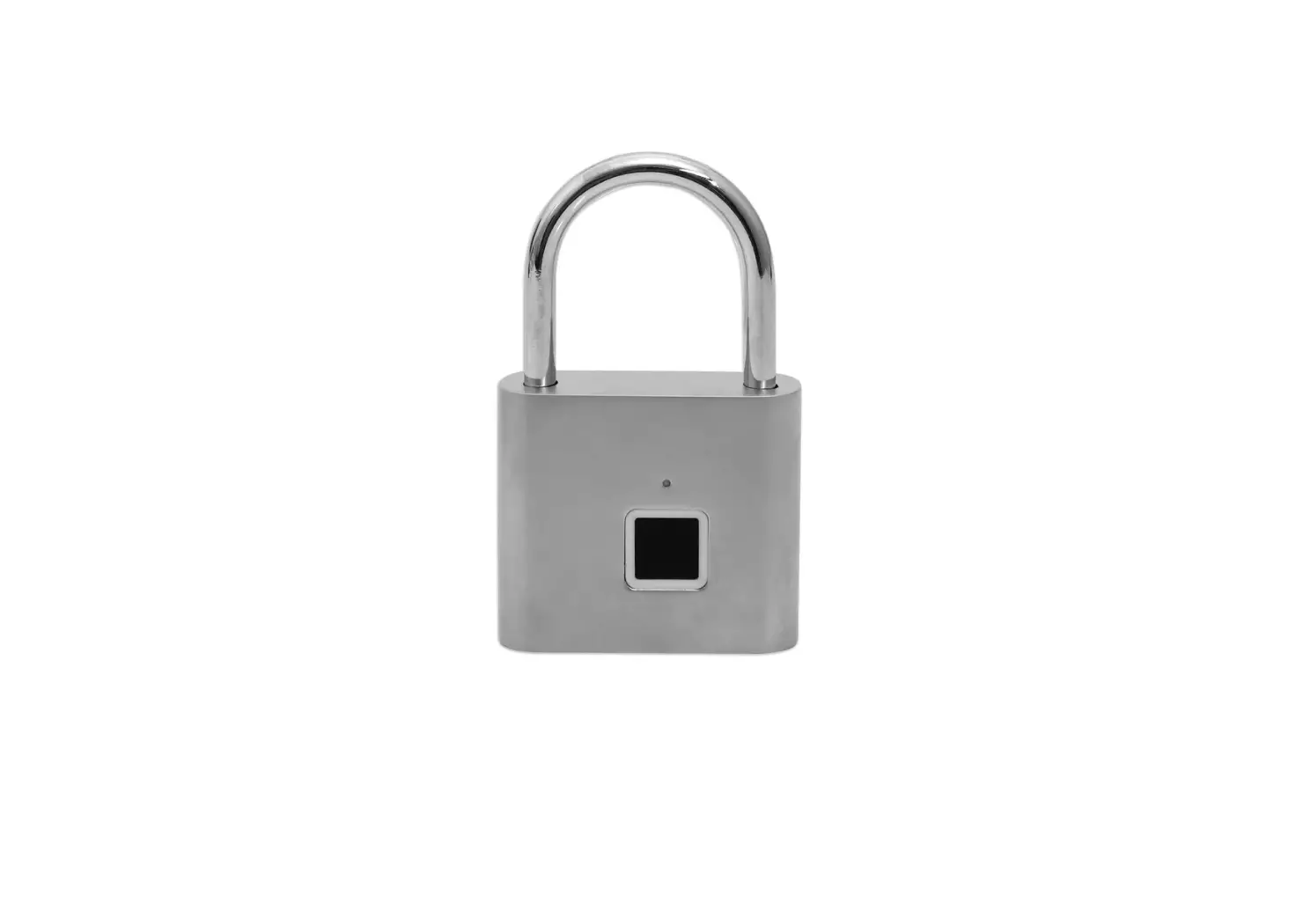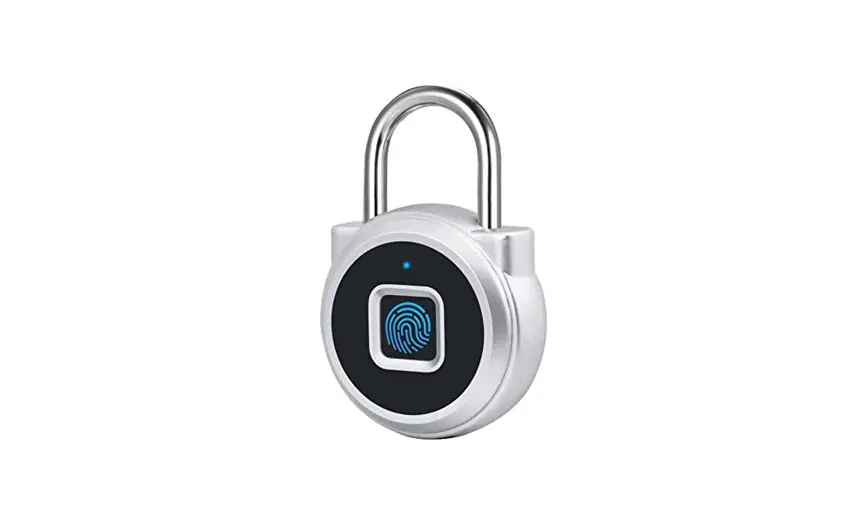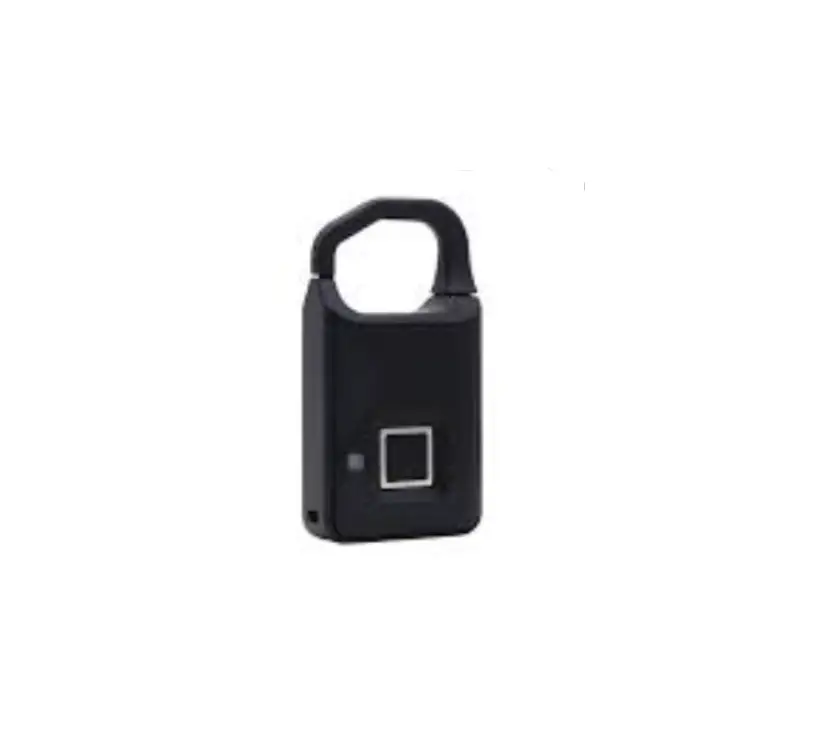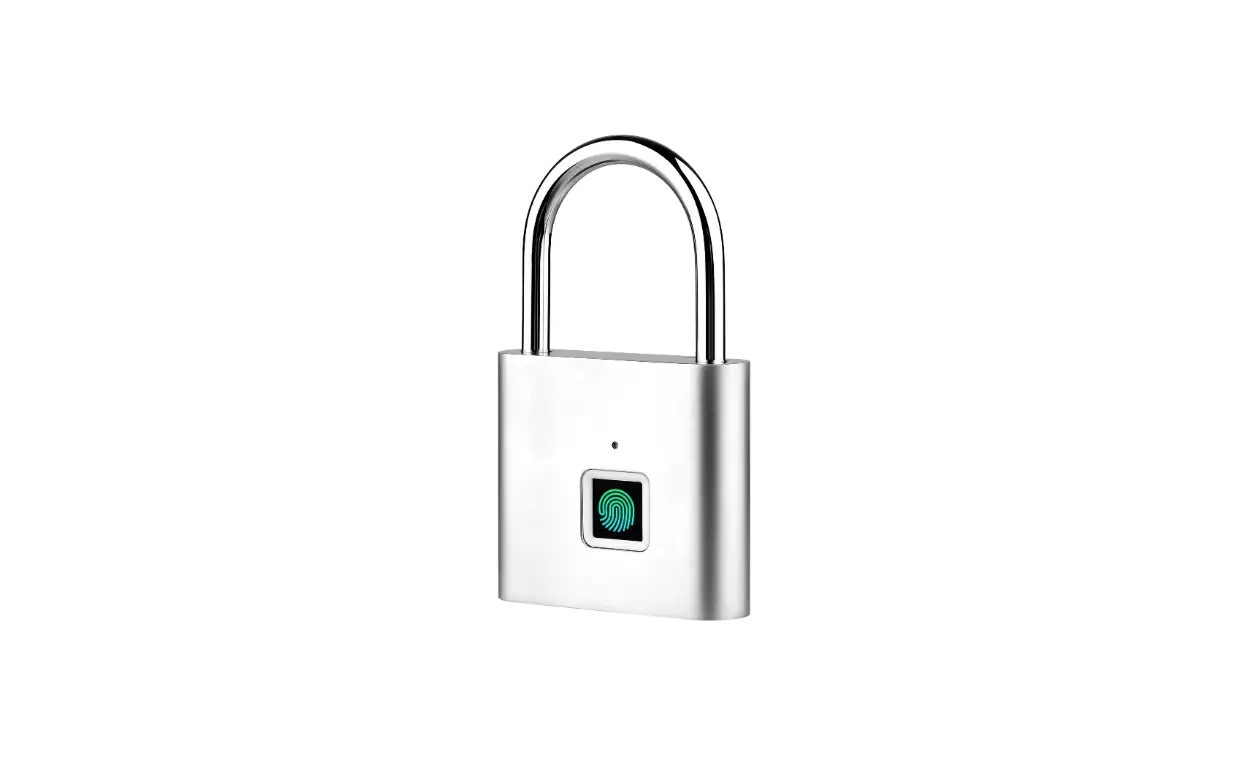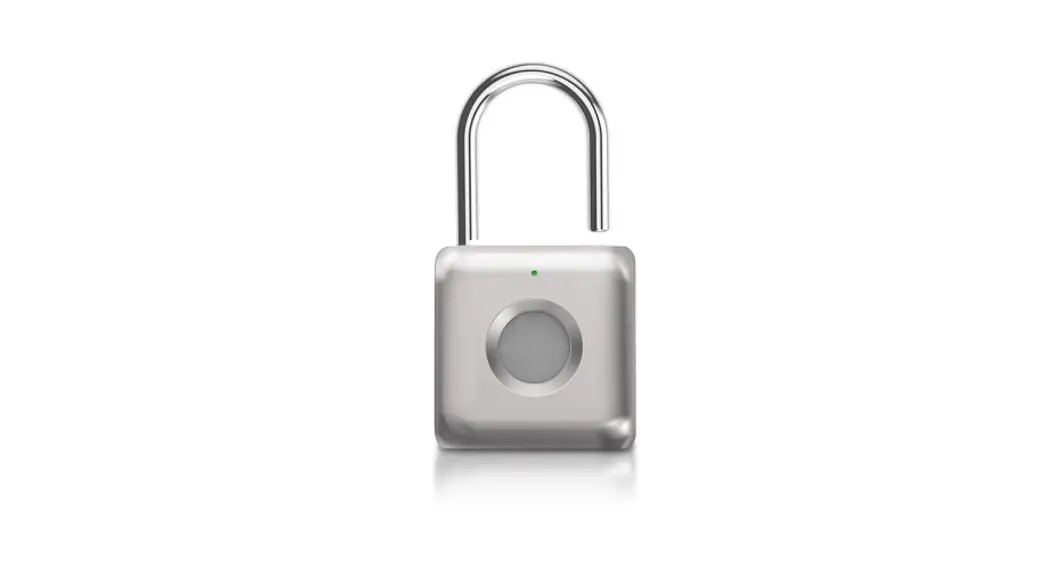
rest CRMFL Smart Fingerprint Cable Lock
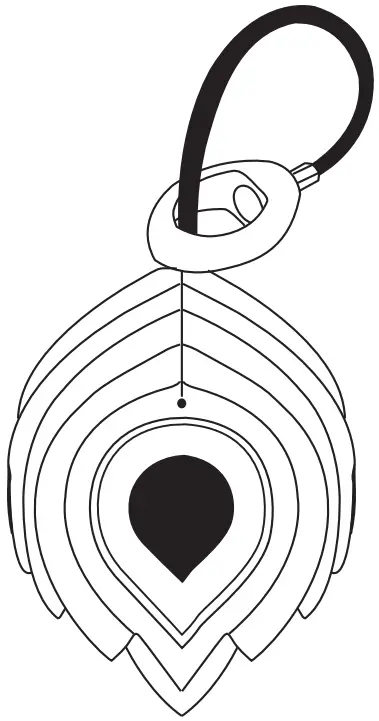
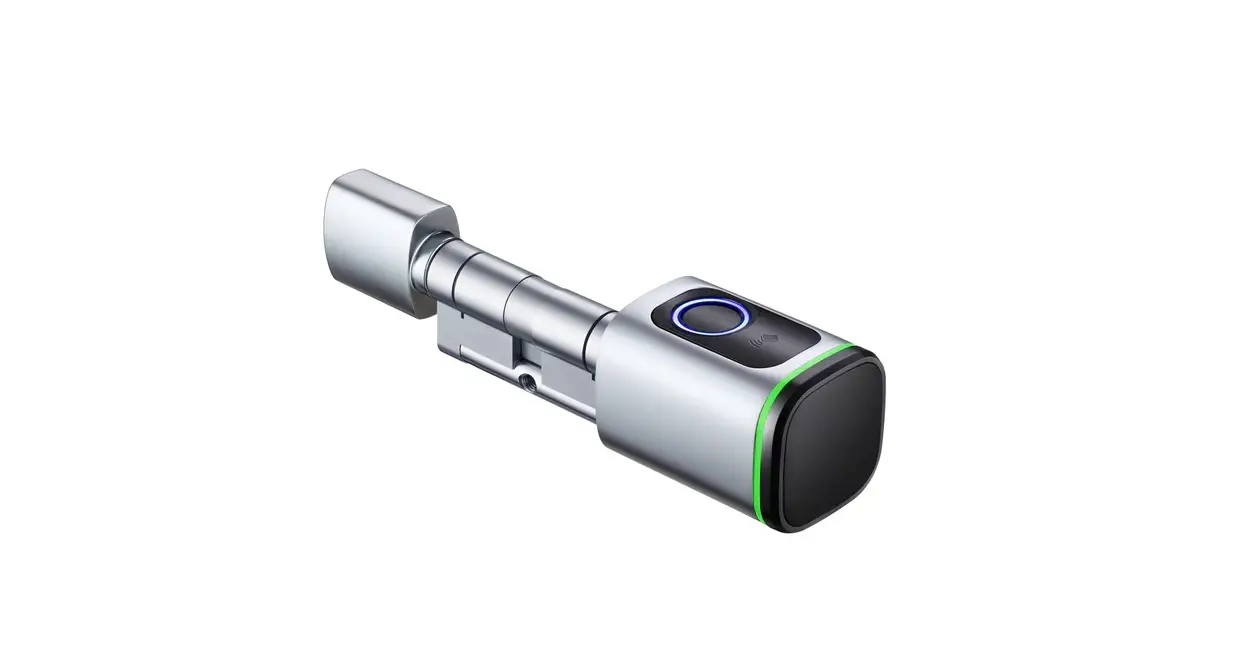
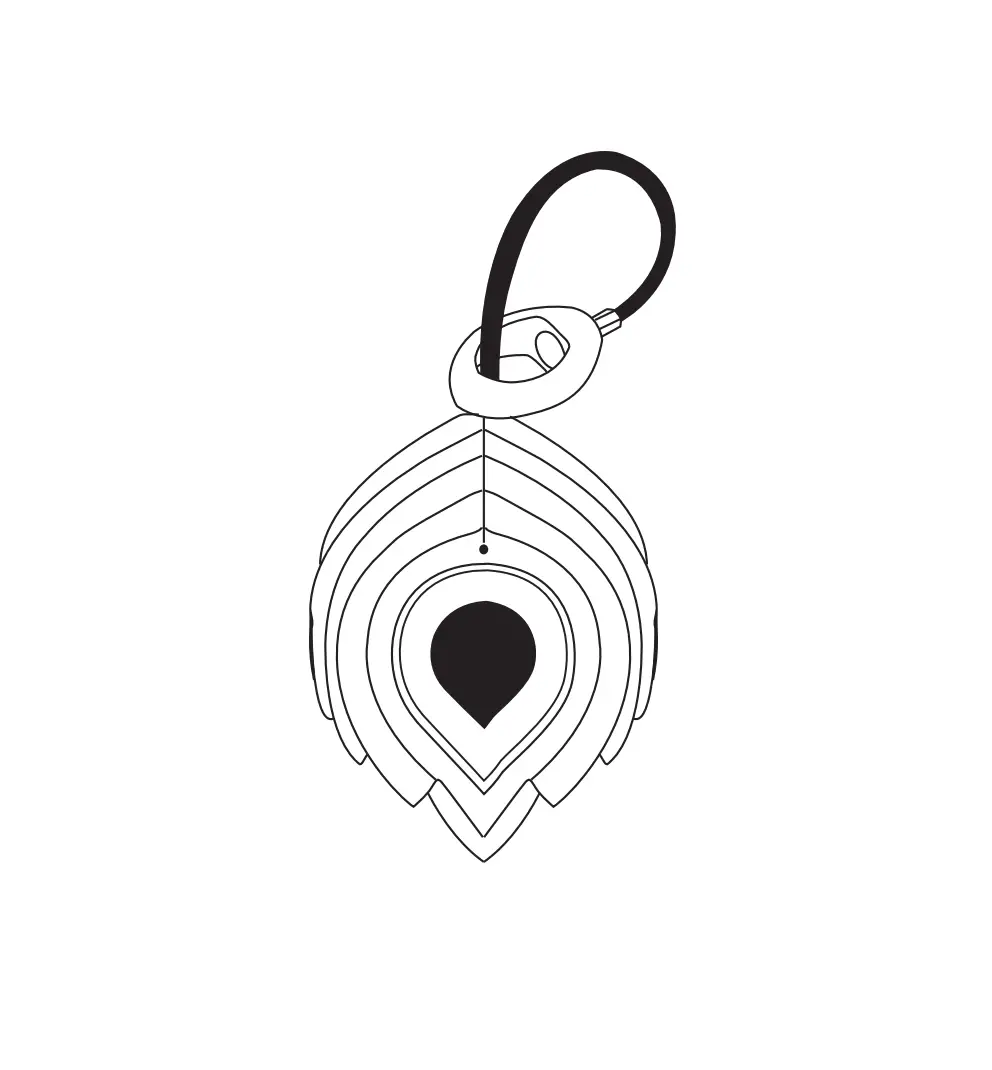
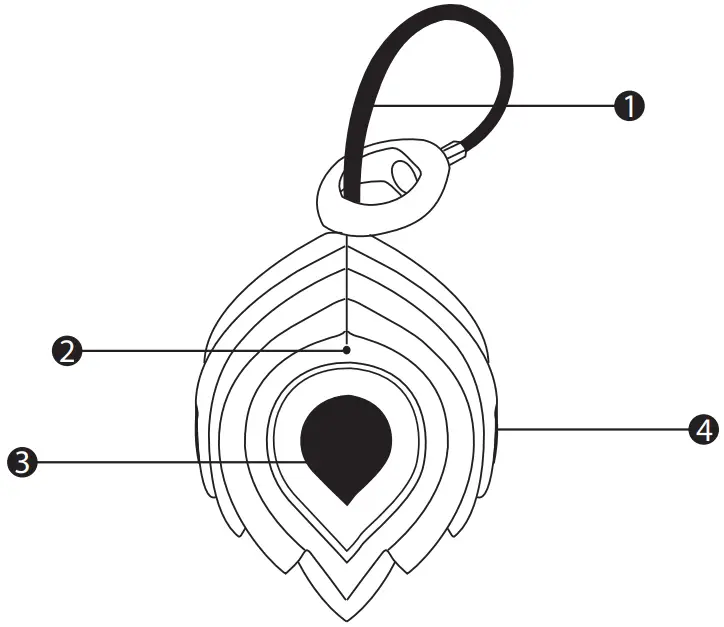
Know your Lock
- Lock Cable
- LED Indicators
- Fingerprint Scanner
- Micro-USB Charging Port

Product Specifications
| Unlock Features: | Fingerprint |
| Fingerprint Storage: | 5 Fingerprints |
| Charging Type: | Micro-USB |
| Input Voltage: | 5V DC |
| Battery Type: | 60mAh Lithium Battery |
| Product Size: | 46 x 35 x 19mm |
| IP Rating: | IPX2 |
| Working Temperature: | -20°C ~ 45°C |
Adding your Fingerprints:
(2 Fingerprint sets are to be set up on the initial scanning set up)
Step 1:
Press the fingerprint scanner until the blue LED turns solid blue.
Step 2:
Press the same fingerprint several times in different positions until the LED turns green.
Step 3:
When the green LED light is on, press a second fingerprint several times until the green LED turns off.
Step 4:
If the LED is flashing red, the fingerprint registration has failed. Follow the above steps again.
Adding Additional Fingerprints
Step 1:
Unlock the lock with an already saved fingerprint and keep the finger in place until LED turns blue.
Step 2:
Press the scanner with the fingerprint you wish to scan several times in different positions until the green LED light turns off.
Step 3:
If the LED is flashing red, the fingerprint registration has failed. Follow the above steps again.
Reset Factory Settings
Step 1:
Unlock the lock with an already saved fingerprint.
Step 2:
Press the scanner again with an already saved fingerprint and keep finger in place until LED flashes red.
Step 3:
With the LED flashing red press the scanner with the same finger until the LED turns green and all prior saved fingerprints are deleted.
Warning on Water Resistance
Ensure the lock in not submerged in liquid. A product with an IPX2 rating is protected from water droplets when tilted at a 15° angle.

PO Box 5658 Brendale
QLD Australia 4500
Customer Support
1800 812 261 www.crest.com.au
AUSTRALIAN OWNED

 The Crest Company - Enhancing Digital Lifestyle