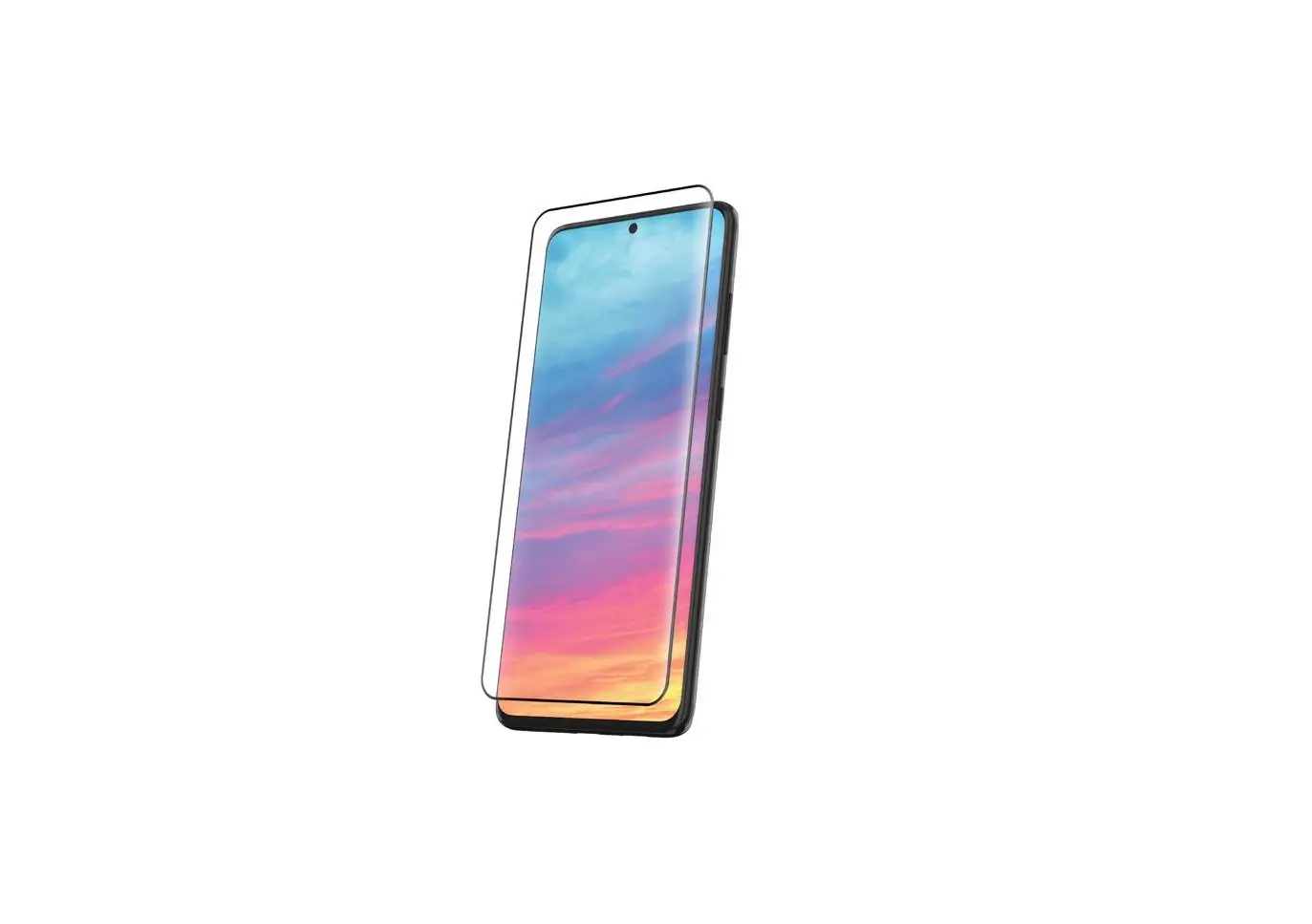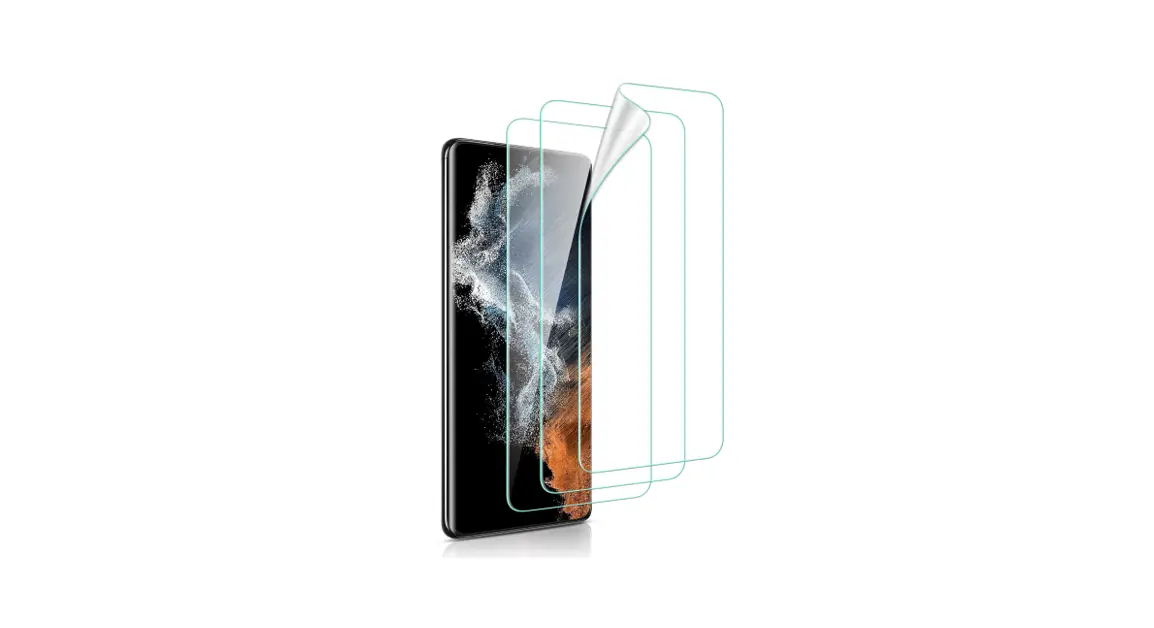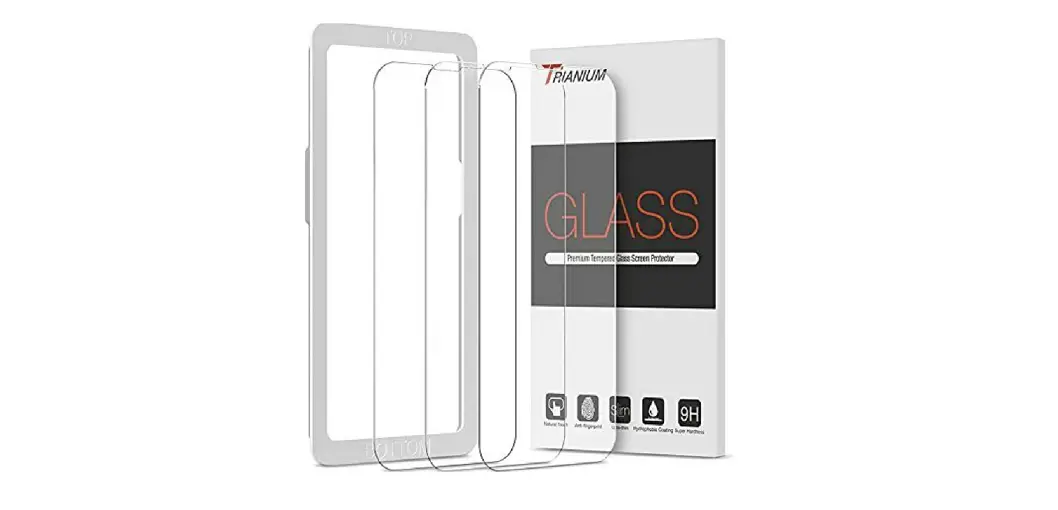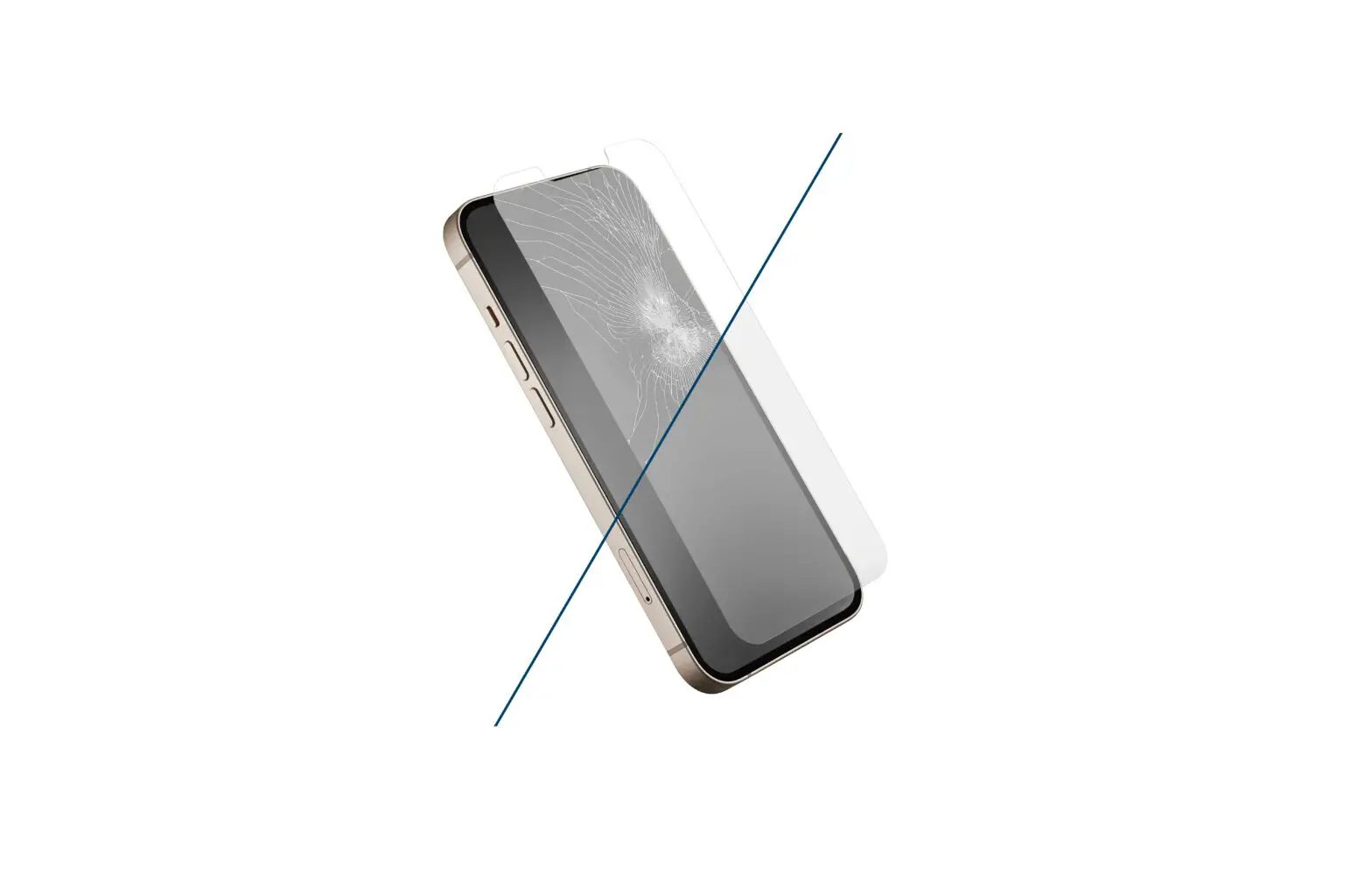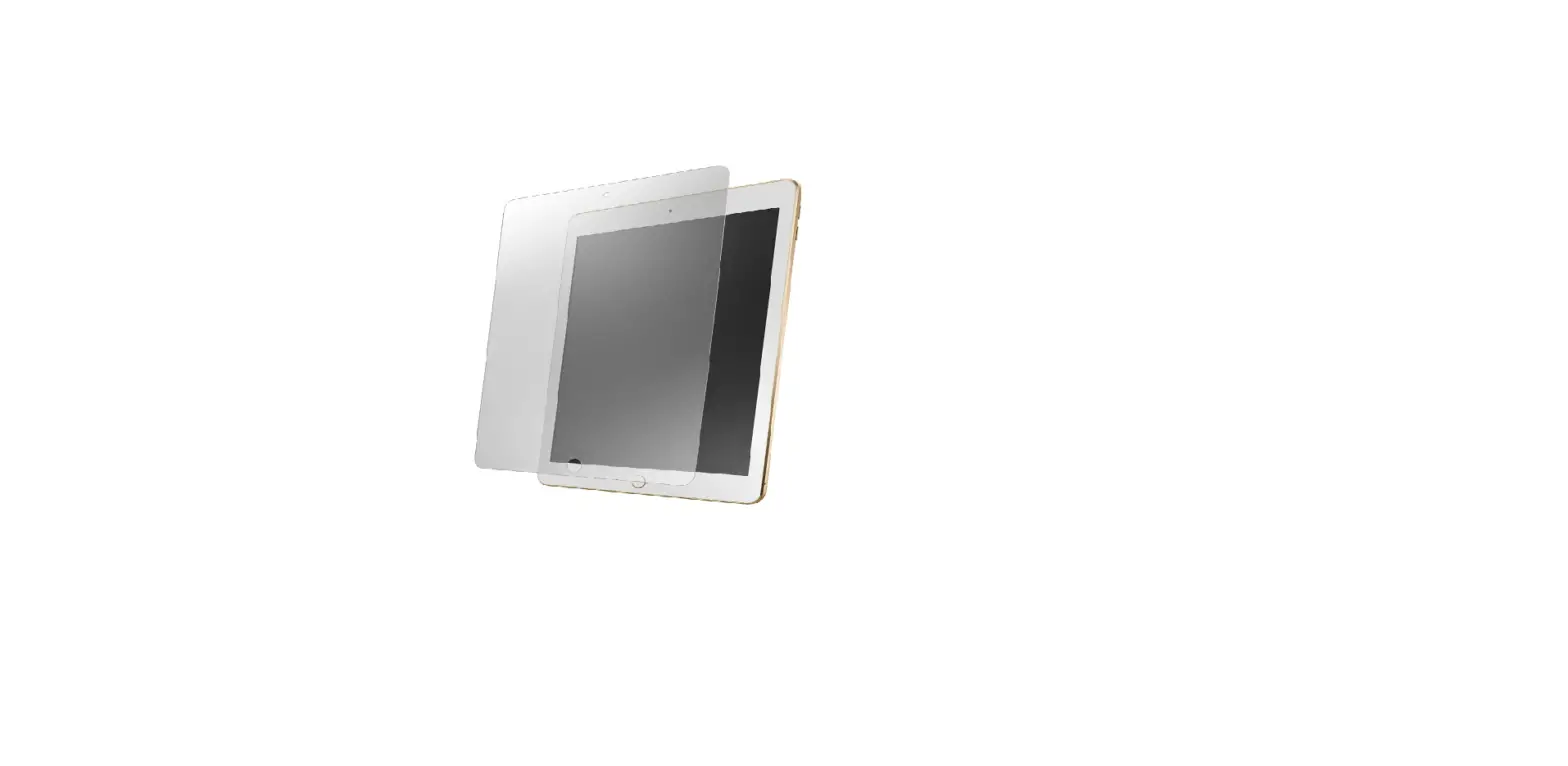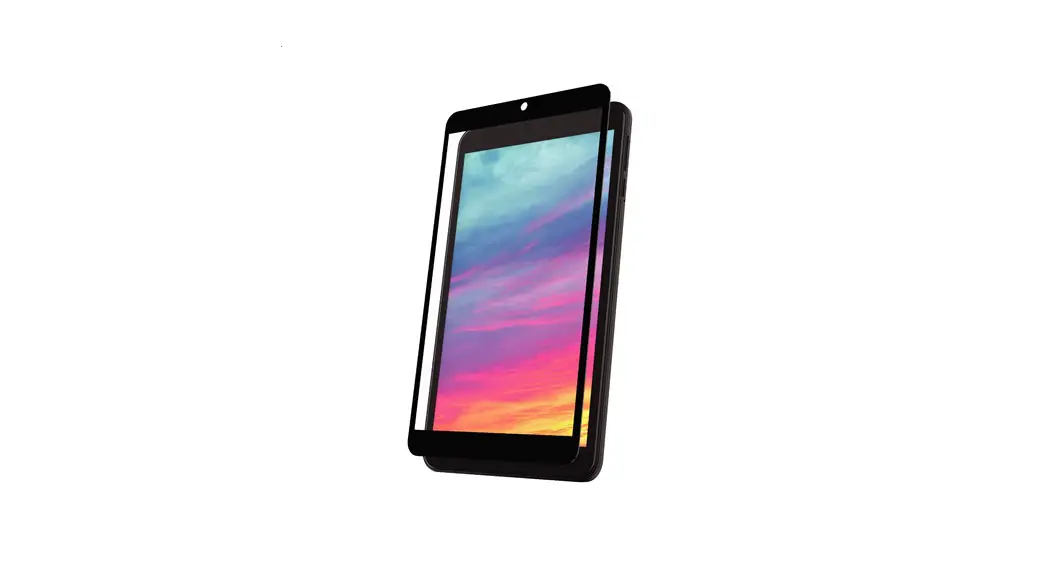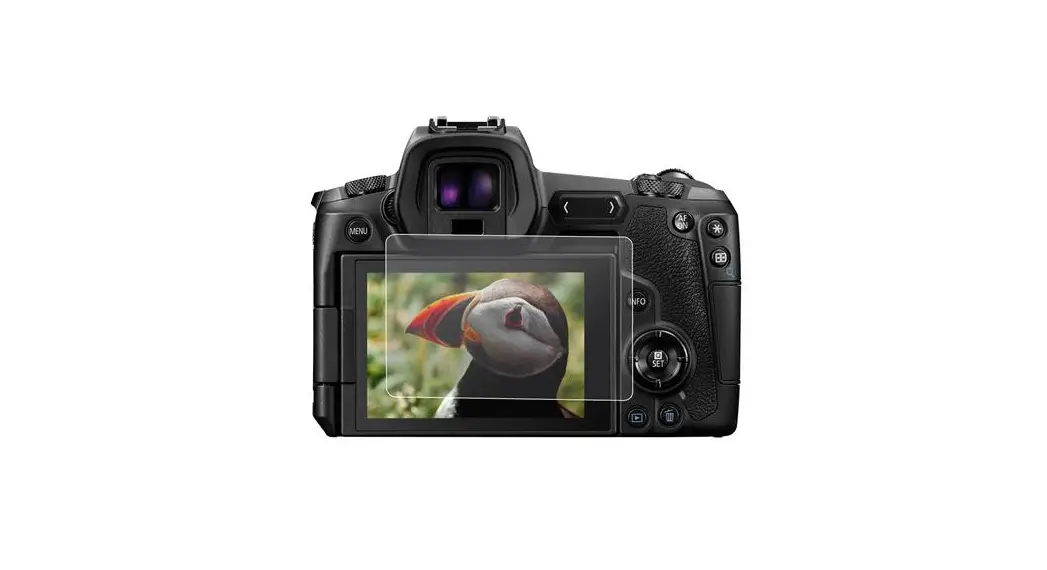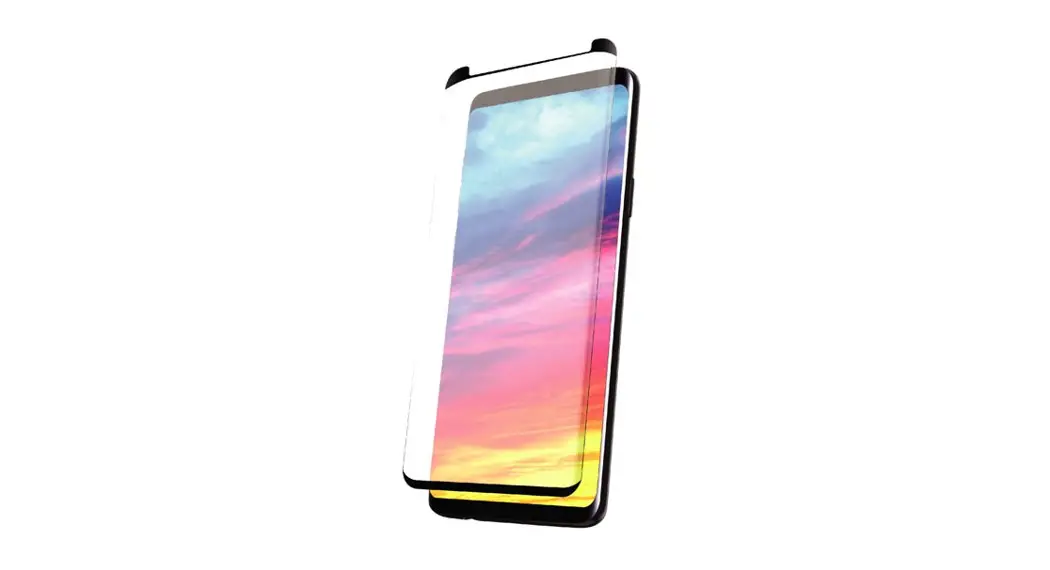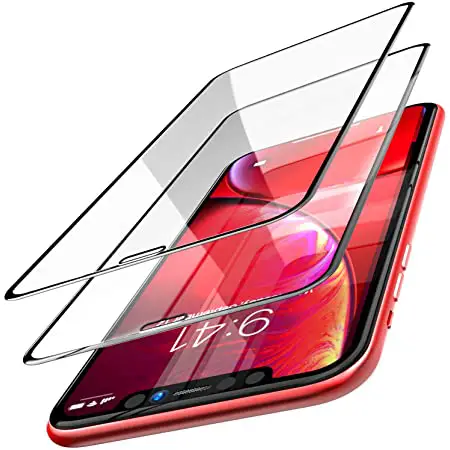

TOZO SG-B07GPGNZYF-US Screen Protector
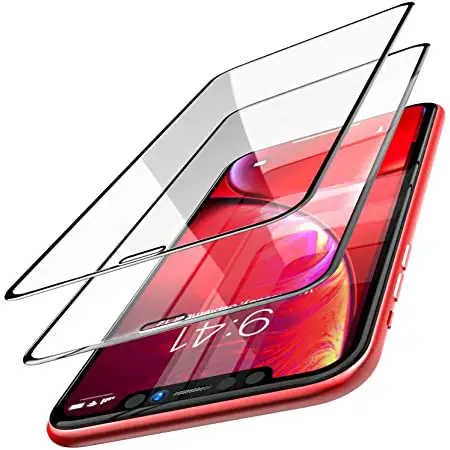
TOZO Screen Protector Installation instructions
In order to make sure that you can smoothly use the TOZO Screen Protector, please kindly find below some important warm tips.
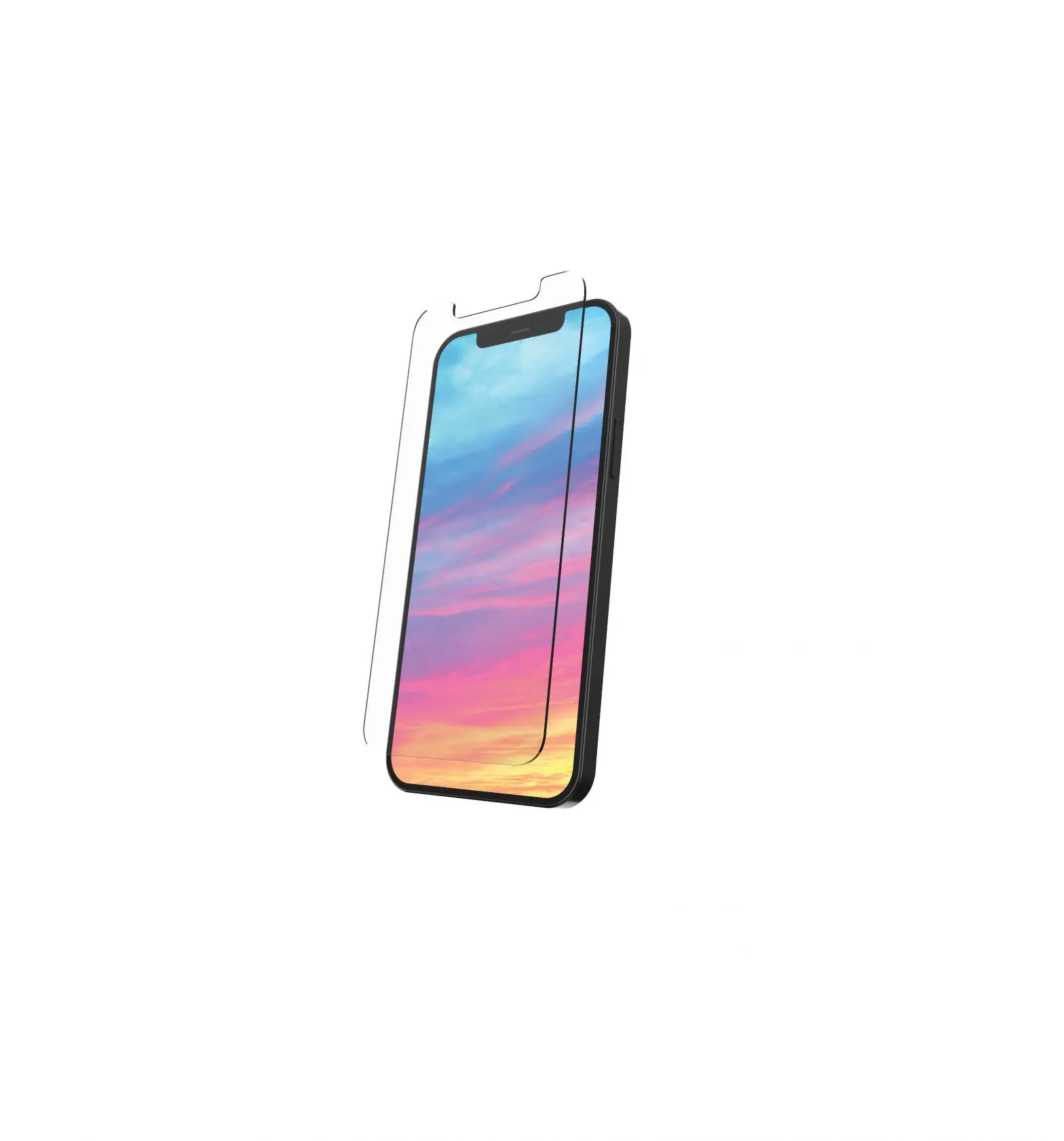
- Super easily install with alignment tool
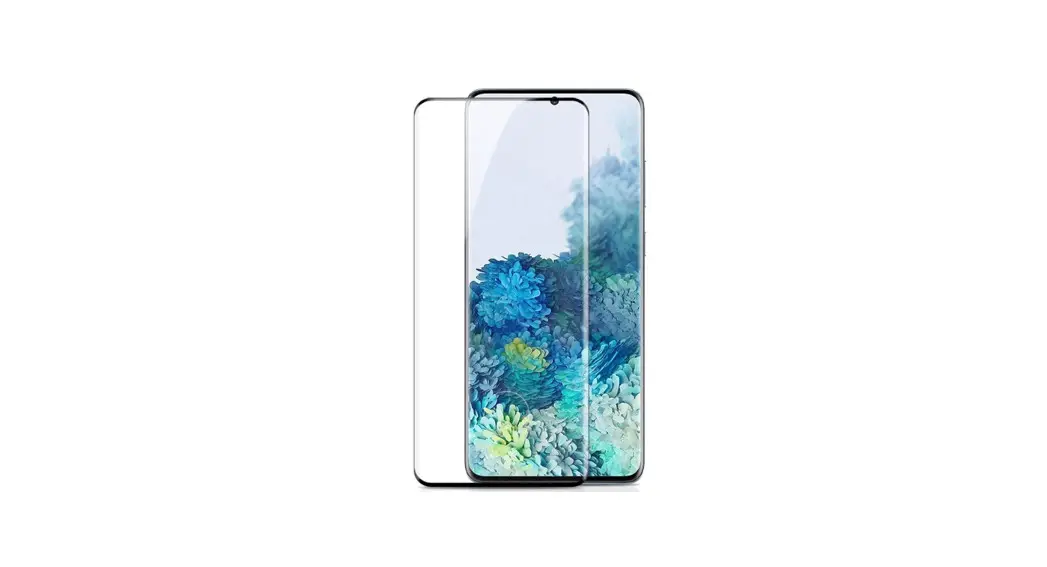
- Case-Friendly design with edge space,compatible with most cases, so that you can put your favorite case and keep your valued phone fully protected at a same time.
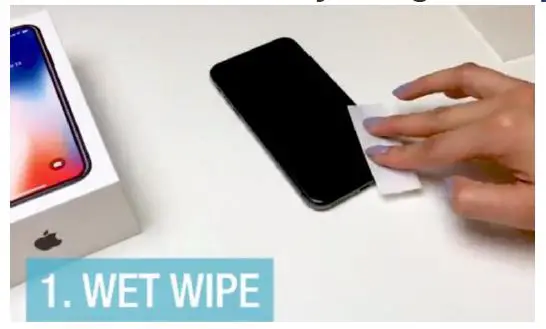
- Clean the screen by using wet wipe, and wiping cloth

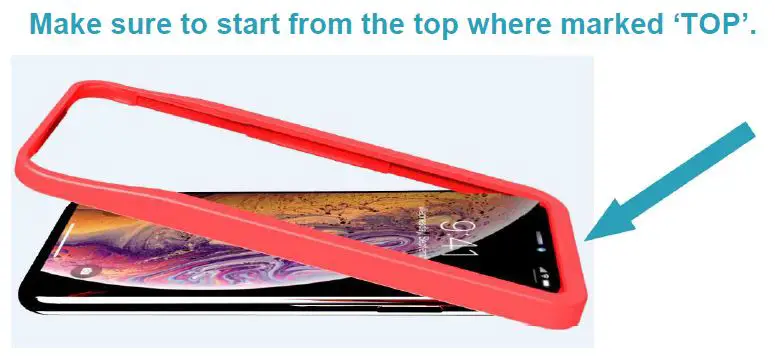
- Install guidance frame tool in the right direction.
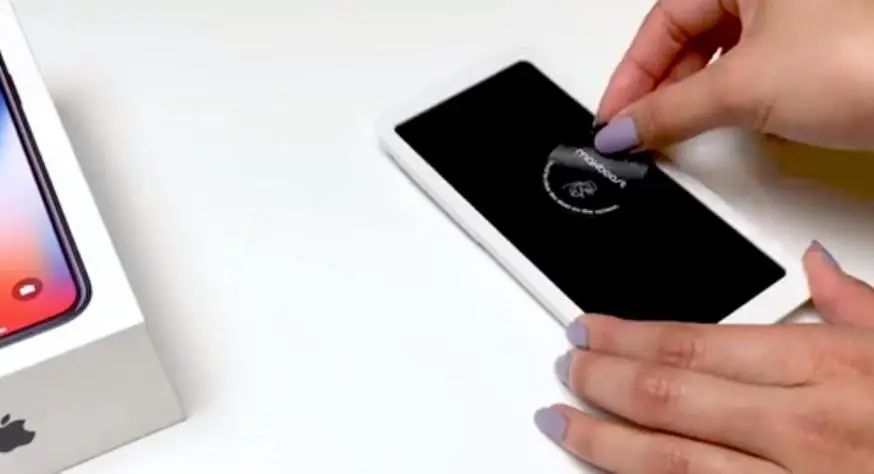
- Using dust sticker
Remove any dust with dust sticker. The screen must be completely free of dust particles to avoid any bubbles.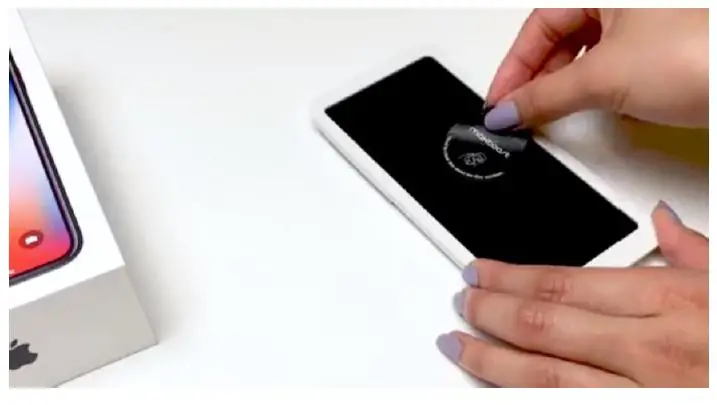
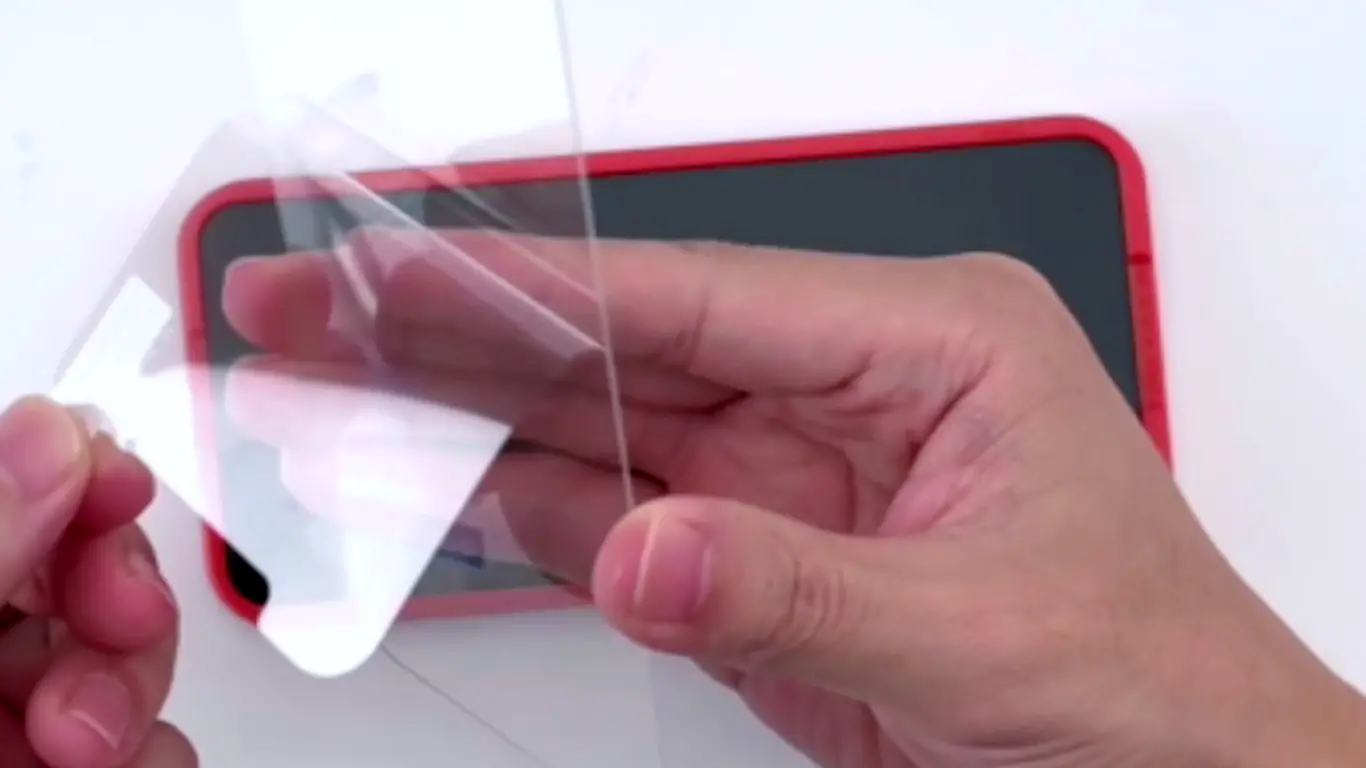
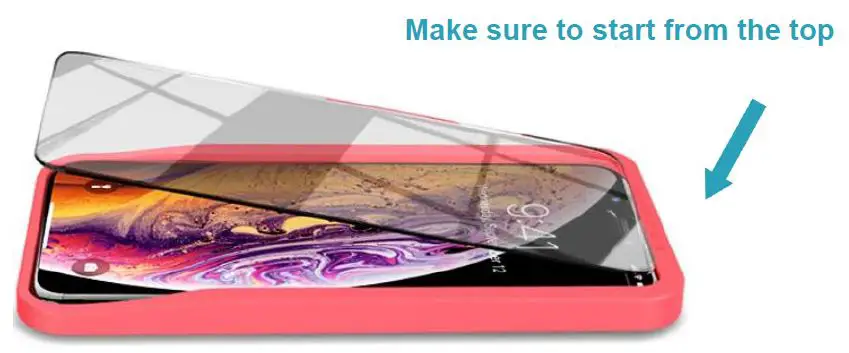
- Peel off the layer and place screen protector on
Place screen protector along the edge of the frame.Make sure to start from the top.
- Remove bubbles
Removing bubbles on the screen from top to bottom.
For any assistance , please contact email: [email protected]
Or just reply this email We would be happy to help you.