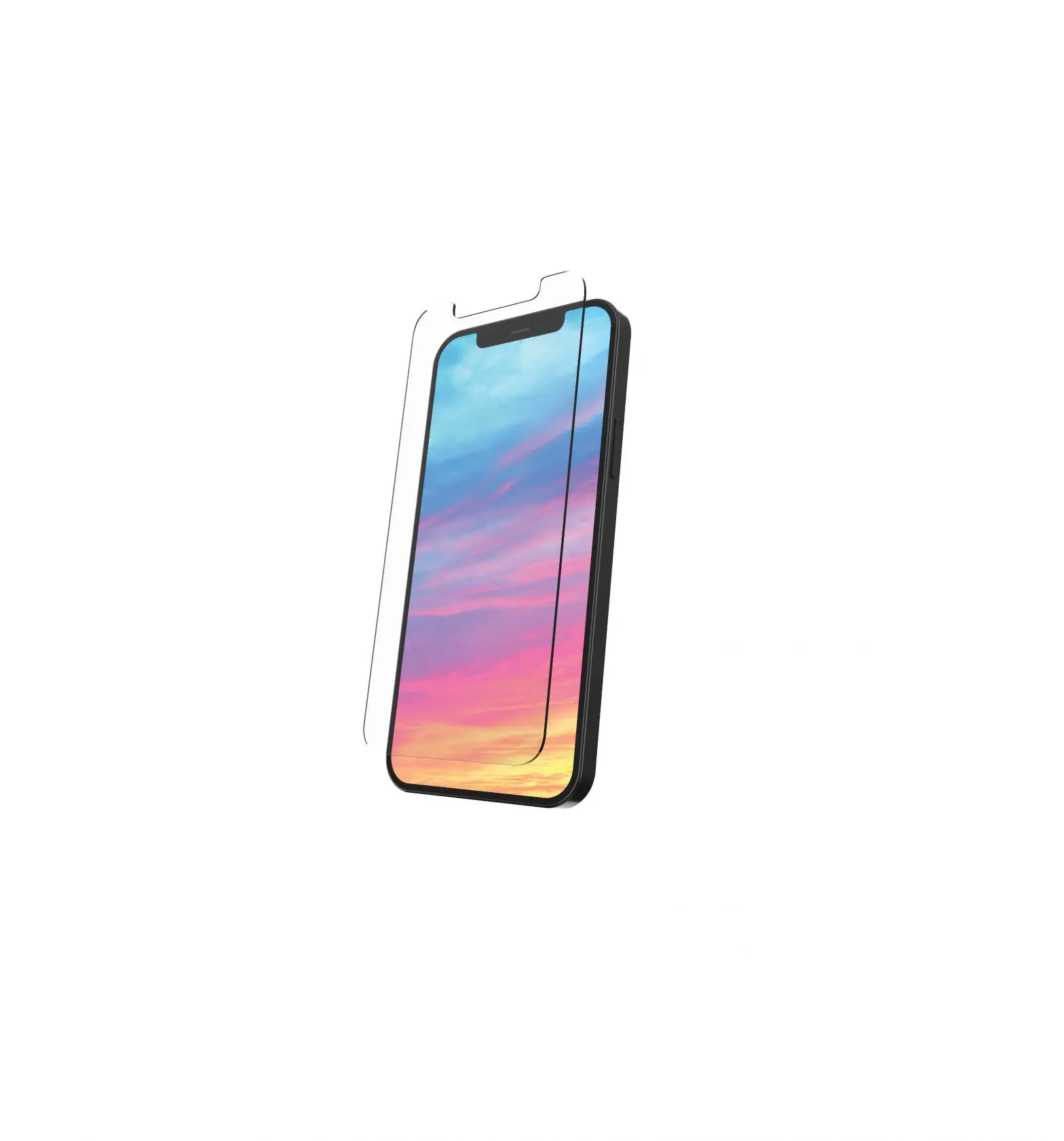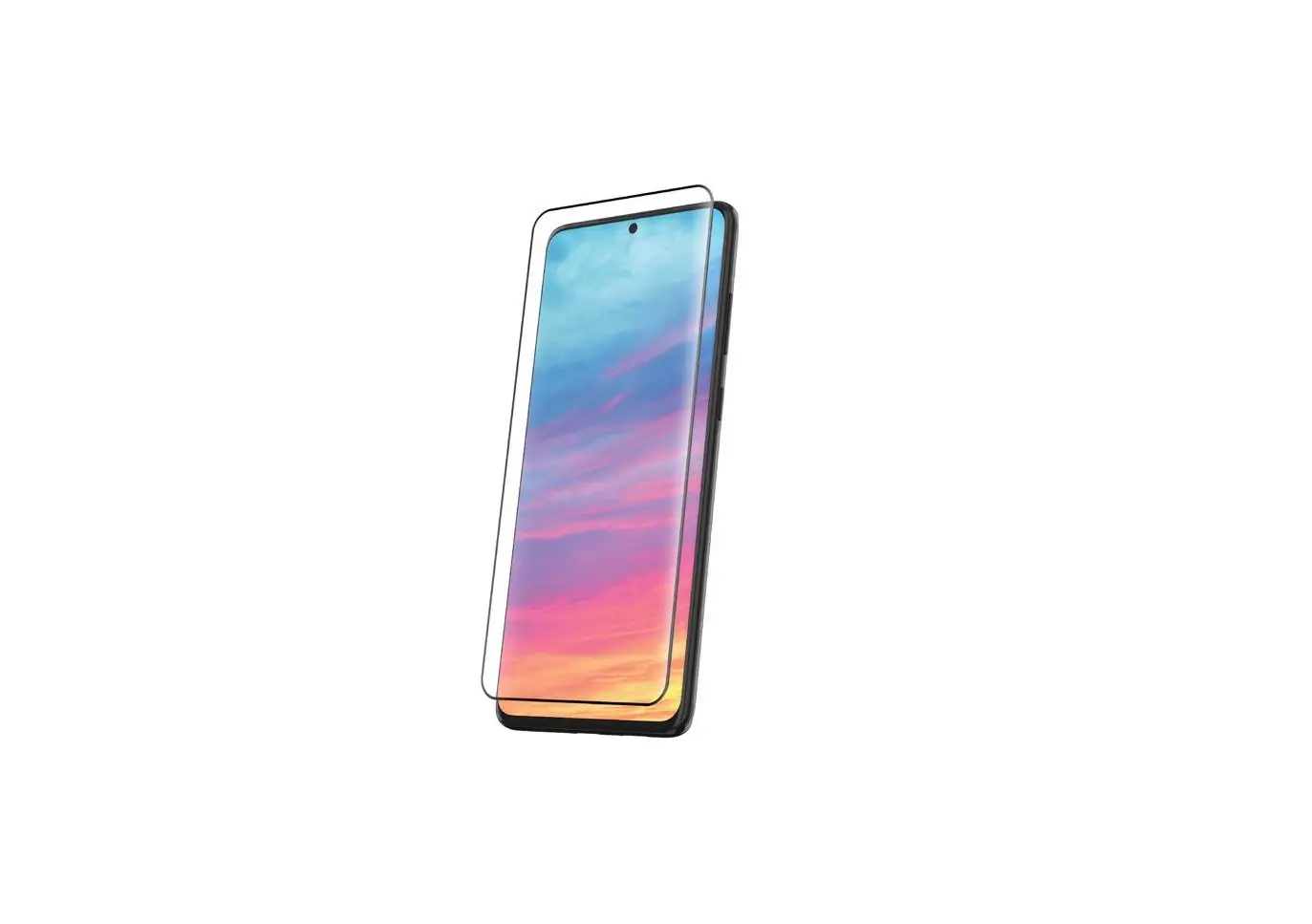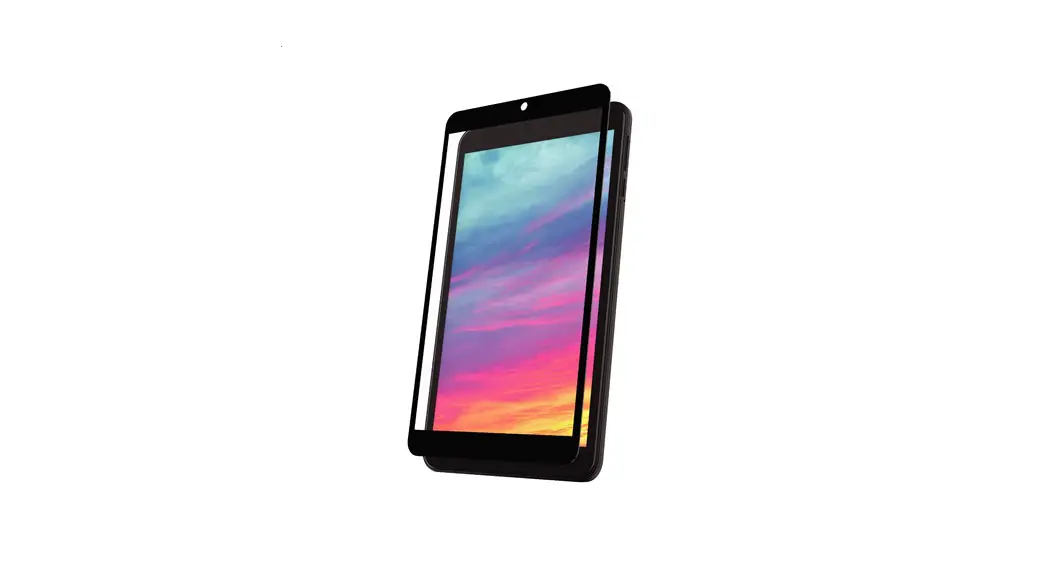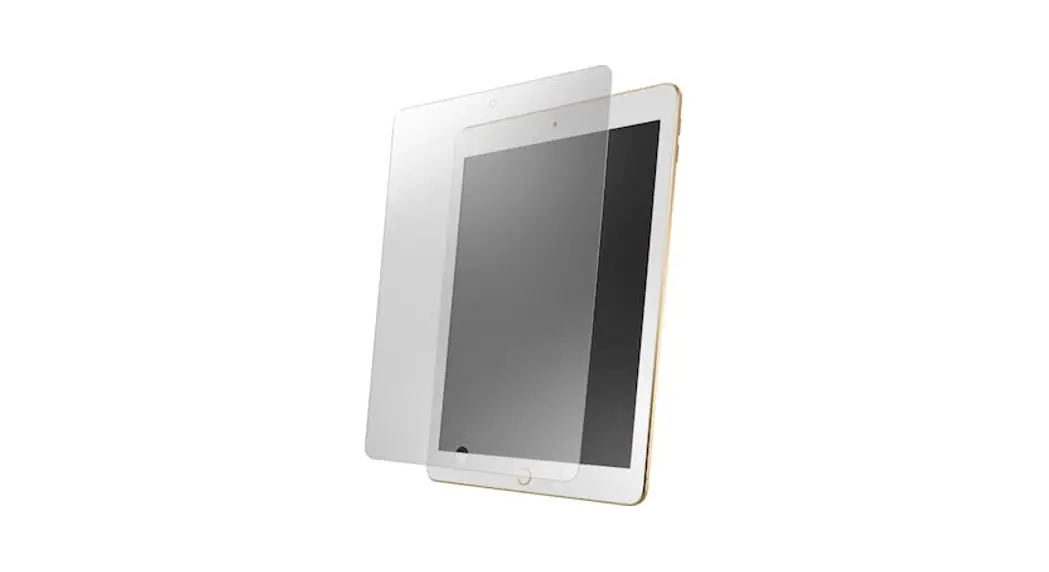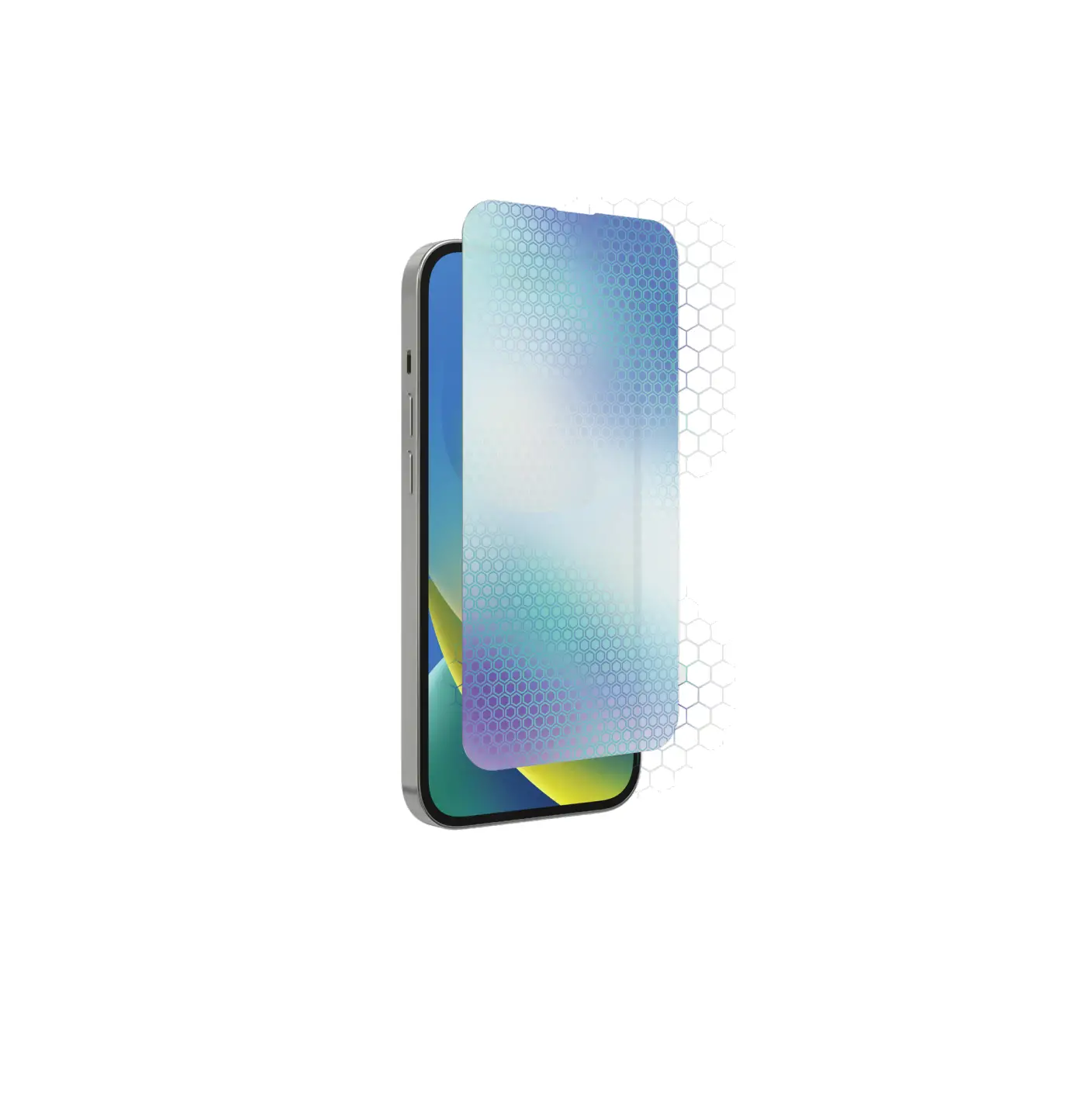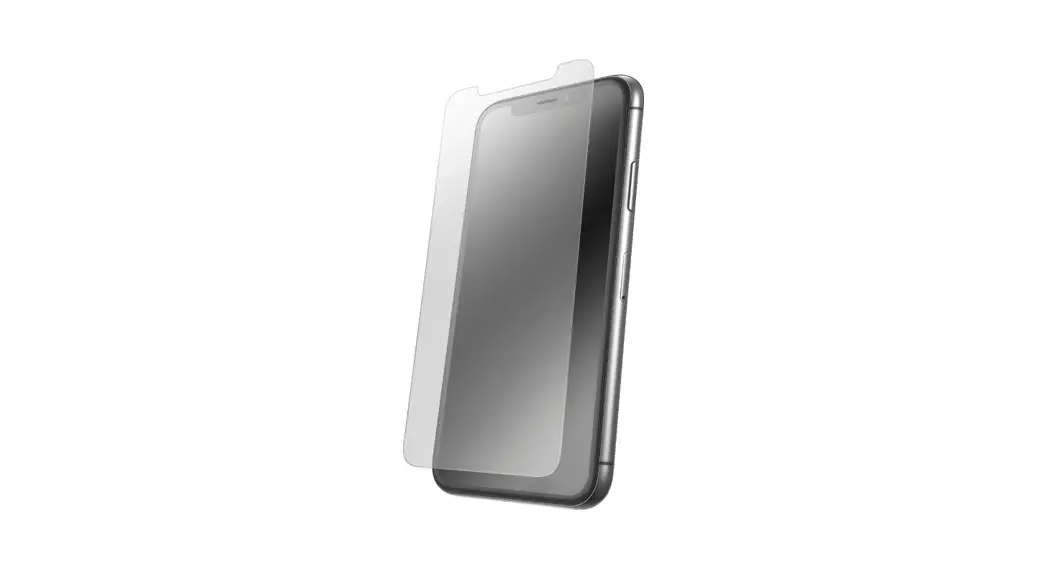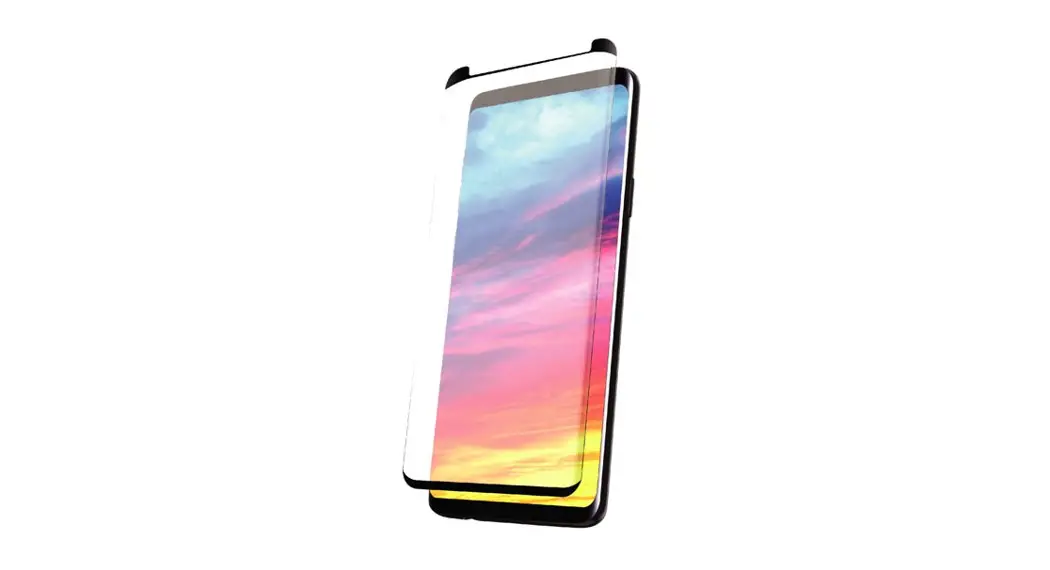

Impact Glass Screen Protector Quick Start Guide
Very Important
1. Turn on the Touch Sensitivity function on your device: Go to Settings > Display > Touch Sensitivity
2. Remove the pre-installed film on your device screen.
Cleaning
Remove the case from your device to avoid interference with the application tray.
Clean the Screen | 01 |
| Clean the device screen with a wet wipe. | 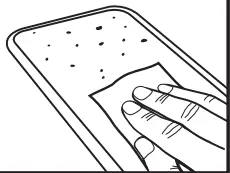 |
Dry the Screen | 02 |
| Dry with the microfiber cloth. Ensure the screen is completely dry before proceeding. | 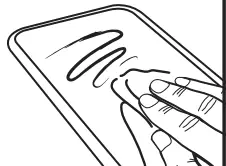 |
| Remove Dust | 03 |
| Use the dust removal sticker to remove any fine particles from the device screen. | 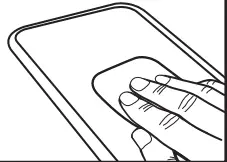 |
Application Tray
Apply the Tray | 04 |
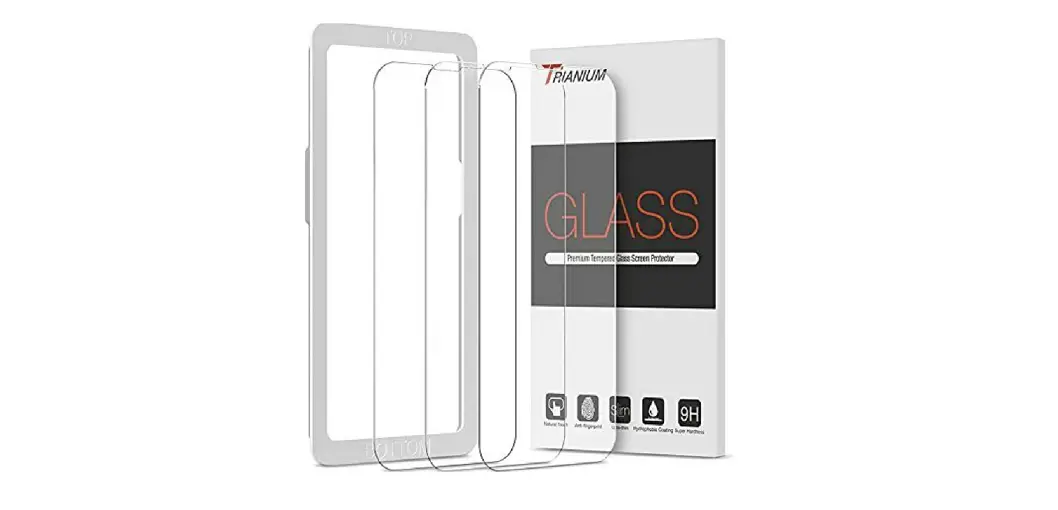
| Snap the orange application tray over the front of your device. Tip: Be sure the edge labeled Top is at the top of your device. | 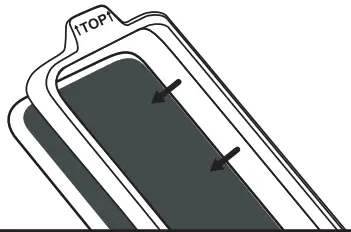 |
Screen Protector Application
Remove Safety Film | 05 |
| Using the tab labeled “1-Back”, peel away to expose the adhesive, removing completely. Tip: Do not touch the adhesive on the glass. | 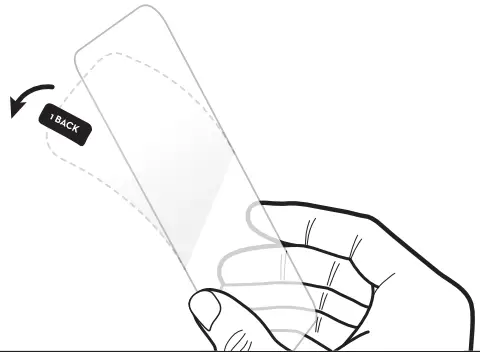 |
Place the Screen Protector | 06 |
| With the adhesive facing your device place the screen protector down into the tray. Align the top edge of the glass and allow the glass to position itself into the tray. | 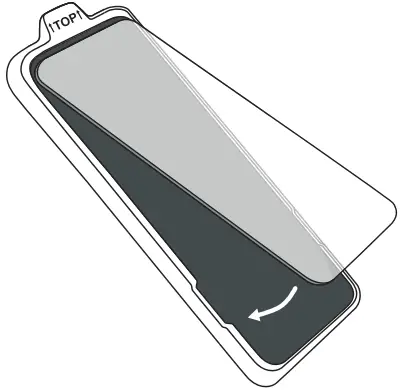 |
Attach the Screen Protector | 07 |
| Press firmly down along the center to adhere the screen protector. | 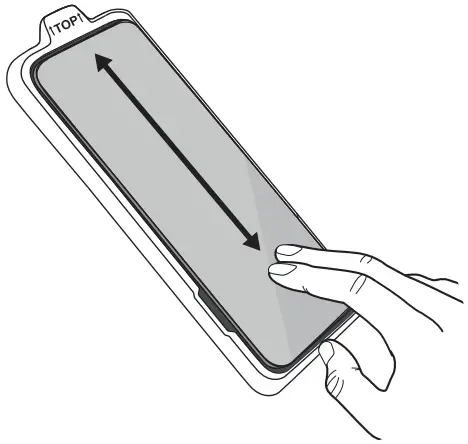 |
Final Steps
Remove the Tray | 08 |
| Carefully remove the application tray. | 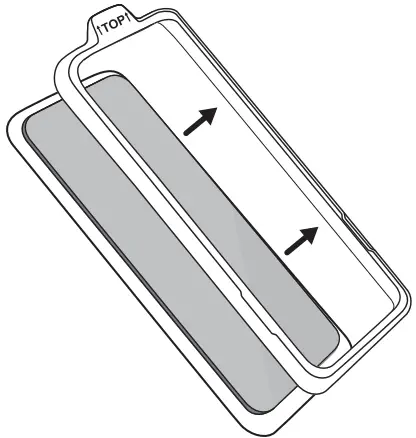 |
| Press Down | 09 |
| If there are any air bubbles, remove them by starting from the center and pushing firmly outward toward the edges. Note: Small bubbles may dissipate over the next 48 hours. | 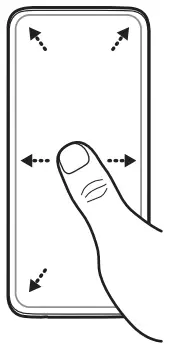 |