
Screen Care GUIDE
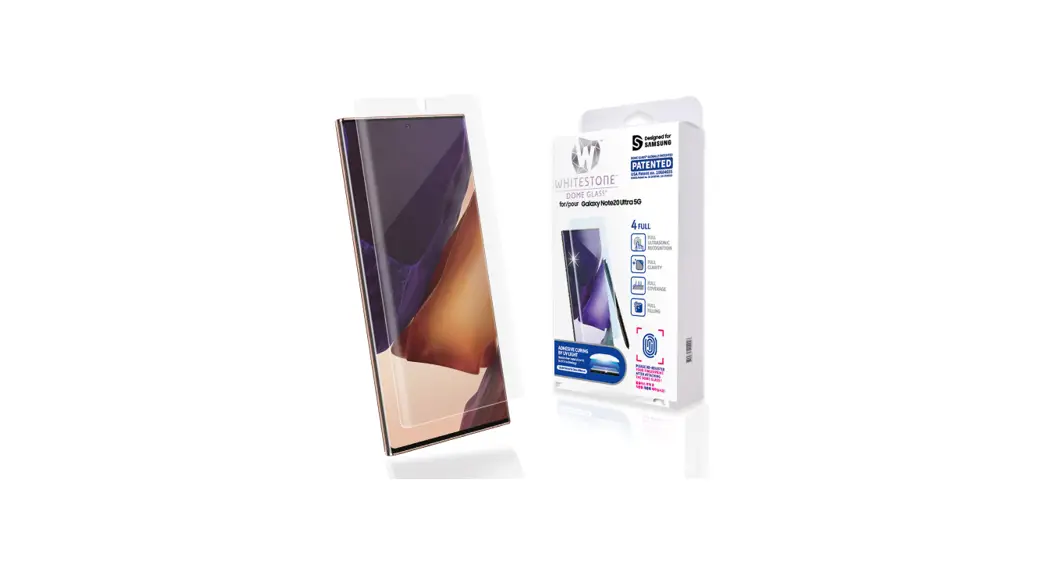
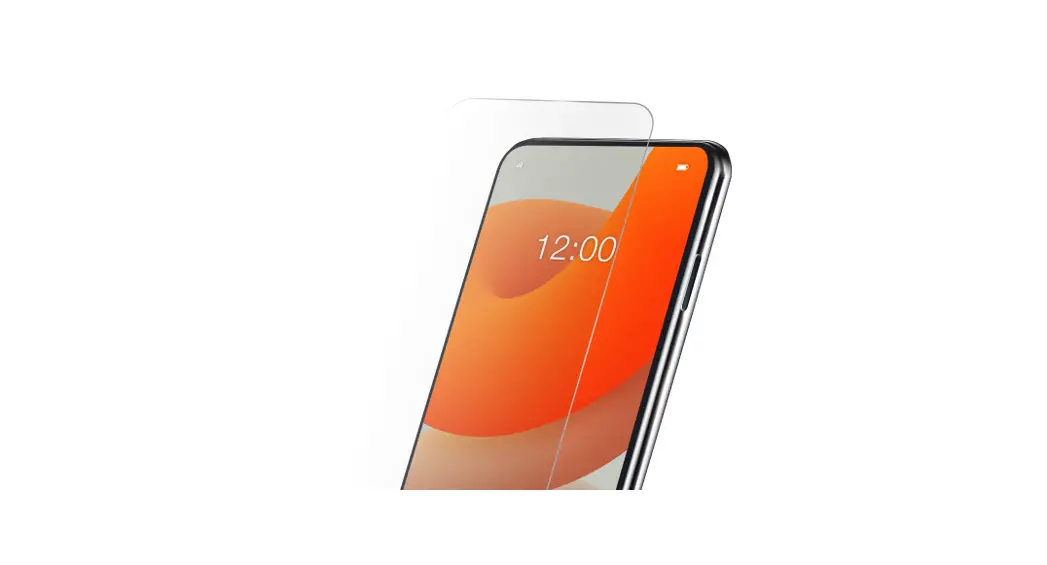
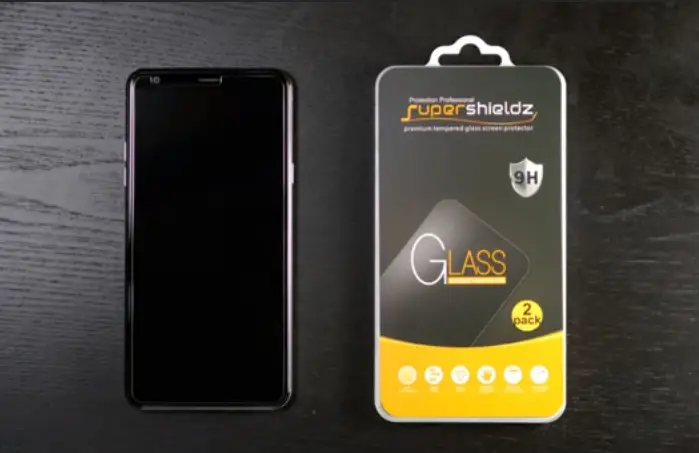
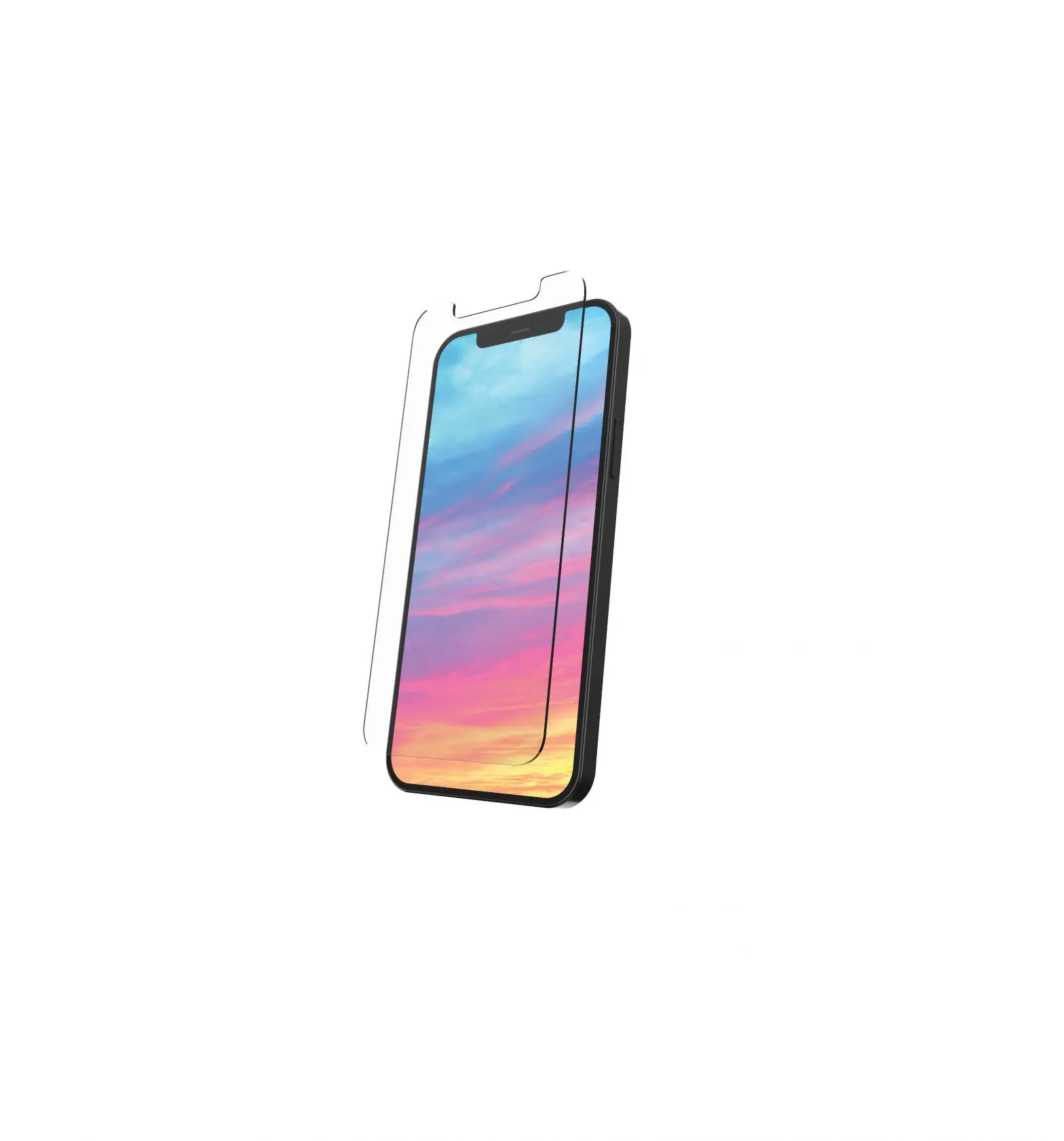
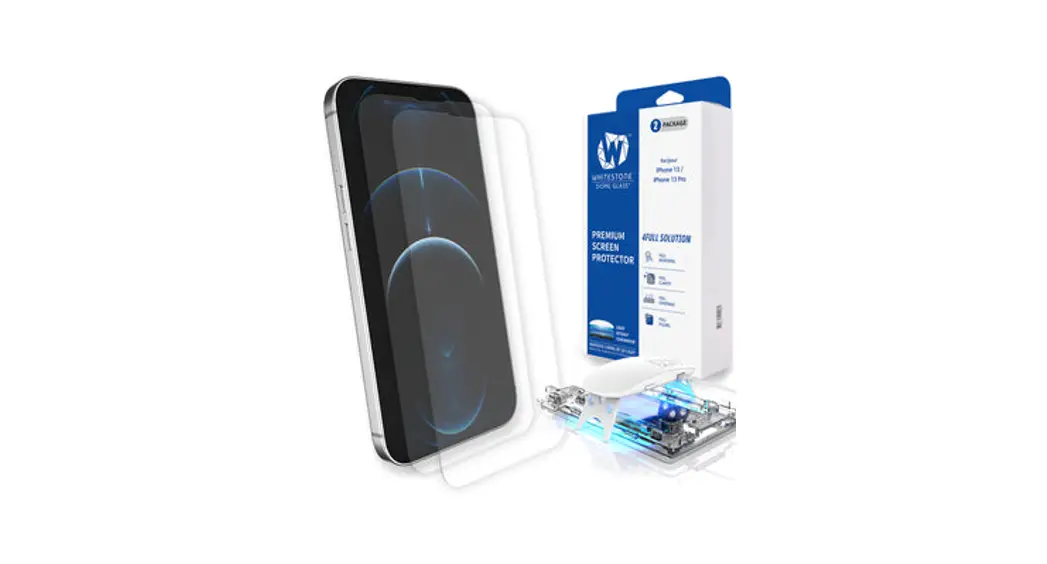
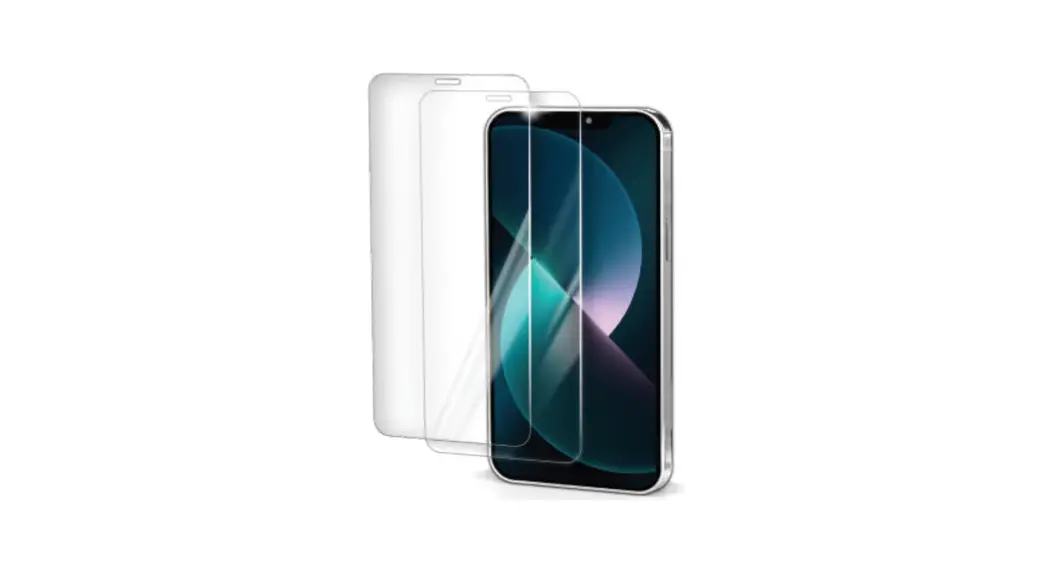
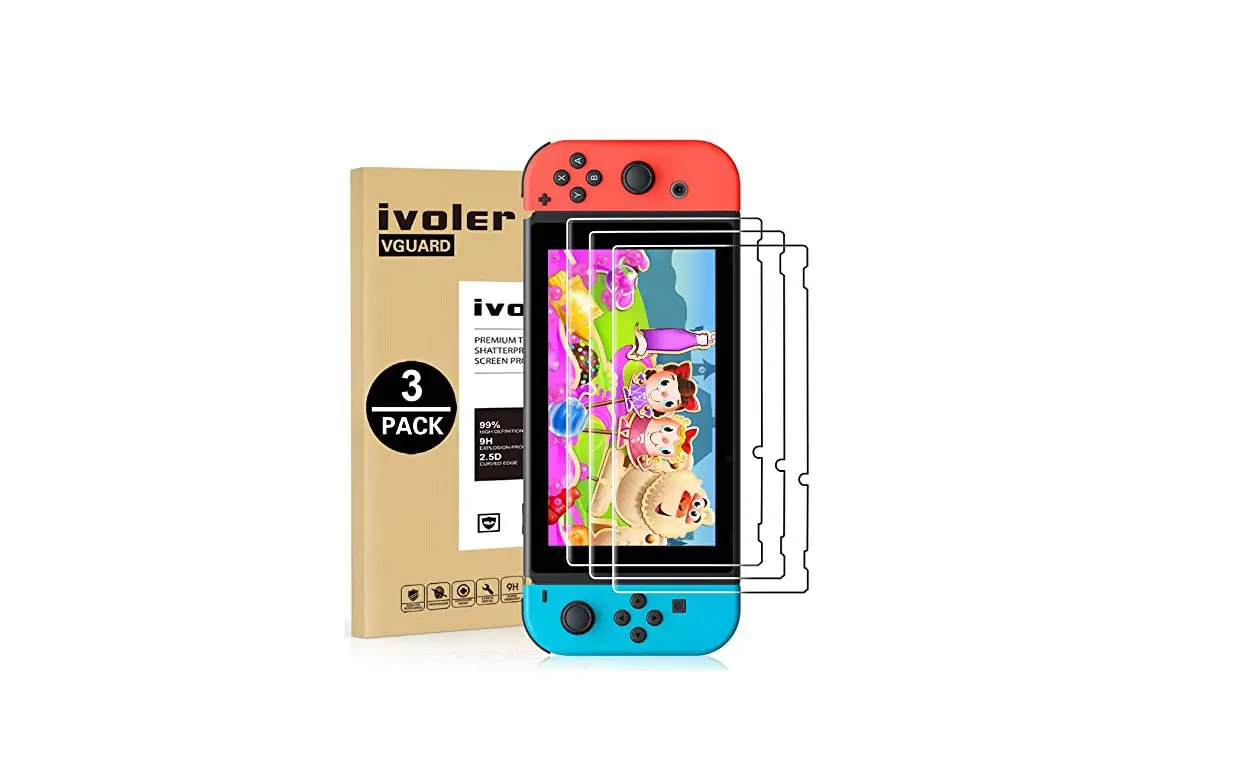
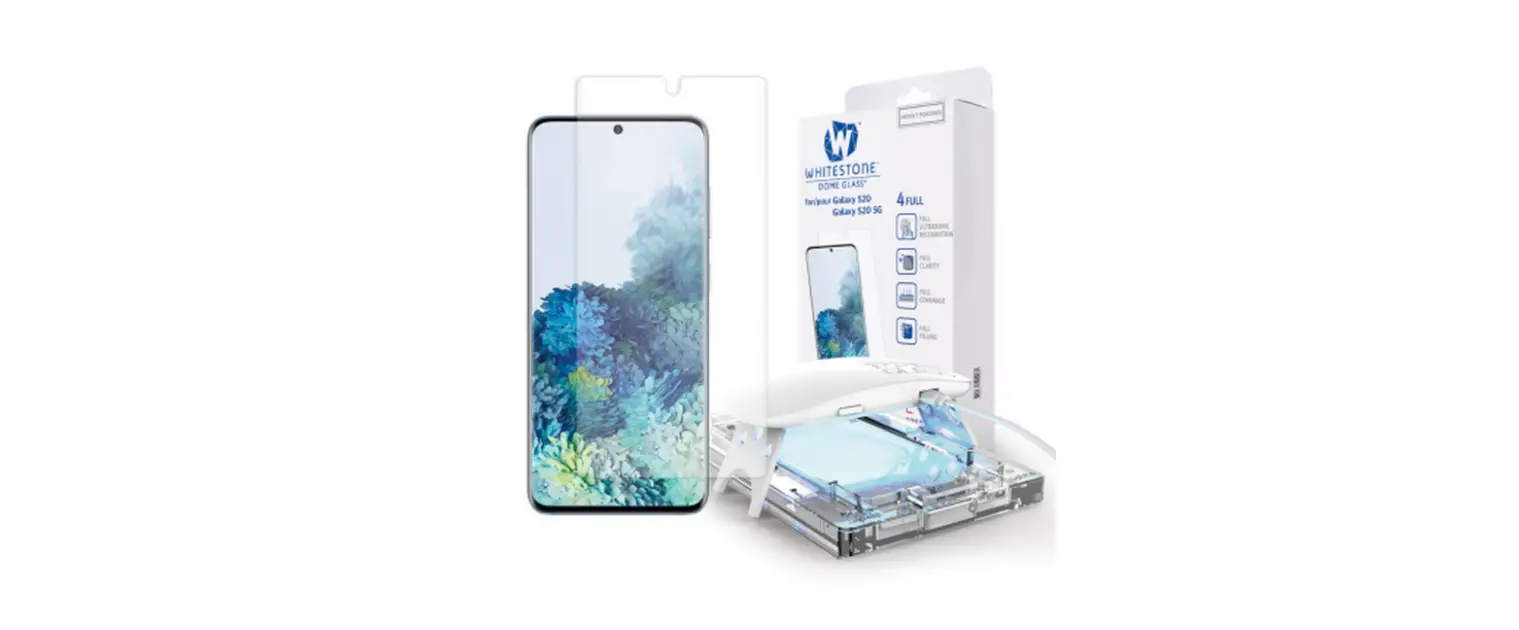
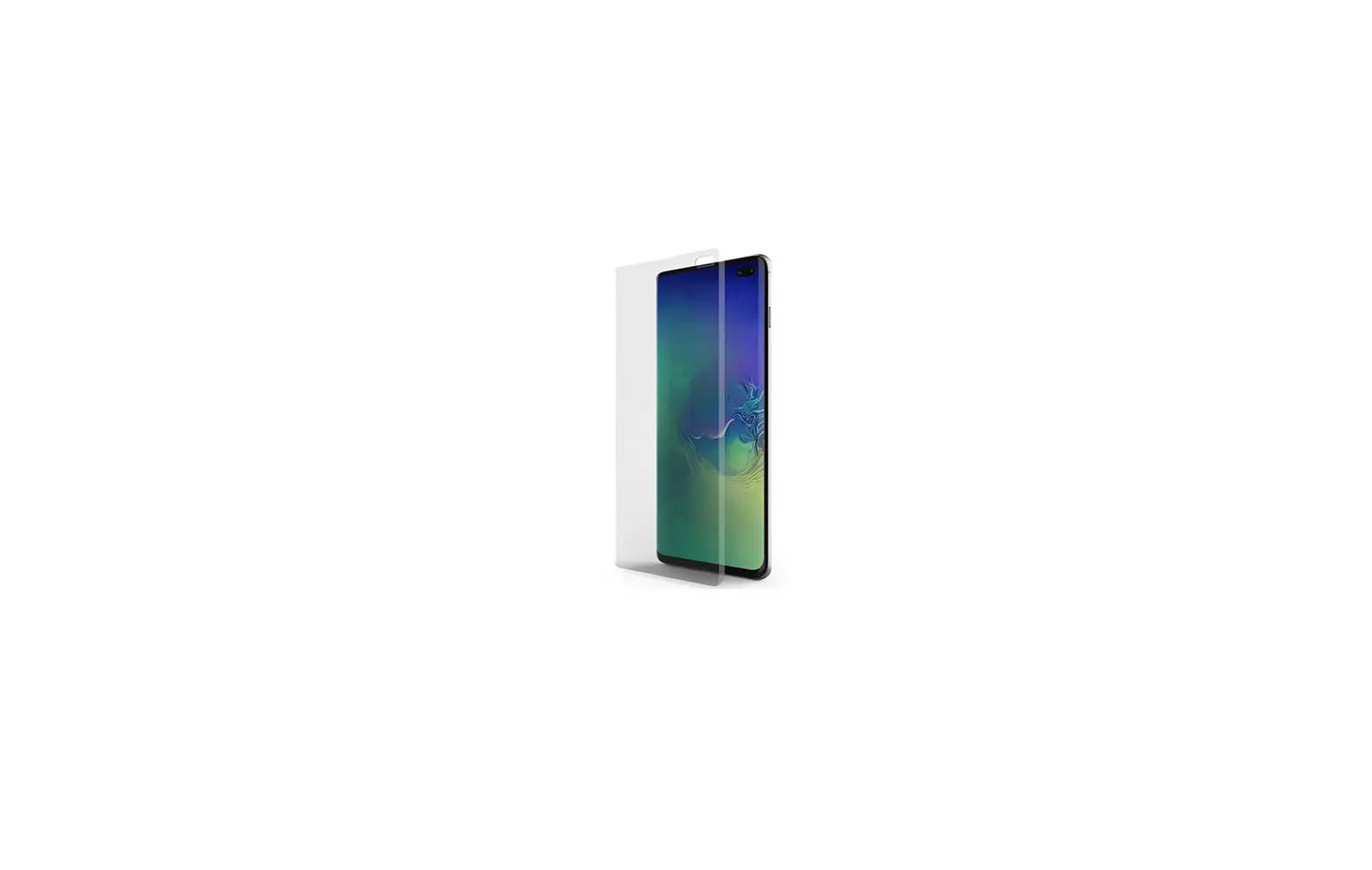
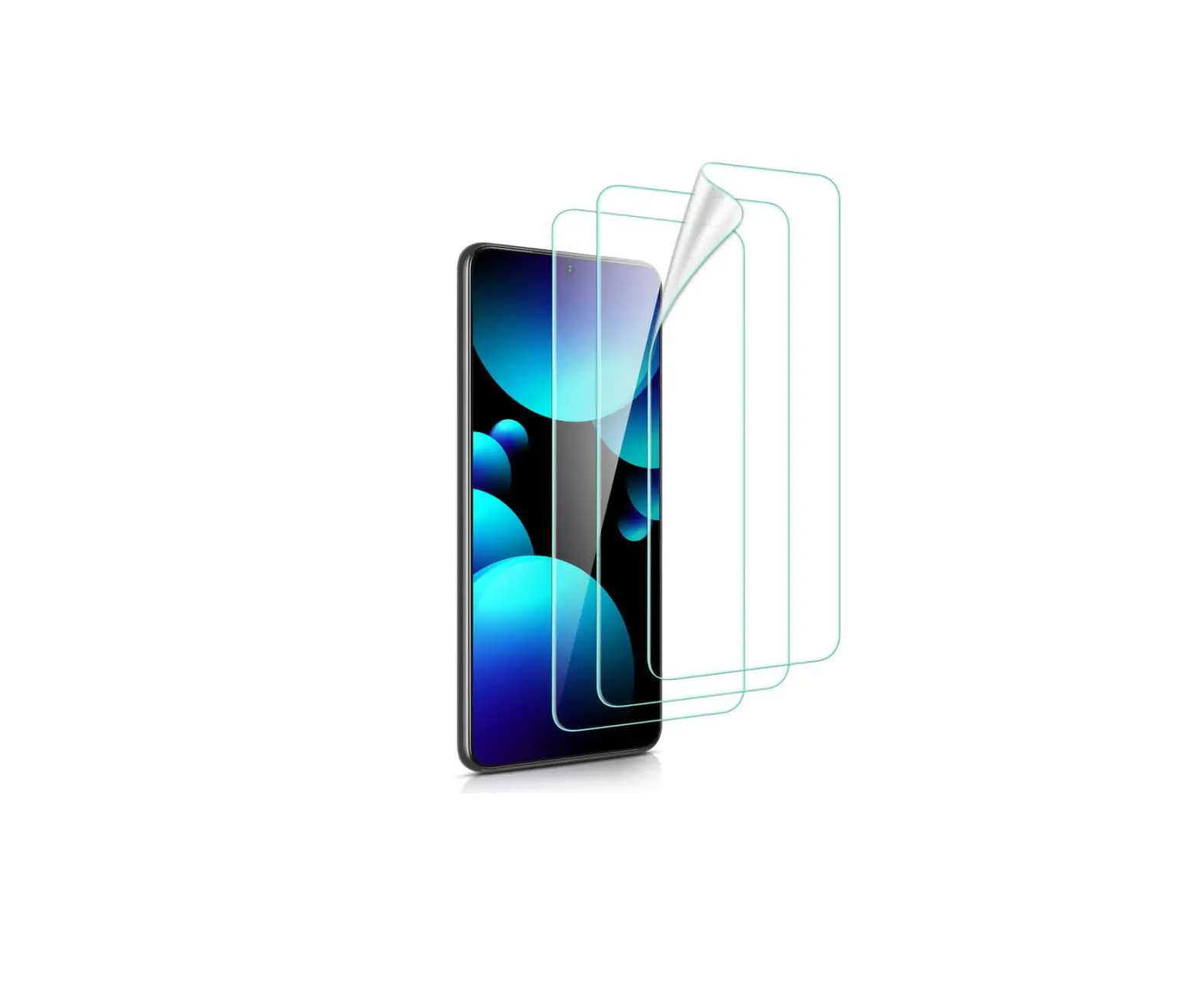
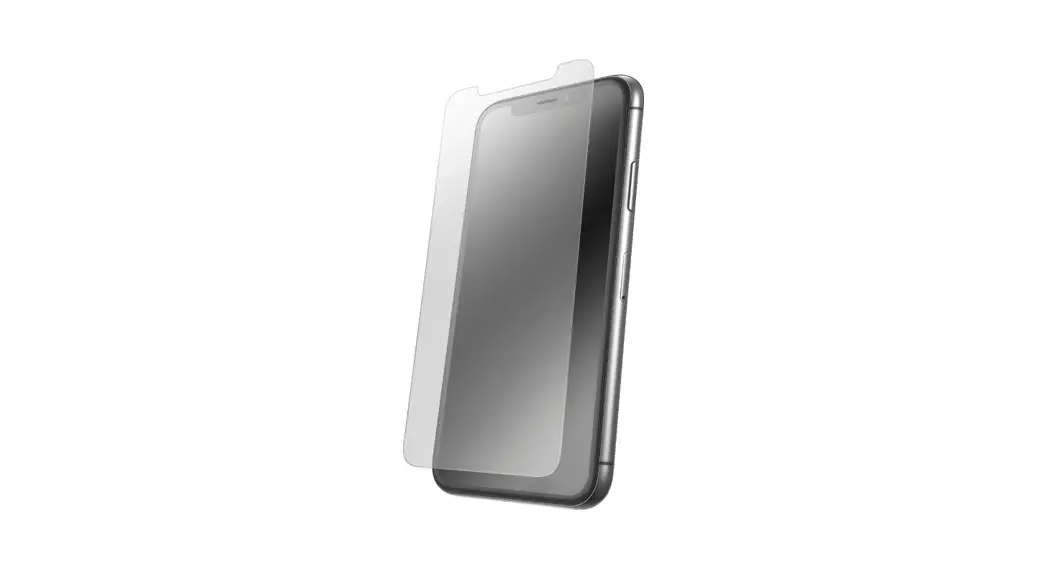
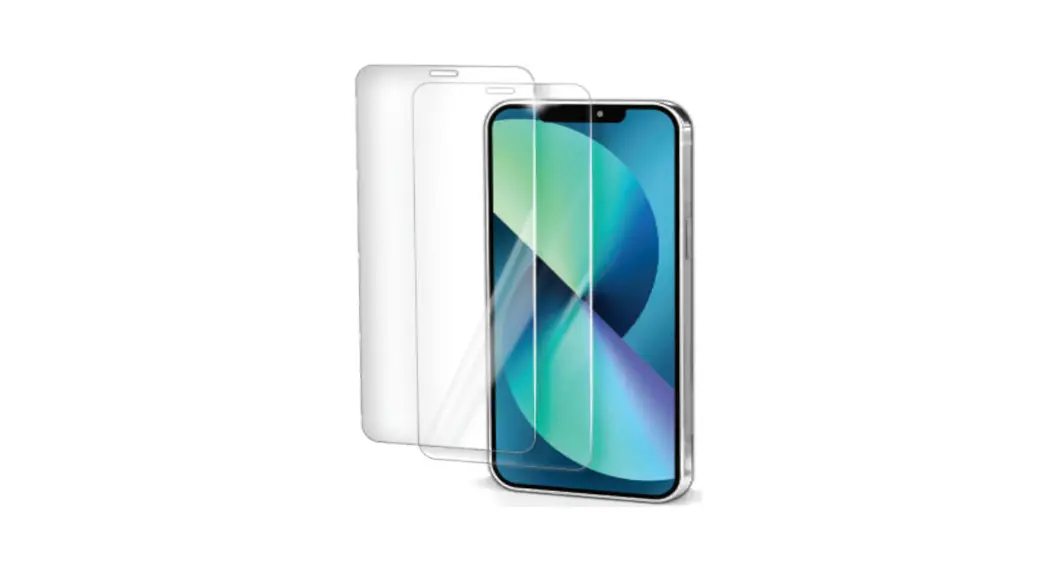
Tempered Glass
Screen Protector
// Step 1
Wipe It Down
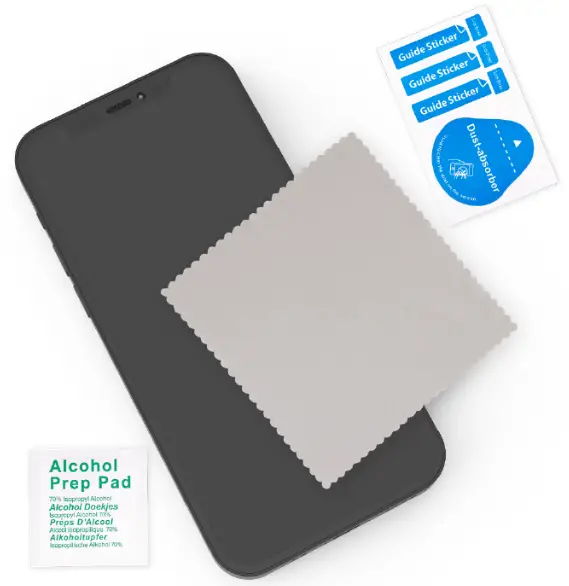
Use the included cleaning kit (alcohol wipe, microfiber cloth, and dust sticker) to remove any smudges, oil, or dust from your device.
// Step 2
Align on Device
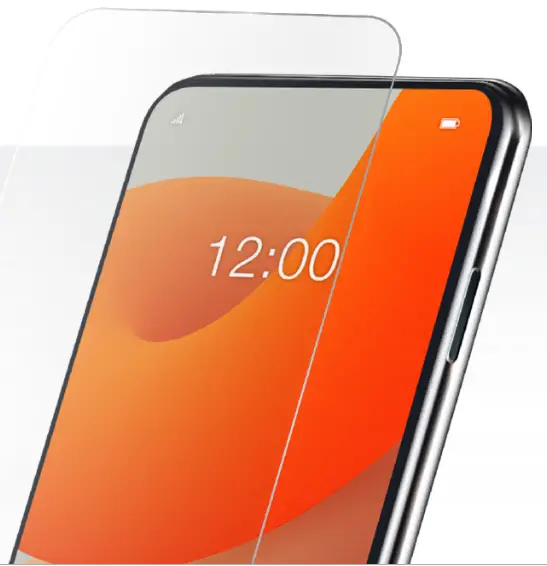
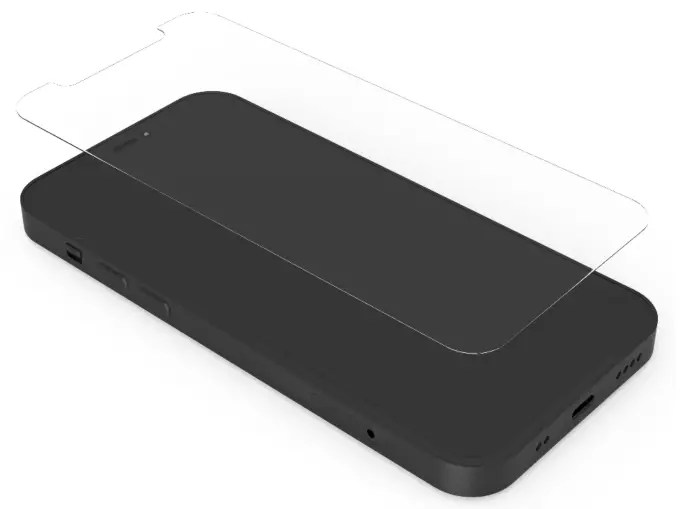
Align your screen protector with your device and remove clear protective plastic.
// Step 3
Attach Glass
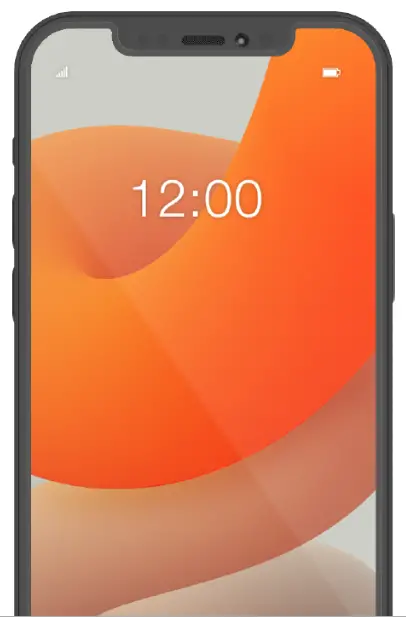
Lay the glass on your phone. Gently move your finger in a sweeping motion to apply it to your phone screen.
Let’s connect!

Follow us and share your Quikcell success stories!
@shopquikcell | #Myquikcell
Quikcell.com
 Affordable phone cases, chargers, speakers, & headphones | Quikcell