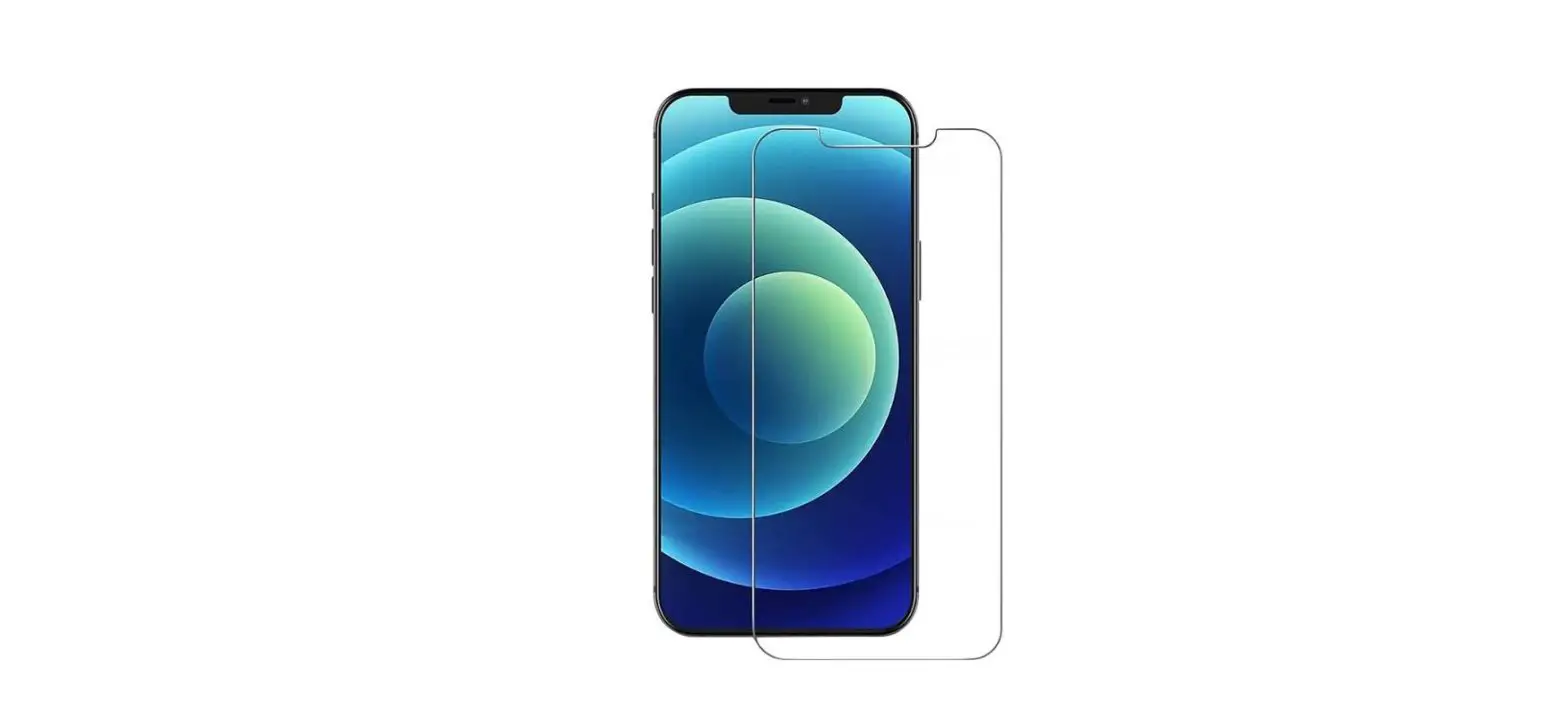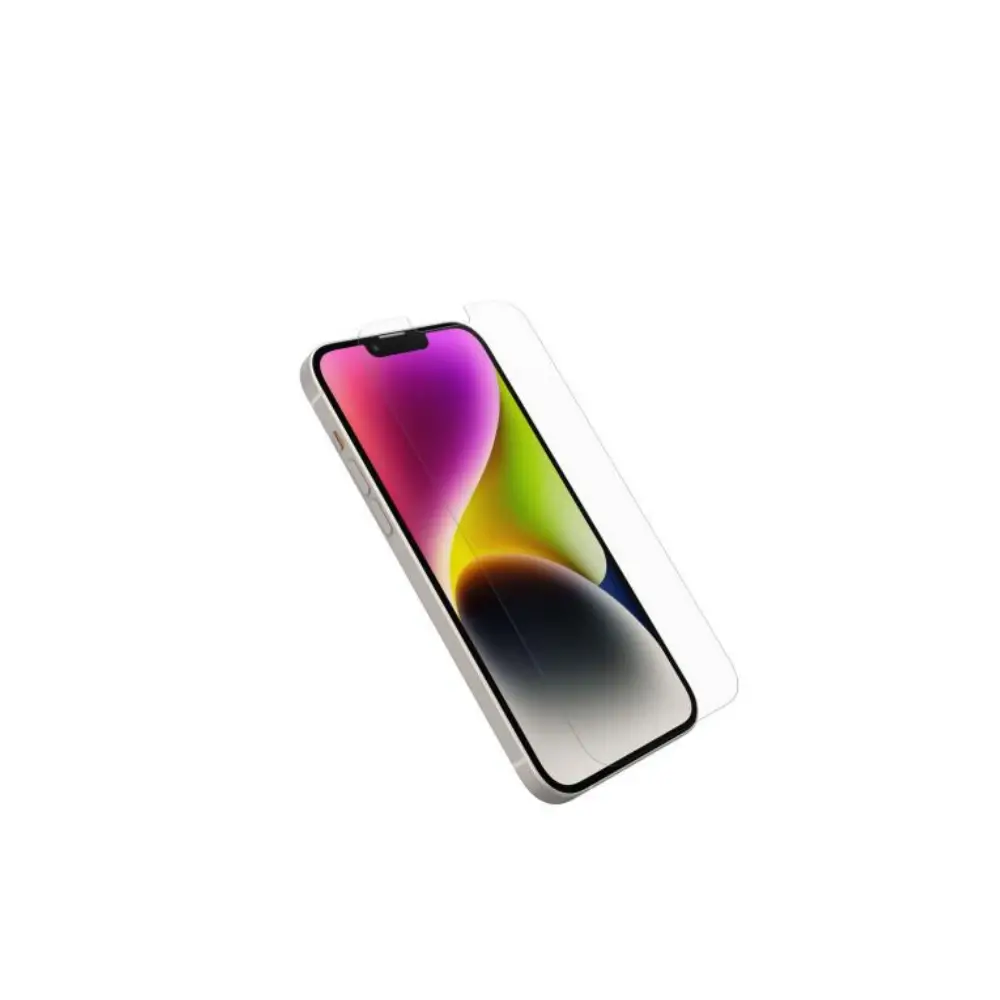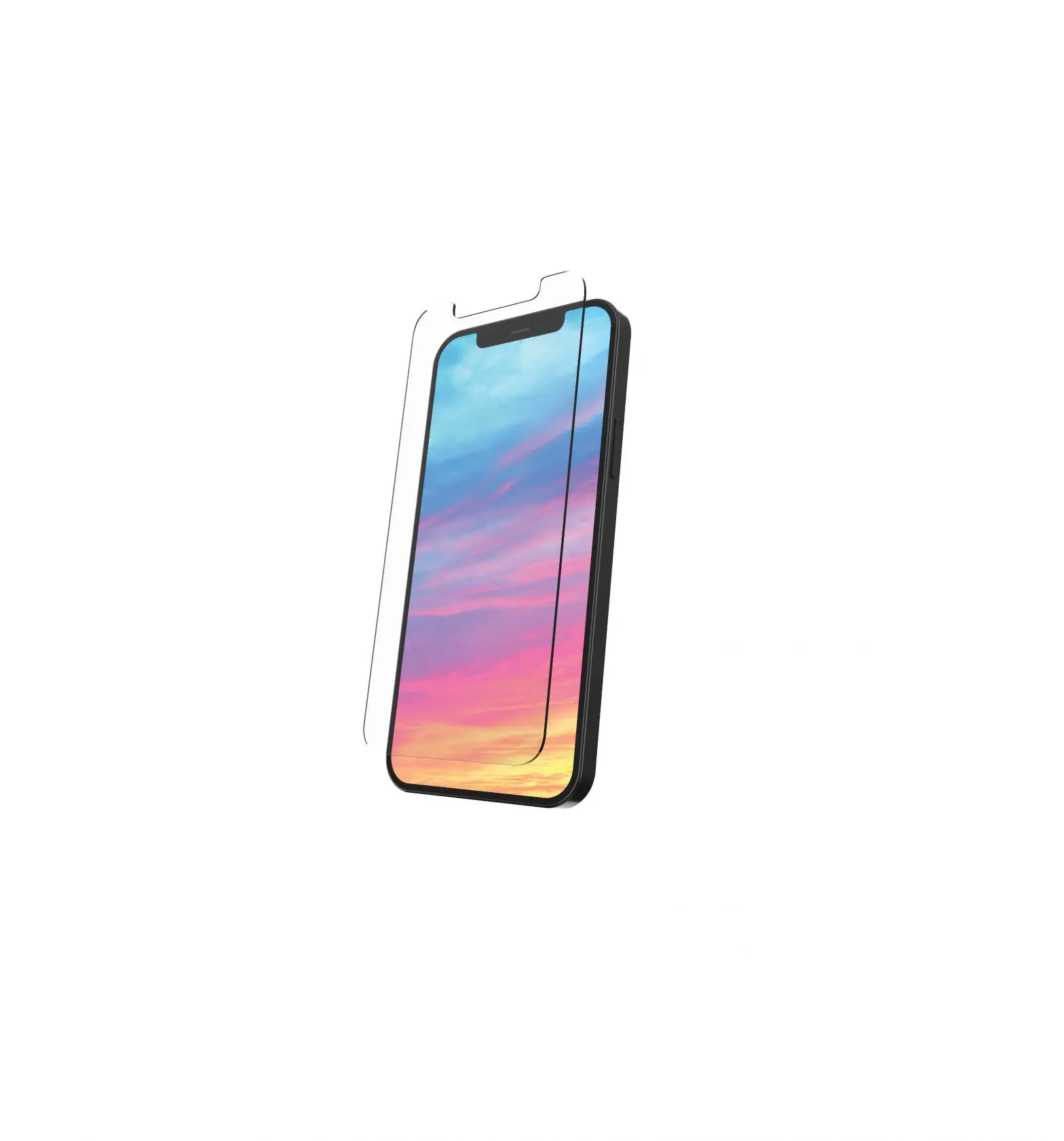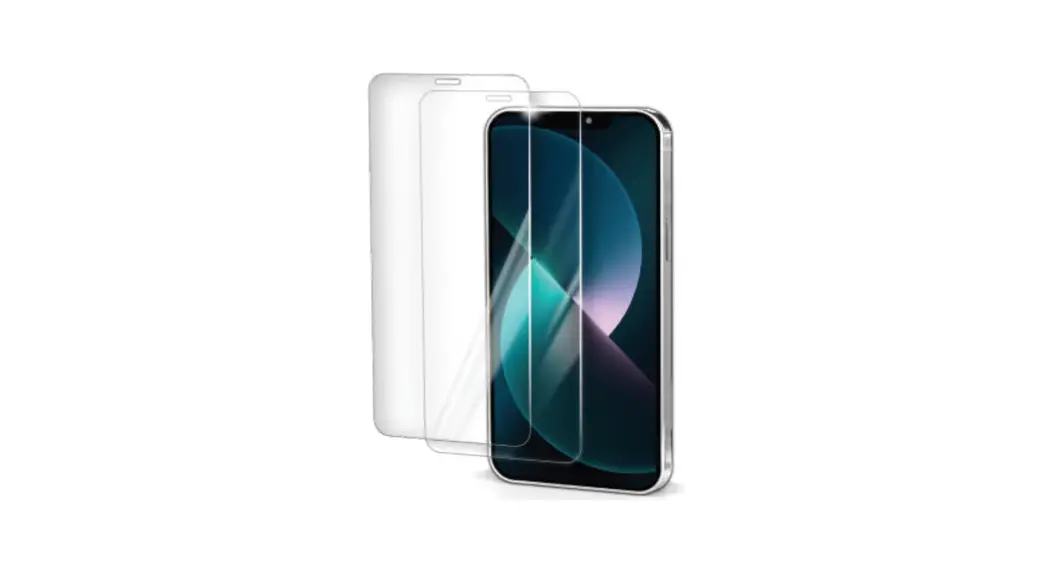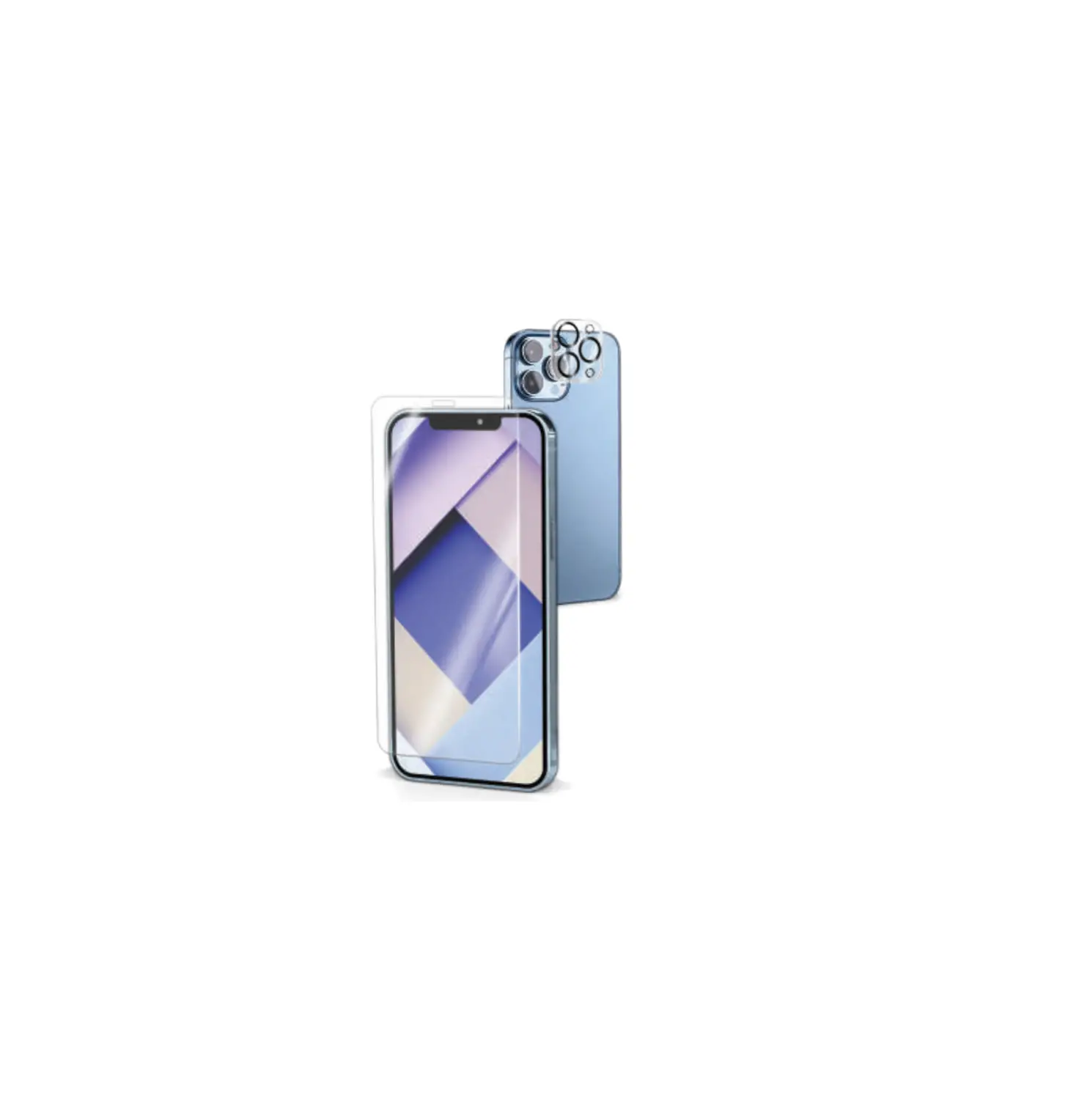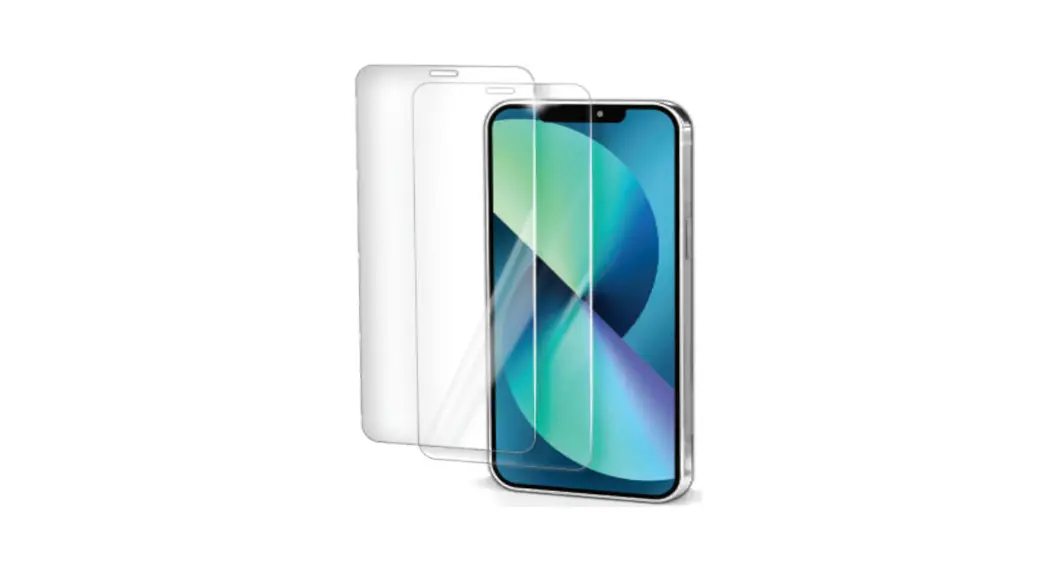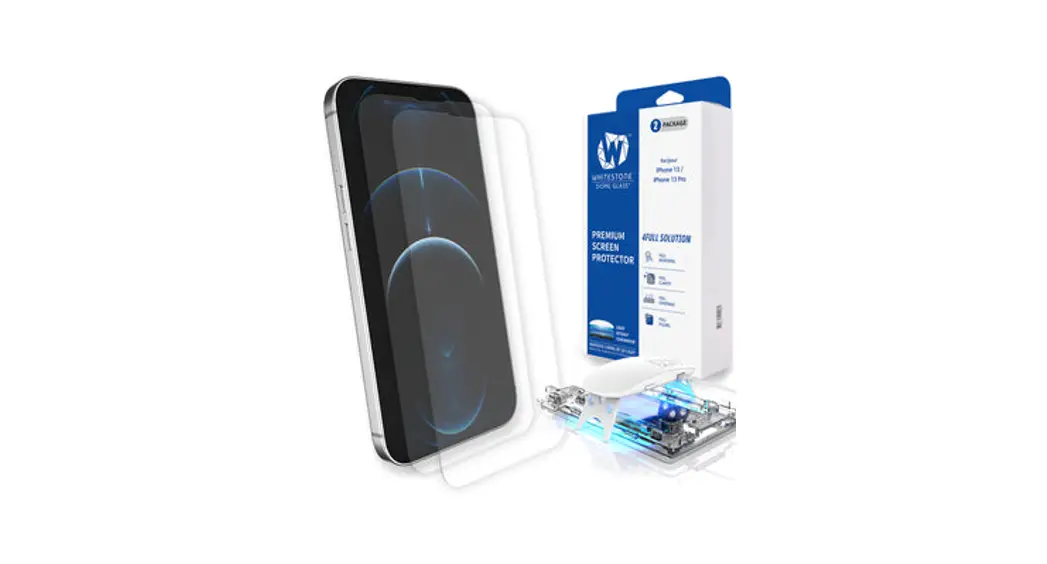

iPhone 13 & 13 Pro Dome Glass Tempered Glass Screen Protector
Before curing, the tempered glass did not adhere properly!
 Adhesive doesn’t spread completely on the screen! Please check the manual and the video for re-installation.
- Remove the JIG from the device.(Refer to step7)
Remove the tempered glass on the device and flip it over and place it on the tissue.
 Re-installation Video before curing
 http://m.site.naver.com/0Nfi1
 - The adhesive on the device is absorbed using tissue and removed.
Remove using alcohol wipes and Cleaning Cloth.
- The adhesive on the tempered glass is absorbed using tissue and removed.
Remove using alcohol wipes and Cleaning Cloth. Be careful not to scratch.
• If too much force is used when cleaning the tempered glass, the tempered glass may be damage so be careful.
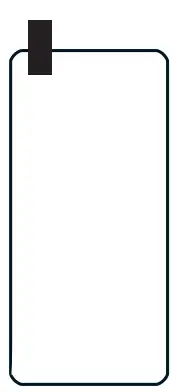
- Attach the protective film removed from STEP5 to the tempered glass. Proceed from STEP1 and reattach (use extra adhesive).
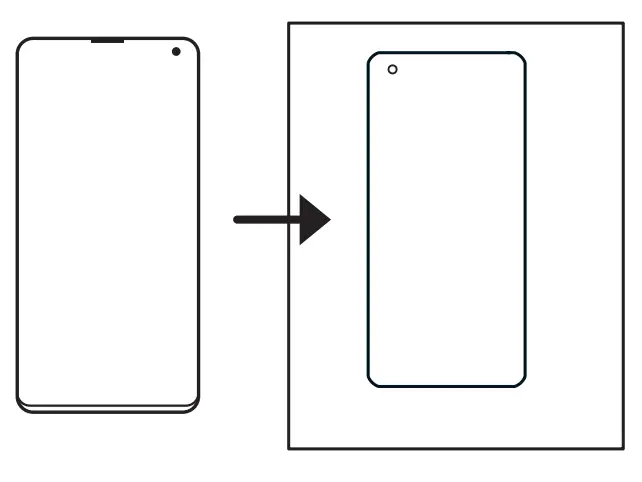

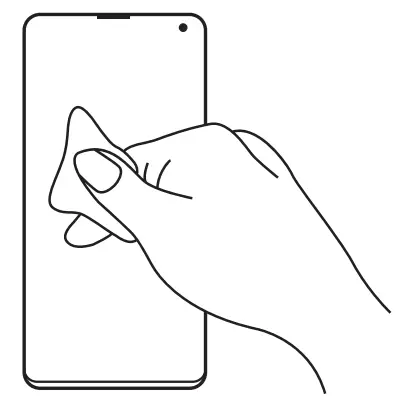
 If too much force is used when cleaning the tempered glass, the tempered glass may be damage so be careful.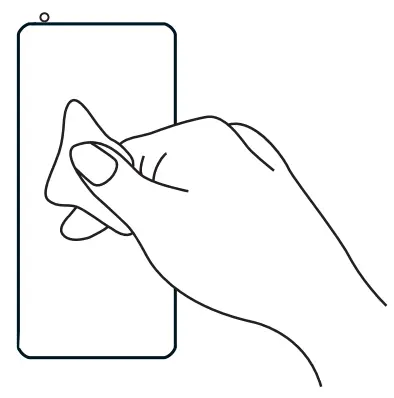
 CLOTH. kreativbureau / Kreativagentur – Werbeagentur Ostbelgien / Eupen