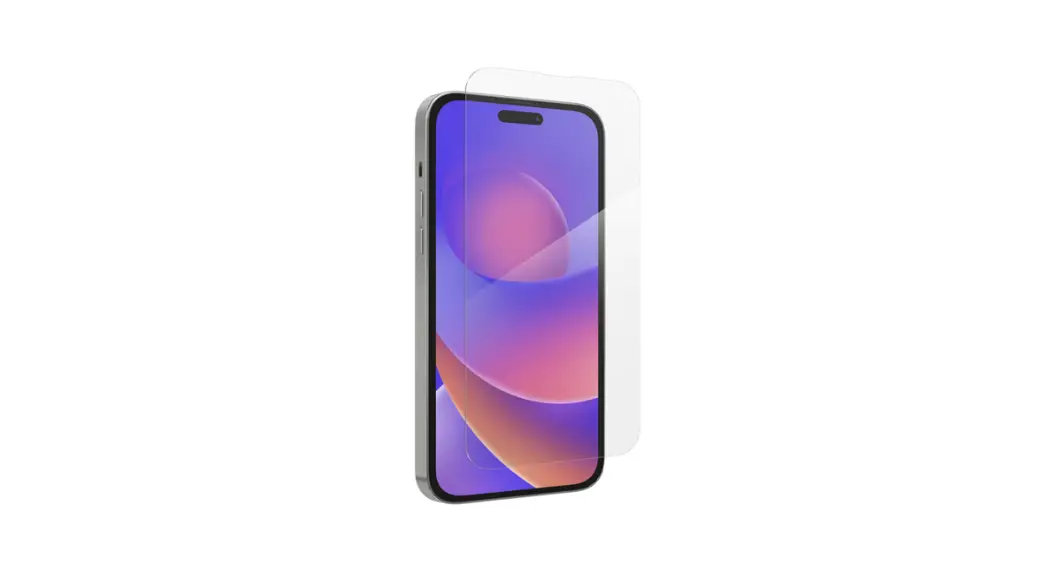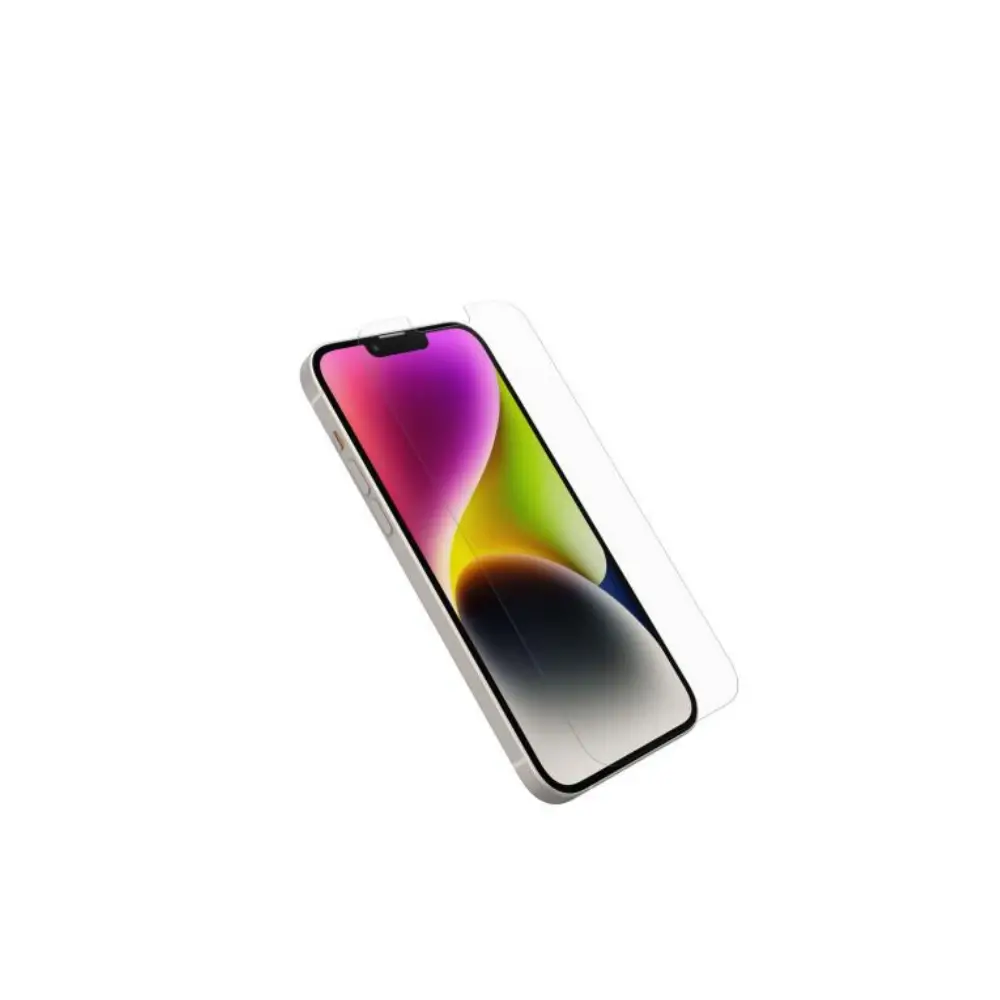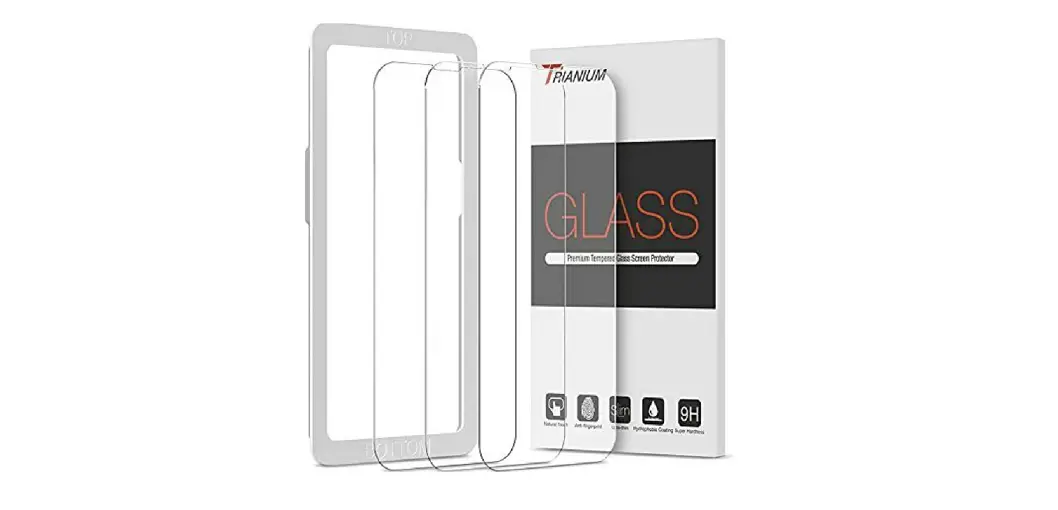

TRIANIUM 13 Pro Screen Protector
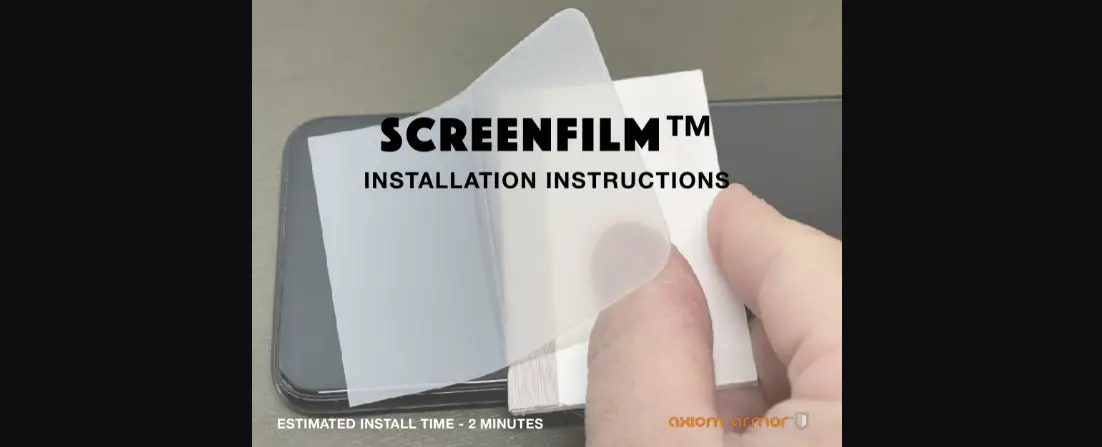
INSTALLATION
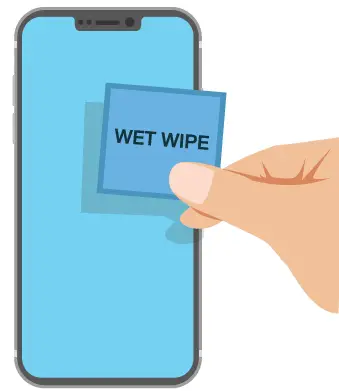
- Use a wet wipe to remove any dirt from the screen.

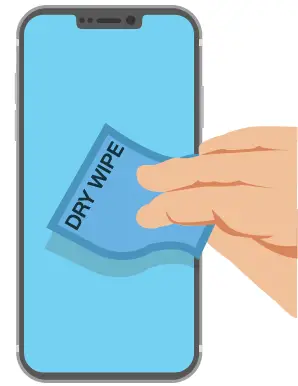
- Use a dry wipe to remove any liquid from the screen.

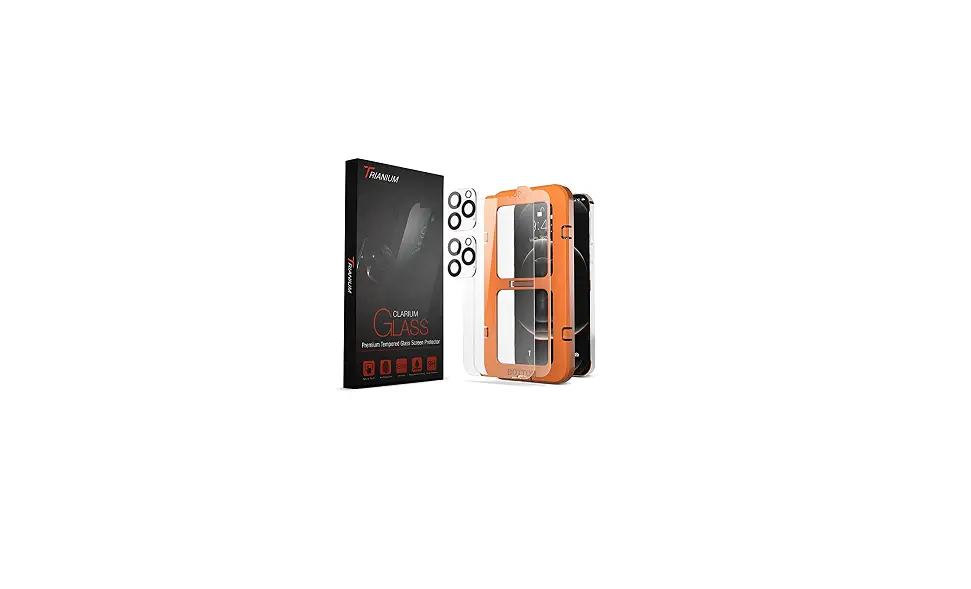
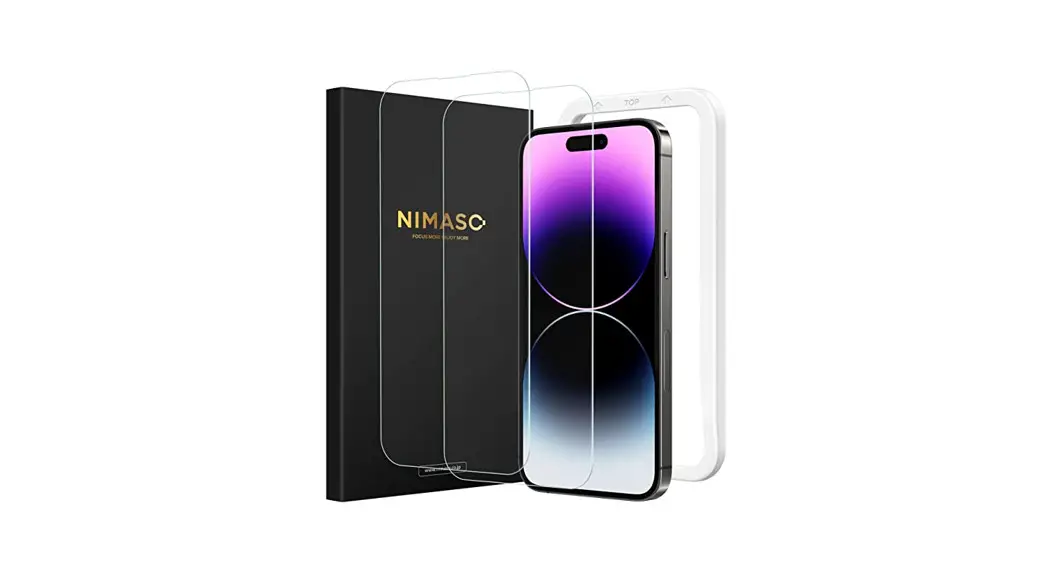
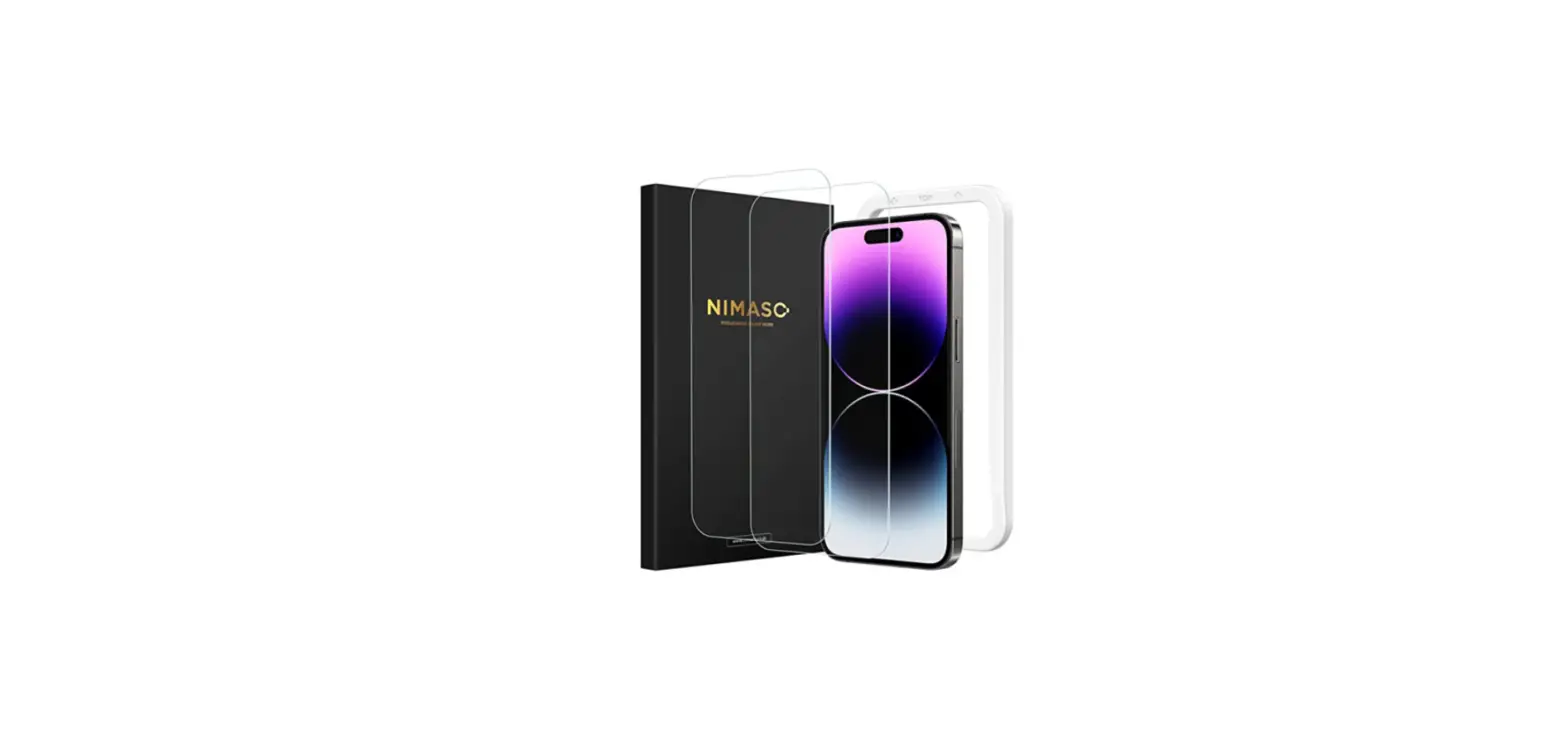
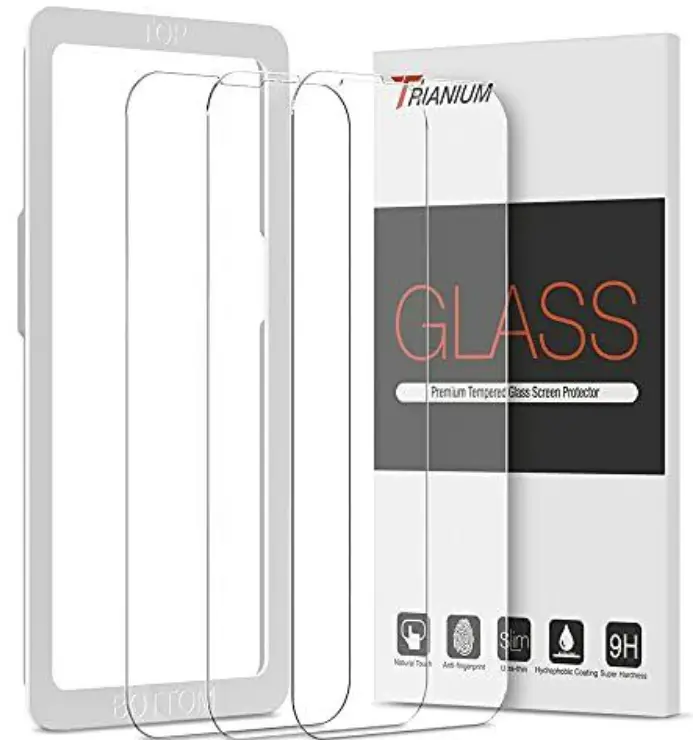
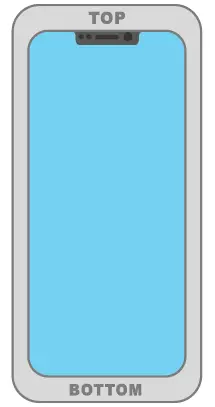
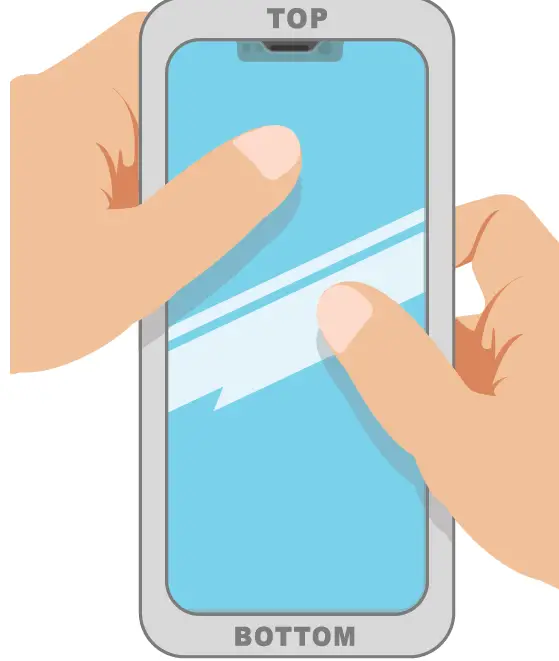
- Use the Guidance Frame and mount it onto the phone. Align the “TOP” and “BOTTOM” written text correctly.

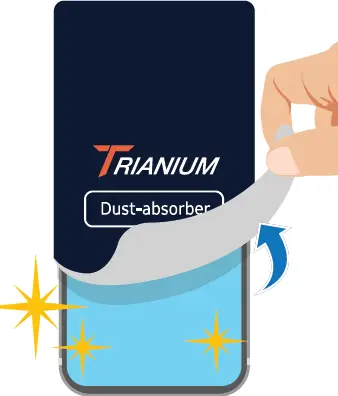
- Use the full-screen dust-absorber sticker to remove any dust from the screen.

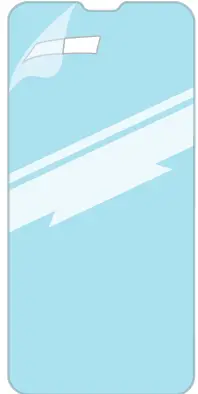
- Peel back the rectangular tab to remove the adhesive film.

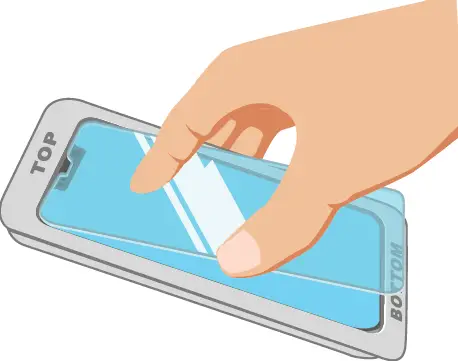
- Not touching the sticky side of the protector, place the protector down into the Guidance Frame from the TOP. Ensure it is centered.

- Drop the rest of the protector down onto the screen. All edges should be centered and aligned to the Guidance Frame.

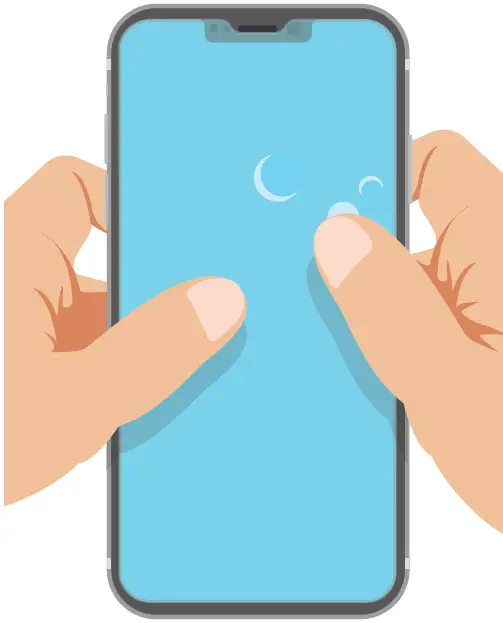
- Push any air bubbles towards the edges of the screen with your fingers.

- Congratulations! Your phone is now protected!

FAQ
Q: Is this a full screen screen protector?
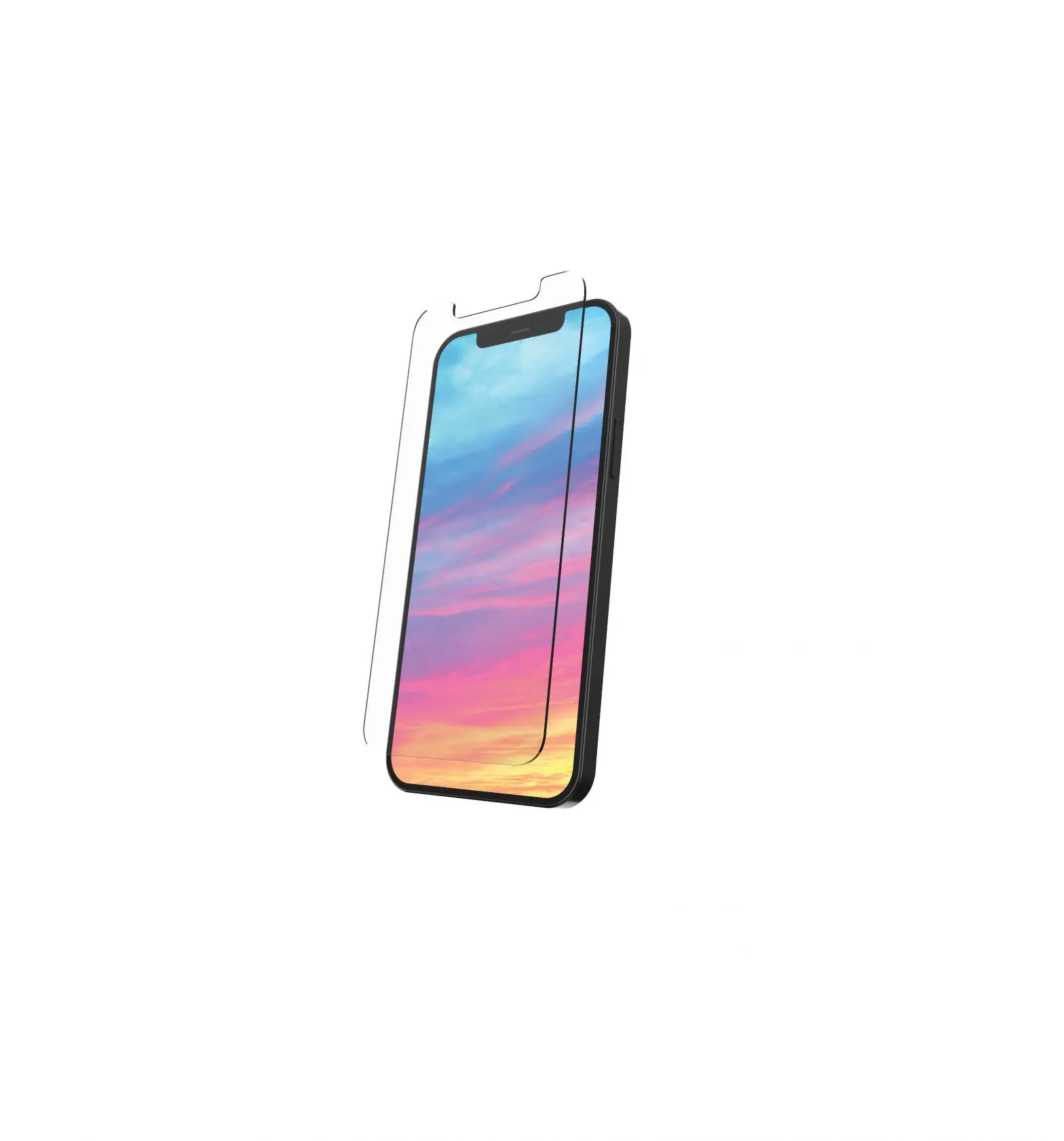
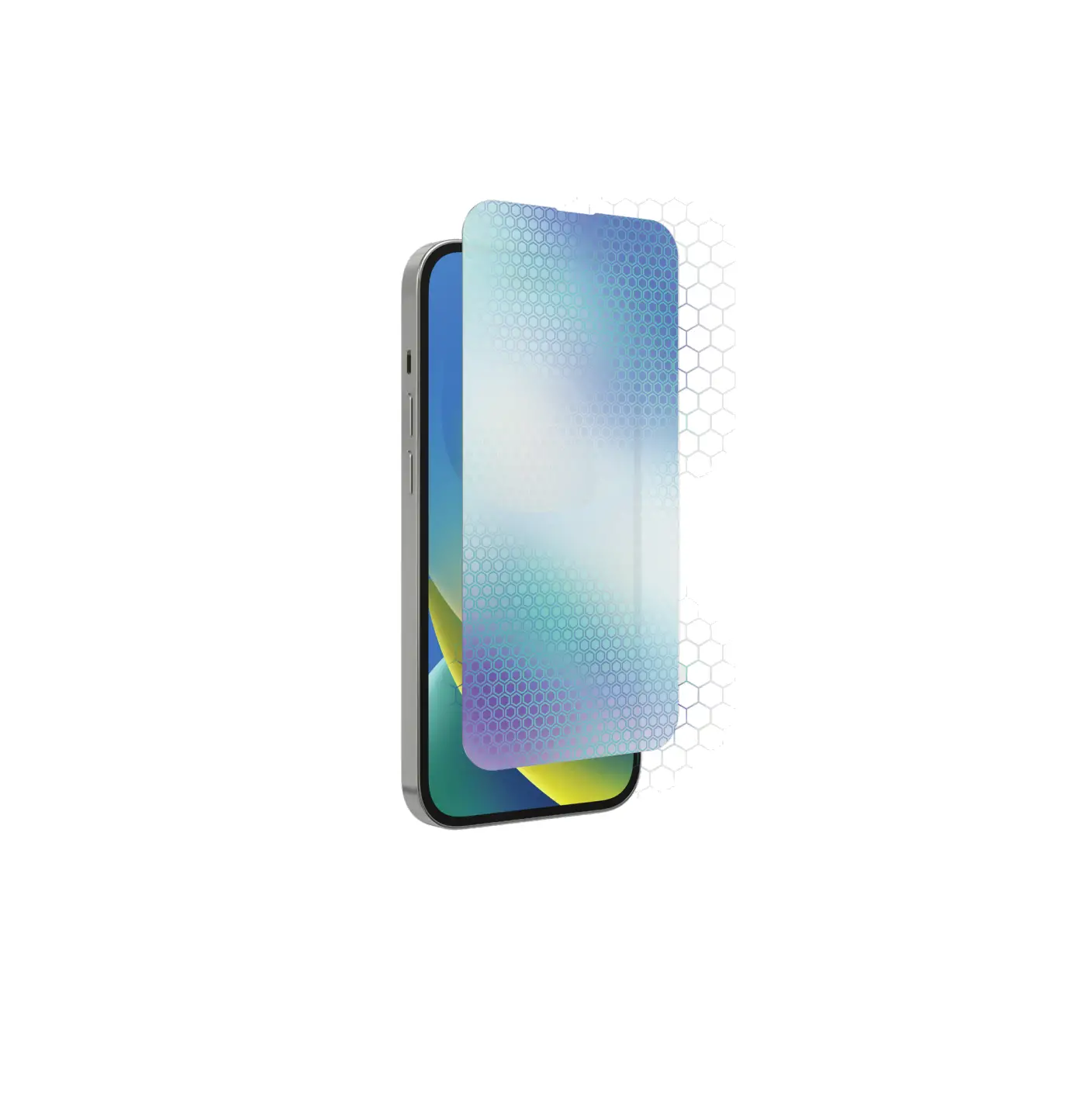
A: Yes, this covers the full surface area of the screen. It is fully compatible with all iPhone UI, menus, software, and technical features as there is no interference while the screen protector is applied.
Q: Why is their text imprinted on the Guidance Frame?
A: “TOP” and “BOTTOM” is imprinted onto the Guidance Frame to guide users of where to place the frame before mounting it onto the phone. It is critical to follow the imprinted text as it will ensure a perfectly centered and aligned screen protector.
Q: How many screen protectors are there? Why are there so many?
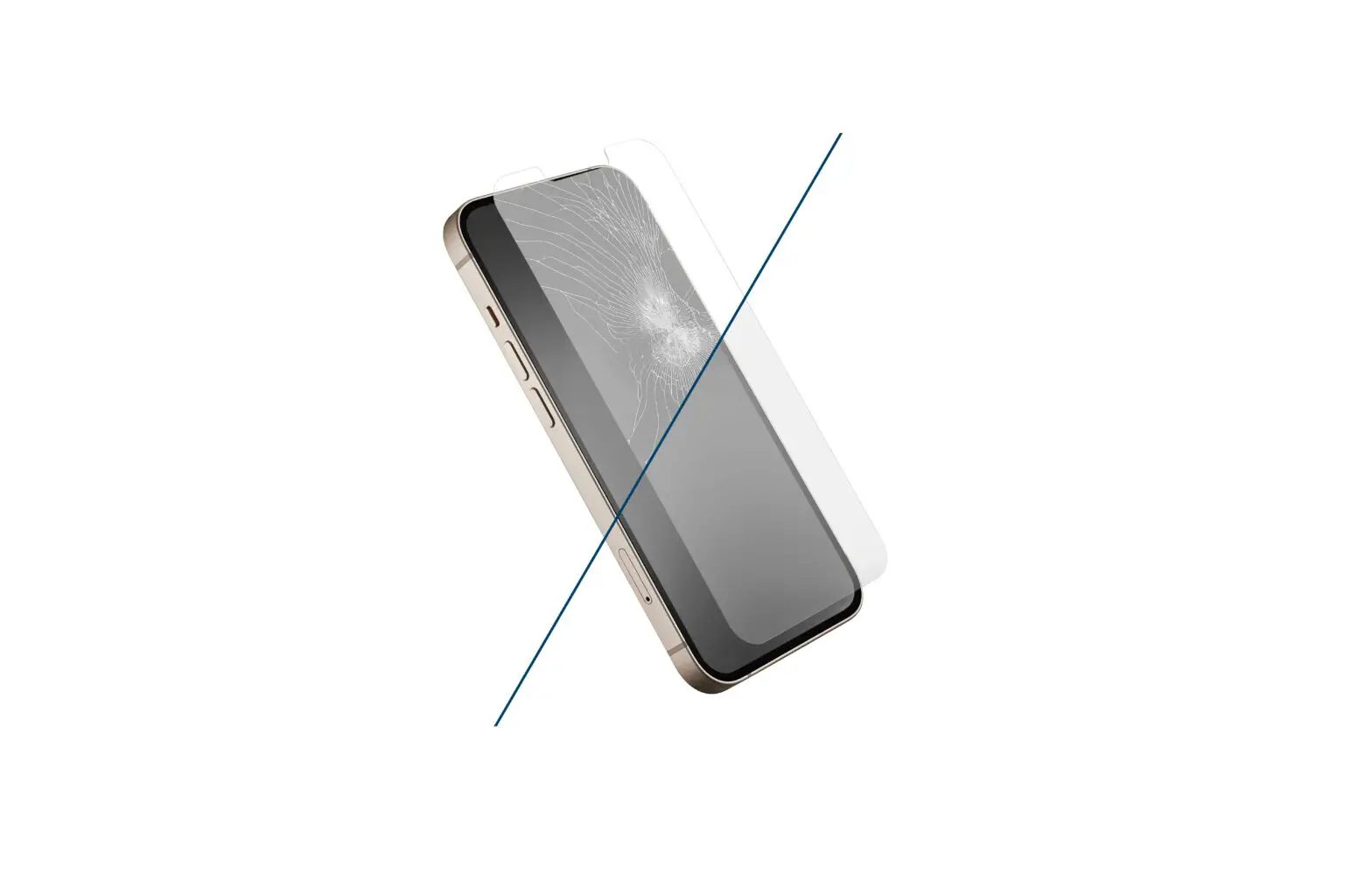
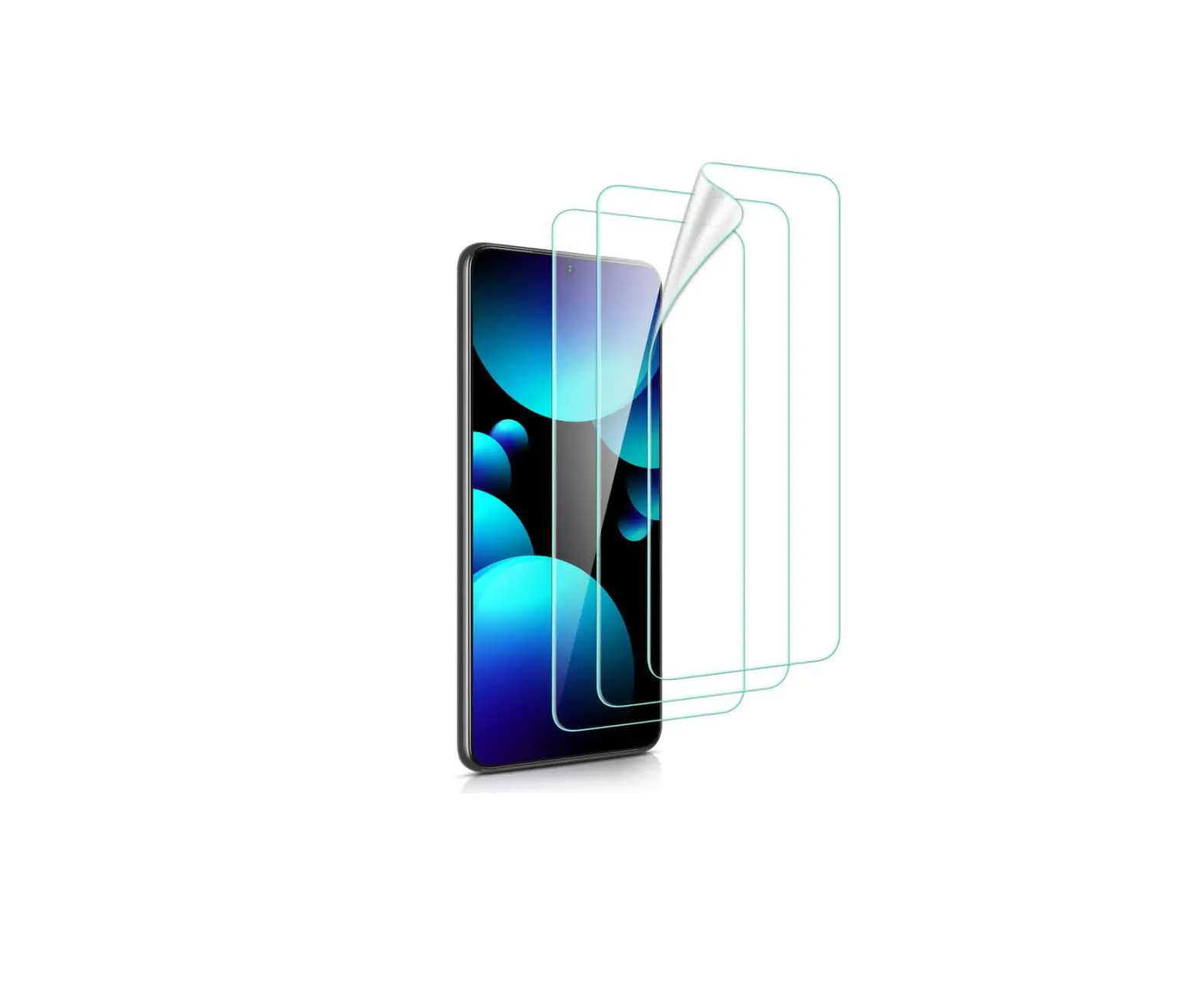
A: 3. There are 3 screen protectors provided. In the case of a screen protector breaking by protecting your screen after a minor drop or fall, you can easily peel off and replace it with a fresh screen protector.
Q: Are air bubbles normal? How do I remove them?
A: Yes, air bubbles are totally normal. Try pushing them towards the corners of the screen using your fingers several times. If any persist underneath the screen, please wait around 24 hours for them to dissipate on their own.