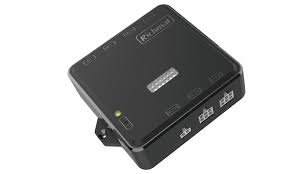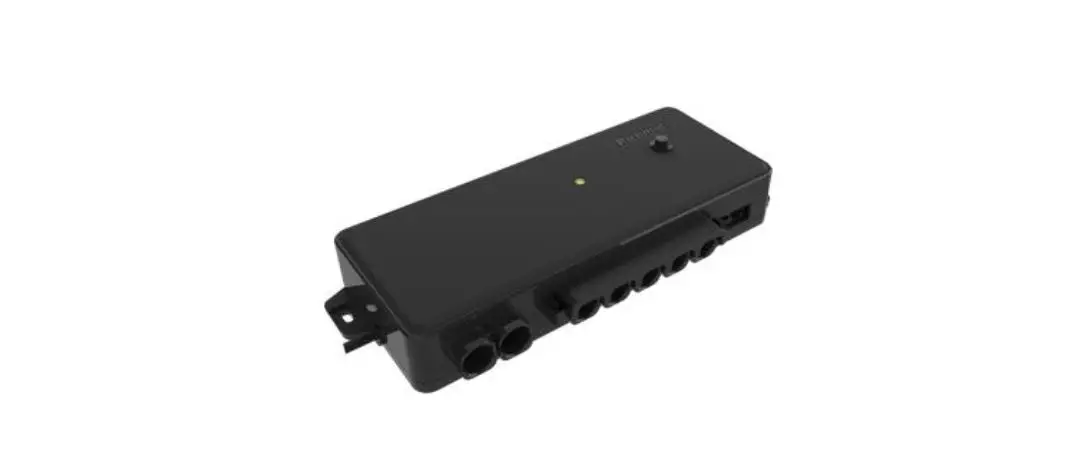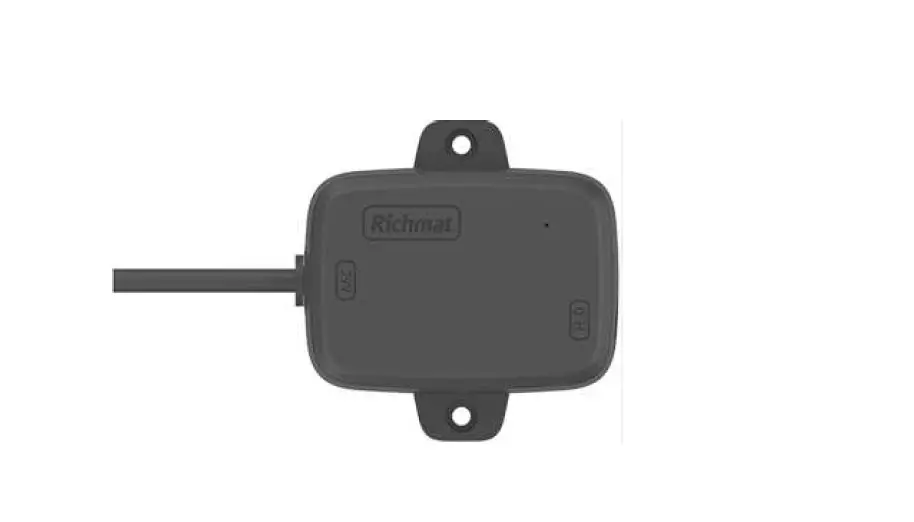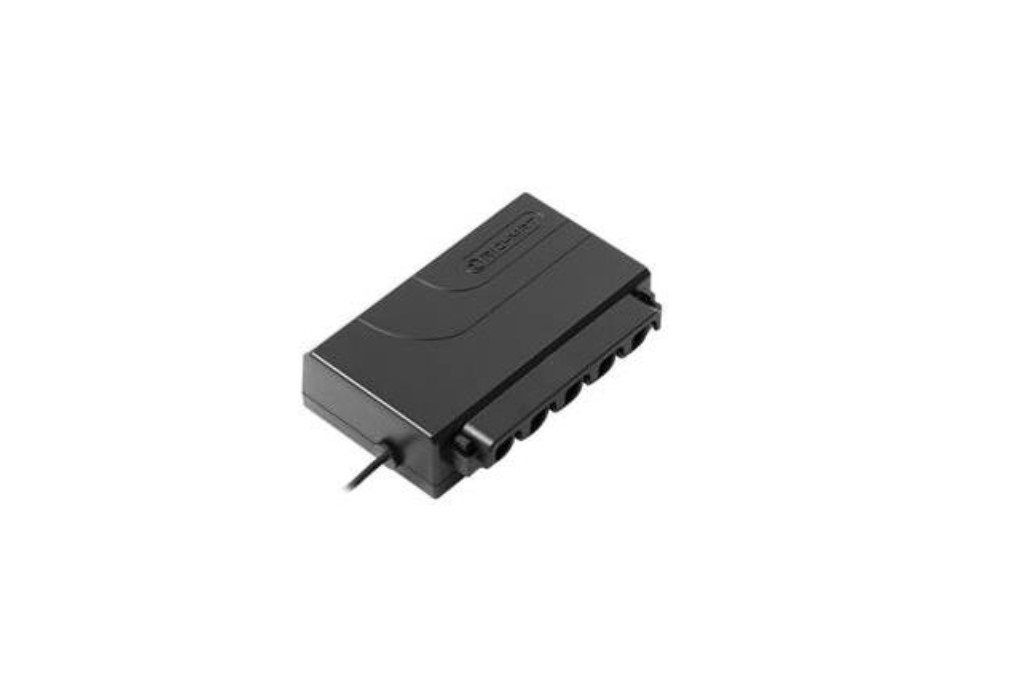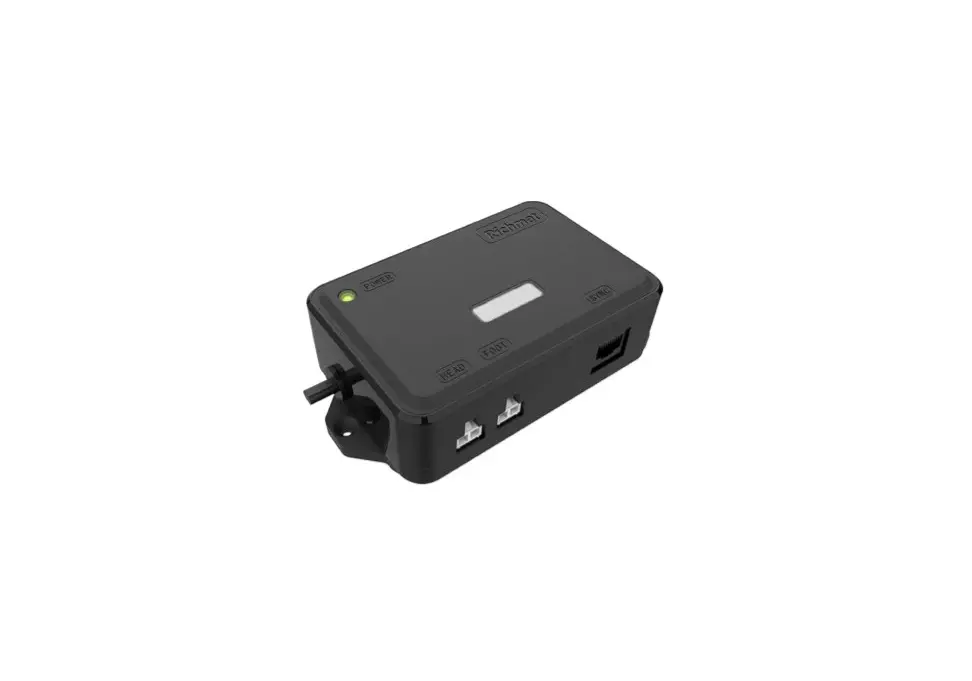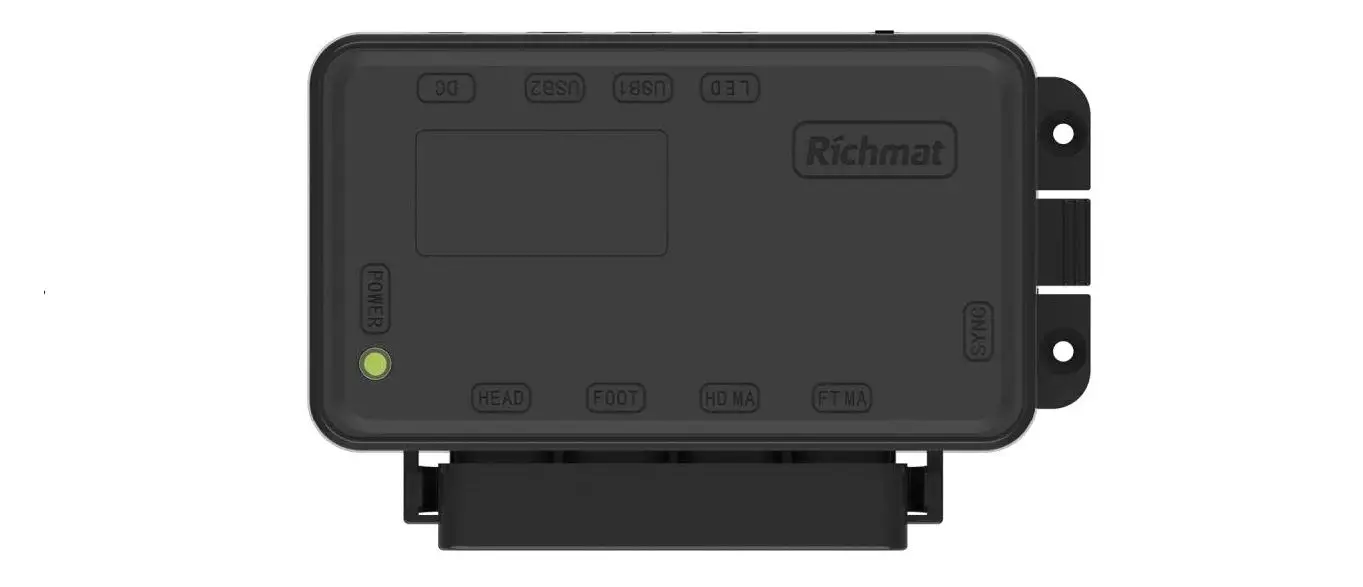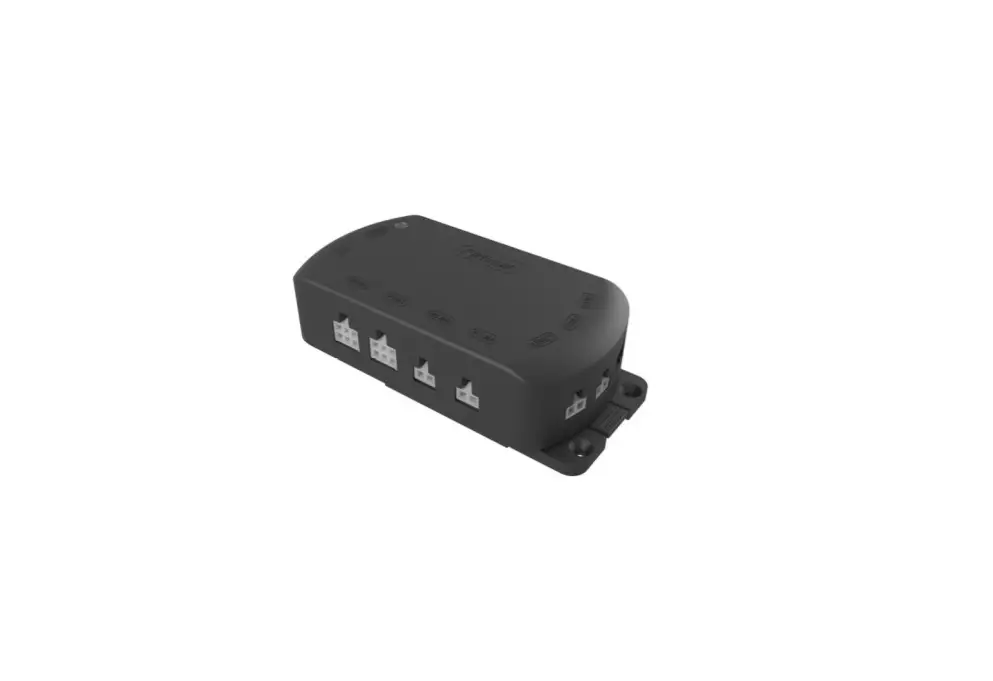
Richmat HJC52 Ble Control Box Instruction Manual

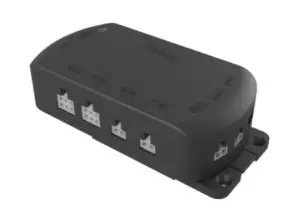
1.Remark:
Up to 2 motors
BLE control available
Memory function
Color: black
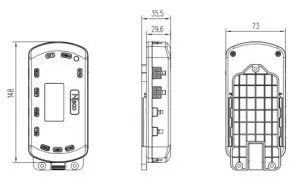
2.Dimension:(mm)
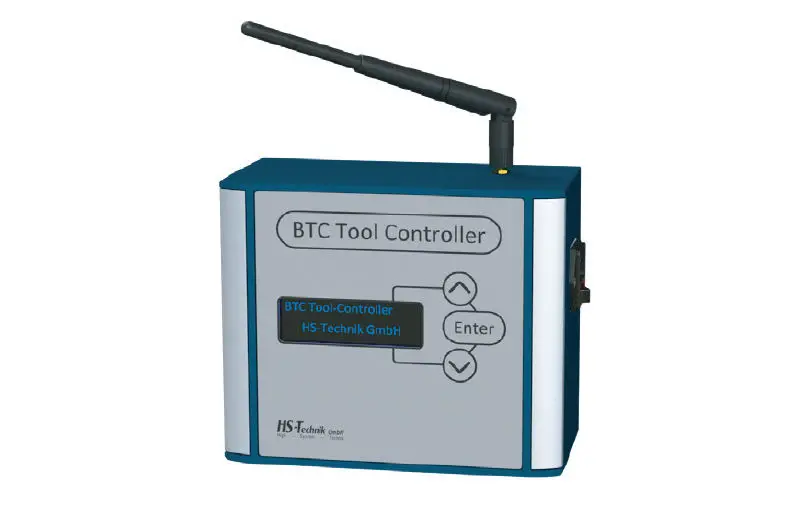
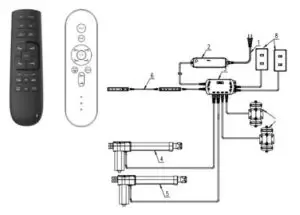
3.System configuration diagram

5.Fixed position size
| SNORE | ZG | TV | LOUNGE | |
| Head(mm) | 26.5 | 41.4 | 139.3 | 101.8 |
| Foot(mm) | 0 | 86.2 | 74.8 | 52.2 |
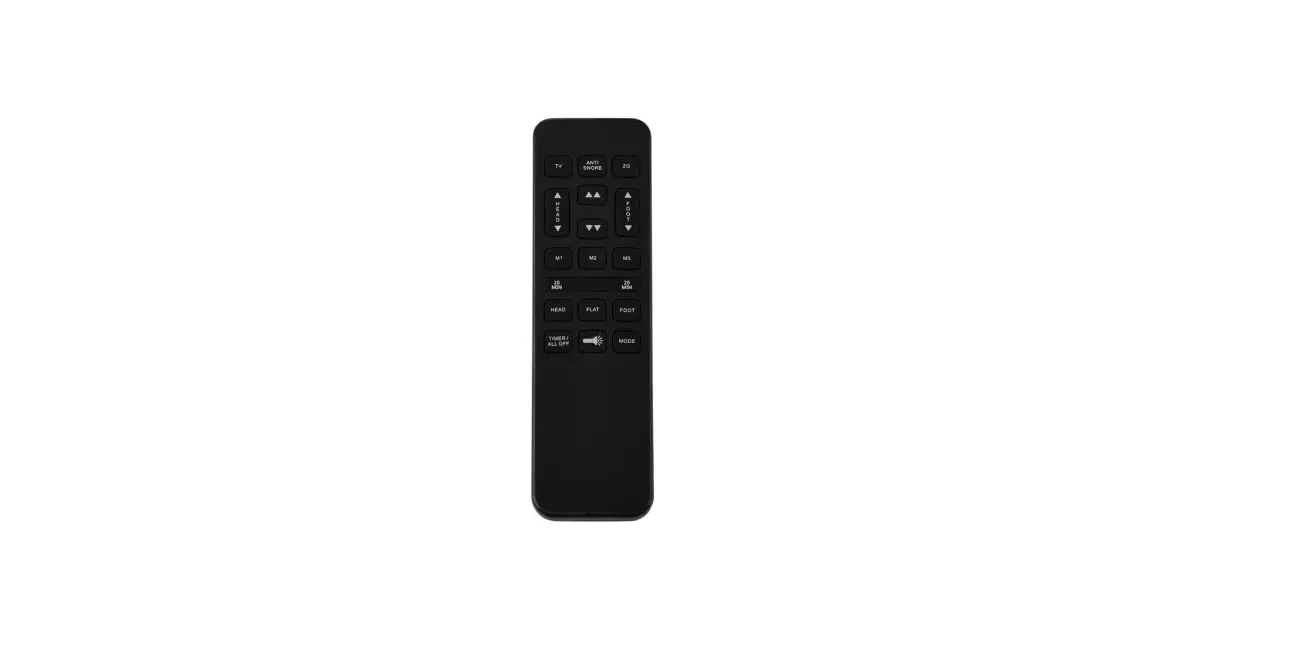
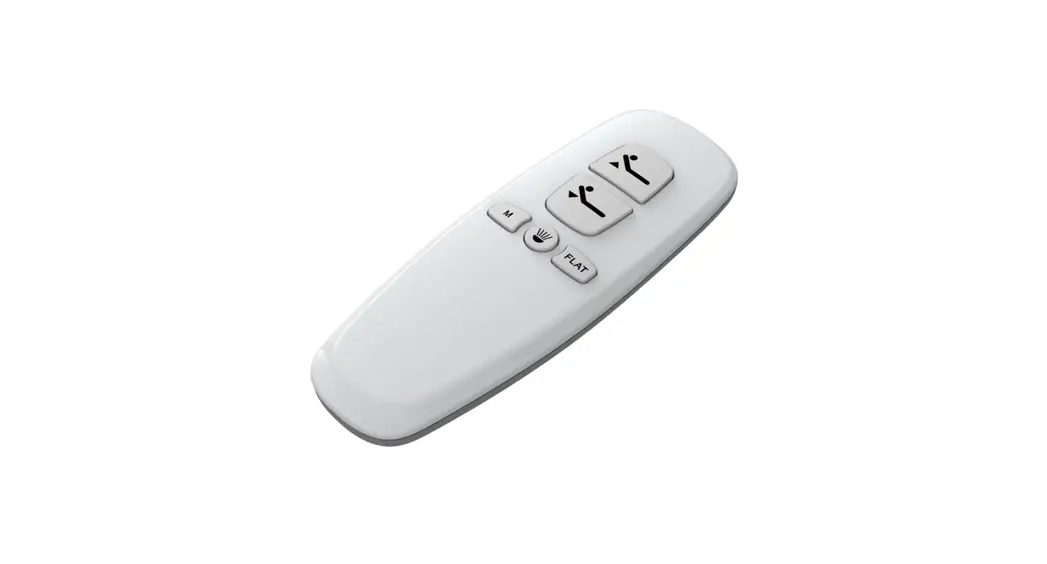
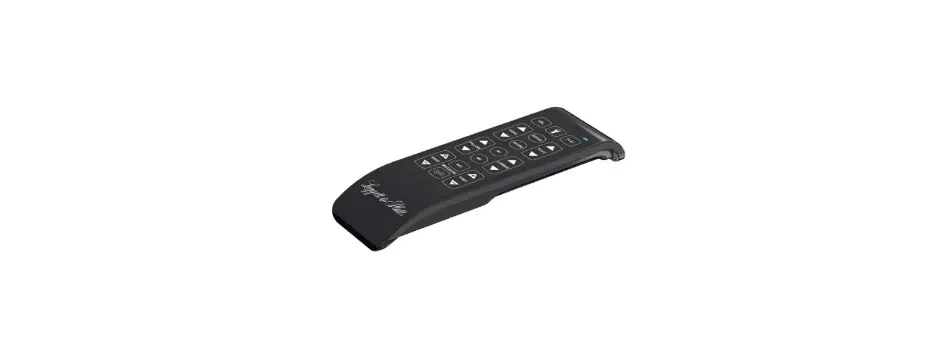
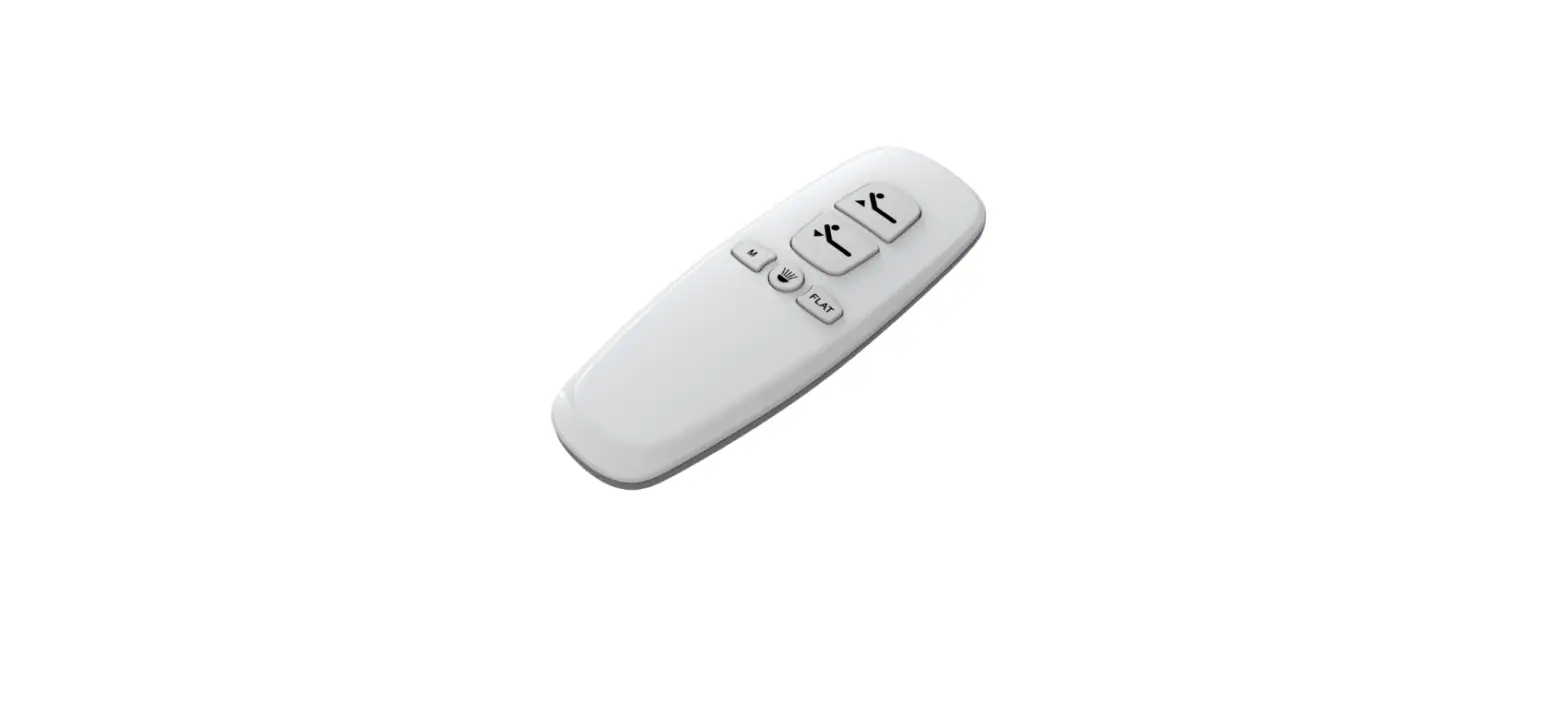
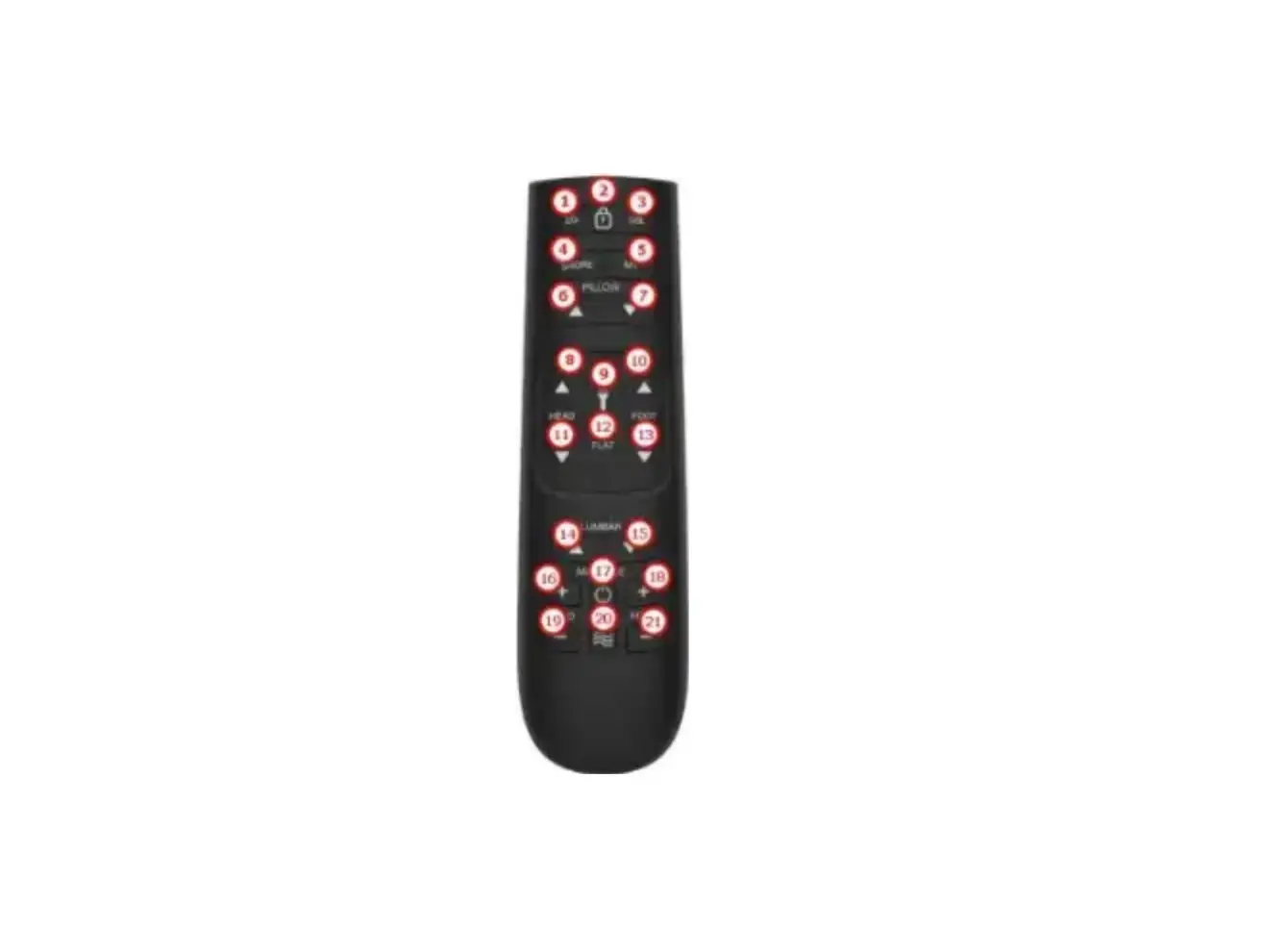
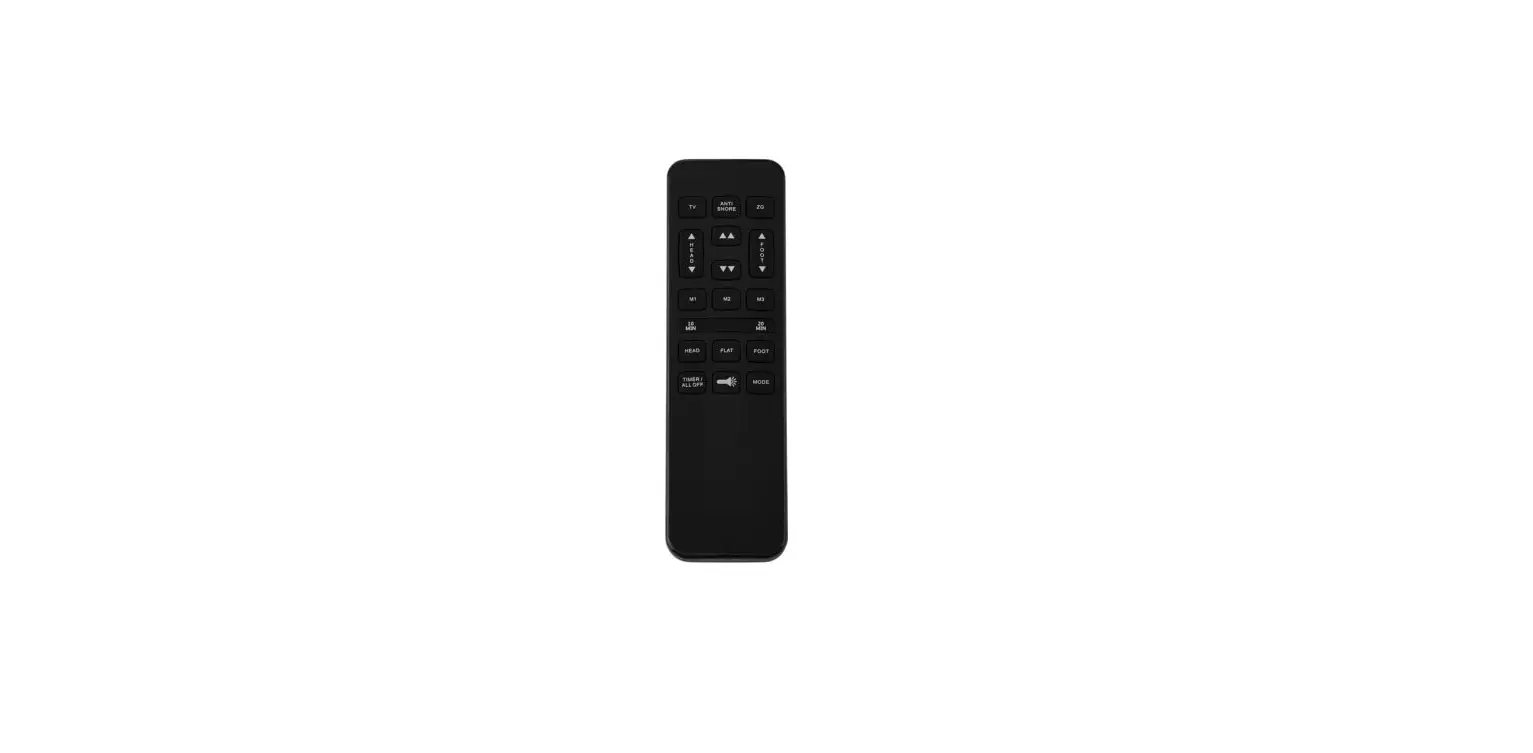
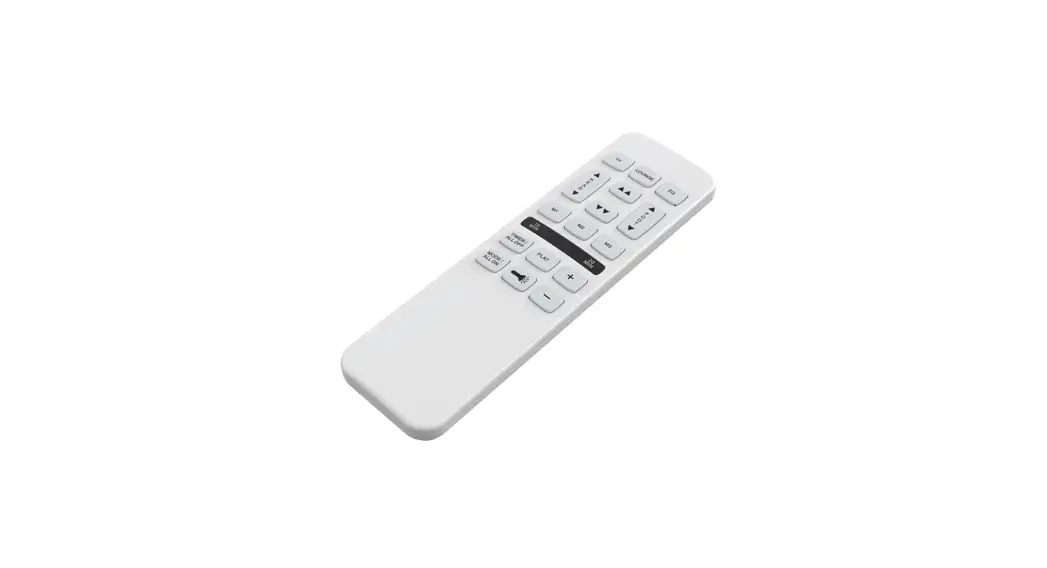
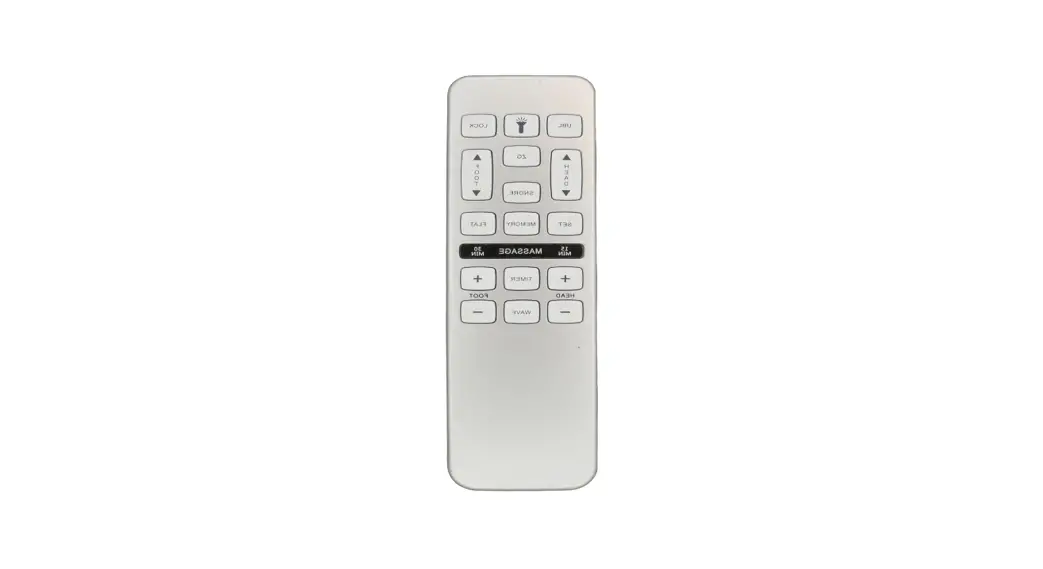
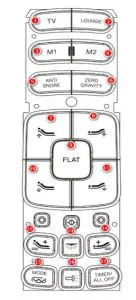
6.Remote control function description
| Button label | Function |
|
1 | Press the button, the motor will run to the TV position with one button (there is an initial position) |
| Multiplexing function: Press and hold the FLAT button while pressing the TV button, the buzzer sounds, the backlight flashes, and the current motor status is recorded to the TV position. (Power-off memory clear) | |
|
2 | Press the button, the motor will run to the LOUNGE position with one button (there is an initial position) |
| Alternate function: Press and hold the FLAT button while pressing the LOUNGE button, the buzzer sounds, the backlight flashes, and the current motor status is recorded to the LOUNGE position. (Power-off memory clear) | |
|
3 | Press the button, the motor will run to M1 with one button (no initial value) |
| Alternate function: Press and hold the FLAT button while pressing the M1 button, the buzzer sounds, the backlight flashes, and the current motor status is recorded to the memory position 1. (Not cleared after power failure) | |
|
4 | Press the button, the motor will run to M2 with one button (no initial value) |
| Alternate function: Press and hold the FLAT button while pressing the M2 button, the buzzer sounds, the backlight flashes, and the current motor status is recorded to the memory position 2. (Not cleared after power failure) | |
|
5 | Press the button, the motor will run to the SNORE position with one button (there is an initial position) |
| Alternate function: Press and hold the FLAT button while pressing the SNORE button, the buzzer sounds, the backlight flashes, and the current motor status is recorded to the SNORE position. (Power-off memory clear) | |
|
6 | Press the button, the motor will run to the ZG position with one button (there is an initial position) |
| Alternate function: Press and hold the FLAT button while pressing the ZG button, the buzzer sounds, the backlight flashes, and the current motor status is recorded to the ZG position. (Power-off memory clear) | |
| 7 | Press the button, the back rises; release the button, the motor stops. |
| 8 | Press the button, the foot rises; release the button, the motor stops. |
| 9 | One-key reset, all motors retract to the minimum stroke position |
| and reset after power-on. | |
| 10 | Press the button and the back will drop; release the button and the motor will stop. |
| 11 | Press the button and the foot will drop; release the button and the motor will stop. |
| 12 | The head massager is enhanced, the massager can be turned on (automatically closed in 30 minutes) (1→2→3→off cycle switch) |
| 13 | The bed bottom light is on/off. (Default 15 minutes) |
| 14 | The foot massager is enhanced, and the massager can be turned on (automatically closed in 30 minutes) (1→2→3→off cycle switch) |
| 15 | MODE (C/P/W three mode switch) |
| 16 | Press the flashlight to turn on, release the flashlight to turn off. |
| 17 | Massager all off/TIMER (10, 20, 30 switch, default 30 minutes) |
| Coding method: | |
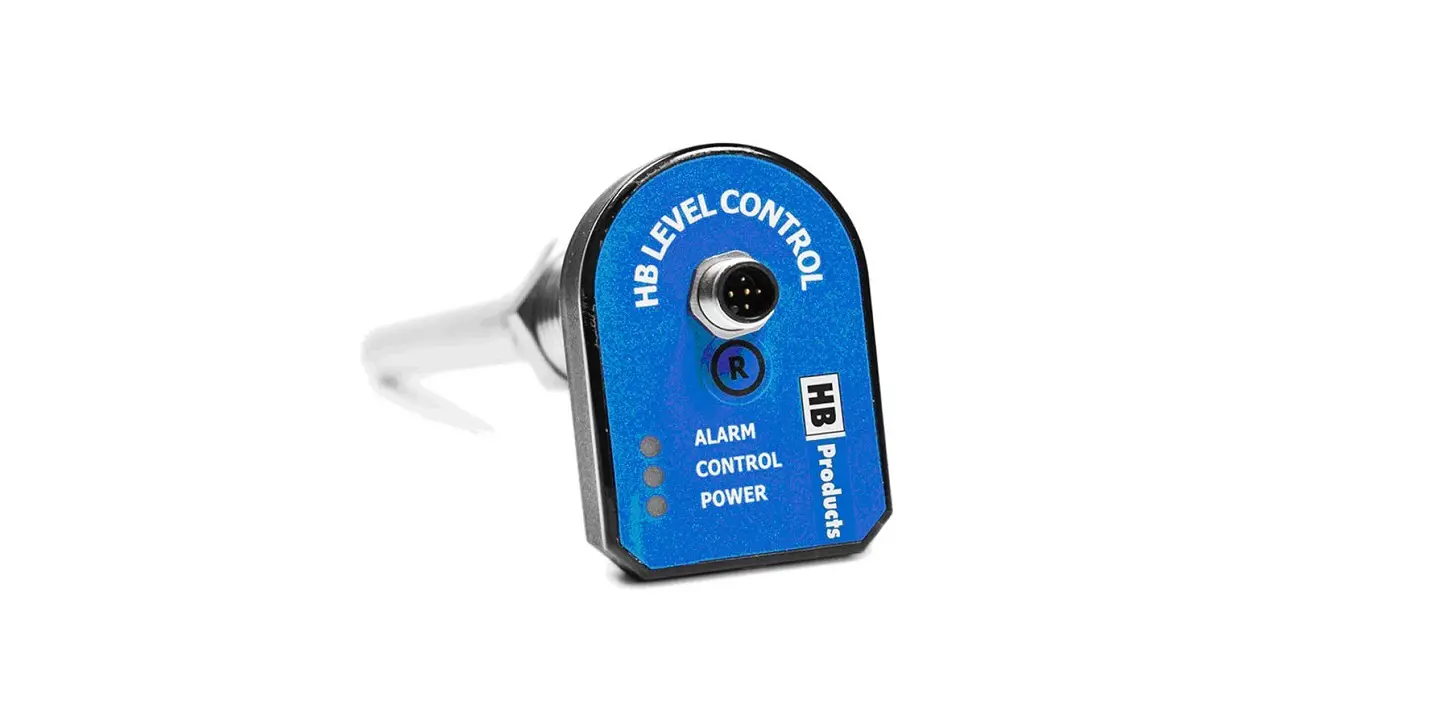
| * Simultaneously press [remote control head up + foot up (7, 8) + control box code matching key] the buzzer will sound, indicating successful code matching. | |
| * Clear code matching method: After the remote control is powered off, press and hold the head up + foot up (7, 8) while the remote control is powered on, the remote control backlight and flashlight are on while continuing to press the head up + foot up (7, 8) After about 5 seconds, the remote control backlight and flashlight go out and then release the button. The flashlight flashes three times to indicate that the code is cleared successfully. | |
| * The control box has a reset function for the code key. When the code matching key of the control box is pressed and the code is not matched, the motor resets when the code matching key of the control box is released; if the code matching key of the control box is pressed and the code matching is successful, it will not reset after releasing the code matching key of the control box. | |
Caution:
This device complies with Part 15 of the FCC Rules. Operation is subject to the following two conditions: (1) this device may not cause harmful interference, and (2) this device must accept any interference received, including interference that may cause undesired operation.
Changes or modifications not expressly approved by the party responsible for compliance could void the user’s authority to operate the equipment.
This equipment has been tested and found to comply with the limits for a Class B digital device, pursuant to part 15 of the FCC Rules. These limits are designed to provide reasonable protection against harmful interference in a residential installation. This equipment generates uses and can radiate radio frequency energy and, if not installed and used in accordance with the instructions, may cause harmful interference to radio communications. However, there is no guarantee that interference will not occur in a particular installation. If this equipment does cause harmful interference to radio or television reception, which can be determined by turning the equipment off and on, the user is encouraged to try to correct the interference by one or more of the following measures:
—Reorient or relocate the receiving antenna.
—Increase the separation between the equipment and receiver.
—Connect the equipment into an outlet on a circuit different from that to which the receiver is connected.
—Consult the dealer or an experienced radio/TV technician for help.