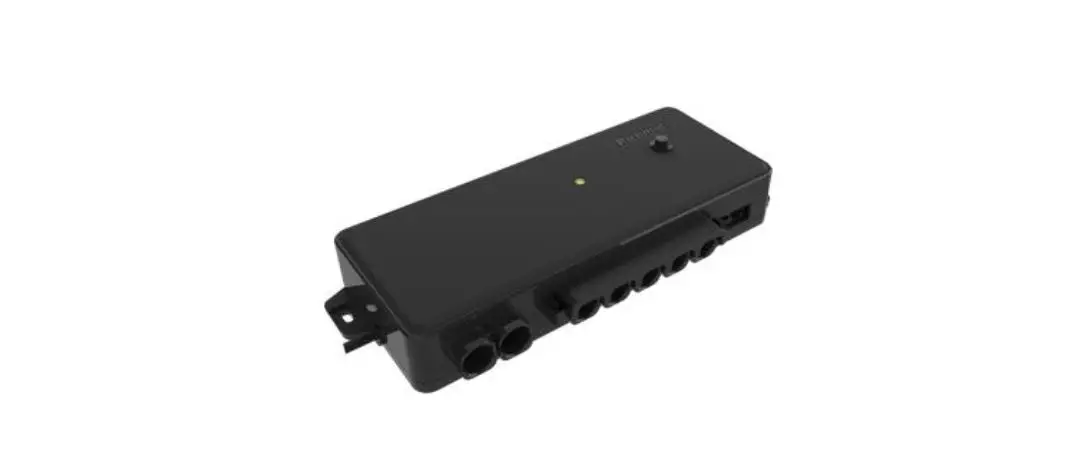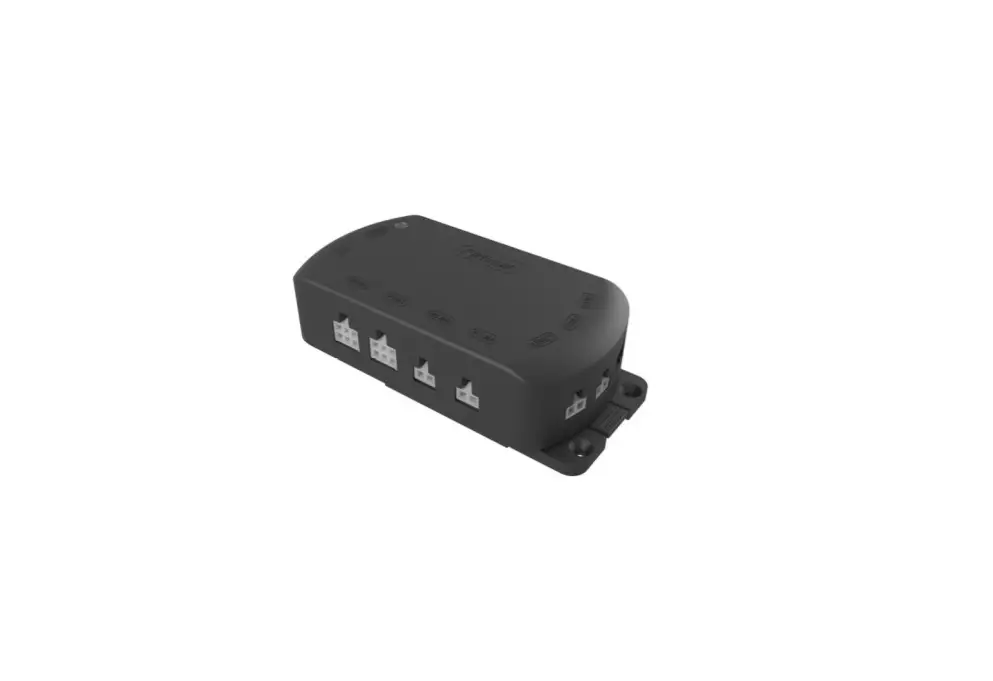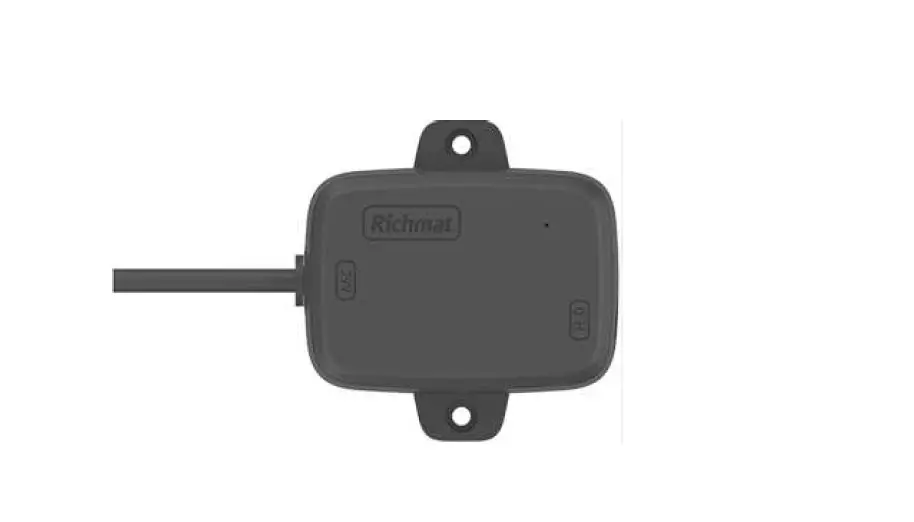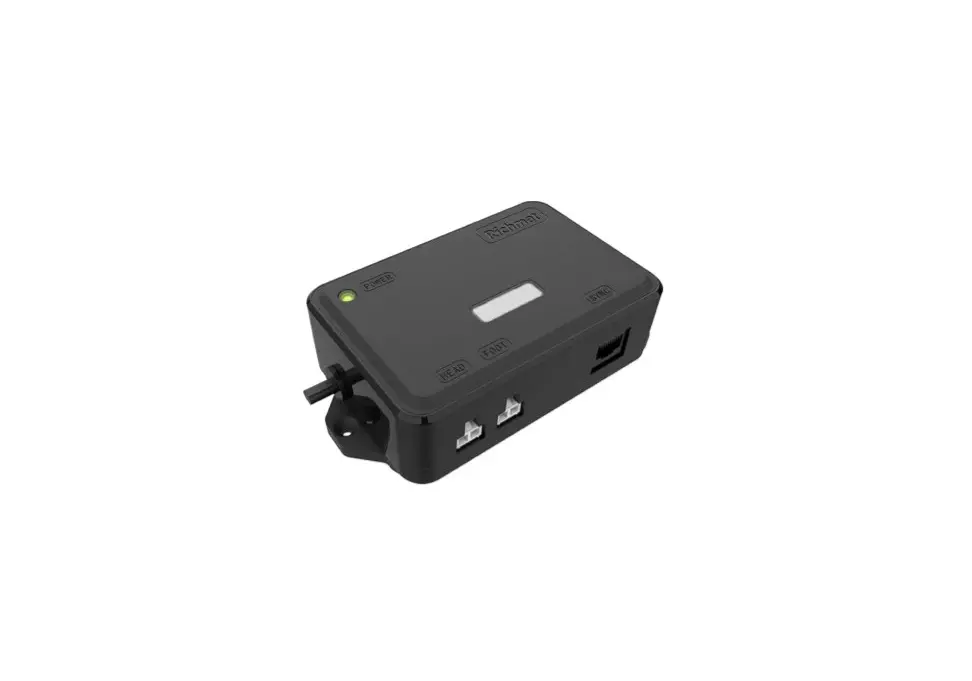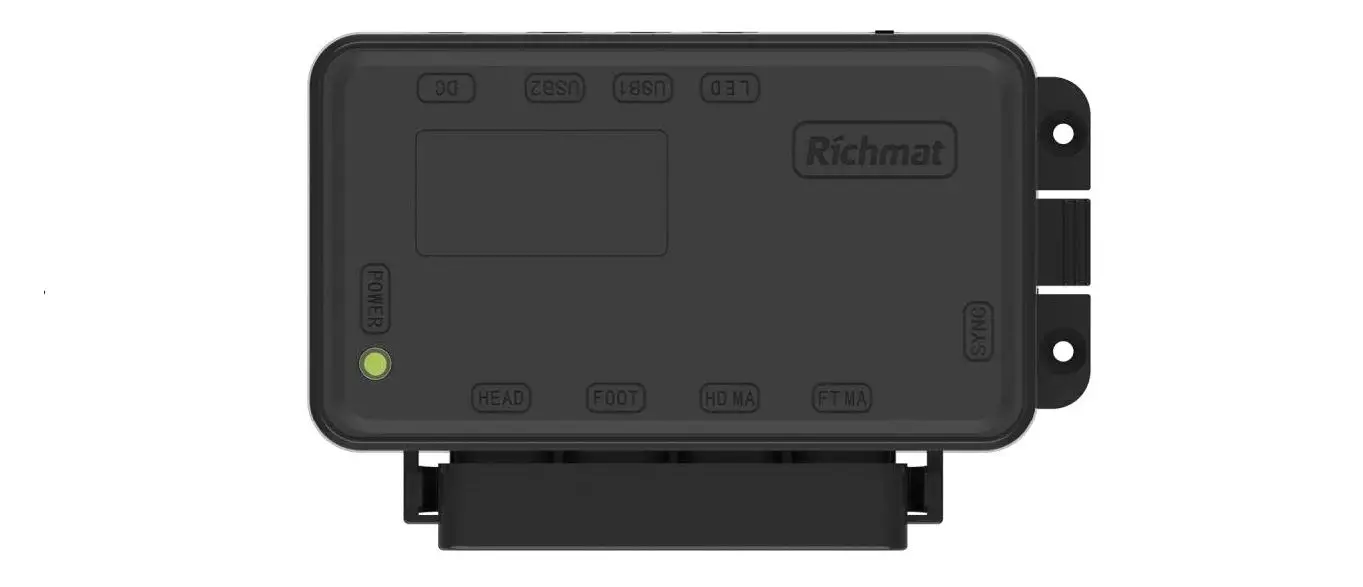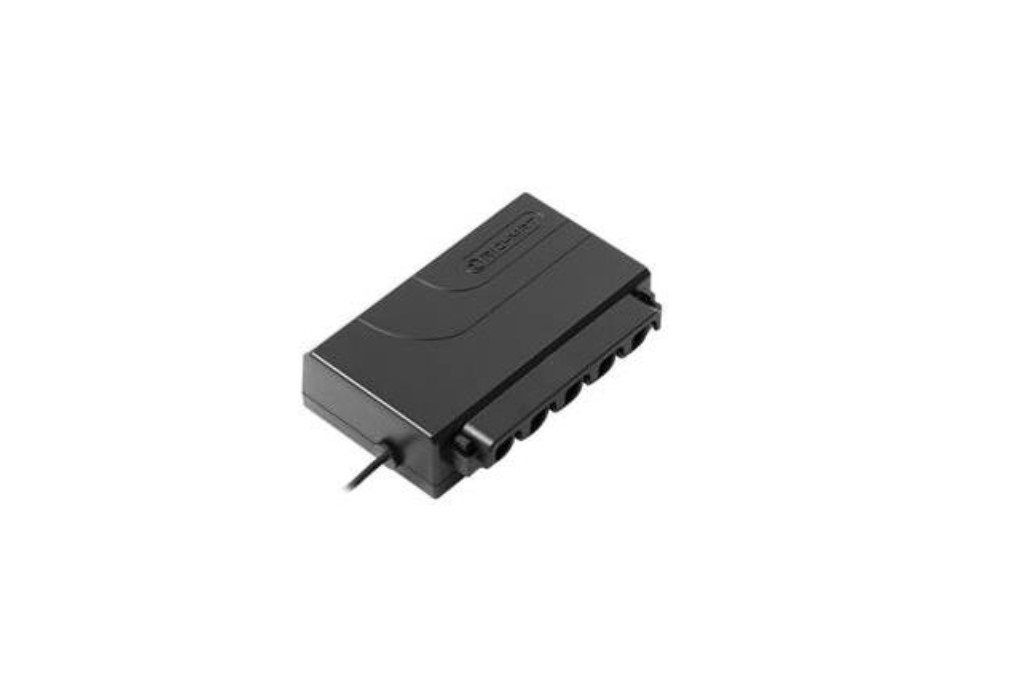
Richmat HJC18 Ble Control Box Instructions

- Remark: Up to motors
BLE control available
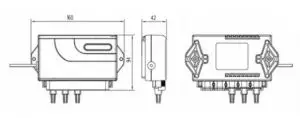
Memory function Color: black - Dimension 🙁

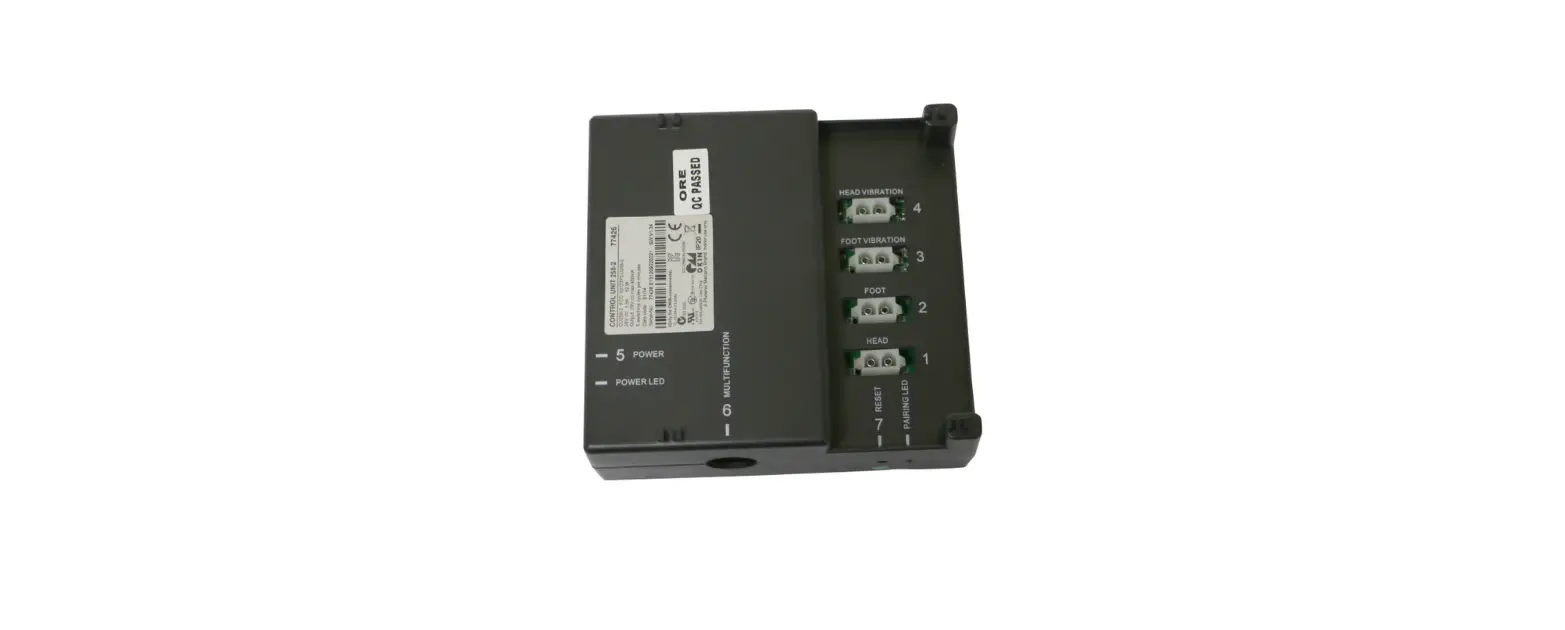
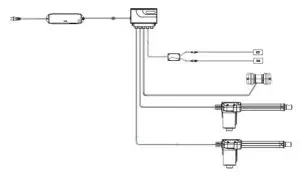
- System configuration diagram

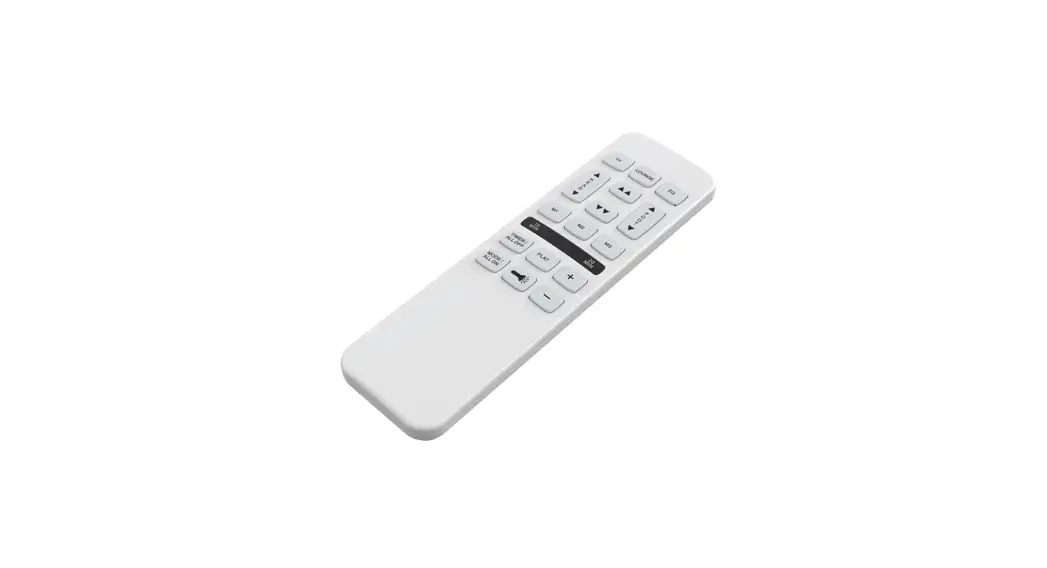
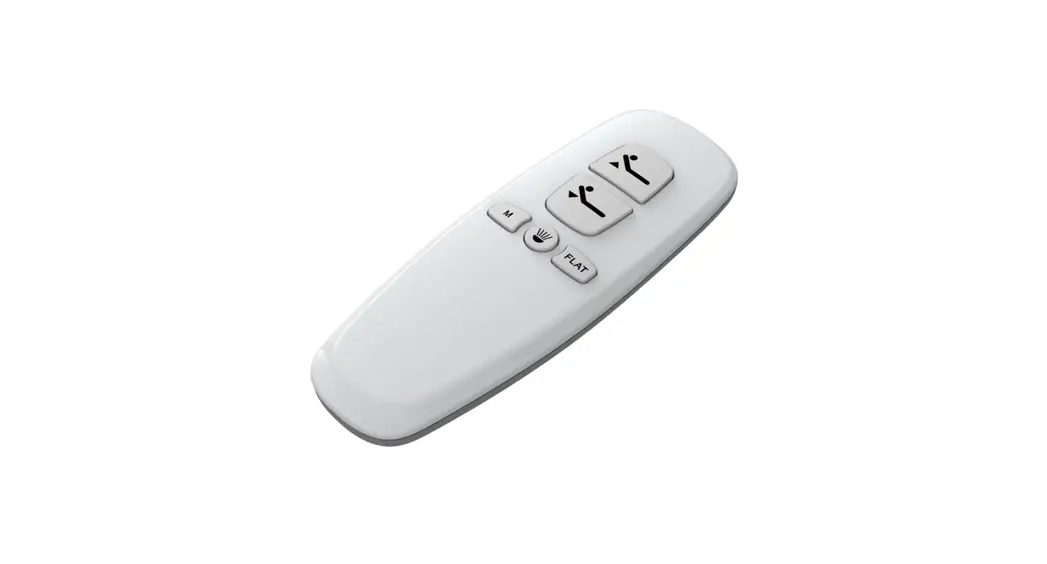
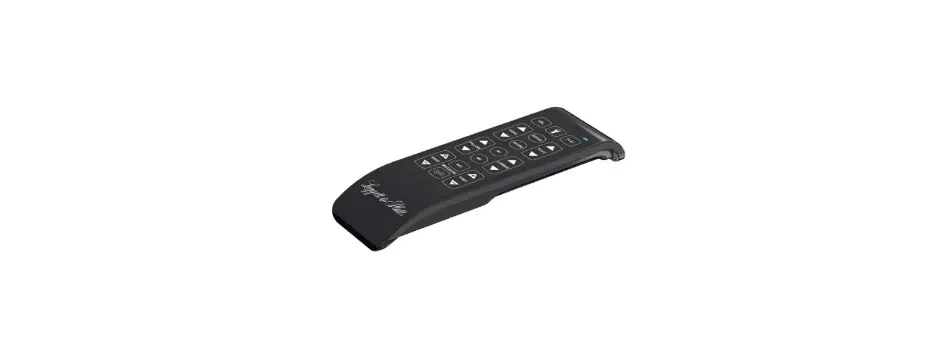
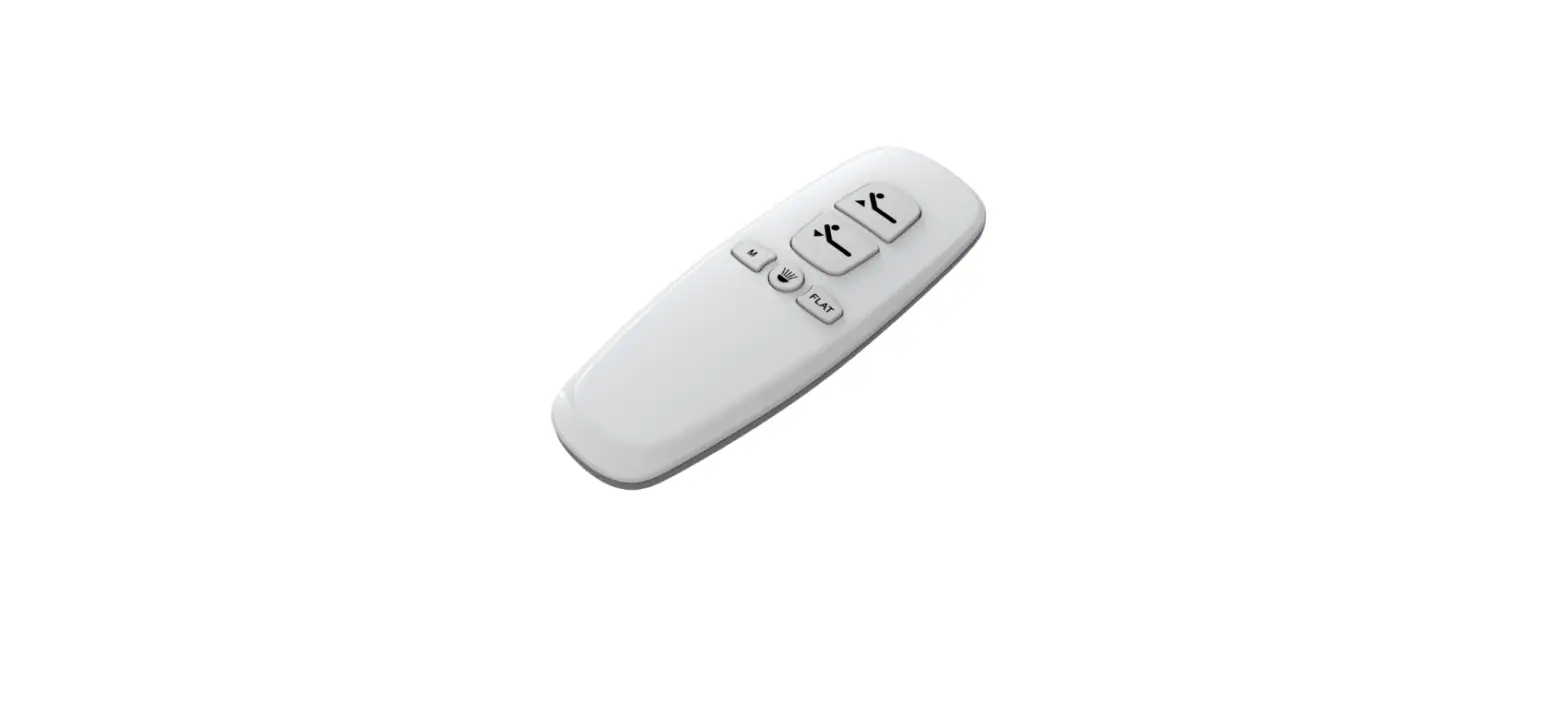
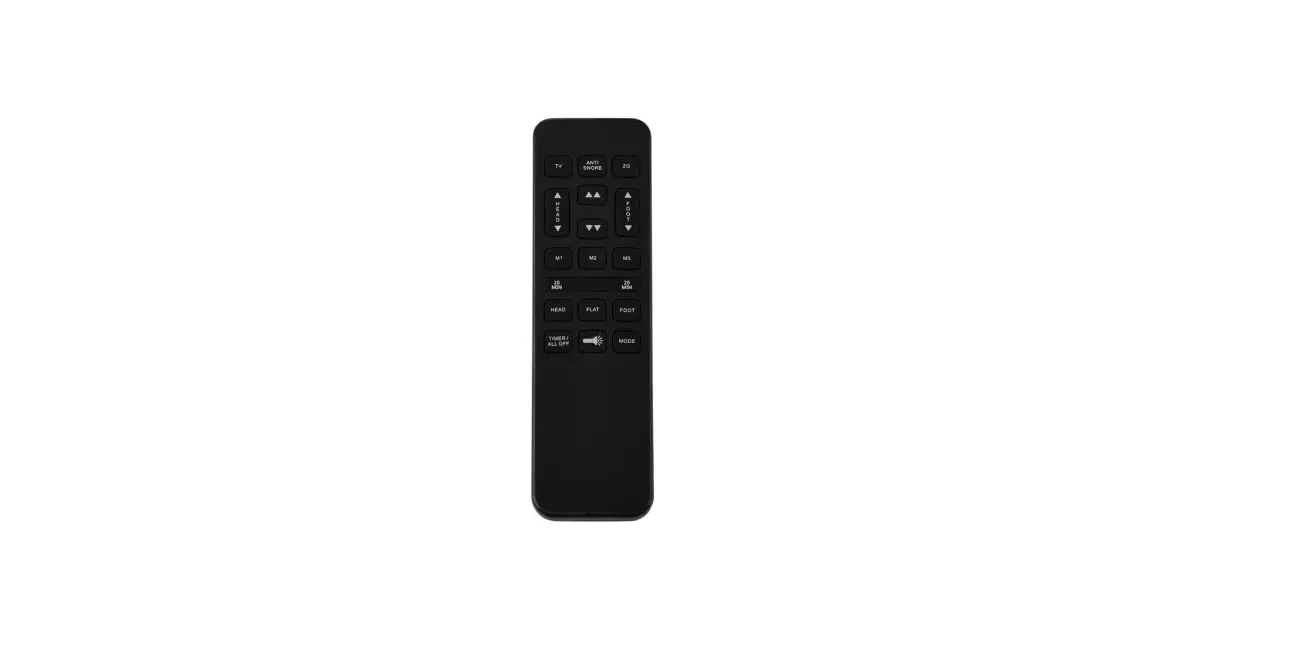
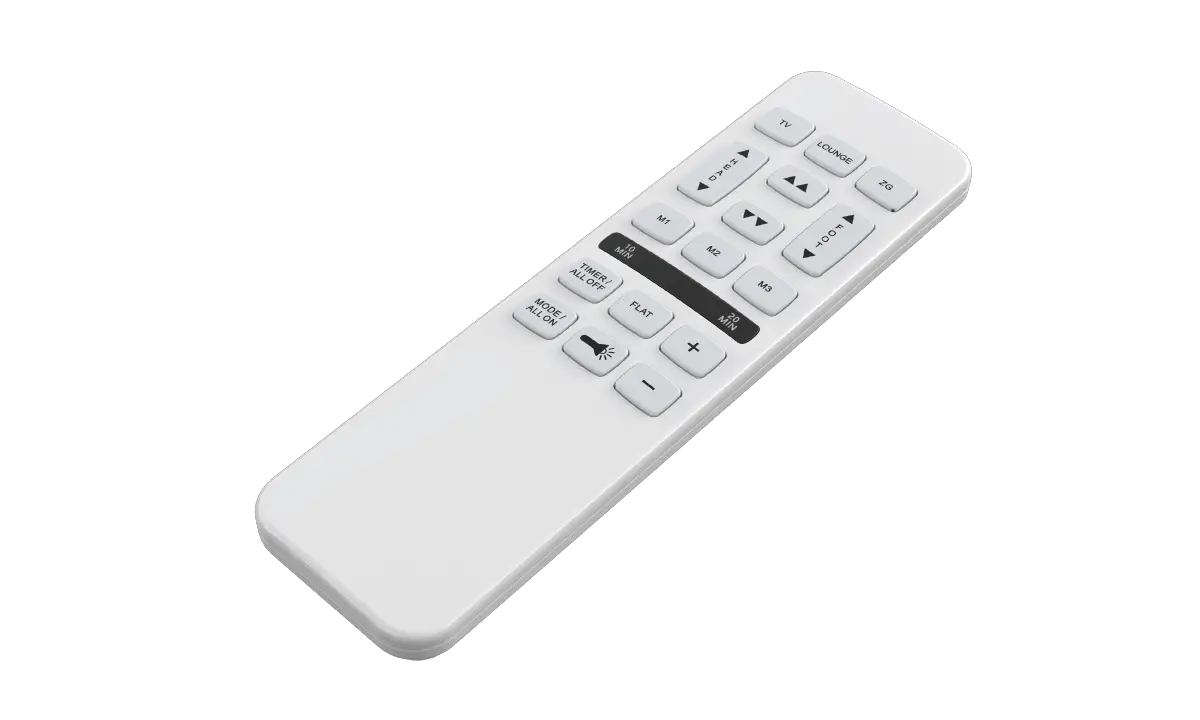
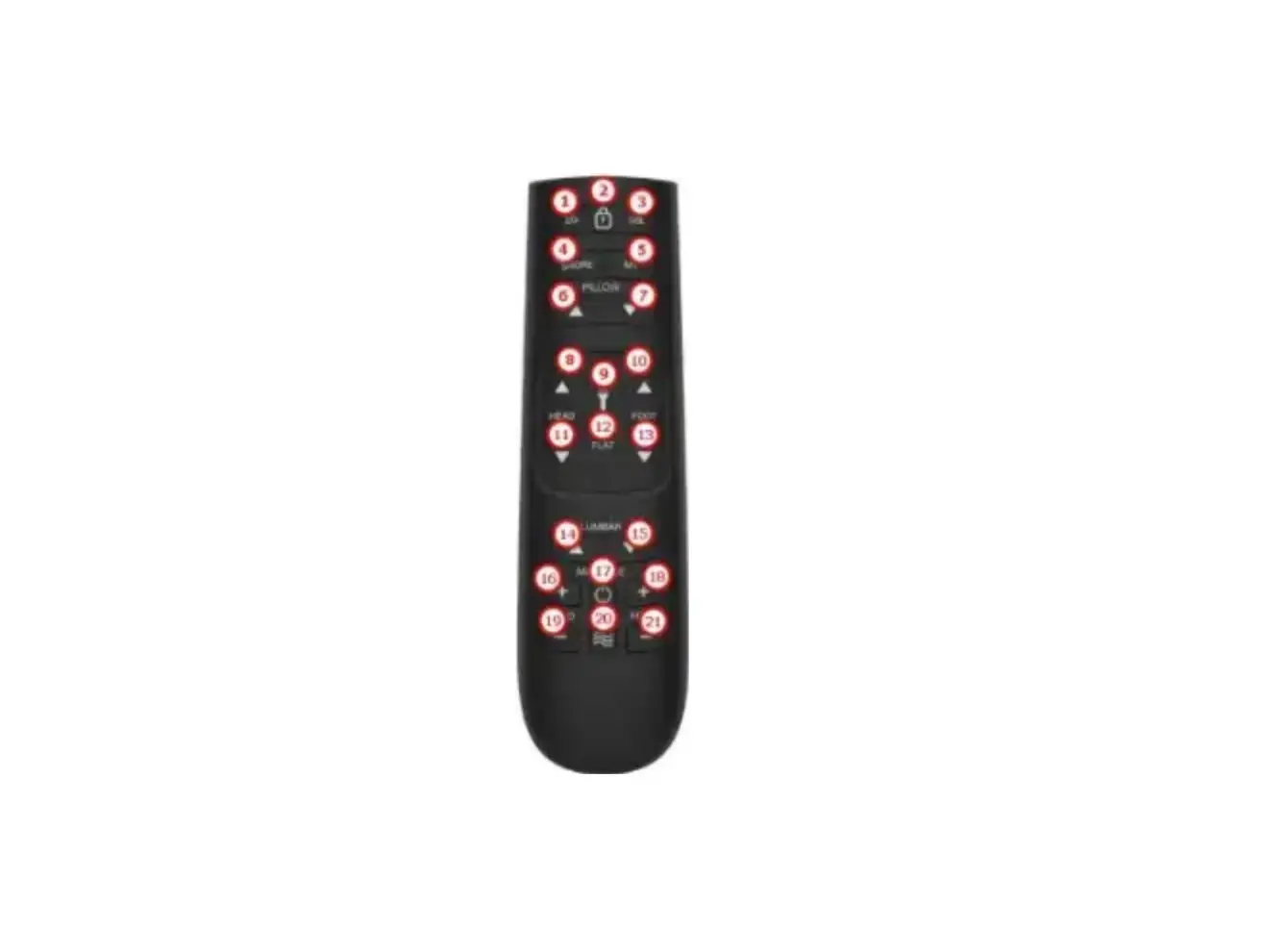
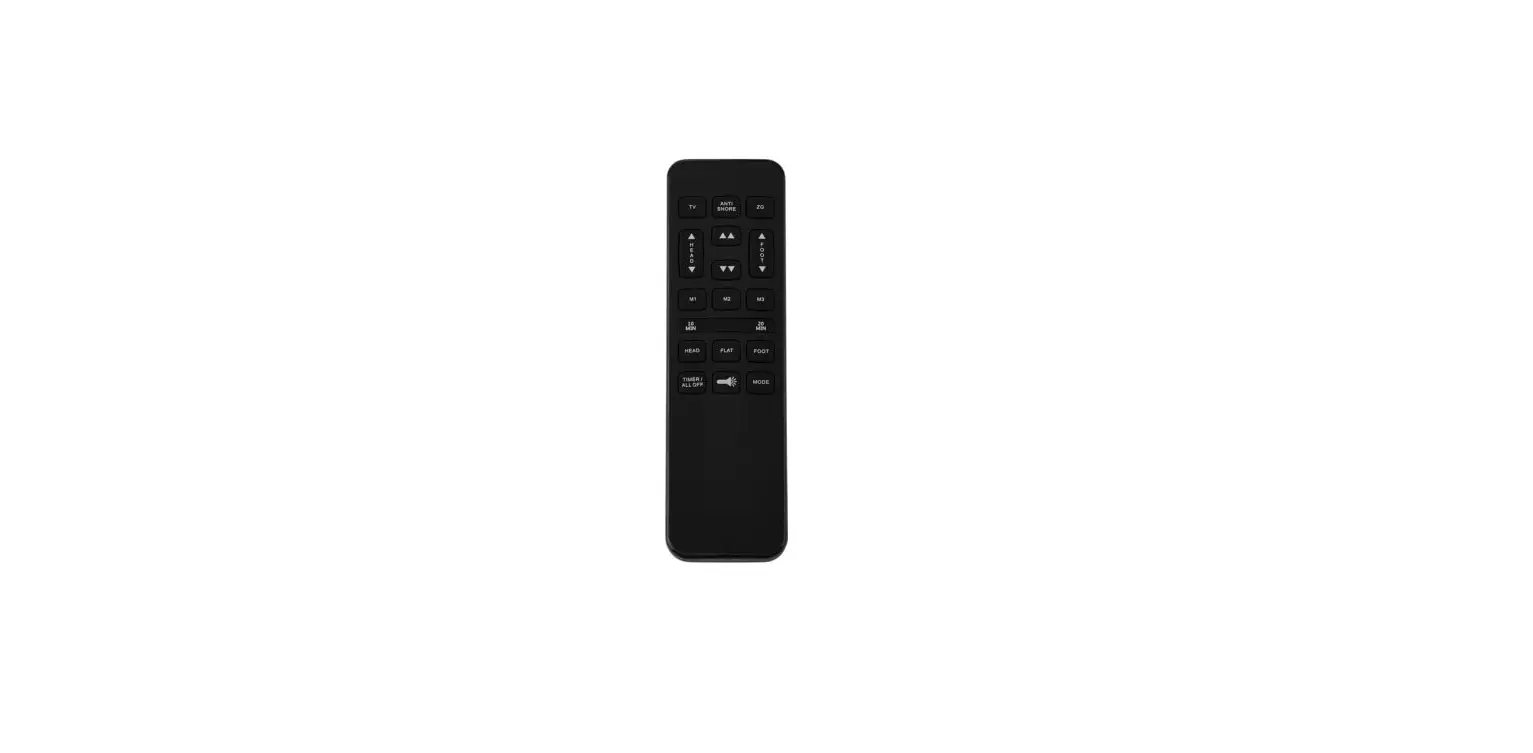
- Remote control button silicone diagram

- Remote control function description
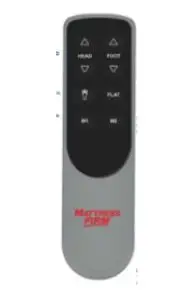
| Button label | function |
| 1 | The head motor extends. |
| 2 | The foot motor extends. |
| 3 | The head motor retracts. |
| 4 | The foot motor retracts. |
| 5 | The motor runs to the M1 position (with an initial value) with one key. Multiplexing function: flashlight + M1, the backlight flashes twice, entering the one-key release mode can reset the memory positions of M1 and M2 to the factory default settings at the same time. |
| 6 | The motor runs to the M2 position with one key (there is an initial value). |
|
7 | Press the flashlight to light up and automatically turn off after 15s. Multiplexing function: press and hold the flashlight button for 5 seconds, the backlight flashes, release the flashlight, press M1 or M2 within 2 seconds, the control box “beep beep beep” will memorize the current position, if not press M1 or within 2 seconds M2 exits the edit memory position mode; |
| 8 | FLAT one-key reset, all motors retract to the minimum stroke position (not reset after power-on). Multiplexing function: press FLAT and flashlight at the same time for 3s, the backlight flashes 3 times, and enter the continuous pressing mode at this time. |
| Note: Press any button for more than 50s, the remote control will enter sleep, release it and press it again to resume the function. The one-key release mode can follow the synchronization, and the continuous pressing mode does not follow the synchronization. | |