 CONNECTING TOGRTHER
QC5528
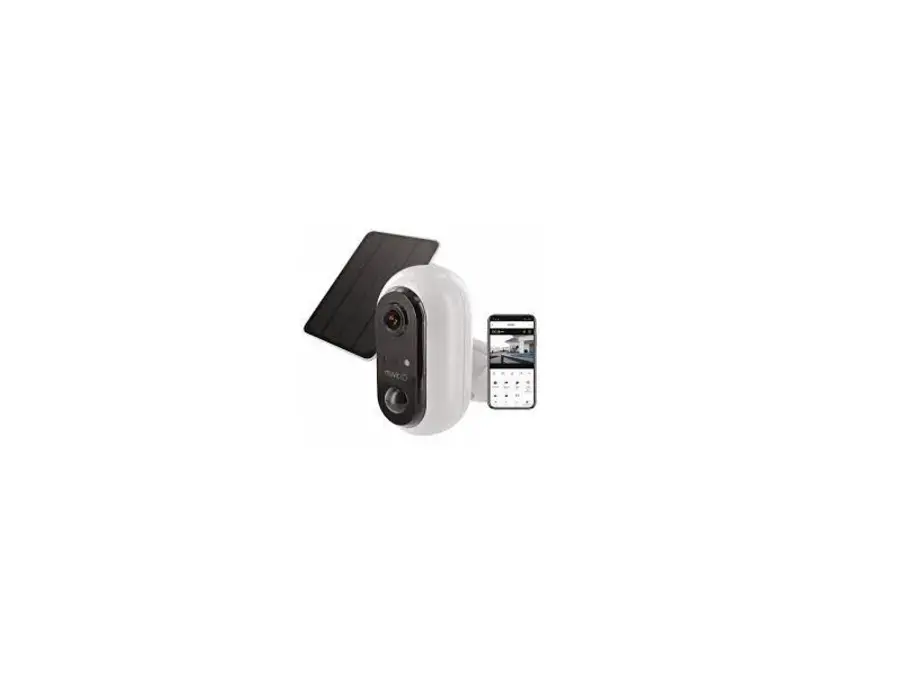
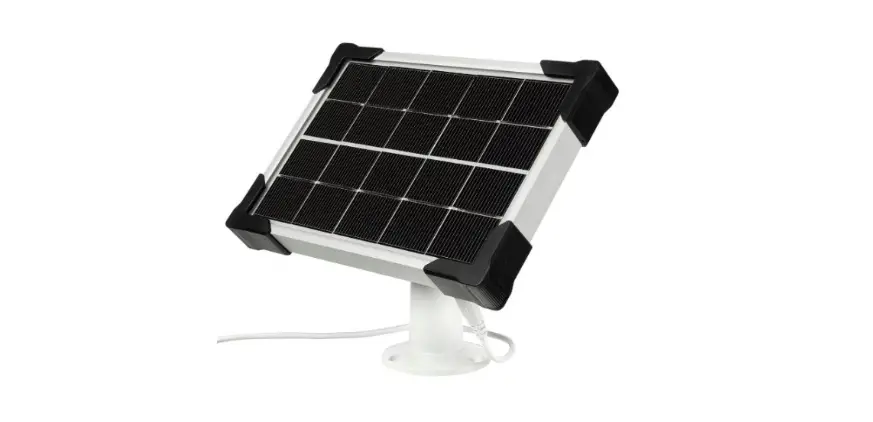
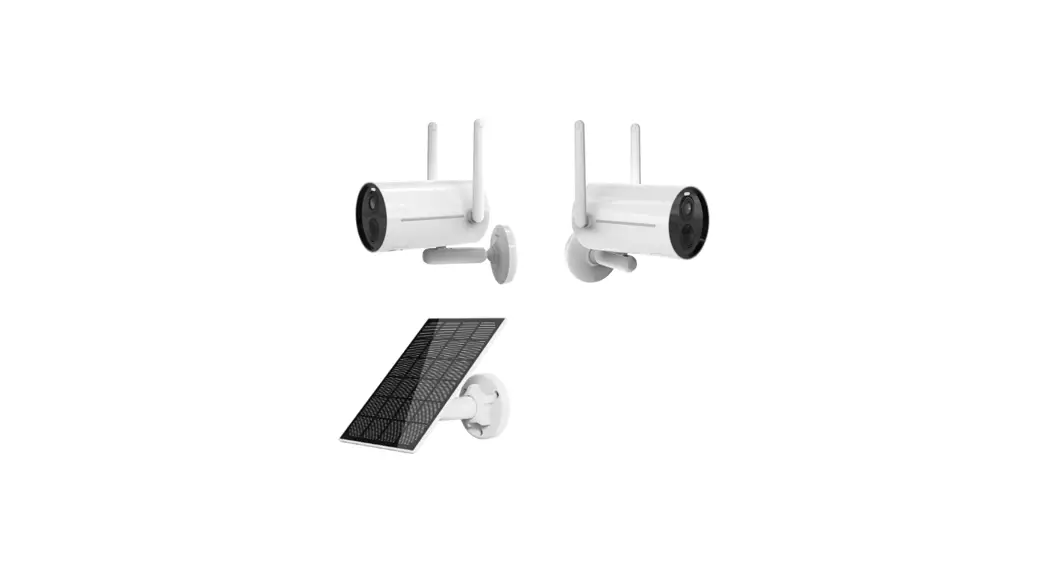
Solar Panel to suit
Wi-Fi Battery Powered Cameras
Quick Start Guide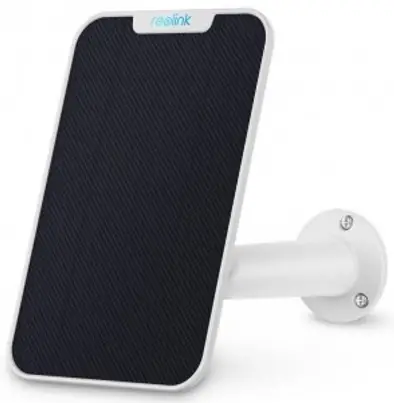
What’s in the box?
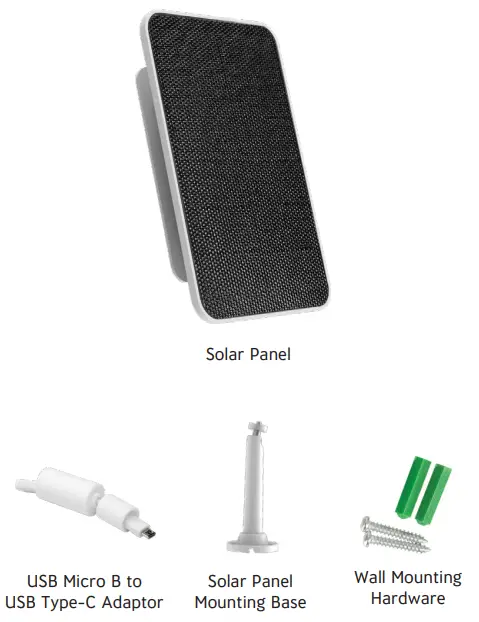
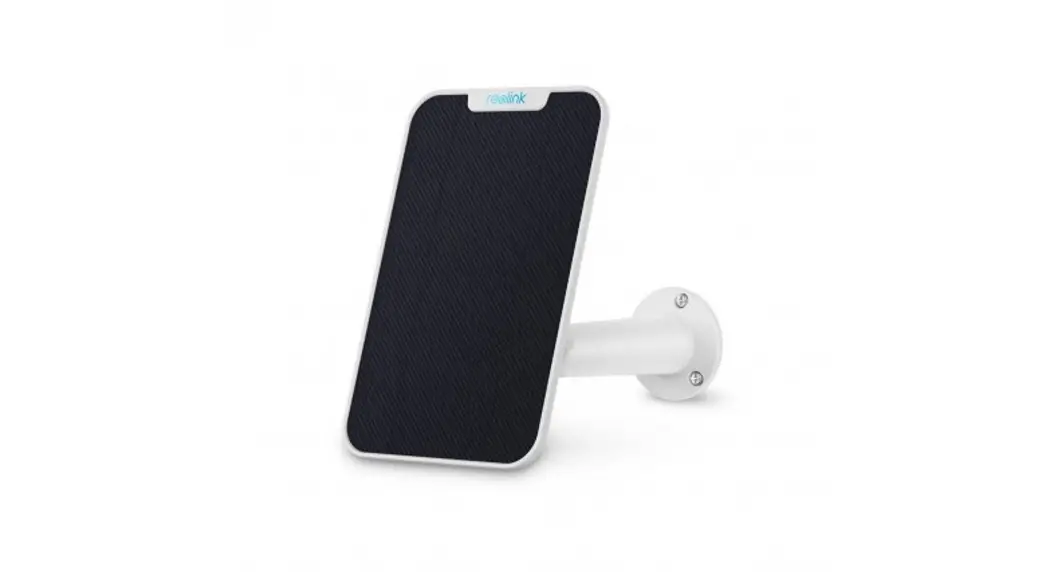
Getting to know your Solar Panel
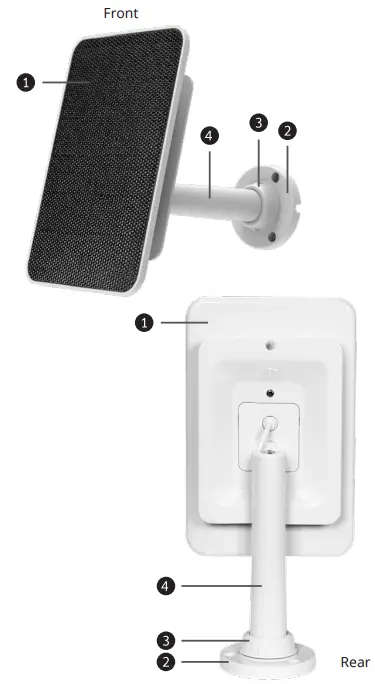
| 1 | Solar Panel |
| 2 | Base |
| 3 | Locking Screw Cap |
| 4 | Mounting Pole |
Installing Your Solar Panel
Place the solar panel in an area with consistent sunlight throughout the year. It only needs a few hours of direct sunlight each day to keep your camera powered.
The amount of power that the solar panel produces is affected by weather conditions, seasonal changes, geographic location, etc.
Step 1: Fix the mounting pole and base of the solar panel to the wall using the included screws. You may need to use the wall anchors depending on the wall type.
Step 2: Screw the mounting pole and base into the back of the solar panel.
Tighten it firmly with the attached nut.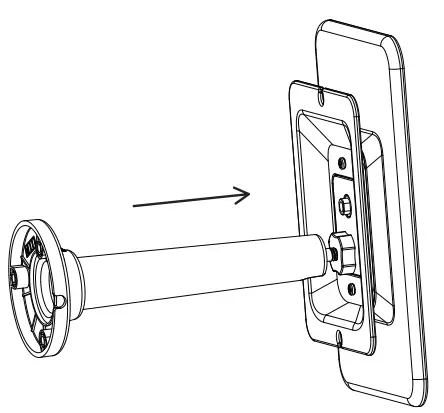
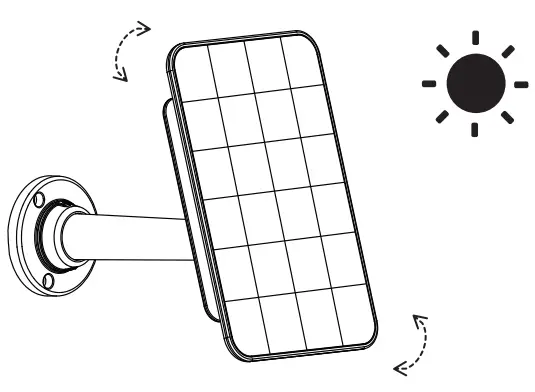
Step 3: The solar panel’s angle can be adjusted up and down up to 90°.
Step 4: Attach the Micro B USB to USB-C adaptor to the end of the solar panel cable.
Step 5: Plug the solar panel cable and adaptor to the USB charging socket of the camera to power.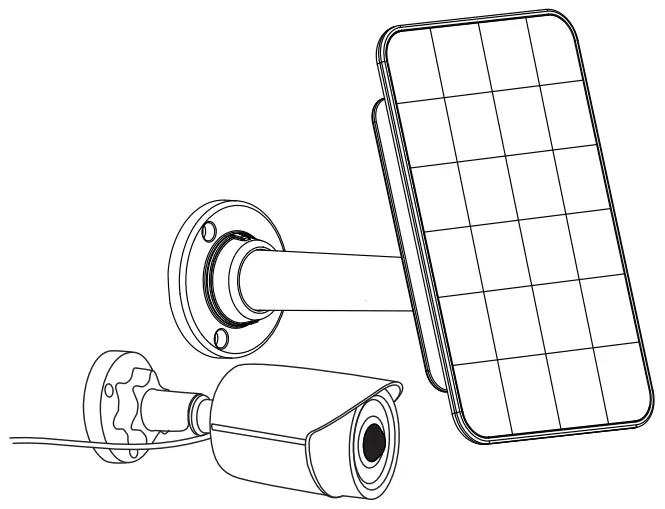
Positioning Your Solar Panel
Step 1: Find an area that gets the most direct sunlight throughout the day.
Step 2: Angle the solar panel 90° upwards or downwards as shown below.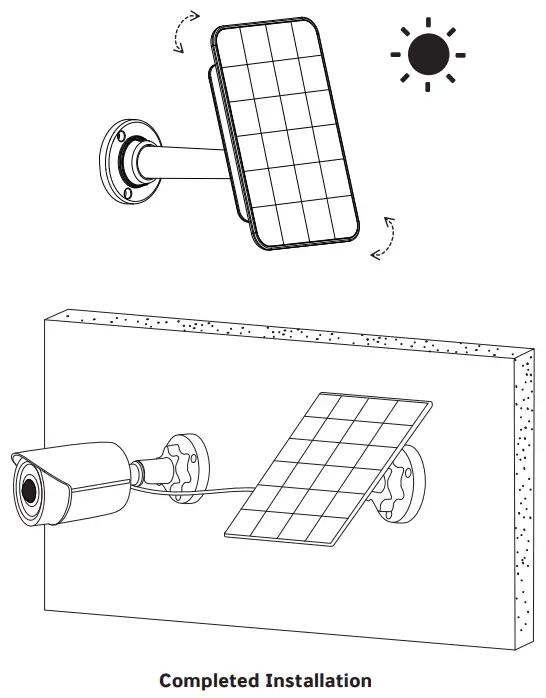
www.concordconnect.com.au
Distributed by:
Electus Distribution Pty Ltd
46 Eastern Creek Dr, Eastern Creek NSW 2766 Australia
Ph: 1300762627 Fax: 1300738500
Made in China