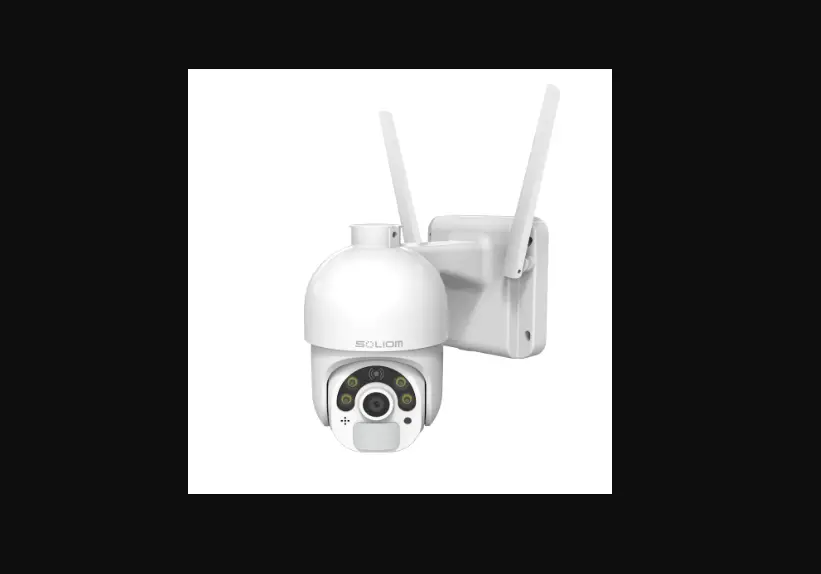
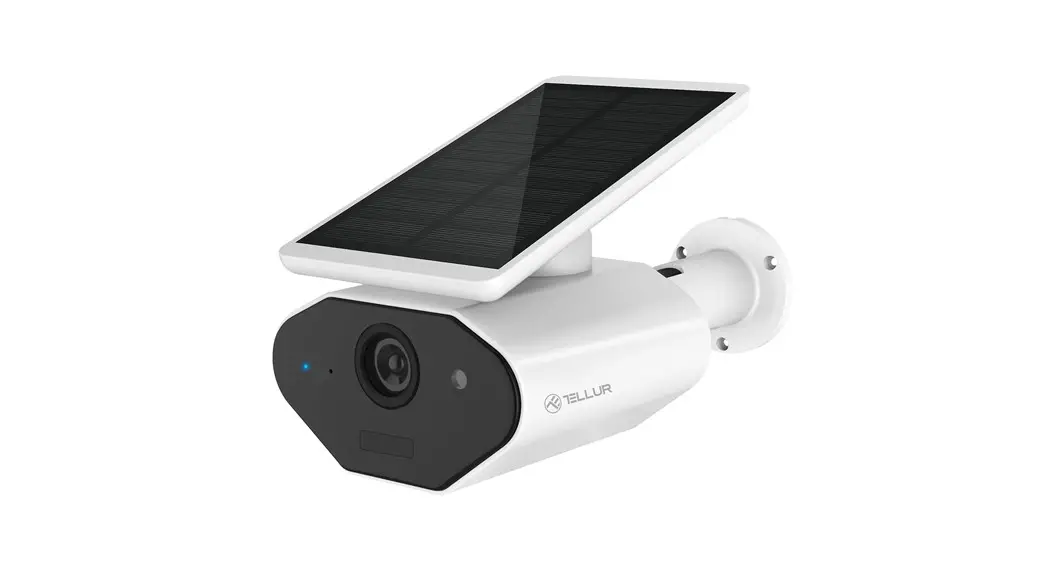
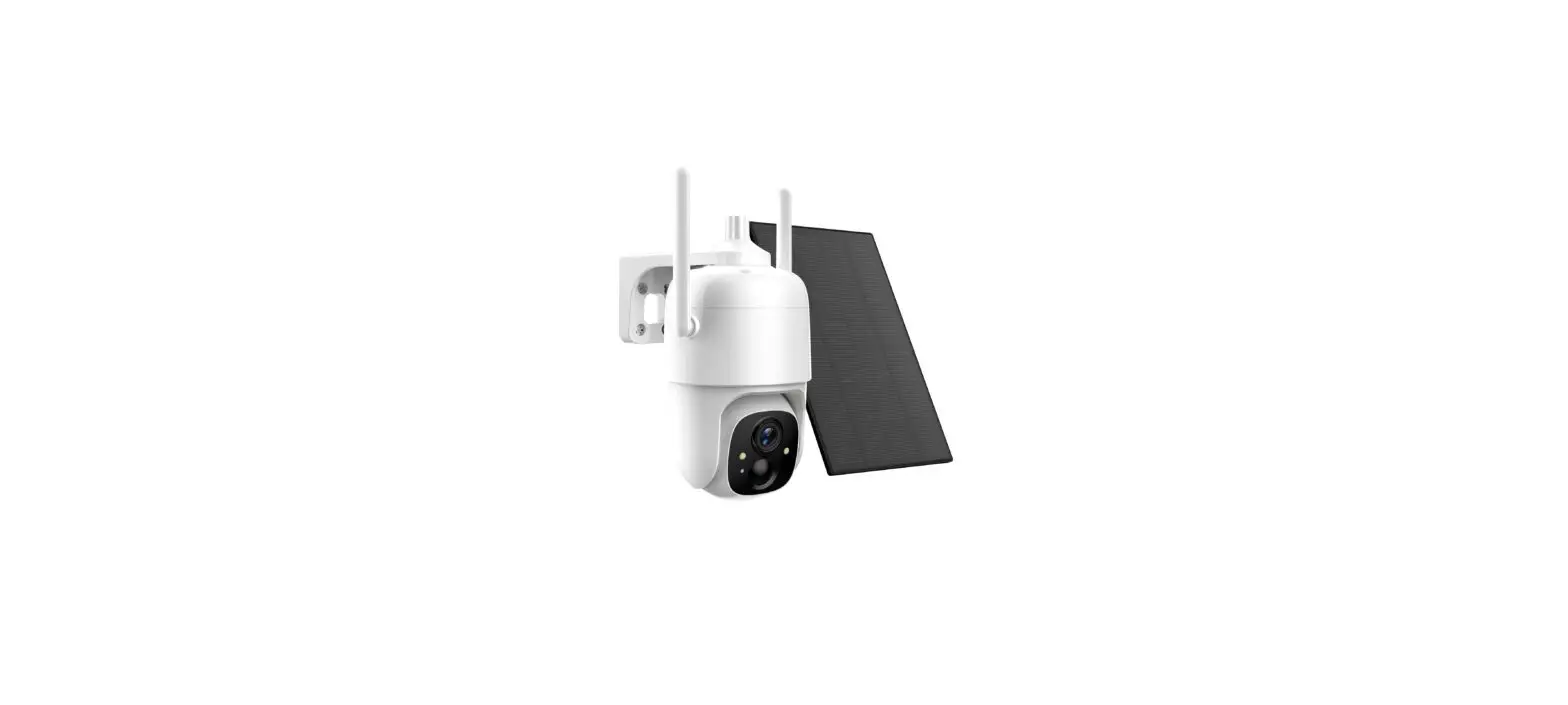
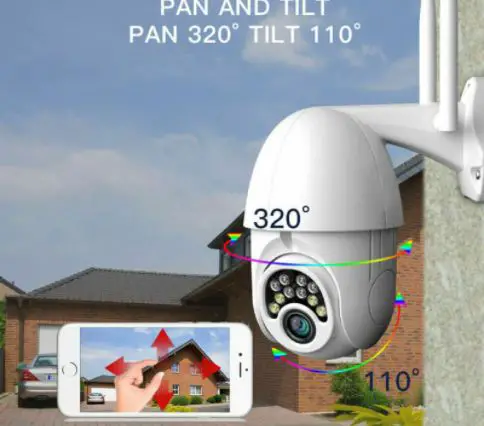
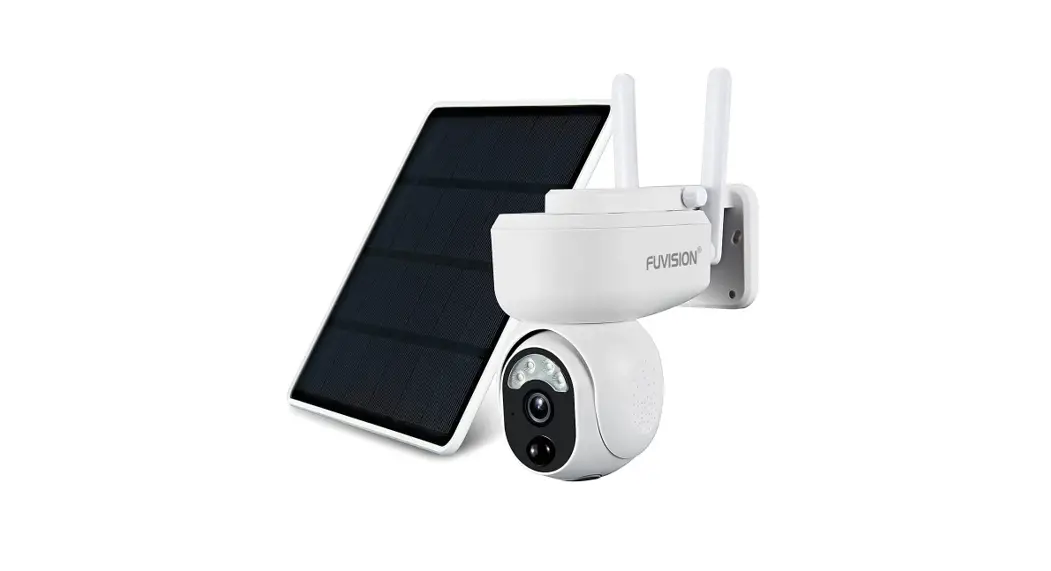
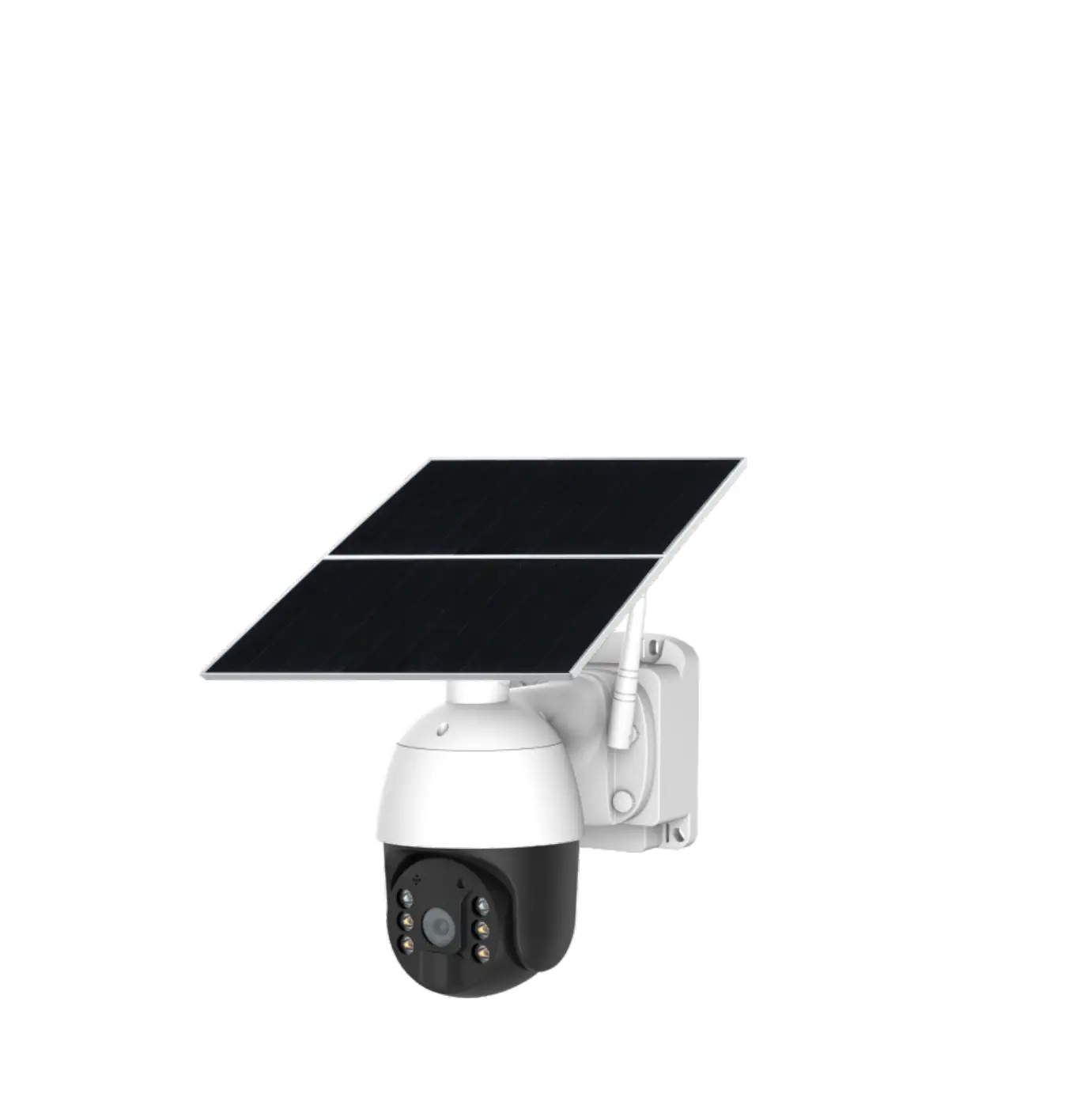
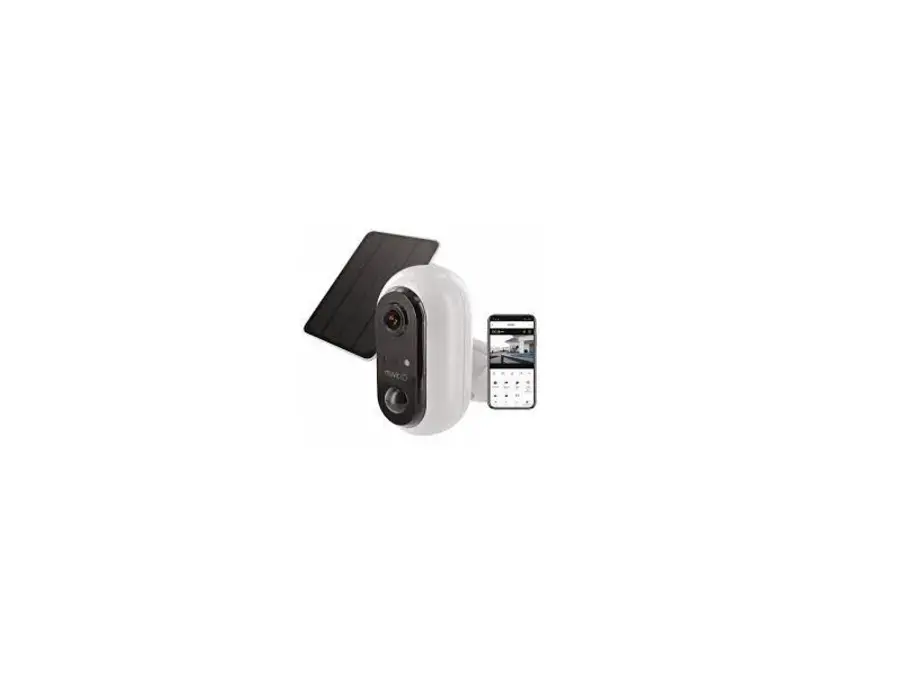
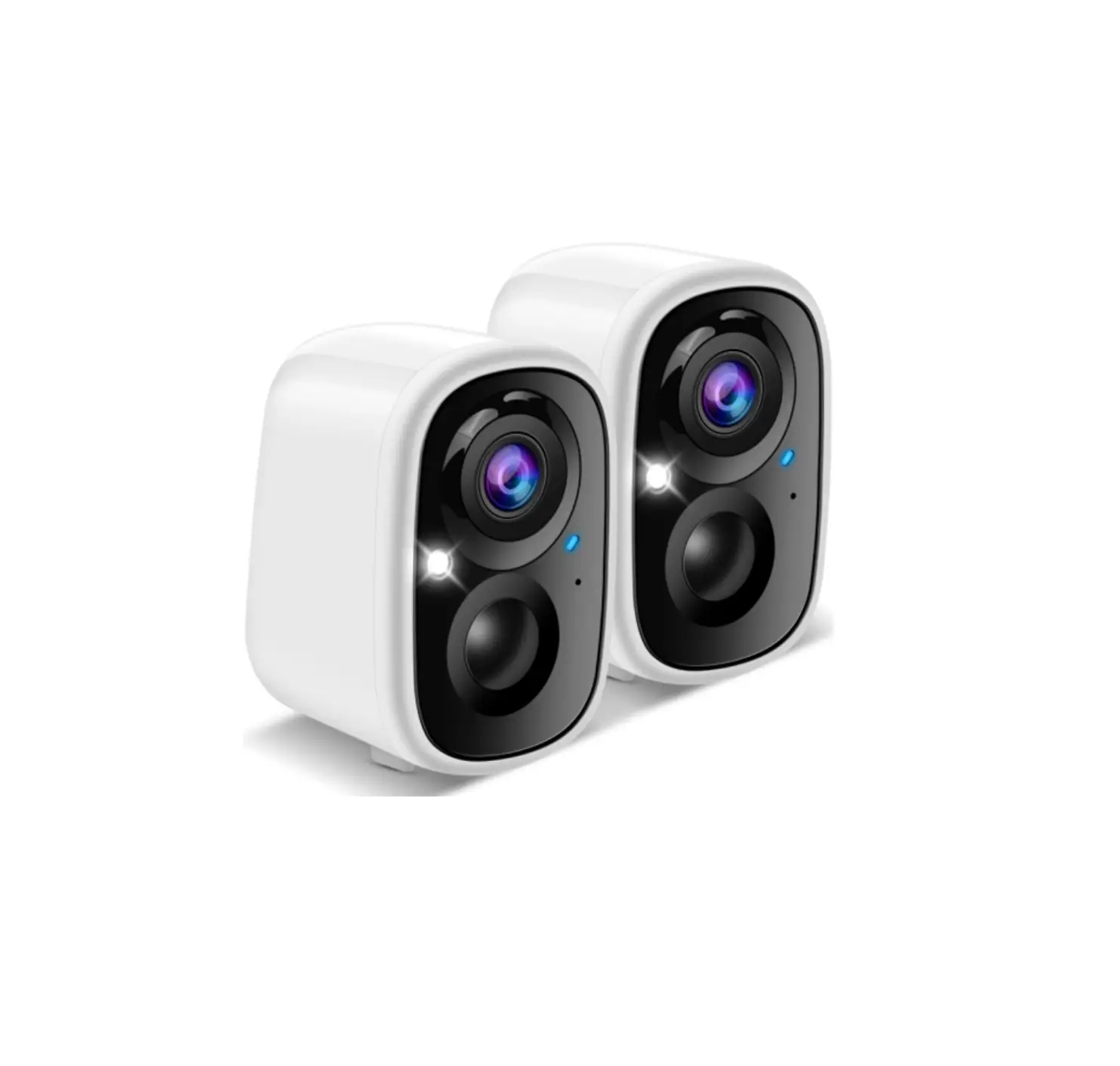
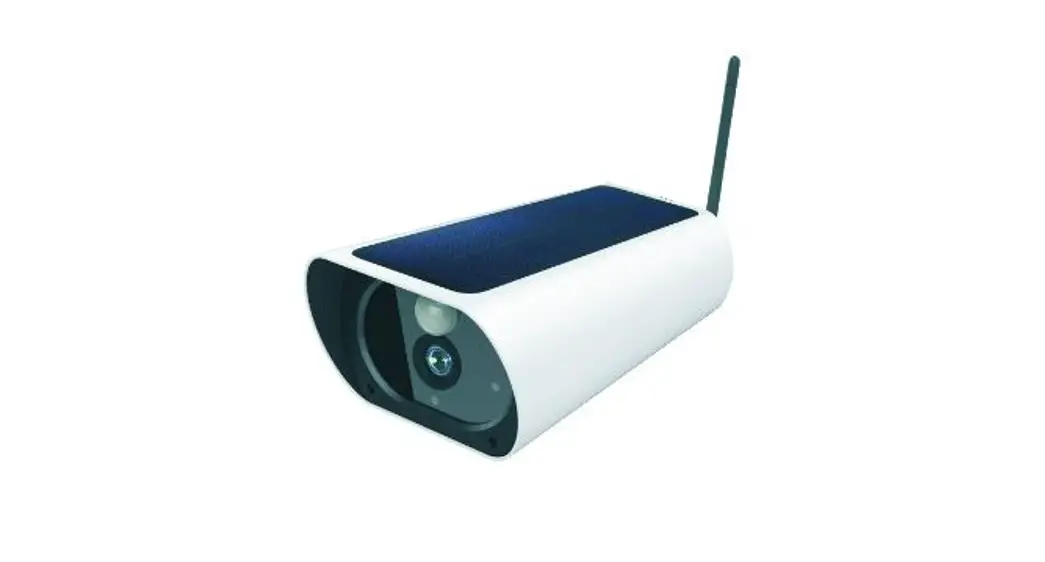
1D60 WIFI Camera with Solar Panel
Product Information: EN 1D60 WIFI Camera with Solar Panel
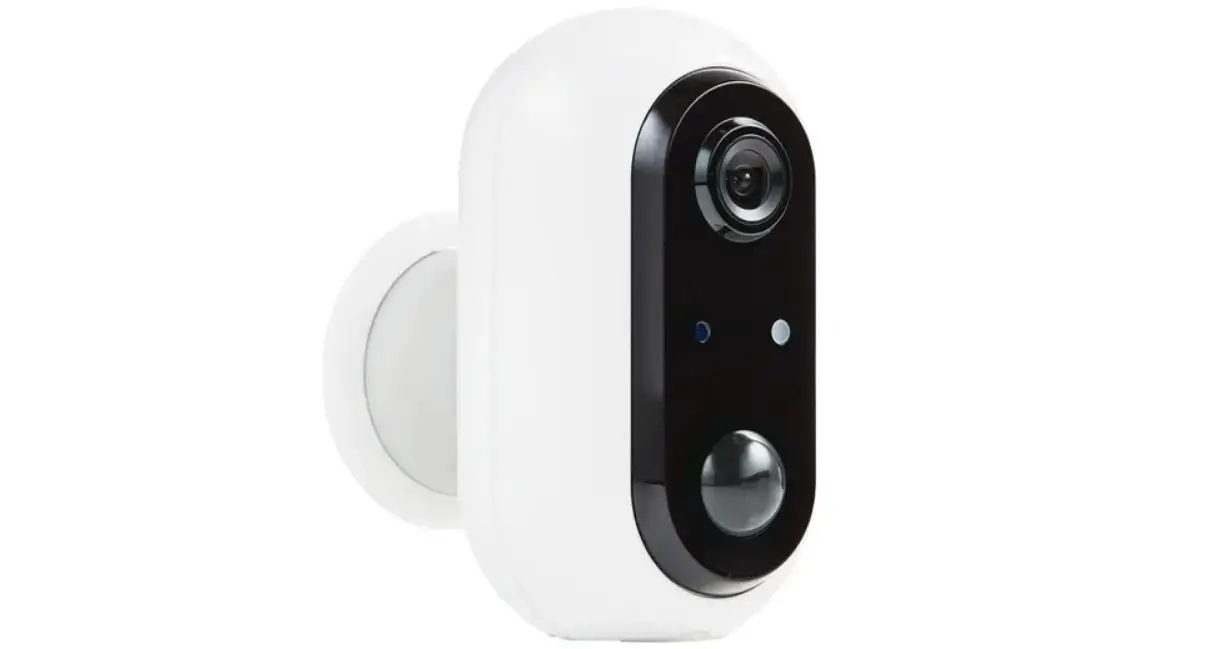
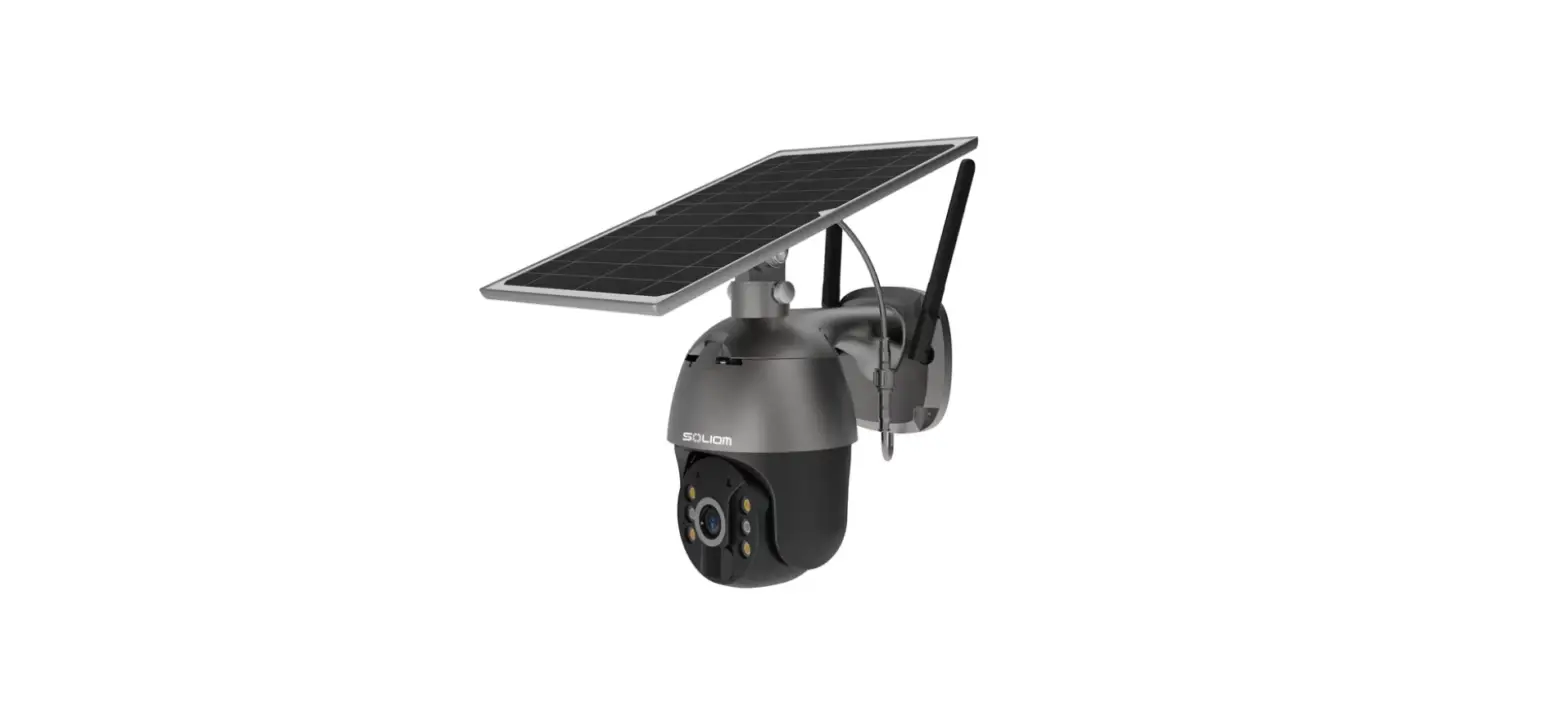
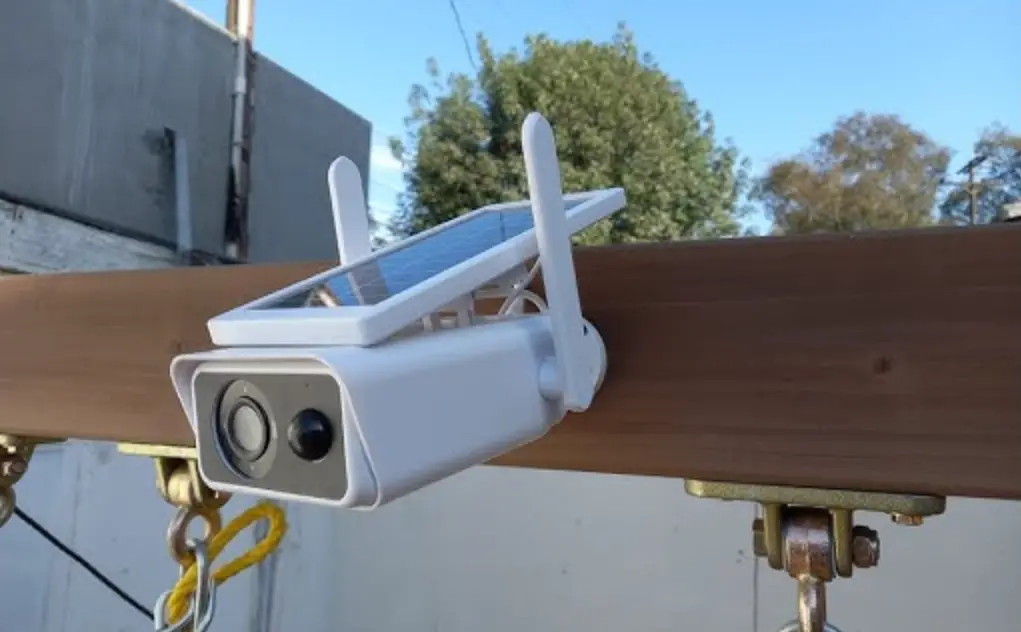
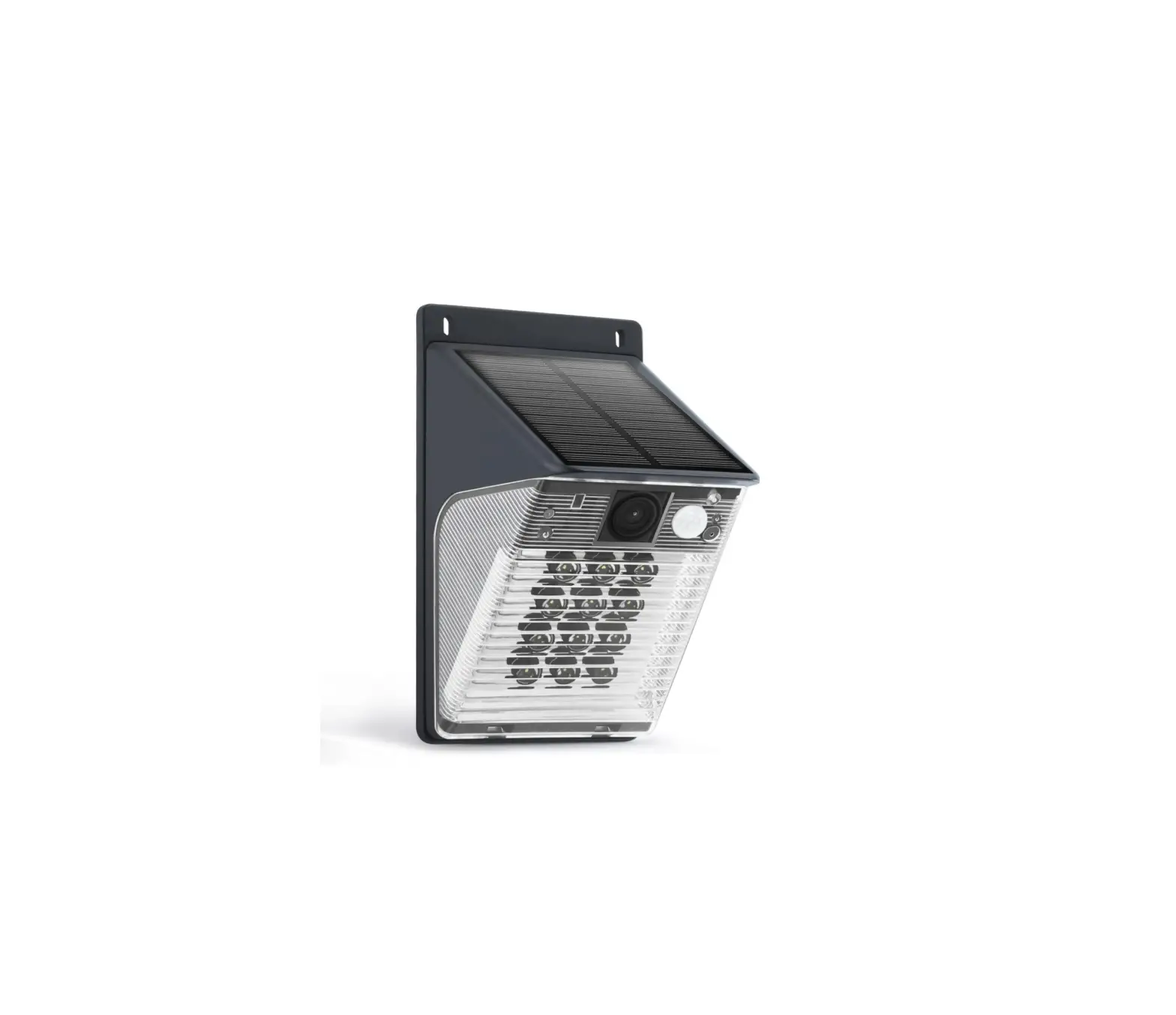
The EN 1D60 WIFI Camera with Solar Panel is a smart security
camera that comes equipped with a solar panel, PIR sensor,
microphone, LED indicator, and a reset/AP switch. The camera is
powered by a rechargeable battery and solar panel, allowing it to
be used continuously outdoors. It has a 1080P Full HD 2Mpx image
and video quality and has a day and night mode that switches
automatically. It also has high-quality, real-time, bi-directional
audio transmission with noise cancellation. The device can be
monitored from anywhere using a 2.4GHz WIFI connection and is IP65
waterproof treated.
Features:
- Power button: Switch the button to the left to turn the device
on, switch it to the right to turn it off. - Indicator light: Blue indicates that the camera is connected to
the Internet, red indicates that the connection to the Internet has
failed. - PIR sensor: The camera will start working if motion is
detected. - Reset button: To reset the camera, press the button for about 3
seconds, release the button when the device makes a sound. - USB input: Use a 5V adapter to charge the camera.
Packaging Content:
- Camera
- Camera holder
- Micro USB cable
- Screwdriver
- Screws (4pcs)
- Instructions
Before Starting:
- Charge the device for at least 3 hours (DC 5V/min 1A).
- Switch on the device using the power button. When the indicator
light comes on, reset the device using the reset button. - After the reset, use the mobile app to set up your device.
Using the Mobile App:
To use the mobile app, download the Tuya Smart app from
GooglePlay (for Android) or the App Store (for iOS).
- If you already have an account, click on the “Sign in with an
existing account” button. If you do not have an account, click on
the “Register” button. - Select your country and enter your email address. Check the
consent to the processing of personal data and click on the
“Retrieve verification code” button. - The verification code will be sent to your registered email
address and you can enter it in the fields on the screen. - Set the password and click “Done”.
- To connect the camera via Wi-Fi, open the mobile app and click
“Add Device”, select “Camera and Lock”, then “Camera (WiFi)” and
follow the instructions.
Camera Interface:
- Battery status; HD – SD picture quality change
- Configuration
- Full screen view
- Microphone on/off
- Transfer rate
- Camera image
Technical Parameters:
- Powered by rechargeable battery and solar panel.
- 1080P Full HD 2Mpx image and video quality.
- Day and night mode that switches automatically.
- High-quality, real-time, bi-directional audio transmission with
noise cancellation. - IP65 waterproof treated for continuous outdoor use.
- Monitor from anywhere using a 2.4GHz WIFI connection.
EN 1D60 WIFI camera with solar panel
Dear customer, thank you for purchasing our product. Please read the following instructions carefully and follow them to serve you safely and to your full satisfaction. This will prevent misuse or damage. Avoid unprofessional handling of this appliance and always observe the electrical appliance usage guidelines. Keep the instruction manual carefully.
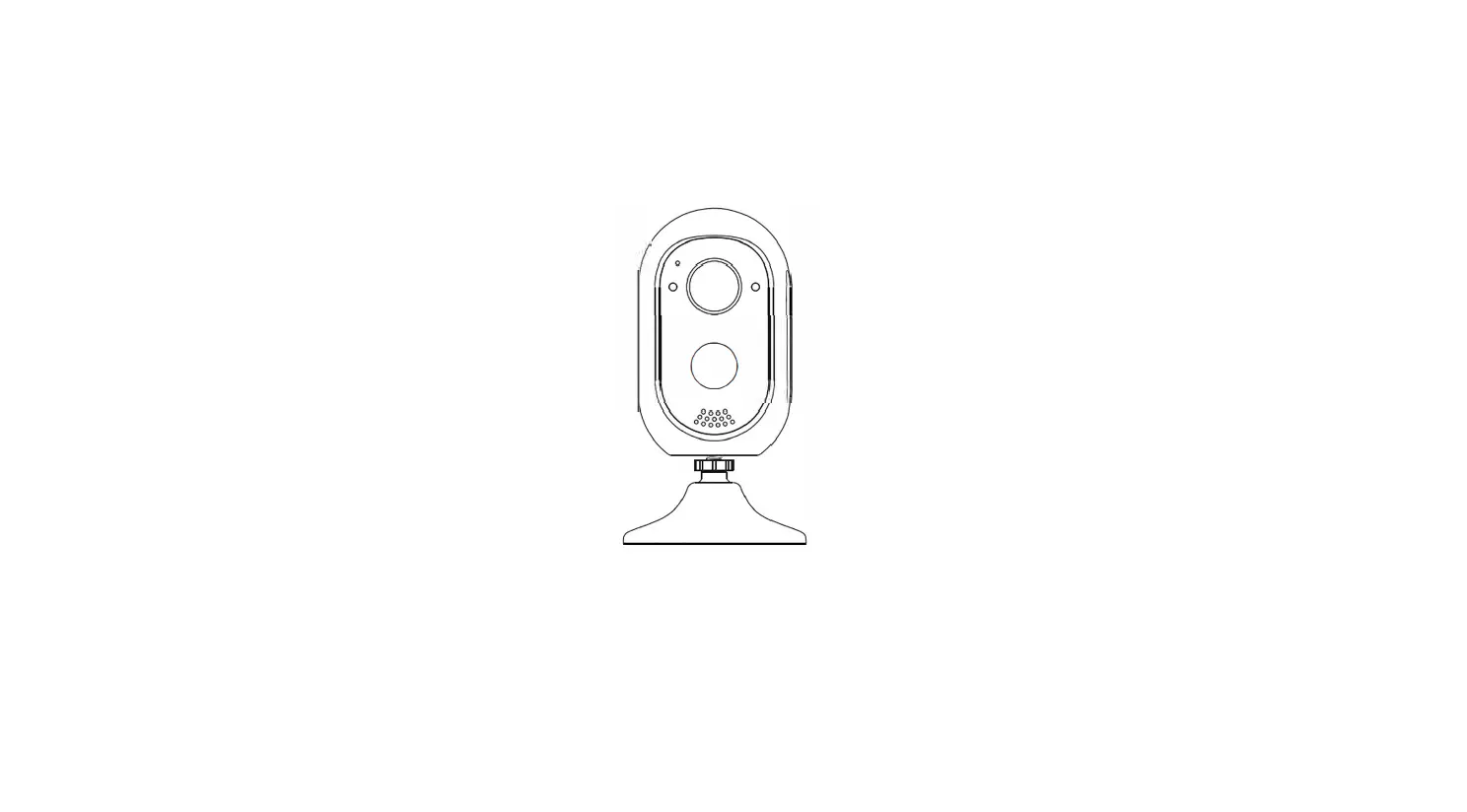
DESCRIPTION
Solar panel
Infrared and white LED PIR sensor Camera
Ambient sensor Microphone LED indicator
Reset/AP switch SD card slot
Power button USB input (charging)
Speaker
Attachment to the holder
FEATURES
1. Power button: Switch the button to the left to turn the device on, switch it to the right to turn it off.
2. Indicator light: Blue indicates that the camera is connected to the Internet, red indicates that the connection to the Internet has failed.
3. PIR sensor: the camera will start working if motion is detected. 4. Reset button: to reset the camera, press the button for about 3 seconds, release
the button when the device makes a sound. 5. USB input: Use a 5V adapter to charge the camera.
PACKAGING CONTENT
1.
2.
3.
4.
5.
6.
1. Camera 2. Camera holder 3. Micro USB cable 4. Screwdriver 5. Screws (4pcs) 6. Instructions
BEFORE THE STARTING
1. Charge the device for at least 3 hours (DC 5V/min 1A). 2. Switch on the device using the power button. When the indicator light comes on,
reset the device using the reset button. 3. After the reset, use the mobile app to set up your device.
PIR SENSOR LOCATION
Install the camera so that the angle between the sensor and the detected object is greater than 10°. If a moving object approaches the PIR sensor perpendicularly, the sensor may
not detect motion correctly.
Remark: – PIR sensor detects motion at approx. 6m (20ft) – The detection angle of the PIR sensor is 120°
Path of the tracked object
CAMERA LOCATION
Acces
The ideal viewing distance is 2-10m, at this distance the camera can detect a person.
2-3m
USING THE MOBILE APP
On GooglePlay (for Android) or the App Store (for iOS), search for an app called “Tuya
Smart” and download it. Alternatively, use the QR code to download.
LOGIN/REGISTRATION If you already have an account, click on the “Sign in with an existing account” button. If you do not have an account, click on the “Register” button
Select your country and enter your email address. Check the consent to the processing of personal data and click on the “Retrieve verification code” button.
The verification code will be sent to your registered email address and you can enter it in the fields on the screen.
Set the password and click “Done”
CAMERA CONNECTION VIA WI-FI
Open the mobile app and click “Add Device”, select “Camera and Lock”, then Camera (WiFi) and follow the instructions.
For a video tutorial with more information on how to connect the camera and the application itself, please visit www.youtube.com under the title “Solight 1D60 Application Instructions”
CAMERA INTERFACE
Back
Battery status; HD – SD picture quality change
Configuratio Full screen view
Microphone on/off Transfer rate
Camera image
TECHNICAL PARAMETERS
Powered by rechargeable battery and solar panel.
Basic information
1080P Full HD 2Mpx image and video quality. Day and night mode that switches automatically. High-quality, real-time, bi-directional audio transmission with noise cancellation. Thanks to the IP65 waterproof treatment, the device can be used continuously outdoors. Monitor from anywhere using a 2.4GHz WIFI connection.
PIR motion detection, if the camera detects motion, a notification is sent to the phone.
Support for cloud storage and local storage on a Micro SD card (max. 128 GB)
Sensor Audio
Video
Network Notification Wake-up Video recording
Batteries
Interface Installation method Environment Specifications Mobile applications
Sensor Angle of view Input/output Compression methods Image frame rate Maximum image resolution
Light source for night vision
Wireless connection Supported protocol
Notification methods
Activating the camera
Recording methods
Saving a video
Capacity Removable Battery life Standby mode Charging parameters Charging time Power Memory card Button
Installation methods Dustproof and waterproof Operating temperature/humidity Dimensions (L/W/H) Material Application name
1/2.9″ CMOS colour sensor, 2 MPx 100° Two-way voice intercom capability (built-in microphone and speaker) H.265 (H.264, H.265 support) 25 frames per second 1920*1080P IR double optical filter with automatic switching, 4pcs 850nm LED and white light, IR range: 10m 2.4G Wi-Fi (IEEE802.11b/g/n) TCP/IP, HTTP, TCP, UDP, SMTP, DHCP, DNS, P2P
Notifications via mobile app
Wake up by PIR sensor when motion is detected, wake up by app PIR sensor triggered recording and manually triggered recording Cloud & Local storage on Micro SD card (128GB max)
5 000mAh
Embedded Approx. 3-6 months if it clicks about 20 times a day 1 year DC5V/2A (Micro USB) < 8 hours 1x micro USB 1x SD card slot (Max. 128GB) 1x reset button, 1x button to turn off/on the device
Holder with four universal screws
IP65 -20° + 50°C / less than 90% (non-condensing) 220x70x130mm ABS Tuya Smart or Smart Life, compatible with IOS and Android smartphones
Solar panel and battery life The camera is powered by a solar panel. Under conditions of sufficient sunlight, the camera can operate fully without the need to recharge the battery with an external source. To achieve these conditions, or close to them, the camera needs to be positioned so that the panel is exposed to as much sunlight as possible. The ideal orientation is facing south and with a 30-45° tilt. Do not place the camera and panel in shady areas where the camera would be completely out of sunlight. The amount of time the camera is able to operate without external charging depends on many factors such as location, season, the amount of sunlight and the frequency with which the camera is used, etc.
This symbol on the product or in the accompanying documentation indicates that the product must not be disposed of with mixed household waste. This product is intended for environmentally friendly disposal, so take it to the designated collection point. For further information on the environmentally sound disposal of the product, please contact your local authority, your household waste collection and disposal provider or your dealer. By disposing of your product in an environmentally friendly manner, you are helping to protect the environment.
This product complies with all the essential requirements of the EU Directives that apply to it.
The product has been issued with a CE declaration of conformity in accordance with the applicable regulations. On request from the manufacturer: [email protected], or downloadable from www.solight.cz
Solight Holding, s.r.o., Na Brn 1972, Hradec Králové 500 06, Czech Republic.
 SOLIGHT.cz | Váš B2B partner a velkoobchod pro Osvětlení, Elektro, Smart Home, Měřící techniku a dalších 1500+ produktů