
QUICK START GUIDE
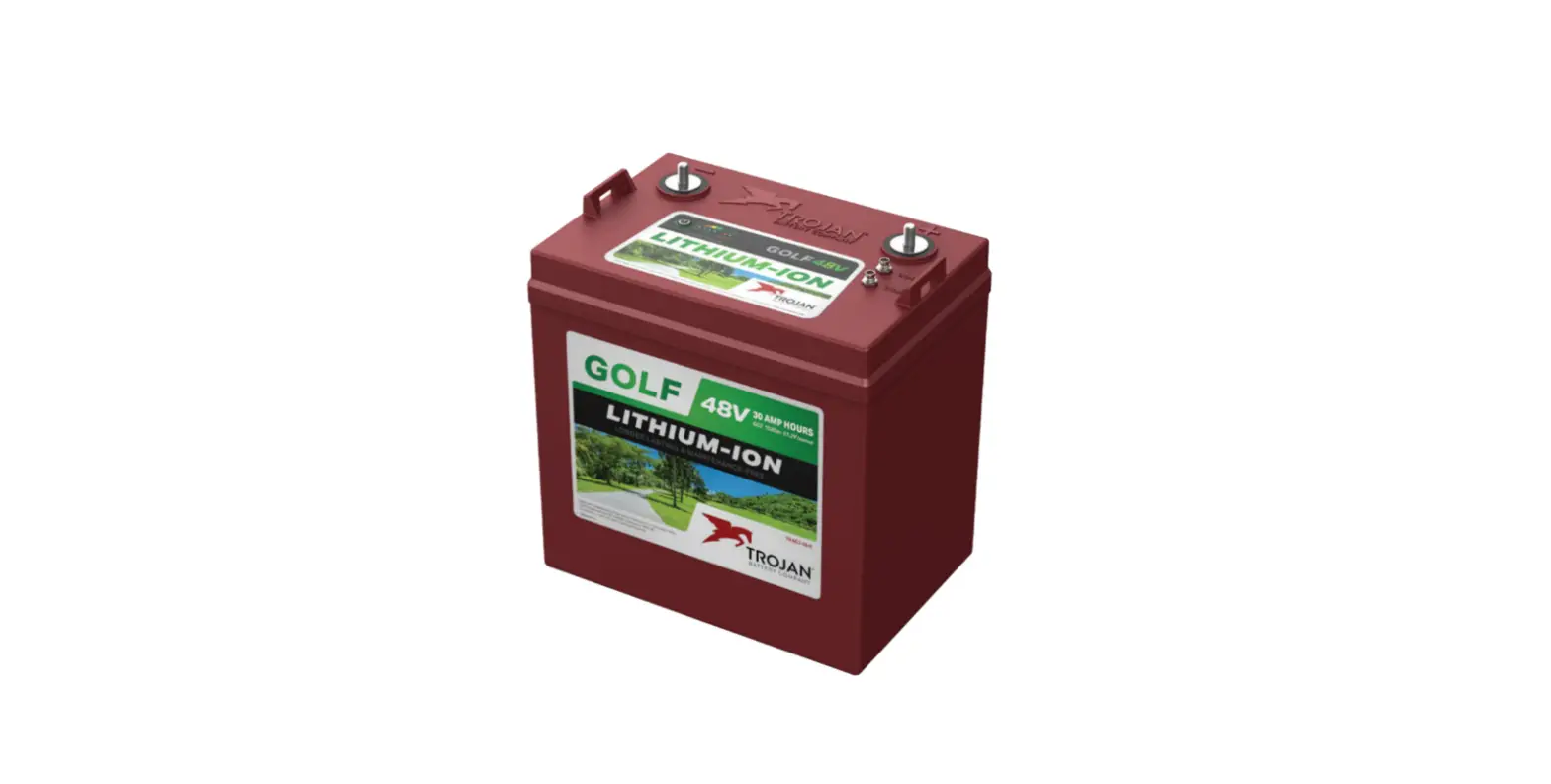
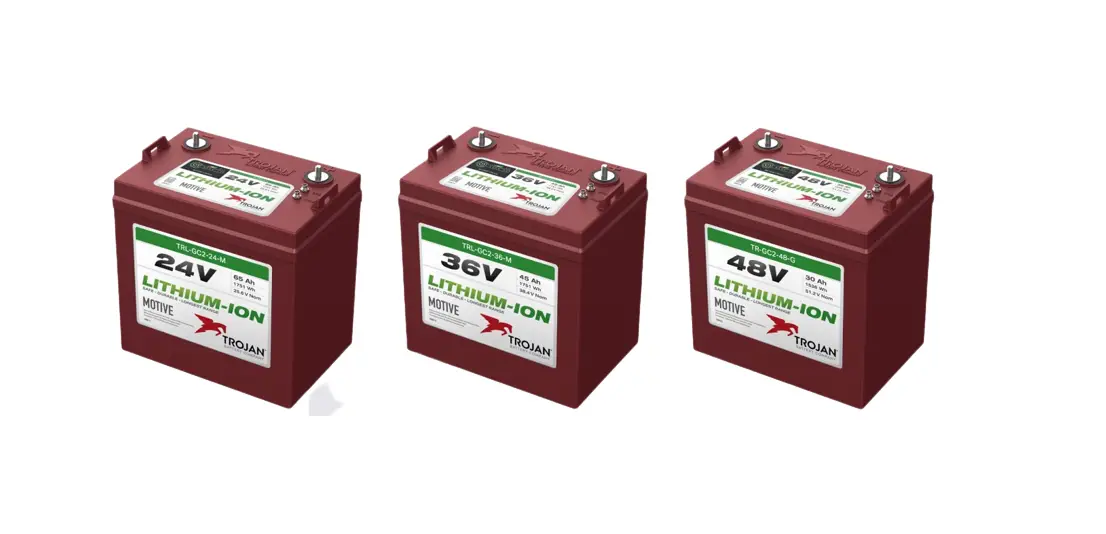
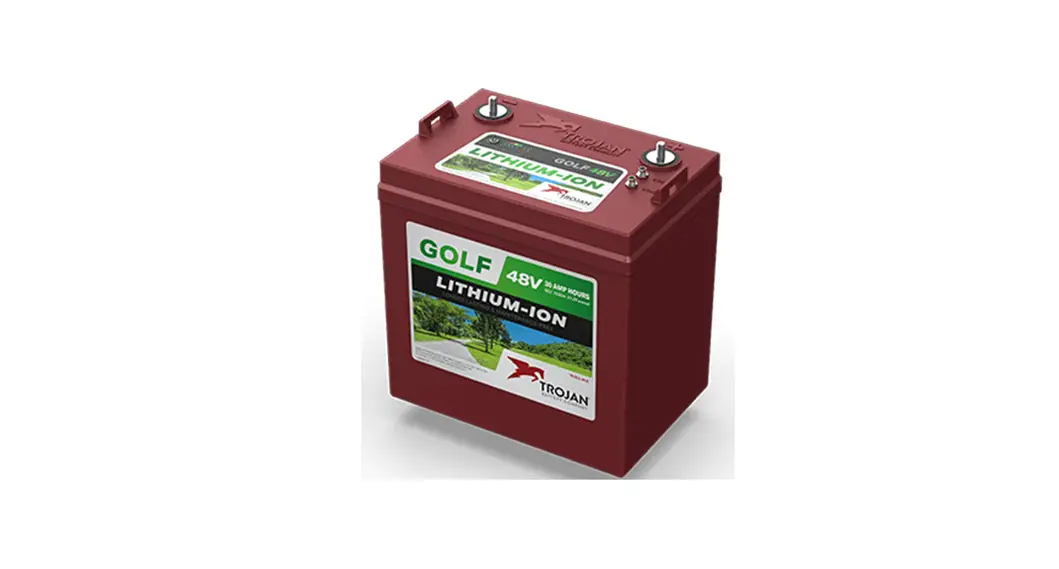
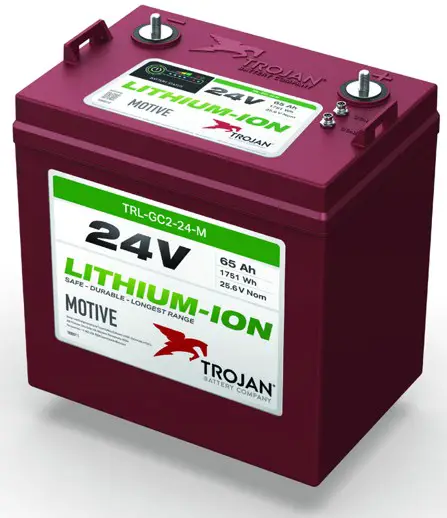
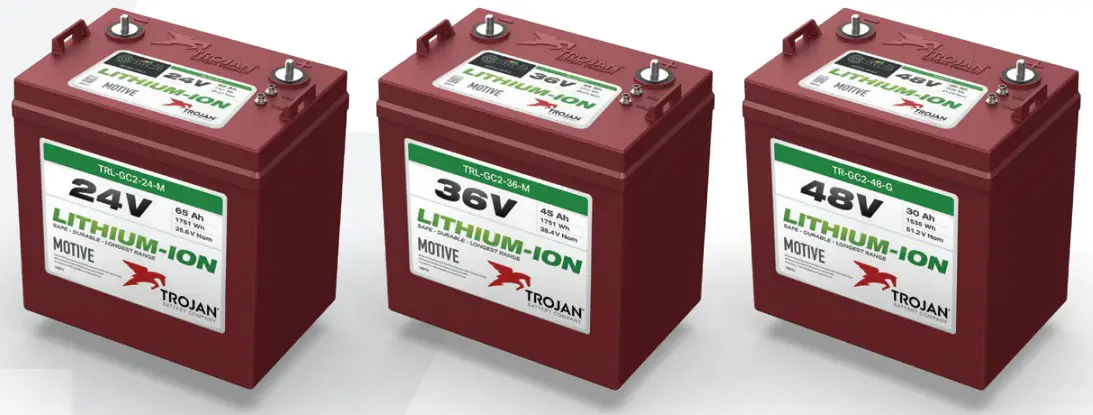 TROJAN® GC2 24V, 36V, 48V LITHIUM-ION BATTERIES
OPTIONAL ACCESSORY
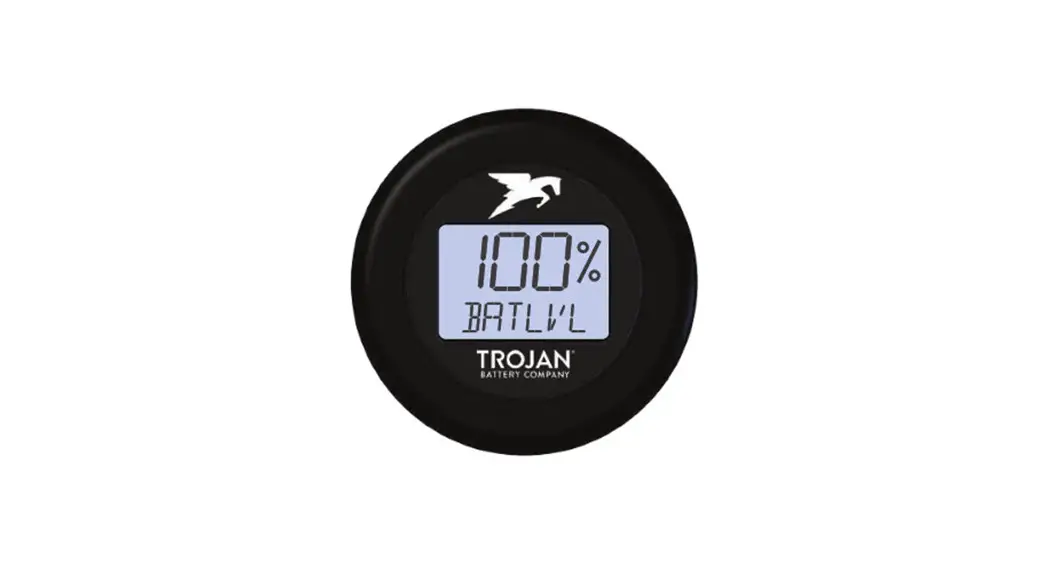
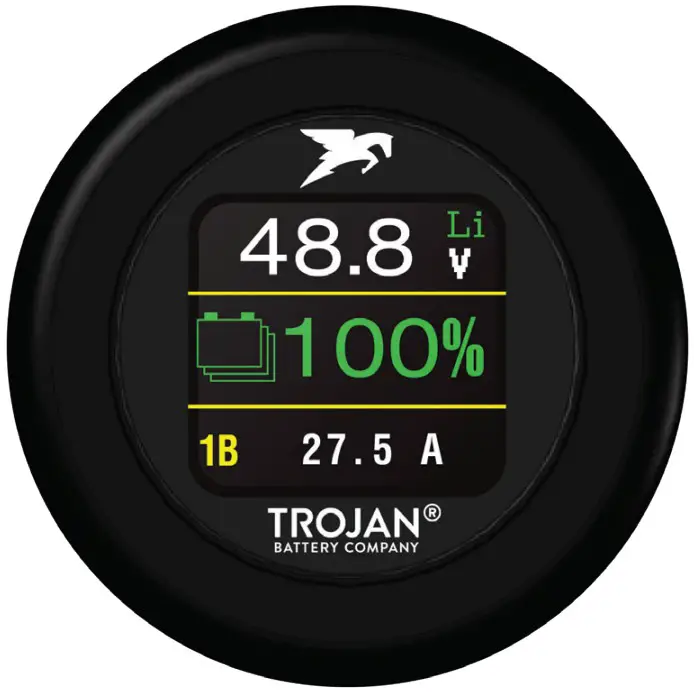
State of Charge Indicator:
- Compatible with all Trojan GC2 Series Lithium-Ion Batteries.
- Round profile with three-line display.
- Water and dust proof.
- Backlight for easy viewing.
- Versatile mounting options.
- Available at your Trojan Battery Company Dealer.
TOOLS NEEDED
 |  |  |
| Eye protection & gloves | Insulated torque wrench | 13mm socket |
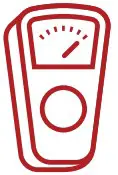 |  |  |
| Voltmeter (optional) | Lifting Strap (recommended) | Cables |
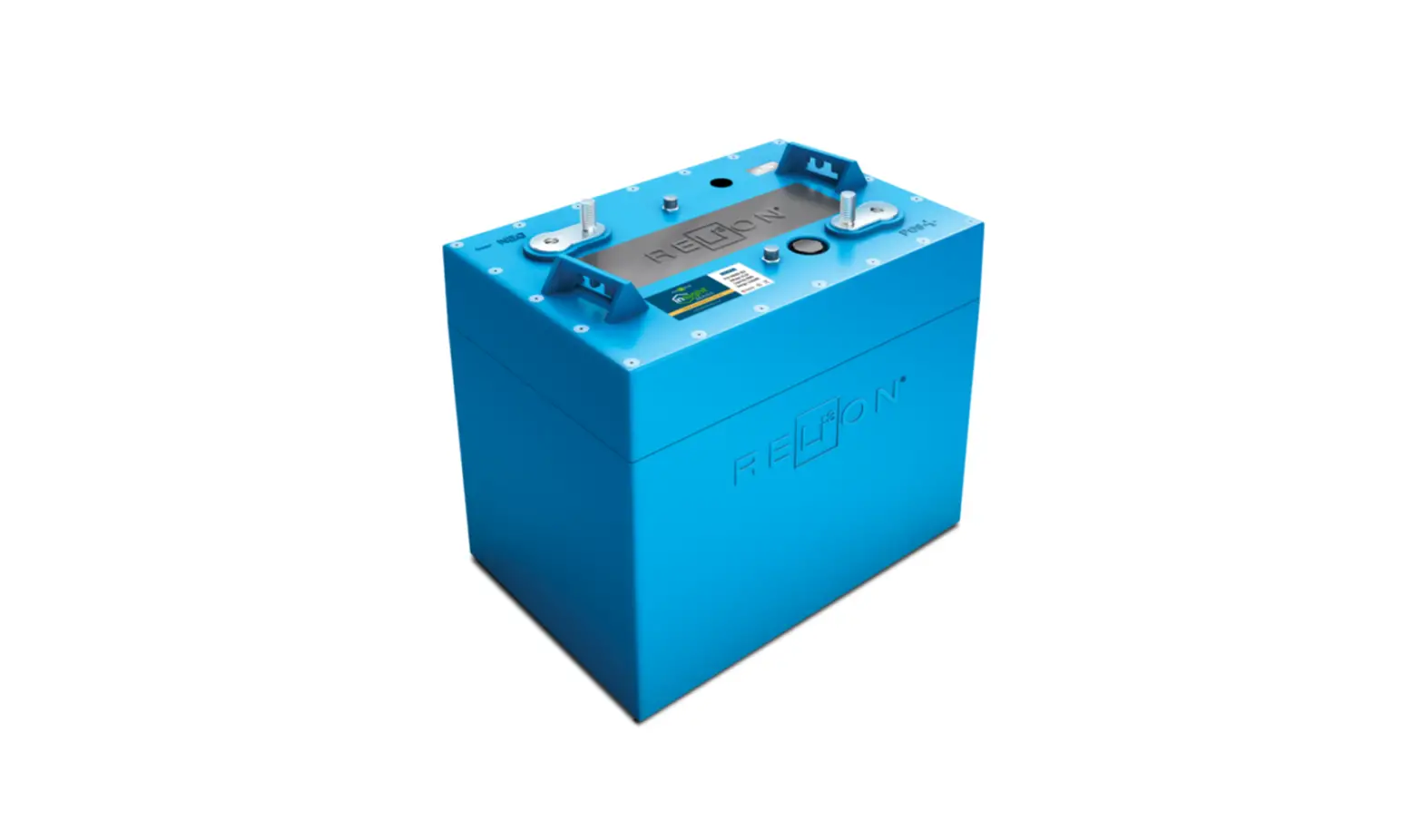
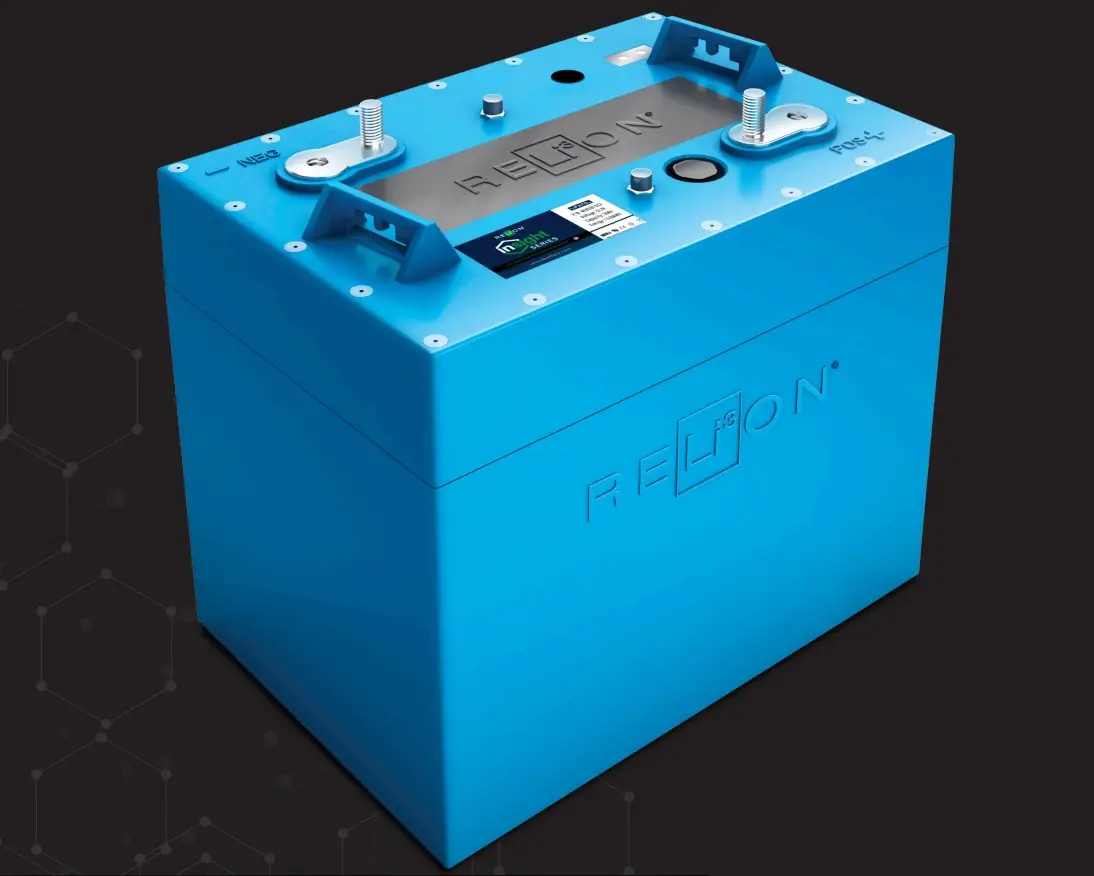
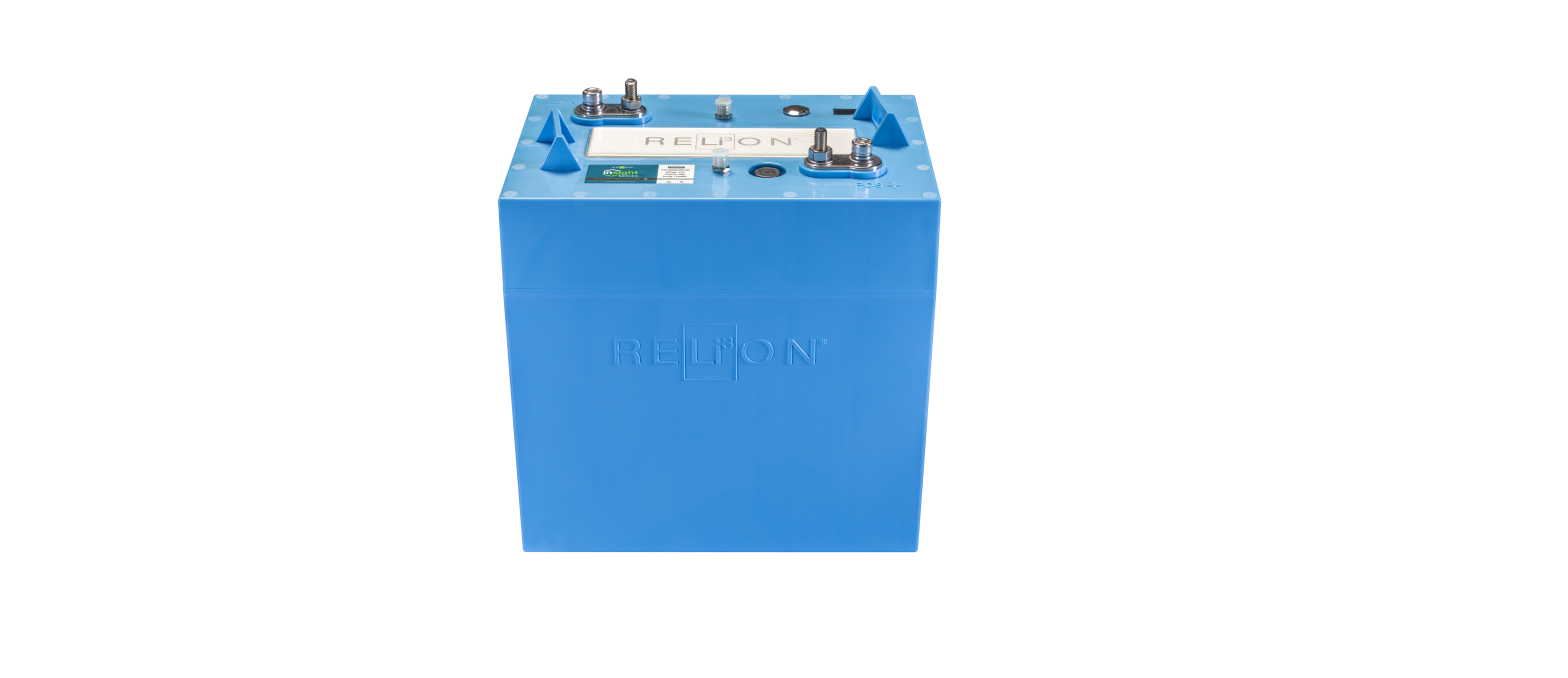
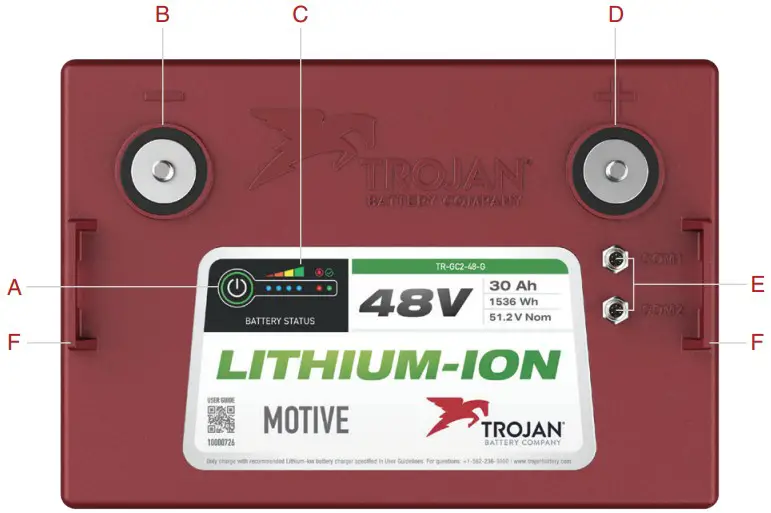
BATTERY INTERFACE
A. Status Button
B. Negative Terminal (M8 size)
C. Battery Status Indicators (SoC)
D. Positive Terminal (M8 size)
E. Communications Port I/II
F. Lifting Brackets
SAFETY
- Turn batteries off during installation.
- Wear proper personal protective equipment (eye protection and gloves).
- Use insulated tools.
- Do not wear jewelry or other metallic objects when handling batteries.
- Keep sparks and flames away from batteries. This includes sources of static electricity.
- Use battery lifting strap
- Use cables of appropriate length and gauge. (See Trojan® GC2 Series Lithium-Ion User’s Guides for specific cable sizes)
- Ensure the charger is set as recommended. (See Trojan® GC2 Series Lithium-Ion User’s Guides for charger recommendations)
- Prior to connecting, make sure the charger is off or disconnected.
- Do not attempt to open the battery case.
- Review product warning labels and Trojan® GC2 Series Lithium-Ion User’s Guides
INSTALLATION
 | 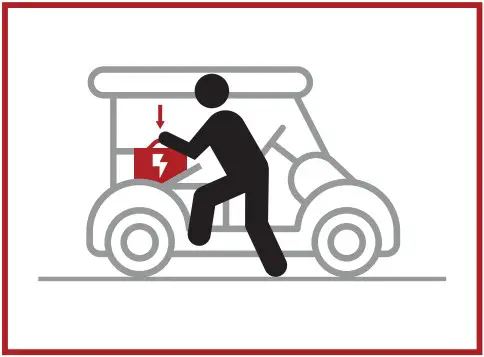 | 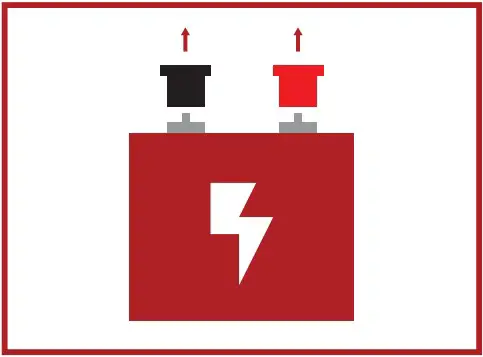 |
| · Use a lifting strap to attach to lifting brackets on battery for easy handling. | · Place GC2 Lithium-Ion Battery in equipment’s battery compartment. | · Remove protective terminal caps before installing wiring or terminal fasteners. |
Customer equipment icon images are for visual representation purposes only.
Specific installation requirements will vary.
Select appropriate Trojan product for your application.
For more detailed installation instructions, refer to Trojan GC2 Series Lithium-Ion User’s Guides.
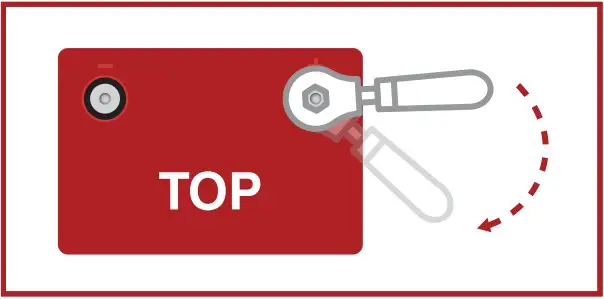
Cable Connections:
- Tighten all cable connections to the proper specification to make sure there is good contact with the terminals. Over-tightening can result in terminal breakage.
Terminal Torque:
- 80-90 in-lbs (9-10 Nm)
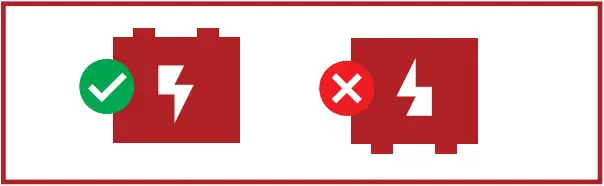
Orientation:
- Batteries should only be installed in a vertical orientation with the terminals pointing up.
Cable Sizing:
Battery cables should be sized to handle the expected load. Refer to Trojan® GC2 Series Lithium-Ion User’s Guide for the maximum amperage based on the cable gauge size.
Parallel Connection:
 |  |
| System Voltage*: 48V System Capacity*: 60Ah | System Voltage*: 48V System Capacity*: 90Ah |
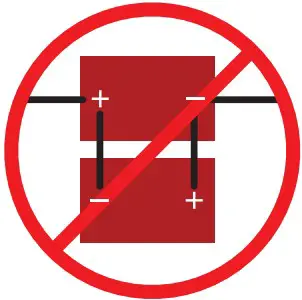
Do NOT install batteries in reverse polarity.
This may permanently damage the battery.
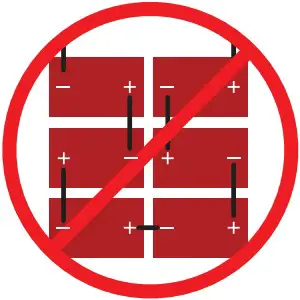
Do NOT install batteries in Series. This may permanently damage the battery.
*Voltage and capacity apply to 48V example only. Values will differ for 24V and 36V products.
GETTING STARTED
Before using the battery, fully charge the battery with the recommended charger.
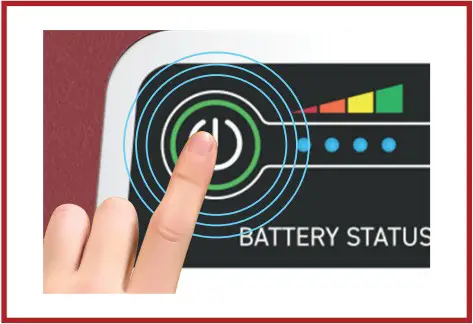 | 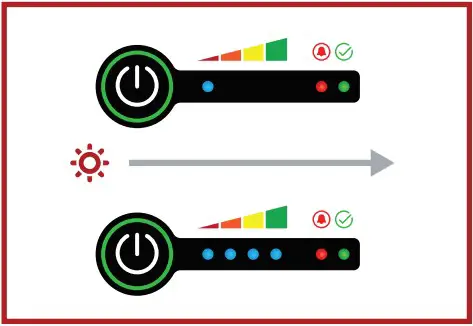 | 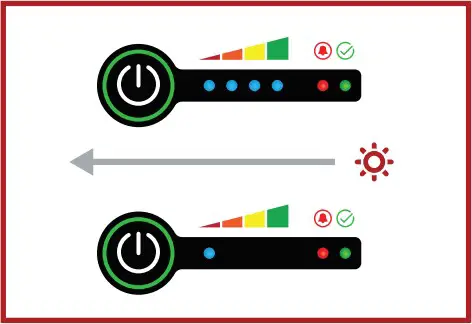 |
| Power On/Off: The Status Button is located next to the LED indicators. | Turning On: Press and hold the status button. The battery will display its state of charge for approximately one second. The LEDs will then successively turn on from left to right, followed by all LEDs quickly blinking one time. The power is now on and you should release the button. | Turning Off: Press and hold the status button. The battery will display its state of charge and status for about four seconds (note, status LEDs will not show when battery is in storage mode). All LEDs will turn on and then off from right to left, followed by all LEDs quickly blinking one time. Release the button. The battery is now in storage mode. |
CHARGING
STATE OF CHARGE INDICATOR GUIDE
| LED COLOR INDICATION | BATTERY CONDITION | INDICATOR VISUAL |
| 4 Blue LEDs | 76% – 100% Capacity Remaining | 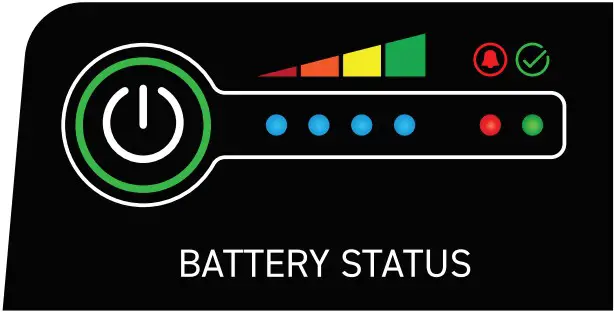 |
| 3 Blue LEDs | 51% – 75% Capacity Remaining | |
| 2 Blue LEDs | 26% – 50% Capacity Remaining | |
| 1 Blue LED | 0% – 25% Capacity Remaining | |
| Red LED | Active Alarm / Fault Condition in the battery | |
| Green LED | Normal Operation |
Using charging profiles designed for lead-acid or other battery types will cause permanent damage to the battery. Contact your local Trojan Authorized Lithium-ion Dealer for support.
Use Only With Compatible Lithium-lon Chargers Scan For the Approved List

TROJAN TRUST
- Developing deep-cycle batteries since 1925.
- Full range of advanced Deep-Cycle Flooded, AGM, Gel, and Li-Ion batteries.
- Quality components for reliability and performance.
- Industry-leading return on investment and low cost of ownership.
- Outstanding technical and customer service.
- Trojan’s battery testing procedures adhere to both BCI and IEC test standards.
- Global – sold in over 120 countries.
For more details, please refer to Trojan® GC2 Series Lithium-Ion Batteries User’s Guide, available at: trojanbattery.com
TECHNICAL SUPPORT
Call Trojan Battery Technical Support:
United States and Canada: 800-423-6569, dial ext. 3045
International: +1-562-236-3045
Email: [email protected]
On the web: trojanbattery.com/tech-support/
Corporate Headquarters
Trojan Battery Company
12380 Clark Street
Santa Fe Springs, CA 90670
©2023 Trojan Battery Company, LLC. All rights reserved. Trojan Battery Company is not liable for damages that may result from any information provided in or omitted from this publication, under any circumstances. Trojan Battery Company reserves the right to make adjustments to this publication at any time, without notice or obligation. Please check the Trojan Battery Company website (www.trojanbattery.com) for the most up-to-date information.
10000811 Rev 040523
 Trojan Battery | Home
 Trojan Battery | Home