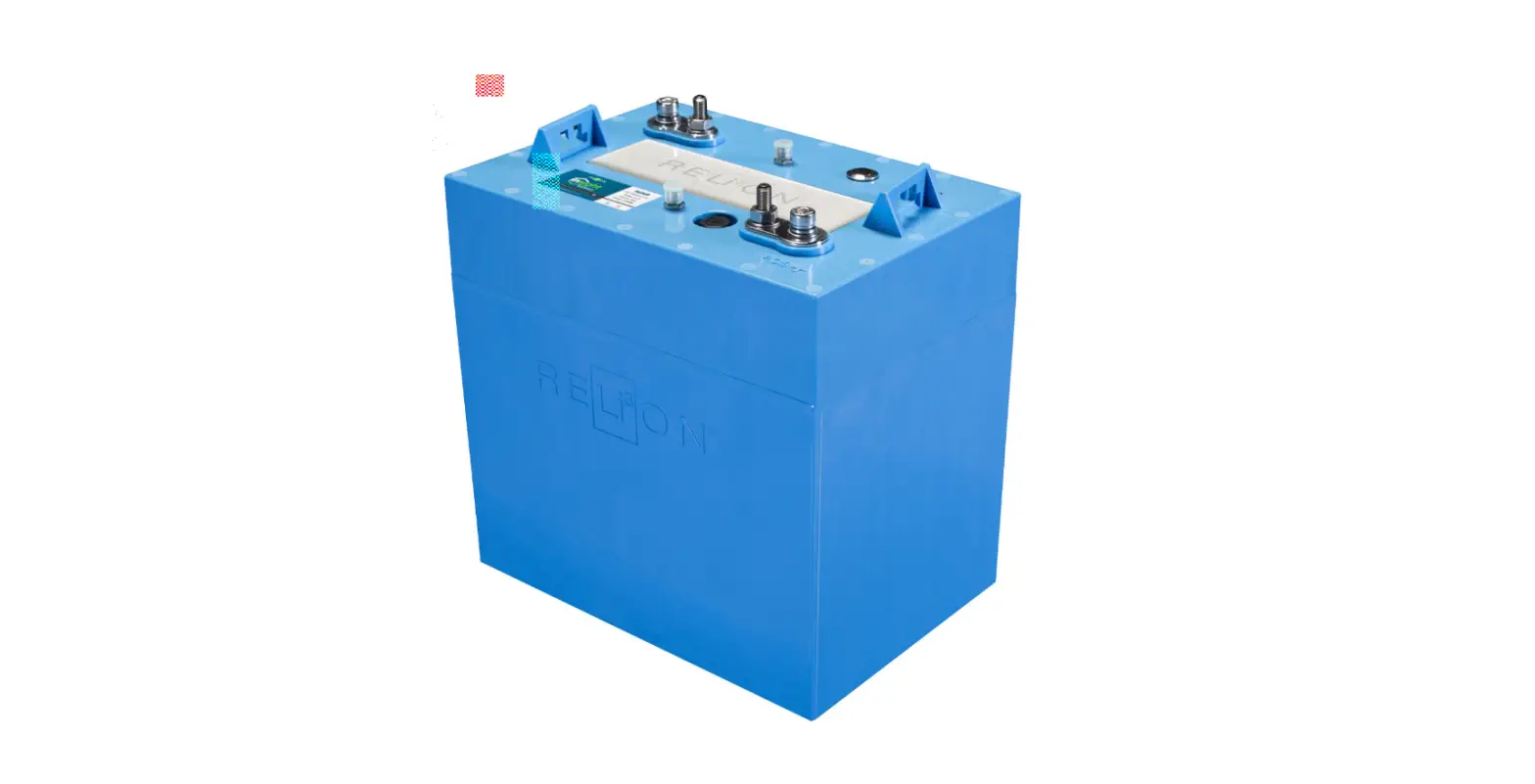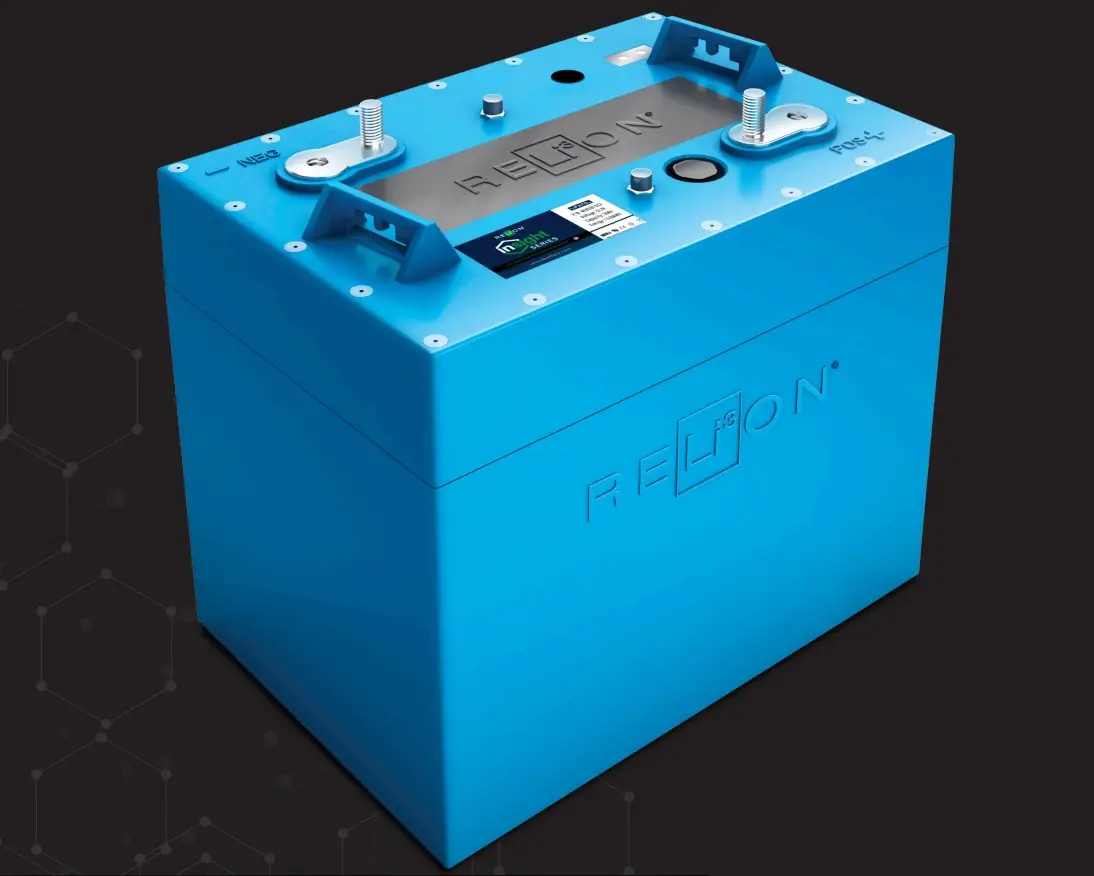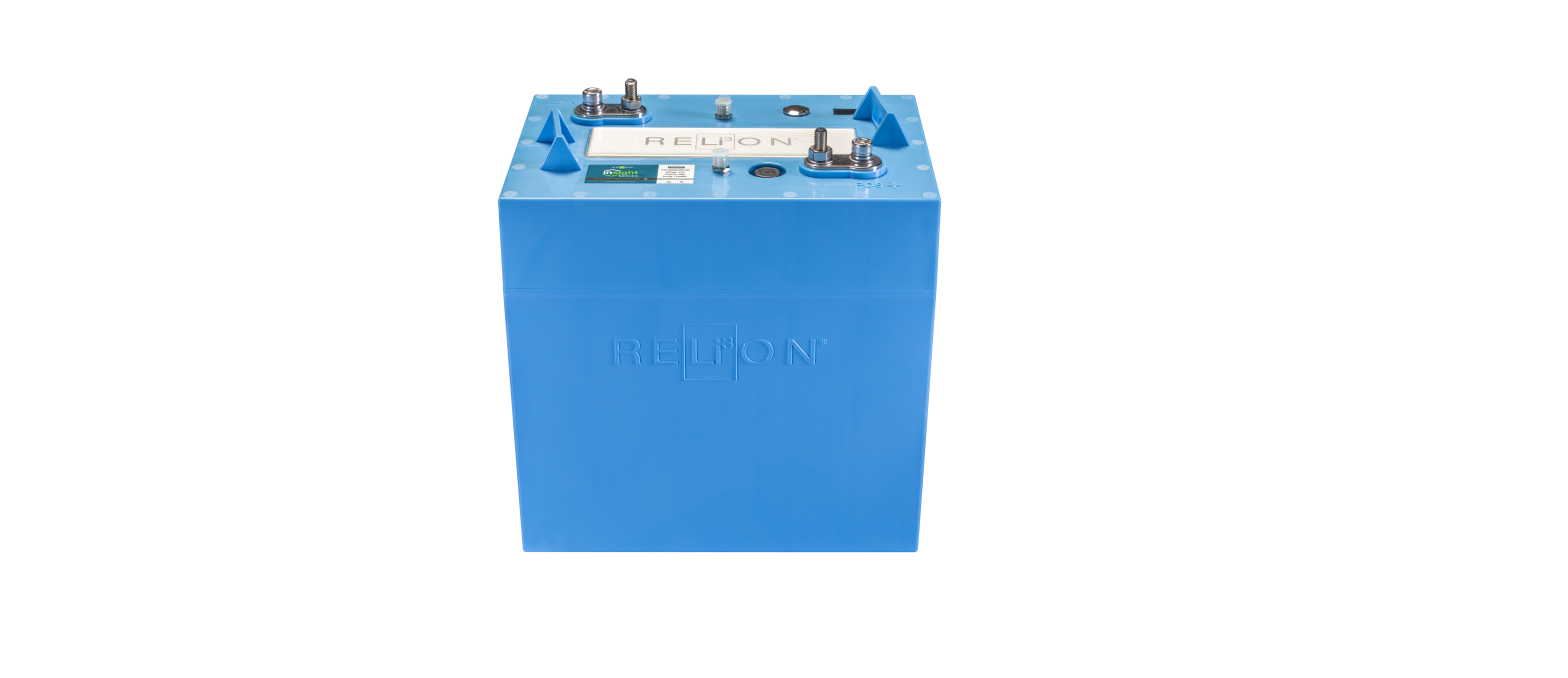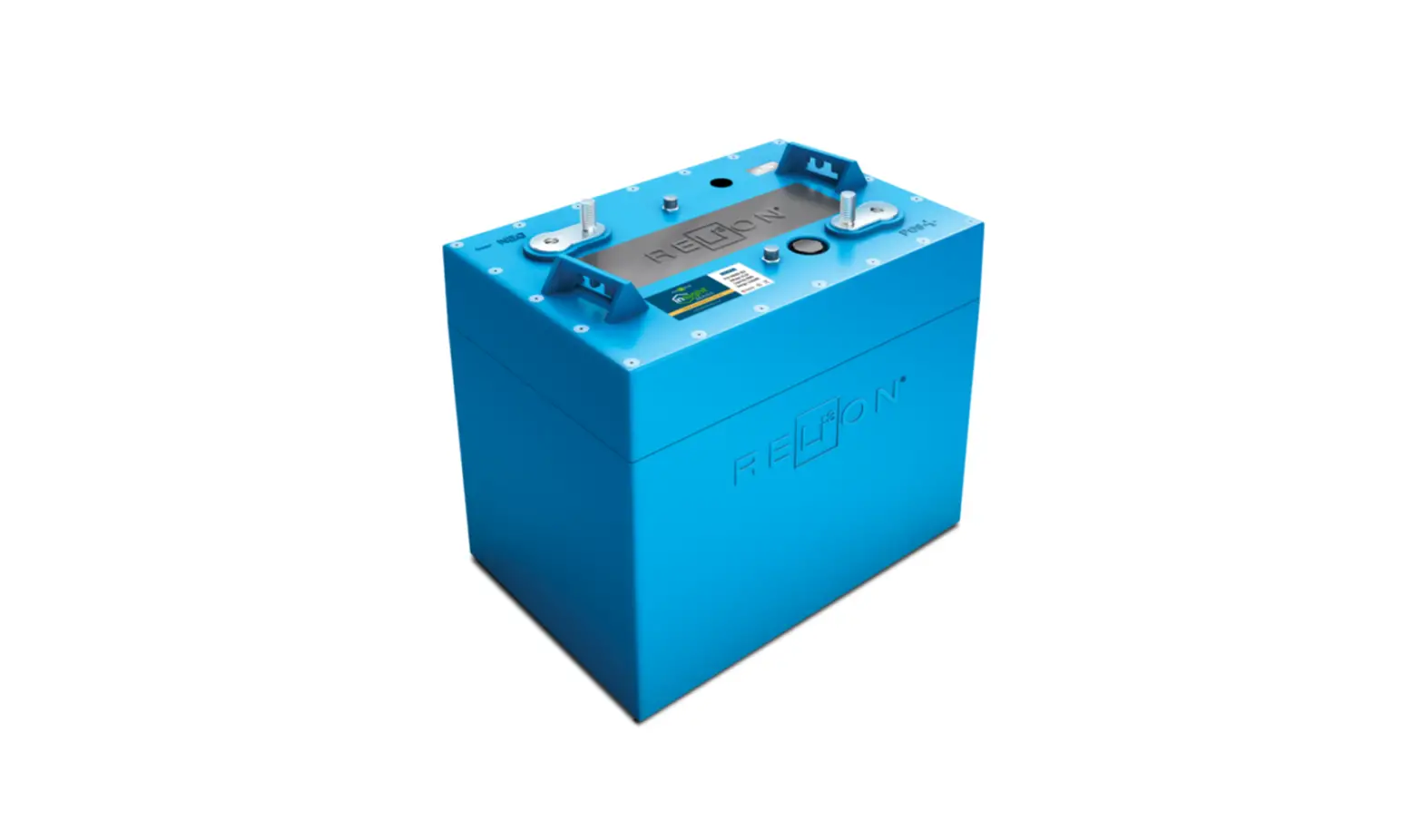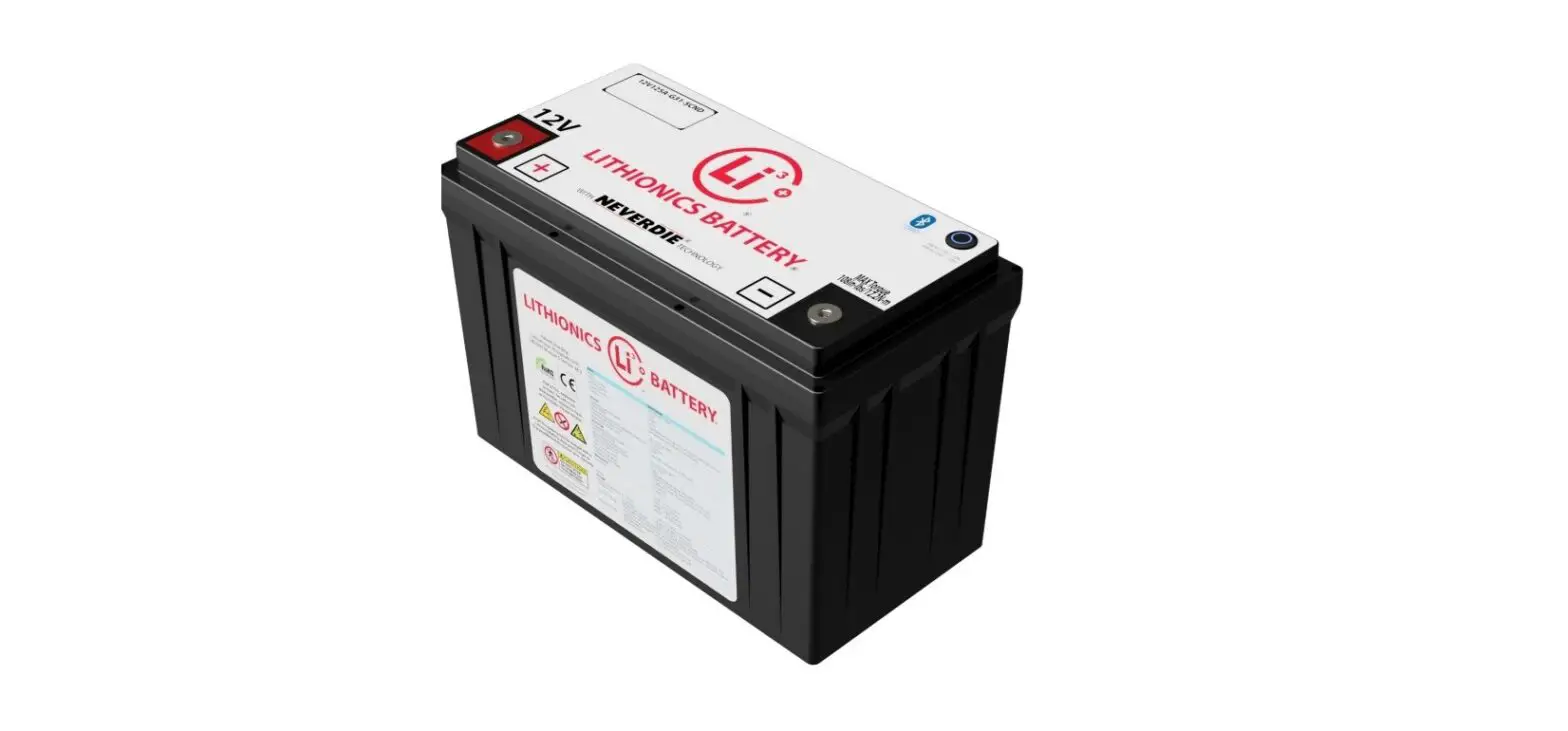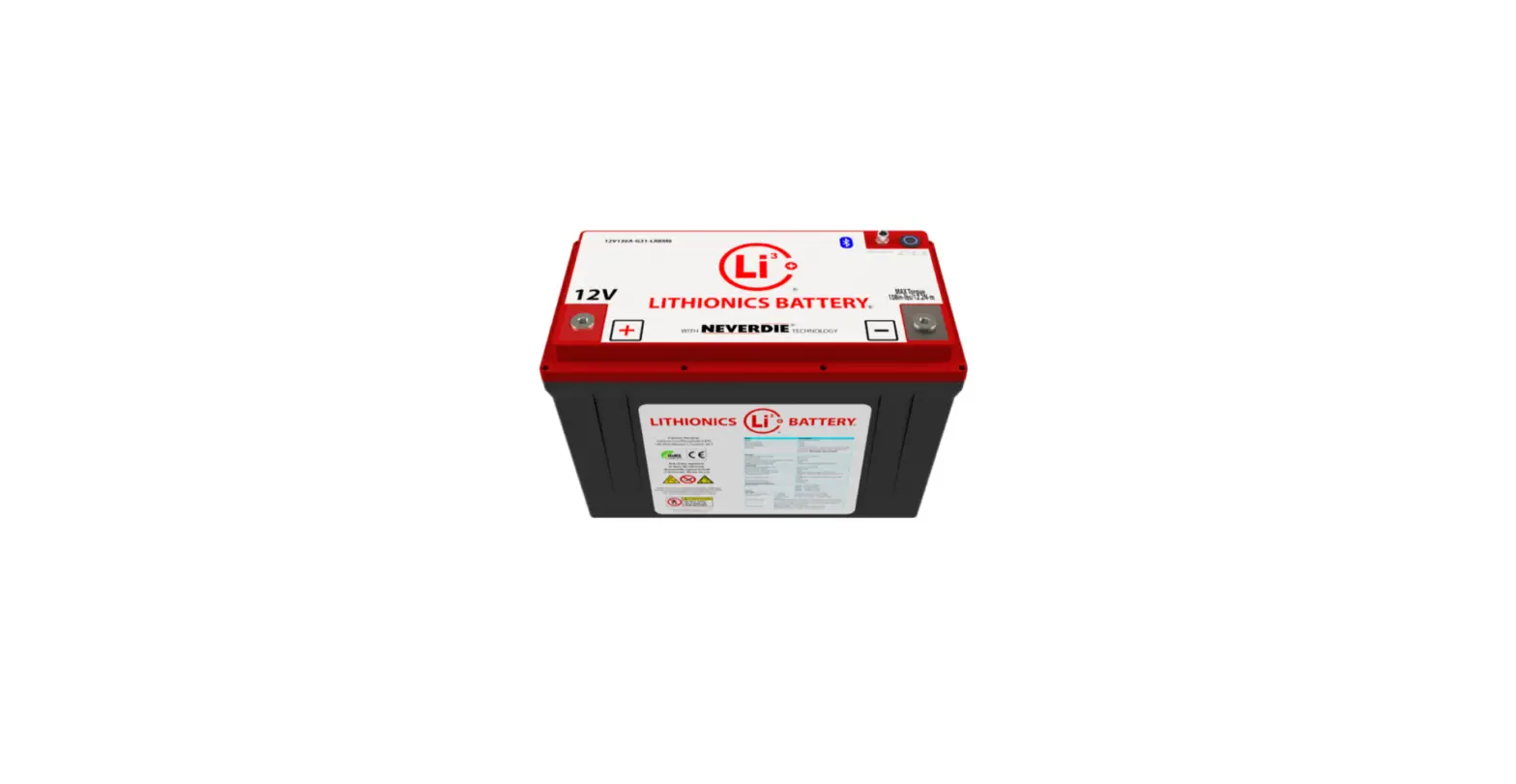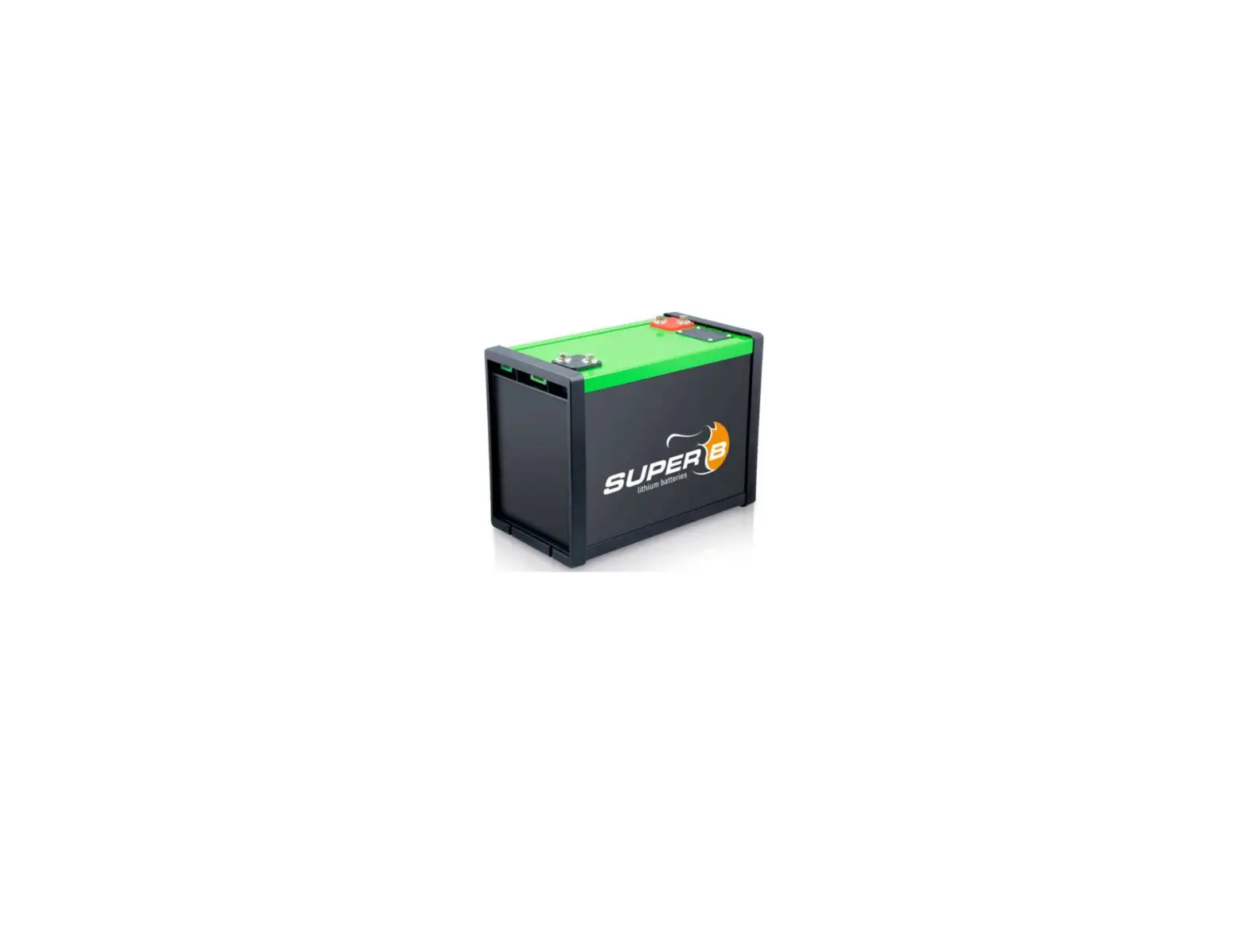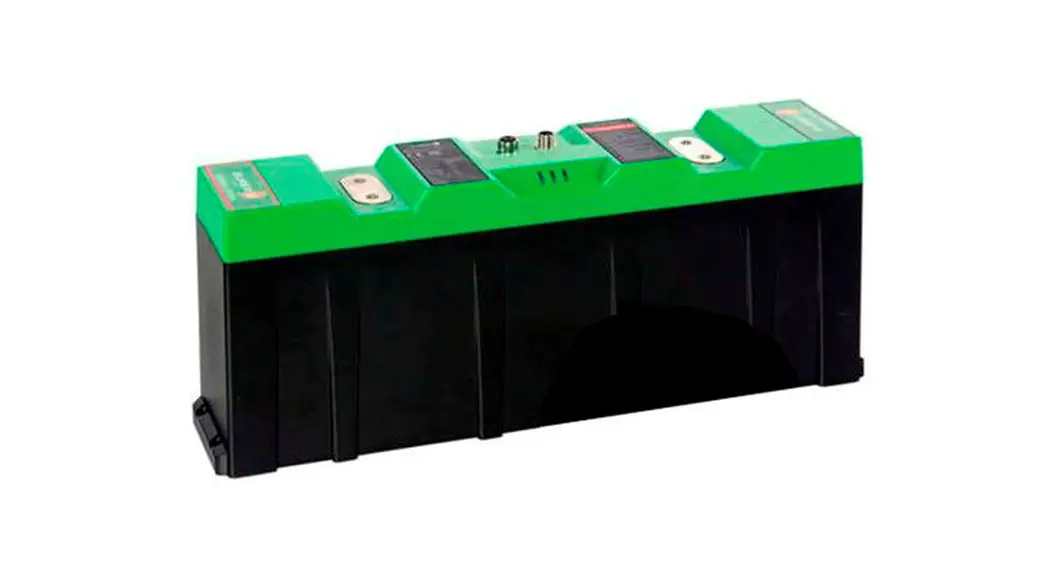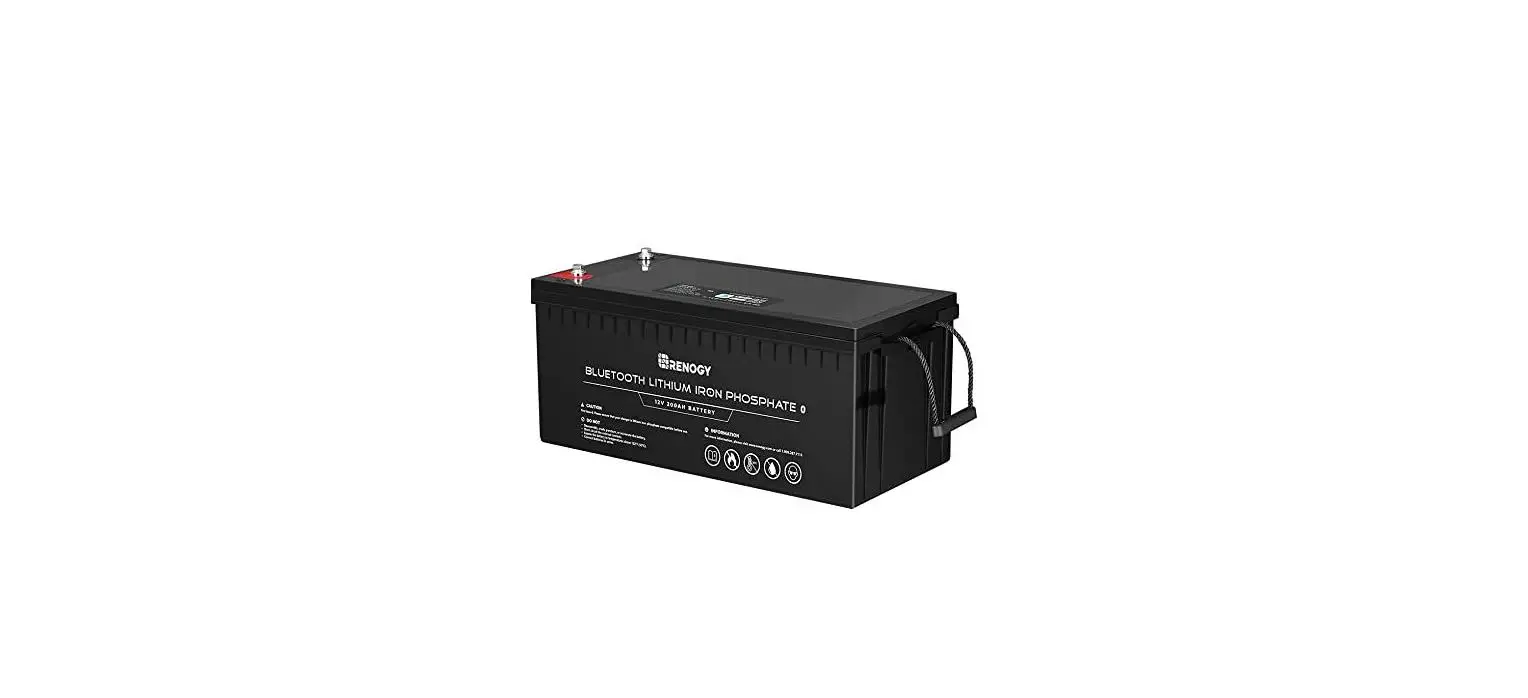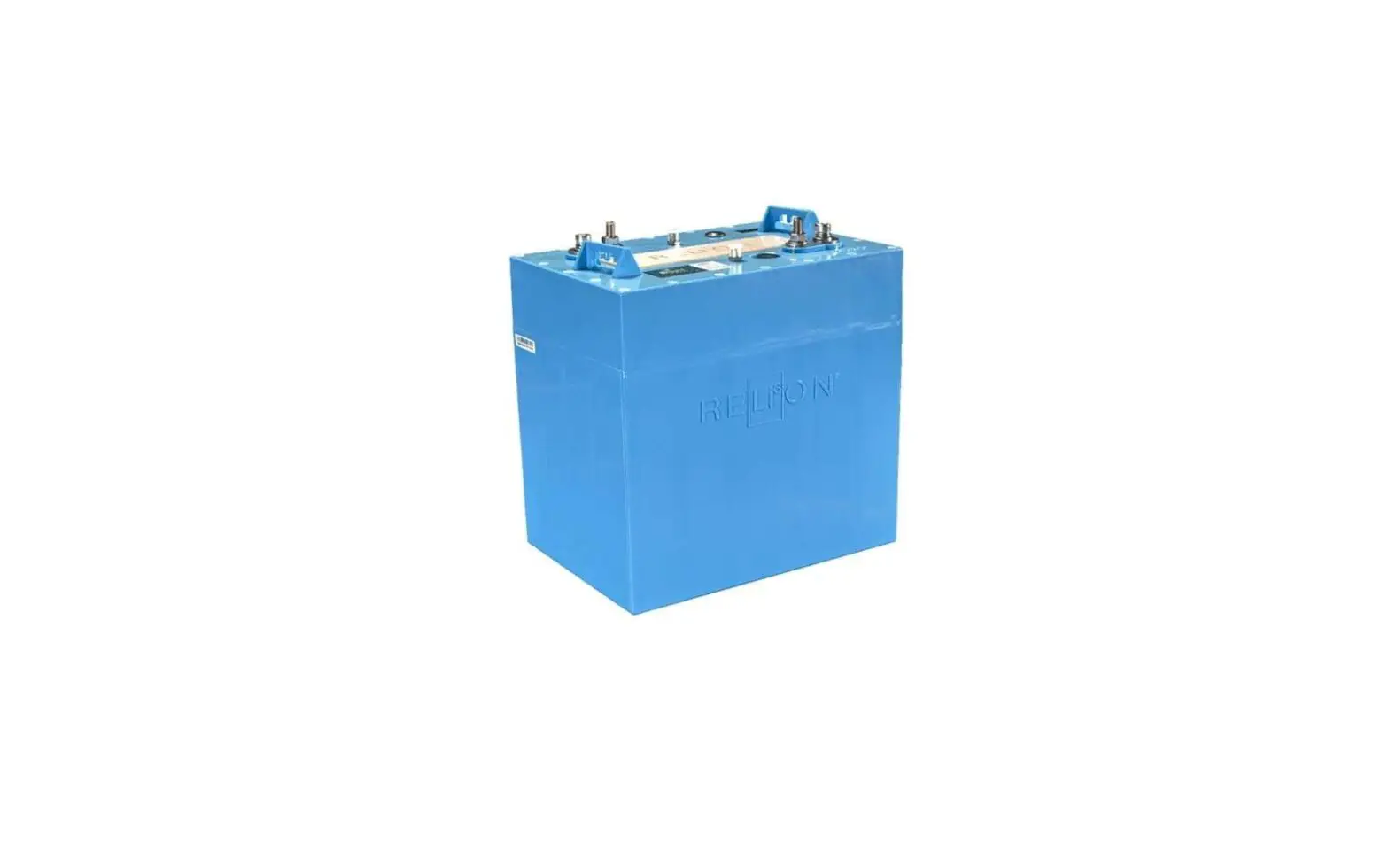
RELiON 12V120-GC2-LT INSIGHT 12V Lithium Battery User Guide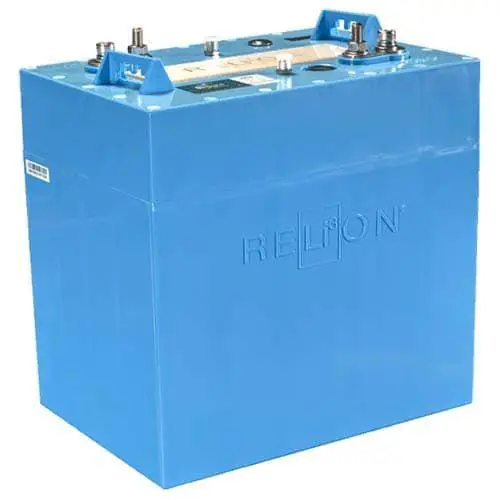
This Quick Installation Guide contains important information regarding the proper installation of your InSight Series™ lithium battery. This QIG applies to all RELiON InSight Series lithium batteries.
USE PARALLEL CONNECTIONS
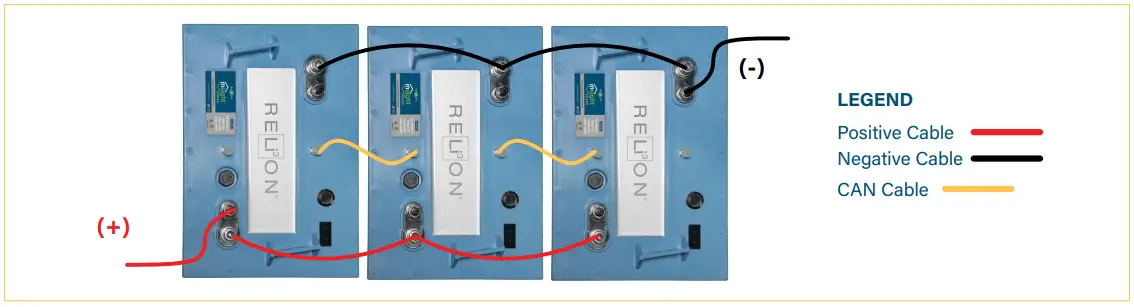
InSight batteries are only to be connected in parallel to meet your energy requirements. They cannot be connected in series. See wiring diagram.
| 12V | 24V | 48V | |
| Parallel Connections | Unlimited | Unlimited | Unlimited |
| Series Connections | None | None | None |
INSTALL THE BATTERIES CLOSE TOGETHER
If you are replacing your existing batteries with fewer than the original batteries, install the new InSight batteries close to each other in the battery compartment.
USE RELION INSIGHT BATTERY SPACERS
We recommend using our Battery Spacers to fill the empty battery spots so you can use the existing battery hold-downs that come in your vehicle. These can be purchased on our website at relionbattery.com. If you do not use our Battery Spacers, please ensure your InSight batteries are securely held down.
CABLE SIZE
Be sure to use cables of equal lengths to connect your InSight batteries.
TORQUE
Use the proper torque. 79.7 – 88.5 in-lbs . 6.6 – 7.4 ft-lbs . 9 – 10 N-m
UTILIZE CAN CABLES
CAN cables (1 ft) are provided with your InSight battery. Starting with the first battery connect the CAN cable from the Output (positive battery side) to the Input of the 2nd battery (negative battery side) and so on. The CAN port on the negative side of the 1st battery and on the positive side of the last battery will remain unused. Longer CAN cables (2 and 4 ft) are available upon request.
The CAN cables have 90° connectors. CAN cables with 180° connectors are available upon request.
POWER THE BATTERY ON
Once connected, press and hold the Power button on one of the batteries until you see the first LED flash green. It will continue to flash green every 5 seconds. You will notice that once you wake up one battery the remaining batteries will automatically wake up. Once the batteries are awake, you can tap the Power button to see the state-of-charge (SOC) of each battery. Refer to Table 3 to determine the SOC. If the batteries are not at an equal SOC, they will balance upon being used. Refer to Table 2 for how to turn off the battery.
CHARGING
It is best to use/select a Lithium, GEL or AGM charge profile in that order of availability.
COMPATIBLE ACCESSORIES AVAILABLE
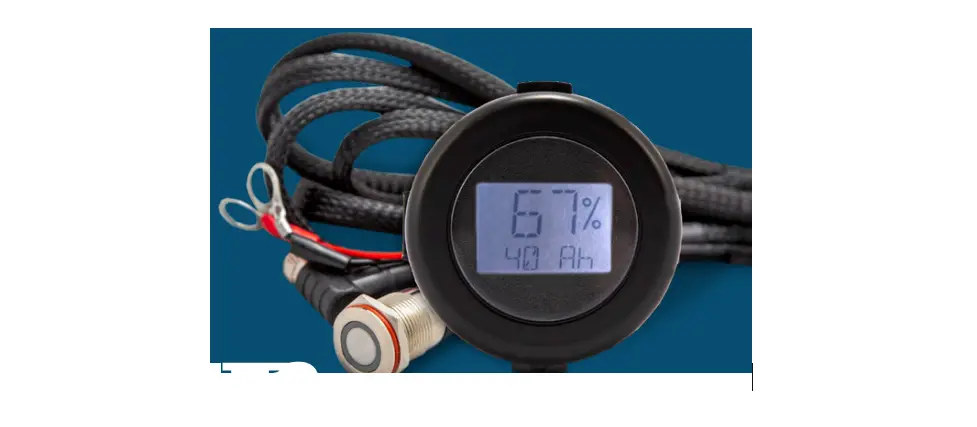
The backlit InSight Fuel Gauge is a plug-and-play accessory that provides real-time State of Charge. The InSight Remote Button gives you the convenience to power your InSight batteries on and off without having to access the battery compartment. These can be purchased on our website at relionbattery.com.
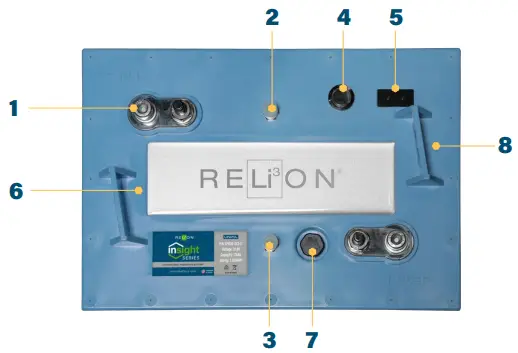
- Dual M8 Terminals
- CANbus Input (negative side)
- CANbus Output (positive side)
- Power Button
- SOC/Status LEDs
- Heatsink
- Vent
- Lifting Brackets
BATTERY INTERFACE
The battery cover has two tri-colored LEDs (green, yellow, and red) that are used to communicate the status of the battery, the SOC of the battery, as well as protection modes and errors. LED1 is on the left side and LED2 is on the right side of the LED display when facing the battery from the positive post side.
LEDS – BATTERY MODES
| MODE | LED 1 | LED 2 |
| OFF | OFF | OFF |
| ON | Flashing Green (5 sec) | OFF |
| Charging | OFF | Flashing Green (2 sec) |
| ACTION | OPERATION | REMARKS |
| Power ON | Press and hold button for 5s until: · LED1 Flashes Green · Then release button | Battery will turn ON |
| Display SOC | With battery ON Tap button once | LED displays for 6 sec. See SOC STATUS Table 3 |
| Power OFF | Tap, release, then press and hold button for 6s until: · LED1 Solid Red · LED2 Solid Red · Then release button | Battery will turn OFF |
| SOC | LED 1 | LED 2 |
| 95% – 100% | Solid Green | Solid Green |
| 75% – 95% | Solid Green | Flashing Green |
| 50% – 75% | Solid Green | Solid Yellow |
| 30% – 50% | Solid Green | Flashing Yellow |
| 10% – 30% | Solid Green | Solid Red |
| 0 – 10% | Solid Green | Flashing Red |
PRECAUTIONS
Lithium Iron Phosphate (LiFePO4) batteries are an inherently safe chemistry. Please reference RELiON’s Lithium Iron Phosphate Safety Document (available on our website at relionbattery.com) for more details. However, as with any electronics, safety measures should always be taken. Please adhere to these instructions for safe handling and operation:
- Wear safety glasses when installing batteries
- Use a wrench with a rubber coated handle
- Do not place any objects on top of batteries
- Make sure all cable connections are properly tightened
- Refer to RELiON’s LiFePO4 SDS for additional information
TECHNICAL SUPPORT
If you have technical questions about your RELiON battery, please contact the original place of purchase or RELiON Battery directly:
 [email protected]
 +1 (803) 547-7288
 Relionbattery.com
WE’RE HERE TO HELP.
Check out our Knowledge Help Center at Relionbattery.com/Knowledge. You can search for a topic by keyword or simply browse through various articles by category.
RELiON Battery provides our customers with the highest quality and safest lithium products, in compliance with all regulatory standards.
©2022 RELiON Battery, LLC. All rights reserved. RELiON is not liable for damages that may result from any information provided in or omitted from this publication, under any circumstances. RELiON reserves the right to make adjustments to this publication at any time, without notice or obligation.

INSIGHT 12V QIG
07.26.22
For more detail, please refer to RELiON’s User’s Manual,
available at: relionbattery.com/resources/documentation
 Best Lithium Iron Phosphate Batteries | RELiON