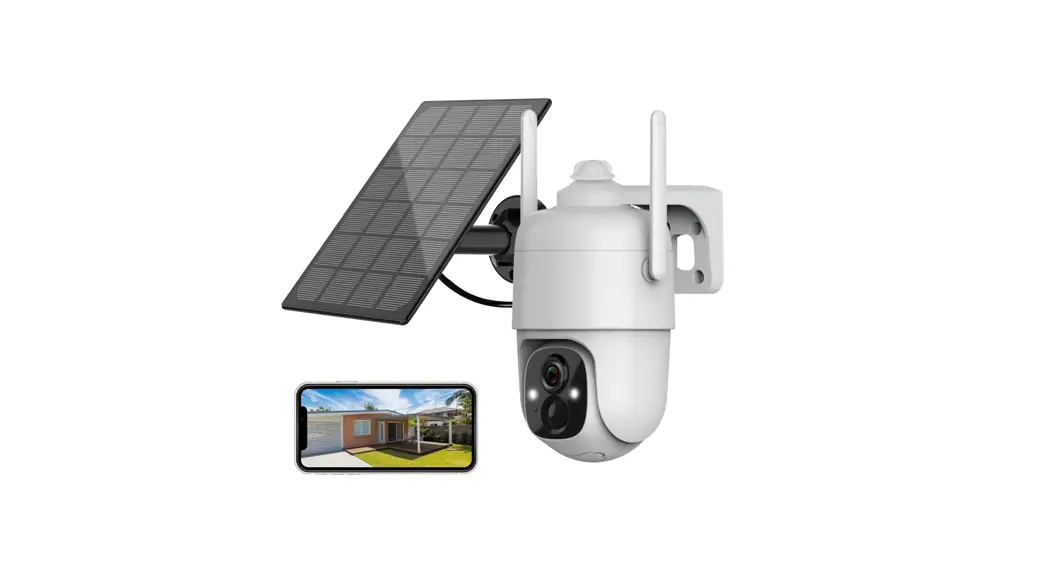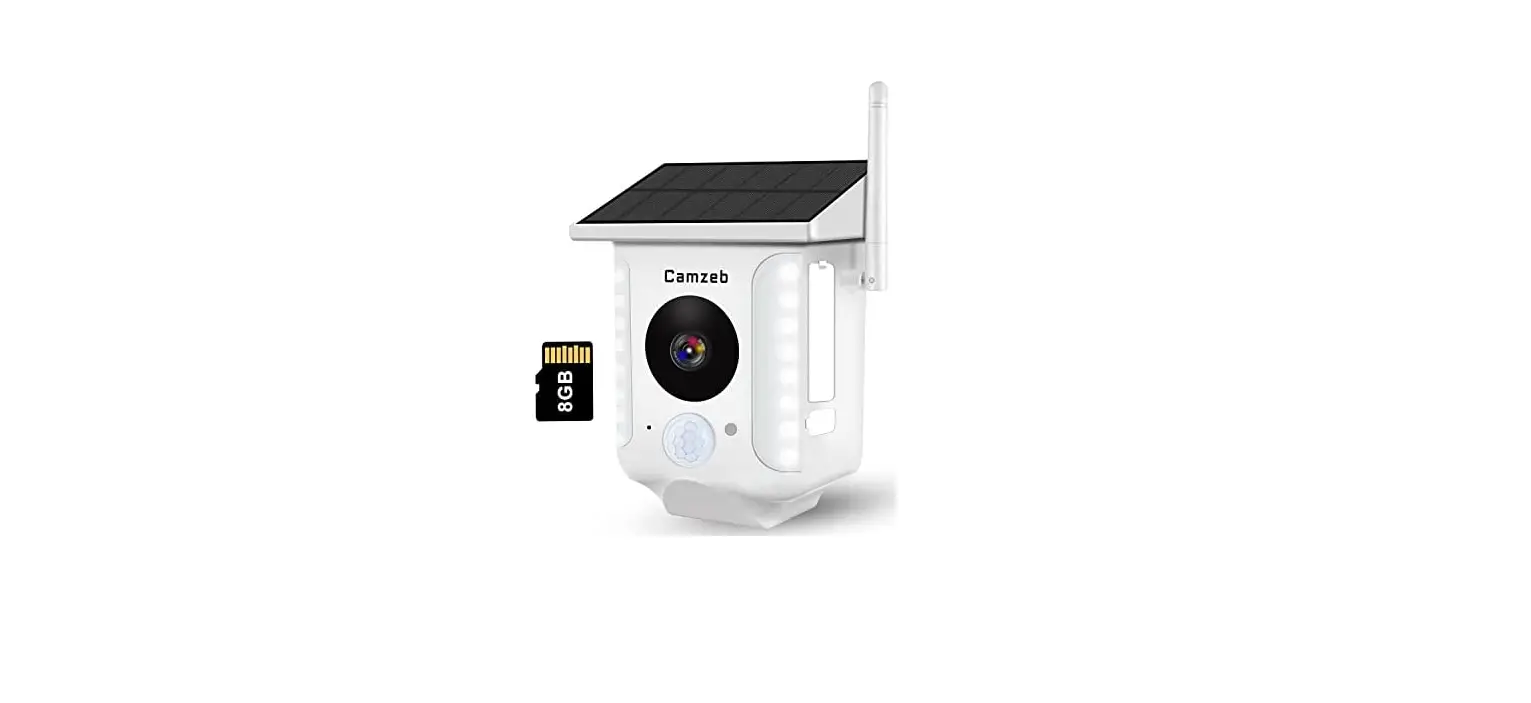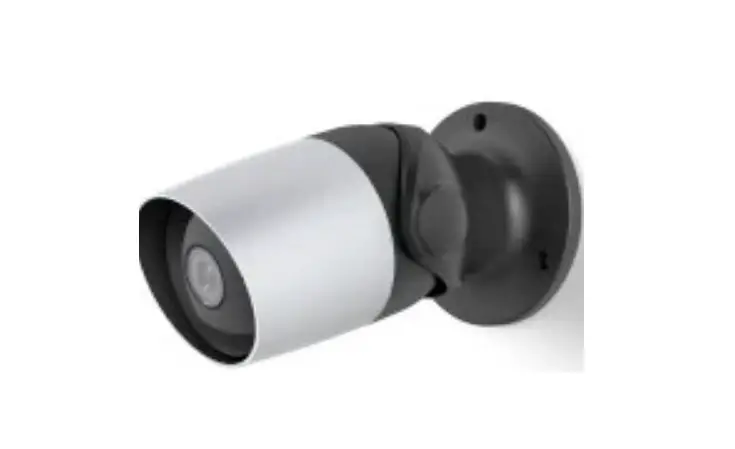

Allweviee Cq1 Solar Security Outdoor Wifi Camera Instructions

Allweviee Cq1 Solar Security Outdoor Wifi Camera Instructions

Allweviee-logo

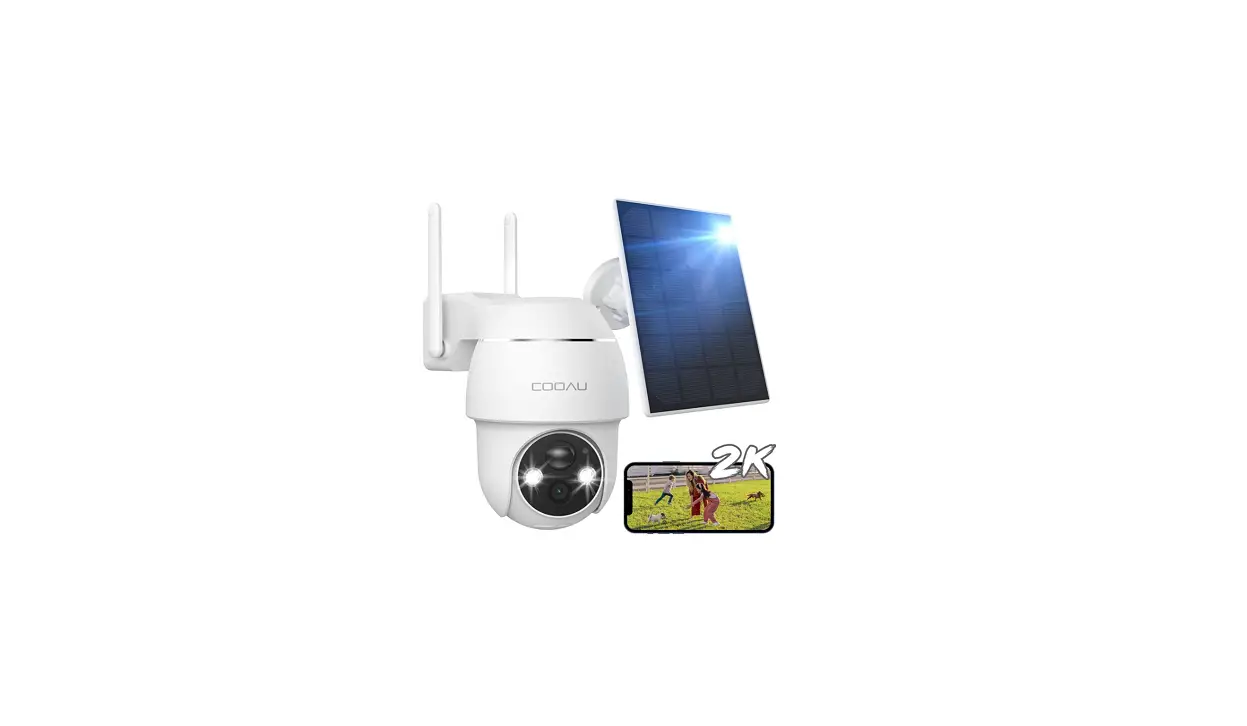
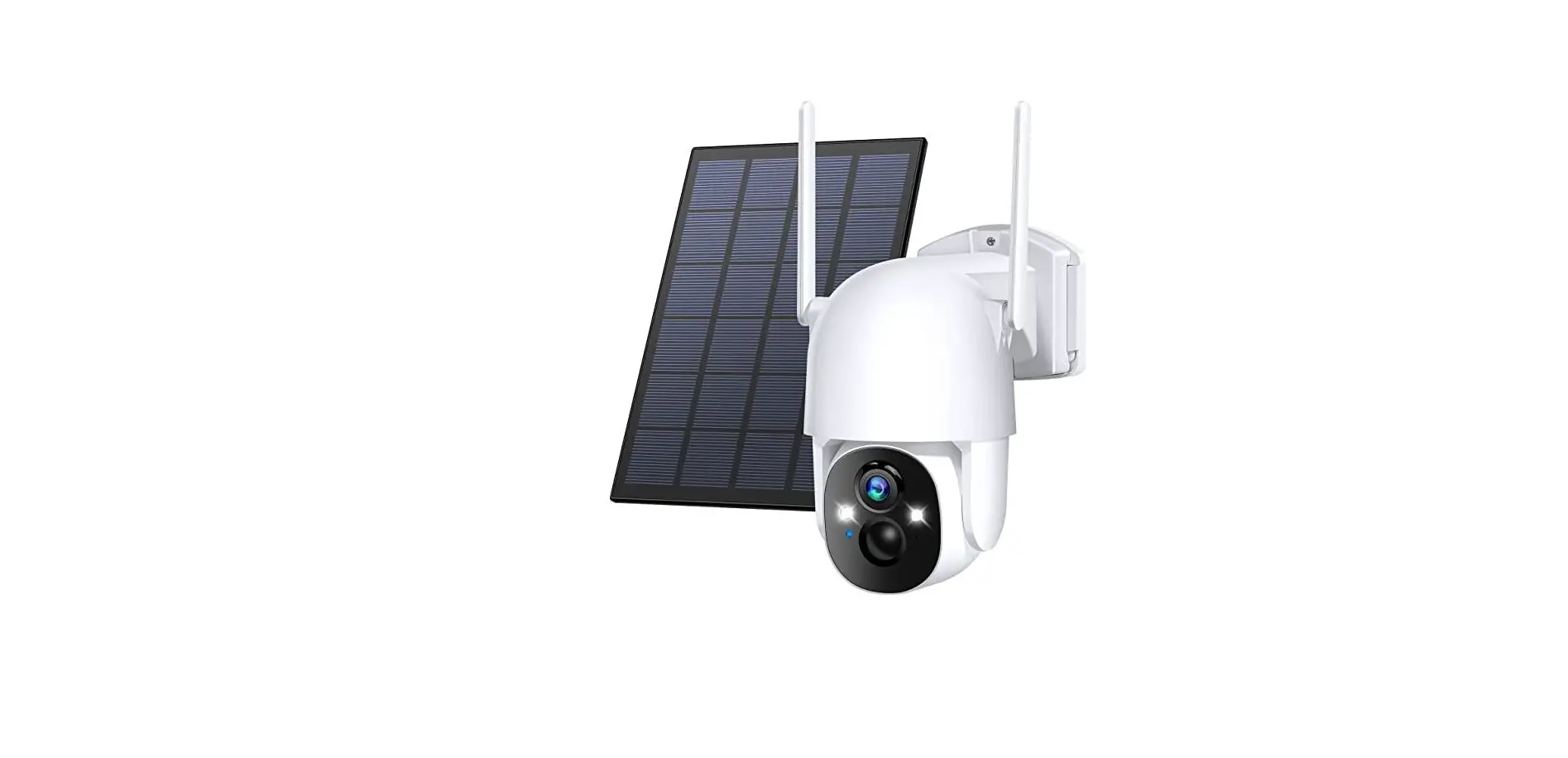
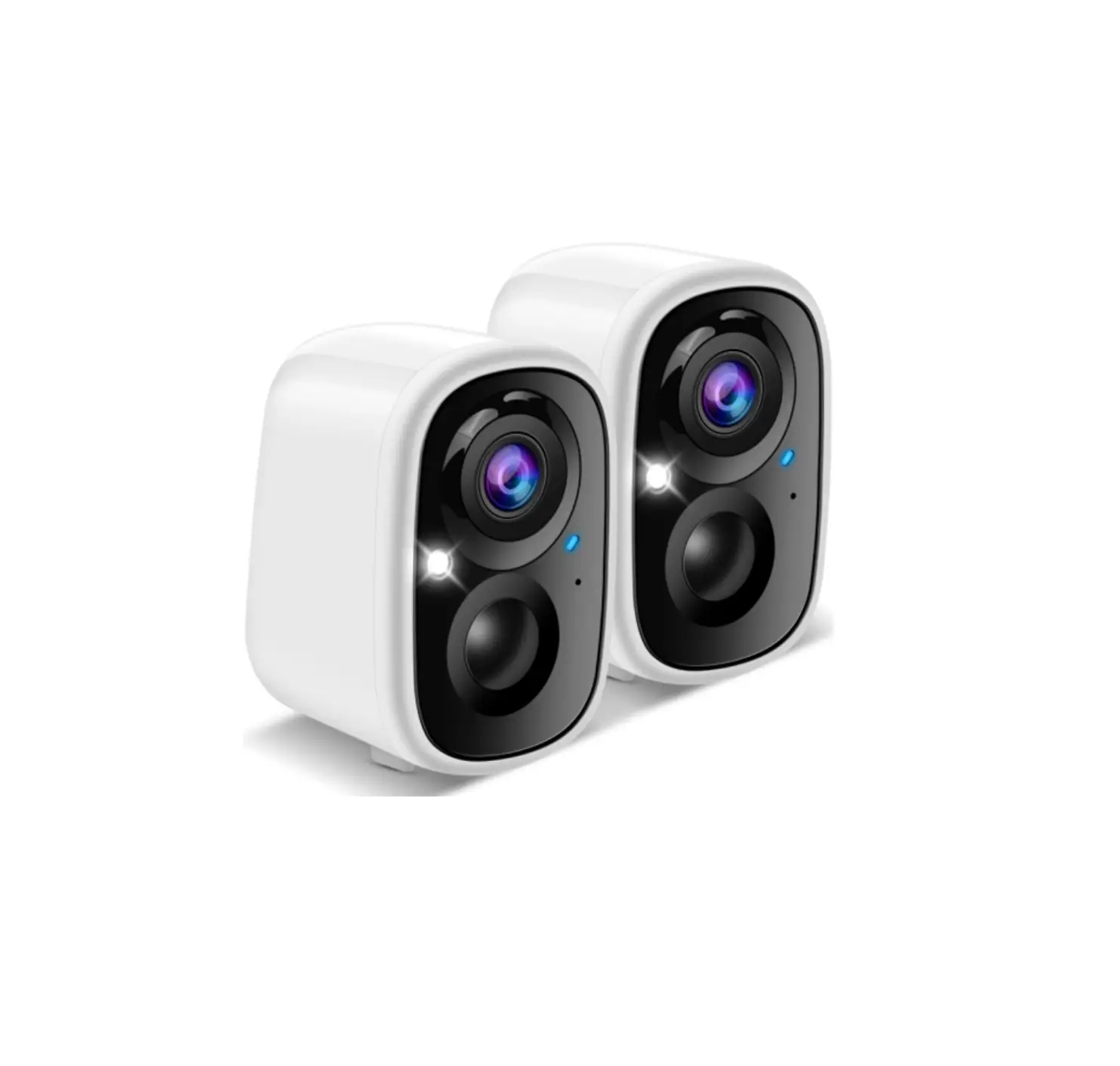
Allweviee CQ1 Solar Security Outdoor WiFi Camera
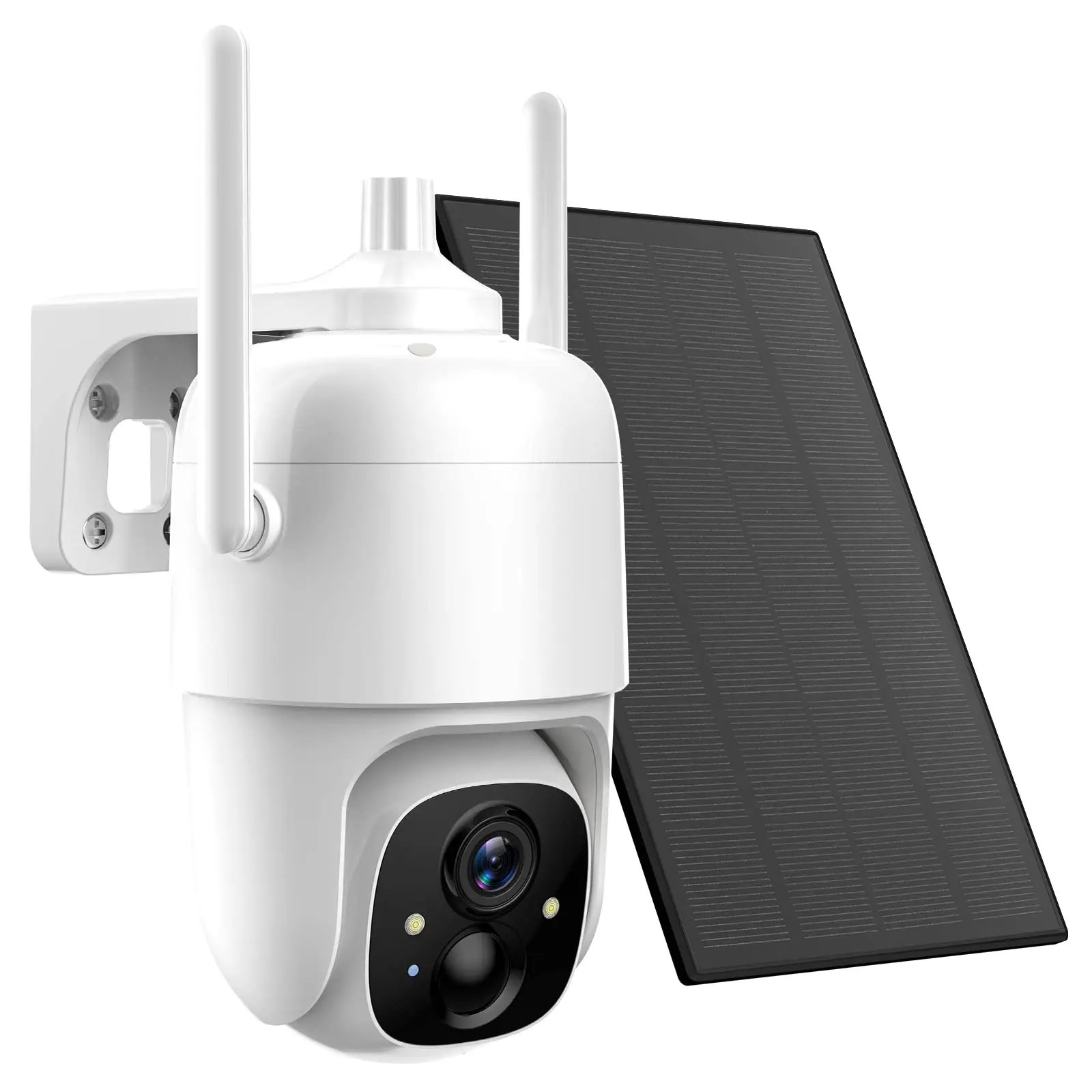
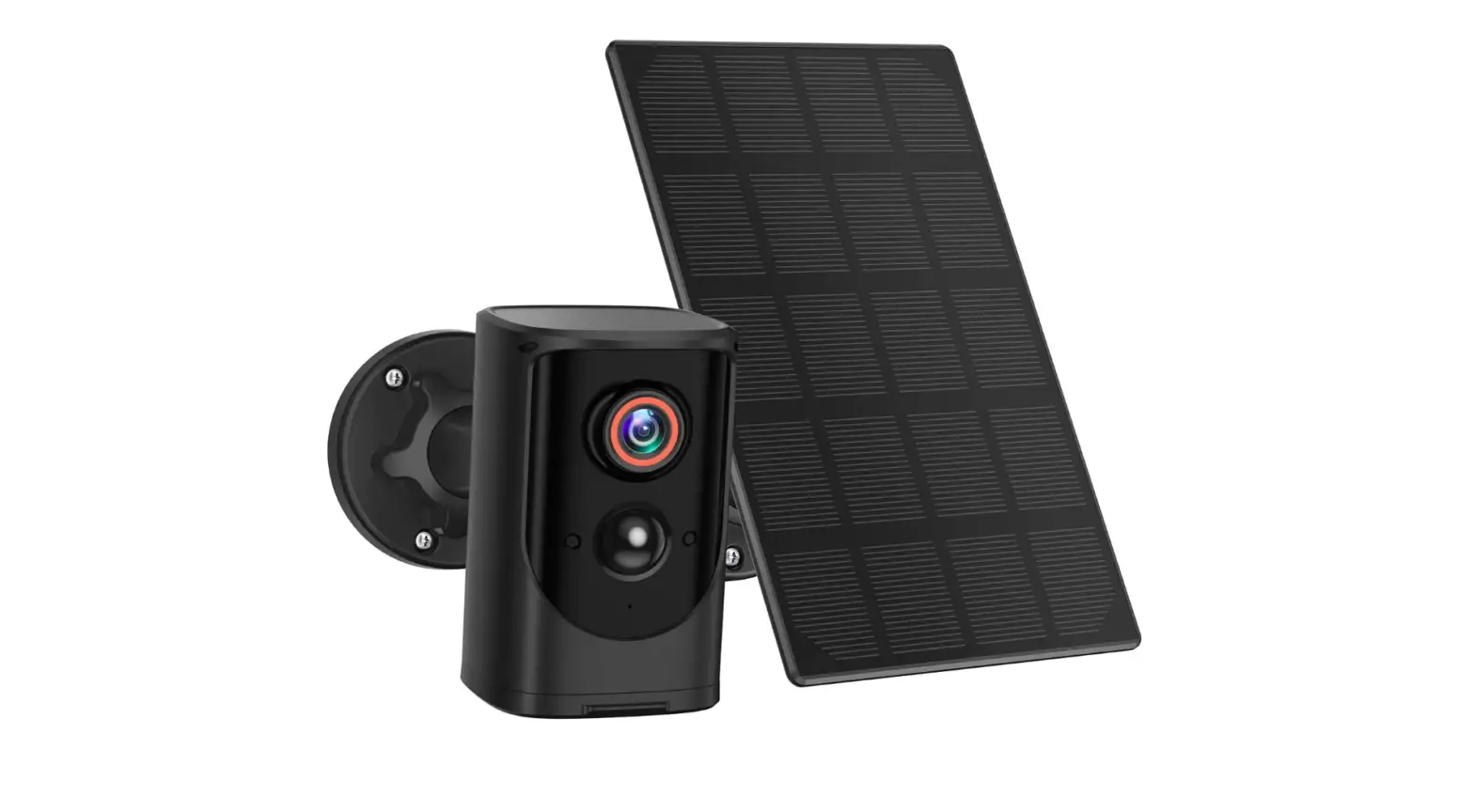
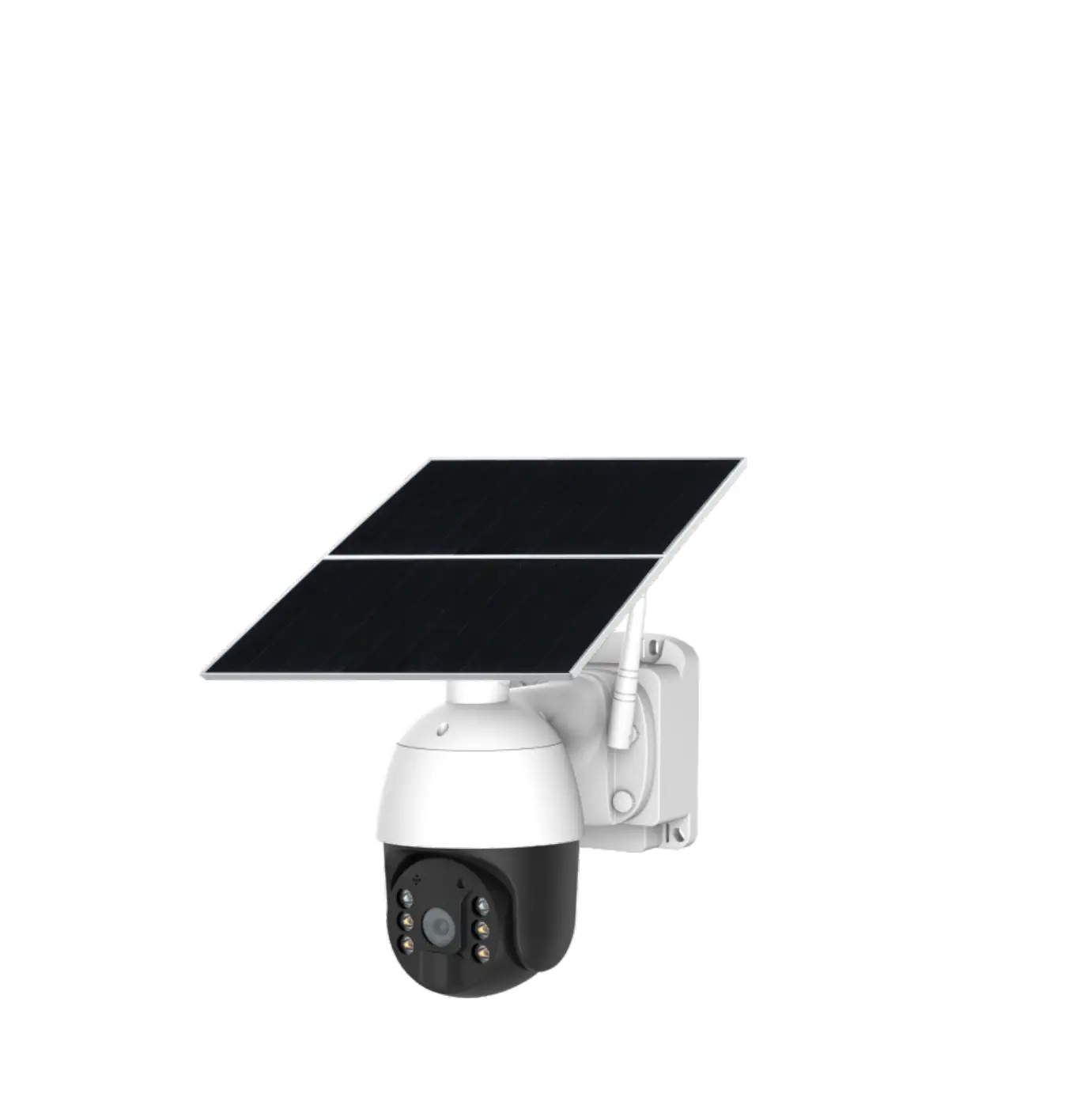
Allweviee-CQ1-Solar-Security-Outdoor-WiFi-Camera-product-img

OVERVIEW
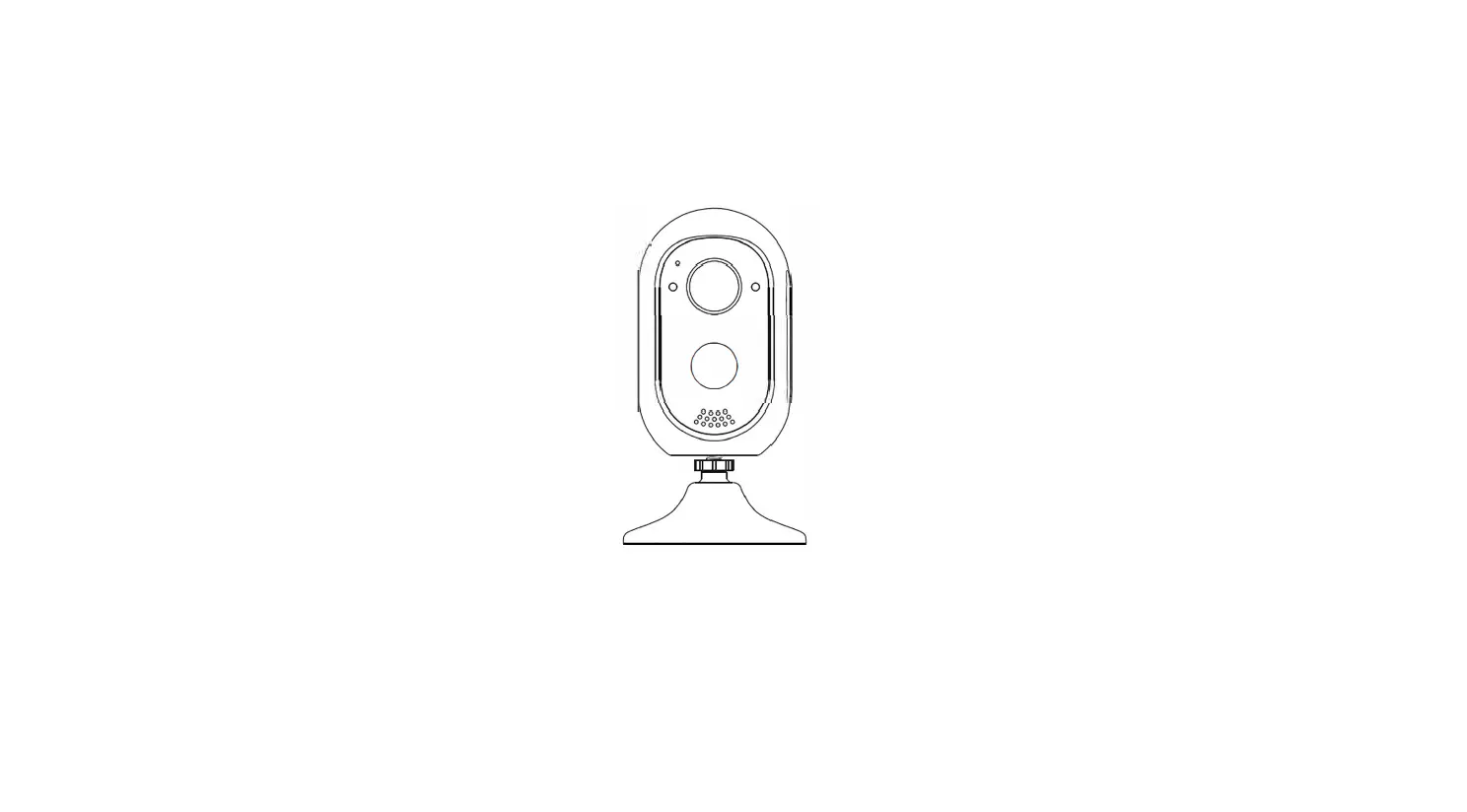
Allweviee-CQ1-Solar-Security-OutdoorWiFi-Camera-fig-1

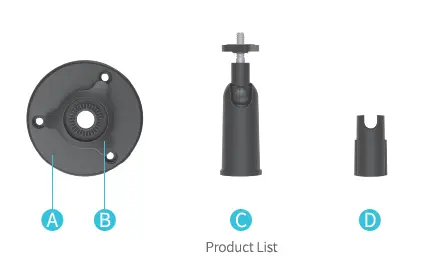
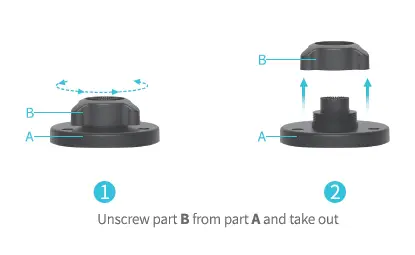
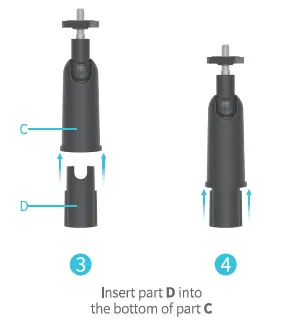
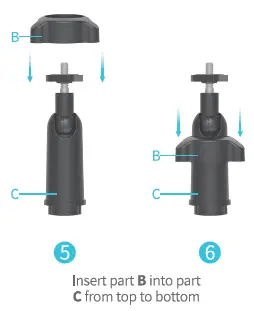
Assembling

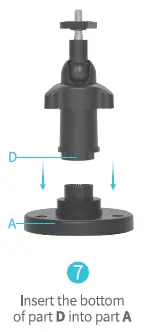
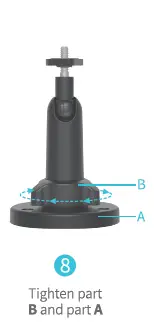
Allweviee-CQ1-Solar-Security-OutdoorWiFi-Camera-fig-2Allweviee-CQ1-Solar-Security-OutdoorWiFi-Camera-fig-3Allweviee-CQ1-Solar-Security-OutdoorWiFi-Camera-fig-4Allweviee-CQ1-Solar-Security-OutdoorWiFi-Camera-fig-5Allweviee-CQ1-Solar-Security-OutdoorWiFi-Camera-fig-6

NOTE
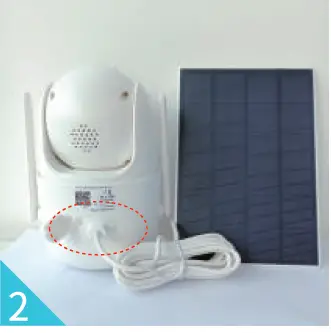
When you connect the solar panel to the camera, please confirm that the micro-USB plug is in good Contact with camera.

  • Insert the micro-USB plug into the camera.
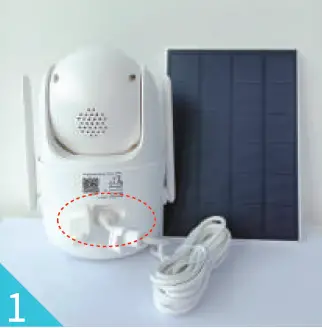
Allweviee-CQ1-Solar-Security-OutdoorWiFi-Camera-fig-7

  • Insert the rubber stopper. Allweviee-CQ1-Solar-Security-OutdoorWiFi-Camera-fig-8
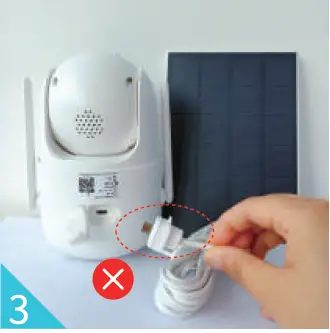
  • PLEASE DON’T insert the charging cable with the rubber on the plug. It will cause bad contact between the plugand the camera, and camera will not be charged. Allweviee-CQ1-Solar-Security-OutdoorWiFi-Camera-fig-9

After-sales contact email: [email protected]
Documents / Resouces

Download manual
Here you can download full pdf version of manual, it may contain additional safety instructions, warranty information, FCC rules, etc.


Related Manuals