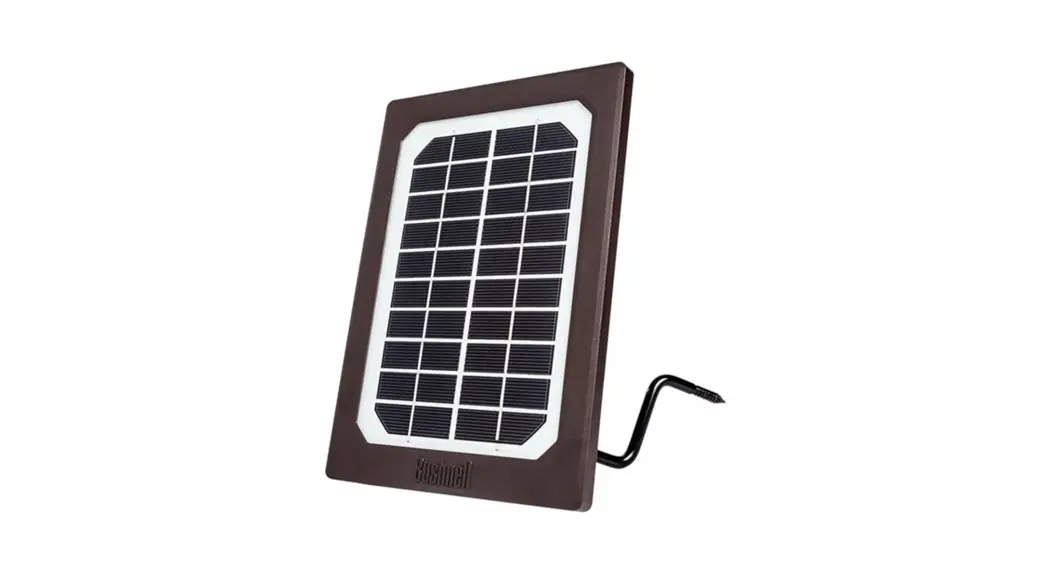
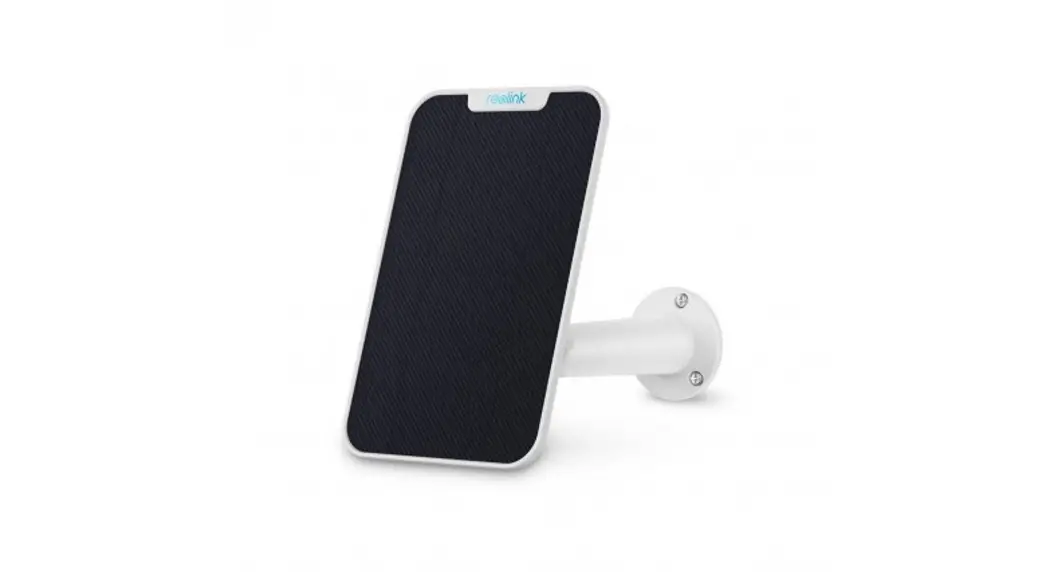
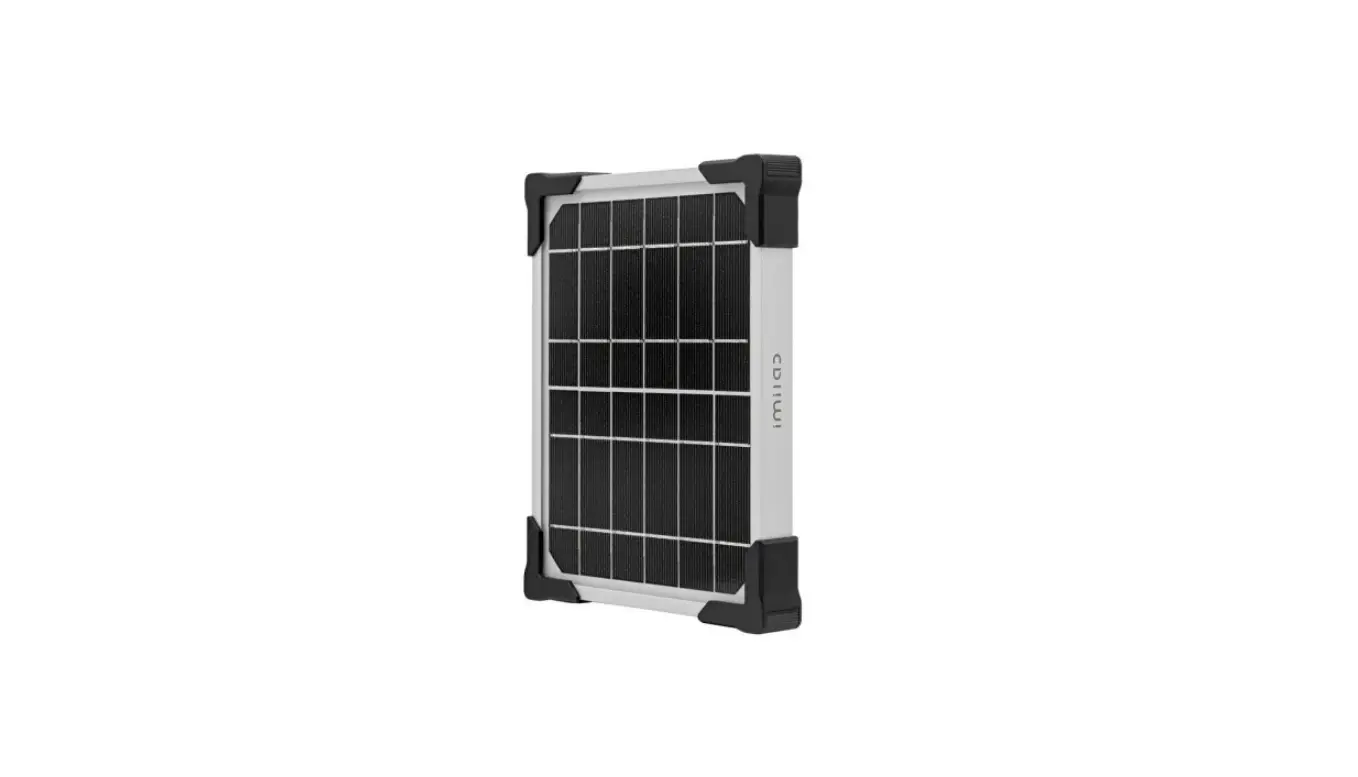
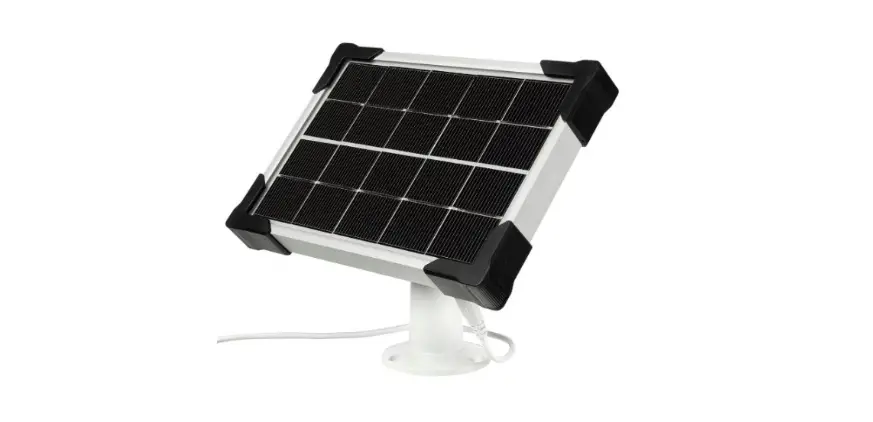
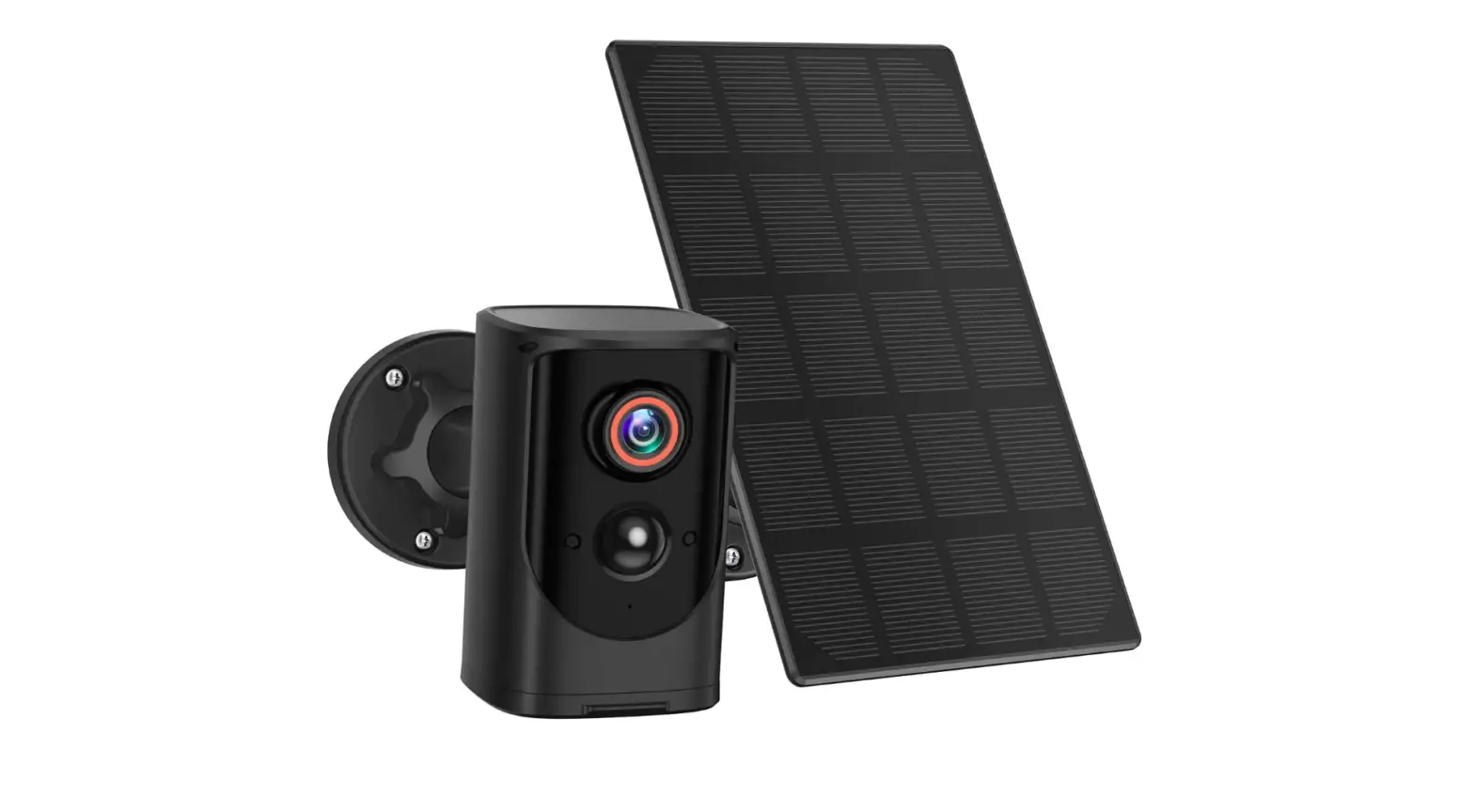
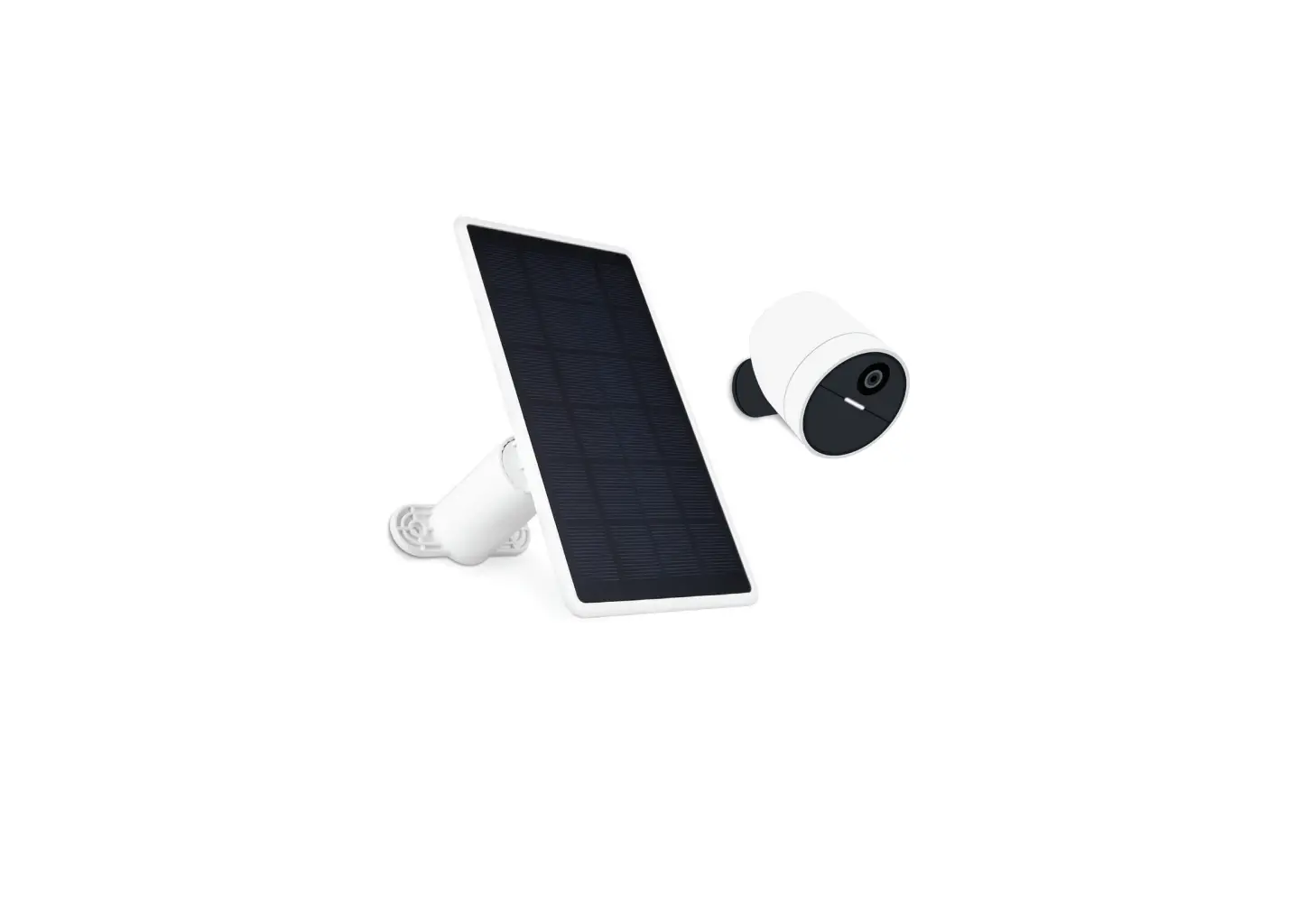
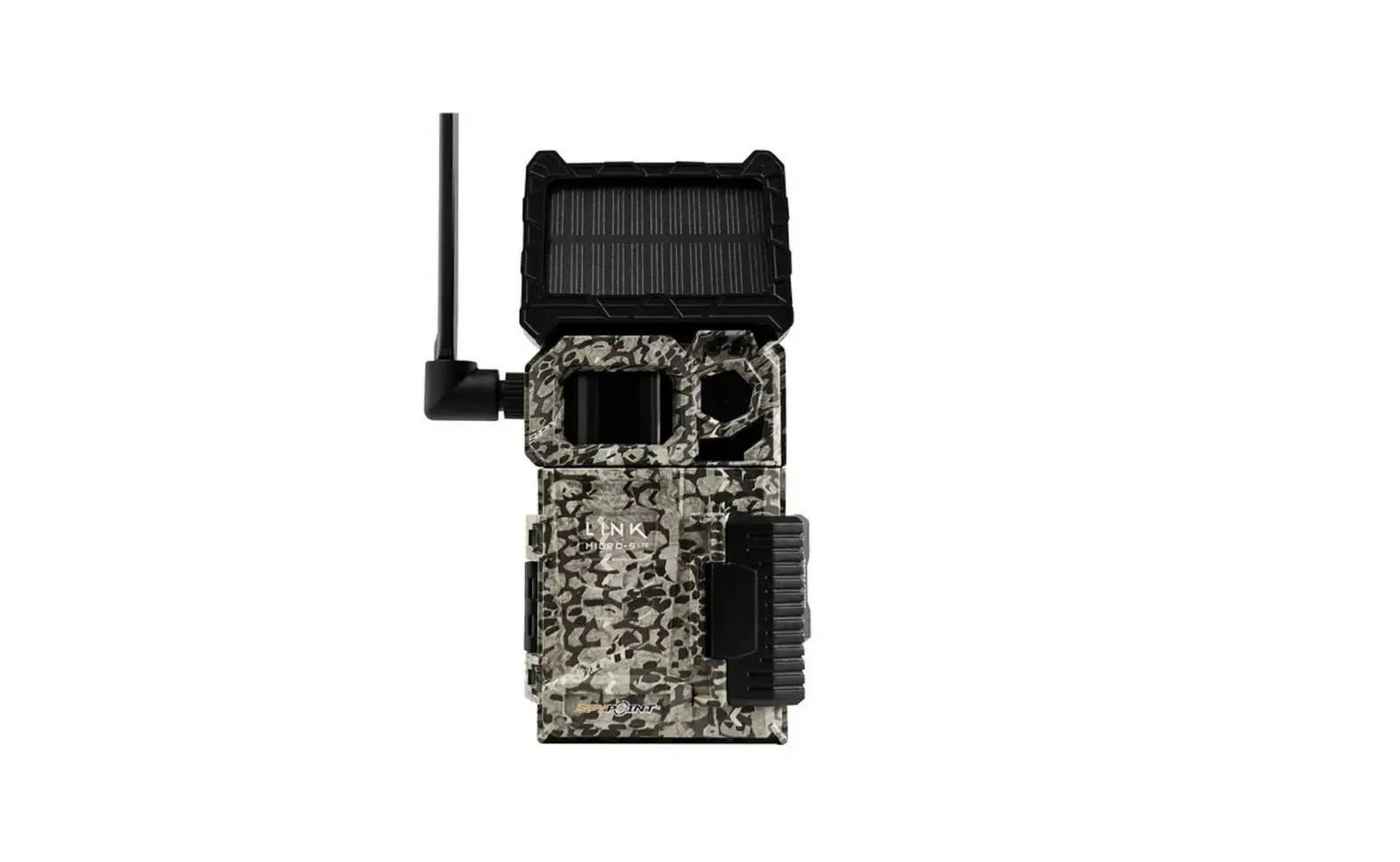
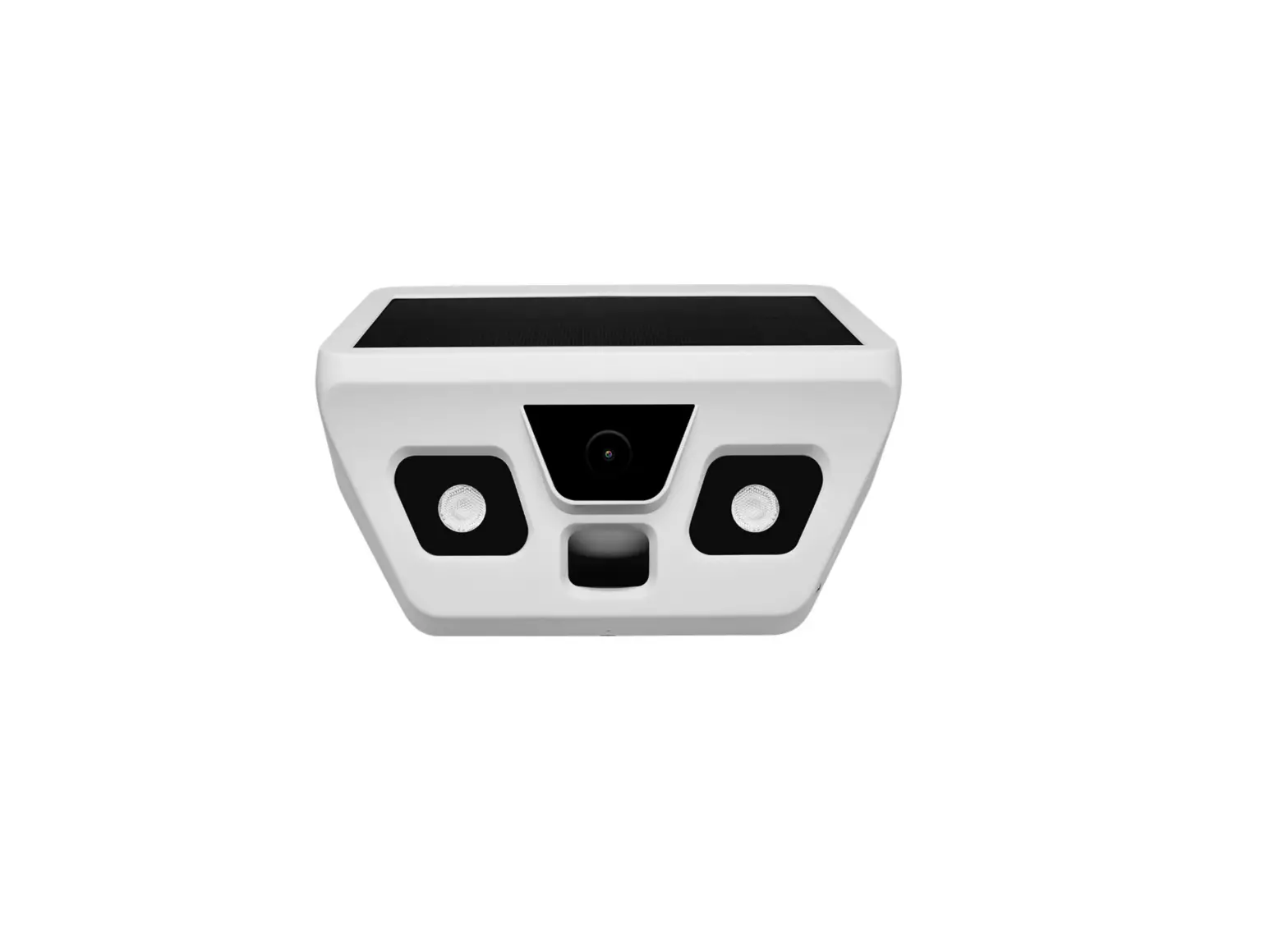
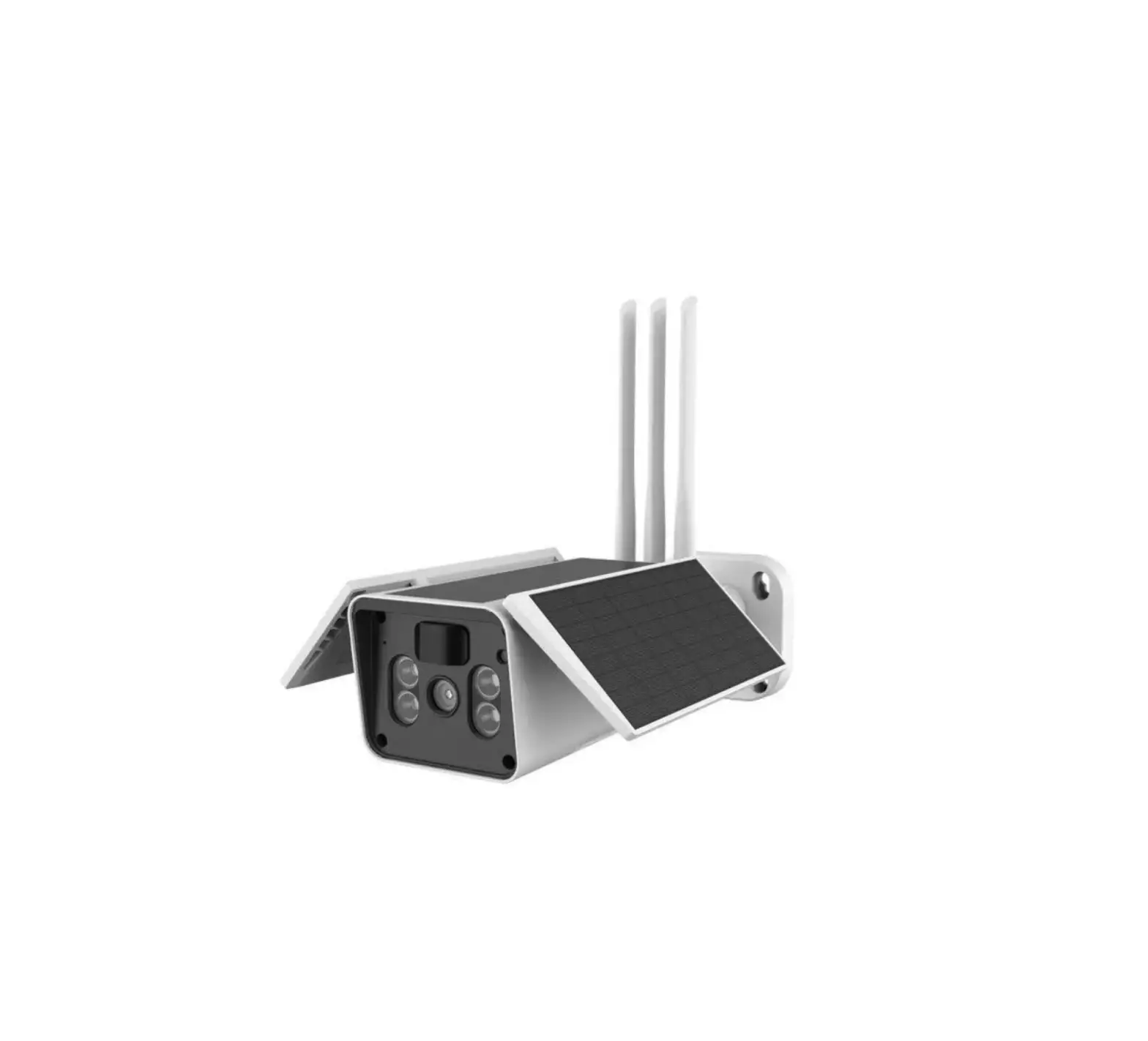
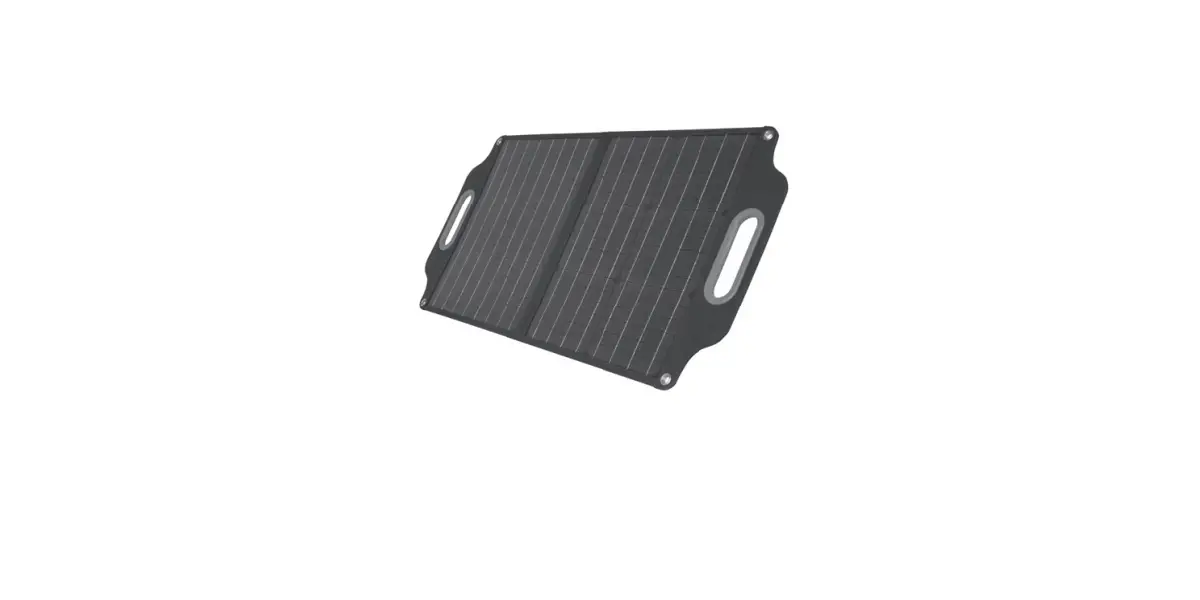
QC8057 2V Solar Panel to Suit Outdoor Trail Cameras
Product Information:
Product Name: QC8057 12V Solar Panel to suit
Outdoor Trail Cameras
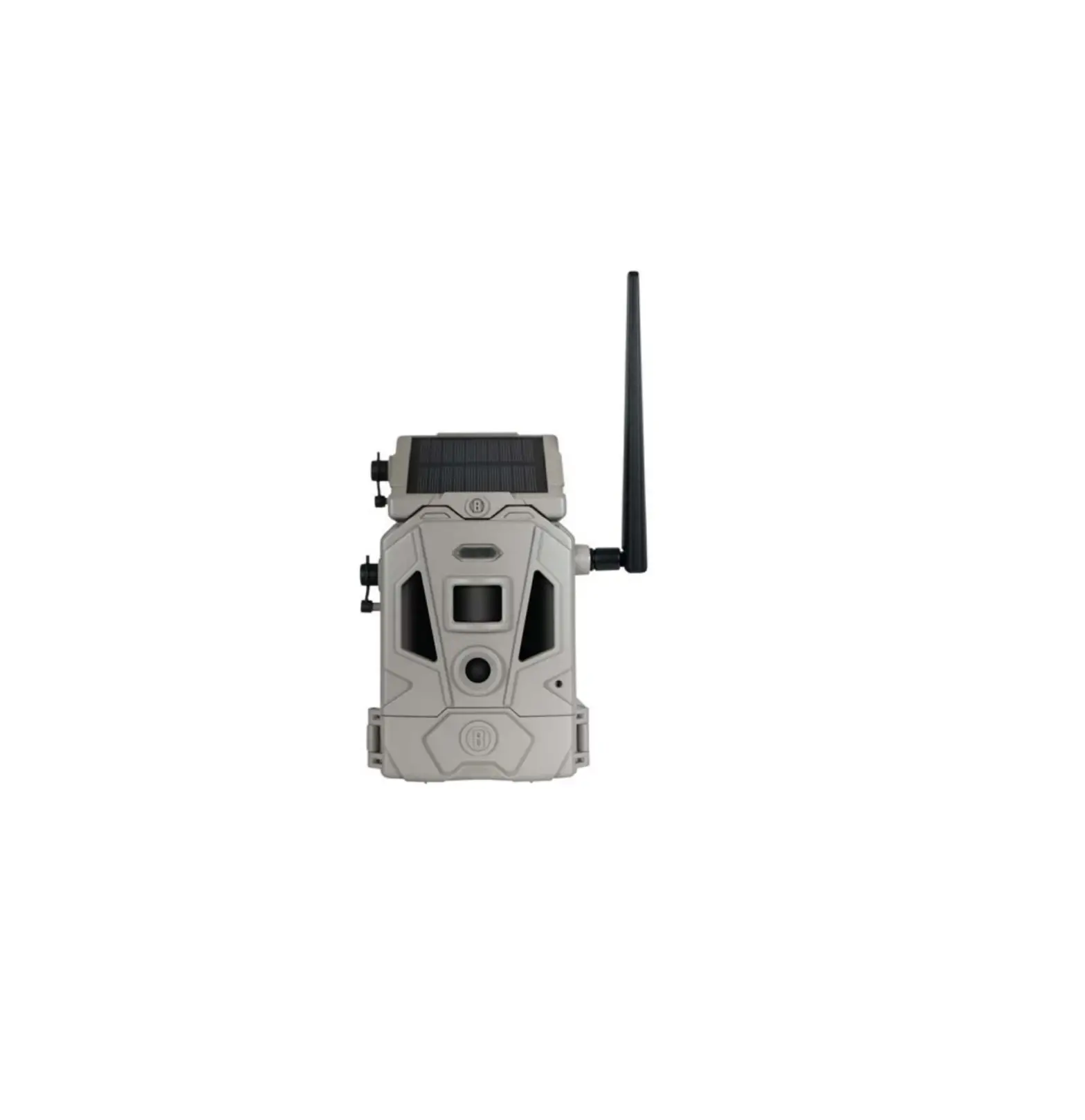
Compatibility: This solar panel is compatible
with our trail cameras that feature an external power port.
Spare Parts and Framework:
- Solar panel
- Instruction Manual
- Micro USB cable
- Output cables
- Wall mount
- Solar panel button
- 25% LED indicator
- 50% LED indicator
- 75% LED indicator
- 100% LED indicator
- Power output interface
- Micro USB charging interface
- 1/4 nut interface
Product Usage Instructions:
- Power Supply Recommendations:
When using the product to supply power to trail cameras, we
recommend inserting 8 type LR6 (AA) batteries in addition to the
solar panel to ensure continuous operation of the trail
cameras. - Initial Battery Charging:
In order to ensure the most efficient charging and discharging
of the built-in battery, it is recommended to fully charge the
battery using city electricity in the first use. - Maintaining Solar Panel:
Avoid scratching the surface of the solar panel with sharp
objects. - Optimal Charging:
When charging in the sun, position the solar panel towards
direct sunlight to guarantee the best charging effect. - Overload Protection:
If the product stops working due to overload protection,
activate it by charging via a charger or solar power. - Abnormal Operation:
If the product works abnormally, first remove the digital
devices connected to it and then press the button for approximately
10 seconds to reset. - Battery Power:
When the battery has insufficient power, the product will stop
working. - Troubleshooting:
If your Solar Panel is not functioning properly or if you are
experiencing any issues, please refer to the FAQ / Troubleshooting
section in the Instruction Manual. - Caution:
Before using the product, ensure that the output voltage matches
the working voltage of your digital devices. Using incompatible
voltages can cause damage or fire. - Working Current:
The product is not suitable for digital devices with a working
current less than 0.1MA.
About the Solar Panel:
The Solar Panel accessory is designed to provide supplemental
power for all current models of our trail cameras. It has an
internal lithium-ion power core that is continuously charged by the
solar cells when exposed to sunlight. When connected to a trail
camera, it will extend the battery life by utilizing its charged
lithium battery before switching to the camera’s internal
batteries.
Charging the Solar Panel via USB:
The Solar Panel includes a USB port for pre-charging the
internal power core from a computer’s USB connection or any other
available source of USB power. This step is not required but allows
the solar panel to provide immediate supplemental power to your
camera instead of waiting for the solar cells to charge. To use
this feature, connect a compatible USB Mini cable (not included)
from the Solar Panel to your computer or power source. The charging
indicator LED on the back of the Solar Panel will turn red during
charging and green when charging is complete.
QC8057
12V Solar Panel to suit Outdoor Trail Cameras
Instruction Manual
NOTICE 1. When using the product to supply power to trail cameras, we recommend to
also insert 8 type LR6 (AA) batteries to ensure that trail cameras always keep working.
2. In order to ensure that the built-in battery charges and discharges most efficiently, we recommend to charge city electricity fully to the battery in the first use.
3. Do not use sharp objects to scratch the surface of solar panel.
4. When charging in the sun, please put the solar panel towards direct sunlight to guarantee the best charging effect.
5. If the product stops working because of overload protection, please activate it by charging via charger or solar power.
6. If the product works abnormally, please take out the digital devices firstly, and then press the button approx. 10 seconds to reset.
7. When the battery has no enough power, it will stop working. 8. Thank you for purchasing our Solar Panel. This panel is compatible with our
trail cameras that feature an external power port.
9. If your Solar Panel does not seem to be functioning properly or if you are having any issues, please check the FAQ / Troubleshooting section.
CAUTION 1. Before using the product, please ensure that output voltage (gently press the
button to display) and working voltage of the digital devices are same. Otherwise, the devices can be damaged, or a fire can be caused.
2. The product does not apply to the digital devices with less that 0.1MA working current.
3. When installing, please put the output interface downwards and seal with silicone stopper. The angle between the panel and ground must not be less than 30° to avoid water inflow and damaging the product.
SPARE PARTS AND FRAMEWORK
1
2
3
4
5
1 Solar panel 2 Instruction Manual 3 Micro USB cable
4 Output cables 5 Wall mount
Solar panel Button
25% LED indicator 50% LED indicator 75% LED indicator 100% LED indicator
25% 50% 75% 100%
Power output interface
Micro USB charging interface
1/4″ nut interface
ABOUT THE SOLAR PANEL
The Solar Panel accessory is designed to function as a supplemental source of power for all current models of our trail cameras. With the Solar Panel mounted near your camera and connected to its external power input jack, you will find that your camera’s batteries last much longer before they need to be replaced. The solar panel has an internal lithium ion power core, which is continuously charged by the solar cells when they are exposed to the sun.
Once connected, the camera will draw its power from the solar panel’s charged lithium battery for as long as possible, switching to its internal batteries only when the Solar Panel’s battery’s charge level is too low. As a result, the camera’s batteries will have significantly longer life.
CHARGING THE SOLAR PANEL VIA USB
The Solar Panel also includes a USB port allowing the internal power core to be “pre-charged” before field use, from a computer’s USB connection or similar available source of USB power. Doing this is NOT required prior to use but will allow it to begin providing supplemental power to your camera immediately, instead of waiting for the solar cells to build up adequate charge.
To use this feature, connect a compatible USB Mini cable (not included) from the Solar Panel to your computer or an adequate power source. The charging indicator LED on the back of the Solar Panel will glow red while charging is in progress, then turn green when charging is complete.
MOUNTING AND CAMERA CONNECTION
A mounting bracket is provided with the Solar Panel. The bracket should first be screwed into the tree at a point above the camera where the solar panel has a unobstructed exposure to the sun for the longest part of the day. With the swivel head firmly attached to the tree bracket, connect the threaded bolt at the end of the swivel head to the mounting socket (brass 1/4″ x 20) on the back of the Solar Panel. Loosen the swivel head knob, then the Solar Panel so that the solar cells are aimed at the sun. Once aligned tighten both locking collars. Finally, attached the supplied cable to both the solar panel and the camera and tie up the slack.
SPECIFICATIONS
Power Input Output IP Rating Battery Dimensions
1W 5VDC, 1A 12VDC, 1A IP54 3.7V Li-ion, 4500mAh 153(L) x 85(W) x 26(D)mm
FAQ / TROUBLESHOOTING
No response after Please check if the battery has electricity, and then activate pressing button it by charging via charger or solar power.
Output voltage is Please confirm if the working current of digital devices is
not constant
less than 0.1MA
The product does Please confirm if output voltage is low, and then charge or not supply power press button approx. 10 seconds to reset.
Charge very slowly via solar power
Charge very slowly with city electricity
Please confirm if the solar panel is towards sunlight or with some objects sheltered.
Please check the output voltage of charger.
Water inflow
Output time is very short
Please take out digital devices and open silicone stopper, and then try to use it after 24 hours’ air-drying.
Please do not keep the product working for a long time with the maximum output power.
What does a flashing red charge indicator light mean?
Excessive output current has been detected, and charging has been shut off. Disconnect the USB cable until the Red light stops flashing then try again. If the indicator continues to flash red, try a different power source or discontinue charging.
Will the Solar Panel work in the shade? What happens at night?
The Solar Panel’s solar cell array will continue to collect and utilize any available or reflected sunlight, but it requires unrestricted, full exposure to the sun to ensure that the internal power core remains fully charged. A fully charged power core is necessary so that the camera can continue to draw supplemental, “booster” voltage from the Solar Panel during overnight hours.
Distributed by: Electus Distribution Pty Ltd 46 Eastern Creek Dr, Eastern Creek NSW 2766 Australia Ph 1300 738 555 Int’l +61 2 8832 3200 Fax 1300 738 500
www.electusdistribution.com.au
 Electus Distribution - Home