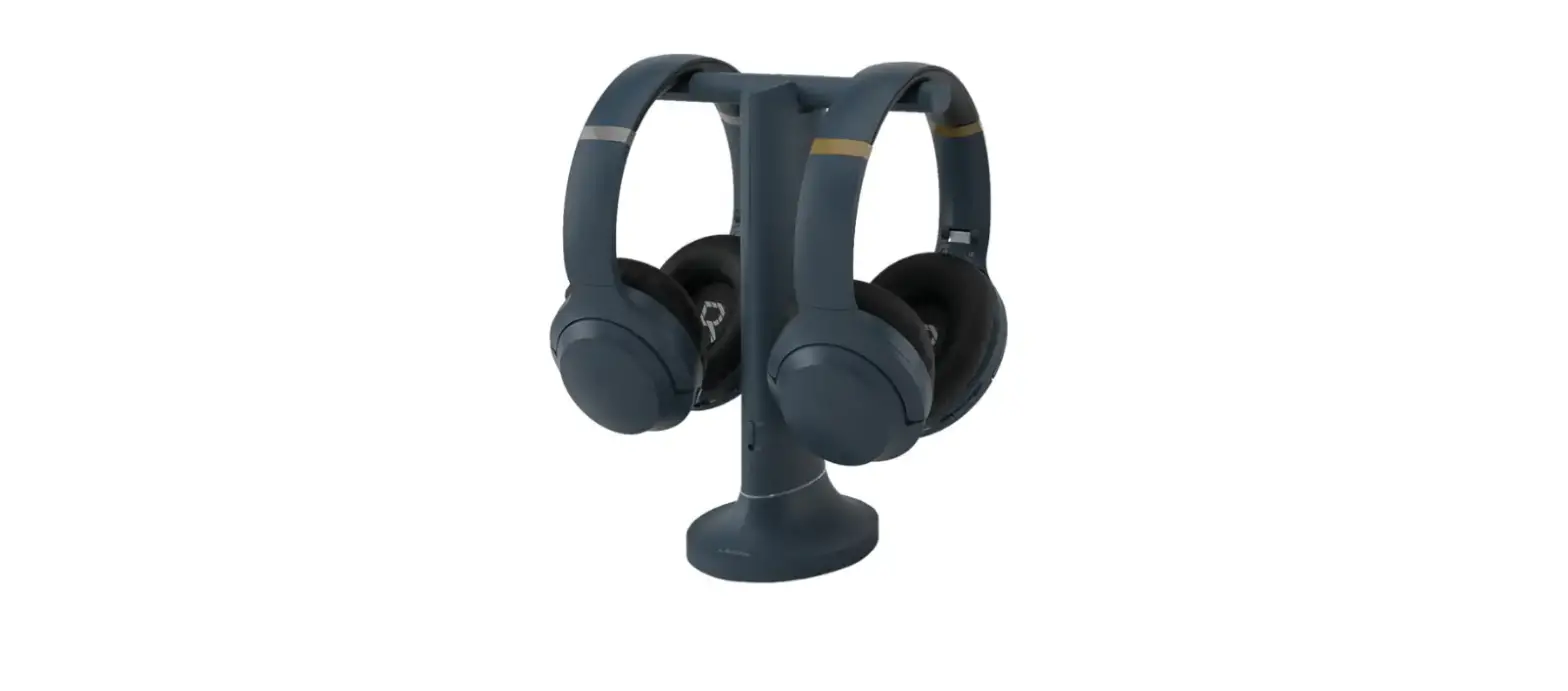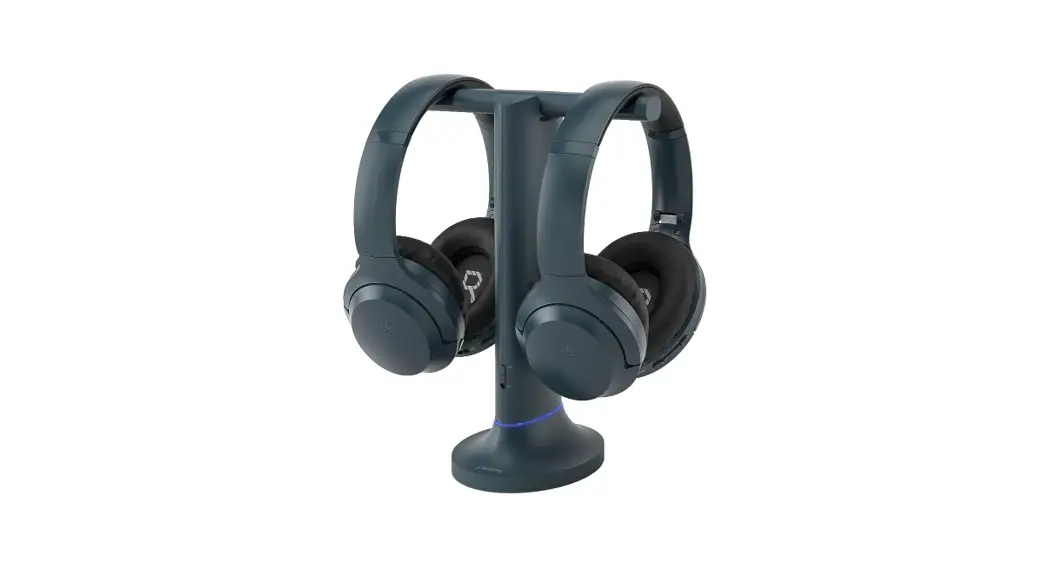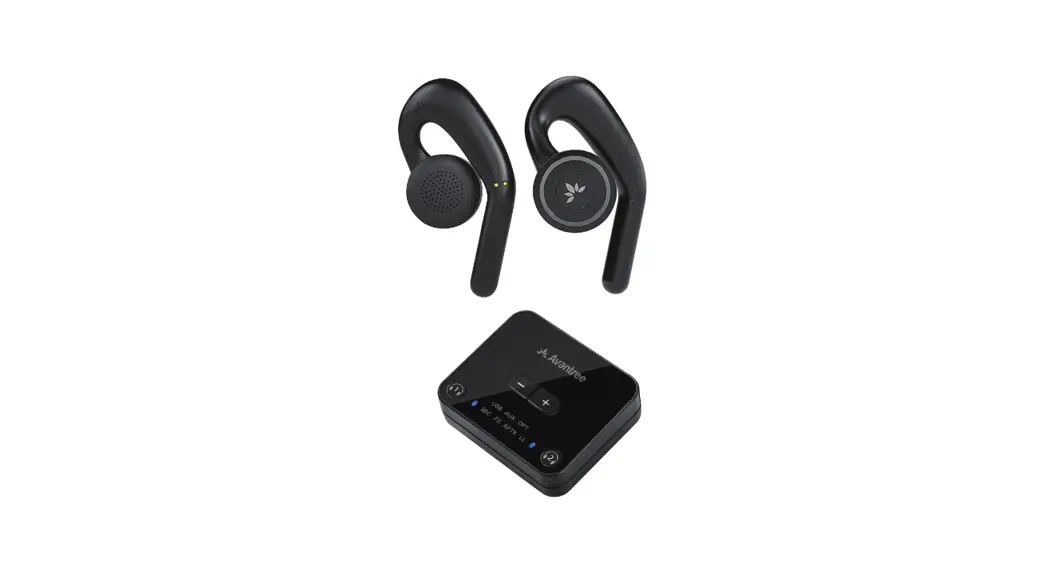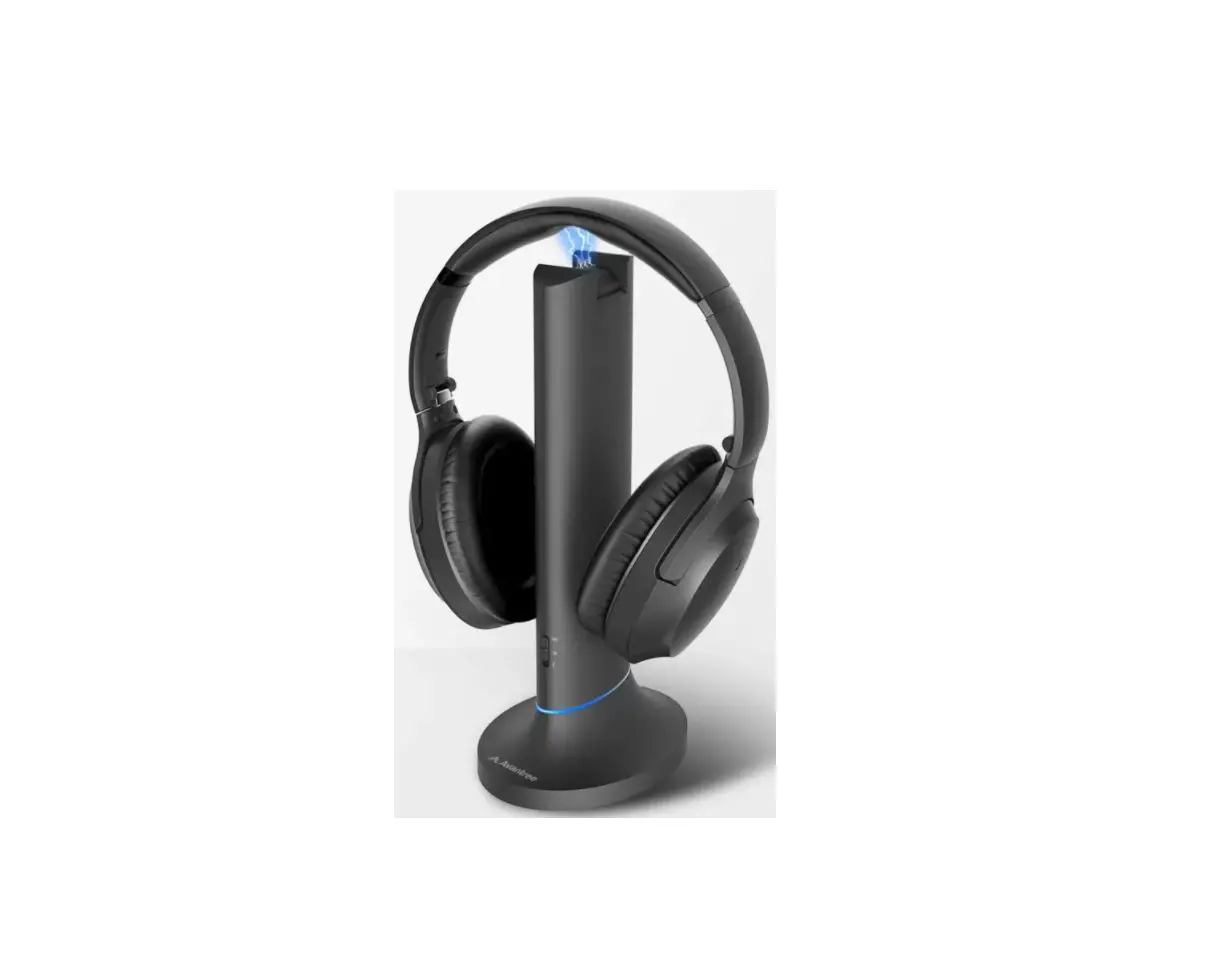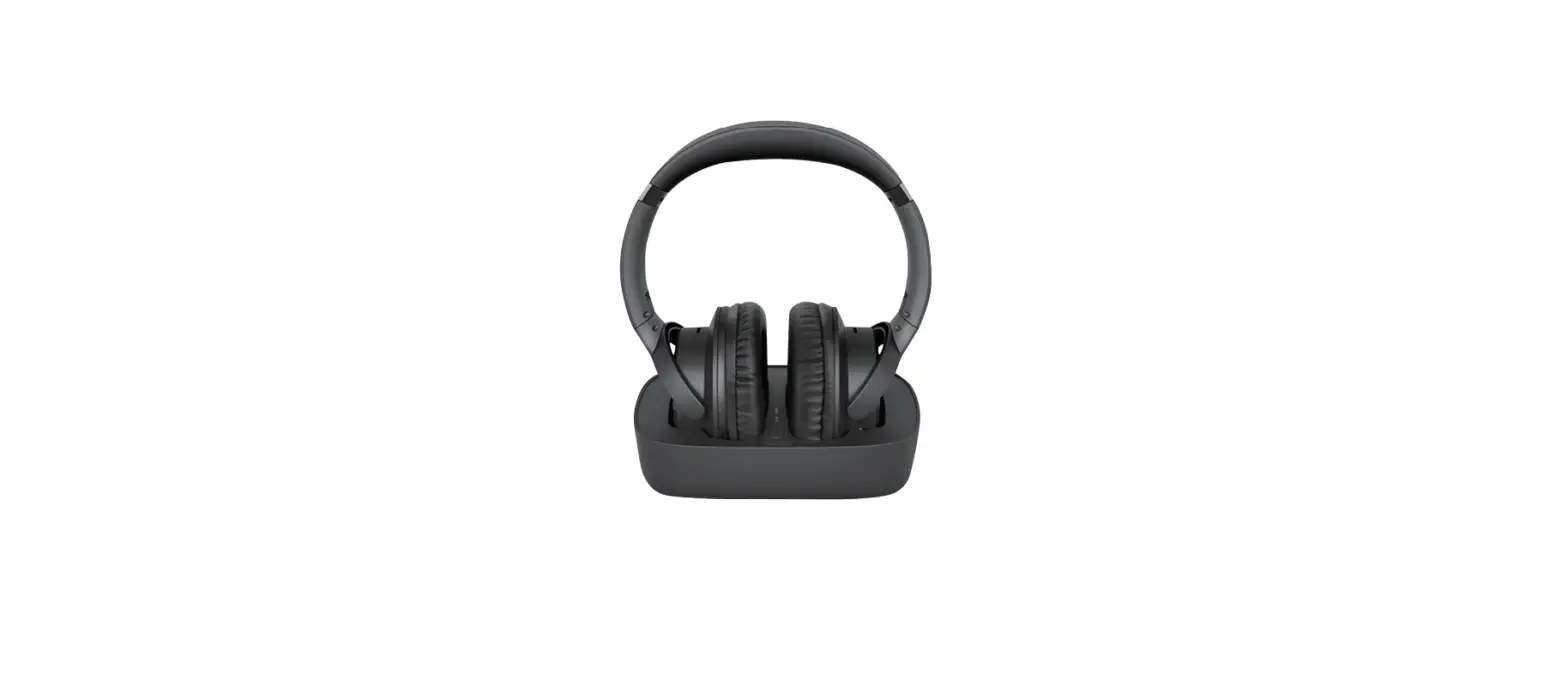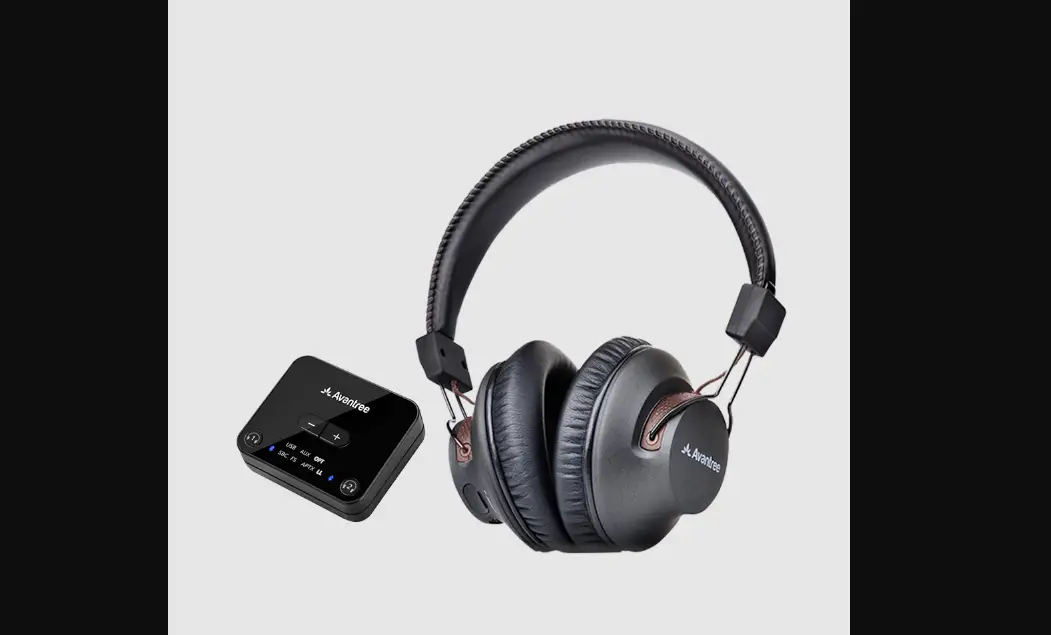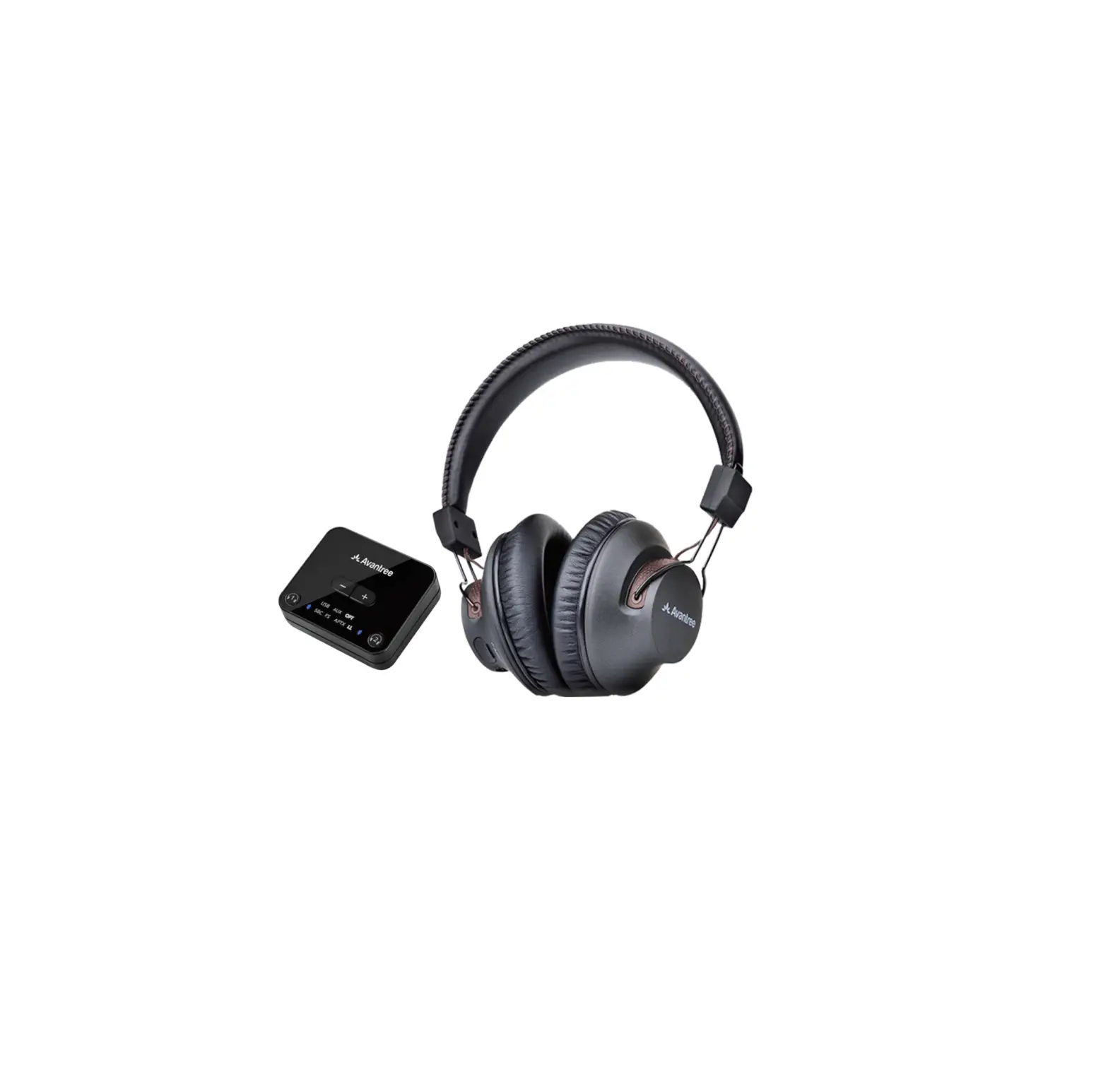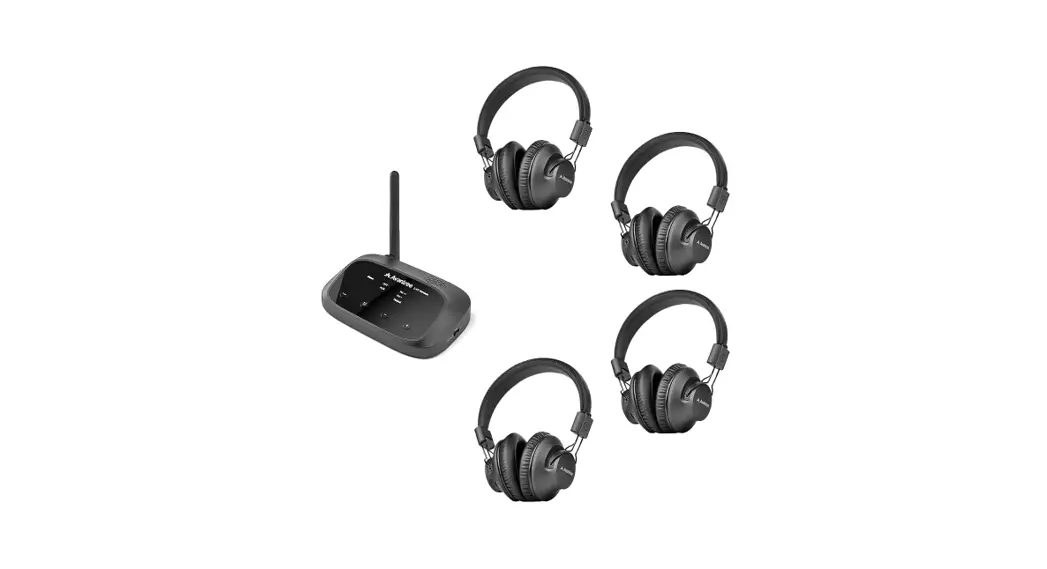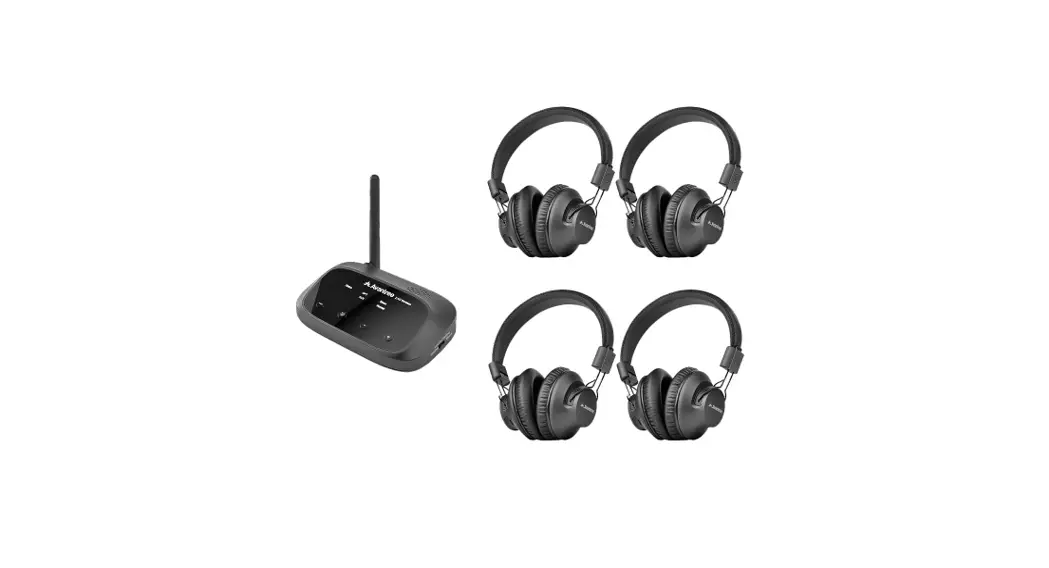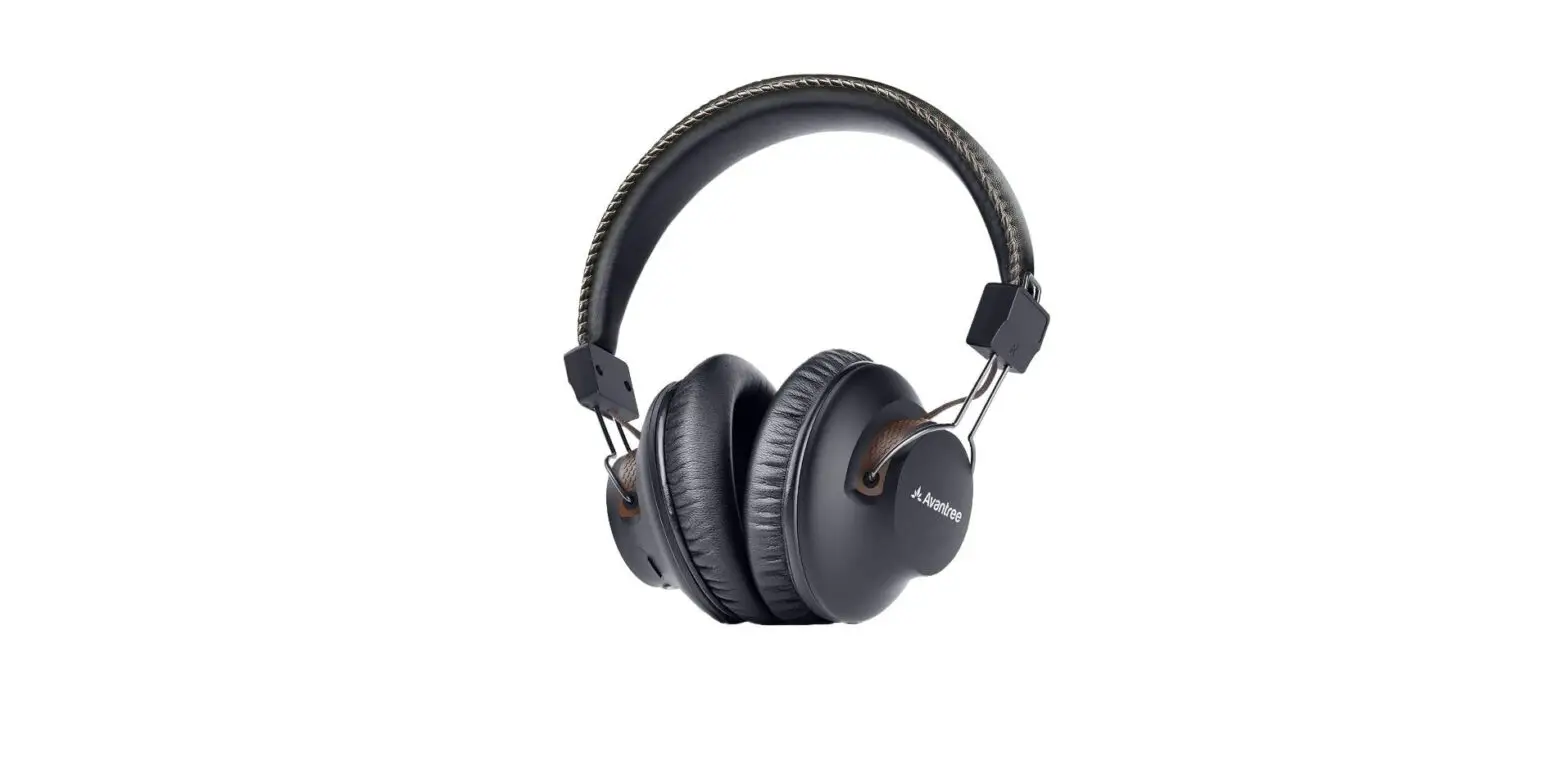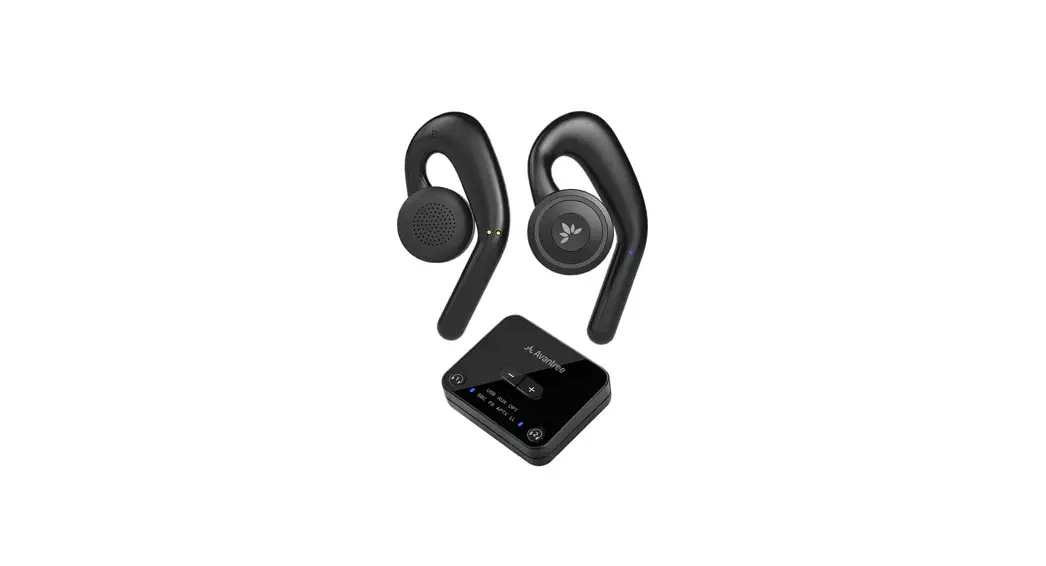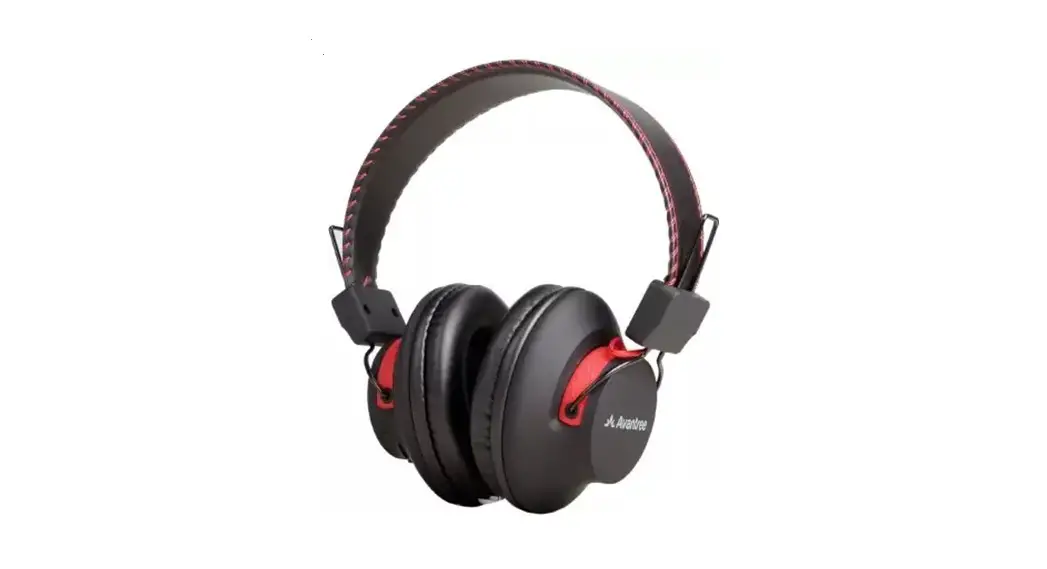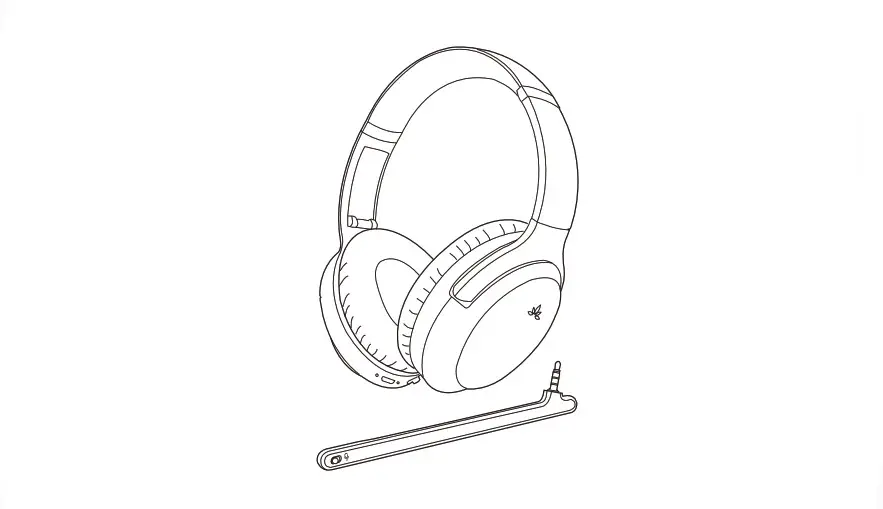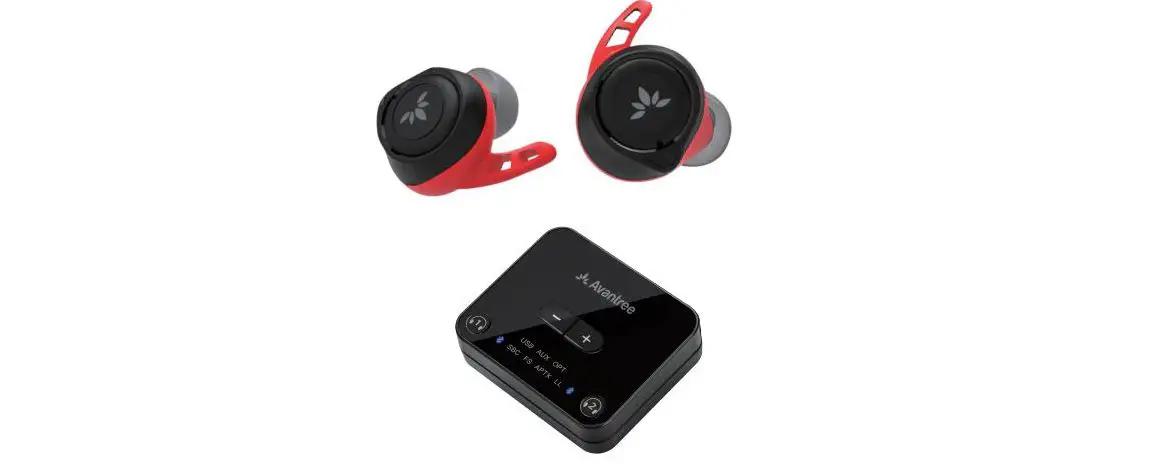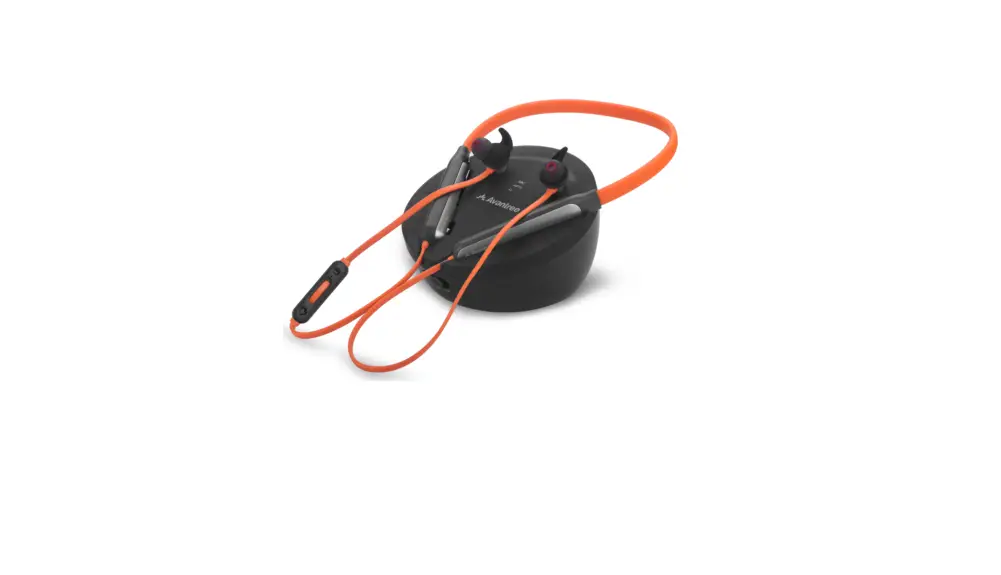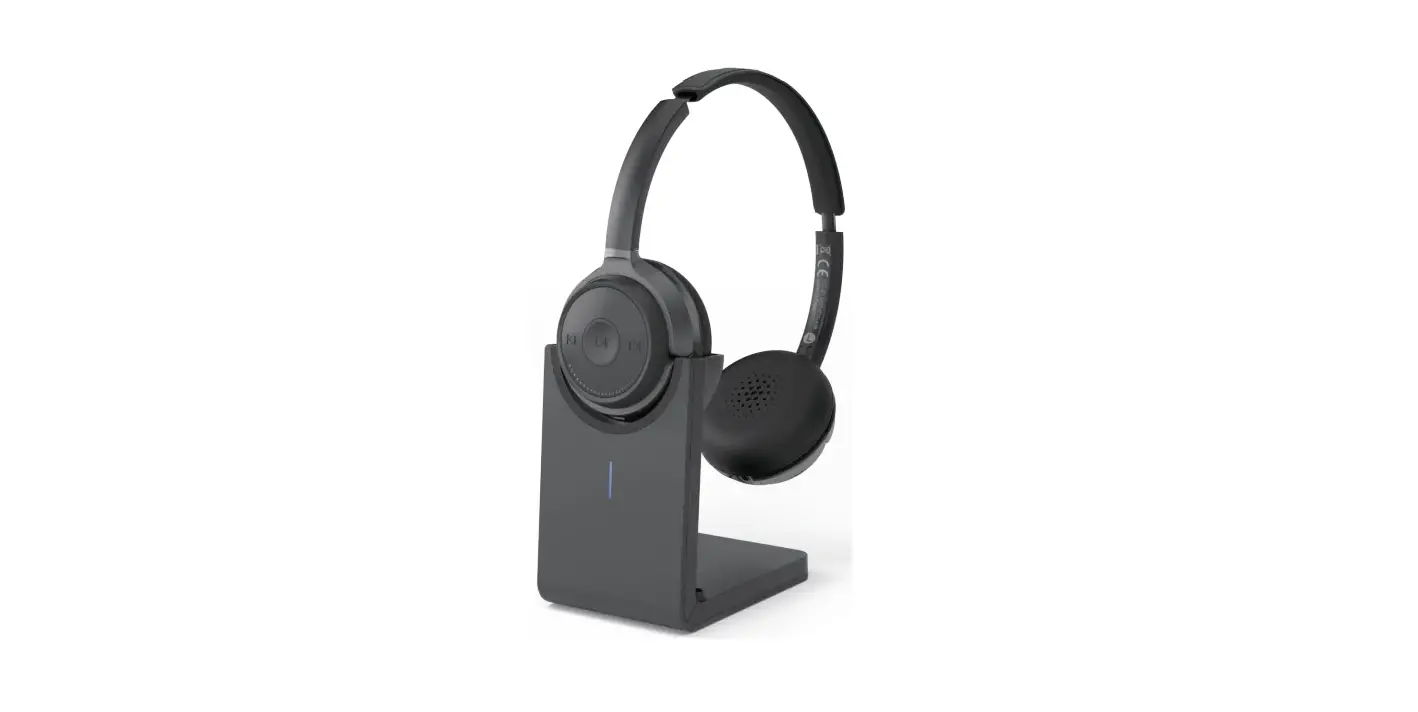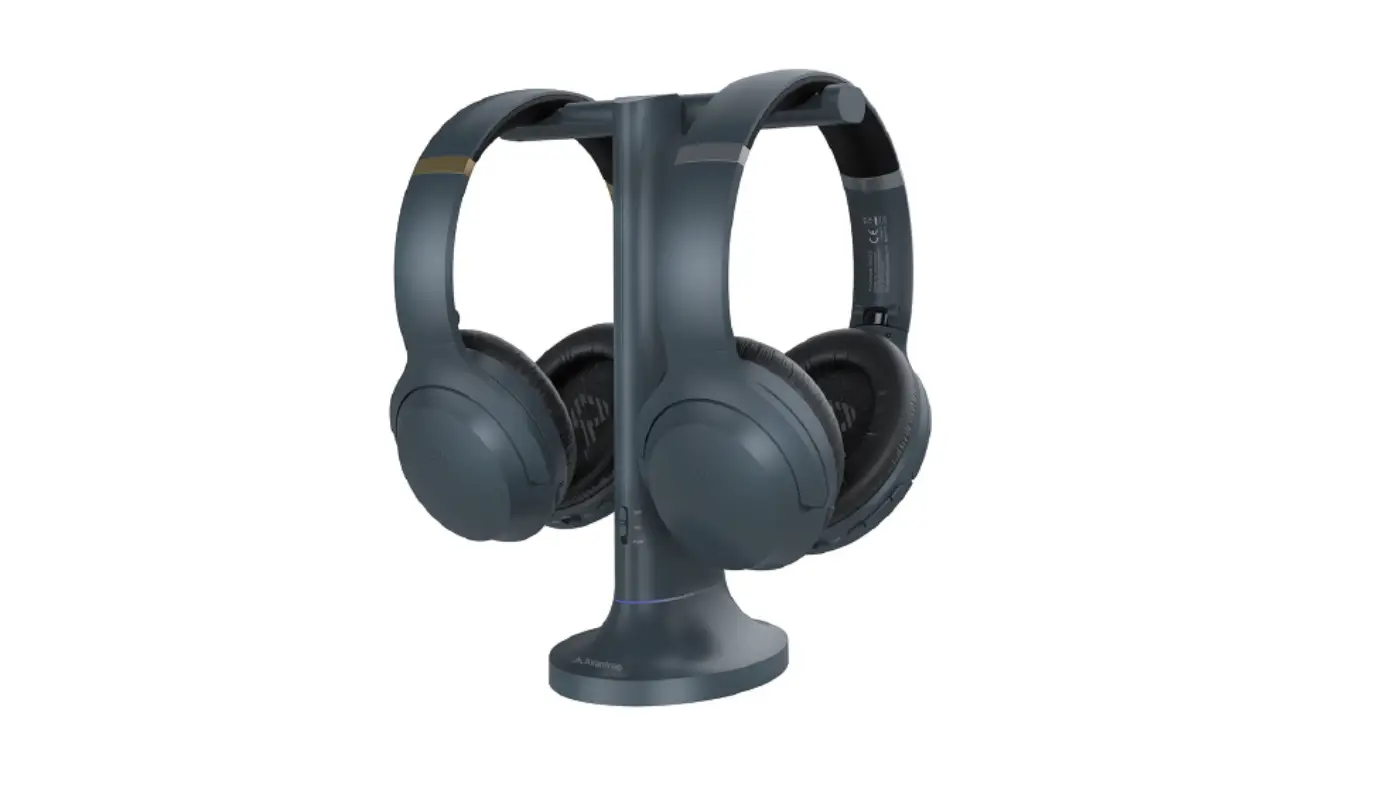

Avantree Duet Two RF Wireless Headphones
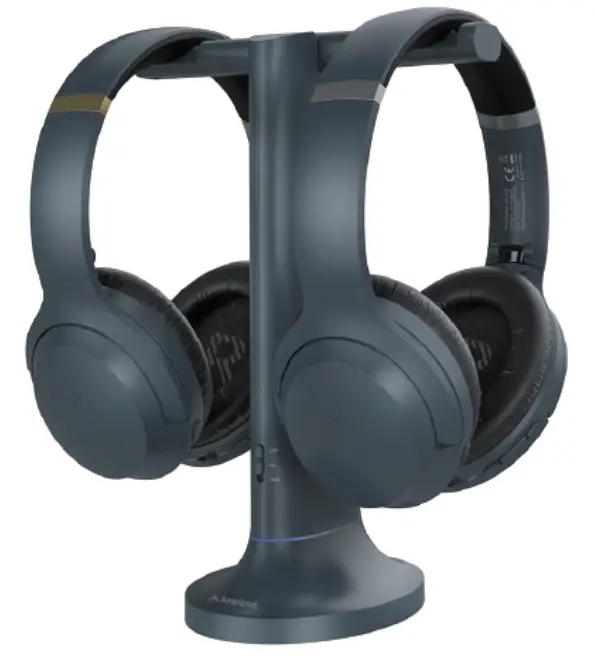
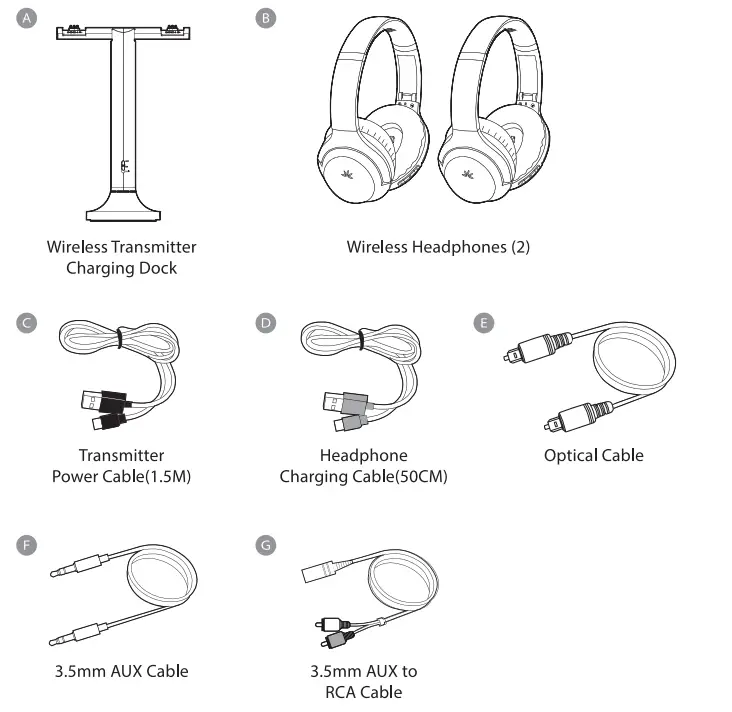
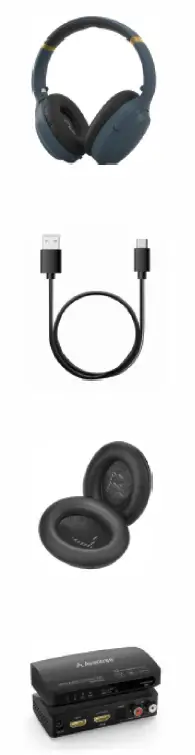
OPTICAL Box Contents 
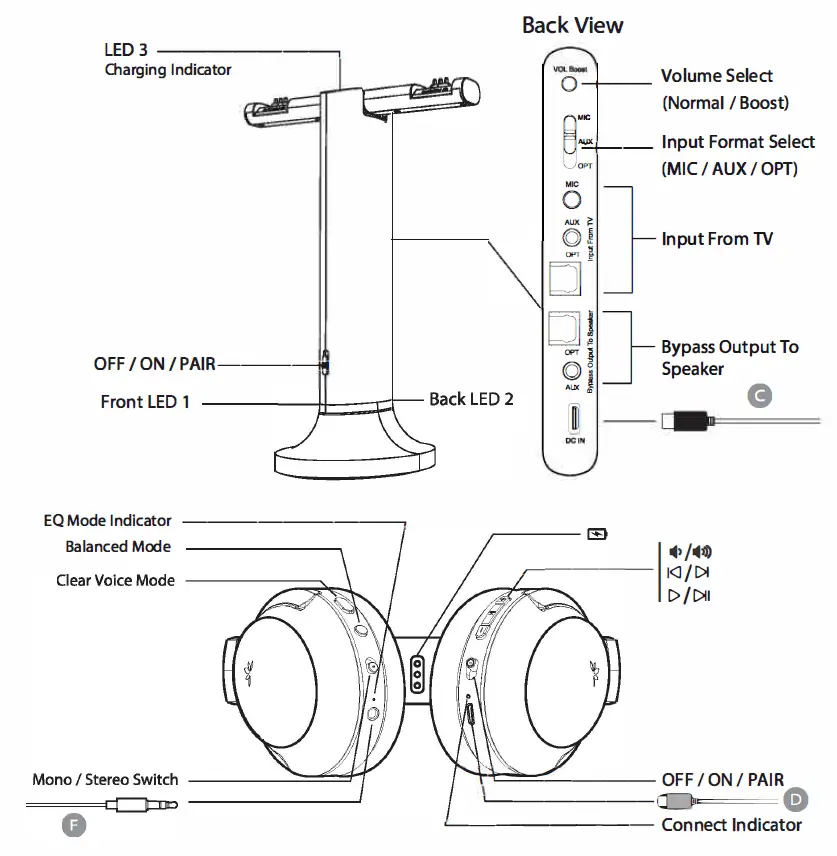
Product Overview 
Accessories
- Duet Headphones
- USB-C Cable
- Ear Pads
- HAX04

Charging
OPTION 1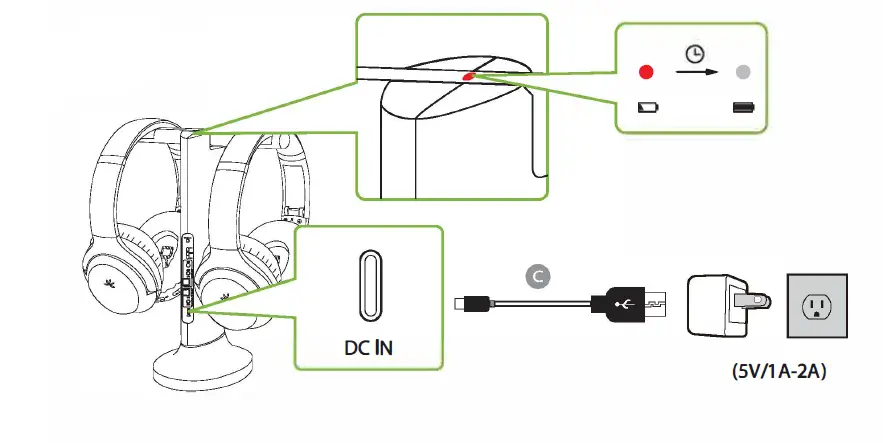
OPTION 2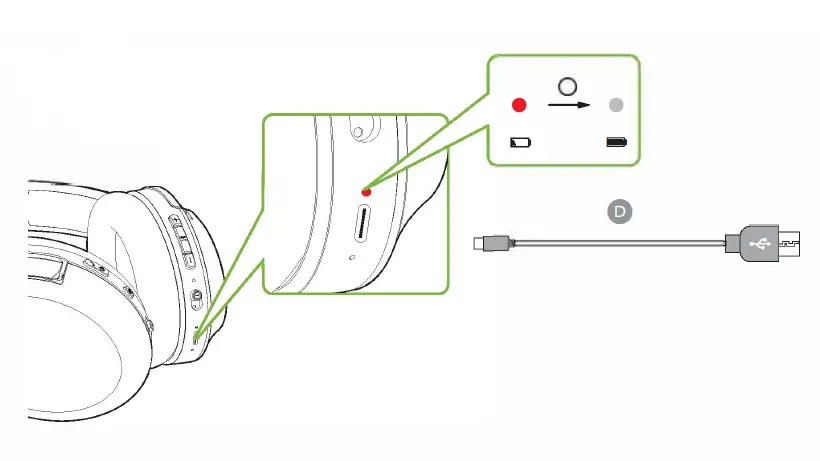
TV Connection
OPTION A OPTICAL 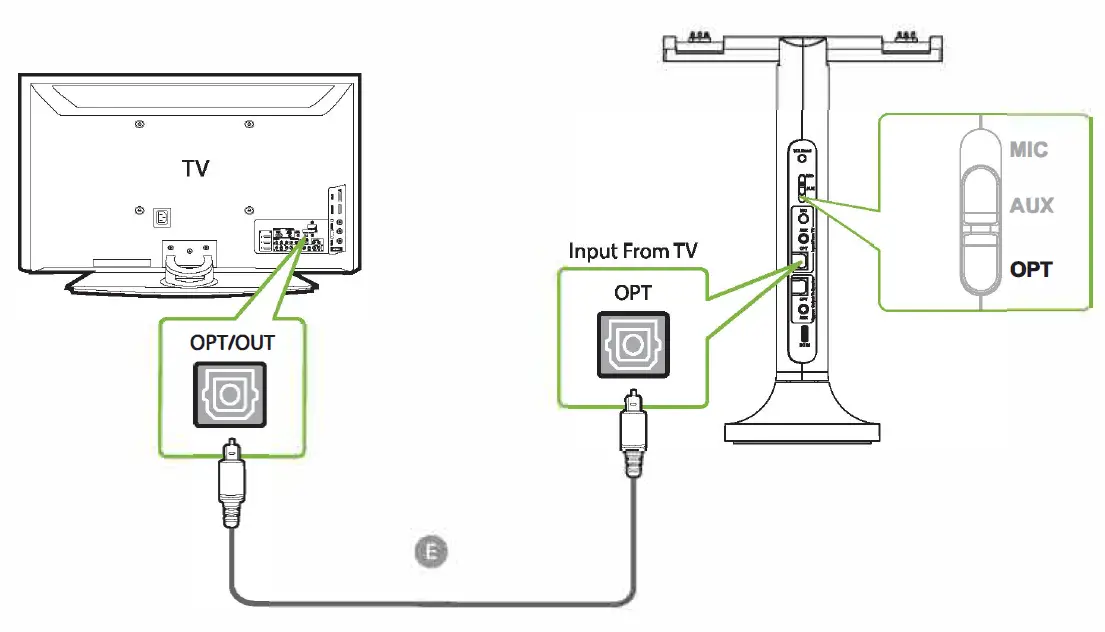
OPTION B AUX3.Smm 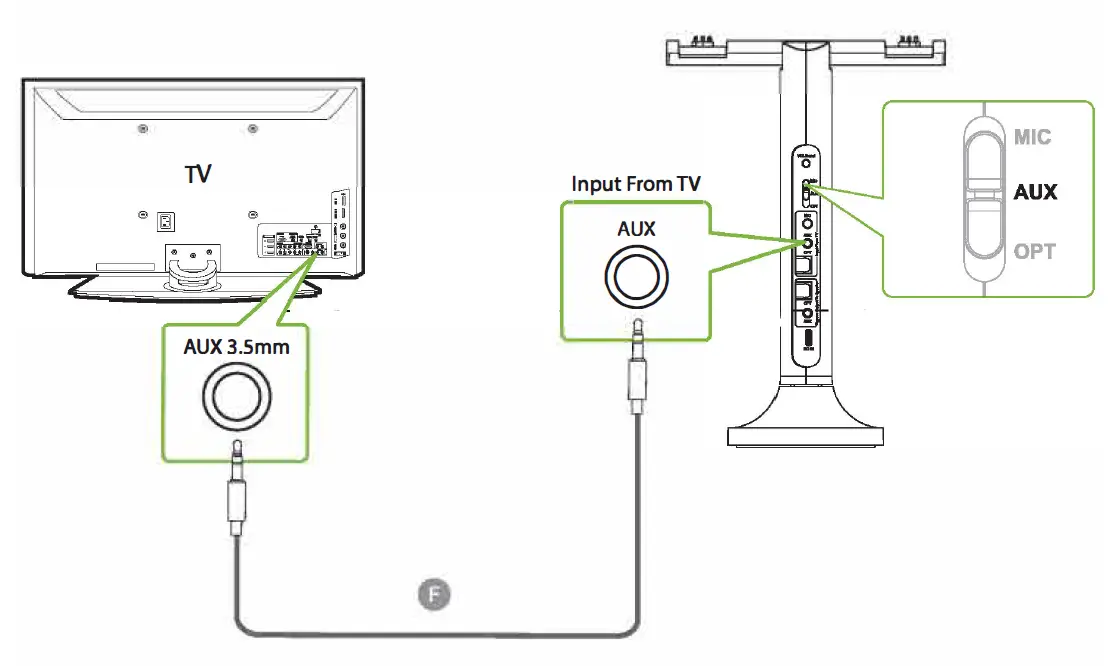
OPTION C RCA “AUDIO OUT” 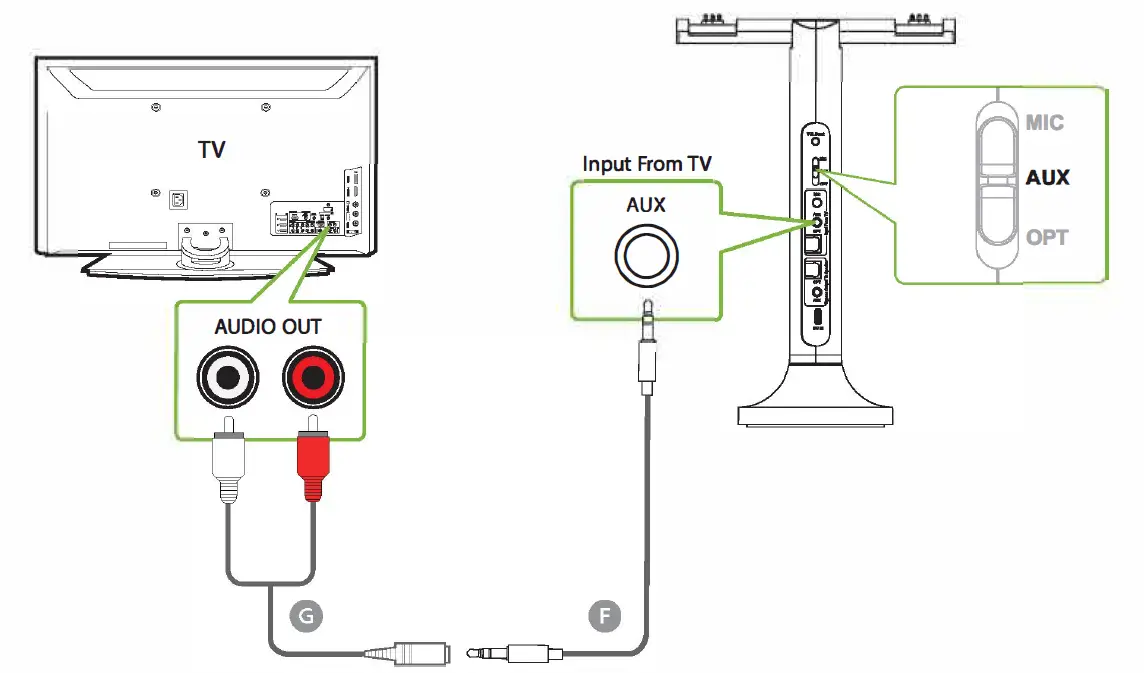
Headphones Connection 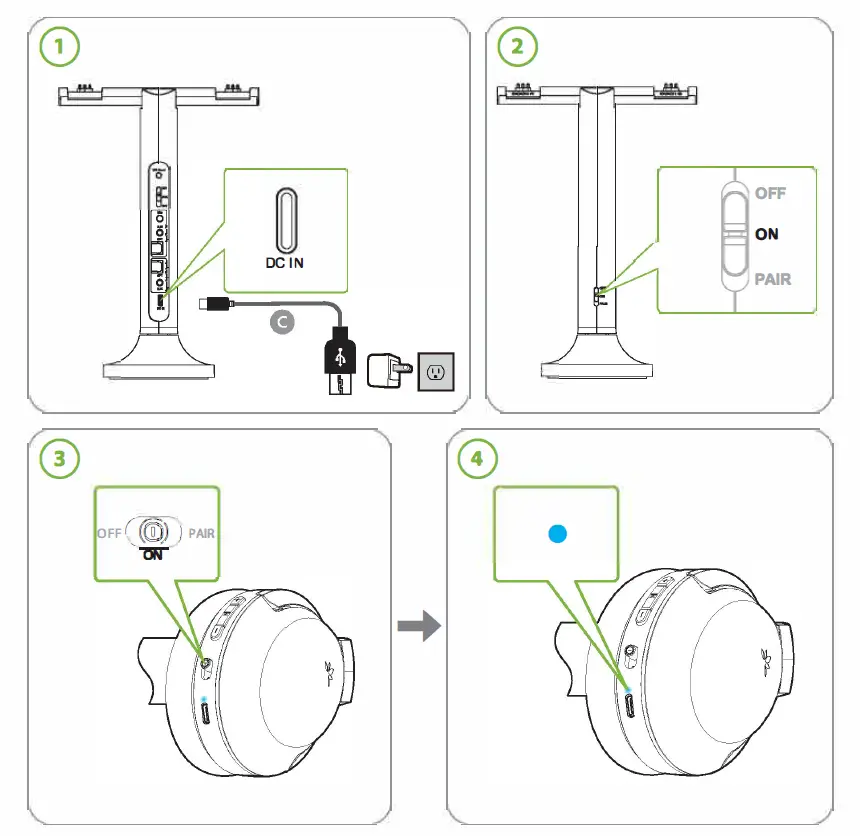
TV SETUP
REMOTE CONTROL
- Go to SETTINGS > AUDIO
- Select Optical Out/ External Speaker

- Go to SETTINGS > AUDIO
- Put ON PCM/STEREO
- Put OFF Dolby
Use with Soundbar
TV/AUDIO SOURCE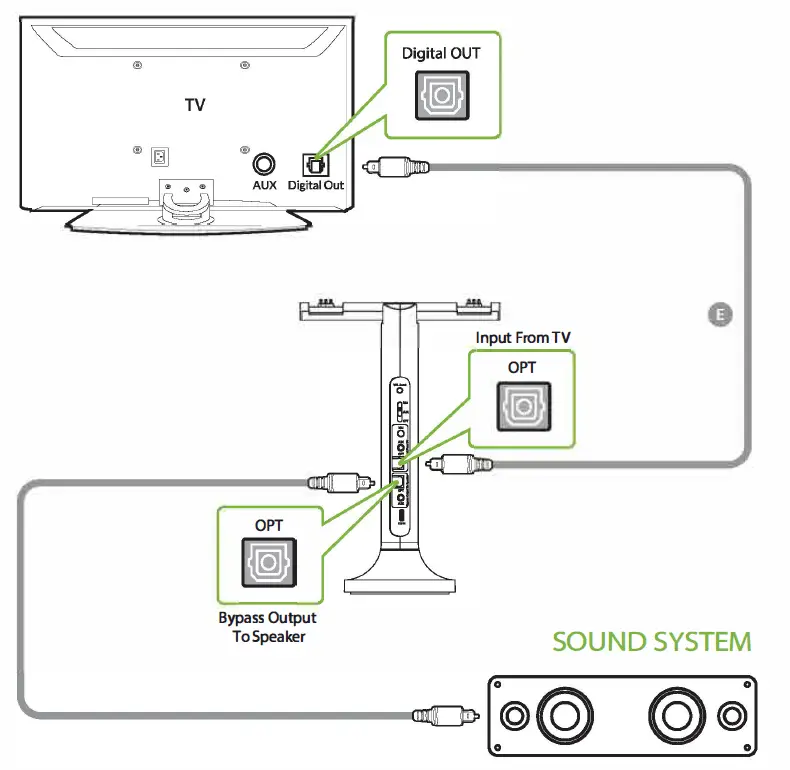 AUDIO SETTING GUIDE
LG
SONY
SAMSUNG
Online Support
- Watch step-by-step video tutorial
- from avantree.com/duet/video before installation.