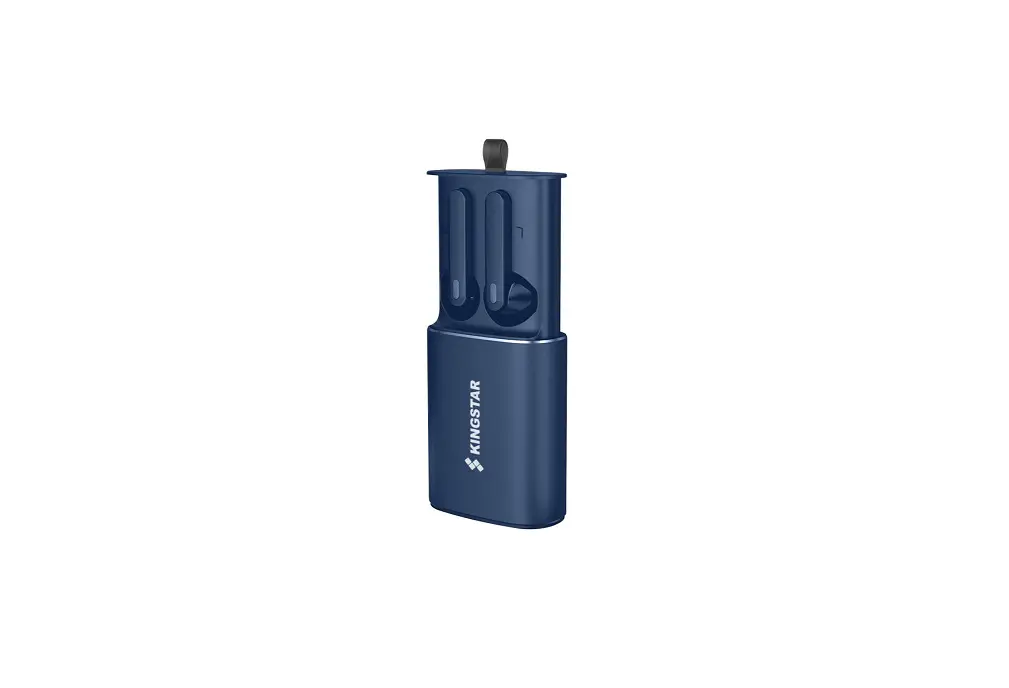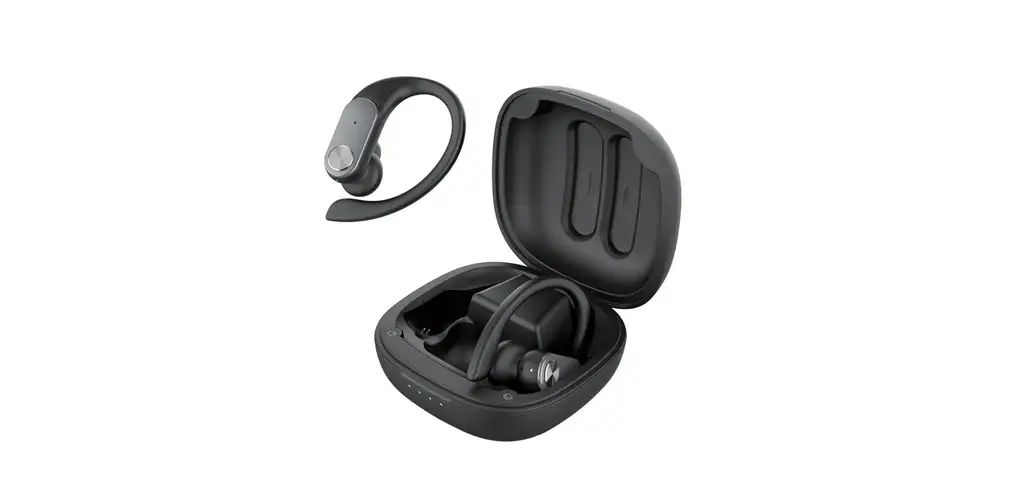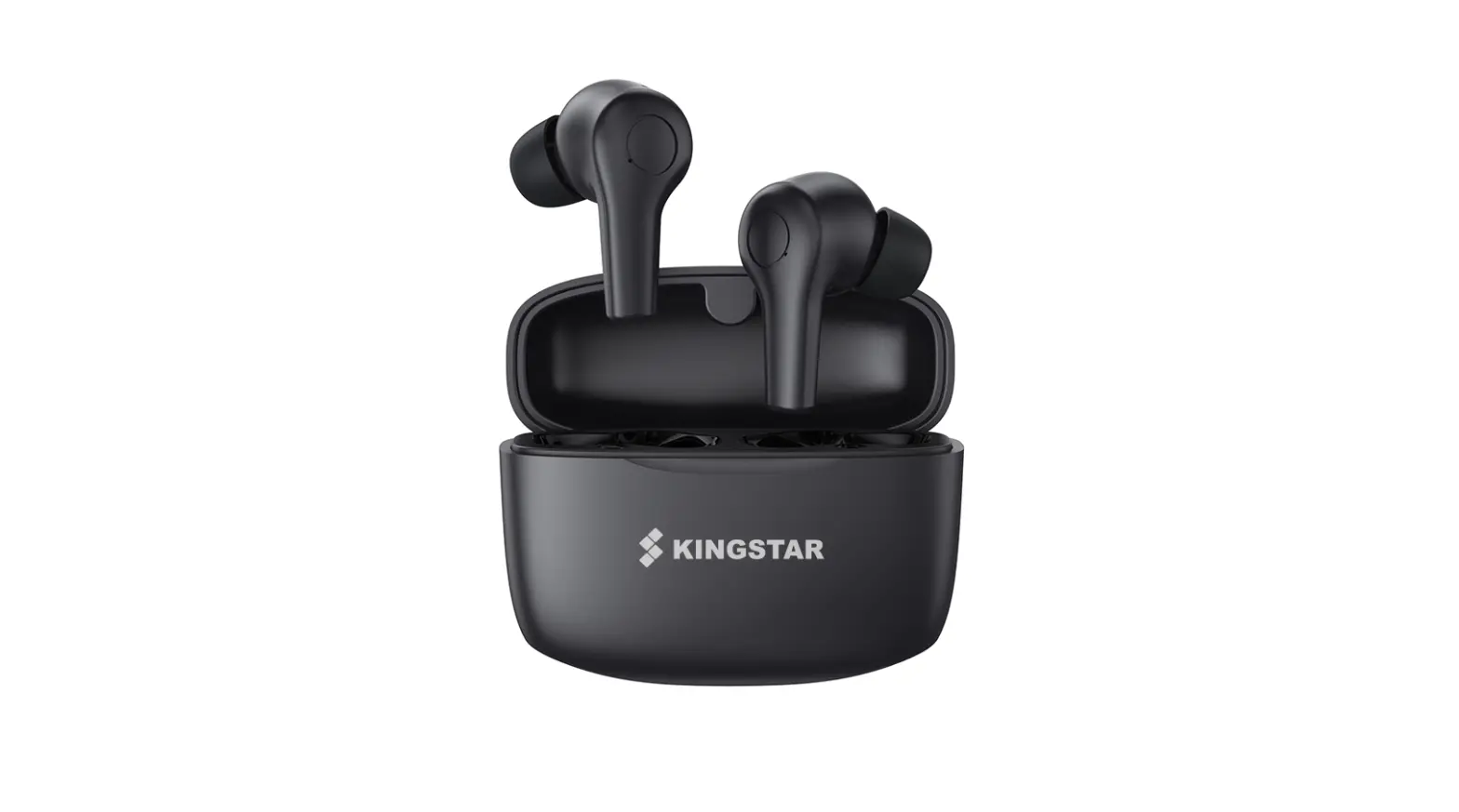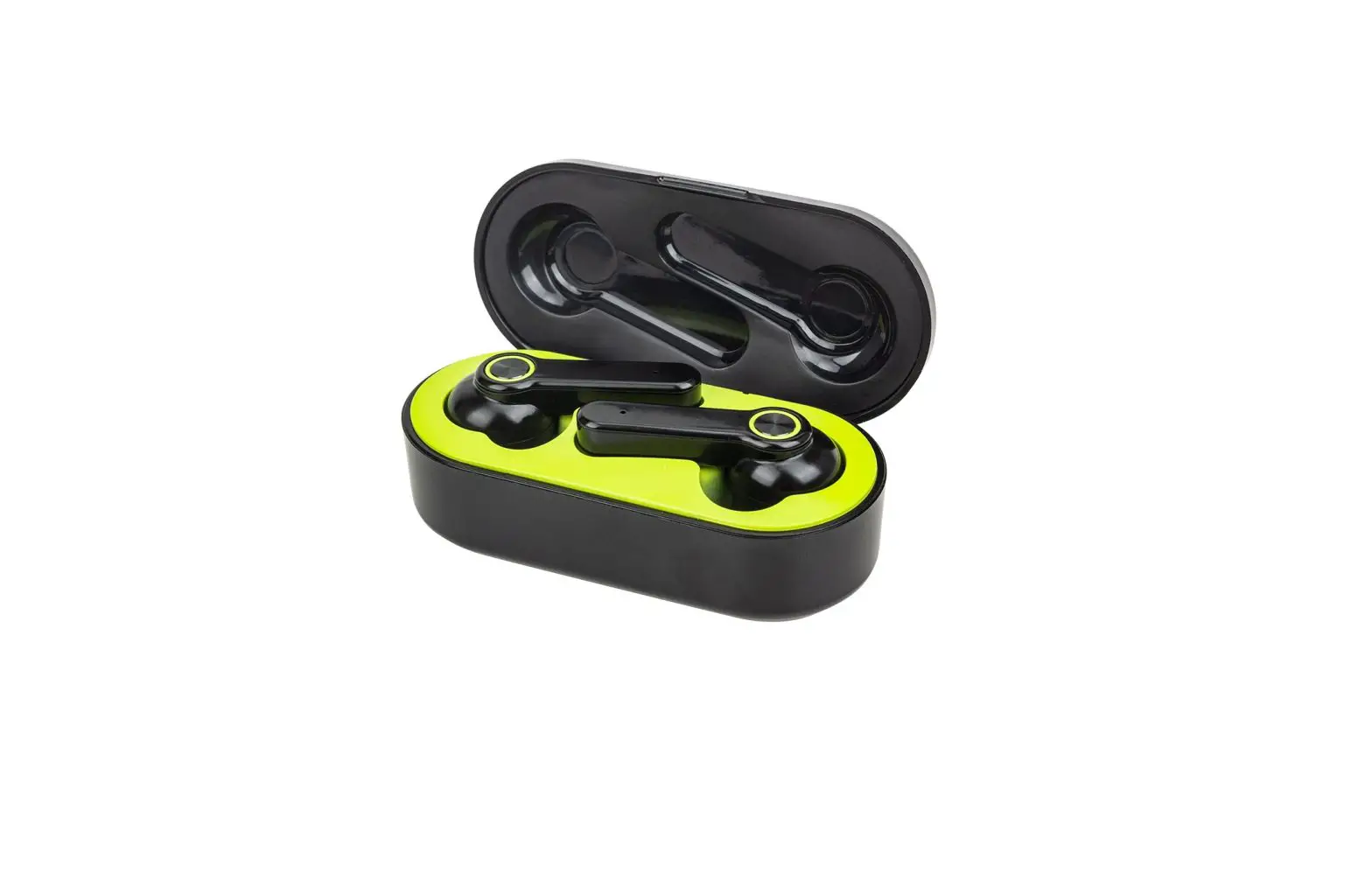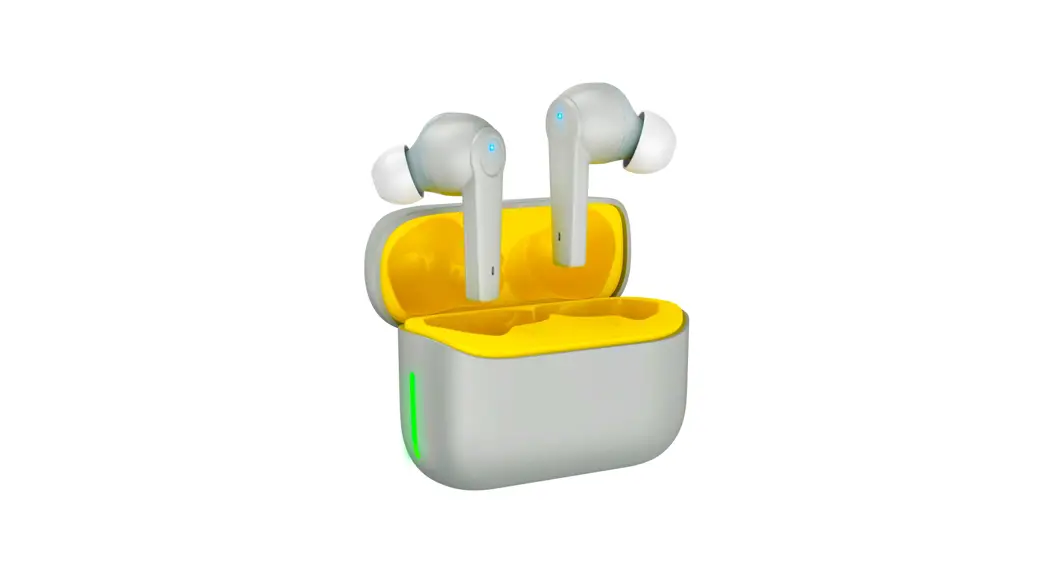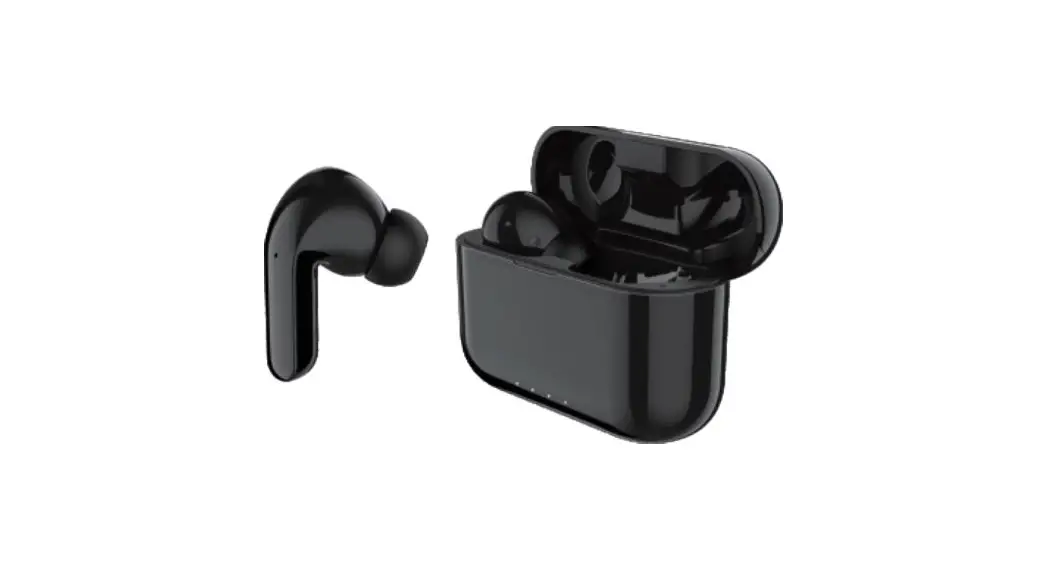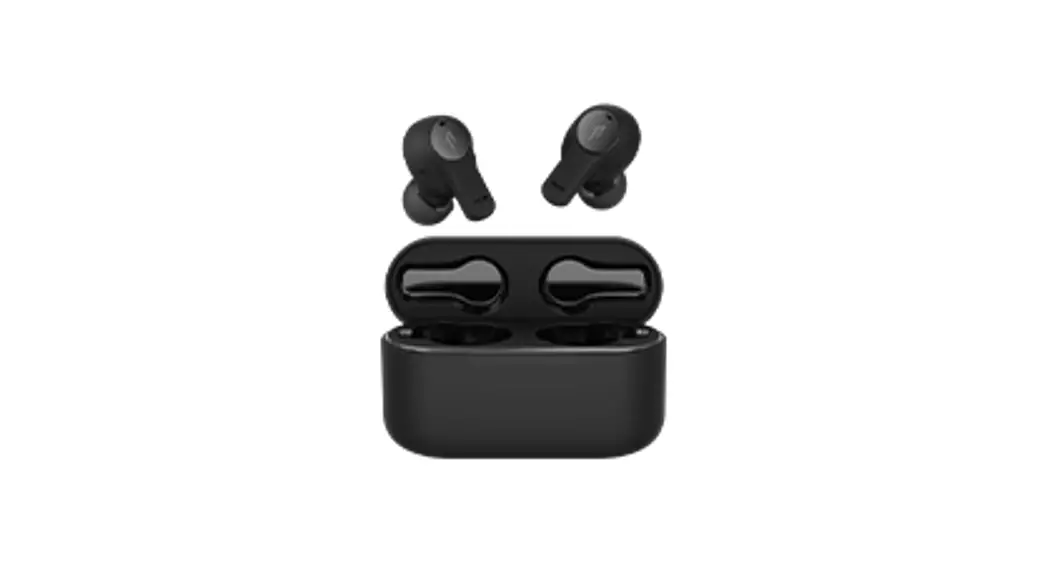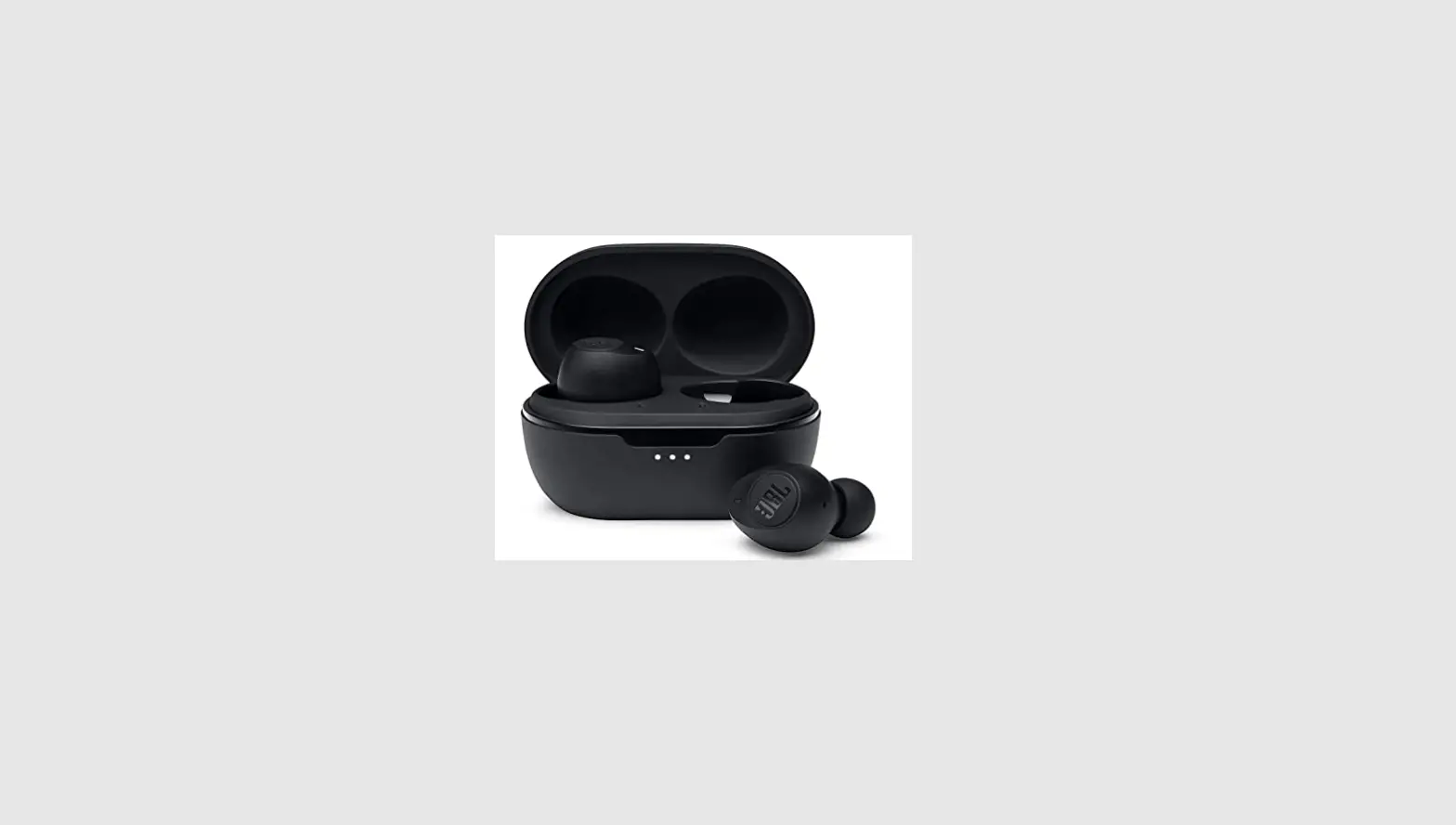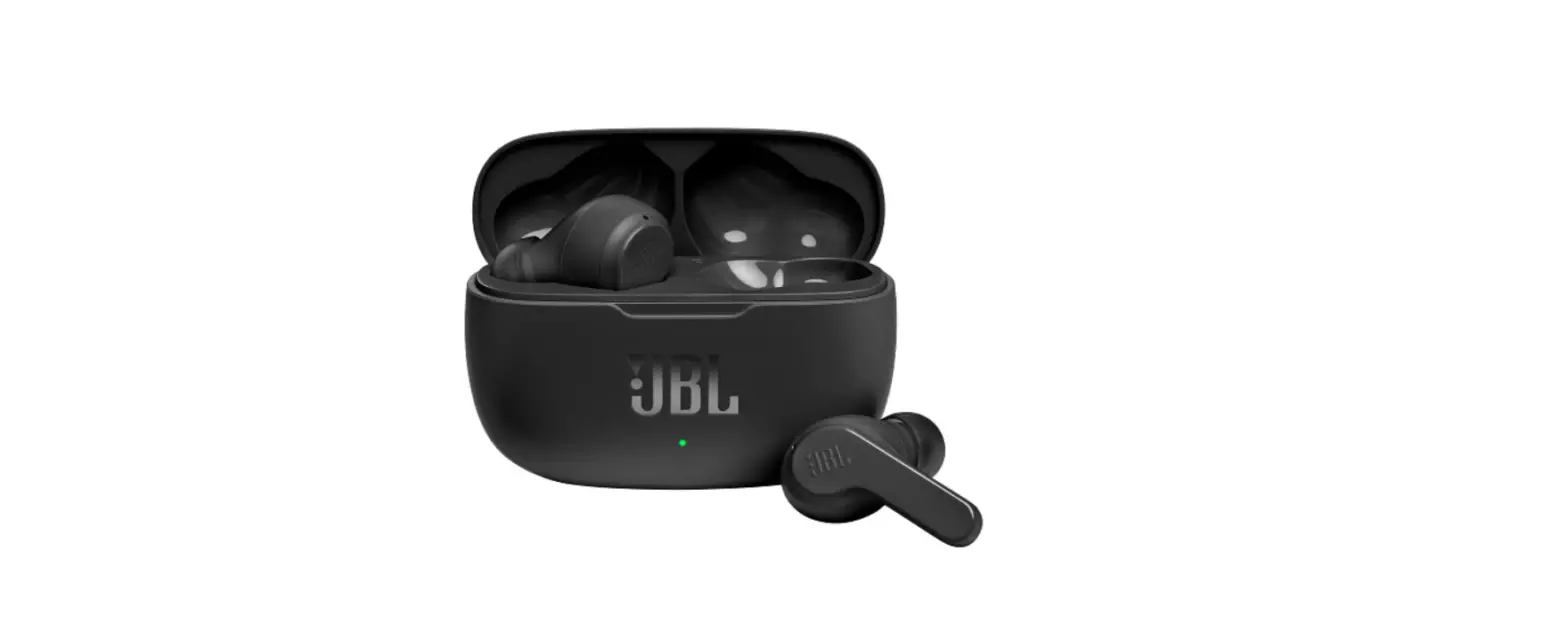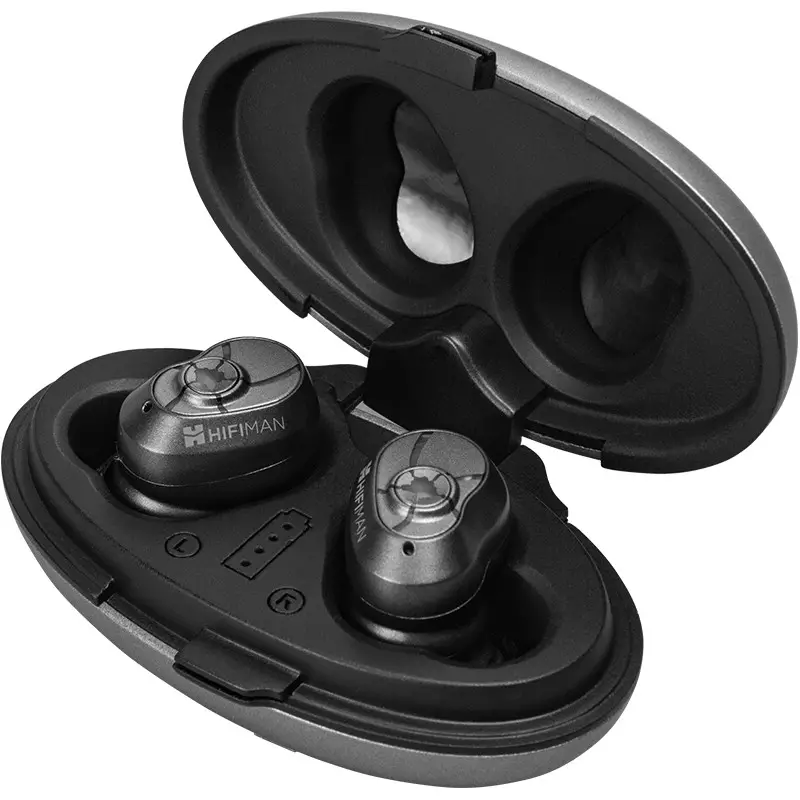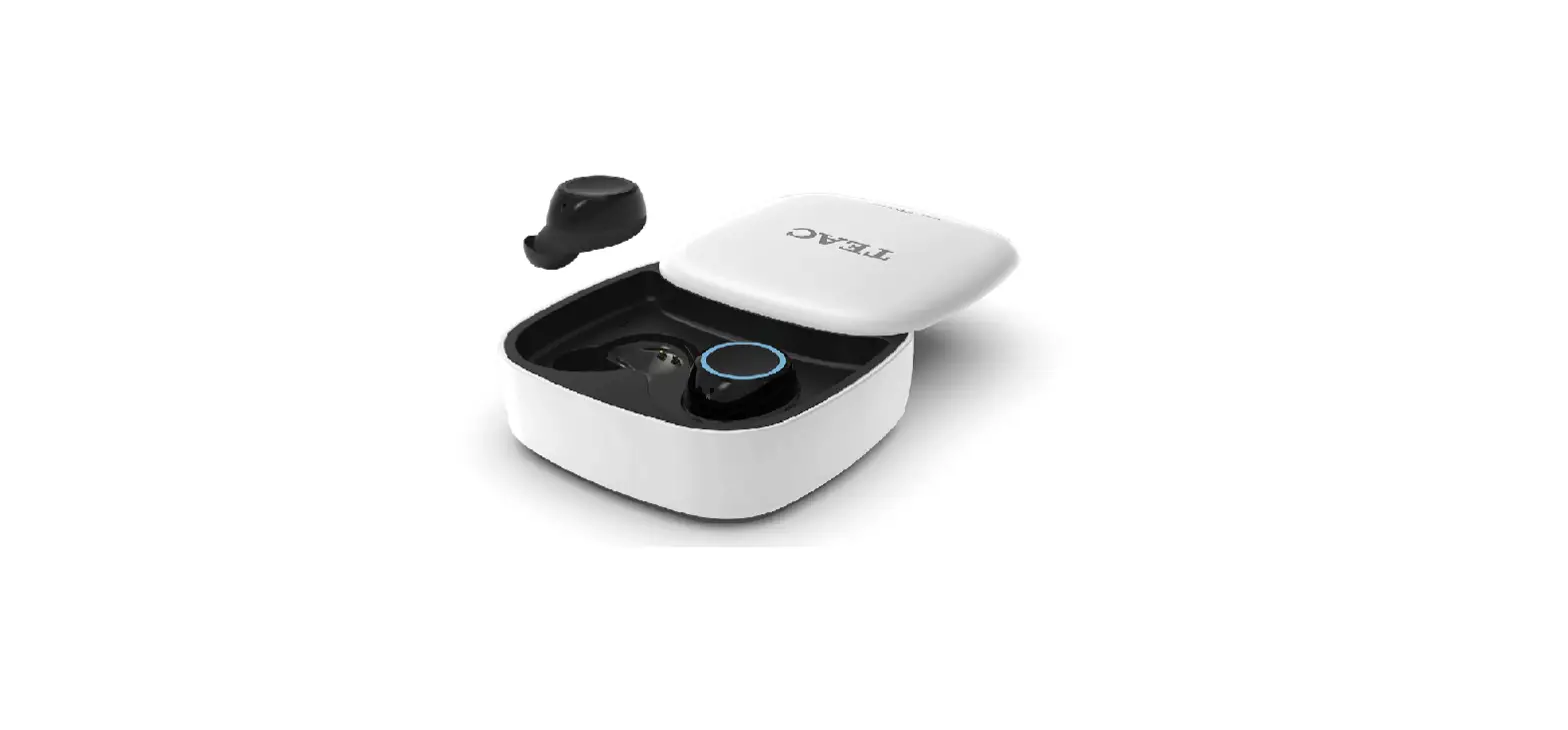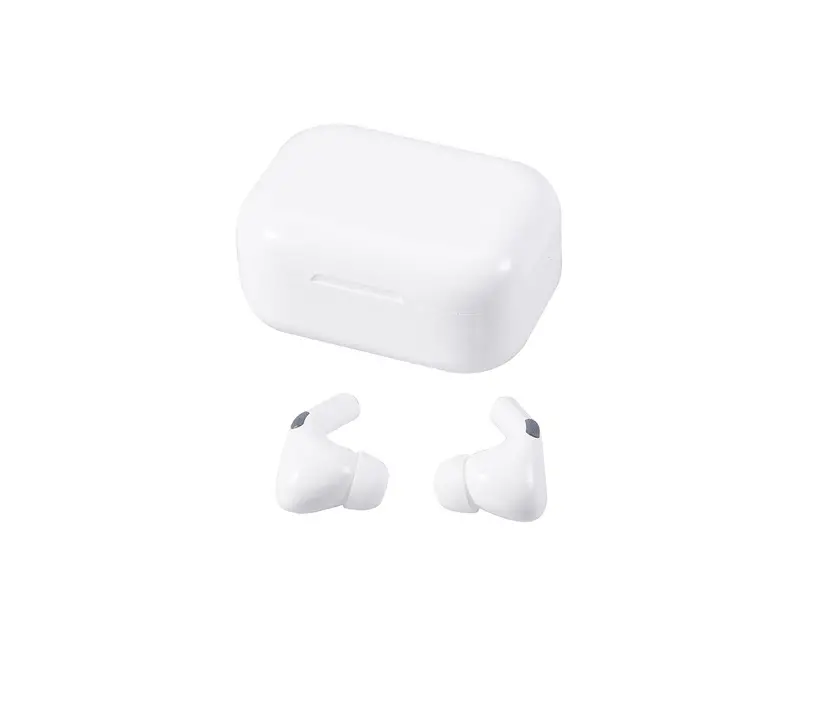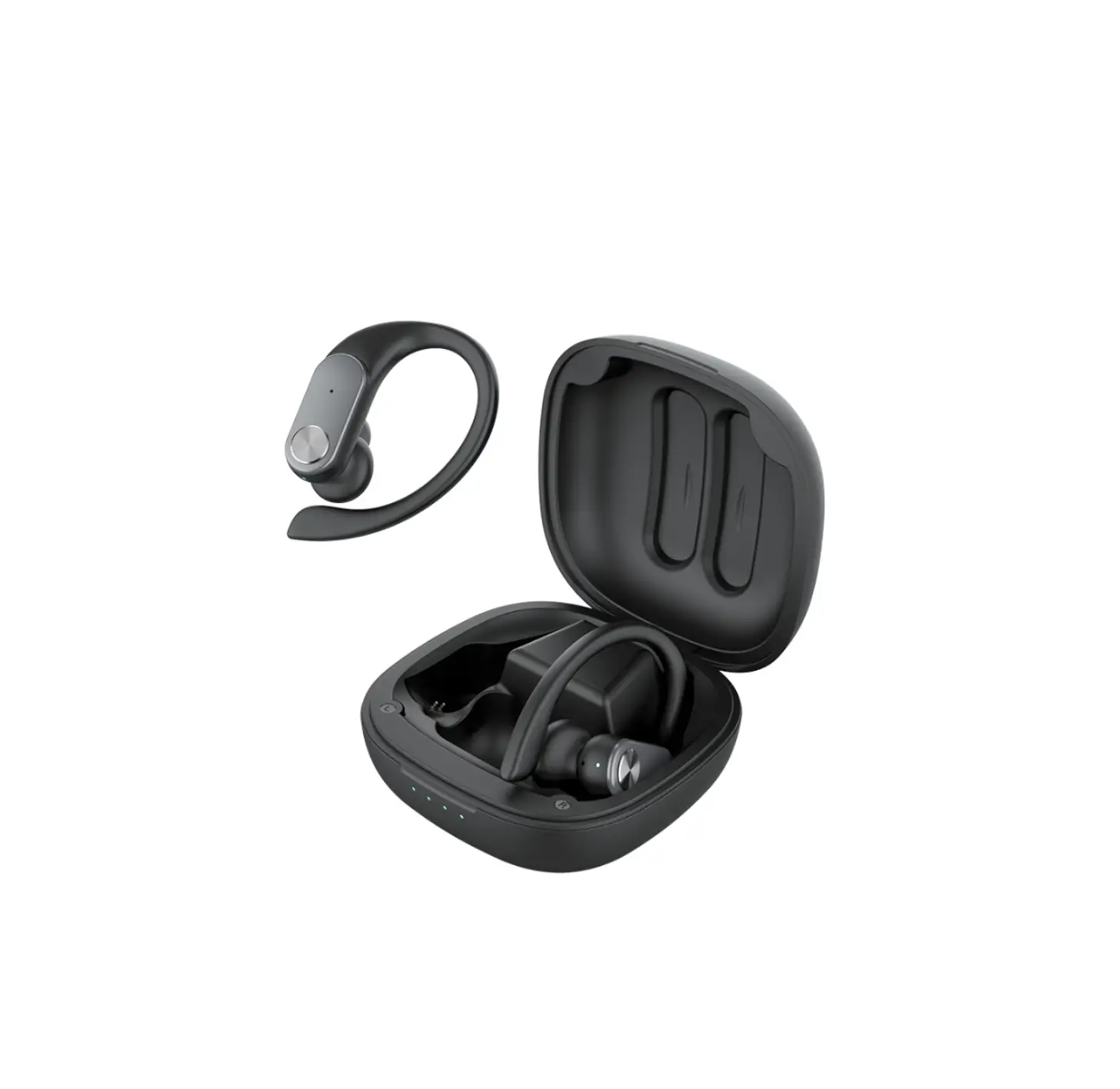
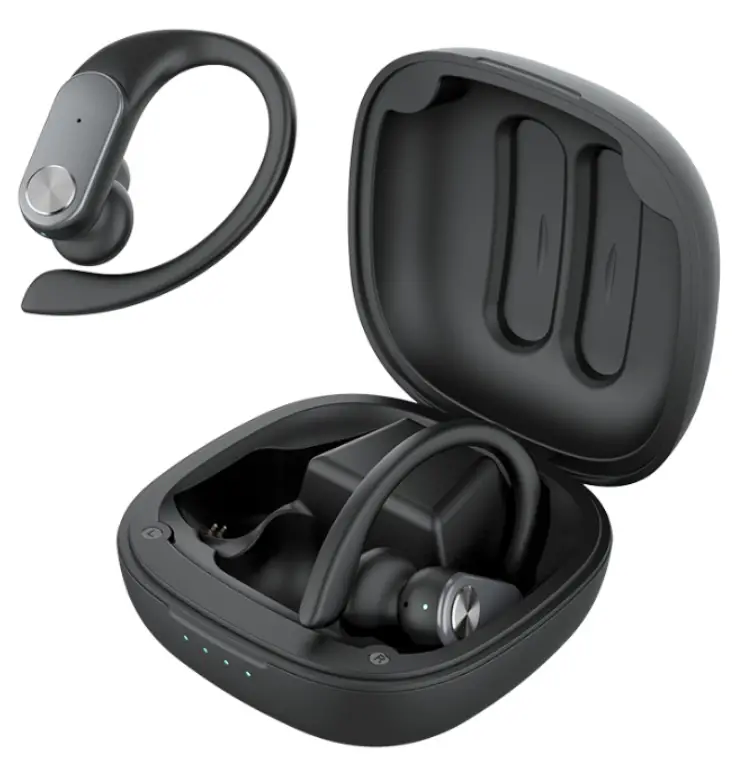
Kingstar K400 TWS Earbuds
OVERVIEW
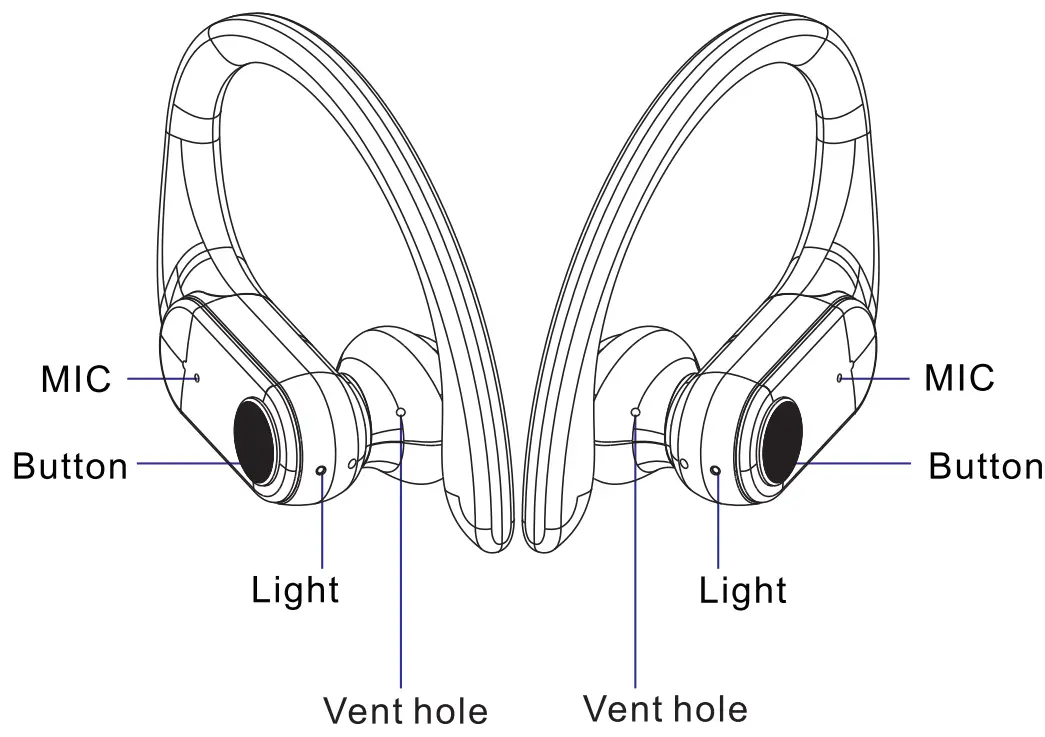
| Power on | Long press 3s |
| Power on | Long press 5s |
| Pla y/Pause | Oneclick |
| SIRI | Four cli cks |
| Answer the call | One click |
| Refuse the incoming call | Double click |
| Hangupthe call | Oneclick |
| Volume+ | Three click (R) |
| Volume- | Three click (L) |
| Pre vious song | Double clicks (L) |
| Next song | Double clicks (R) |
HOW TO POWER ON AND PAIR THE EARBUDS
Take the earbuds out of the charging case to automatically turn on, the red and blue lights flash alternately, and enter automatic pairing. After the pairing is successful. The red and blue lights on the main ear flash and the blue lights on the secondary ear flash once every 5 seconds.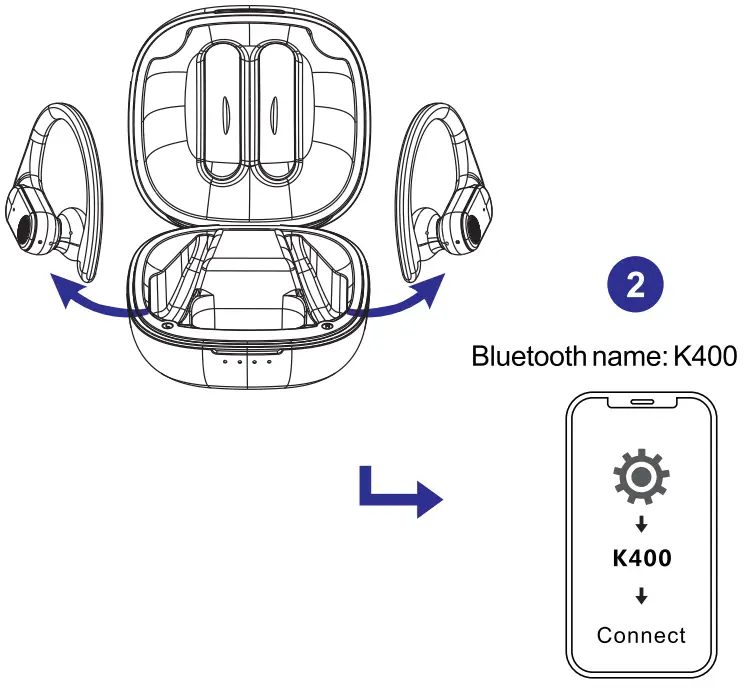
- After using the earbuds, it will automatically connect to Your phone.
- Earbuds will automatically turn off if there is no connection to phone in 5 minutes
CHARGING STATE
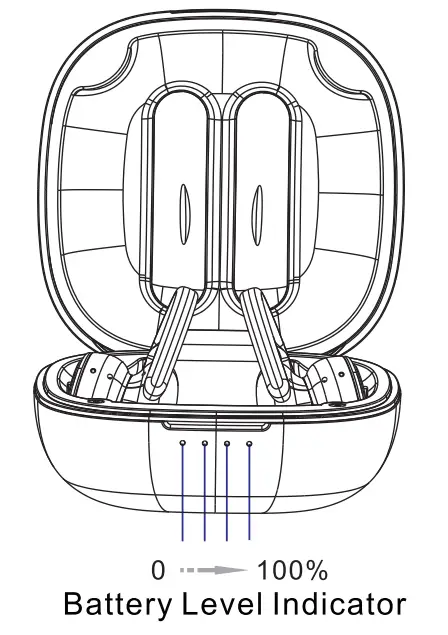
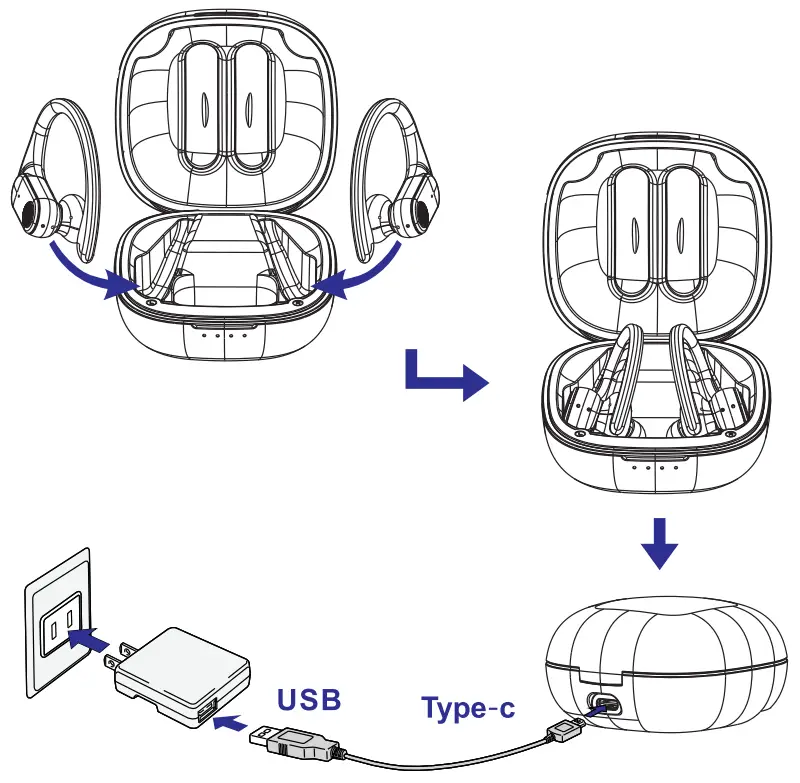
- When the charging case is charging, the blue light flashes according to the battery level (0-100%).
- The red light is on when the earbuds are charging when the earbuds are fully charged, the blue light is on for 30 seconds and then goes out
- the earbud Low battery alarm when the battery is lower than 3.3V; automatic shutdown when the battery is lower than 3.1 V. Every 30 seconds there is a low battery prompt and the red light flashes

PRODUCT PARAMETERS
Bluetooth version: BT 5.1
Transmission distance: 10 M
Earphone battery: 55mAh
Charge box capacity: 1000 mAh
Talking time: 6-8h
Charging time: 2-3h
Charging case voltage: 5V 

WARRANTY AND SUPPORT
We warrant this device 6-24 MONTHS from the
date of the purchase.
After-sales Service Contact
E-m a i I : vp service @s in a.com
FB: Vpservice10