D300S PV Voltage Step Down Module
Product Information:
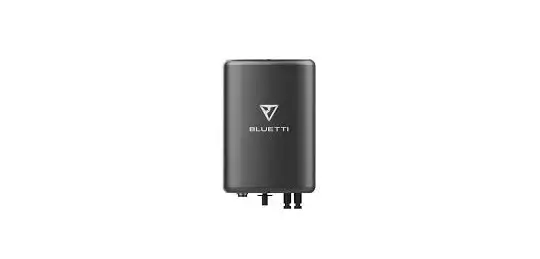
The D300S PV Drop Down Module is a product created by BLUETTI
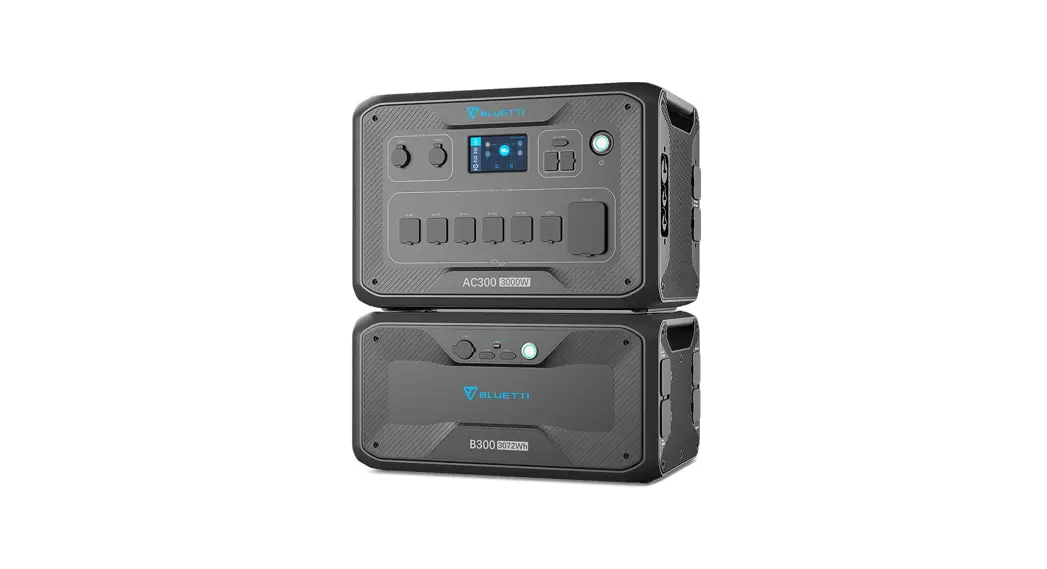
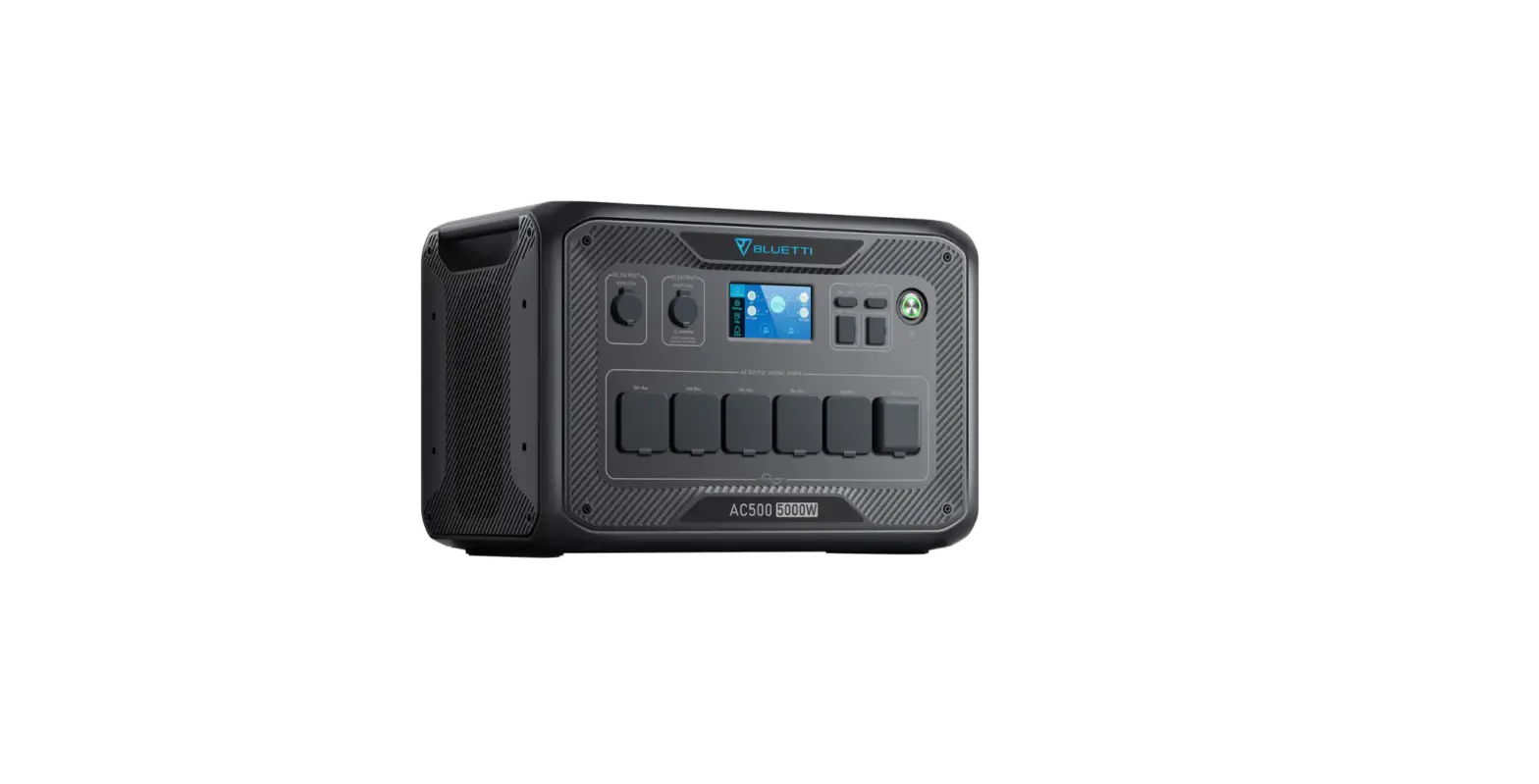
Tech Team. It allows your EP500/Pro and AC300 power stations to
connect with roof/rigid solar panels for a maximum solar charging
capacity of 2400W. This module is especially useful for users who
already have installed rigid solar panels and PV grid-connected
inverters. It helps adjust the total voltage and match the input
requirements of EP500/Pro and AC300 power stations when the solar
panel array’s total open-circuit voltage exceeds the input limit of
EP500/Pro and AC300 (140V/150V).
What’s Included:
- D300S PV Drop Down Module x1 pcs
- DC Output Cable (Aviation to MC4*2) x1 pcs
- User Manual x1 pcs
- Warranty Card x1 pcs
- Certificate of QC Pass x1 pcs
Features of D300S:
- Output Port: Connects to power the power station
- Main Switch of D300S: Should be turned OFF during
installation - NO1. MPPT (PV1 indicates DC1, Connect with your solar
panels) - NO2. MPPT (PV2 indicates DC2, Connect with your solar
panels) - Expansion Port: For future updating via 485 communication
port
Technical Specifications:
- Power of Output: 3000W
- Voltage: 65V – 135V
- Current: 26A
- Power of Input MPPT: 3000W
- Voltage: 360V – 500V
- Open Circuit Voltage: 550V
- Current: 15A
- Max. Efficiency: 97.8%
- Output Over-voltage Protection: Supported
- Stop Output Function: Supported
- Ambient Temperature: <2000m
- Storage Temperature: No condensation
- Altitude Protection Level: IP54
- Dimensions: 396*216*120mm / 15.6*8.5*4.7in
- Net Weight: 7KG / 15.4lb
Safety Instructions:
Please check whether the D300S is damaged, cracked, leaking
liquid, emitting excessive heat, or showing any other abnormalities
before operating. If you notice any of these issues, please stop
using the product immediately and contact the seller.
Product Usage Instructions:
Installation:
- Turn OFF the Main Switch of D300S before installation to ensure
safety. - For EP500Pro/AC300, set DC1/DC2 Input Source to Others and set
PV Parallel Enable to OFF in the Settings menu. - Connect the roof solar panels to D300S as shown in the figure.
Make sure to connect one set of solar panels to PV1 and the other
set to PV2. Avoid mixing them. - Connect EP500Pro with D300S using the included DC Output
Cable:
a. Connect the DC Output Cable to EP500Pro
b. Connect DC1 poles to PV1 poles
c. Connect DC2 poles to PV2 poles
d. Connect the other end of the DC Output Cable to D300S
Turn ON the Main Switch to activate the solar charging
system.
D300S PV DROP DOWN MODULE
Please read this manual before use and follow its guidance. Keep this manual for future reference.
USER MANUAL
Please read this manual before use and follow its guidance. Keep this manual for future reference.
Contents
BRIEF INTRODUCTION01 WHAT`S IN THE BOX…………………………………………………………………………………………………………………..01 FEATURES OF D300S …………………………………………………………………………………………………………………02 INSTALLATION ………………………………………………………………………………………………………………………………03 TECHNICAL SPECIFICATIONS ………………………………………………………………………………………………..06 SAFETY INSTRUCTION……………………………………………………………………………………………………………….07 DECLARATION………………………………………………………………………………………………………………………………08
Just Power on
BRIEF INTRODUCTION
D300S created by BLUETTI Tech Team to allow your EP500/Pro, AC300 to have a chance to connect with Roof/Rigid panels for 2400W Max. Solar charging, especially users who already have installed rigid solar panels and PV grid-connected inverters, and the solar panel array’s total open-circuit voltage exceeds the EP500/Pro, AC300 input limit(140V/150V), D300S will be perfect to adjust the total voltage and match the input requirements of EP500/Pro, AC300.
WHAT`S IN THE BOX
D300S PV Drop Down Module x1 pcs
DC Output Cable(Aviation to MC4*2) x1 pcs
USER MANUAL
Please read this manual before use and follow its guidance. Keep this manual for future reference.
User Manual x1 pcs
Warranty Card
Warranty Card x1 pcs
Certificate of QC Pass x1 pcs
– 01 –
FEATURES OF D300S
4.7 in
8.5 in
BLUETTI
15.6 in
1 23
4
5
01 Output Port: connect to power the power station. 02 Main Switch of D300S: please turn OFF during installation. 03 NO1. MPPT(PV1 indicates DC1,Connect with your solar panels) 04 NO2. MPPT(PV2 indicates DC2,Connect with your solar panels) 05 Expansion Port: For future updating via 485 communication port.
– 02 –
Just Power on
INSTALLATION
Step1. Please turn OFF the switch. The Main Switch of D300S is kept in the OFF state to ensure safety during installation.
Step2. For EP500Pro/AC300, set DC1/DC2 Input Source to Others, and set PV Parallel Enable to OFF. (Mainpage – Settings)
– 03 –
BLUETTI
Step3. The roof solar panels are connected to D300S as shown in the figure. Please make sure that one set of solar panels is connected to PV1, and the other set of solar panels is connected to PV2. Be careful not to mix them.
b
–
a
+
c
b
a
–
c
+
d
e
a
b
c
d
e
Example for rigid panels connecting to D300S in parallel. – 04 –
Just Power on
Step4. Connect EP500Pro with D300S with DC Output Cable(Included).
d
b
c
a
a
b
c
d
a.DC Output Cable to EP500Pro b.DC1 poles to PV1 poles
c.DC2 poles to PV2 poles d.DC Output Cable to D300S
– 05 –
Step5. Turn the main switch from OFF to ON to activate the solar charging system.
BLUETTI
TECHNICAL SPECIFICATIONS
List
Power of Output Voltage Current
Short-circuit Protection
Power of Input MPPT Voltage
Current Dual MPPT Internal Over-heated Radiator Over-heated Short-circuit Protection Max. Efficiency Output Over-voltage Protection
Min. Rated Max.
Note
DC output
/
/ 3000W
/
65V 115V 135V
/
/
/
26A
/
Supported
PV input
/ 120V
/ 3000W
/
360V 500V Open circuit voltage 550V
/
/
15A
Supported
/
85¥
/
/
95¥
/
Supported
Dual MC4 Plugs 20VDC
97.8% 140VDC
Stop Output Function
– 06 –
Just Power on
Ambient Temp. Storage Temp.
Altitude Protection Level
Dimensions Net Weight
-10¥
25¥
40¥
-20¥
25¥
40¥
< 2000m
IP54
396*216*120mm/15.6*8.5*4.7in
7KG/15.4lb
No condensation
SAFETY INSTRUCTION
Please check whether D300S is damaged, cracked, liquid leakage, heat or other abnormalities or AC line is damaged before operating. If any, please stop using the product immediately and contact the seller;
Keep a distance of 50mm between D300S and other objects.
Avoid exposing to direct sunlight when the solar system is working and DO NOT place the D300S near heat sources.
It is prohibited to place the equipment in an environment with flammable, explosive gas, or smoke. Since D300S relies on the shell to dissipate heat, over-temperature of the shell will lead to damage.
DO NOT attempt to replace the internal components of the equipment by any unauthorized personnel.
DO NOT operate in wet conditions. Please let the unit dry completely before using if the equipment becomes wet.
Please ensure proper ventilation while in use, inadequate ventilation may cause permanent damage to the equipment.
Do not place anything on the top of D300S, please install it where people cannot touch it.
DO NOT move the unit while operating as vibrations and sudden impacts may lead to poor connections to the hardware inside.
In case of fire, only a dry powder fire extinguisher is suitable for the product.
For safety purposes, please use only the original charger and cables designed for the equipment. We are not liable for damage caused by third-party equipment and may render your warranty invalid.
– 07 –
DECLARATION
BLUETTI
Due to product improvement, some changes in appearance and specifications may be made without extra statement.
No compensation for damages shall be made for utilizing non-standard adapters and accessories.
BLUETTI shall not be liable for damage caused by force majeure factors such as fire, typhoon, flood and earthquake, or intentional negligence, misuse, or use under other abnormal conditions.
BLUETTI shall not be liable for any damages caused by operating the product not in accordance with the method of use in the instruction manual.
D300S is not suitable for the use on the relevant equipment or machines involving:
Personal safety, such as atomic energy devices, Hi-Fi player, emergency medical devices, etc., or any equipment or machines that require extremely highly reliable power sources. We are not responsible for accidents, fires, wrongful or negligent actions caused by such equipment or machines which results in damage.
– 08 –
Company: POWEROAK GmbH Address: Lindwurmstr. 114, 80337 München Germany Mail: [email protected]
Company: POWEROAK ENERGY UK CO.,LTD Address: Suite 108 Chase Business Center 39-41 Chase Side London United Kingdom N14 5BP Mail:[email protected]
P/N:17.0303.0390-01A1