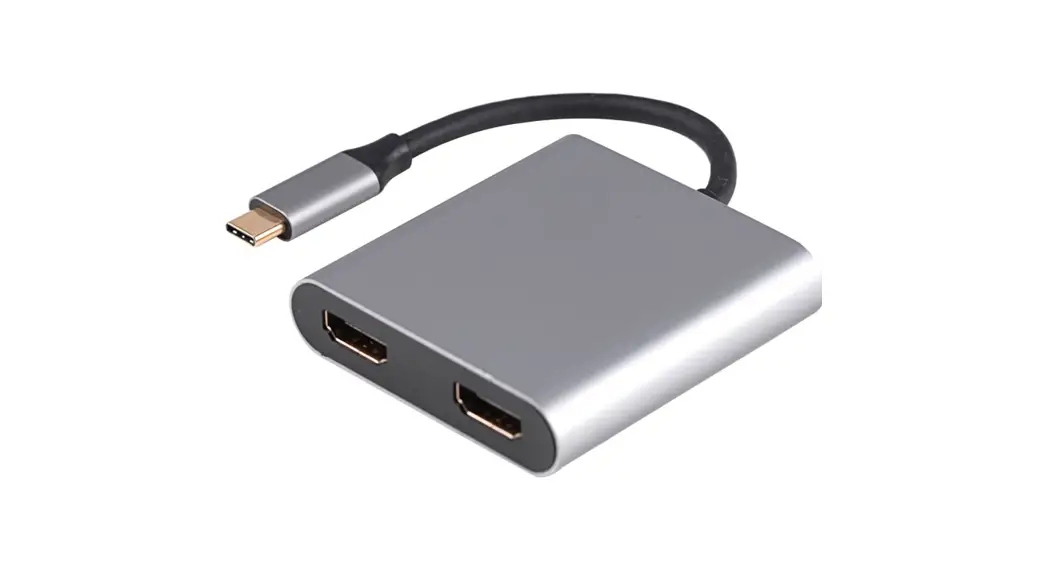
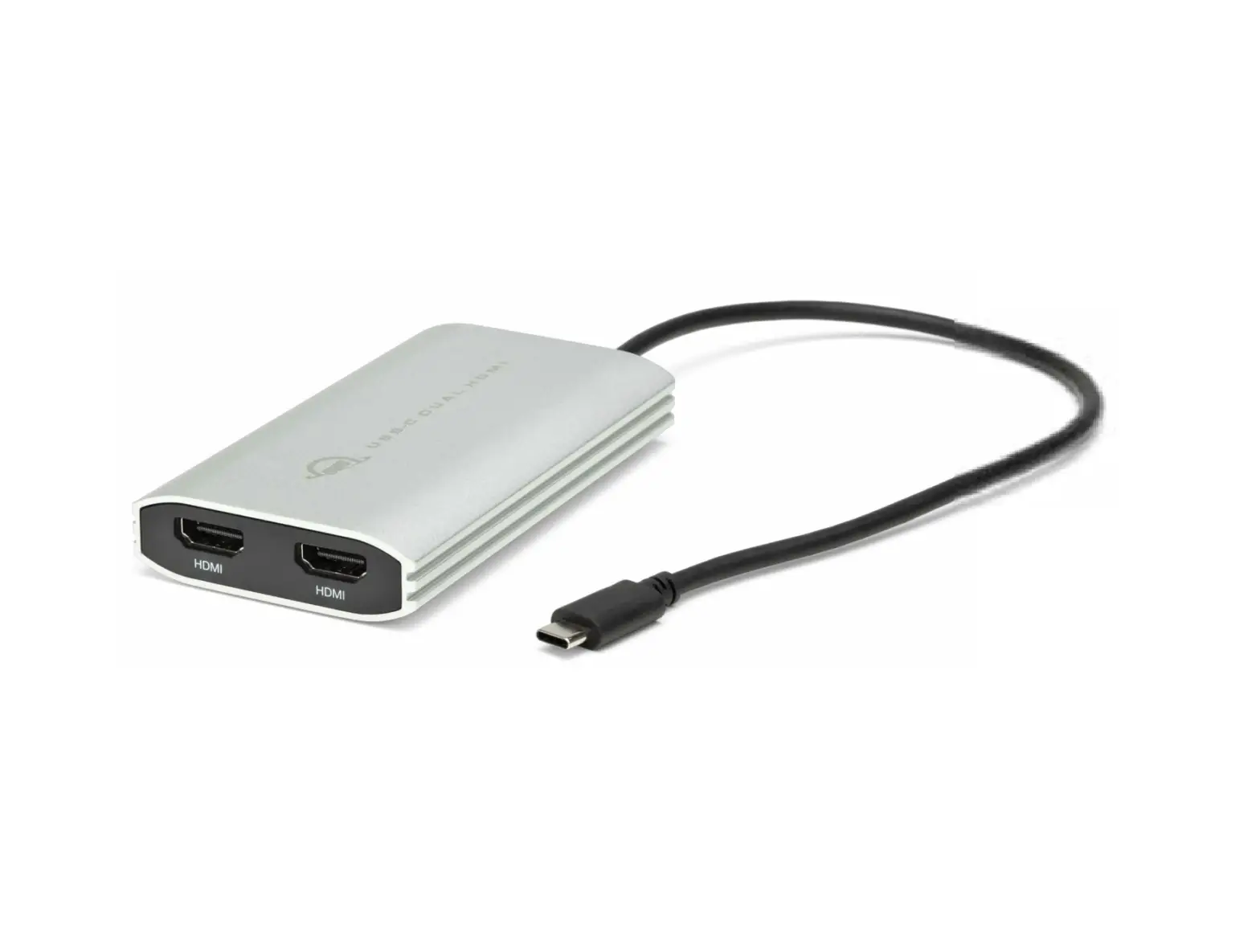
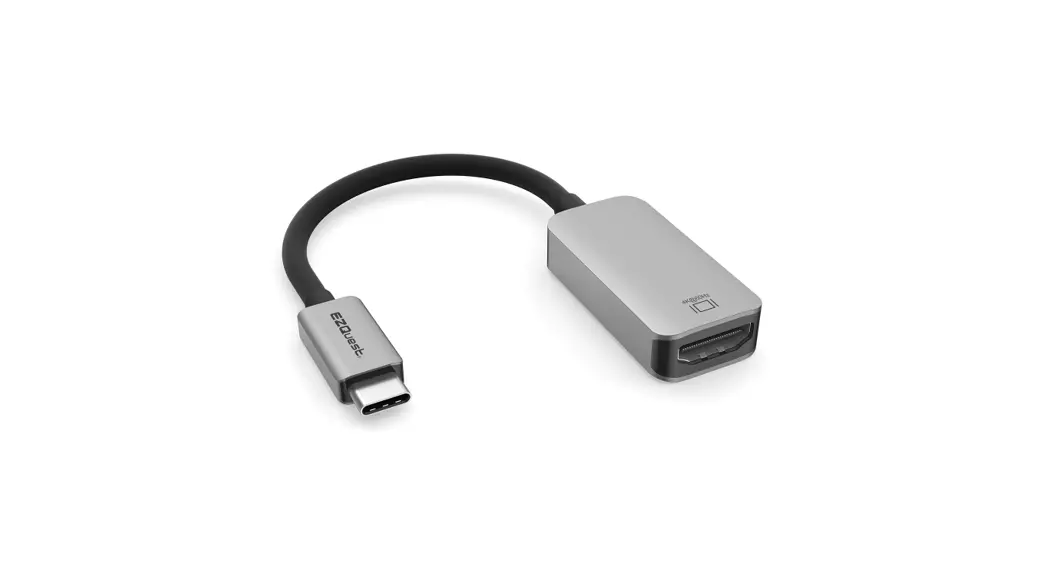
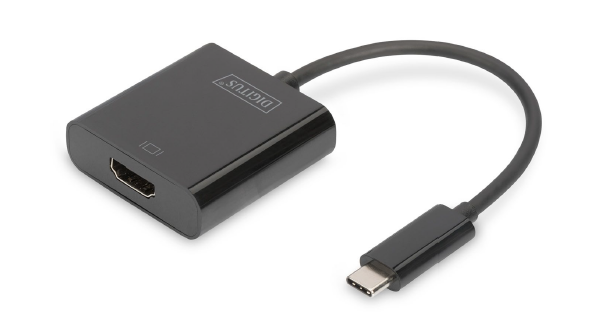
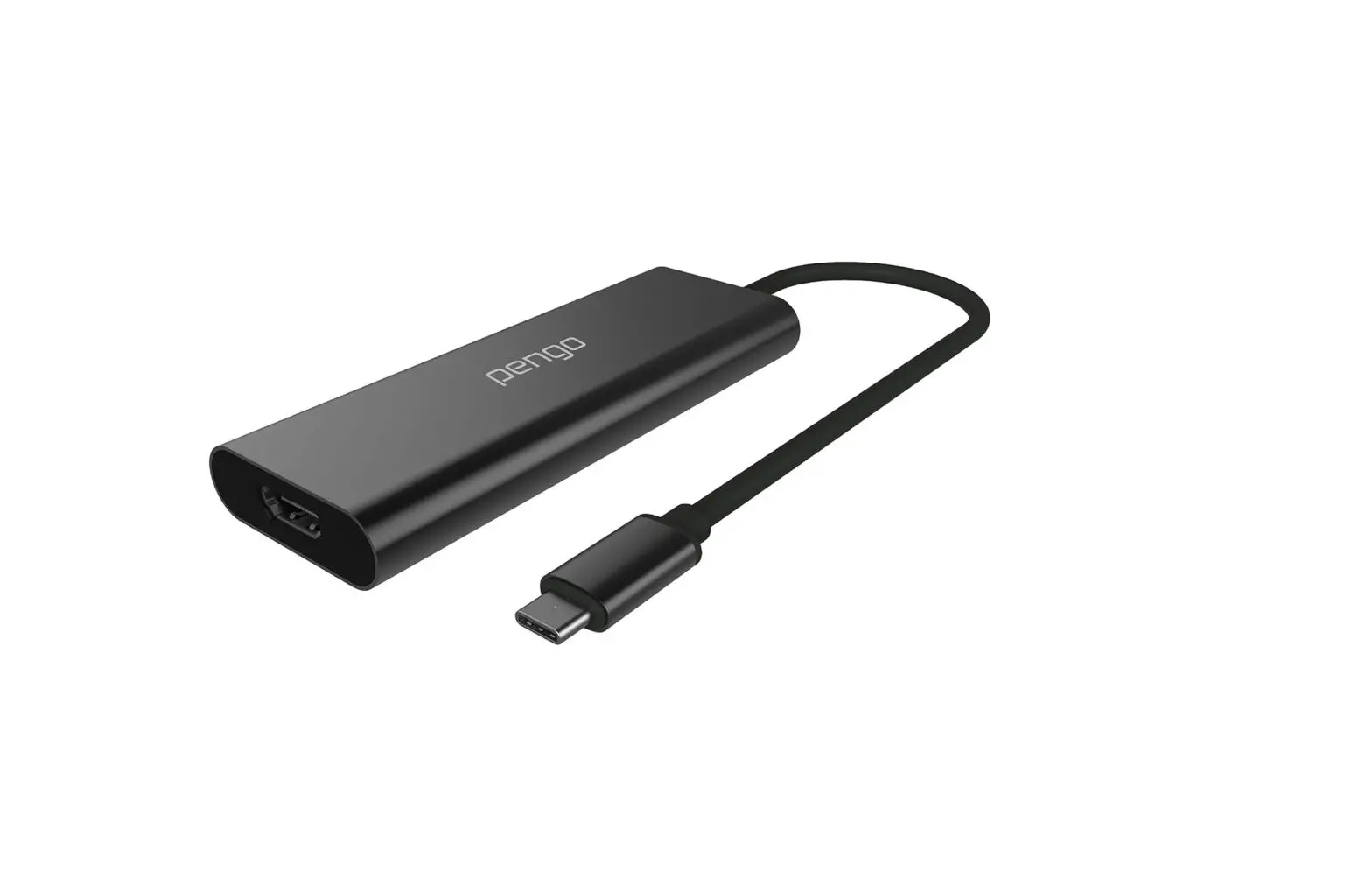
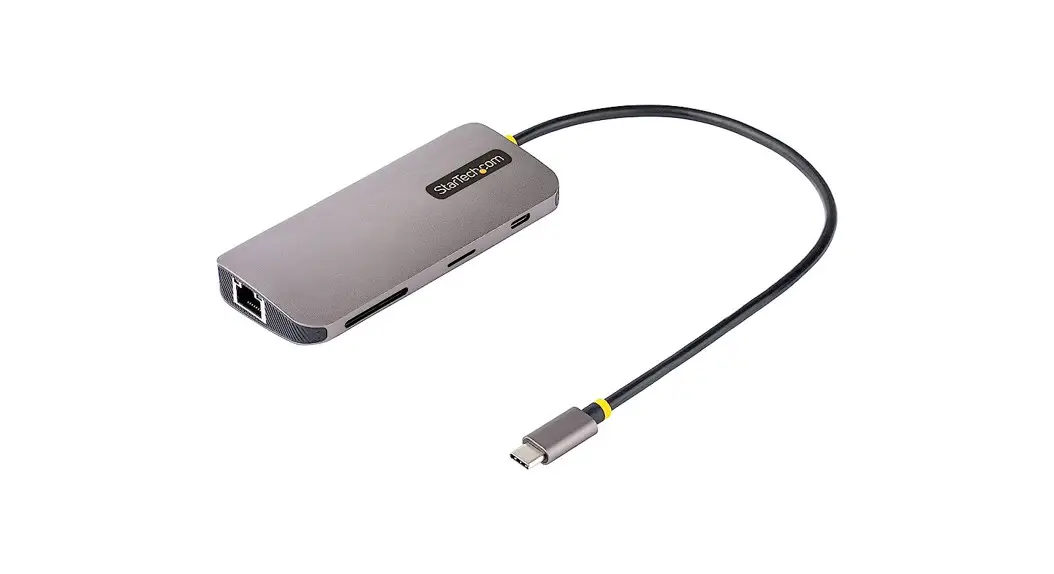
ER2018UC2H USB Type-C to Dual HDMI 4K Converter
Product Information:
Product Name: USB Type C to Dual HDMI Converter
Main Features:
- Supports HDMI 2.0 with 4K@60Hz resolution on two displays
simultaneously - Compatible with various devices such as MacBook, Google, Dell,
Huawei, Xiaomi, Hp, Asus, Samsung, Lenovo, Razer, Microsoft, HTC,
LG, OPPO, and more - Compact size: 63x56x13mm
- Cable length: 165mm
Product Specifications:
- HDMI Ports: HDMI 2.0*2
- Compatibility: MacBook 12, MacBook Pro
2016/2017/2018/2019/2020, MacBook Air, Mac mini, iPad Pro 2018,
Chrome Book Pixels/Pixel Book Pen, XPS13/XPS15 G3/G7/G7 Series,
Matebook 14/Matebook 13/MateBook/MateBook X/MateBook E/Matebook X
pro, Air 12.5/13.3 Pro15.6, EliteBook 1050G1/EliteBook Folio
G1/1050G1/840G5, U306U321U4100UNU5100UQROG Series, Note Book
Series, Galaxy Book Series, Y7000/Y7000P/Y9000K/Y9000X, YOGA6 Pro,
ThinkPad X1 Carbon, Yoga Blade Stealth, Surface Book2/Surface
Go - Mobile Phone Compatibility: S10/S10+/S9/S9+/S8/S8+, Note 8/Note
9/Note 10/Note 10+, Mate 30/30Pro/30RS, Mate20/20Pro/20X/20RS,
P30/P30Pro, P20/P20Pro, P40/P40Pro, Mate10/Mate10Pro, Ultra, HTC
10, LG G5, LG V30/V40/V50, G7, G8, Microsoft 950, Microsoft 950XL,
Razer Phone, Find XR17 Pro
Product Usage Instructions:
To use the USB Type C to Dual HDMI Converter, follow the steps
below:
- Connect the USB Type C end of the converter to your device’s
USB Type C port. - Connect two HDMI cables to the HDMI ports on the
converter. - Connect the other ends of the HDMI cables to your desired
displays. - Ensure that your device is powered on and both displays are
turned on. - Depending on your device and desired display configuration,
choose one of the following working modes:
- Windows Extend Mode: Use this mode if you want to extend your
Windows desktop across two displays. This mode is compatible with
Windows laptops. - Windows Mirror Mode: Use this mode if you want to mirror your
Windows desktop on two displays. This mode is compatible with
Windows laptops. - Mac OS Extend Mode: Use this mode if you want to extend your
Mac OS desktop across two displays. This mode is compatible with
MacBook and Mac OS laptops. - Mac OS Mirror Mode: Use this mode if you want to mirror your
Mac OS desktop on two displays. This mode is compatible with
MacBook and Mac OS laptops.
should automatically detect the displays and configure the
resolution settings.
simultaneously.
For proper disposal of electronic waste, visit our website:
https://www.eiratek.com/ewastemanagement/
ER2018UC2H
USBTypeCtoDualHDMIConverter
HDMI(4K@60Hz)*2
Packing list
USB-C to Dual HDMI Converter User Manual
Main features
HAVEELECTRONICSJUNK? Visitourwebsiteforproperdisposalmethod. https//www.eiratek.com/ewastemanagement/
With the function of screen
Working mode Windows Extend Mode
C
Laptop
Laptop
Windows Mirror Mode
B
Laptop
Mac OS Extend Mode
Laptop
Laptop
Mac OS Mirror Mode
Laptop
Laptop
Laptop
Laptop
13MM
165MM
63MM
56MM
Product Specifications
Name
HDMI 2.0*2
USB-C to Dual HDMI HDMI 2.0 4K@60HZ *2
Cable length
63x56x13mm 165mm
Compatibility
MacBook Google Dell Huawei Xiaomi Hp Asus
Samsung Lenovo Razer Microsoft
Samsung Huawei
HTC LG Microsoft Razer OPPO
Laptop
MacBook 12″MacBook Pro2016/2017/2018/2019/ 2020 MacBook AirMac miniiPad Pro 2018 Chrome Book Pixels/Pixel Book Pen
XPS13/XPS15G3/G7/G7 Series Matebook 14/Matebook 13/MateBook/MateBook X/ MateBook E/Matebook X pro Air 12.5/13.3″Pro15.6″
EliteBook 1050G1EliteBook Folio G1/1050G1/840G5
U306U321U4100UNU5100UQROGSeries
Note Book SeriesGalaxy Book Series Y7000/Y7000P/Y9000K/Y9000XYOGA6 ProThinkPad X1 CarbonYoga Blade Stealth
Surface Book2/Surface Go
Mobile Phone
S10S10+S9S9+S8S8+Note 8Note 9Note 10 Note 10+ Mate 30/30Pro/30RSMate20/20Pro/20X/20RSP30/ P30ProP20/P20ProP40/P40ProMate10/Mate10Pro UltraHTC 10
LG G5LG V30V40V50G7G8
Microsoft 950Microsoft 950XL
Razer Phone
Find XR17 Pro