 Quick-Start Guide
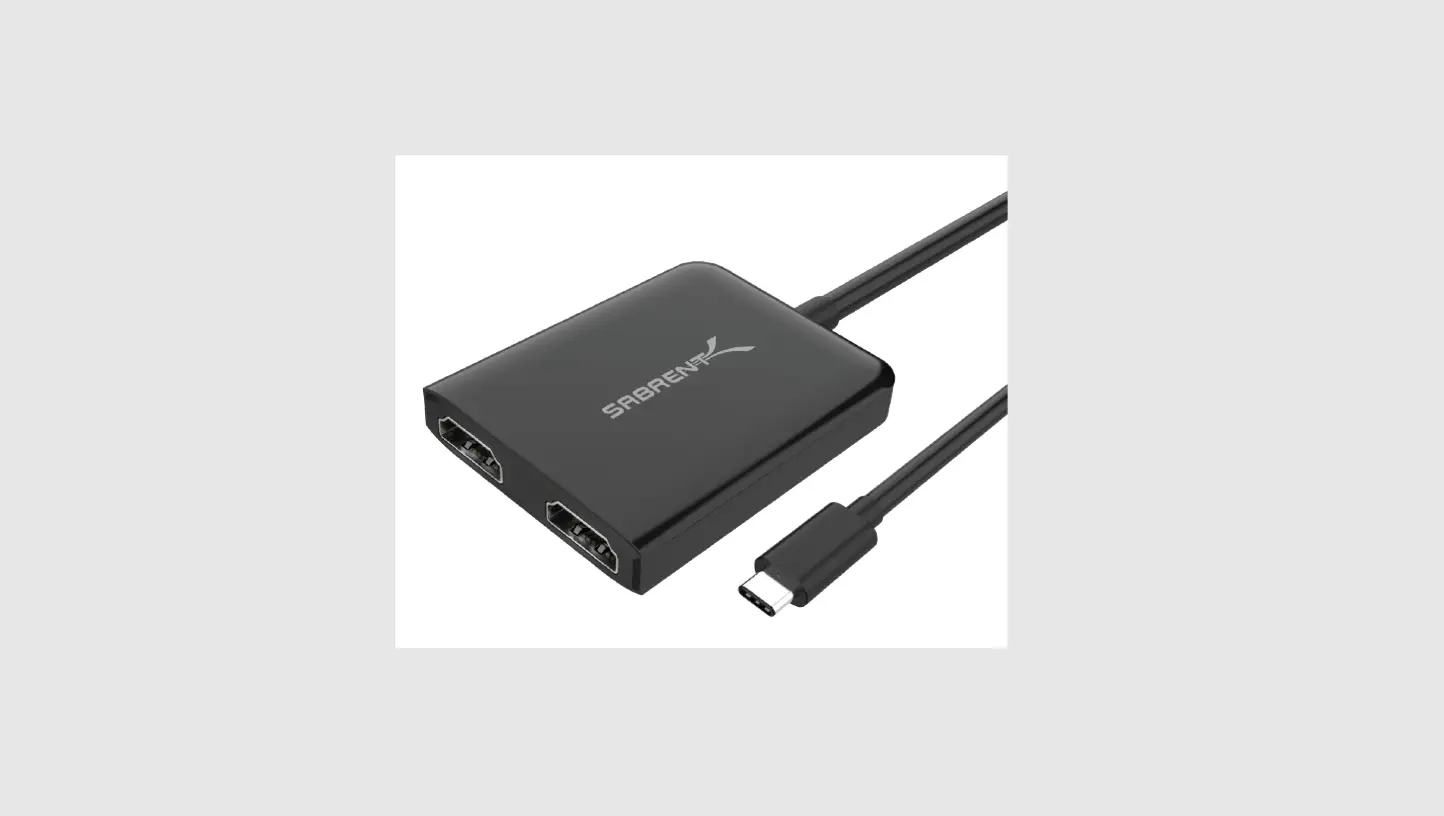
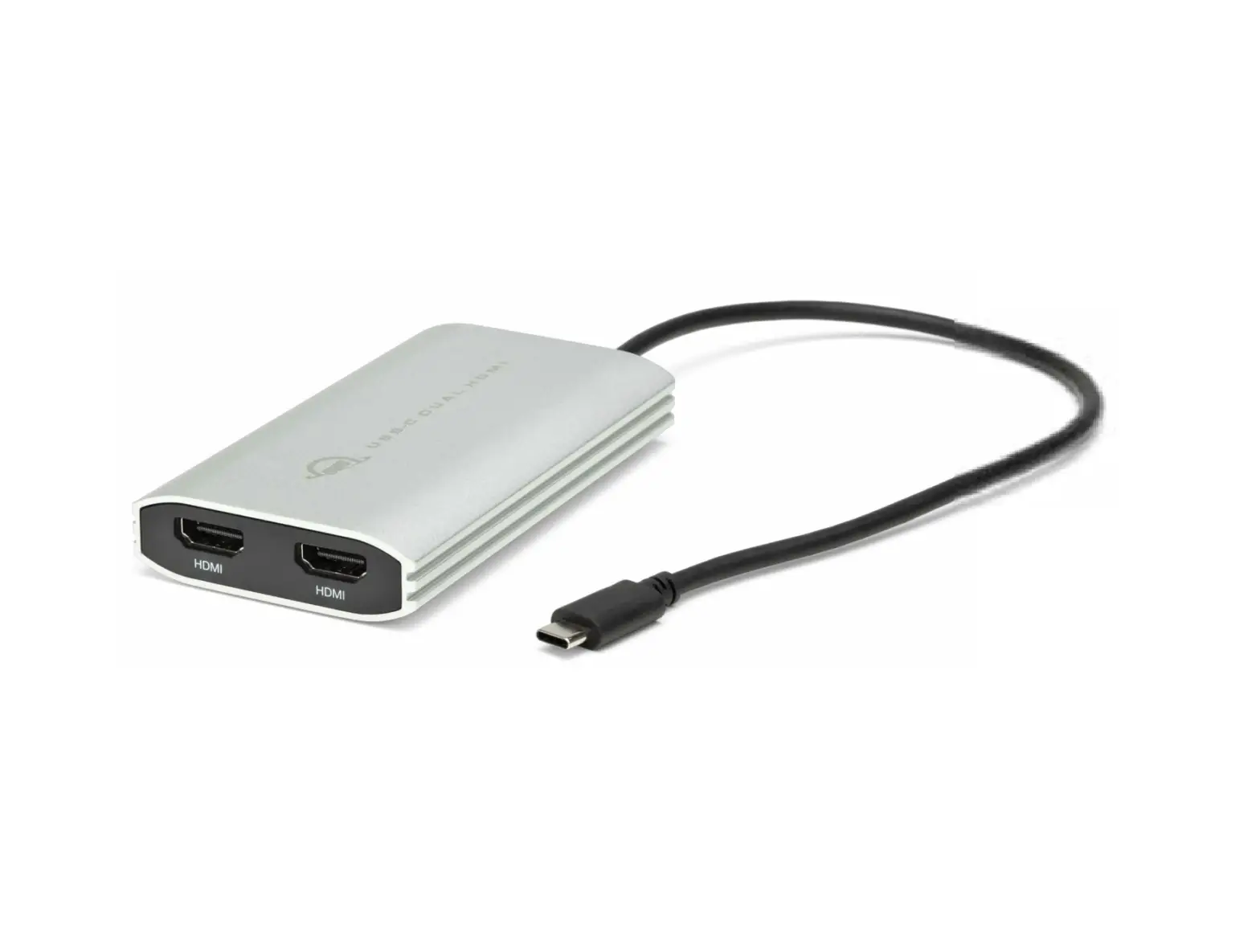
USB-C/USB-A to Dual HDMI – 4K 60Hz – 100W Power Delivery
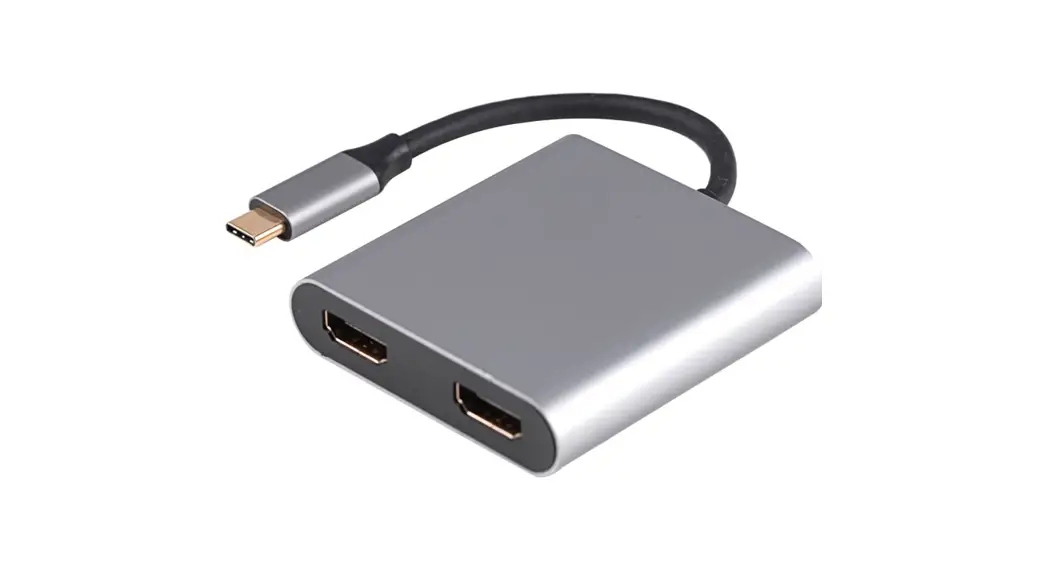
109B-USBC-HDMI USB-C or USB-A to Dual HDMI 4K 60Hz Adapter
Product ID
109B-USBC-HDMI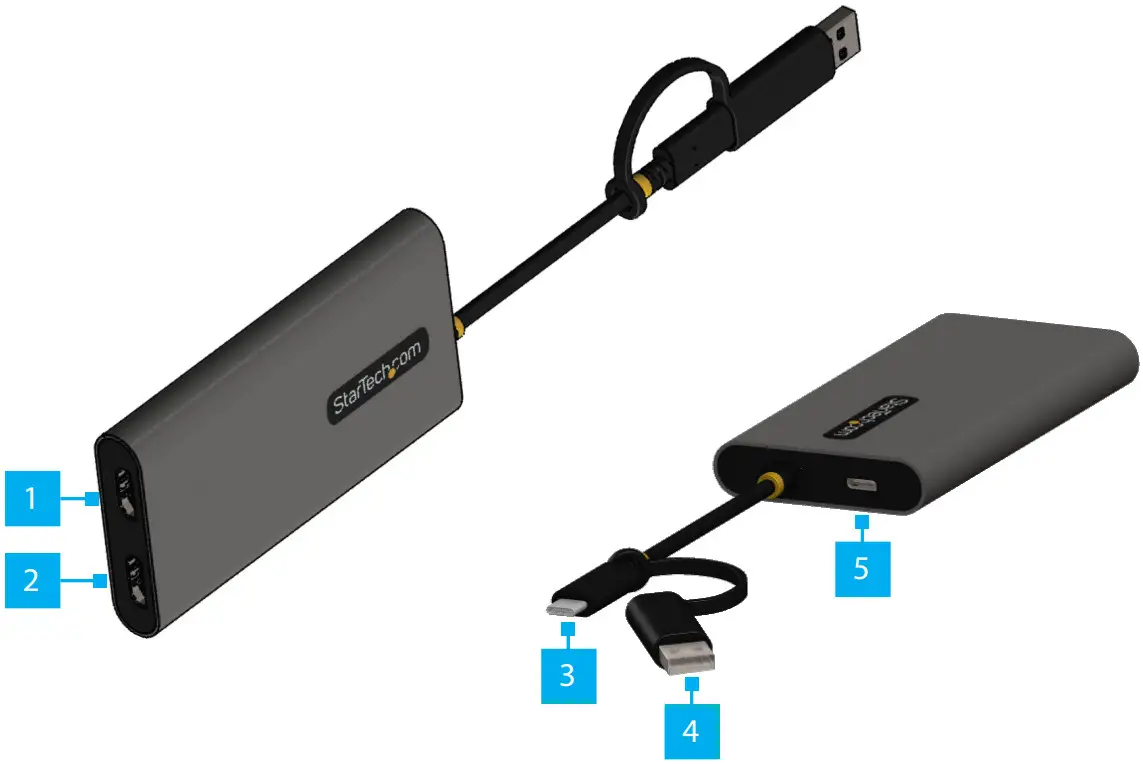
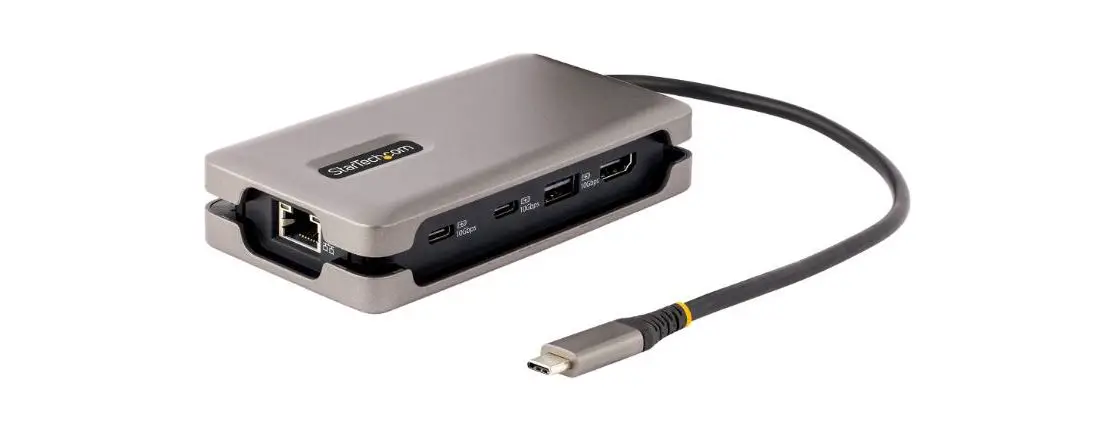
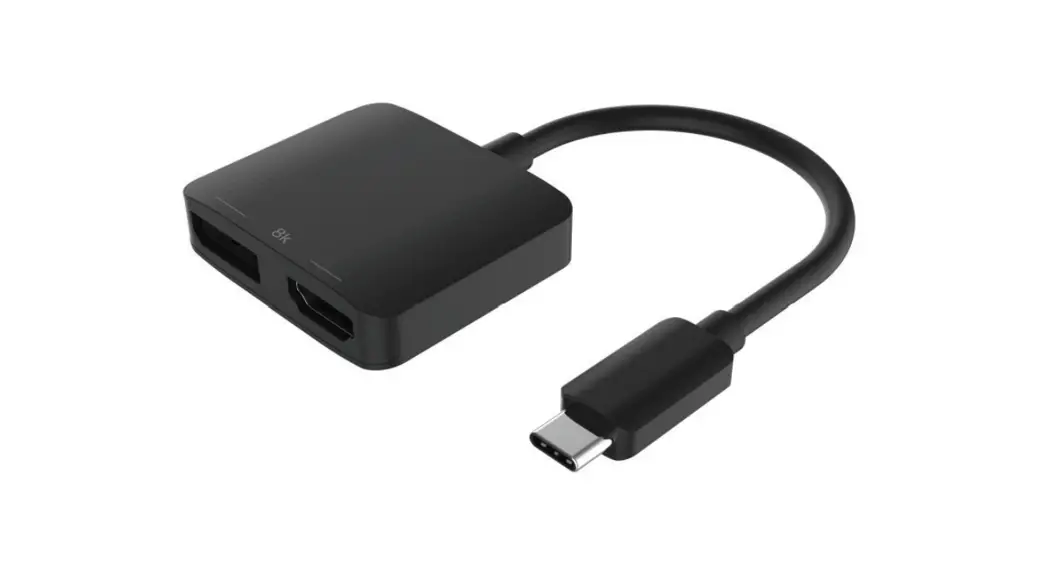
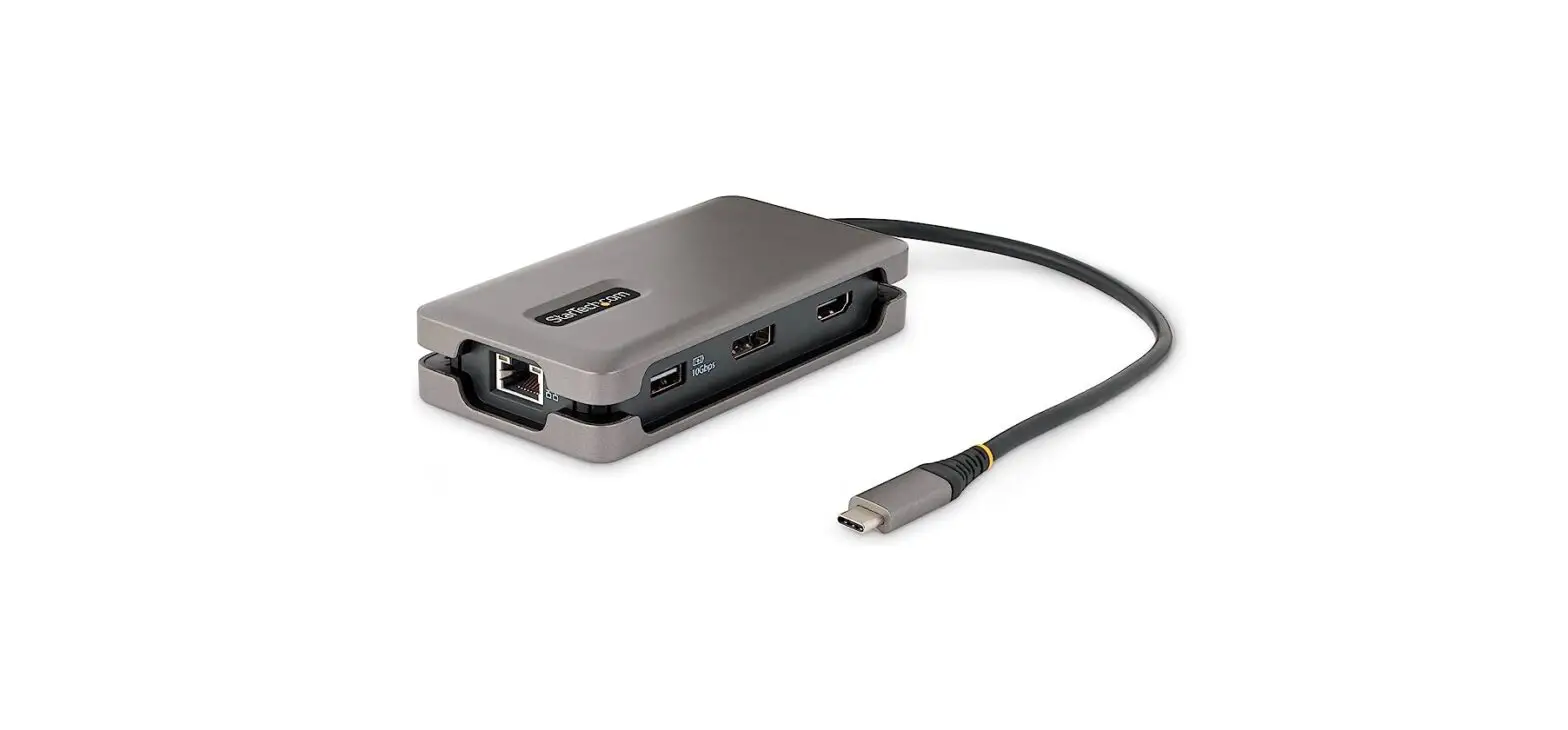
| Component | Function | ||
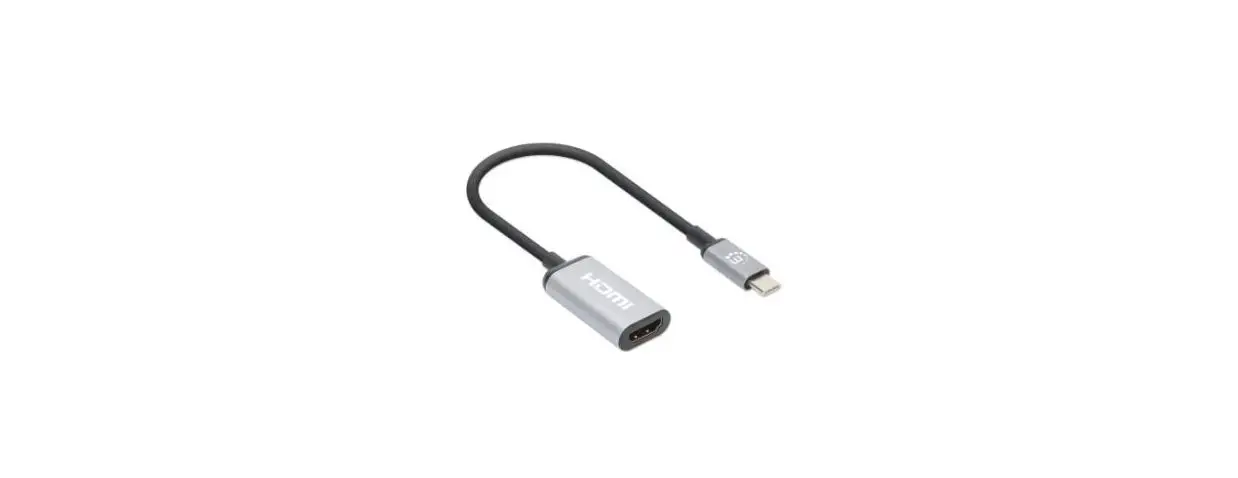
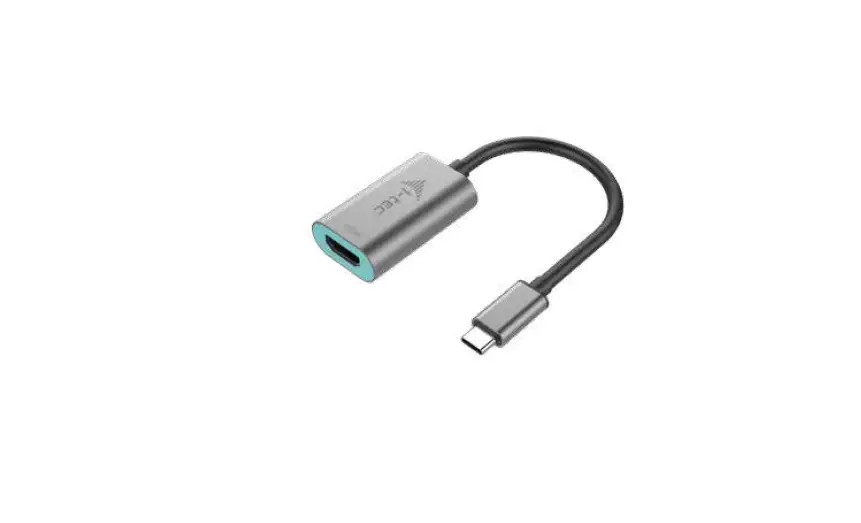
| 1 | HDMI Output 1 | • | Connect to an HDMI Display |
| 2 | HDMI Output 2 | • | Connect to an HDMI Display |
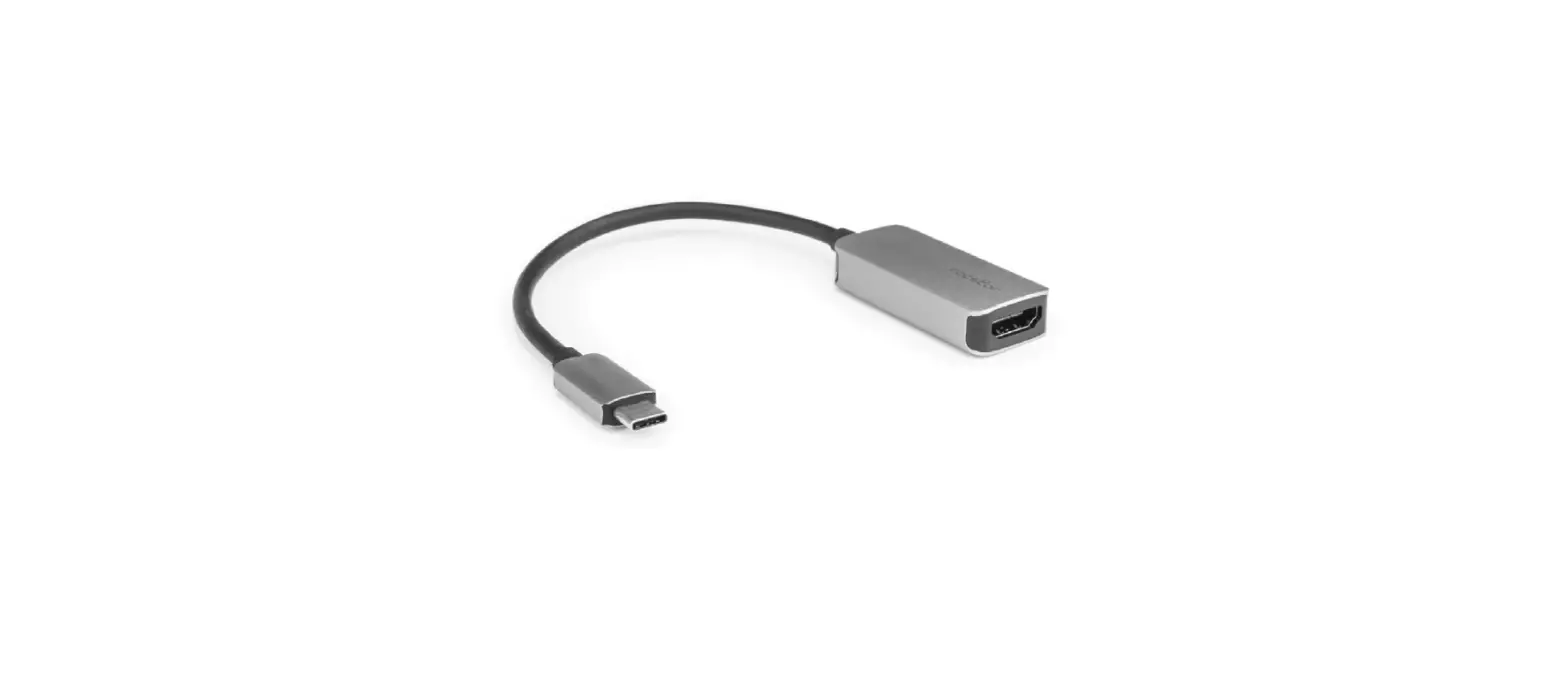
| 3 | USB-C Host Connection | • | Connect to a USB-C Enabled Computer |
| 4 | USB-C to USB-A Adapter | • • | Connect to the USB-C Host Connection to use with a USB-A Enabled Computer |
| 5 | Pass- Delivery through Port | • • | Connect a USB-C Power Adapter USB Power Delivery 3.0 (up to 100W, with up to 90W available for host charging) |
Requirements
For the latest drivers/software, technical specifications, and declarations of conformance, please visit: www.StarTech.com/109B-USBC-HDMI
Package Contents
- USB-C/USB-A to HDMI Adapter x 1
- Quick-Start Guide x 1
Driver Installation
Installation is automatic for Windows 10 & up, and ChromeOS. If the drivers do not auto-install, contact your IT administrator. If you are using macOS or another supported operating system, the latest drivers are available at: www.StarTech.com/109B-USBC-DMI
Note: Operating system requirements are subject to change. For the latest requirements, please visit: www.StarTech.com/109B-USBC-HDMI
Installation
Installing the Video Adapter
- (Optional) Connect a USB-C Power Adapter (up to 100W) from an AC Outlet to the USB-C Power Delivery Pass-through Port, located on the USB Video Adapter, to charge the host computer.
Note: A USB-C Port with Power Delivery on the host is required for PD Pass-through to charge the host. When using the USB-C to USB-A Adapter to connect to a USB-A Host, PD Pass-through is not available. - Connect the USB Host Connection to an available USB-C or USB-A Port on the Host Computer.
- Connect an HDMI Cable (sold separately) from the HDMI Output 1 on the USB Video Adapter, to an HDMI Display.
- Connect an HDMI Cable (sold separately) from the HDMI Output 2 on the USB Video Adapter, to an HDMI Display.
- Arrange the display using the operating system’s Display Settings.
To view manuals, FAQs, videos, drivers, downloads, technical drawings, and more, visit www.startech.com/support.
Regulatory Compliance FCC – Part 15
This equipment has been tested and found to comply with the limits for a Class B digital device, pursuant to part 15 of the FCC Rules. These limits are designed to provide reasonable protection against harmful interference in a residential installation.
This equipment generates, uses and can radiate radio frequency energy and, if not installed and used in accordance with the instructions, may cause harmful interference to radio communications. However, there is no guarantee that interference will not occur in a particular installation. If this equipment does cause harmful interference to radio or television reception, which can be determined by turning the equipment off and on, the user is encouraged to try to correct the interference by one or more of the following measures:
- Connect the equipment into an outlet on a circuit different from that to which the receiver is connected.
- Consult the dealer or an experienced radio/TV technician for help This device complies with part 15 of the FCC Rules. Operation is subject to the following two conditions:
(1) This device may not cause harmful interference, and (2) this device must accept any interference received, including interference that may cause undesired operation. Changes or modifications not expressly approved by StarTech.com could void the ser’s authority to operate the equipment.
Industry Canada Statement
This Class B digital apparatus complies with Canadian ICES-003.
CAN ICES-3 (B)/NMB-3(B)
This device complies with Industry Canada licence-exempt RSS standard(s). Operation is subject to the following two conditions:
- This device may not cause interference, and
- This device must accept any interference, including interference that may cause undesired operation of the device.
Warranty Information
This product is backed by a three-year warranty.
For further information on product warranty terms and conditions, please refer to www.startech.com/warranty.
Limitation of Liability
In no event shall the liability of StarTech.com Ltd. and StarTech.com USA LLP (or their officers, directors, employees or agents) for any damages (whether direct or indirect, special, punitive, incidental, consequential, or otherwise), loss of profits, loss of usiness, or any pecuniary loss, arising out of or related to the use of the product exceed the actual price paid for the product. Some states do not allow the exclusion or limitation of incidental or consequential damages. If such laws apply, the limitations or exclusions contained in this statement may not apply to you.

| StarTech.com Ltd. 45 Artisans Cres London, Ontario N5V 5E9 Canada | StarTech.com LLP 4490 South Hamilton Road Groveport, Ohio 43125 U.SA. | StarTech.com Ltd. Unit B, Pinnacle 15 Gowerton Rd, Brackmills, Northampton NN4 7BW United Kingdom | StarTech.com Ltd. Siriusdreef 17-27 2132 Wi Hoofddorp, The Netherlands | FR: startech.com/fr DE: startech.com/de ES: startech.com/es NL: startech.com/nl IT: startech.com/it JP: startech.com/jp |
 StarTech.com | IT Pro's Trusted Source for Connectivity Accessories
 USB-C to Dual-HDMI Adapter, 4K 60Hz, PD - USB-C Display Adapters | StarTech.com
 You | Fabricant de cuisines aménagées & salles de bains sur-mesure