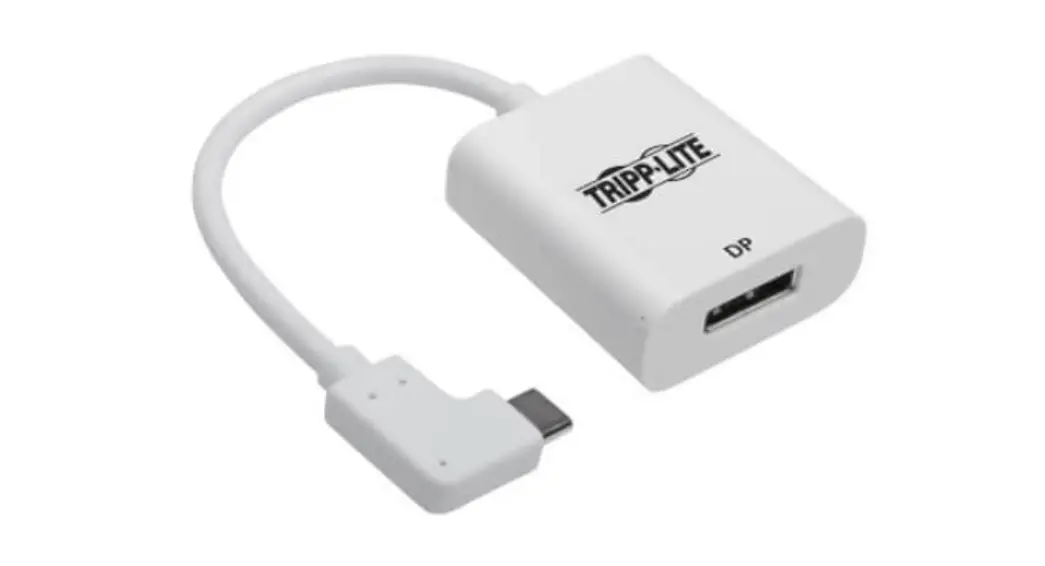
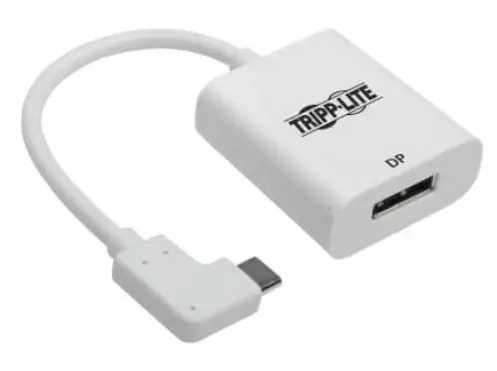
 Right-Angle USB-C to Displayport 4K 60Hz Adapter
 MODEL NUMBER: U444-06N-DP-RA
 |  |
 |  |
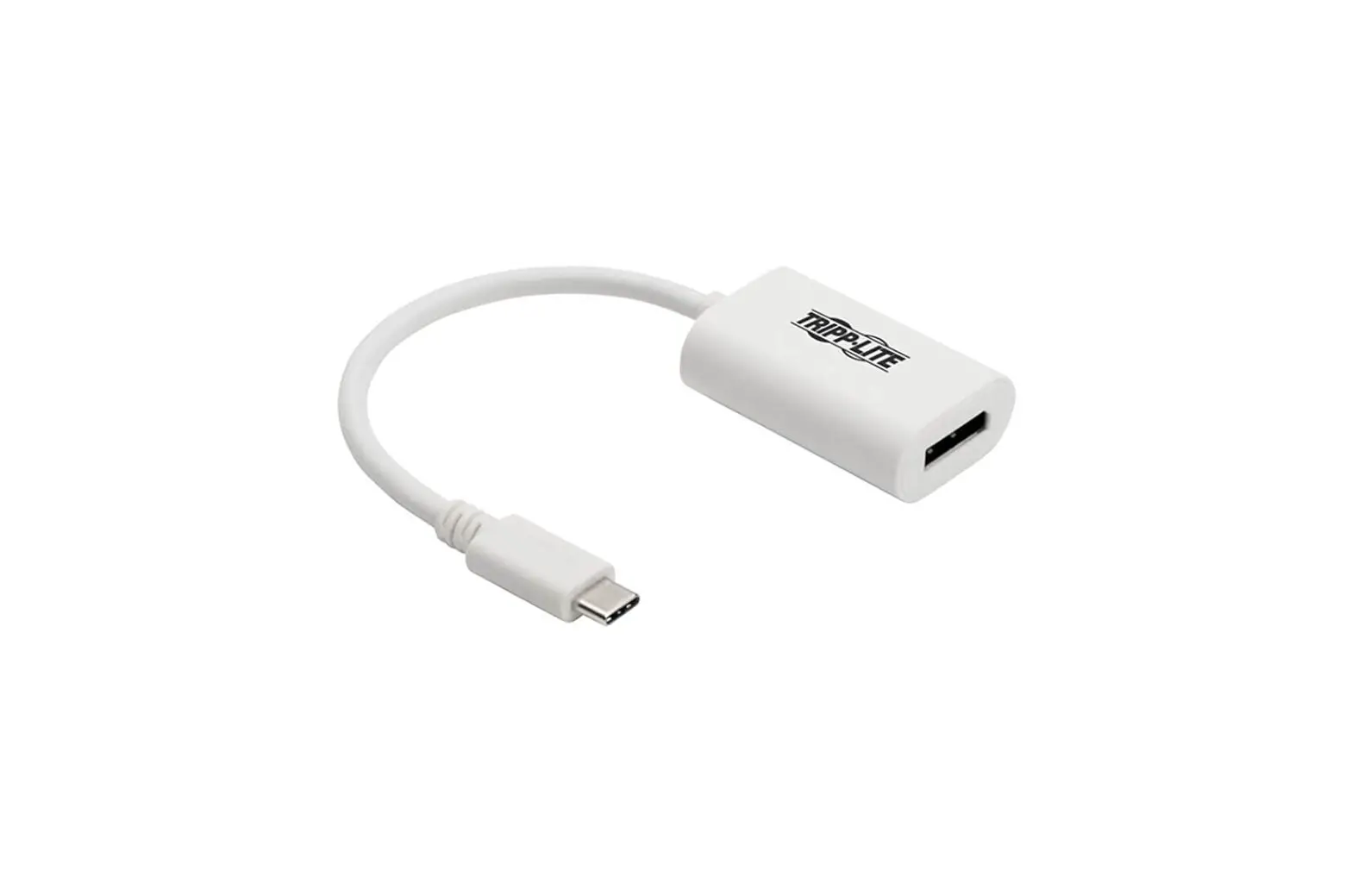
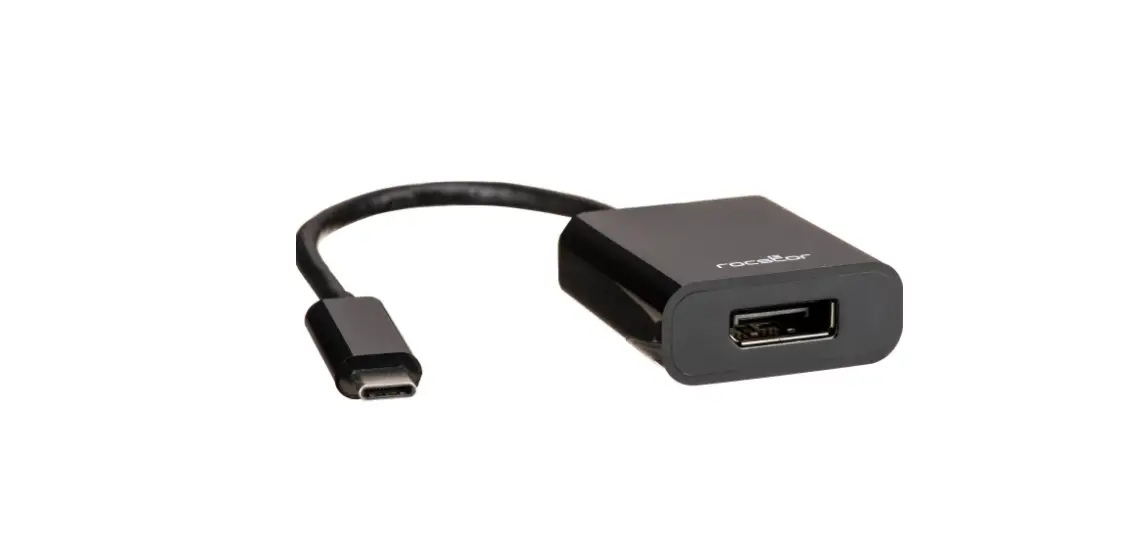
USB-C to DisplayPort converter connects a DP monitor to your tablet, MacBook, Chromebook, or smartphone’s USB-C or Thunderbolt 3 port.
Features
Right-Angle USB-C to DisplayPort Adapter Connects to Your Laptop’s USB-C or Thunderbolt 3 Port
This USB Type-C to DisplayPort adapter connects a DisplayPort (DP) monitor to the USB-C or Thunderbolt 3 port on your computer, tablet, laptop, notebook, MacBook, Chromebook, Ultrabook, or smartphone. It’s an ideal connector for multitasking, presenting video at trade shows and conferences, editing documents, playing online games, and watching movies on a larger screen. It saves you money by allowing you to use your existing DP display instead of buying a new one.
Supports USB-C DisplayPort Alternate Mode for Transmitting Audio/Video Signals
By connecting the USB-C cable to a source device that supports USB DisplayPort Alt Mode, you can output 4K video and digital audio to a compatible monitor, television, or projector without installing special software drivers.
Transmits Crystal-Clear 4K Video and Digital Audio to a DisplayPort Monitor
To send Ultra High Definition video and digital audio to a DisplayPort television, projector, or monitor, connect the DP port to the display using a DP cable (such as Tripp Lite’s P580-Series, sold separately). The DP port supports Ultra HD video resolutions up to 4096 x 2160 (4K x 2K) at 60 Hz, as well as 36-bit Deep Color (12 bits per channel). The USB-C to DisplayPort 1.2 cable transfers data at rapid USB 3.1 Gen 1 speeds up to 5
Gbps.
Reversible USB-C Connector Attaches in Either Direction
Unlike traditional USB cables that connect in only one direction, the reversible USB-C male connector plugs into a USB-C or Thunderbolt 3 port in either direction for a fumble-free connection every time.
Right-Angle USB-C Plug Makes Connecting in Tight Spaces Easier
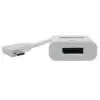
The space-saving right-angle USB-C plug is easy to install in confined spaces, such as behind your computer desk or workstation. The right-angle construction also relieves strain on the cable and connector and prevents the cable from bending awkwardly.
Ready to Use Right from the Package, So You Can Plug and Play Immediately
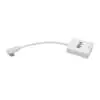
The plug-and-play USB Type-C to DisplayPort cable requires no software or drivers to download and install. Just connect the right-angle USB-C plug to the USB-C or Thunderbolt 3 port on a source device that supports USB DisplayPort Alternate Mode. The six-inch adapter fits into your laptop bag, purse, or briefcase for connecting to DisplayPort monitors anywhere. It’s backward compatible with previous USB generations,
so you can use it with legacy equipment.
Highlights
- Transmits audio/video signals from sources supporting USB DisplayPort Alt Mode
- Delivers UHD picture quality at resolutions up to 4096 x 2160 (4K) @ 60 Hz
- Supports USB 3.1 Gen 1 speeds up to 5 Gbps to ensure fast data transfers
- Right-angle USB-C plug allows easier connection in confined or hard-to-reach spaces
- Plug-and-play operation with no software required for easy, immediate installation
Applications
- Connect your laptop to a DisplayPort monitor in a lecture hall or conference room for a video presentation
- Add a secondary monitor to the MacBook, Chromebook, or laptop in your office or home workspace
- Stream online video or games from your computer on a large DisplayPort monitor
System Requirements
- Source devise with USB-C or Thunderbolt 3 port that supports USB DisplayPort Alternate Mode (USB 3.1 Gen 1 compatibility required to achieve USB 3.1 Gen 1 speeds)
- Display devise with DisplayPort input
Package Includes
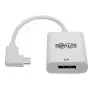
- U444-06N-DP-RA Right-Angle USB-C to DisplayPort Adapter, M/F, White
- Quick Start Guide
Specifications
OVERVIEW | |
| UPC Code | 037332214164 |
| Technology | DisplayPort; USB; USB 3.1 (Gen 1) |
VIDEO | |
| Max Supported Video Resolution | 4096 x 2160 @ 60Hz |
| Max Supported Color Depth | 36-bit Deep Color |
| HDR Support | Yes |
INPUT | |
| Bus Powered | Yes |
| Product Length (in.) | 6 |
| Product Length (cm.) | 15.2 |
| Product Length (ft.) | 0.5 |
| Product Length (m.) | 0.2 |
BATTERY | |
| Battery Charging (5V/1.5A Port) | No |
USER INTERFACE, ALERTS & CONTROLS | |
| LED Indicators | N/A |
PHYSICAL | |
| Color | White |
| Cable Jacket Rating | VW-1 |
| Material of Construction | PVC, ABS |
| Unit Dimensions (hwd / cm) | 1.5 x 4.2 x 3.7 |
| Unit Dimensions (hwd / in.) | 0.6 x 1.6 x 1.5 |
| Unit Packaging Type | Box |
| Unit Weight (kg) | 0.03 |
| Unit Weight (lbs.) | 0.07 |
ENVIRONMENTAL | |
| Operating Temperature Range | 32 to 113 F (0 to 45 C) |
| Storage Temperature Range | 14 to 158 F (-10 to 70 C) |
| BTUs | 2.9 BTU/Hr |
| Power Consumption (Watts) | 0.85 |
| Operating Humidity Range | 10% to 85% RH, Non-Condensing |
| Storage Humidity Range | 5% to 90% RH, Non-Condensing |
CONNECTIONS | |
| Ports | 1 |
| Side A – Connector 1 | USB C (MALE) – RIGHT ANGLE |
| Side B – Connector 1 | DISPLAYPORT (FEMALE) |
| Connector Plating | Nickel |
FEATURES & SPECIFICATIONS | |
| Displayport Specification | 1.2 |
| HDCP Specification | 2.2 |
| USB Specification | USB 3.0 (up to 5 Gbps); USB 3.1 Gen 1 (up to 5 Gbps) |
| Driver Required | No |
STANDARDS & COMPLIANCE | |
| Certifications | Tested to CE, FCC, RoHS, REACH |
WARRANTY | |
| Product Warranty Period (Worldwide) | 3-year limited warranty |
© 2021 Tripp Lite. All rights reserved.
All product and company names are trademarks or registered trademarks of their respective holders. Use of them does not imply any affiliation with or endorsement by them. Tripp Lite has a policy of continuous improvement. Specifications are subject to change without notice.
Tripp Lite uses primary and third-party agencies to test its products for compliance with standards. See a list of Tripp Lite’s testing agencies:
https://www.tripplite.com/products/product-certification-agencies
 Product Certification Agencies | Eaton