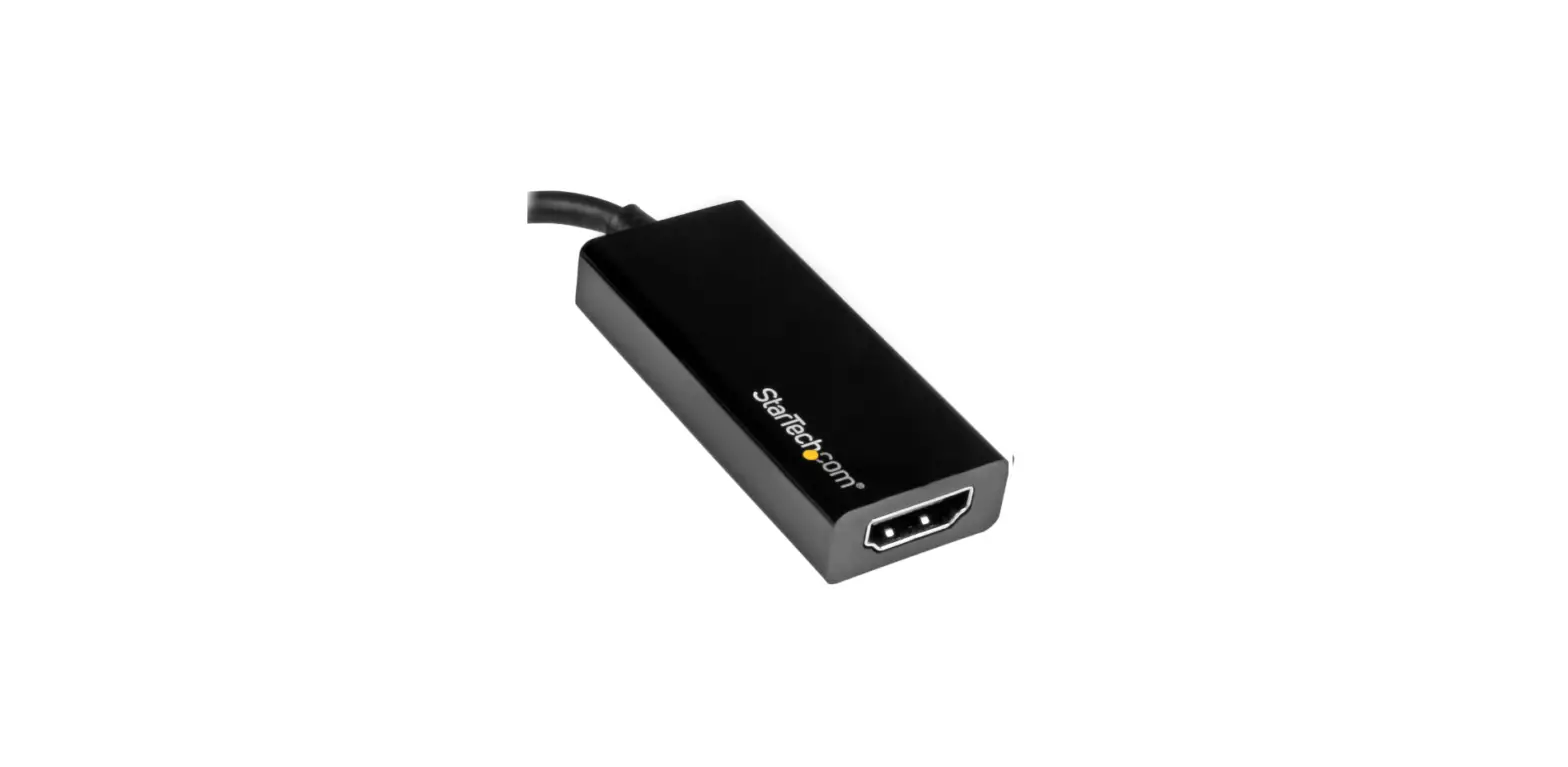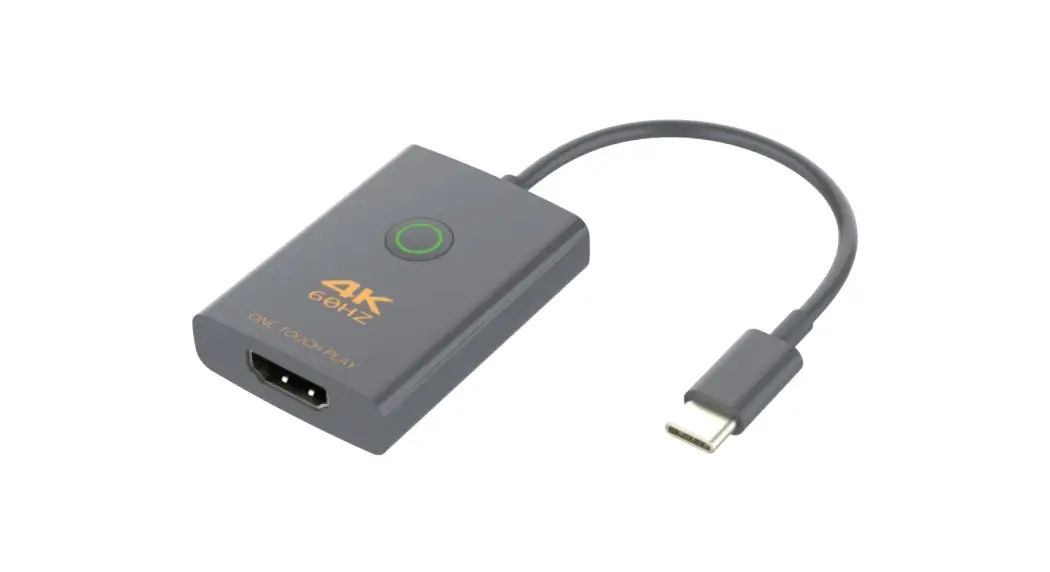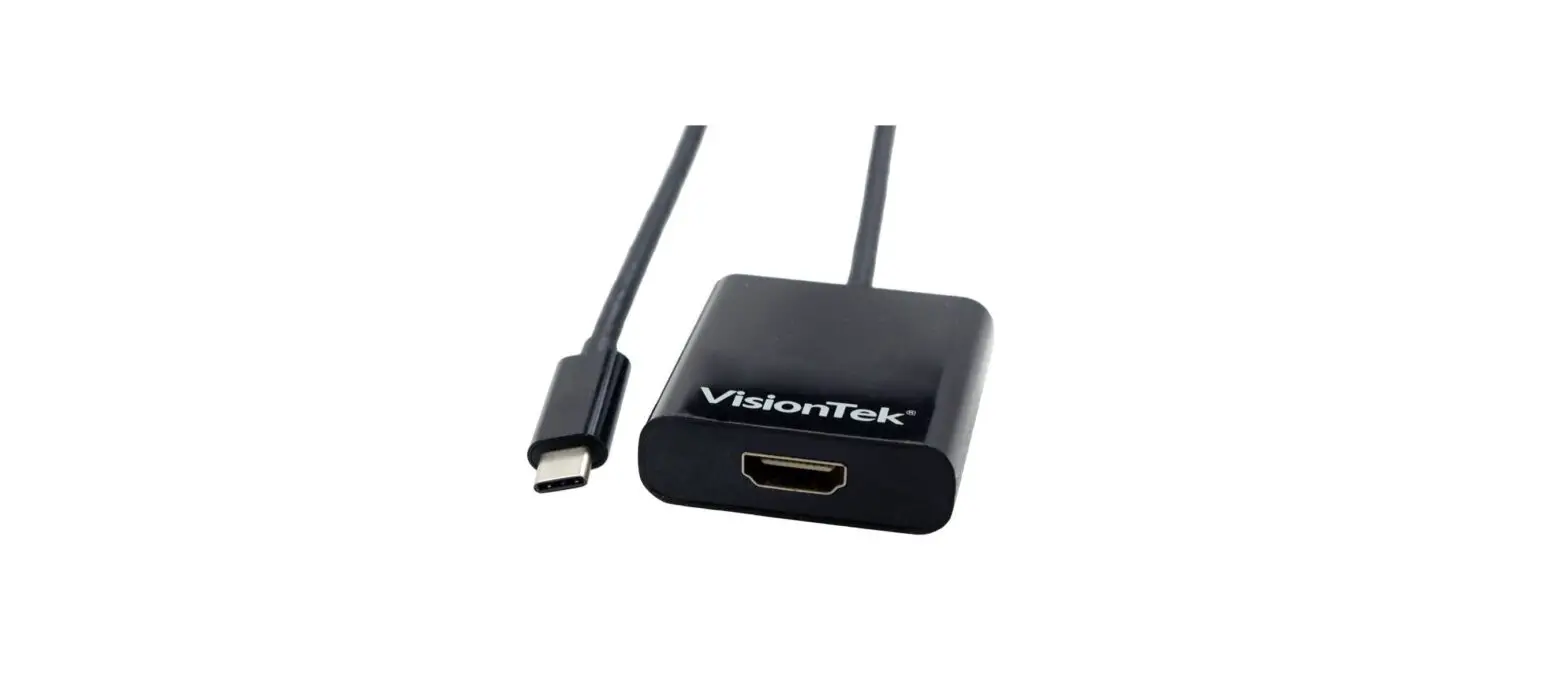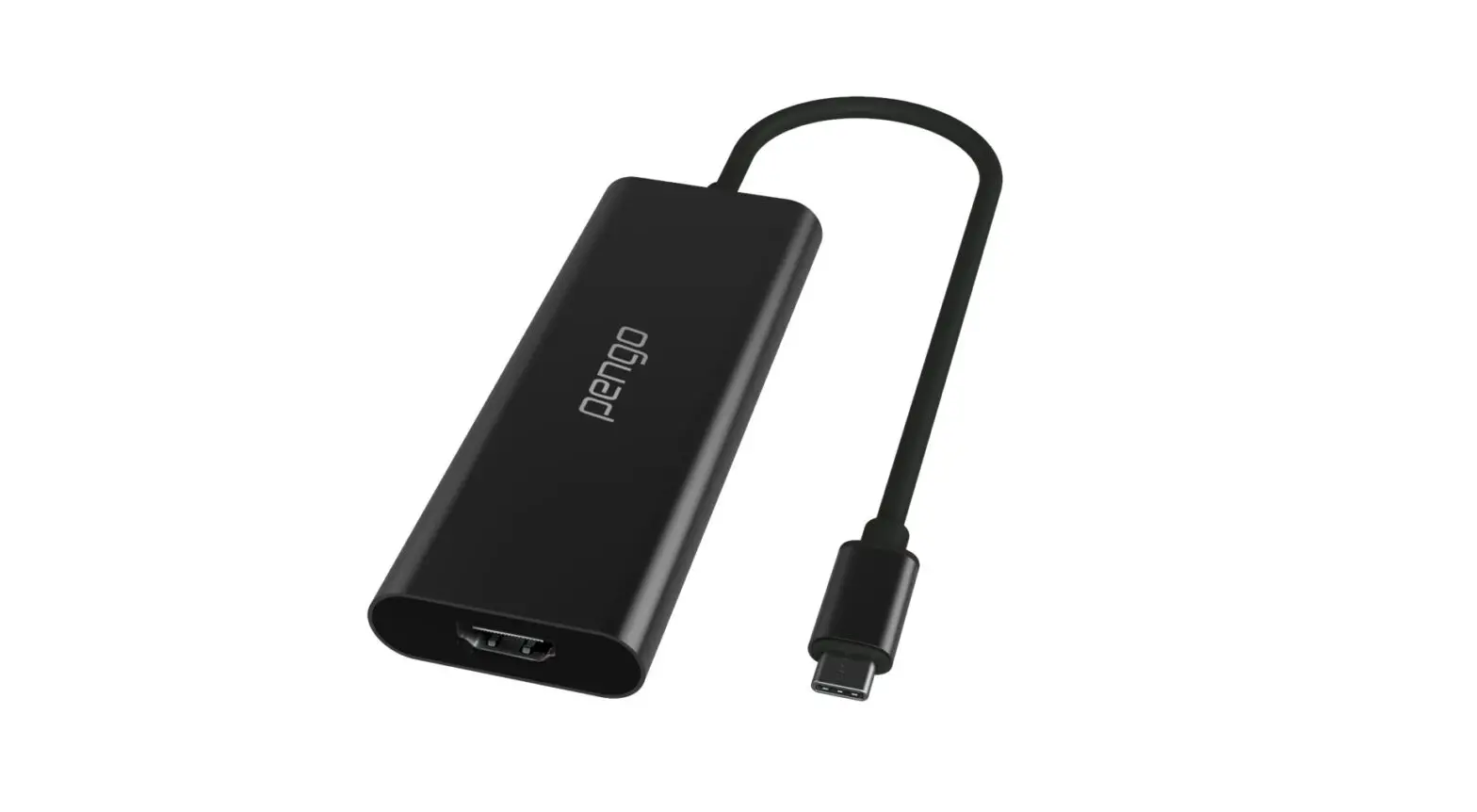

HDMI to USB-C 4K GRABBER
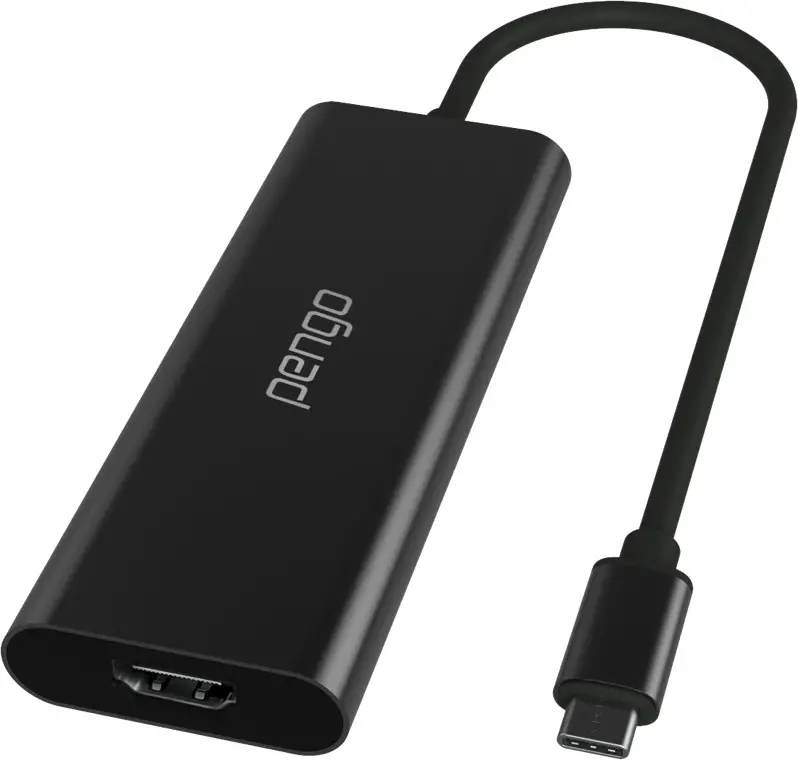
User manual
(v.9)
Introduction
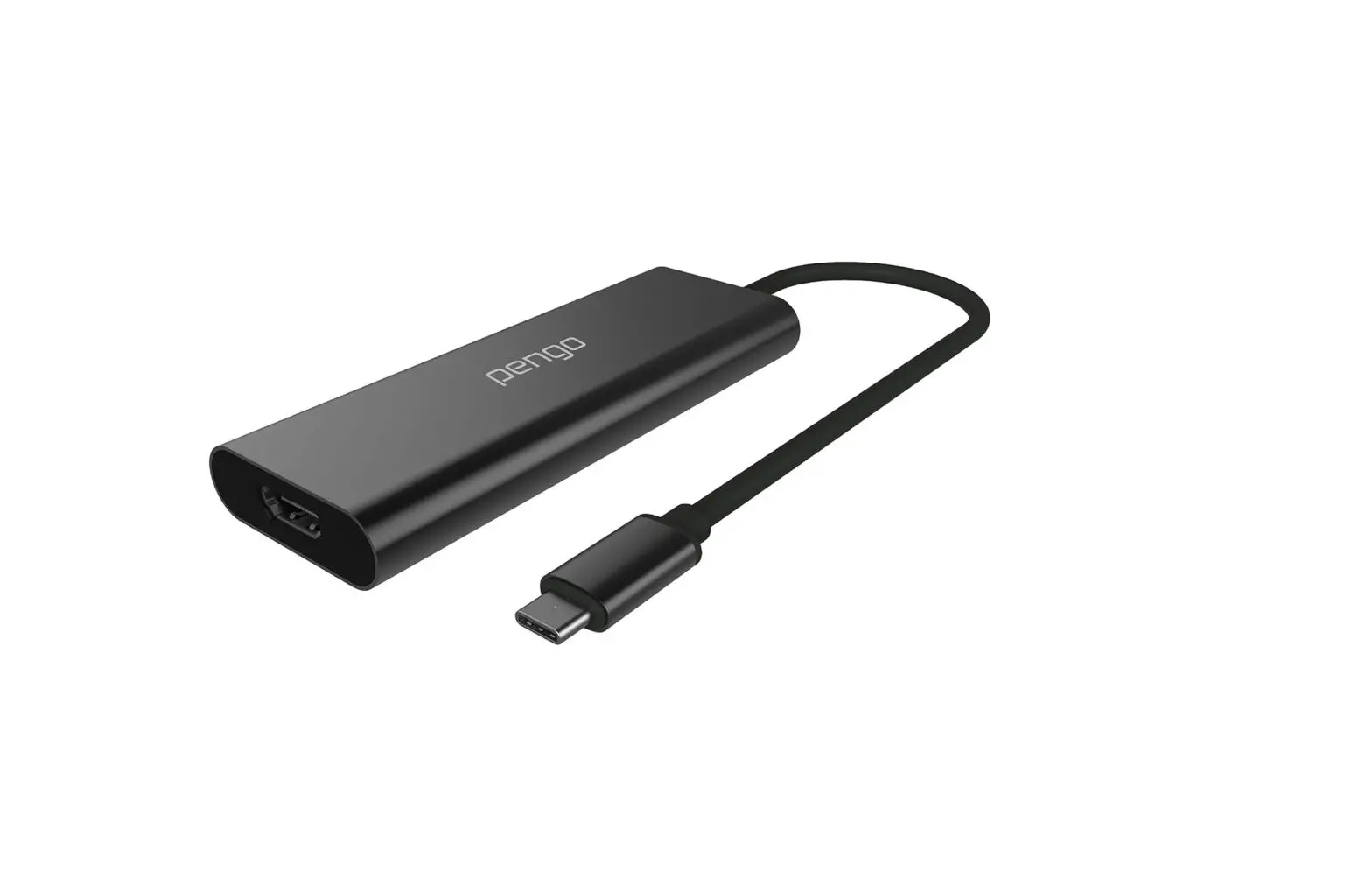
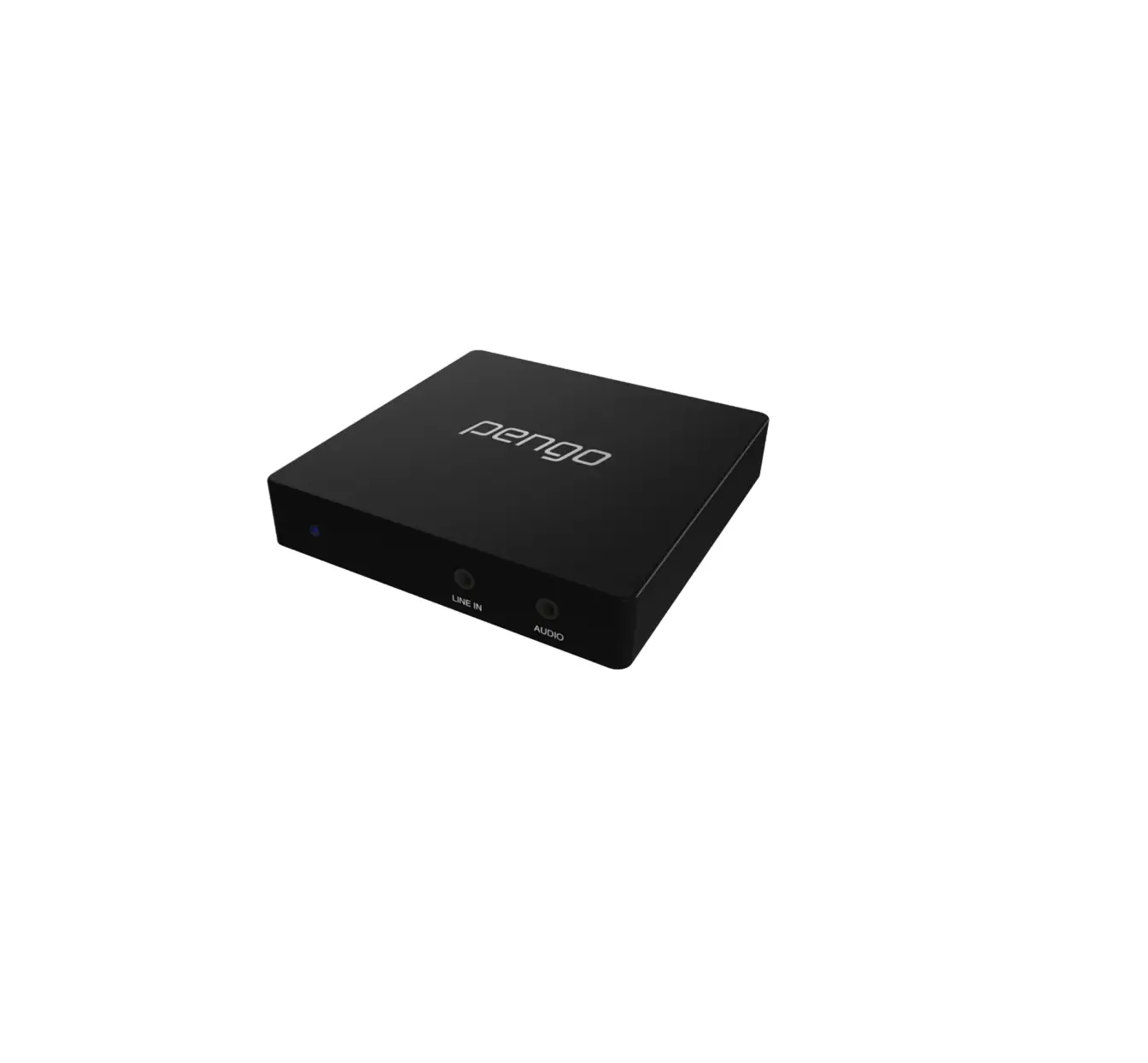
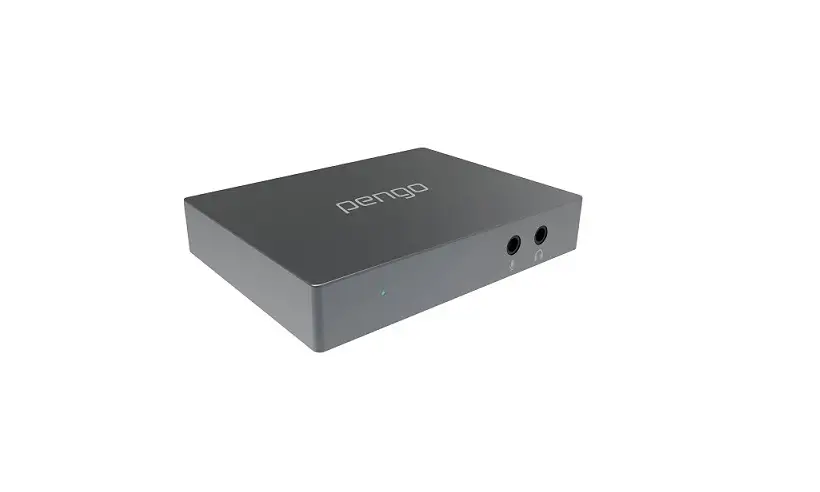
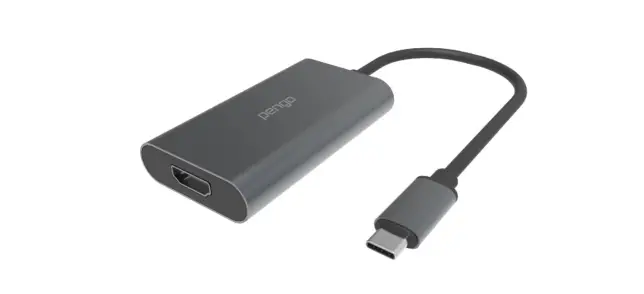
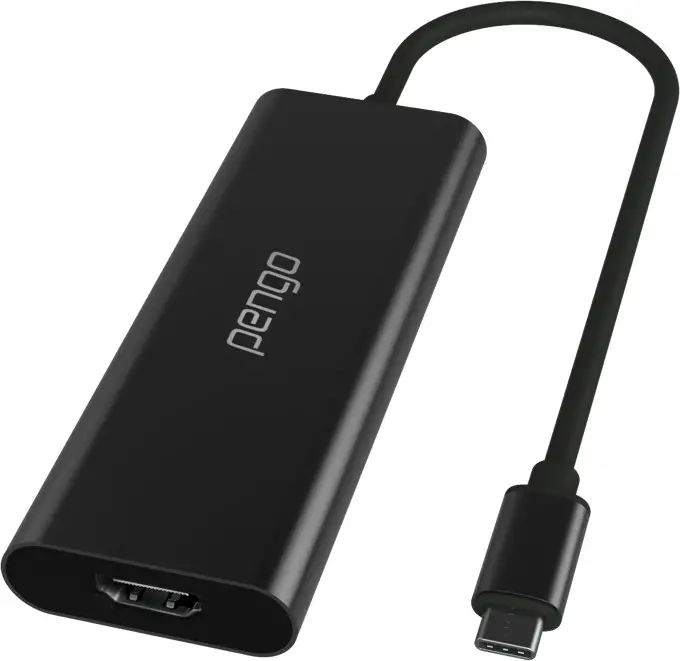
Pengo HDMI to USB-C 4K Grabber is designed to capture 4K UHD video, allowing the user to plug-in various 4K HDMI output devices (such as PS4, XBOX, Switch, camera, etc.) and uplink 4K UHD 30Hz data to the computer through the USB terminal. Streaming media made easy, capture every sound and movement. It will not affect your computer’s performance, while maintaining a resolution up to 4K at 30 fps.

Features
- Supports HDMI 2.0 Standard up to 3840 x 2160p @ 60fps
- Supports video capture at 3840 x 2160p @ 30fps
- Supports deep color (36-bit color)
- Supports HDR input
- Supports USB 3.0
- Supports UVC 1.0
- Supports USB C connector
- Supports USB port power supply, no need for an external power supply
- Compatible with third-party applications, such as QuickTime, OBS, XSplit, vMix, etc.
Inside the box
- Pengo HDMI to USB-C 4K Grabber x
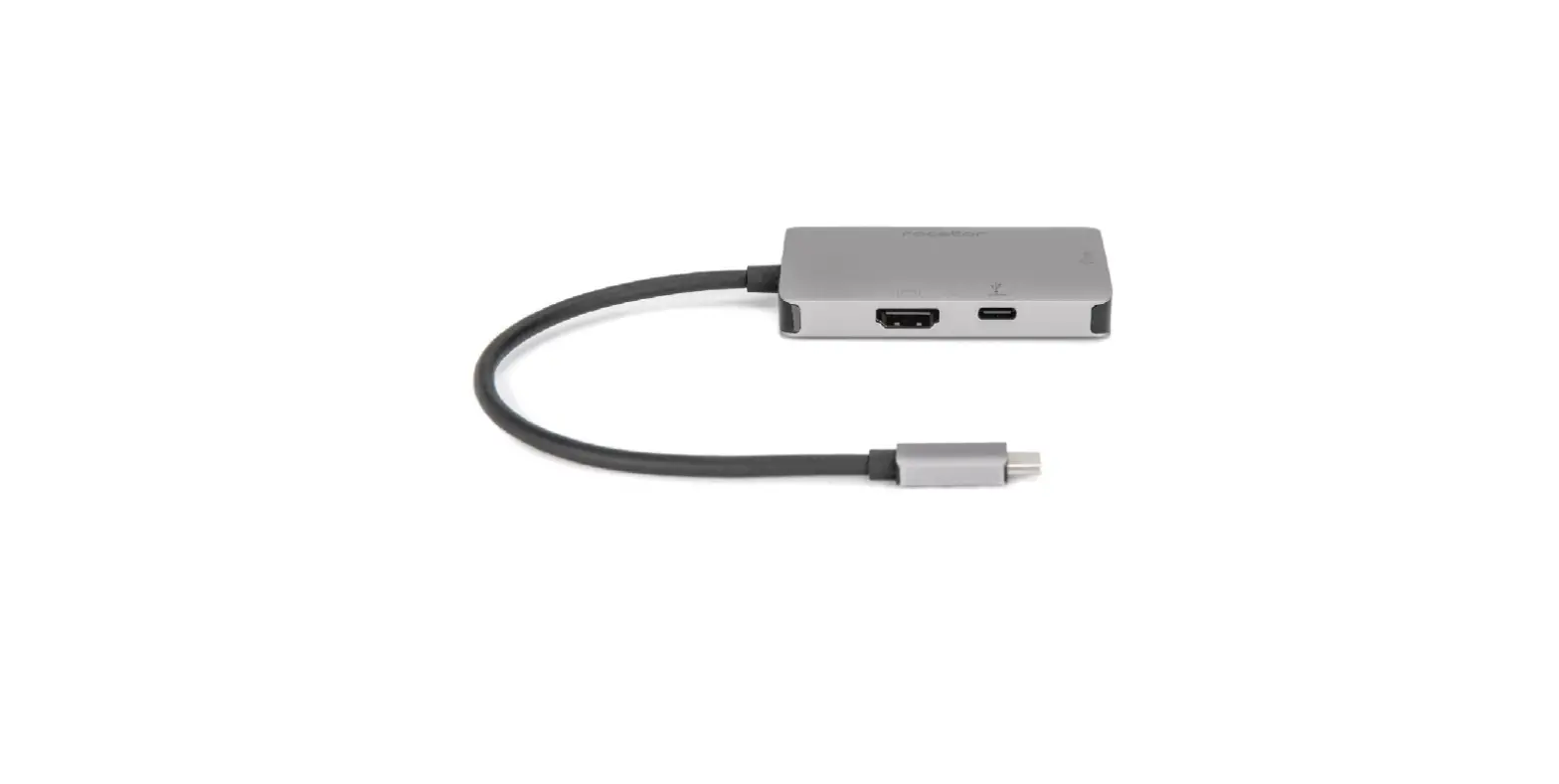
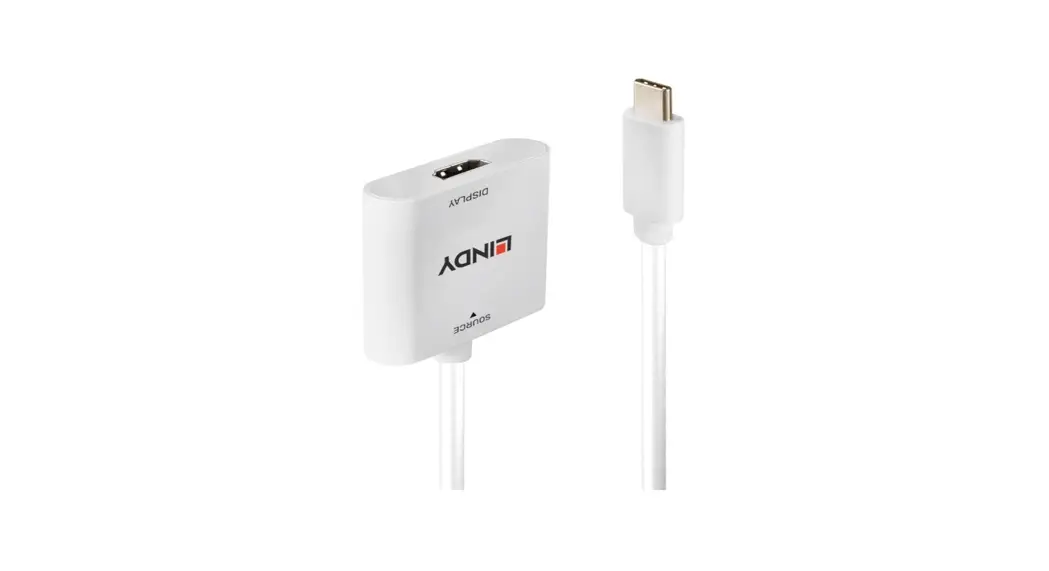
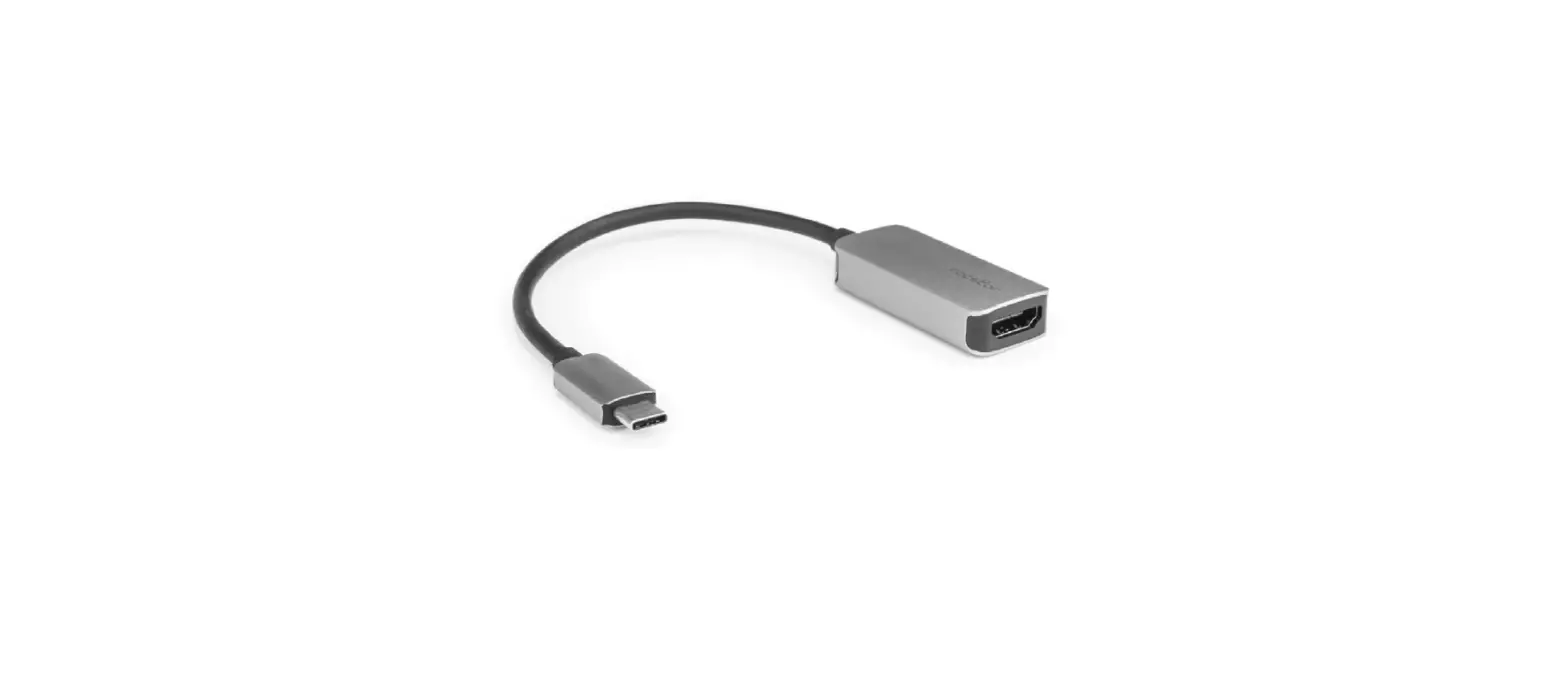
- USB-C (female) to USB-A (male) adapter x 1
Specifications
| MODEL NAME | HDMI to USB-C 4K Grabber | ||
| INPUT INTERFACE | 1 x HDMI 2.0 Type A | ||
| OUTPUT INTERFACE | 1 x USB Type C (SuperSpeed) UVC | ||
| INPUT RESOLUTION | 3840x2160p 60/50/30/25/24Hz 16:9 | ||
| 1920x1080p 120/60/50/30/25/24Hz 16:9 | |||
| 1920x1080i 60/50Hz 16:9 2560x1440p 60Hz 16:9 | |||
| 1280x720p 60/50Hz 16:9 720x576p 50Hz 16:9 | |||
| 720x576p 50Hz 4:3 720x480p 60Hz 16:9 | |||
| 720x480p 60Hz 4:3 640x480p 60Hz 4:3 | |||
| 720(1440)x576i 50Hz 16:9 720(1440)x576i 50Hz 4:3 | |||
| 720(1440)x480i 60Hz 16:9 720(1440)x480i 60Hz 4:3 | |||
| CAPTURE RESOLUTION | USB3.0 | NV12 | YUYV |
| 3840x2160p 30 Hz | 2560x1440p 50 Hz | ||
| 2560x1440p 60 Hz | 1920x1080p 60/50/30/25 Hz | ||
| 1920x1080p 120/60/50/30/25 Hz | 1280x720p 60 Hz | ||
| 1280x720p 60 Hz | 720x480p 60 Hz | ||
| 720x480p 60 Hz | 720x576p 50 Hz | ||
| 720x576p 50 Hz | 640x480p 60 Hz | ||
| 640x480p 60 Hz | |||
| USB2.0 | 1280x720p 30 Hz | 720x576p 50 Hz | |
| 720x576p 50 Hz | 720x480p 60 Hz | ||
| 720x480p 60 Hz | 640x480p 60 Hz | ||
| 640x480p 60 Hz | |||
| COLOR SAMPLING | RGB, YUV (YCbCr444, YCbCr422, YCbCr420) | ||
| VIDEO FORMAT | NV12 , YUW | ||
| UAC AUDIO OUTPUT | Stereo / 16-bit PCM encoded audio at 48KHz sampling rates | ||
| SYSTEM | CPU: i5 Dual Core 2.8GHz or higher | ||
| REQUIREMENTS | RAM: 4GB or higher | ||
| OS: Windows (8 and above), MacOS (10.13 and above) | |||
| ENVIRONMENT | Operating Temperature 0-45°C | ||
| Operating Humidity 20-90% | |||
| DIMENSION | 42 x 352 x 13.5 mm (W xLxH including cable length) | ||
| WEIGHT | 60 G | ||
| COLOR | Black | ||
| ACCESSORIES | USB-C to USB-A 3.0 Adapter | ||
| PRODUCT NUMBER | 8RGRA-H01C01SOPE | ||
| EAN NUMBER | 4718009820500 | ||
| • DOES NOT CAPTURE HDCP CONTENT (ex: DVD, BlueRay player) | |||
System requirements
CPU: i5 Dual Core 2.8GHz or higher
RAM: 4GB or higher
OS: Microsoft Windows 8.1/10 MacOS (10.13 and above)
Installation
- Connect Pengo HDMI to USB-C 4K Grabber into the computer via USB 3.0 Port.
- Plug in your devices (ie: PS4 Pro, Xbox One X, Camcorder) with an HDMI Cable into the HDMI input port.
Operating Instructions (Windows with OBS)
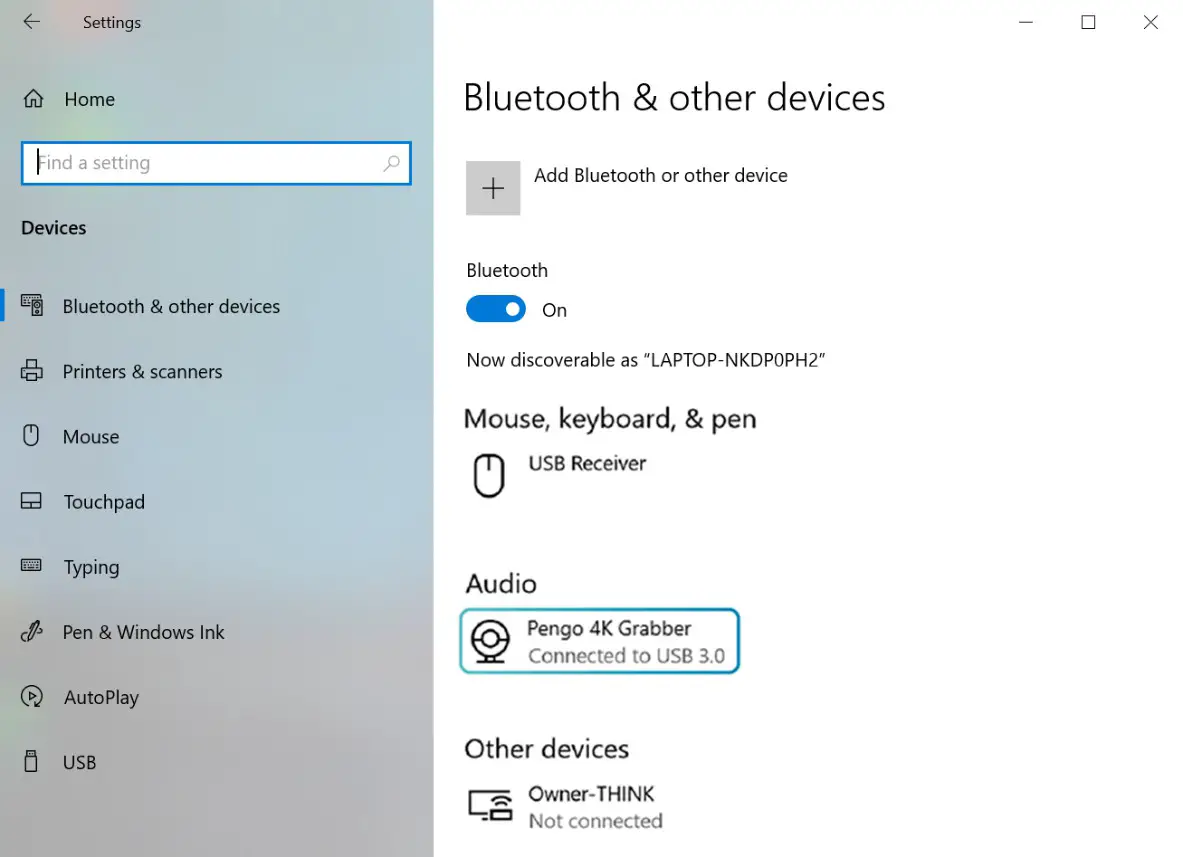
- After plugging in your device, go to [Windows Settings] and then go under [BT and Other Devices] and make sure Pengo 4K Grabber is detected

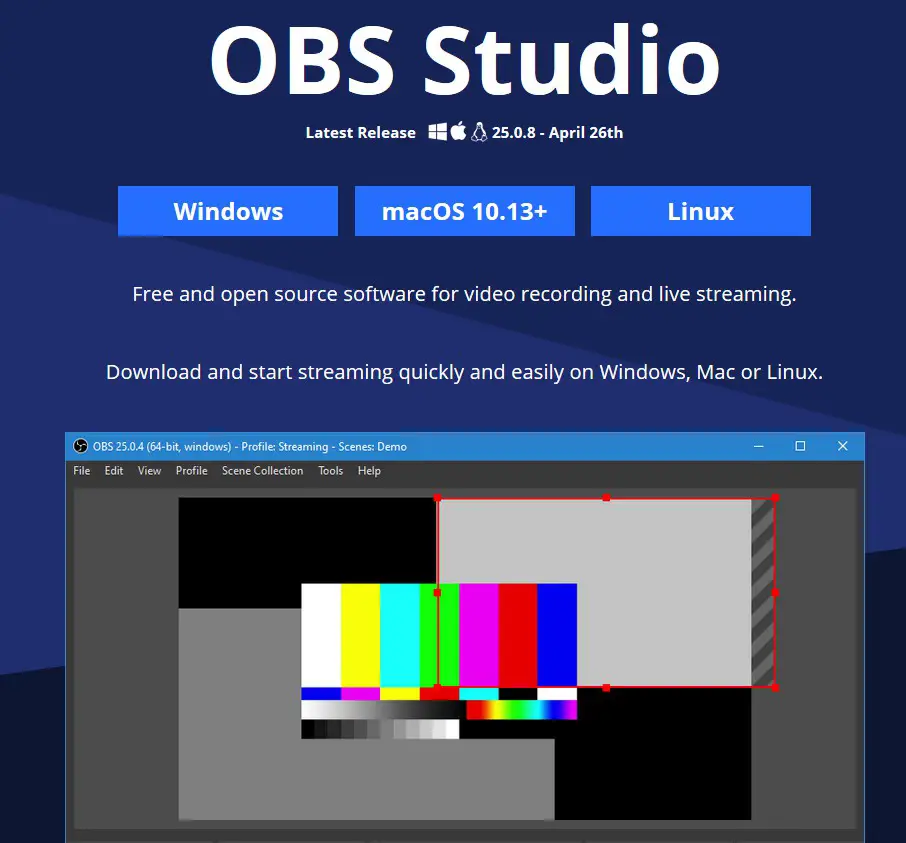
- Download OBS Studio: https://obsproject.com/ (OBS-Studio-25.0.8-Full-Installer-x64.exe)

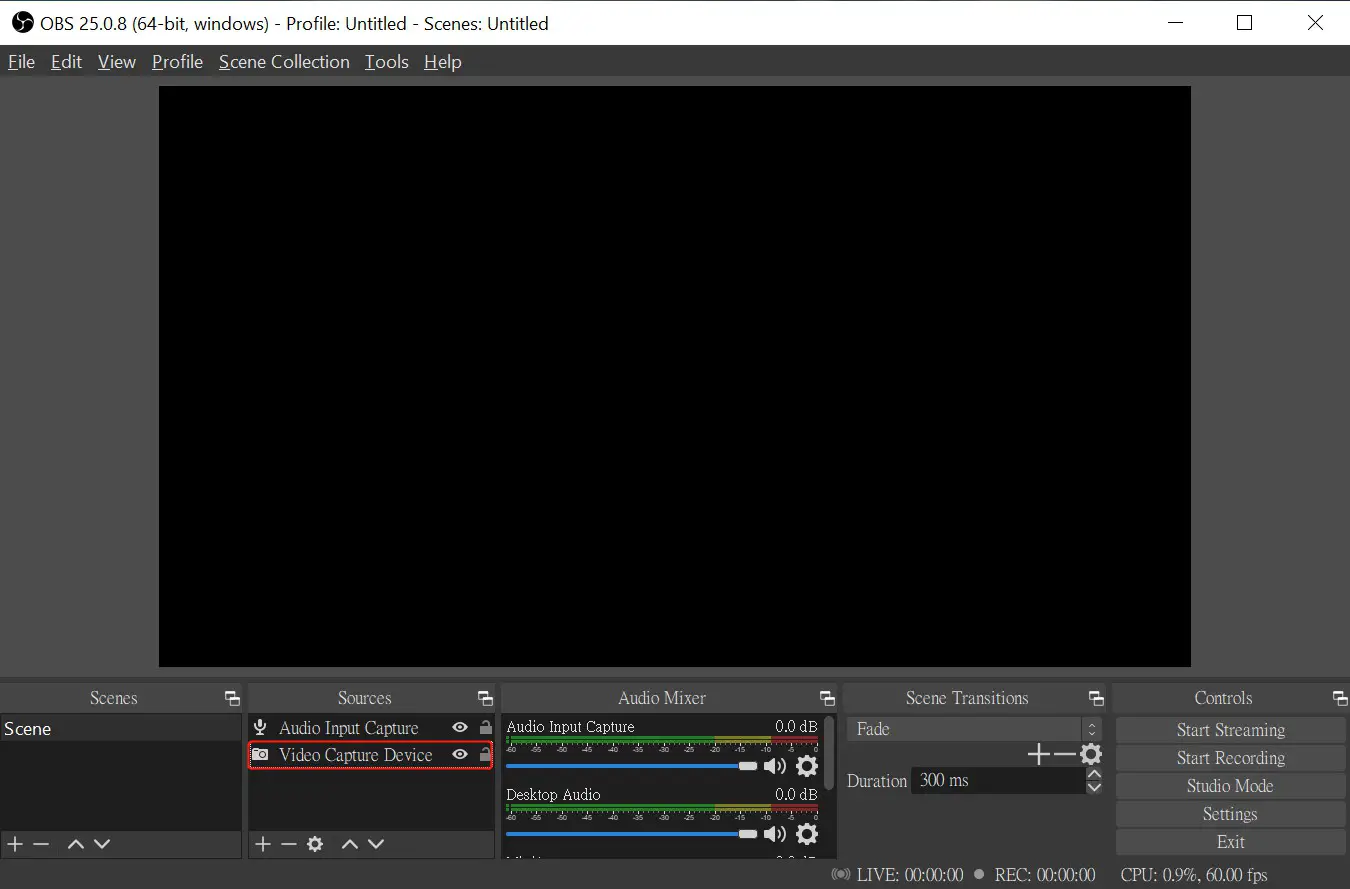
- Open OBS Studio. (version 25.0.8)
- Video Setting
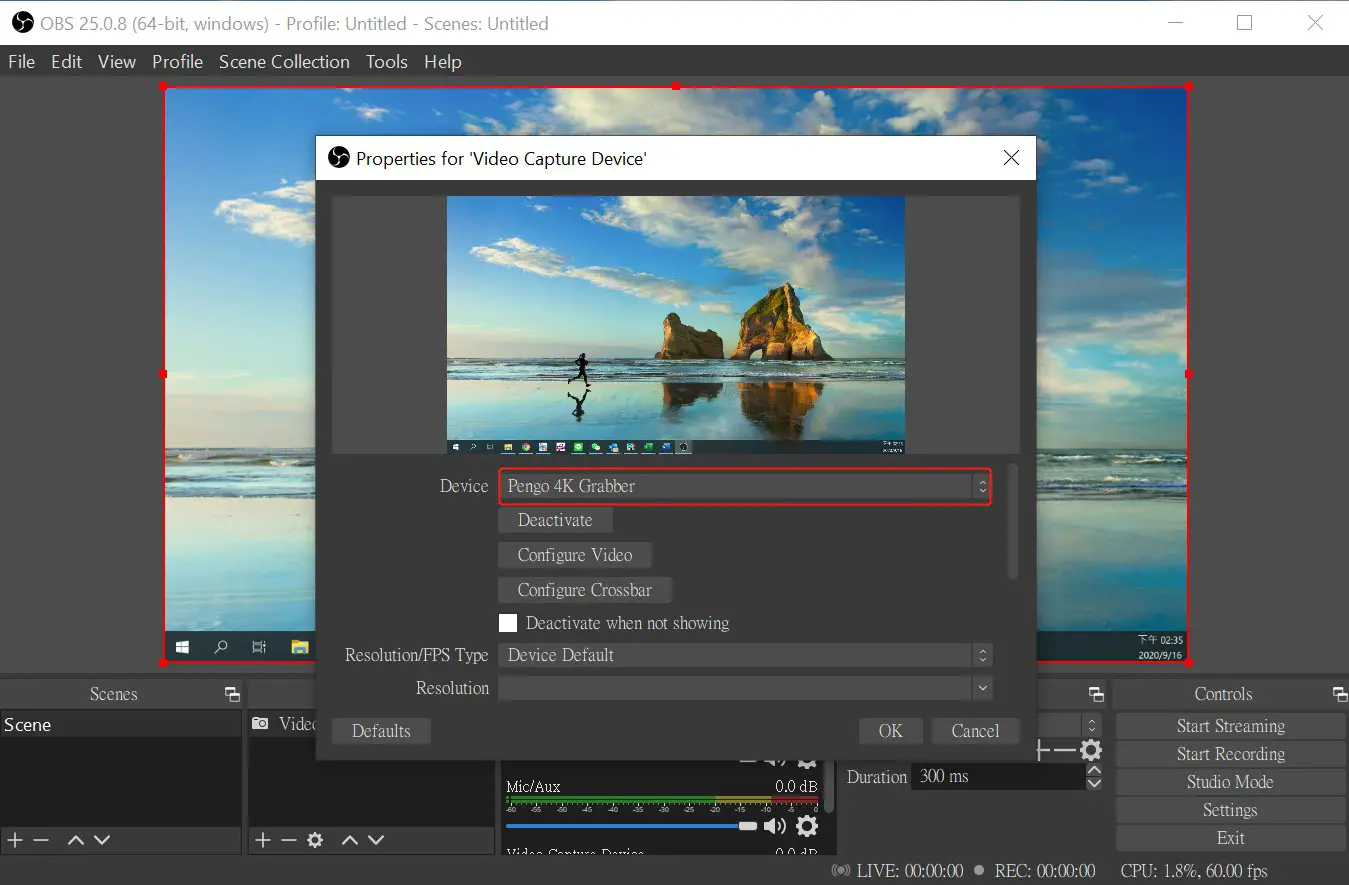
1.1 Add and select “Video Capture Device”, rename the source and click OK 1.2 Select “Pengo 4K Grabber” as your device
 1.3 Parameter Setting references are displayed as below
 *Resolution/FPS Type: Custom
*Resolution: 3840×2160
*FPS: Match Output FPS (autoselect: 30)
*Video Format: NV12
*Audio Device: HDMI (Pengo 4K Grabber) - Audio Setting
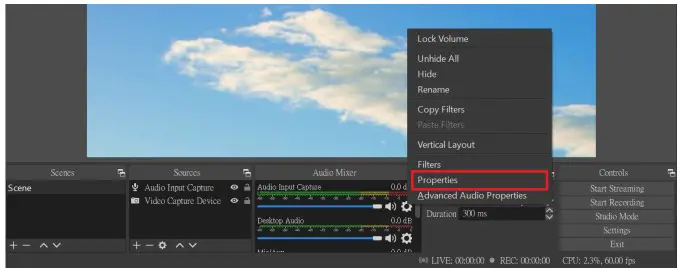
1.1 Click on the audio setting icon as displayed below 1.2 Select “Properties”
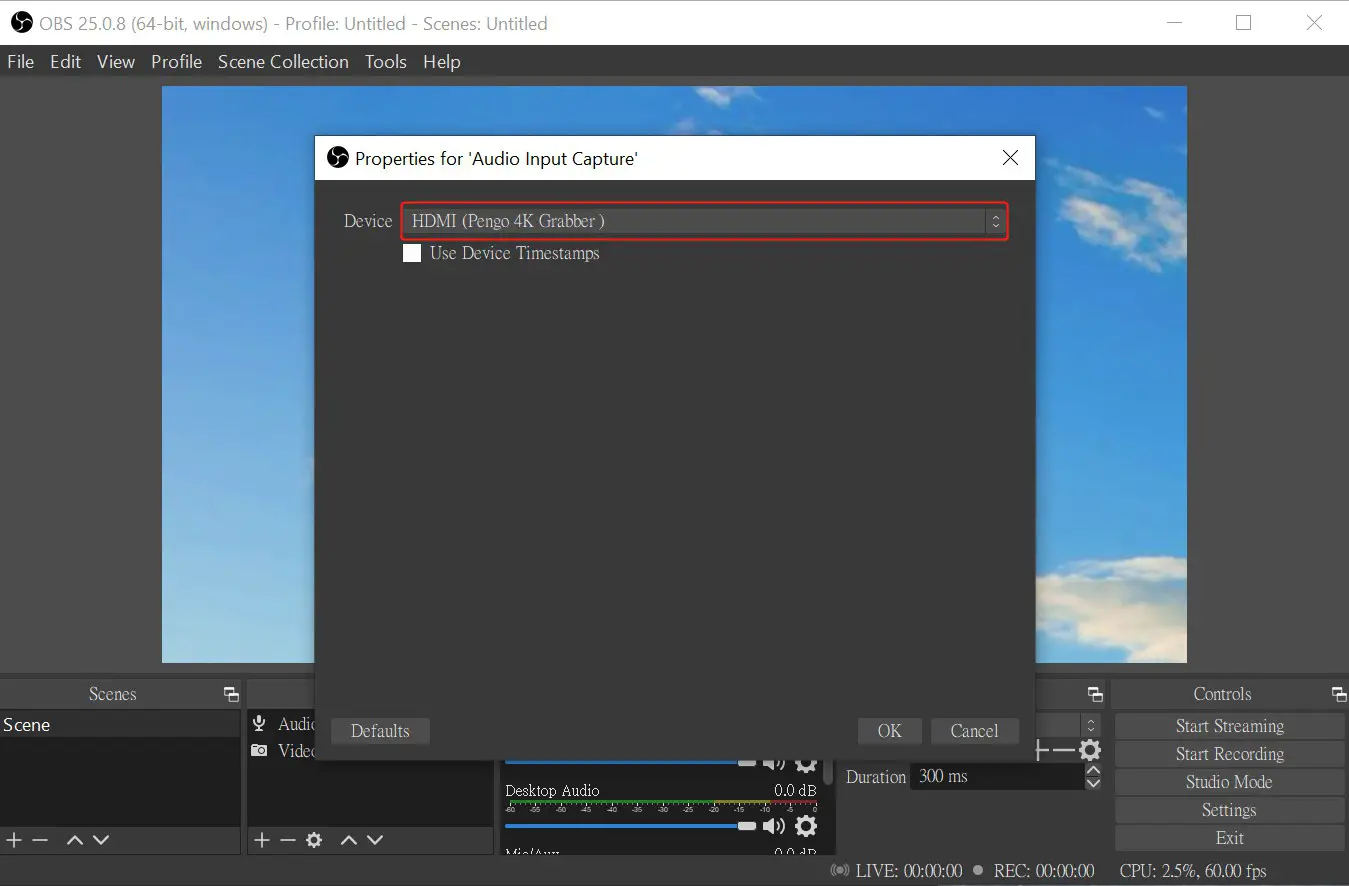
 1.3 Under Properties: Select “HDMI (Pengo 4K Grabber)” as your device
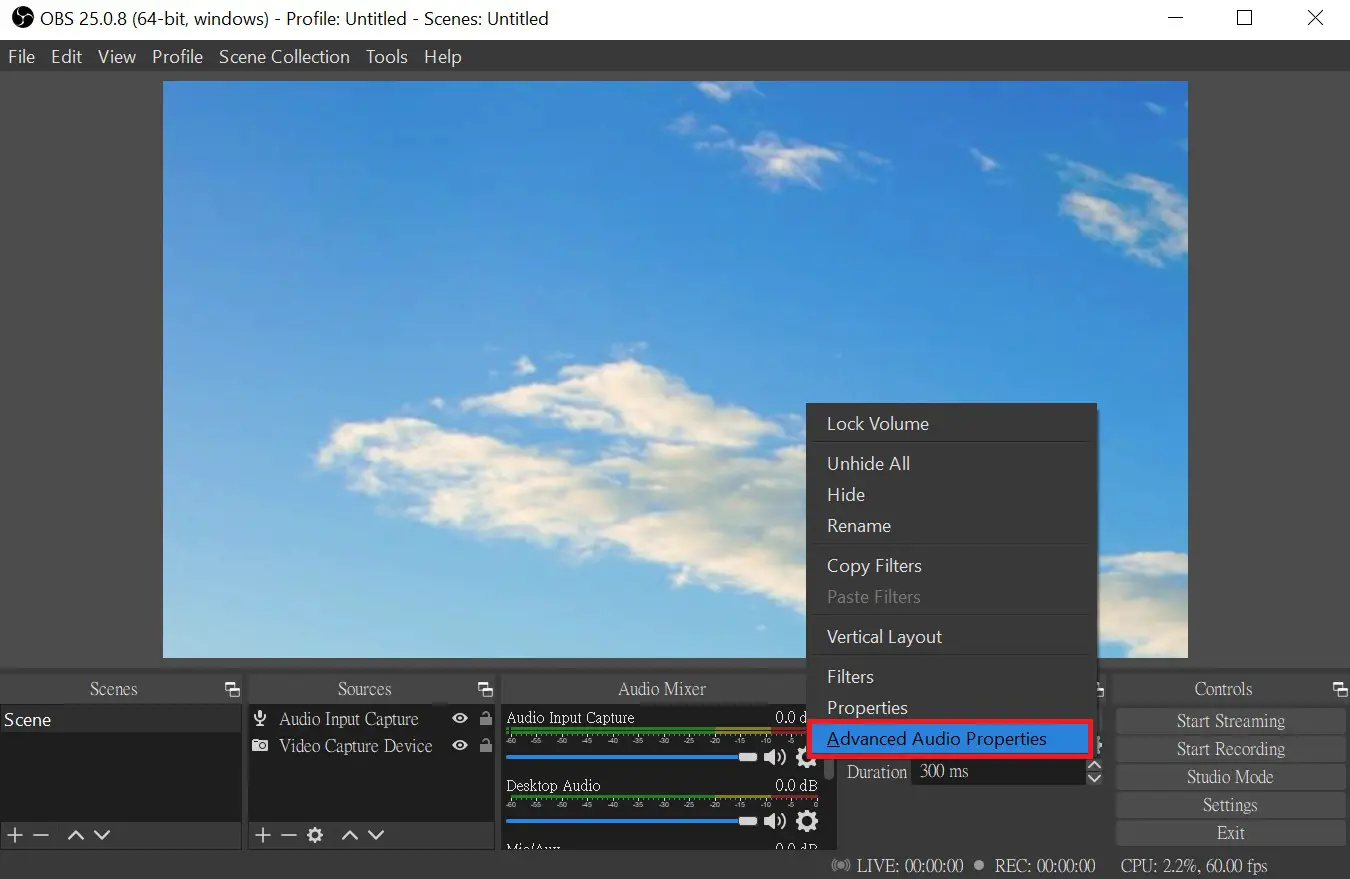
 1.4 Under the Audio Setting Icon: Select “Advanced Audio properties”
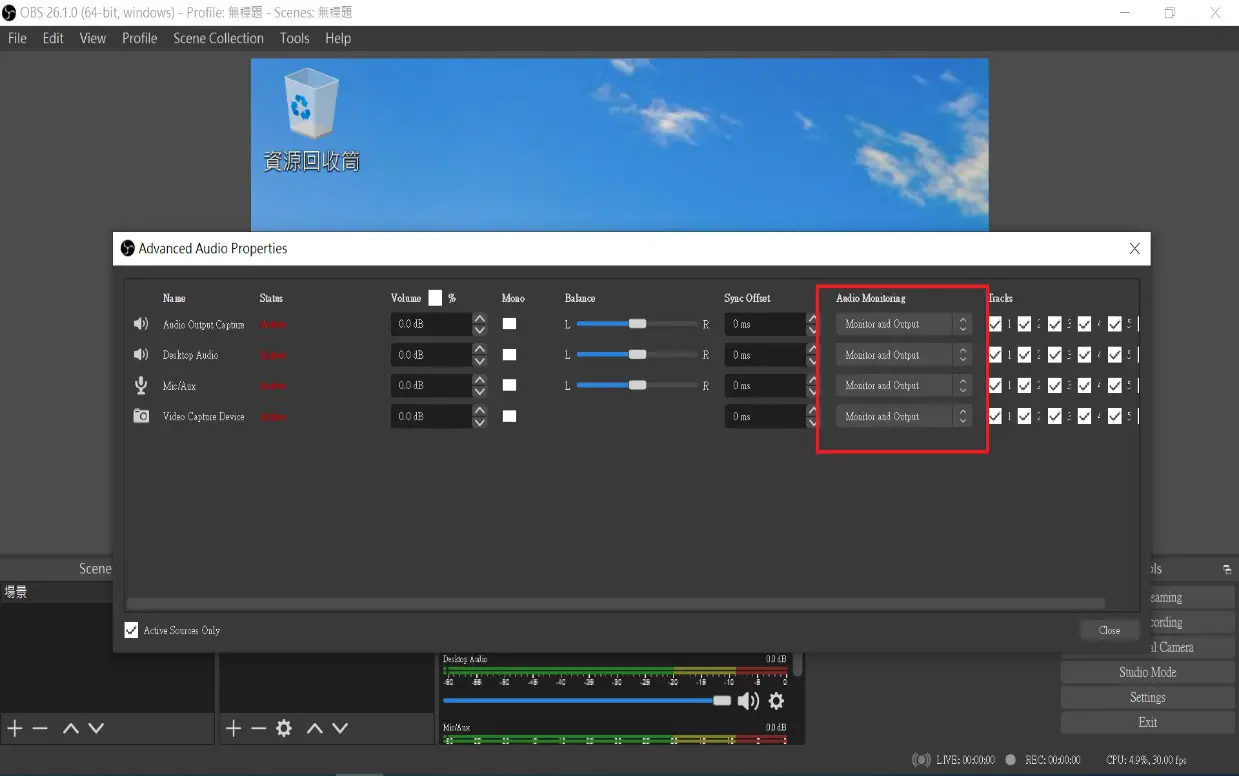
 1.5 Under Advanced Audio Properties: Adjust your audio source to suggested preferences (
  Microphone and speaker need to change the setting into Monitor and Output)
 1.6 OBS Setting completed
- Video Setting
 1.2 Select “Pengo 4K Grabber” as your device
 1.3 Parameter Setting references are displayed as below
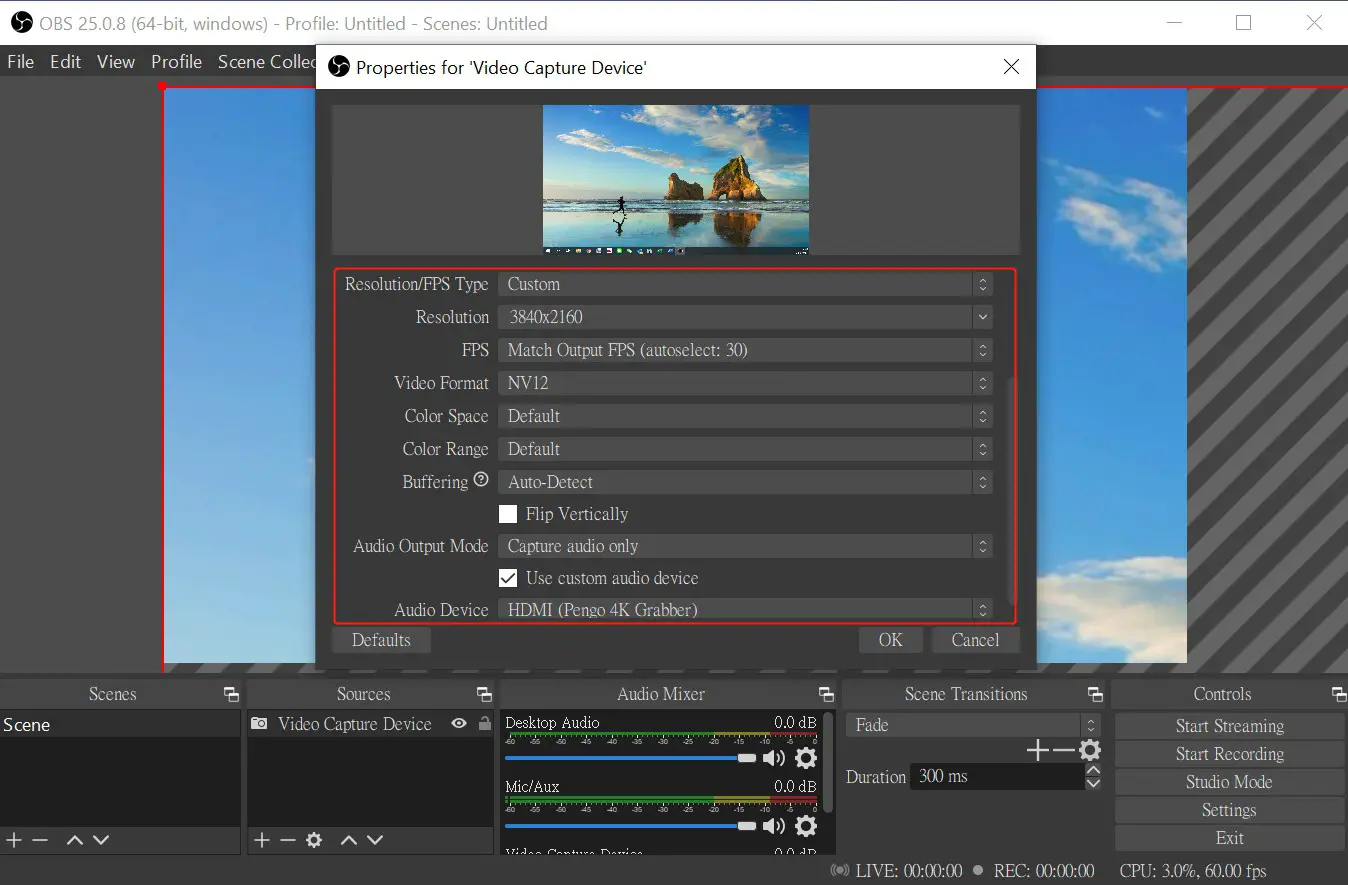 *Resolution/FPS Type: Custom
 1.2 Select “Properties”
 1.3 Under Properties: Select “HDMI (Pengo 4K Grabber)” as your device
 1.4 Under the Audio Setting Icon: Select “Advanced Audio properties”
 1.5 Under Advanced Audio Properties: Adjust your audio source to suggested preferences (
  Microphone and speaker need to change the setting into Monitor and Output)
 1.6 OBS Setting completed
Operating Instructions (Mac OS with OBS)
- Video Setting
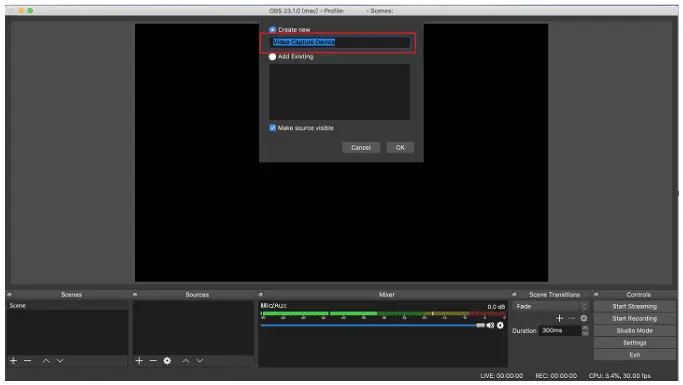
1.1 Under Sources, click on the “+” icon and select “Video Capture Device” 1.2 Rename the Input Source and click OK
 1.3 Under Properties: Select “Pengo 4K Grabber” in Device
 Do not click “Use Preset” and customize the configuration.
*Resolution: select the best resolution possible 3840 x 2160
*FPS: Simple FPS Values 30
*Input Format: NV12 - Audio Setting
1.1 Click on the Audio Setting Icon as indicated below 1.2 Select “Properties”
 1.3 Select “Pengo 4K Grabber” in Device
 1.4 Click on the Audio Setting Icon and select “Advanced Audio Properties”
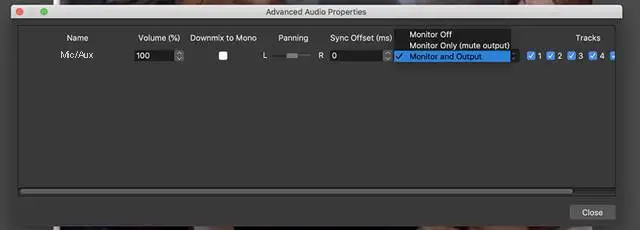
 1.5 Under Advanced Audio Properties: Select “Monitor and Output”
 1.6 Setting Completed
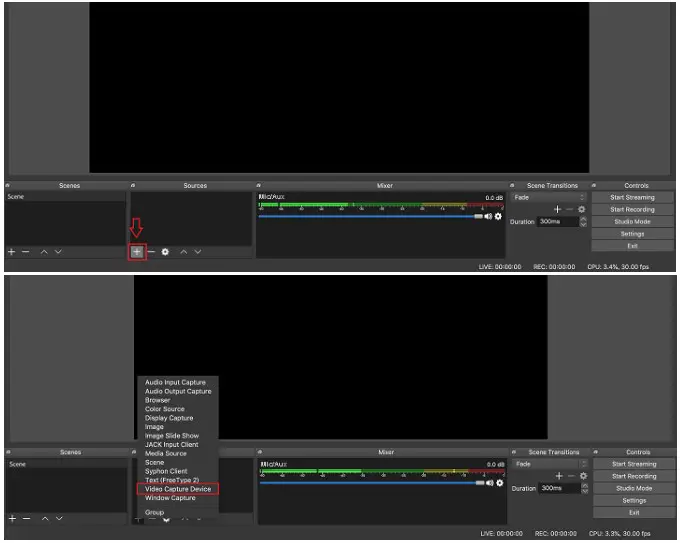 1.2 Rename the Input Source and click OK
 1.3 Under Properties: Select “Pengo 4K Grabber” in Device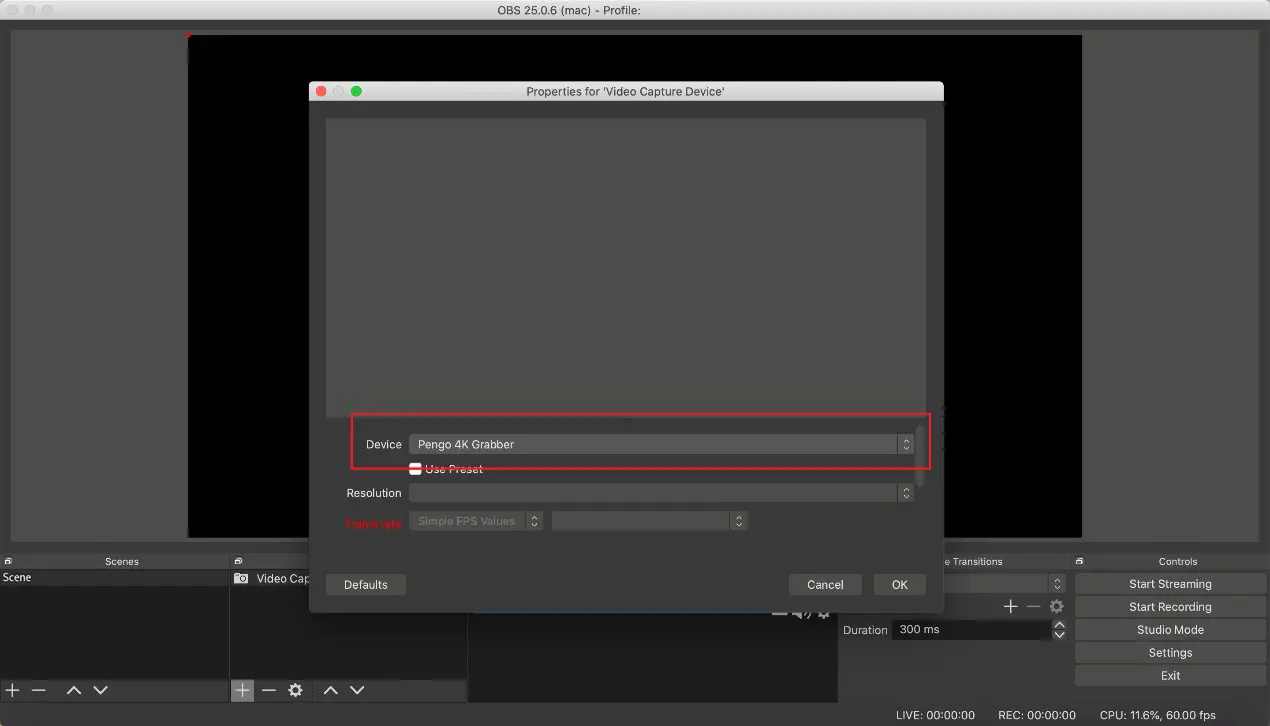
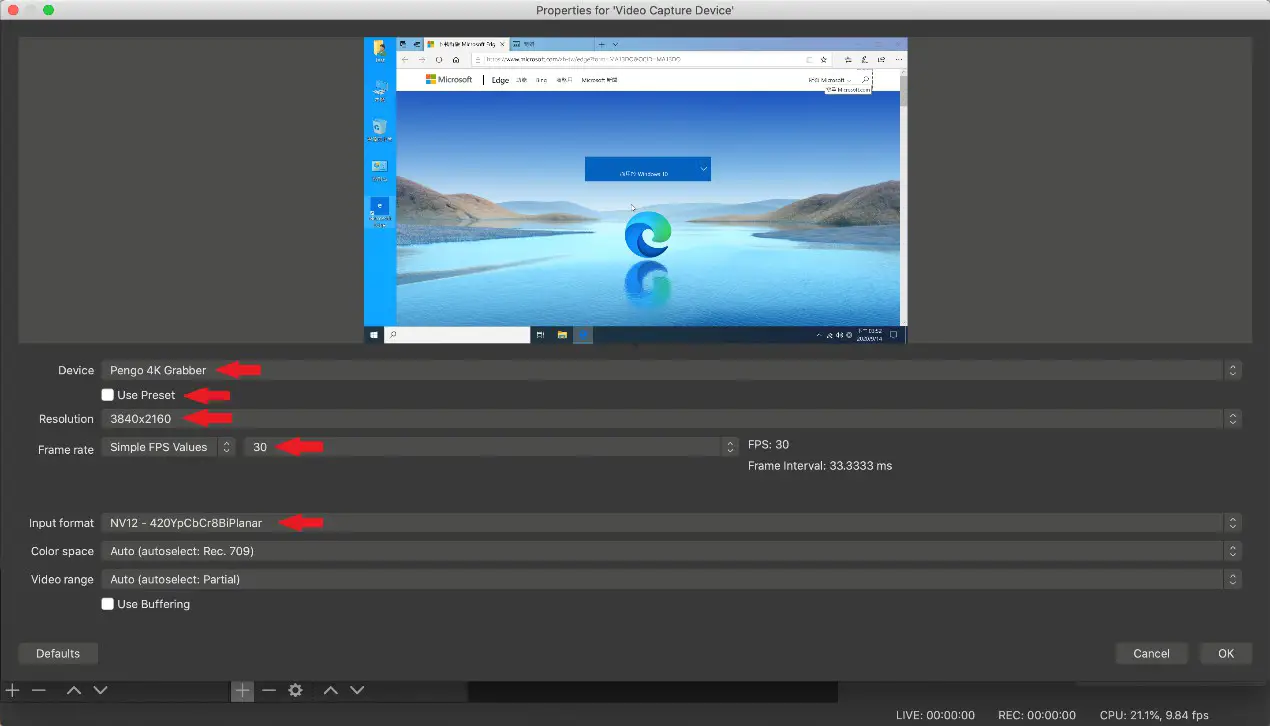 Do not click “Use Preset” and customize the configuration.
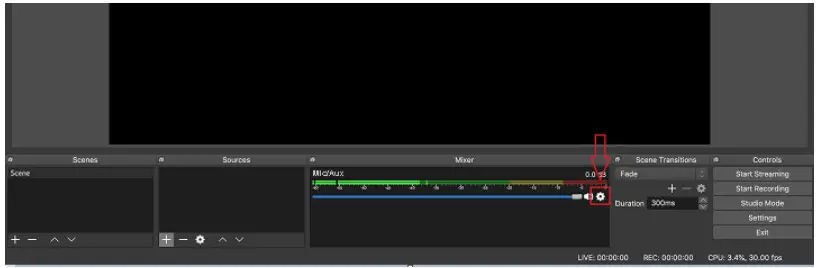 1.2 Select “Properties”
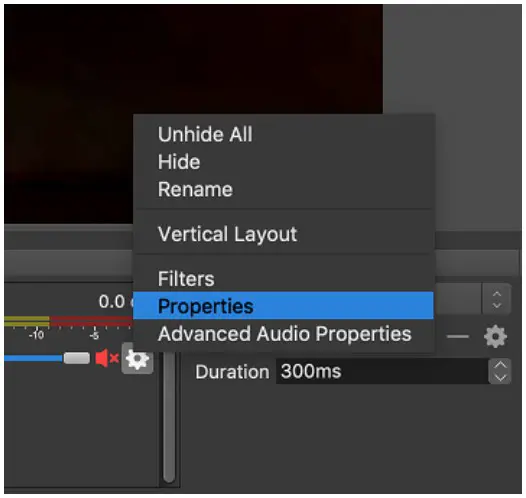 1.3 Select “Pengo 4K Grabber” in Device
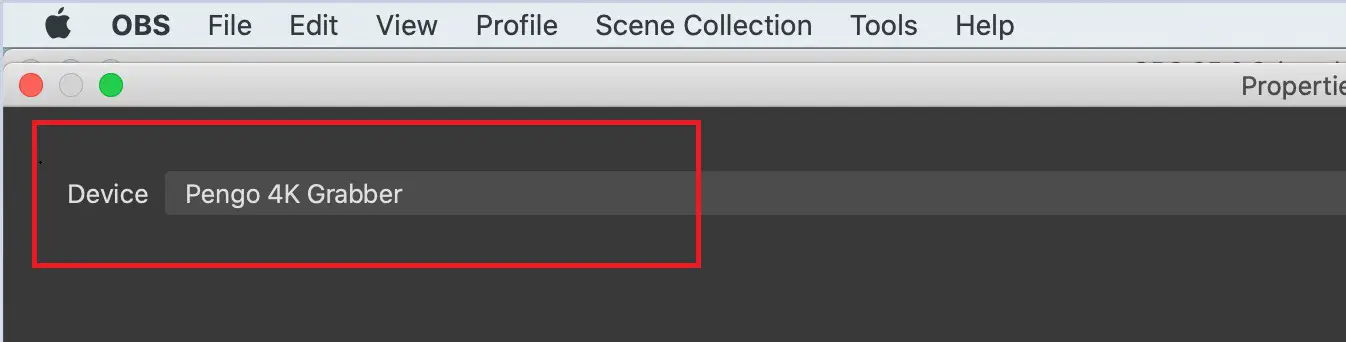 1.4 Click on the Audio Setting Icon and select “Advanced Audio Properties”
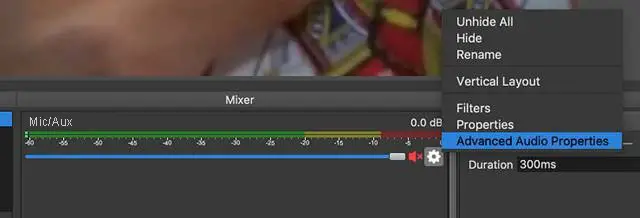 1.5 Under Advanced Audio Properties: Select “Monitor and Output”
 1.6 Setting Completed
Note:
- USB 3.0 is recommended to be connected.
- Different versions will have slightly different interface.
- Make sure your source does not have HDCP, we do not support HDCP.
- Please contact us if you have any issue.
- Please register your Pengo product at: www.pengohome.com/register
- We reserve the right to make any updates without prior notice
 PengoHome.com
 Open Broadcaster Software | OBS