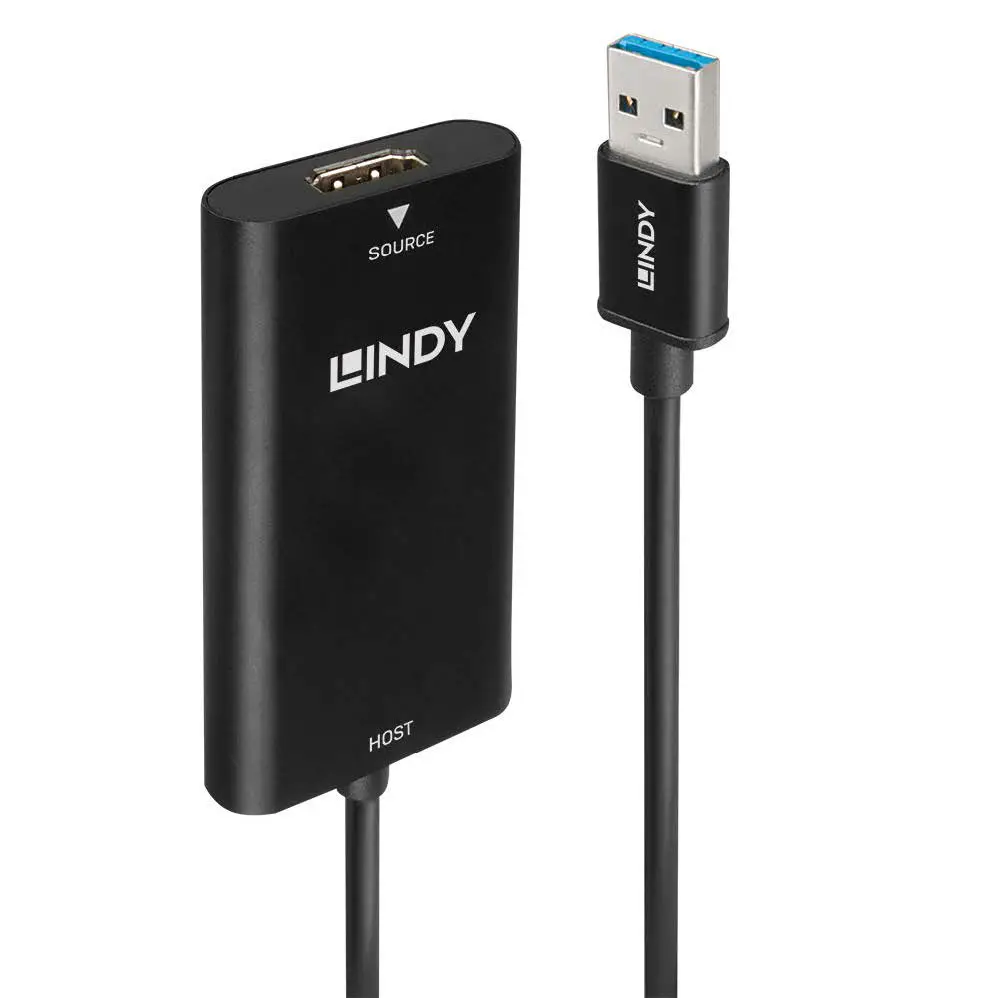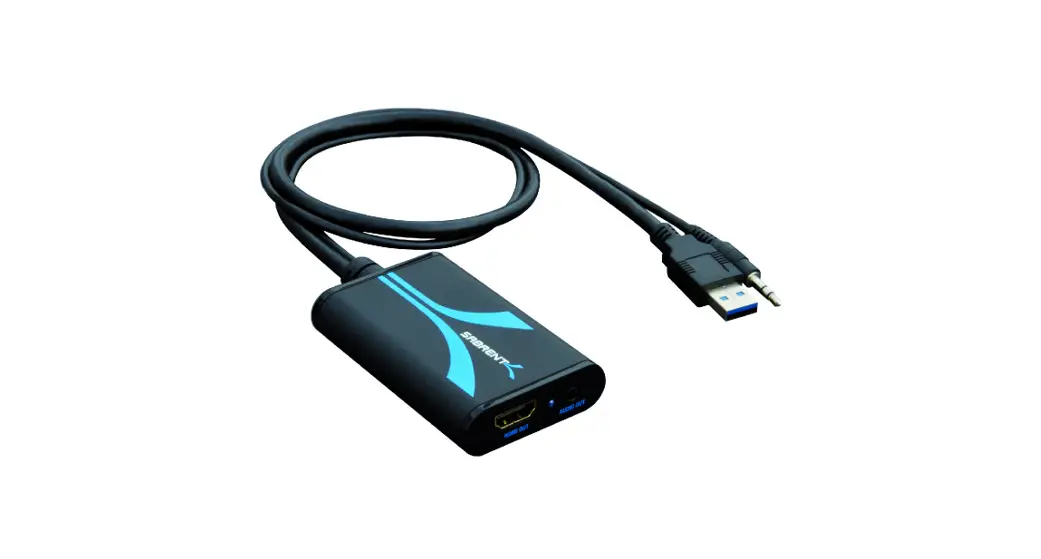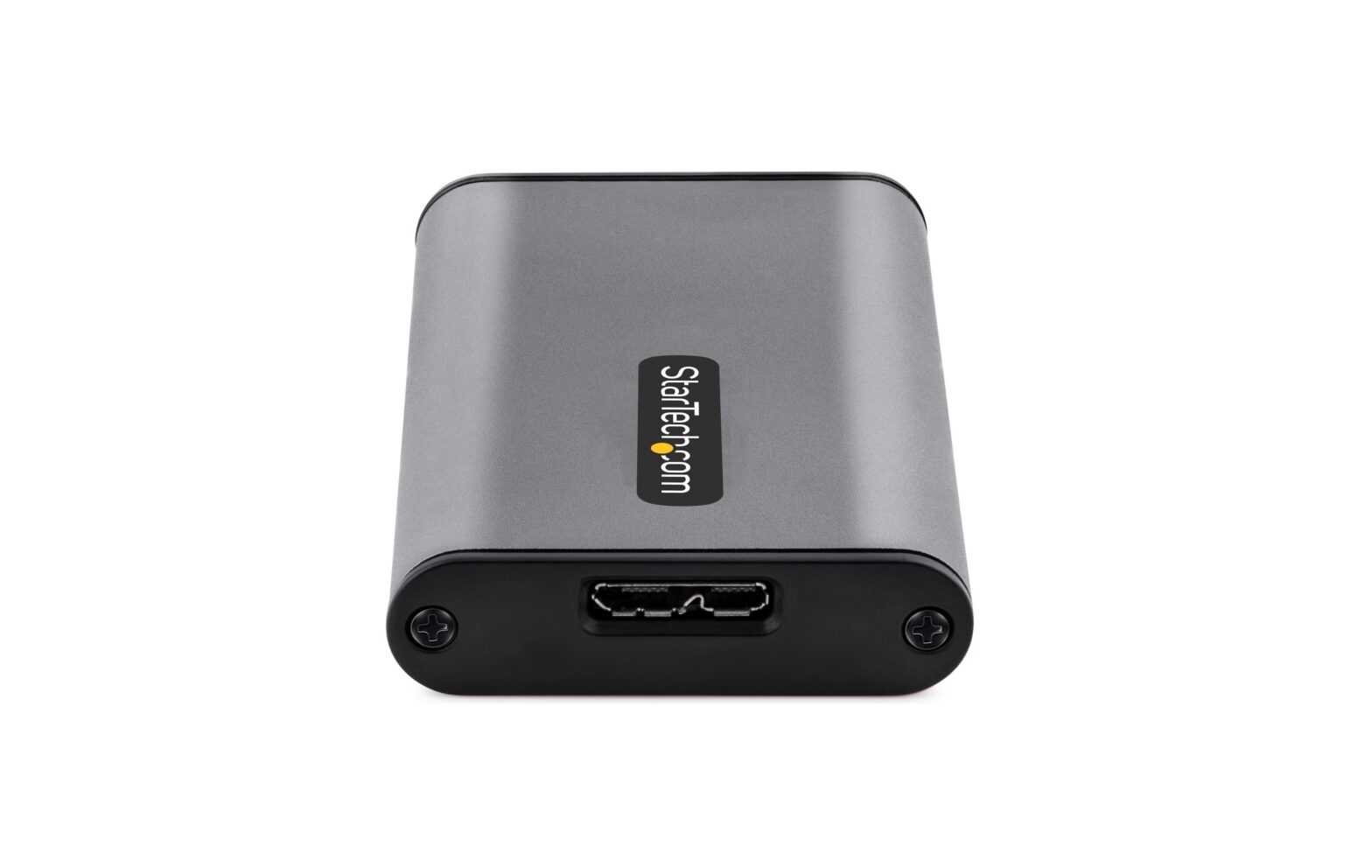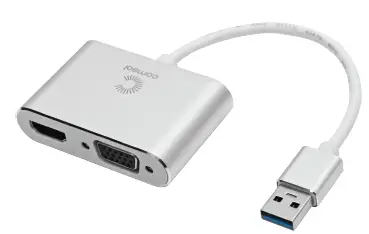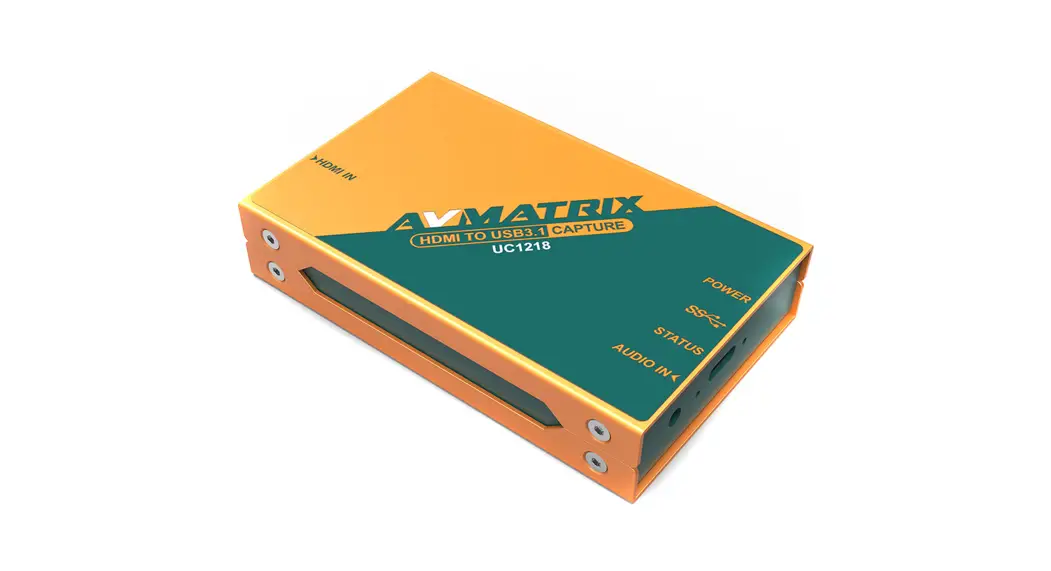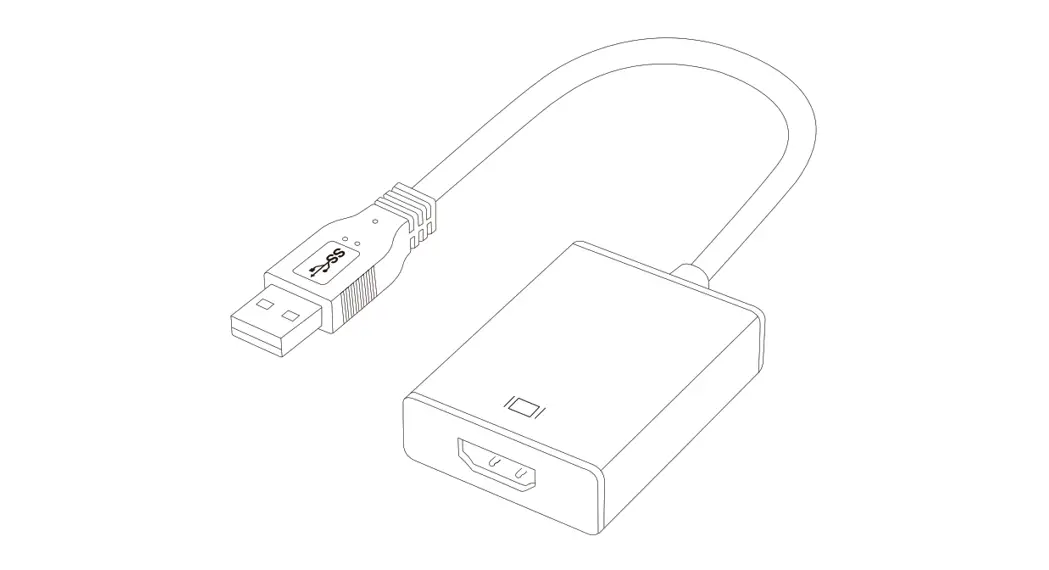
 HDMI to USB 3.0 1080p GRABBER
HDMI to U3 Capture
User manual (v.3)
A. Introduction
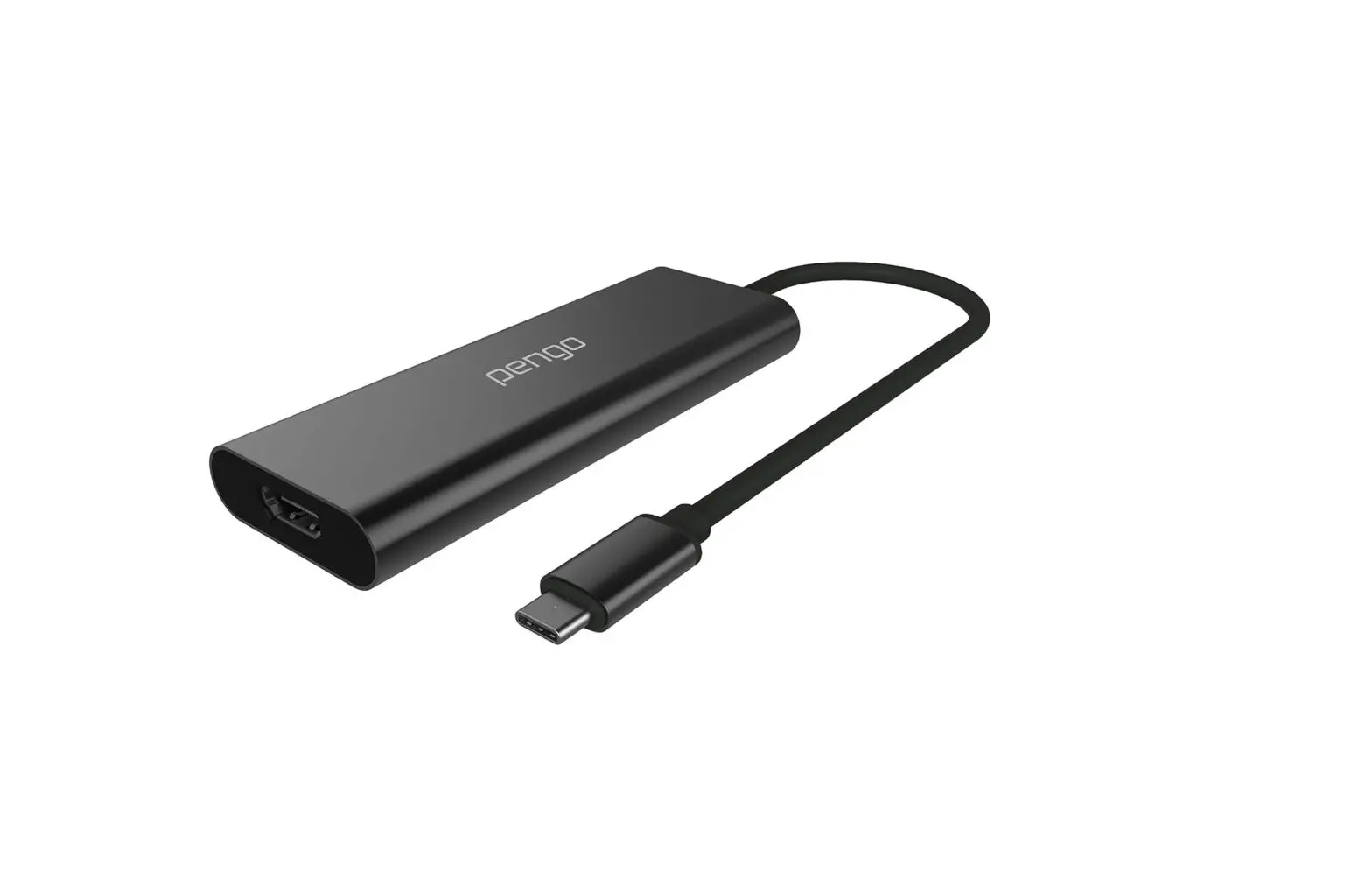
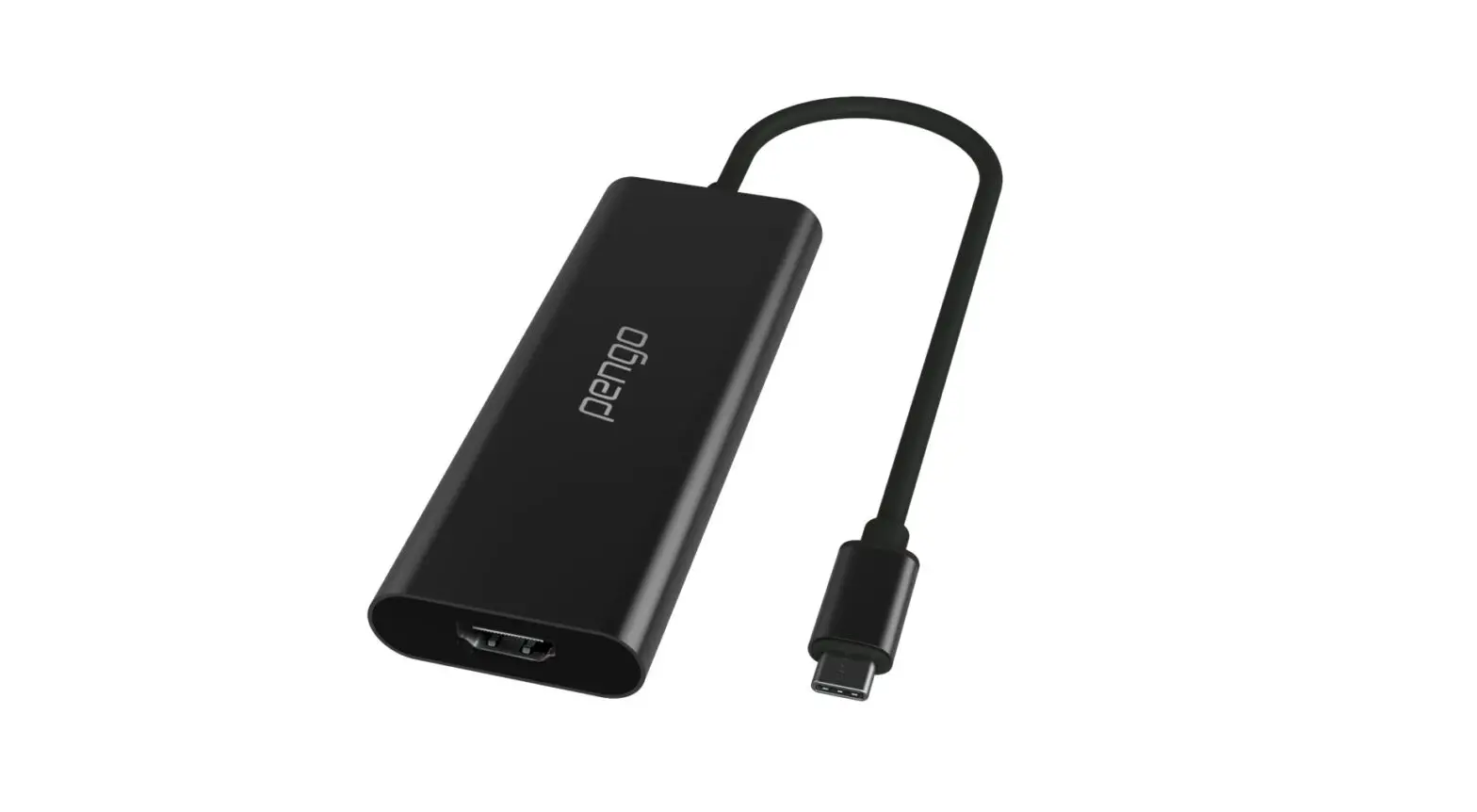
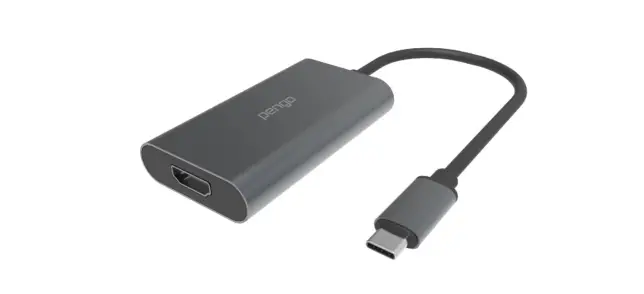
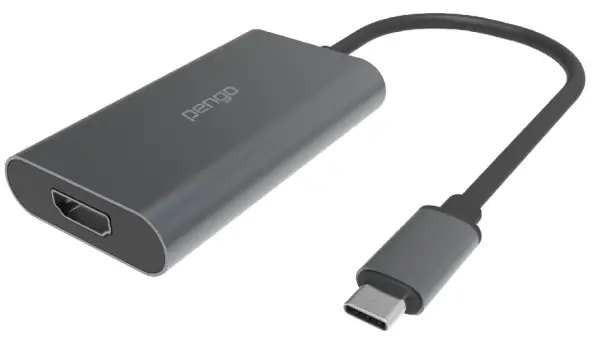
Pengo 1080p HDMI to USB-C Grabber is designed to capture 1080p video allowing the user to plug-in various HDMI output devices(such as PS4, XBOX, Switch, camera, etc. )data uplink to 1920 x 1080p at 60Hz to the computer through the USB terminal. Streaming media made easy, capture every sound and movement. It will not affect your computer’s performance, while maintaining a resolution up to 1080p at 60 frames per second.
B. Features
• Supports HDMI 1.4b Standard up to 1080p @ 60fps
• Supports video capture at 1080p @ 60fps
• Supports 24 bit color
• Supports USB 3.0 and USB 2.0 data uplink
• Supports UVC 1.0, Windows 8 and above, no drivers needed.
• Supports USB – C connector
• Supports USB port power supply, no need for an external power supply
• Compatible with third-party applications, such as PotPlayer, QuickTime, OBS, Xsplit, vMix, etc.
C. Inside the box
- Pengo HDMI to USB 3.0 1080p Grabber x 1
- USB-C (female) to USB-A (male) adapter x 1
D. Specifications
| DESCRIPTION | 1080p HDMI to USB-C Grabber |
| INPUT INTERFACE | 1x HDMI Type A HDMI 1.4b standard up to 1080p at 60fps |
| OUTPUT INTERFACE | 1 x USB type-C (USB 3.0 ) UVC video and audio |
| RESOLUTION | 640x480p 60Hz, 1280x720p 60Hz, 1920x1080p 60Hz |
| VIDEO SAMPLING | 4:4:4 format |
| OUTPUT COLOR SPACE | YUY2, RGB |
| HDMI AUDIO | 16-bit PCM encoded audio at 48kHz sampling rates |
| SYSTEM REQUIREMENTS | CPU: i5 Dual-Core 2.8GHz or higher RAM: 4GB or higher OS: Windows (8 and above), Mac OSX (10.13 and above) |
| ENVIRONMENT | Operating Temperature 0-45°C Operating Humidity 20-90% |
| DIMENSION | 42 x 240 x 14 mm (WxLxH including cable length) |
| WEIGHT | 40 G |
| COLOR | Titanium Gray |
| ACCESSORIES | USB-C to USB-A 3.0 Adapter |
| PRODUCT NUMBER | 8RGR2-HO1CO1TOPE |
| EAN NUMBER | 4718009820470 |
| *DOES NOT SUPPORT HDCP *DOES NOT SUPPORT INTERLACED (i) 10801, 720i, 480i | |
E. System requirements
CPU: i5 Dual-Core 2.8GHz or higher
RAM: 4GB or higher
OS: Microsoft Windows 8.1/10
Mac OS X (10.13 and above)
*Note: Not able to record HDCP content (ie: DVD, BlueRay player…etc )
F. Installation
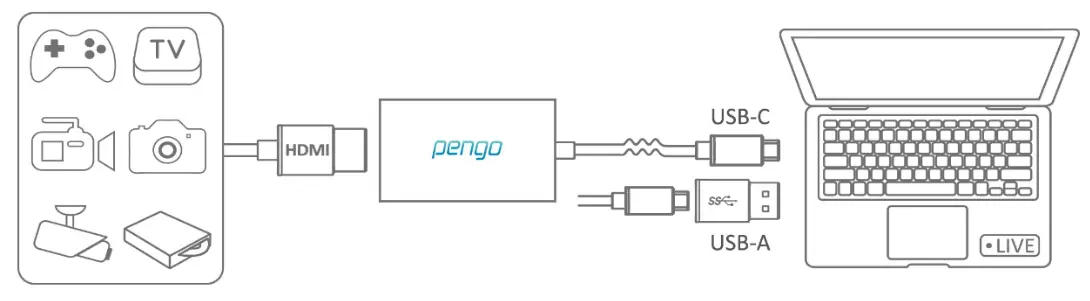
1. Connect Pengo HDMI to USB 3.0 1080p Grabber into the computer via USB 3.0 Port.
2. Plug in your devices (ie: PS4 Pro, Xbox One X, Camcorder) with an HDMI Cable into the HDMI input port.
G. Operating Instructions (Windows with PotPlayer)
1. PotPlayer
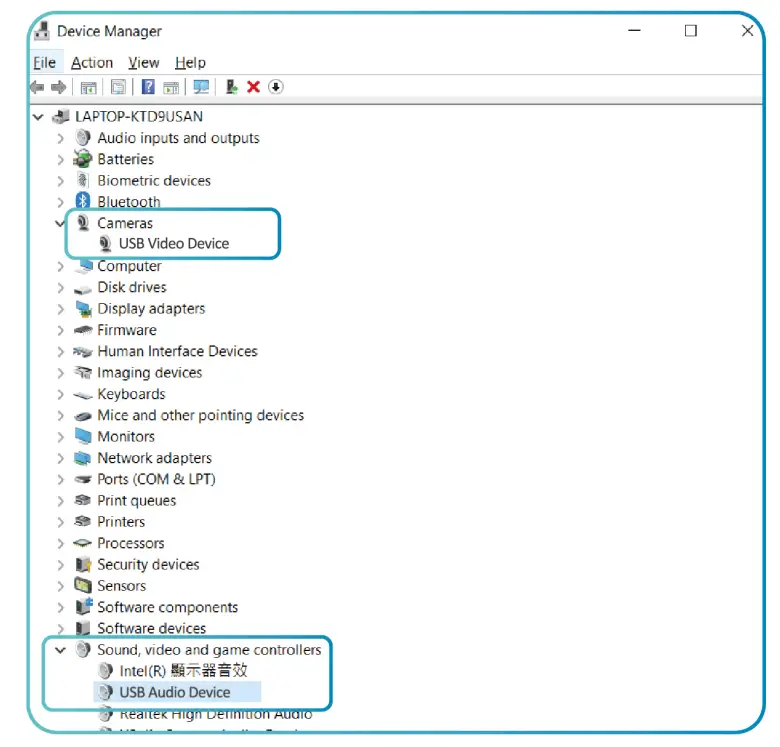
1.1 After plugging in your device, go to [Windows Settings ] and then go under [Devices] and make sure [ HDMI to U3 Capture or USB Audio/Video Device ] is detected **(Different OS might have different names)
1.2 Download PotPlayer: https://potplayer.daum.net/ (install base on your OS version)
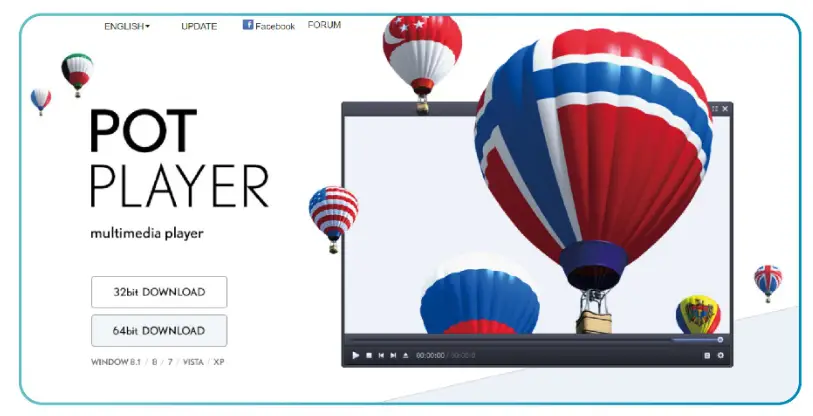
Open PotPlayer (different versions will have different interface)
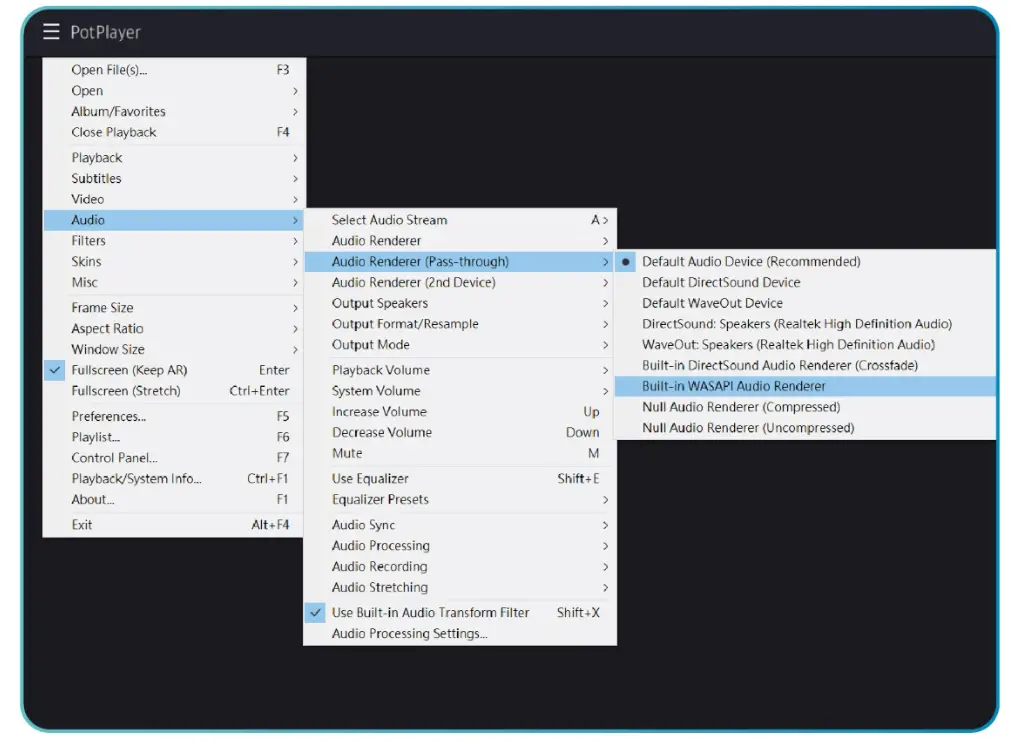
1.3 Sound settings
Under PotPlayer menu, go to Audio -> [ Audio Renderer (Passthrough) ]-> select [ Built-in WASAPI Audio Renderer ]
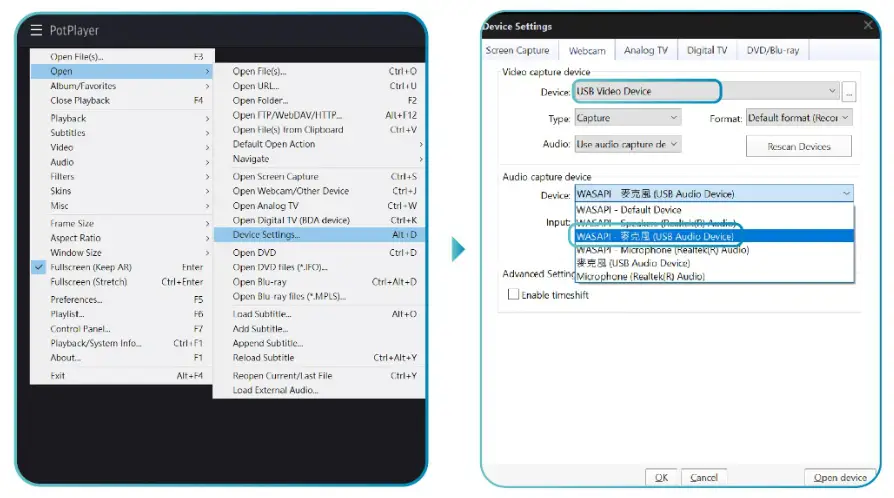
1.4 Select Device
I. Under Menu > Open -> Device Settings
II. Under Webcam -> Video capture device, under Device select -> [ USB Video Device]
III. Audio capture device -> under Device select -> [ WASAPI – Mic (USB Audio Device) ]
IV. Press [ Open device], You’ll be able to see your video and audio
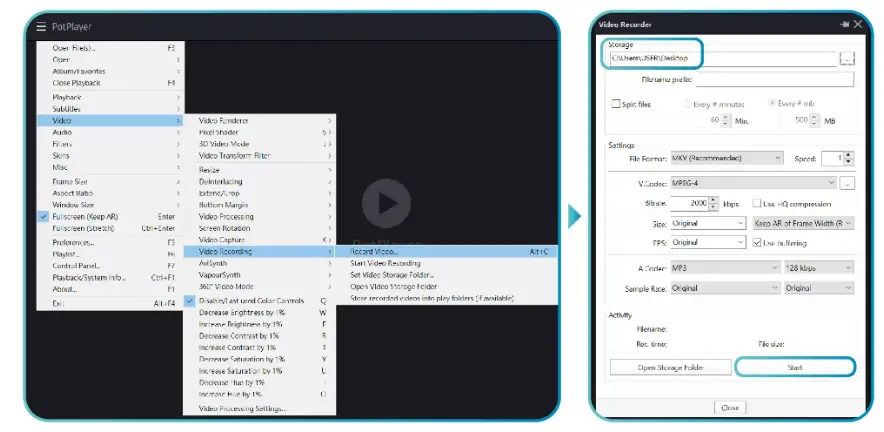
1.5 Video Recording
I. Go to the Menu -> Video -> Video Recording -> Record Video
II. Select your storage location
III. Press [ Start ]
H. Operating Instructions (Mac OS with VLC or QuickTime) **Newer version of VLC might not work
1. VLC
1.1 Download VLC at https://www.videolan.org/index.html
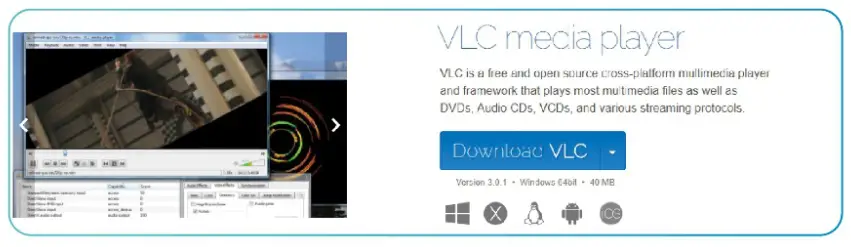
1.2 Open VLC
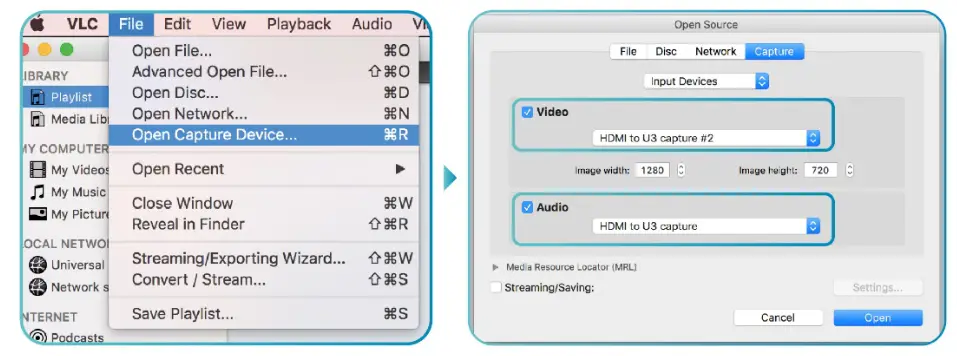
1.3 Go to File -> Open Capture Device
1.4 Under Capture, check the video and audio box and select [HDMI to U3 Capture] and press Open
2. QuickTime
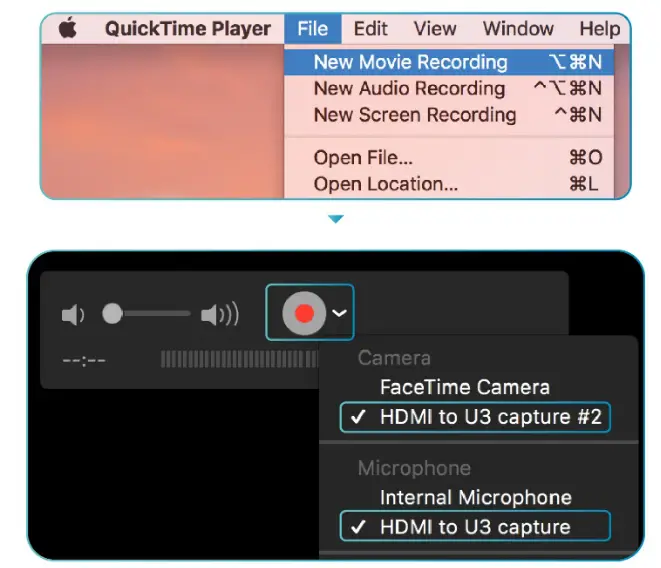
2.1 Open QuickTime
2.2 Go to File -> New Movie Recording
2.3 If your display does not appear, next to the record RED button drop-down menu, select [HDMI to U3 Capture]
Note:
• It is recommended to use USB 3.0 over USB 2.0 port.
• Different version will have slightly different interface.
• Make sure your source does not have HDCP, we do not support HDCP.
• Make sure your device is not 1080i. We do not support 1080i. We support 1080p.
• Please contact us if you have any issues.
• Please register your Pengo product at: www.pengohome.com/register
• We reserve the right to make any updates without prior notice
 PengoHome.com
 Global Potplayer
 VLC: Official site - Free multimedia solutions for all OS! - VideoLAN