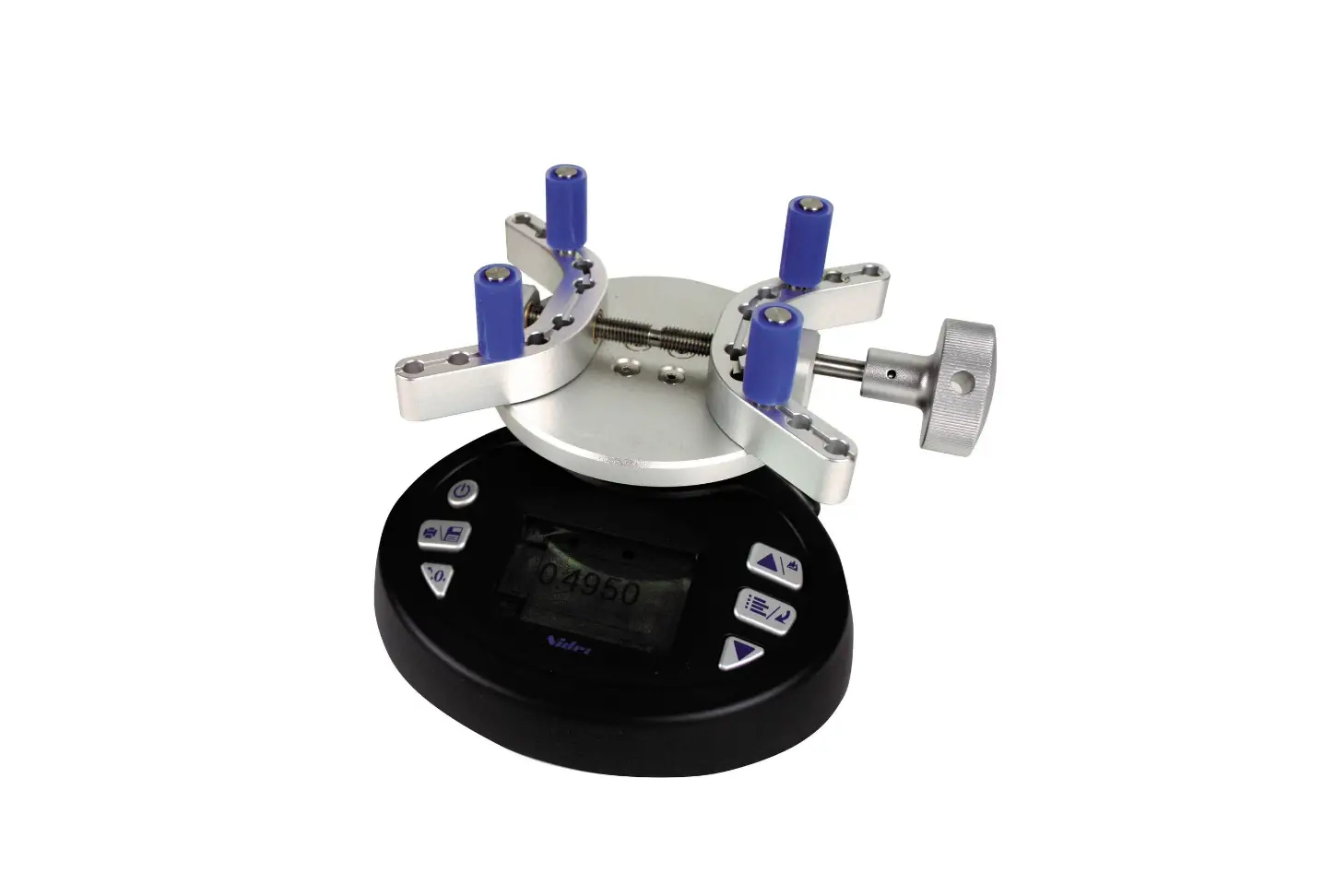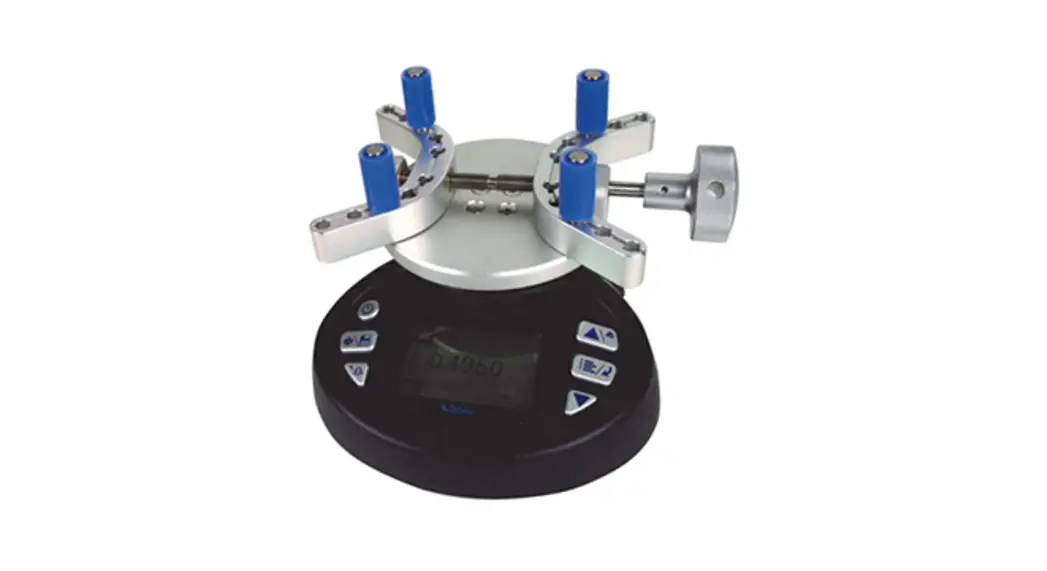
 TT01 Cap Torque Testers
User Guide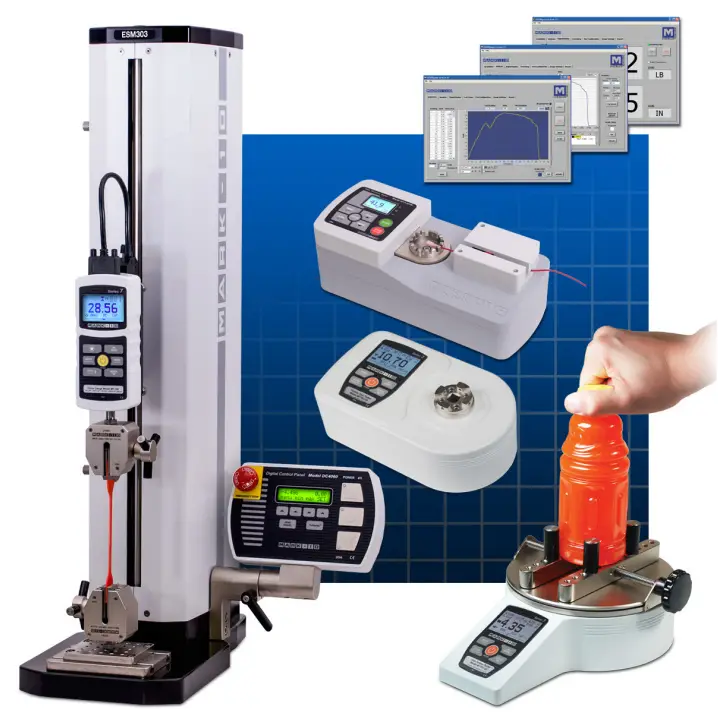 Series TT01
CAP TORQUE TESTERS
Thank you!
Thank you for purchasing a Mark-10 Series TT01 Cap Torque Tester. We are confident that you will get many years of service from this product.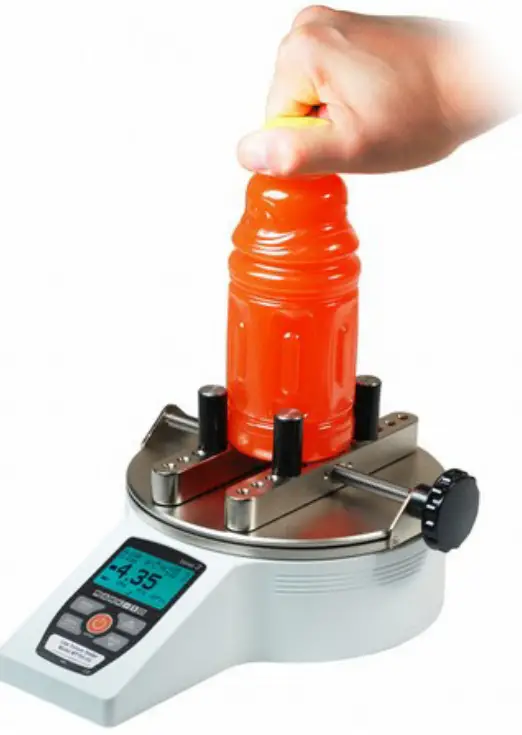 Please read through this Quick Start Guide and the complete User’s Guide before using the tester.
IMPORTANT SAFETY CONSIDERATIONS
Force and torque measuring instruments are sensitive and must be treated with care. Please review the safety information provided in the User’s Guide prior to operating the gauge.
LIST OF INCLUDED ITEMS:
| Qty. | Part No. | Description |
| MTT01-12/MTT01-25/MTT01-50/MTT01-100 | Series es TTO1 digital cap torque tester | |
| 1 | AC1030 /AC1031 / AC1032 / AC1035 | AC adapter/charger w/US, EU, UK, or AUS prong |
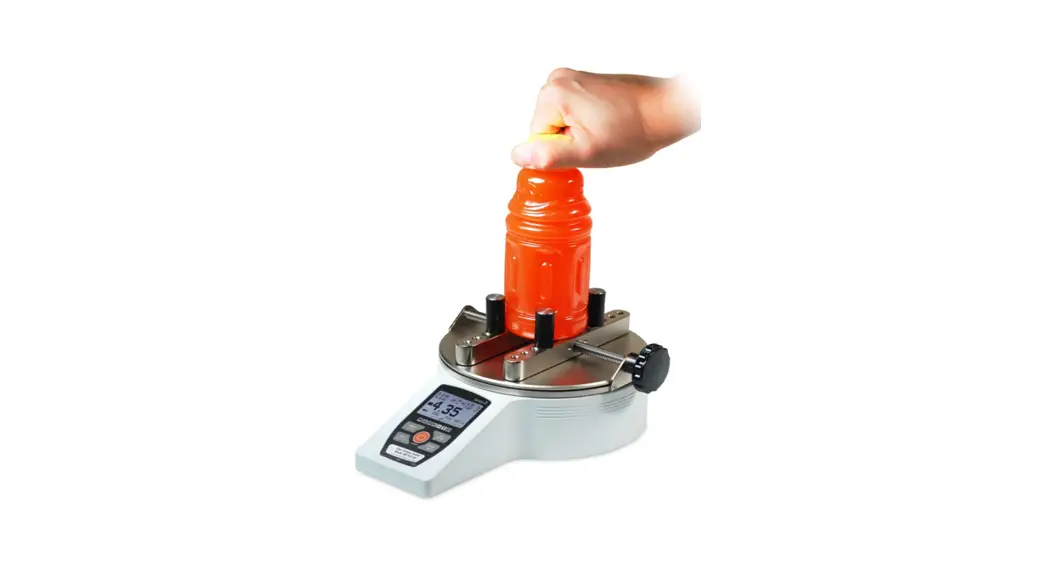
| 1 | CT004 | Sample gripping posts, 4 |
| 1 | 08-1026 | Rechargeable NiMH battery (inside the instrument) |
| 1 | – | Certificate of calibration |
| 1 | 09-1165 | USB cable |
| 1 | CT001 | Flat jaws set, 2 (optional) |
| 1 | CT002 | Carrying case (optional) |
| 1 | CT003 | Adjustable jaws set, 2 (optional) |
| 1 | CT005 | Set of 4 posts, 2.5″ (optional) |
| 1 | CT006 | Set of 4 posts, 4″ (optional) |
| 1 | CT007 | Kit of 4 posts of each length (optional) |
POWER
To power on the tester, press the  button. Press and hold to power off. The tester may be powered either by the internal rechargeable battery or an AC adapter/ charger. The battery will last approximately 7 hours with the backlight turned on, and 24 hours with the backlight turned off before recharging is necessary
LITERATURE & SOFTWARE DOWNLOADS
Download at: www.mark-10.com/downloads
- User’s guides (PDF)
Provided for all Mark-10 instruments. Locate the user’s guide for this product and read it thoroughly before use. - USB driver
For Mark-10 instruments and the model RSU100 RS-232 to USB converter.
Required for communication with a PC. Follow the installation instructions provided in the user’s guide. - MESUR ® family of software – see below.
INSTALLING MESUR ® SOFTWARE
Mark-10 offers three data collection applications:
MESUR® Lite Free basic data acquisition application, for data tabulation and exporting to Excel. Compatible with gauges only, not test stands.
MESUR®gauge/MESUR ®gauge Plus
Data tabulation, graphing, analysis, and reporting, with user-configurable start and stop triggers and other tools. Compatible with gauges and test stands for load vs. time or load vs. travel. MESUR® gauge Plus adds test stand motion control coordination. Both applications can be evaluated for 90 days.
PC requirements
Compatible with PCs running Microsoft Windows 7 or later. Minimum monitor resolution is 1108 x 758. A USB or RS-232C serial port is required. If USB communication is required, install the Mark-10 USB driver.
OTHER MARK-10 PRODUCTS
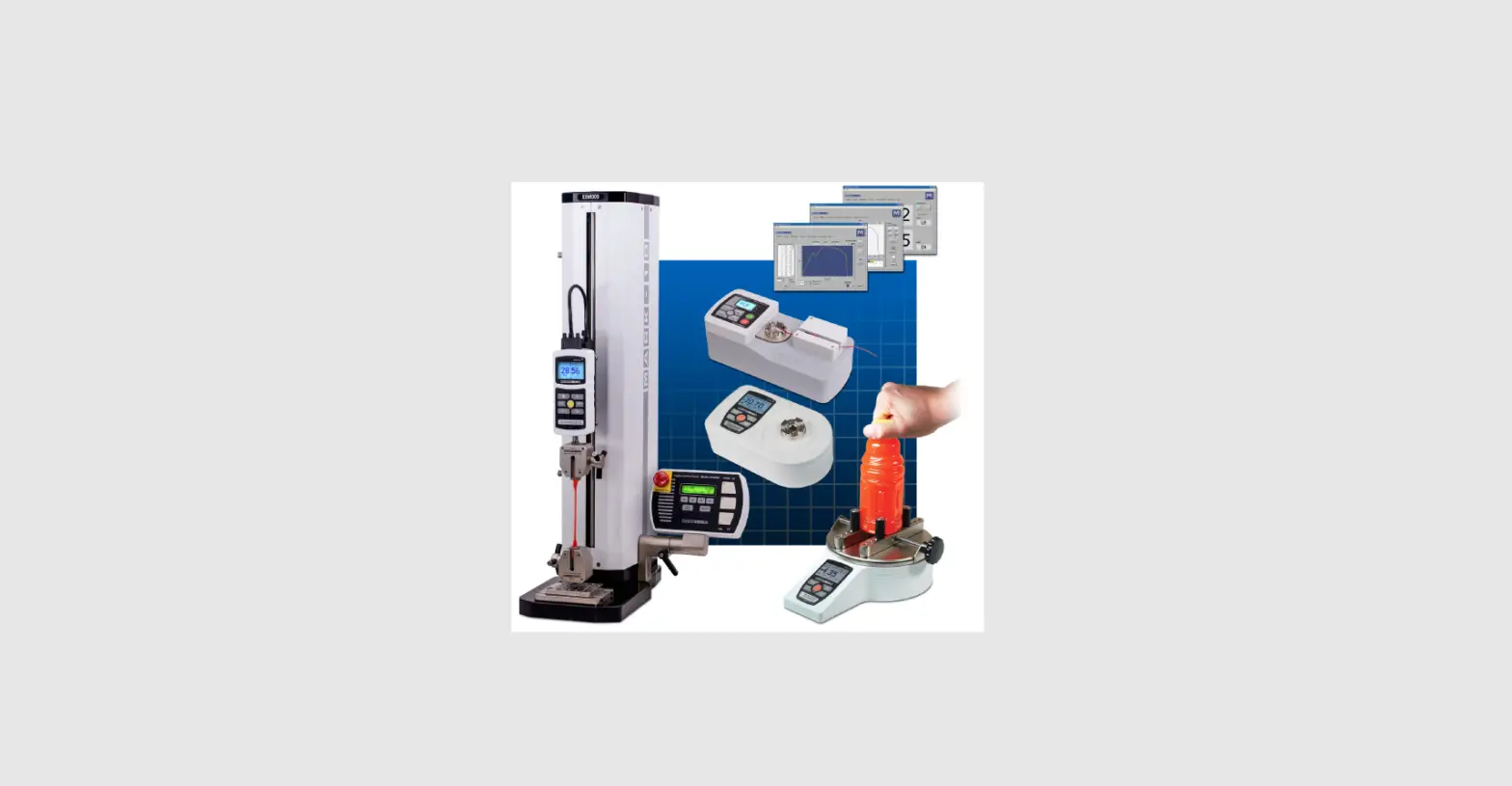
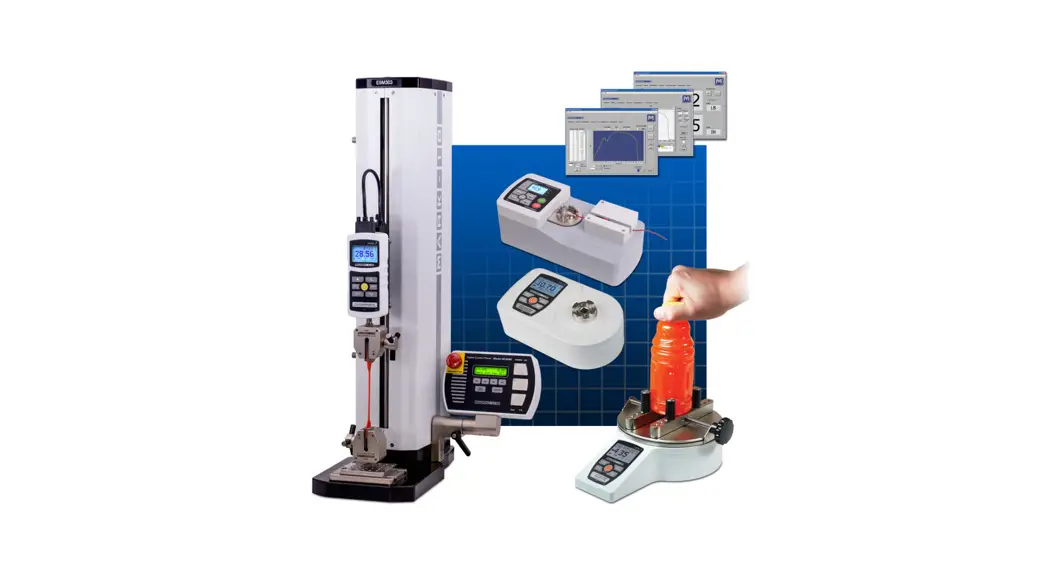
A full line of force and torque measurement products and related items, including force gauges, torque gauges, force and torque test stands, sensors, grips, software, and more.
Force and torque measurement engineered better
Mark-10 Corporation
11 Dixon Avenue
Copiague, NY 11726
888-MARK-TEN
Tel: 631-842-9200
Fax: 631-842-9201
Internet: www.mark-10.com
E-mail: [email protected]
 Mark-10 Force and Torque Measurement