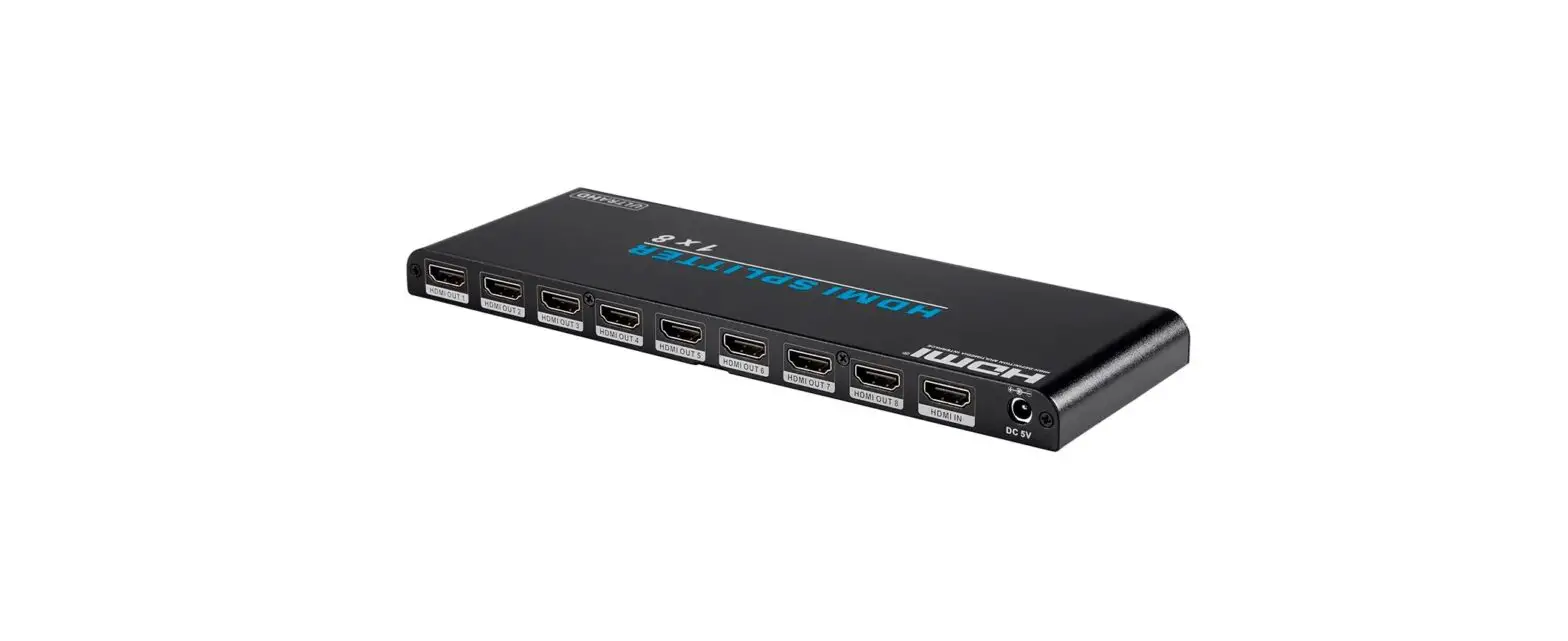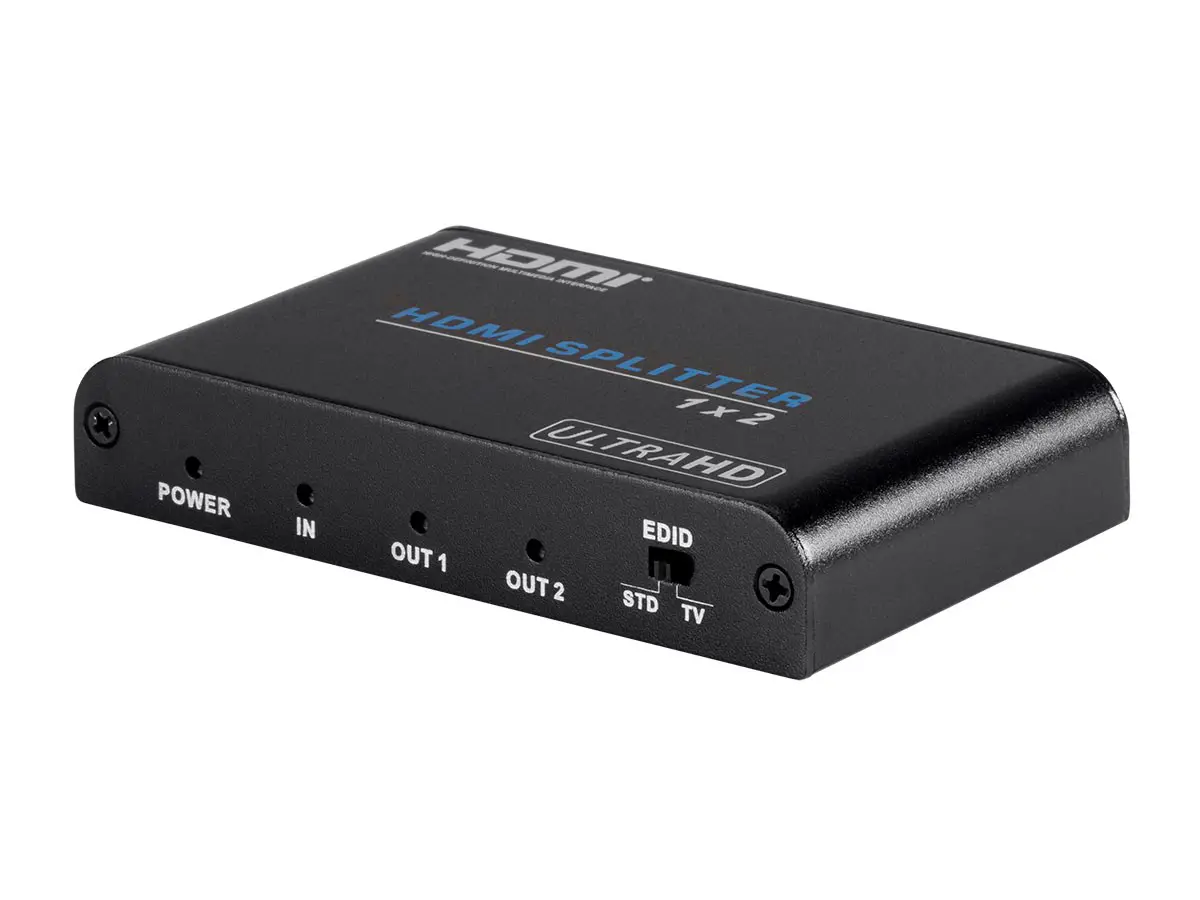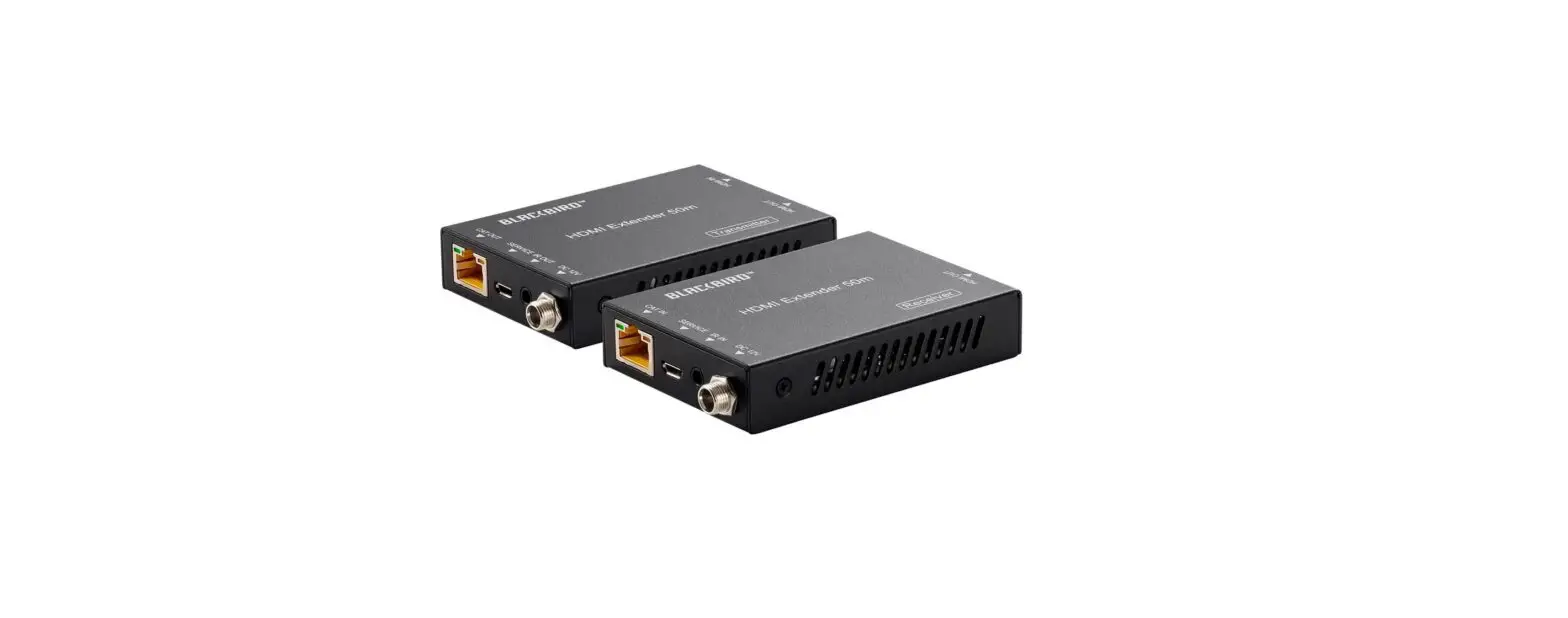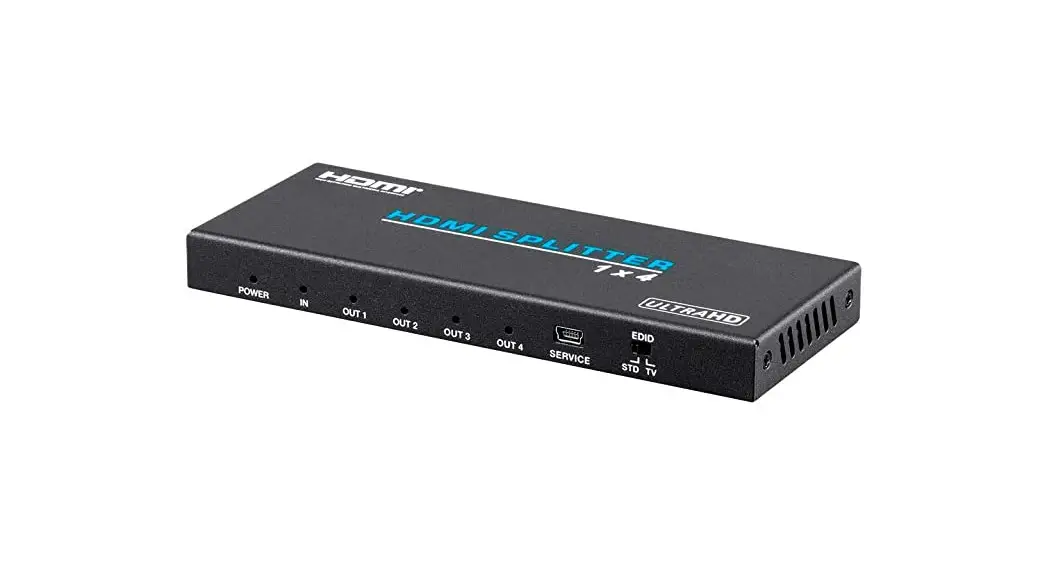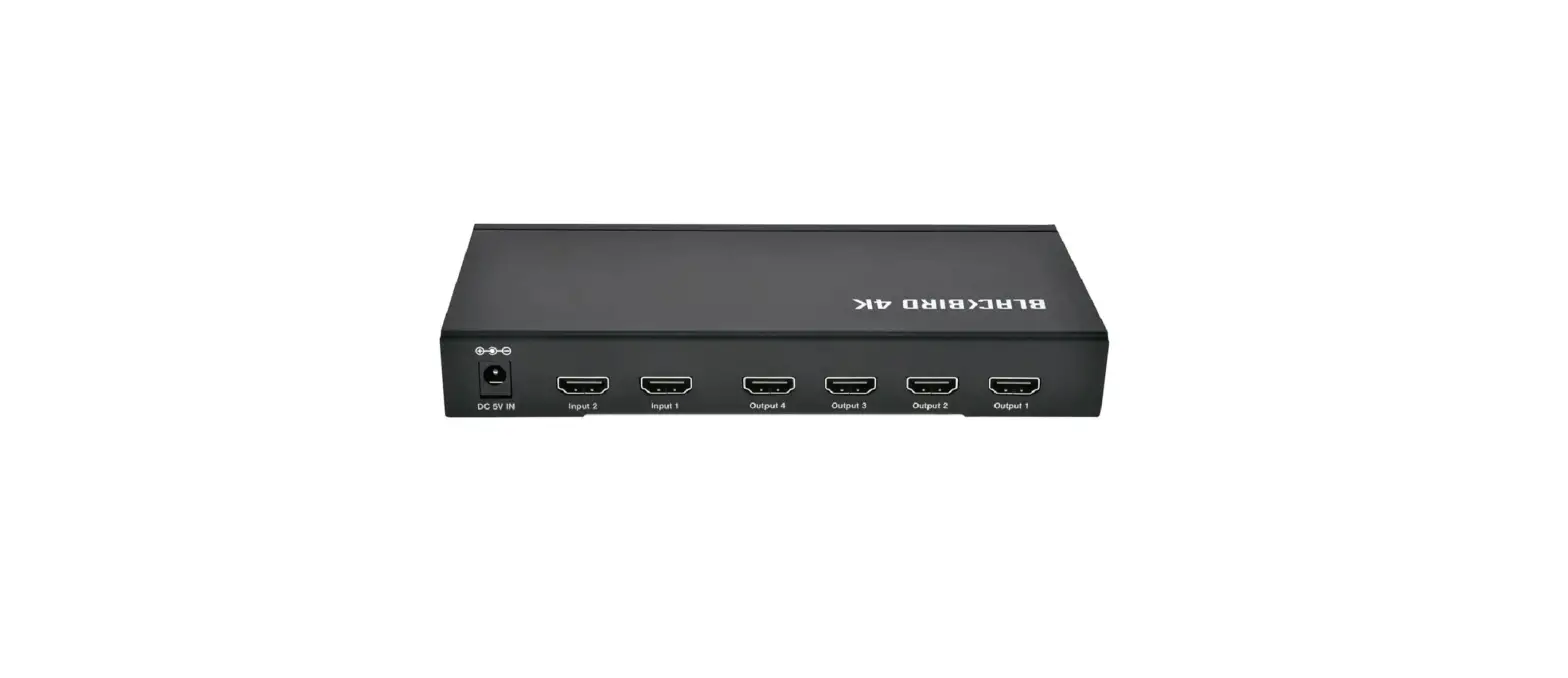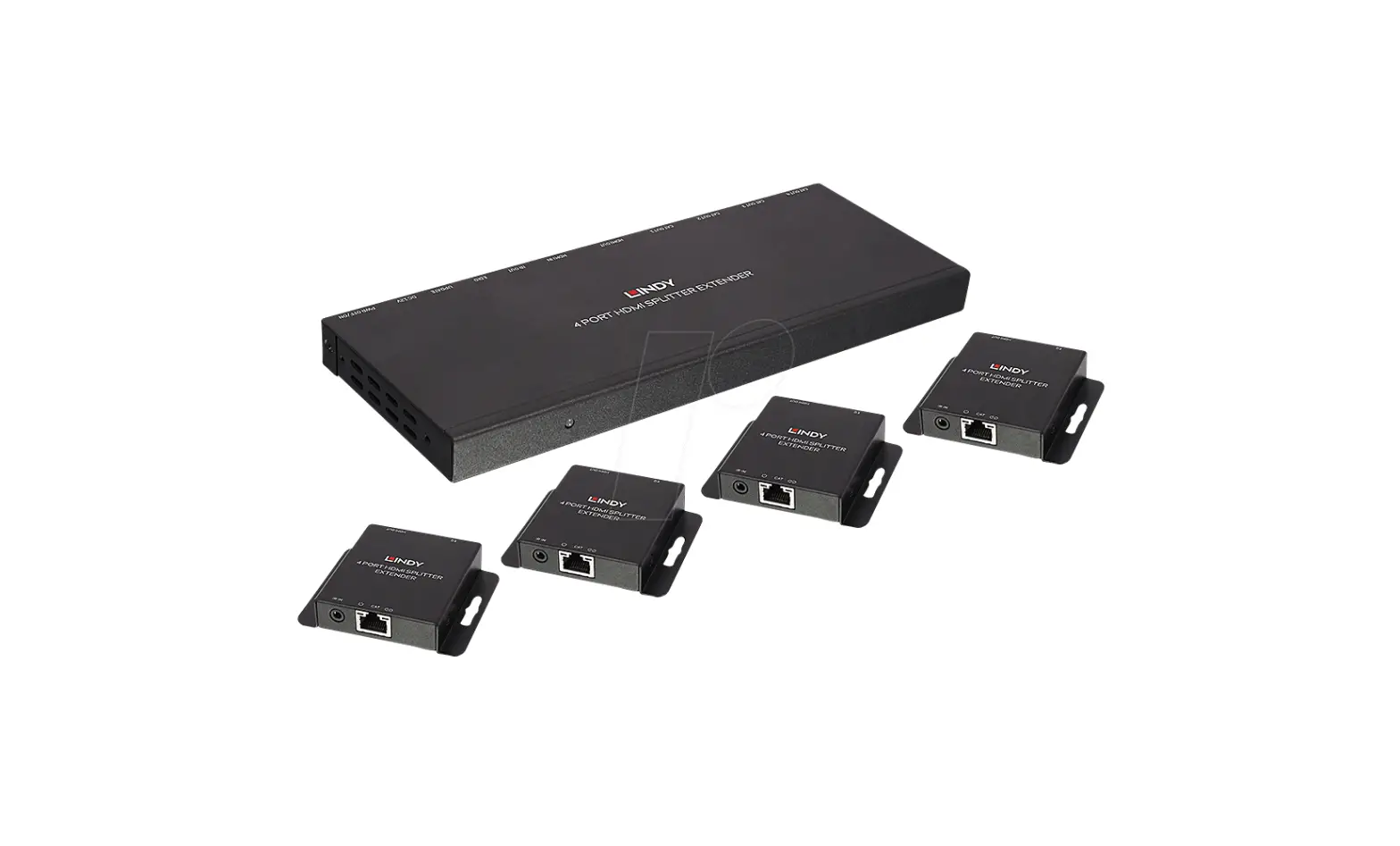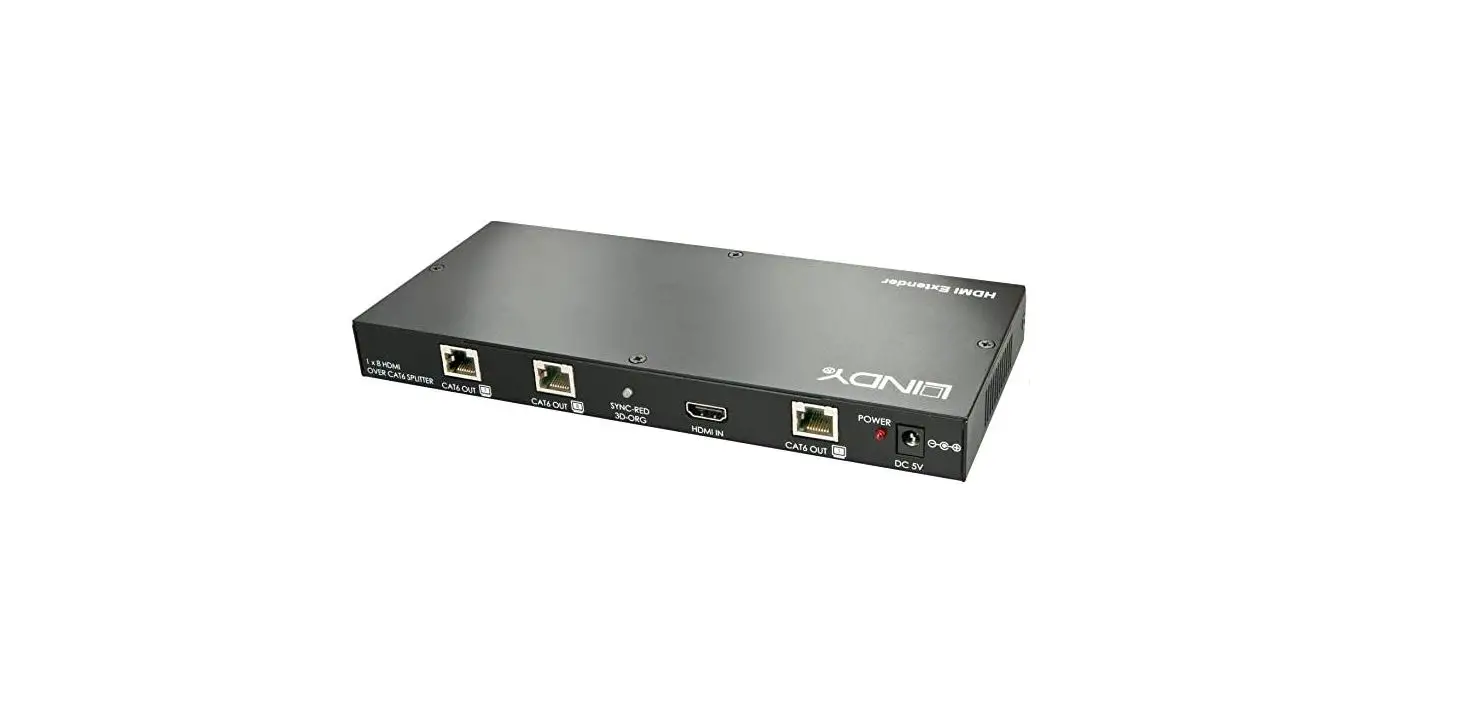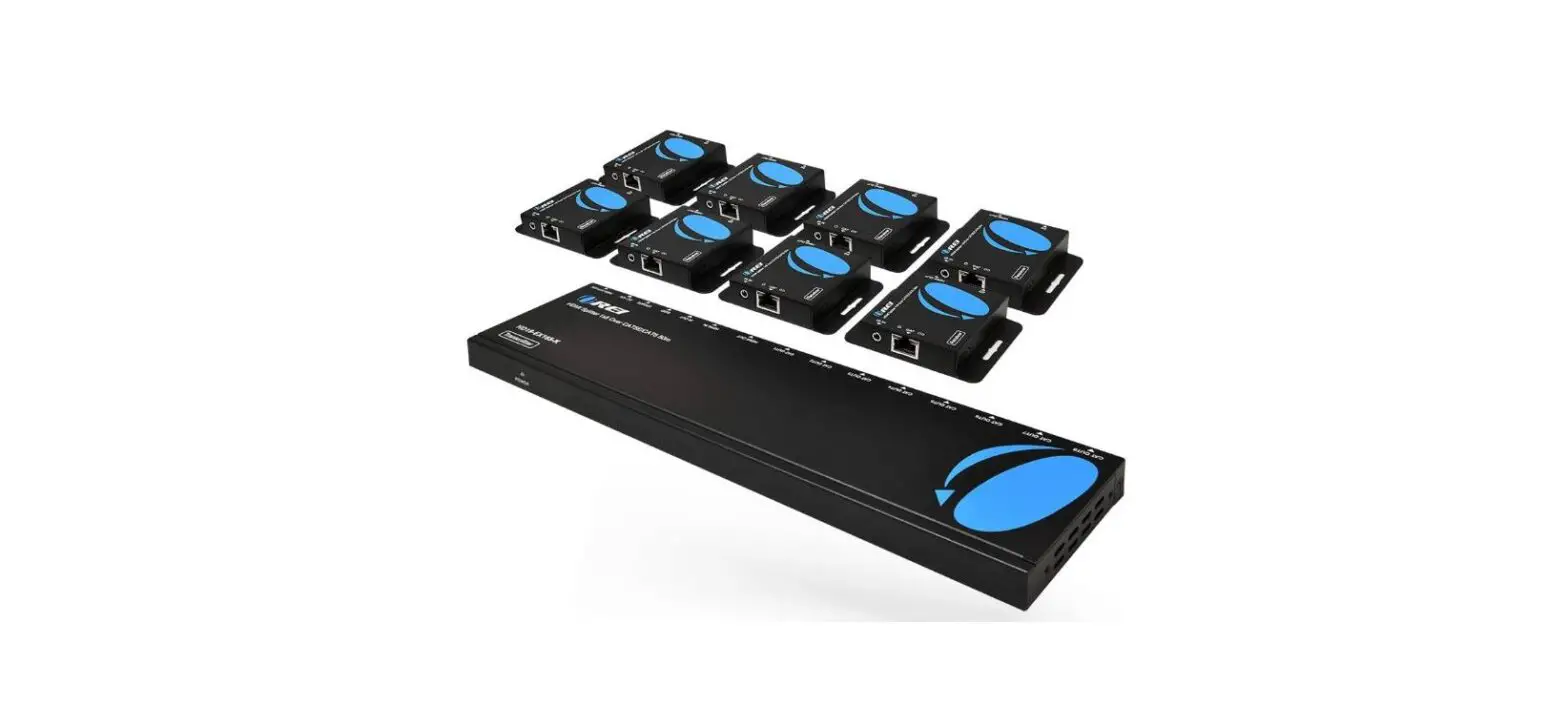

4K 2×4 HDMI Splitter and Extender Kit
User Manual
SAFETY WARNINGS AND GUIDELINES
Please read this entire manual before using this device, paying extra attention to these safety warnings and guidelines. Please keep this manual in a safe place for future reference.
- This device is intended for indoor use only.
- Do not expose this device to water or moisture of any kind. Do not place drinks or other containers with moisture on or near the device. If moisture does get in or on the device, immediately remove it from its power source and allow it to fully dry before reapplying power.
- Do not touch the device, the power cord, or any other connected cables with wet hands.
- Do not expose this device to excessive vibration, extreme force, shock, or fluctuations in temperature or humidity.
- Do not expose this device to excessively high temperatures. Do not place it in, on, or near a heat source, such as a fireplace, stove, radiator, etc. Do not leave it in direct sunlight.
- Do not place or install this device in an area where it can be exposed to excessive amounts of dust, humidity, oil, smoke, or combustible vapors.
- Prior to operation, check the unit and power cord for physical damage. Do not use if physical damage has occurred.
- Do not expose this device to water or moisture of any kind. Do not place drinks or other containers with moisture on or near the device. If moisture does get in or on the device, immediately remove it from its power source and allow it to fully dry before reapplying power.
- Do not touch the device, the power cord, or any other connected cables with wet hands.
- Do not expose this device to excessive vibration, extreme force, shock, or fluctuations in temperature or humidity.
- Do not expose this device to excessively high temperatures. Do not place it in, on, or near a heat source, such as a fireplace, stove, radiator, etc. Do not leave it in direct sunlight.
- Do not place or install this device in an area where it can be exposed to excessive amounts of dust, humidity, oil, smoke, or combustible vapors.
- Prior to operation, check the unit and power cord for physical damage. Do not use if physical damage has occurred.
- Before plugging the unit into a power outlet, ensure that the outlet provides the same type and level of power required by the device.
- Unplug this device from the power source when not in use.
- Take care to prevent damage to the power cord. Do not allow it to become crimped, pinched, walked on, or become tangled with other cords. Ensure that the power cord does not present a tripping hazard.
- Never unplug the unit by pulling on the power cord. Always grasp the connector head or adapter body.
- Ensure that power is turned off and disconnected before making any electrical connections.
- The remote control uses a Lithium battery. Dispose of it only in accordance with local, state, or federal regulations for electronic waste.
- Clean using a soft, dry cloth only. Do not use chemical cleaners, solvents, or detergents. For stubborn deposits, moisten the cloth with warm water.
- This device has no user-serviceable parts. Do not attempt to open, service, or modify this device.
INTRODUCTION
This Blackbird™ 18Gbps 1×16 HDMI® Splitter allows you to distribute a single HDMI video source to up to 16 displays. It supports video resolutions up to 4K@60Hz with the YCbCr 4:4:4 color space. It supports HDR, HDR10, HDR10+, HLG, and Dolby Vision™ passthrough.
A bank of 5 DIP switches allows you to set the EDID® for use by the video source device.
FEATURES
- Complies with the HDMI® 2.0b, HDCP™ 2.2/1.x, and DVI™ 1.0 specifications
- Delivers up to 18Gbps video bandwidth
- Supports resolutions up to 4K@60Hz with the YCbCr 4:4:4 color space
- Supports HDR, HDR10, HDR10+, HLG, and Dolby Vision™ passthrough
- Supports high definition, multichannel audio, including LPCM 7.1, Dolby TrueHD™, and DTS-HD Master Audio™
- Features a bank of 5 DIP switches for advanced EDID® management
CUSTOMER SERVICE
The Monoprice Customer Service department is dedicated to ensuring that your ordering, purchasing, and delivery experience is second to none. If you have any problem with your order, please give us an opportunity to make it right. You can contact a Monoprice Customer Service representative through the Live Chat link on our website www.monoprice.com or via email at [email protected]. Check the website for support times and links.
PACKAGE CONTENTS
Please take an inventory of the package contents to ensure you have all the items listed below. If anything is missing or damaged, please contact Monoprice Customer Service for a replacement.
1x Blackbird™ 18Gbps 1×16 HDMI® Splitter
1x AC Power Adapter (12 VDC, 2.5A)
1x User’s Manual
PRODUCT OVERVIEW
Front Panel

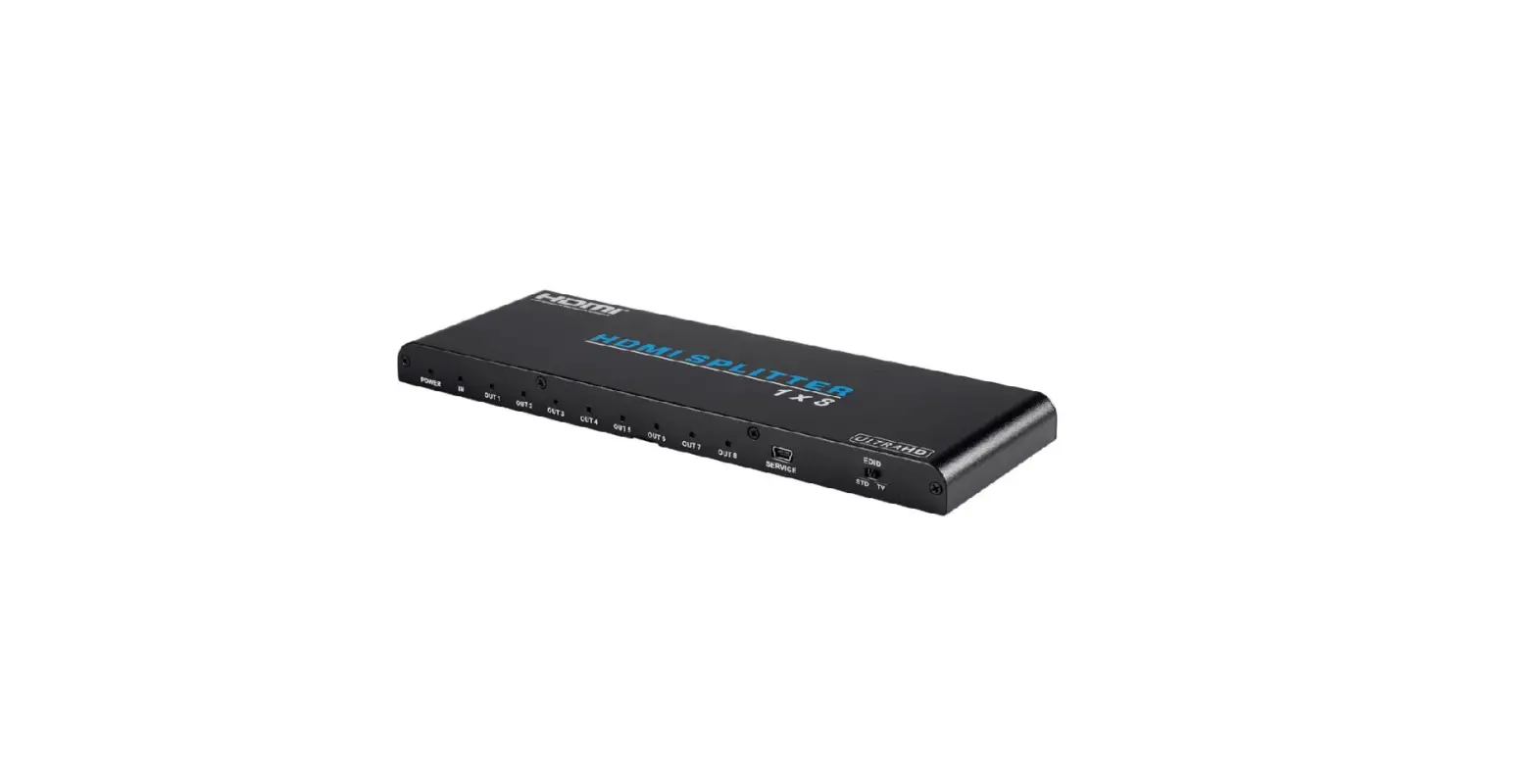
- POWER SWITCH: Use the POWER SWITCH to turn the splitter on or off.
- POWER LED: The LED illuminates when power is applied.
- IN LED: The LED illuminates green when there is a valid video signal on the IN port.
- OUT LEDs: The LEDs illuminate green when an active display is connected to the corresponding OUT port.
Rear Panel
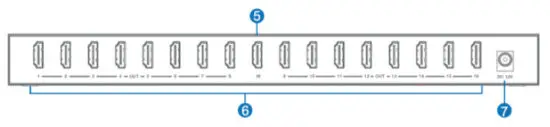
- IN: HDMI® port for connecting the video source device.
- OUT: 16 HDMI ports for connecting up to 16 displays.
- DC 12V: DC barrel connector for connecting the included AC power adapter.
Side Panel
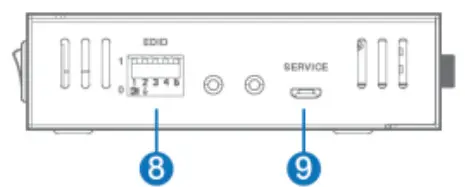
- EDID: Bank of 5 DIP switches for setting the EDID® for use by the video source device. Refer to the EDID SETTING section for more details.
- SERVICE: Micro USB port for connecting a computer for performing a firmware update, in the event that updated firmware is available.
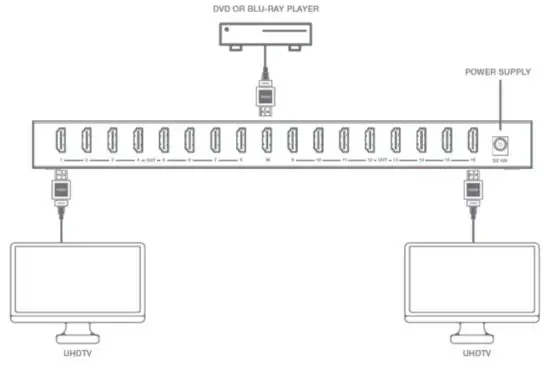
SAMPLE CONNECTION DIAGRAM
EDIT SETTING
Use the information in the following table to determine the DIP switch settings for the desired EDID®. You should choose an EDID in which all the settings are supported by all the displays. Note that when setting the DIP switches, the switch is on (1) when it is up and off (0) when it is down.
| DIP Switches | Video/Audio Settings |
| 11111 | 1080p, Stereo Audio 2.0 |
| 11110 | 1080p, Dolby®/DTS® 5.1 |
| 11101 | 1080p, HD Audio 7.1 |
| 11100 | 1080i, Stereo Audio 2.0 |
| 11011 | 1080i, Dolby®/DTS® 5.1 |
| 11010 | 1080i, HD Audio 7.1 |
| 11001 | 1080p 3D, Stereo Audio 2.0 |
| 11000 | 1080p 3D, Dolby®/DTS® 5.1 |
| 10111 | 1080p 3D, HD Audio 7.1 |
| 10110 | 4K@30Hz 4:4:4, Stereo Audio 2.0 |
| 10101 | 4K@30Hz 4:4:4, Dolby/DTS 5.1 |
| 10100 | 4K@30Hz 4:4:4, HD Audio 7.1 |
| 10011 | 4K@60Hz 4:2:0, Stereo Audio 2.0 |
| 10010 | 4K@60Hz 4:2:0, Dolby/DTS 5.1 |
| 10001 | 4K@60Hz 4:2:0, HD Audio 7.1 |
| 10000 | 4K@60Hz 4:4:4, Stereo Audio 2.0 |
| 01111 | 4K@60Hz 4:4:4, Dolby/DTS 5.1 |
| 01110 | 4K@60Hz 4:4:4, HD Audio 7.1 |
| 01101 | 4K@60Hz 4:4:4, Stereo Audio 2.0 HDR |
| 01100 | 4K@60Hz 4:4:4, Dolby/DTS 5.1 HDR |
| 01011 | 4K@60Hz 4:4:4, HD Audio 7.1 HDR |
| 01010 | Copy Output 1 |
| 1001 | 1080p, Stereo Audio 2.0 |
| 01000 | 1080p, Stereo Audio 2.0 |
| 00111 | 1080p, Stereo Audio 2.0 |
| 00110 | 1080p, Stereo Audio 2.0 |
| 00101 | 1080p, Stereo Audio 2.0 |
| 00100 | 1080p, Stereo Audio 2.0 |
| 00011 | 1080p, Stereo Audio 2.0 |
| 00010 | 1080p, Stereo Audio 2.0 |
| 00001 | 1080p, Stereo Audio 2.0 |
| 00000 | PC control mode |
TECHNICAL SUPPORT
Monoprice is pleased to provide free, live, online technical support to assist you with any questions you may have about installation, setup, troubleshooting, or product recommendations. If you ever need assistance with your new product, please come online to talk to one of our friendly and knowledgeable Tech Support Associates. Technical
support is available through the online chat button on our website www.monoprice.com or through email by sending a message to [email protected]. Check the website for support times and links.
To download the latest drivers, firmware, manuals, etc., go to www.monoprice.com and type the P/N into the search bar. If available, support files are linked at the bottom of the product page.
SPECIFICATIONS
| P/N | 14548 |
| Inputs | 1x HDMI® |
| Outputs | 16x HDMI |
| HDMI Version | 2.0b |
| HDCP™ Version | 2.2/1.x |
| Maximum Video Resolution | 4K@60Hz |
| Video Bandwidth | 18Gbps |
| Supported Color Spaces | RGB, YCbCr 4:4:4/4:2:2/4:2:0 |
| Supported Color Depths | 1080p@60Hz: 8-bit, 10-bit, 12-bit 4K@60Hz YCbCr 4:4:4: 8-bit 4K@60Hz YCbCr 4:2:2/4:2:0: 8-bit, 10-bit, 12-bit |
| Supported HDMI Audio Formats | LPCM 7.1, Dolby TrueHD™, DTS-HD Master Audio™, Dolby® 5.1, DTS® 5.1 |
| High Dynamic Range (HDR) Support | HDR, HDR10, HDR10+, HLG, Dolby Vision™ |
| Input Power | 12 VDC, 2.5A |
| AC Adapter Input Power | 100 ~ 240 VAC, 50/60 Hz |
| Maximum Power Consumption | 12 watts |
| Operating Temperature | +32 ~ +104°F (0 ~ +40°C) |
| Storage Temperature | -4 ~ +140°F (-20 ~ +60°C) |
| Operating Humidity | 20 ~ 90% RH, noncondensing |
| Dimensions | 11.8″ x 3.9″ x 1.1″ (300 x 100 x 28 mm) |
| Weight | 31.7 oz. (900g) |
REGULATORY COMPLIANCE
Notice for FCC
This device complies with Part 15 of the FCC rules. Operation is subject to the following two conditions: (1) this device may not cause harmful interference, and (2) this device must accept any interference received, including interference that may cause undesired operation.
Modifying the equipment without Monoprice’s authorization may result in the equipment no longer complying with FCC requirements for Class B digital devices. In that event, your right to use the equipment may be limited by FCC regulations, and you may be required to correct any interference to radio or television communications at your own expense.
This equipment has been tested and found to comply with the limits for a Class B digital device, pursuant to Part 15 of the FCC Rules. These limits are designed to provide reasonable protection against harmful interference in a residential installation. This equipment generates, uses, and can radiate radio frequency energy and, if not installed and used in accordance with the instructions, may cause harmful interference to radio communications. However, there is no guarantee that interference will not occur in a particular installation. If this equipment does cause harmful interference to radio or television reception, which can be determined by turning the equipment off and on, the user is encouraged to try to correct the interference by one or more of the following measures:
- Reorient or relocate the receiving antenna.
- Increase the separation between the equipment and receiver.
- Connect the equipment into an outlet on a circuit different from that to which the receiver is connected.
- Consult the dealer or an experienced radio/TV technician for help.
Notice for Industry Canada
This Class B digital apparatus complies with Canadian ICES-003.
Cet appareil numérique de la classe B est conforme à la norme NMB- 003 du Canada.
Monoprice™, Blackbird™, the Blackbird logo, and all Monoprice logos are trademarks of Monoprice Inc.
HDMI®, the HDMI Logo, and High-Definition Multimedia Interface are trademarks or registered trademarks of HDMI Licensing LLC in the United States and other countries.
Dolby®, Dolby® TrueHD™, Dolby Vision™, Dolby Audio™, and the double-D symbol are trademarks of Dolby Laboratories.
DTS®, the Symbol, and DTS and the Symbol together are registered trademarks of DTS, Inc. DTS-HD™ and DTS-HD Master Audio™ are trademarks of DTS, Inc.
EDID® is a registered trademark of the Video Electronics Standards Association.
HDCP™ is a trademark of Digital Content Protection LLC.
DVI™ is a trademark of the Digital Display Working Group.
Blu-ray Disc™, Blu-ray™, and the logos are trademarks of the Blu-ray Disc Association
 TECHNOLOGY AT PRICES THAT MAKE SENSE
Need Help? We’re here for you!
Contact us www.monoprice.com/contactus
Product pictures are for reference only.
Specifications described herein are subject to change without prior notification.
All trademarks are the sole property of their respective companies.
Blackbird™ is a Sub-brand of Monoprice Inc.
Copyright © 2021 Monoprice, Inc. All rights reserved.
www.monoprice.com
 HDMI Cable, Home Theater Accessories, HDMI Products, Cables, Adapters, Video/Audio Switch, Networking, USB, Firewire, Printer Toner, and more! - Monoprice.com