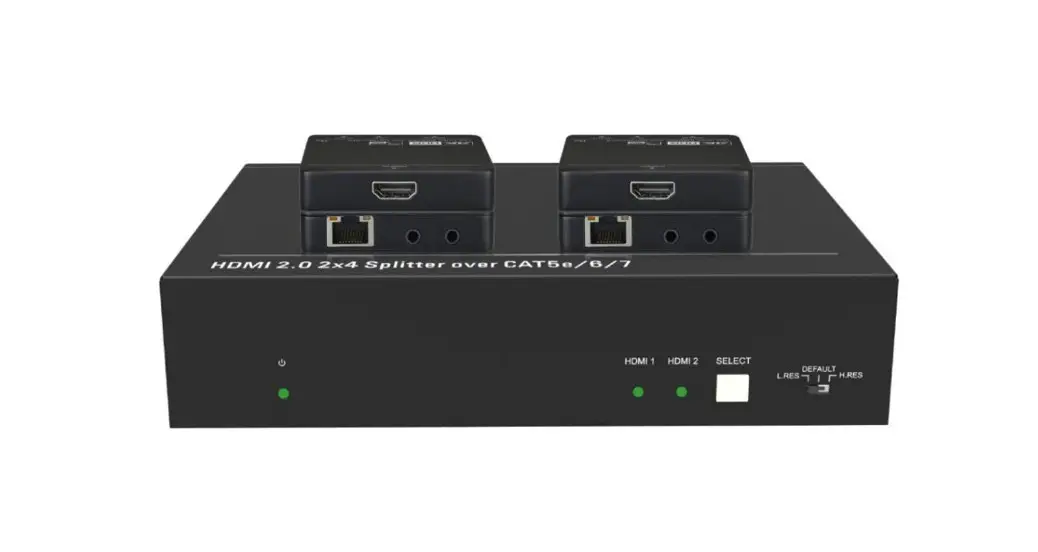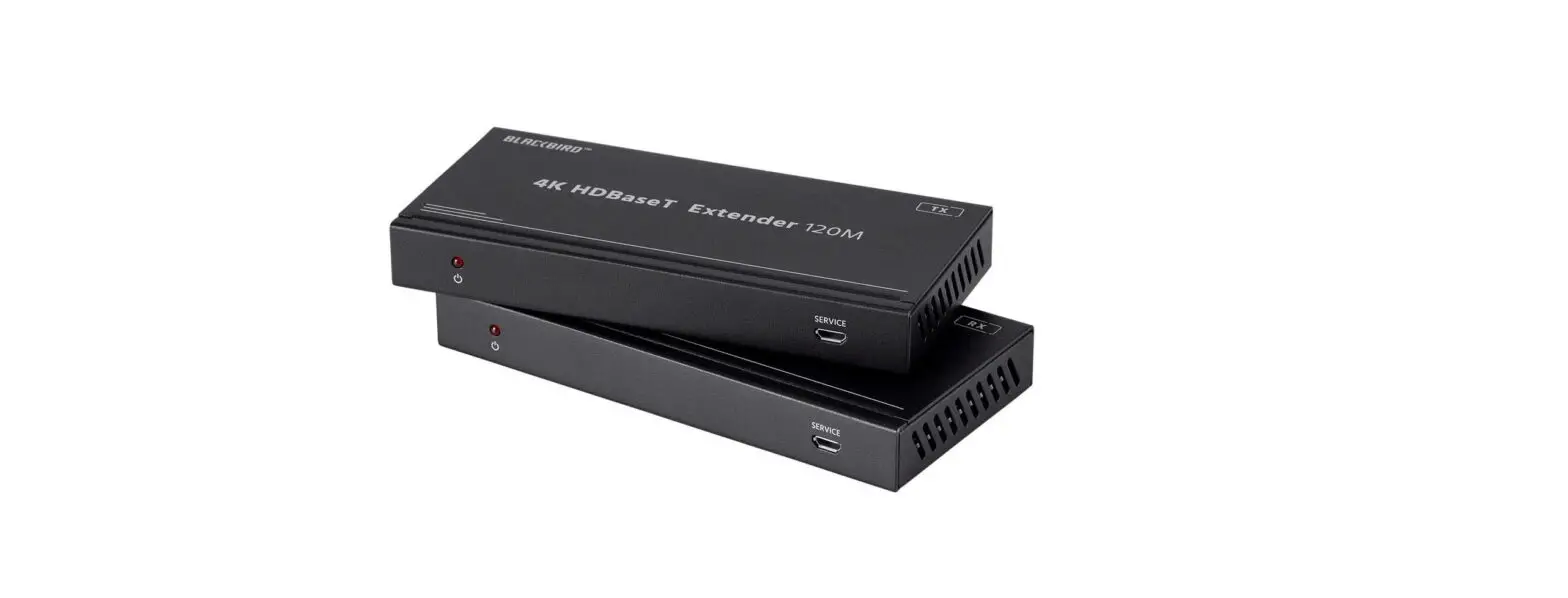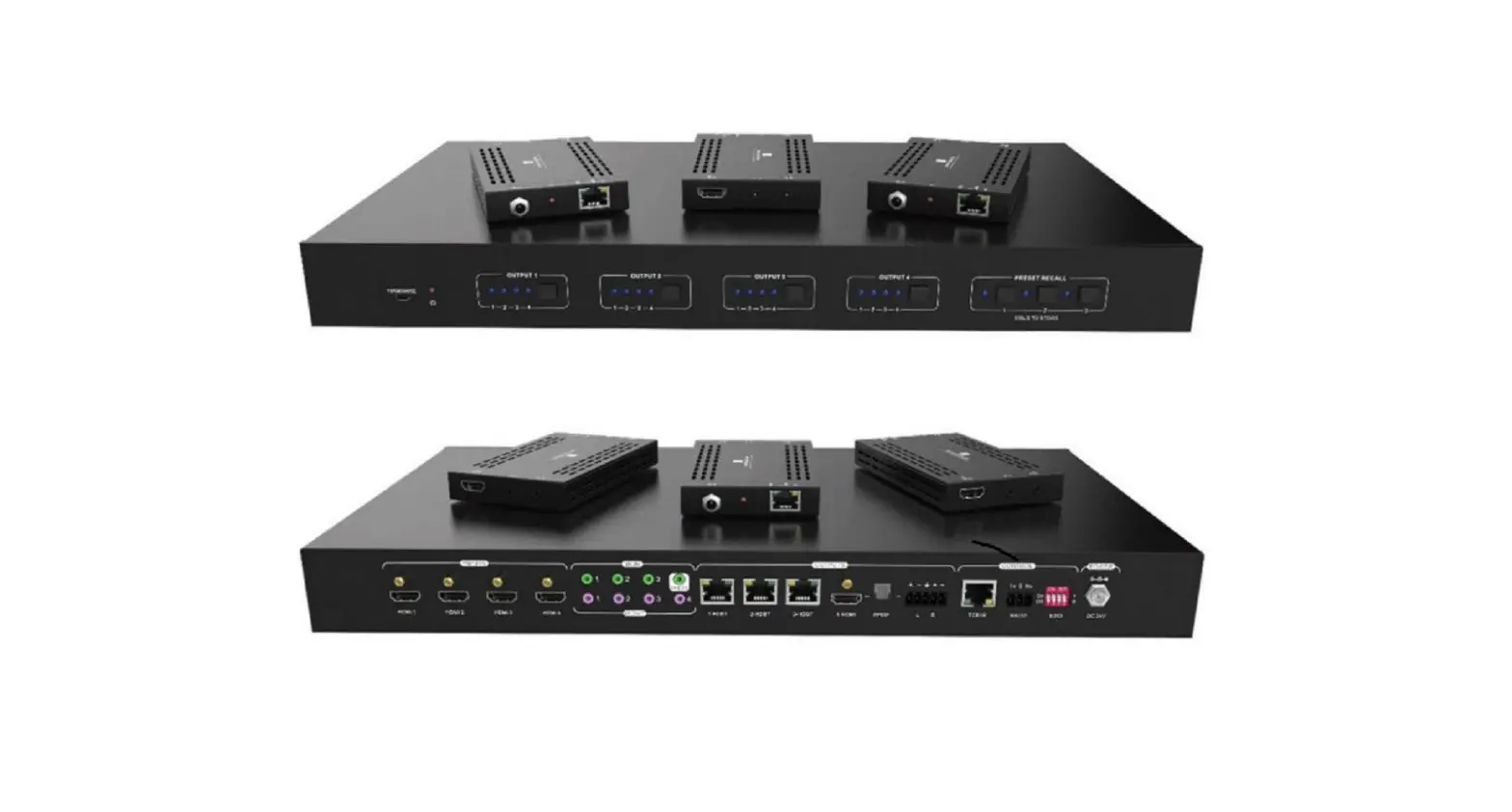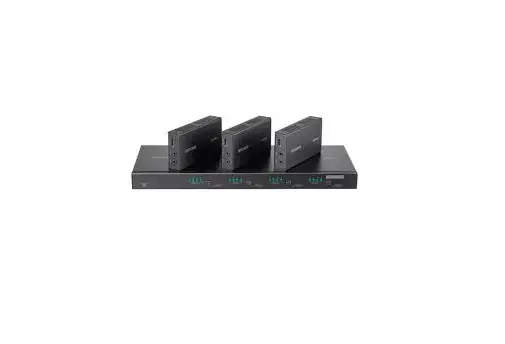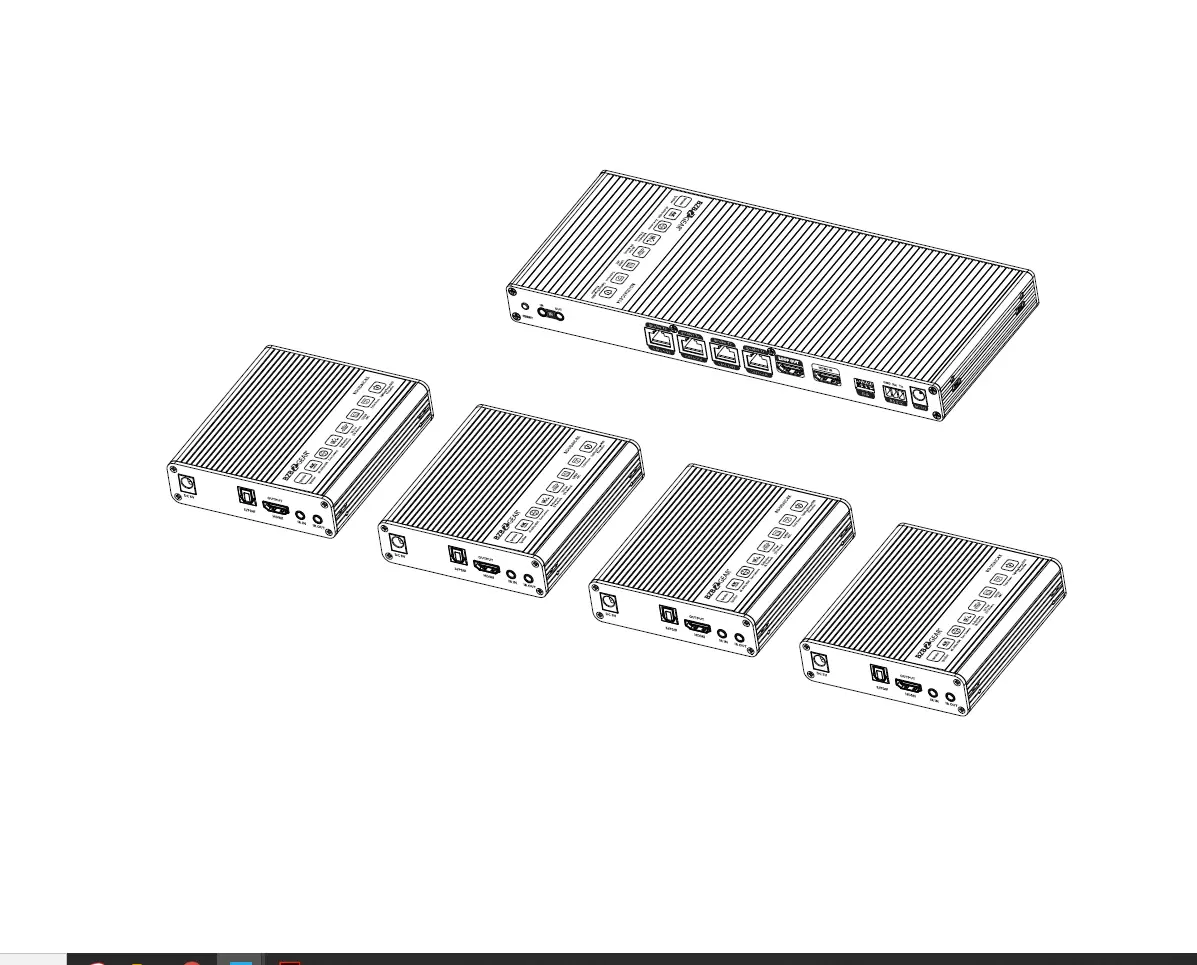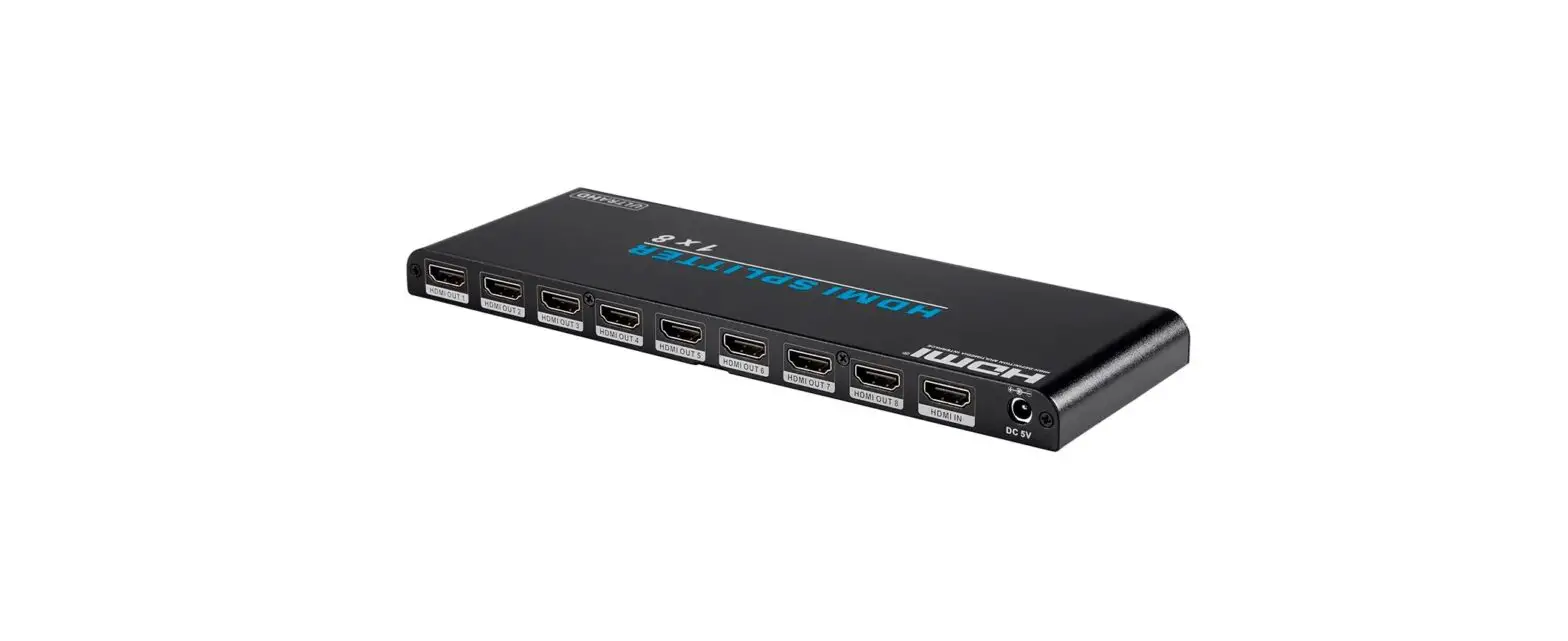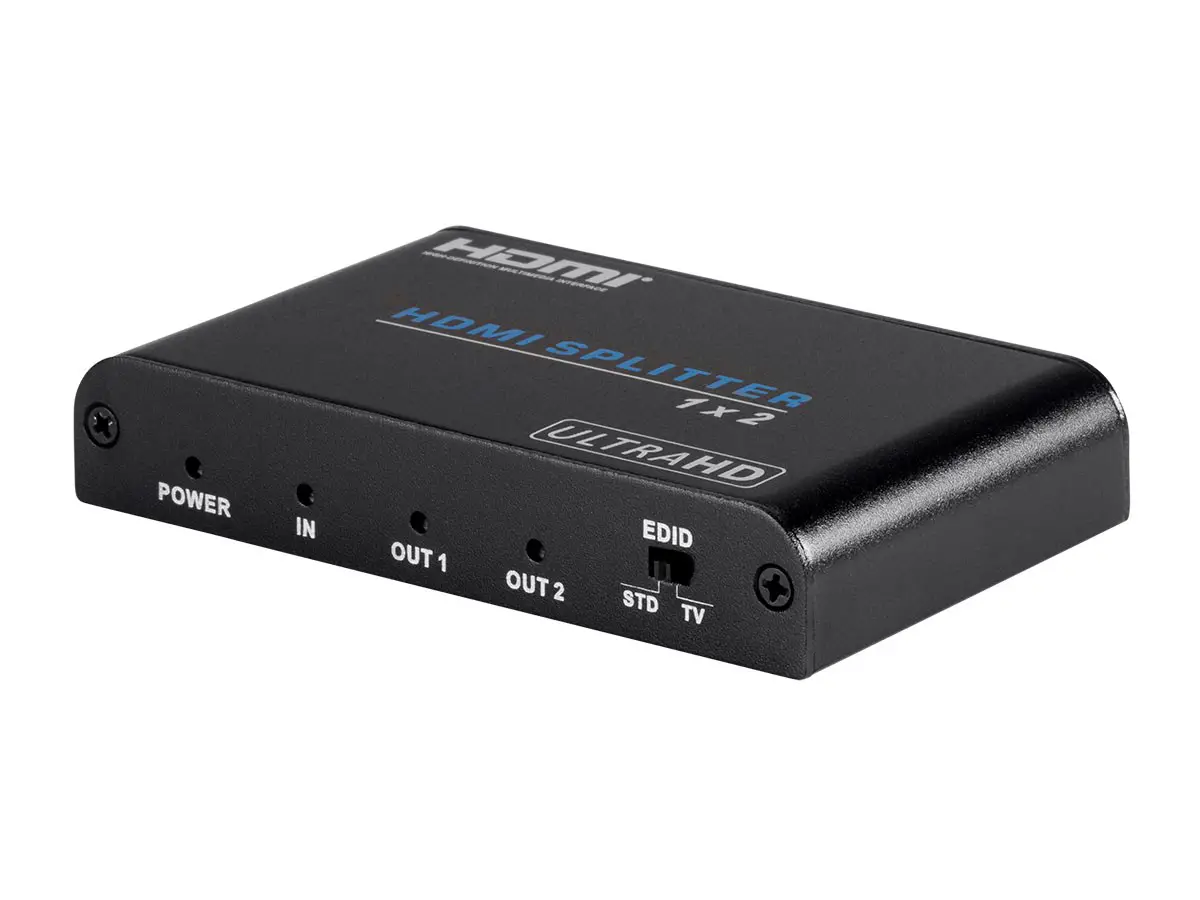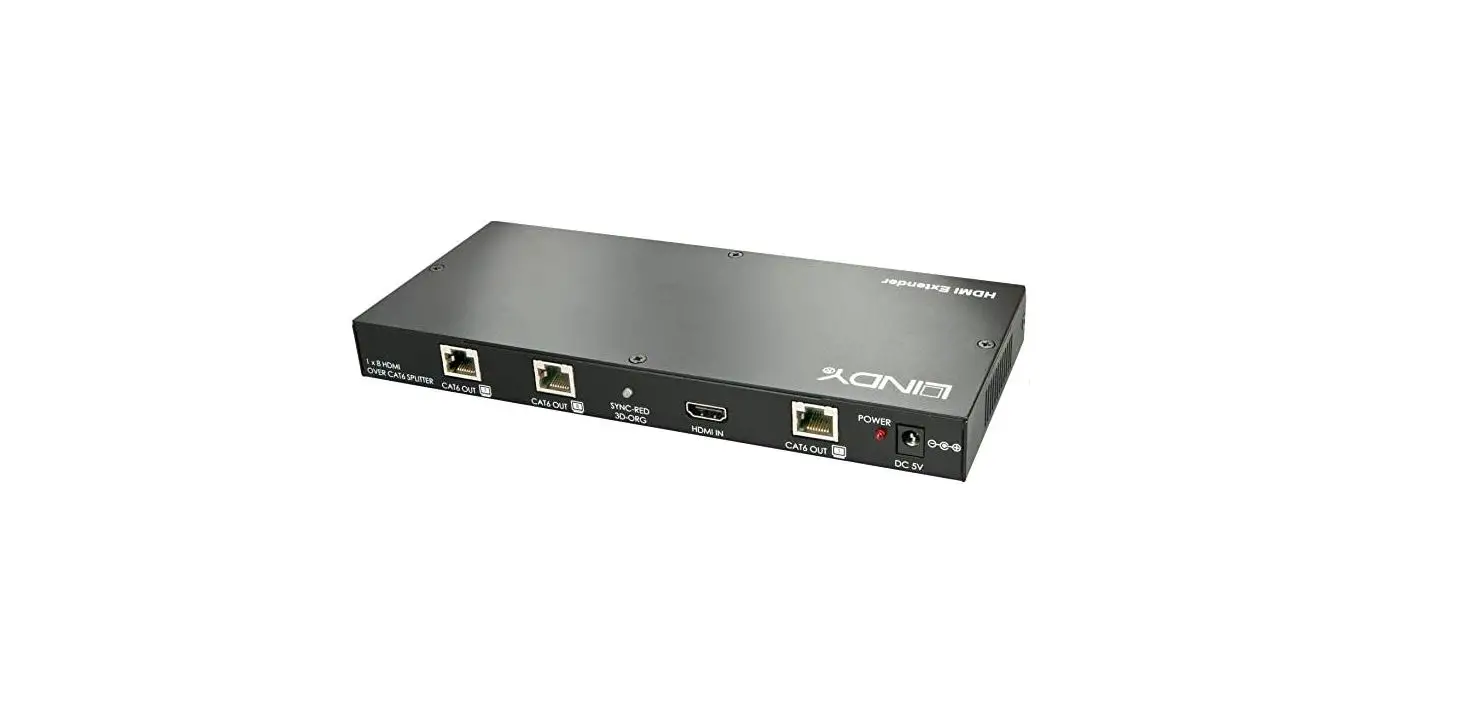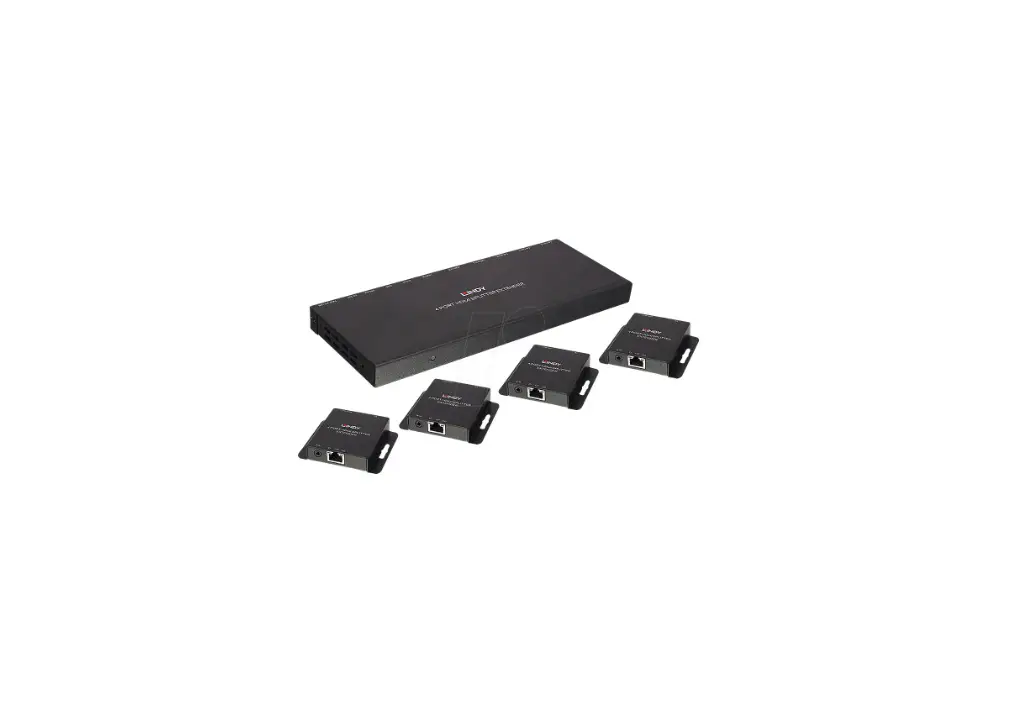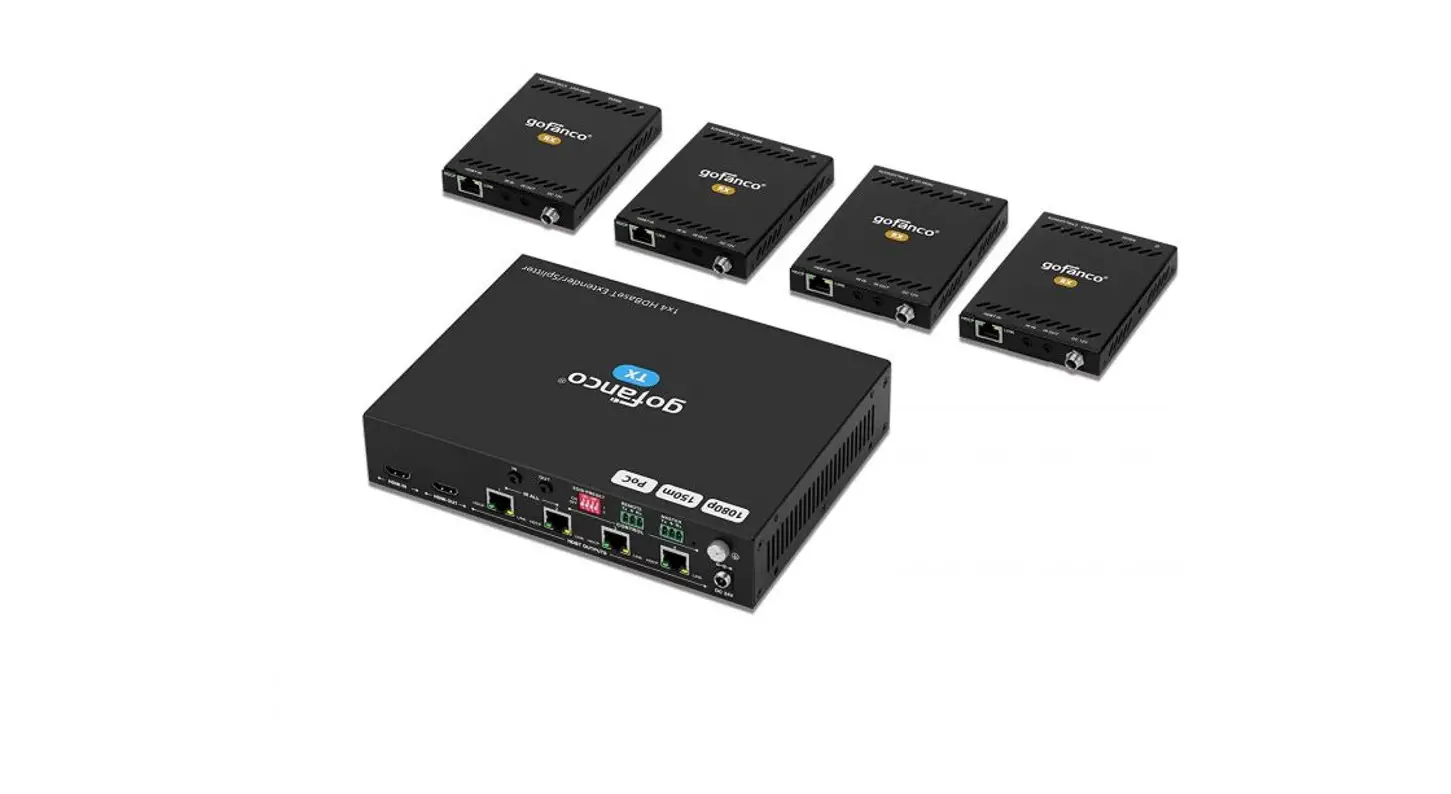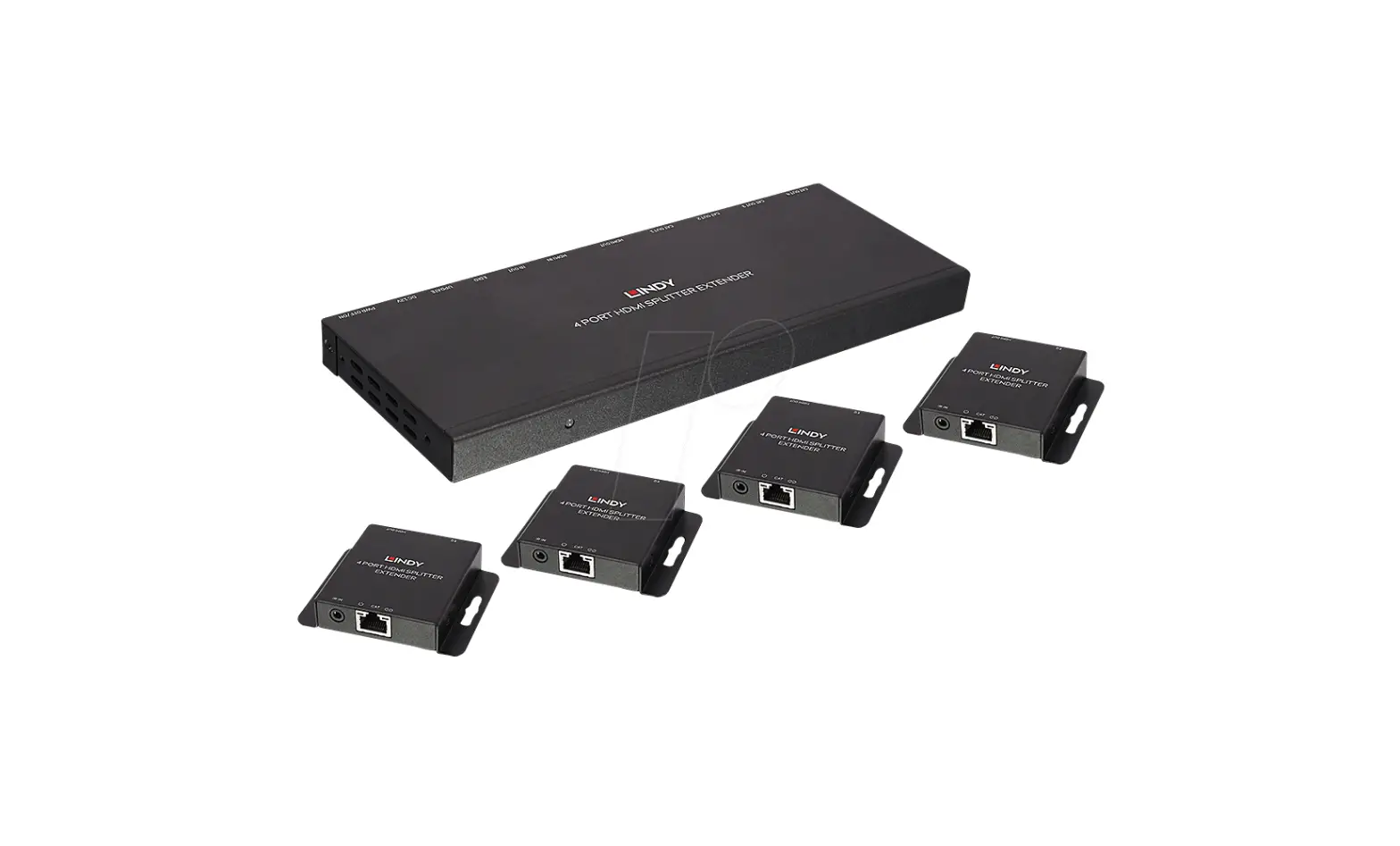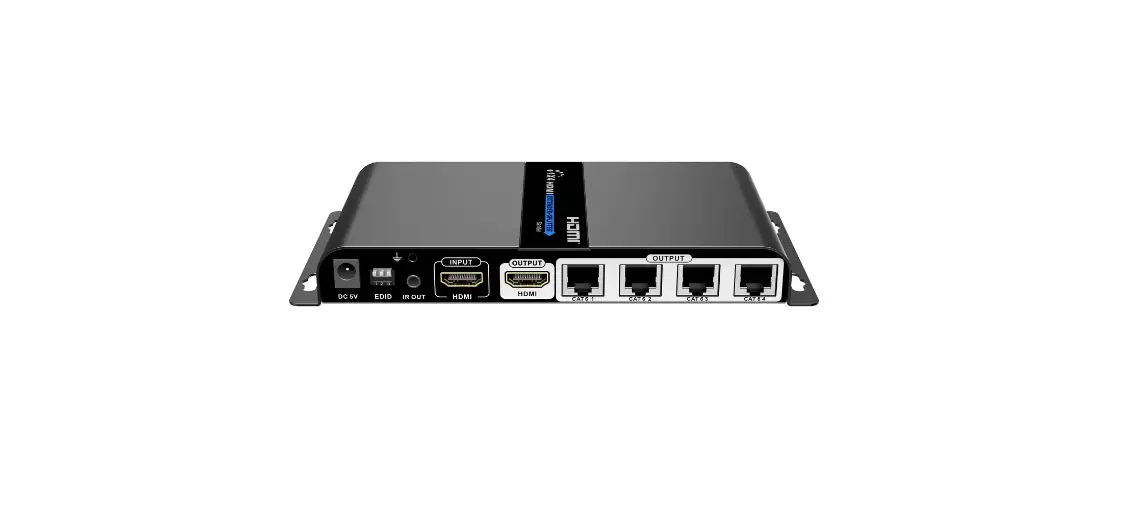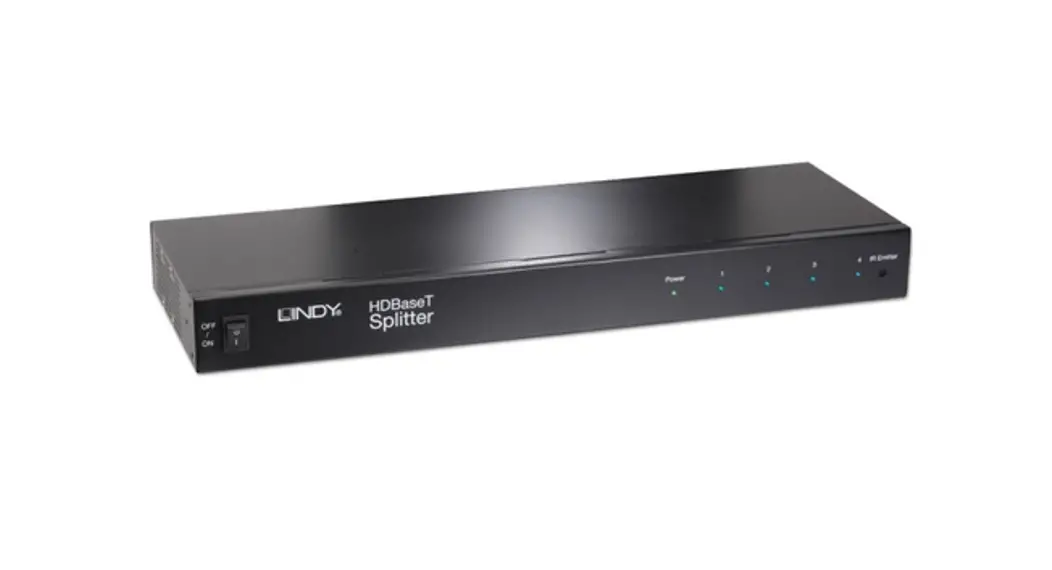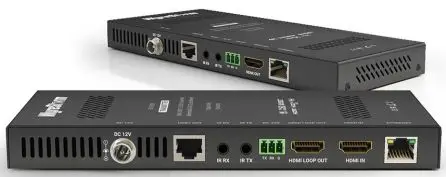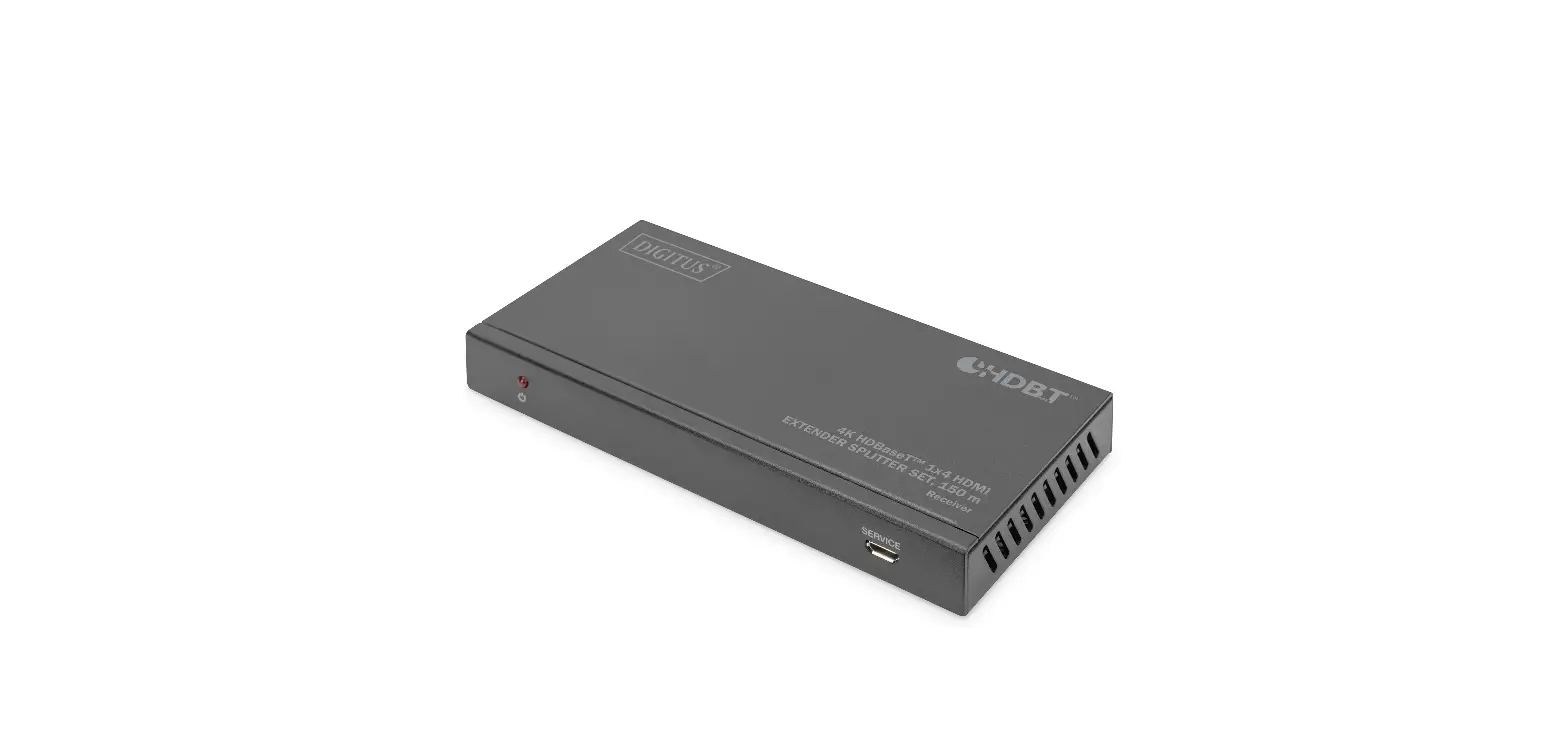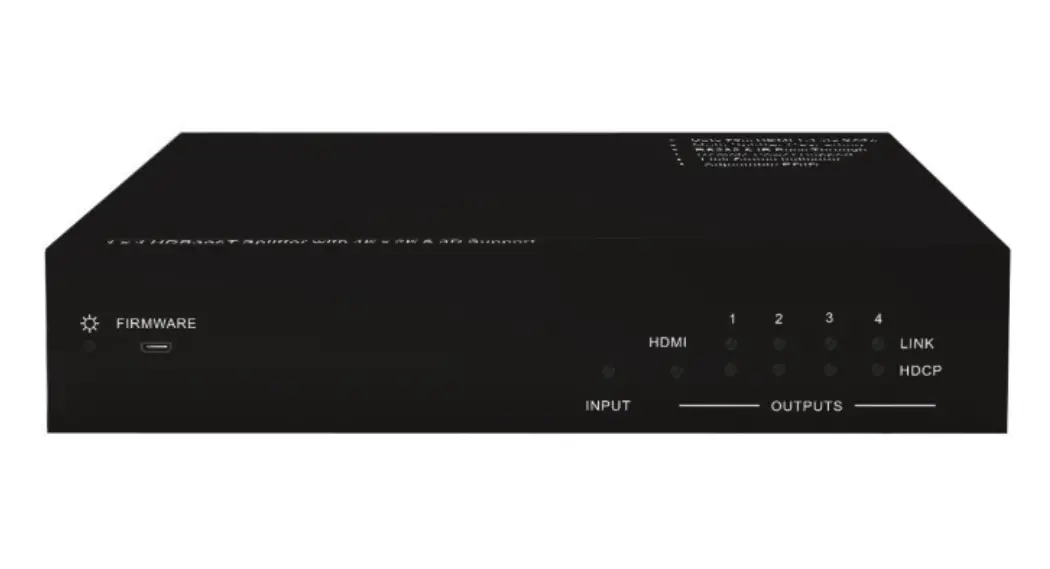

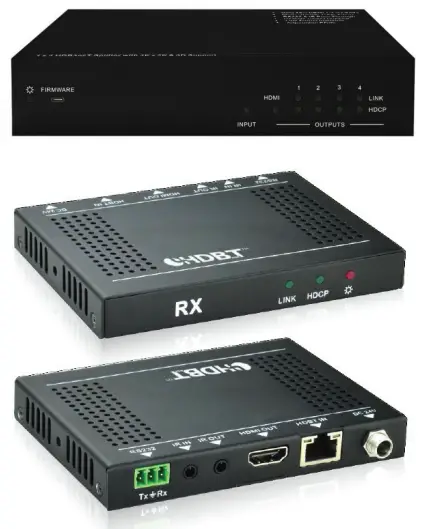
4K HDBaseTT” 1×4
Splitter Extender with Receivers
PN 21793  RS-232 GUIDE
INTRODUCTION
This BlackbirdTM device can be controlled by a computer using an RS-232 serial connection and by issuing commands using RS-232 control software.
CONNECTION
This device includes one 3-pin to 3-pin and five 3-pin to DB-9 RS-232 cables. The 3-pin to 3-pin cable is used to cascade another matrix to the first unit. You can cascade up to three additional units, allowing control of up to 16 displays. Refer to the full User’s Manual for connection details.
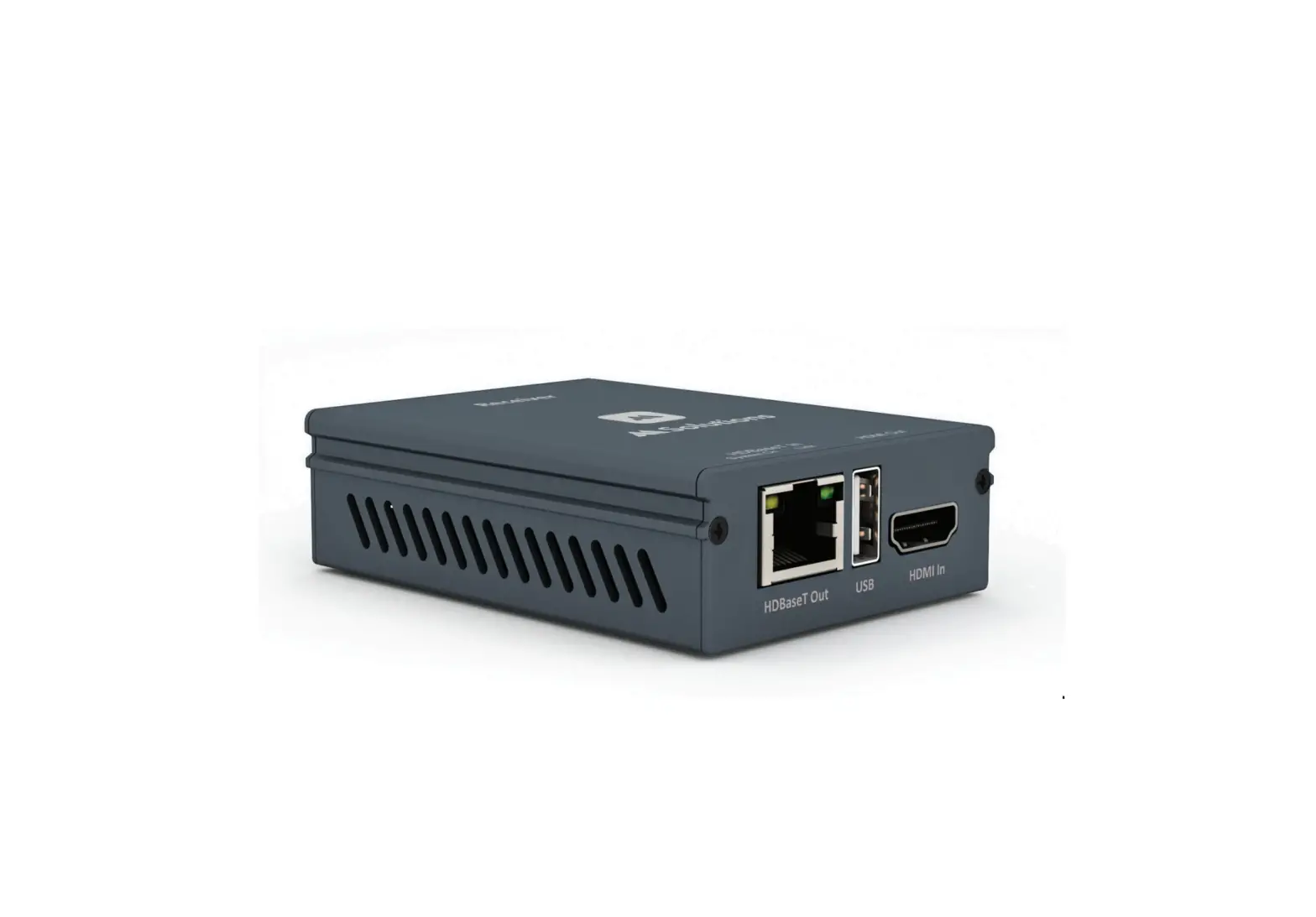
The 3-pin to DB-9 cables are used to connect your PC to the matrix and each of the HBase-Pm receivers to control the matrix. You can also issue commands to control third-party devices connected to an RS-232 connection on either the matrix or the receivers. Refer to the full User’s Manual for connection details.
SOFTWARE
This device does not include either a built-in control system or custom RS-232 control software. If you wish to control this device from your PC using an RS-232 connection, you will need to use a third-party RS-232 control software package, such as CommWatch.exe, whose interface is depicted to the right.
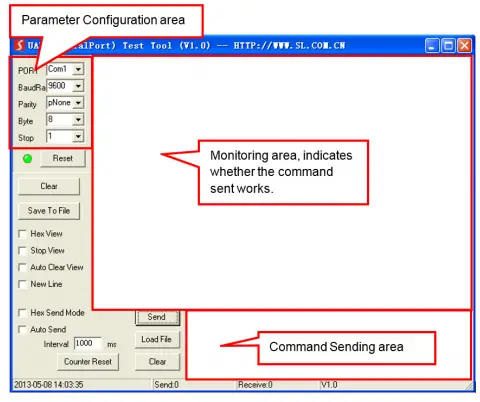
Set the communications parameters to the following:
Baud Rate: 9600
Data Bits: 8
Stop Bits: 1
Parity Bits: None
RS-232 COMMANDS
The following guidelines apply to the RS-232 control commands.
- The brackets [ and ] in the commands are for clarity purposes to make the variable more obvious. Do not type these symbols when typing the commands.
- Other than the brackets, type in all commands exactly as they appear. They are case sensitive and require the trailing period (.) or semicolon (;) as part of the command.
- Disconnect all HDBaseTTm receivers from the matrix/transmitter prior to performing any of the upgrade commands.
| Command | Function | Feedback Example |
| EDIDUpgrade[x][y].
| Upgrades the EDID° data. [x]: Unit ID, varies from 00-15 [y]: serial number of the embedded EDID varies from 0-4 (corresponding with EDID 1-5) Connect the input source and keep energized before sending this command | WAIT FOR THE EDIT FILE |
| [X][Y][Q1],[Q2]$[Z] | Send command to several HDBaserm output ports synchronously. [X]: unit ID, varies from 00-15 De serial number of third party baud rate, varies from 1-7 | |
| [X][Y][0]$[Z] | Send command to several HDBaseT output ports synchronously. [X]: unit ID, varies from 00-15 [Y]: serial number of the third party’s baud rate, varies from 1-7 [Z]: command to be sent | |
| OFF[X][Y1],[Y2],[Y3]. | Switch off several outputs of the splitter. [X]: unit ID varies from 00-15 [Y]: serial number of the output port, varies from 1-5 (1 corresponds to the HDMI® output, 2-5 correspond to the HDBaseT outputs 1-4) | OFF Y1, Y2, Y3 Y =1-5 |
| OFF[X][0]. | Switch off all the outputs of a splitter. [X]unit ID, varies from 00-15 | OFF All |
| ON[X][Y1],[Y2],[Y3]. | Switch on several outputs of the splitter. [X]: unit ID, varies from 00-15 [Y]: serial number of the output port, varies from 1-5 (1 corresponds to the HDMI® output, 2-5 correspond to the HDBaseTTm outputs 1-4) | On Y1, Y2, Y3 \I’ = 1-5 |
| ON[X][0]. | Switch on all the outputs of the splitter. [X]: unit ID, varies from 00-15 | On All |
Notes:
- When the unit ID is changed, reboot the unit before sending commands.
- Load the desired EDID® file to the RS-232 control software after sending the command EDIDUpgrade[x][y]., then the screen will show EDIDUpgrade success after the upgrade is completed.
- To control third-party devices using RS-232 commands, type in the correct serial number for the device’s baud rate in the command. Following is a list of the baud rates and corresponding serial numbers:
| Serial Number | Baud Rate |
| 1 | 2400 |
| 2 | 4800 |
| 3 | 9600 |
| 4 | 19200 |
| 5 | 38400 |
| 6 | 57600 |
| 7 | 115200 |
Monoprice™; Blackbird’™, the Blackbird logo, and all Monoprice logos are trademarks of Monoprice Inc.
HDBasrT™ and the HDBaser Alliance logo are trademarks of the HDBaser Alliance. Eddie ‘is a registered trademark of the Video Electronics Standards Association.
HDM1®,’ the HDMI Logo, and High-Definition Multimedia Interface are trademarks or registered trademarks of HDMI Licensing LLC in the United States and other countries.

TECHNOLOGY AT PRICES THAT MAKE SENSE
Need Help? We’re here for you! Contact us www.monoprice.com/contactus
Product pictures are for reference only. Specifications described herein are subject to change without prior notification. All trademarks are the sole property of their respective companies. Blackbird1M is a Sub-brand of Monoprice Inc.
Copyright © 2021 Monoprice, Inc. All rights reserved.
www.monoprice.com
 HDMI Cable, Home Theater Accessories, HDMI Products, Cables, Adapters, Video/Audio Switch, Networking, USB, Firewire, Printer Toner, and more! - Monoprice.com