4G Kit-EC&4G Kit-AU
Quick Installation Guide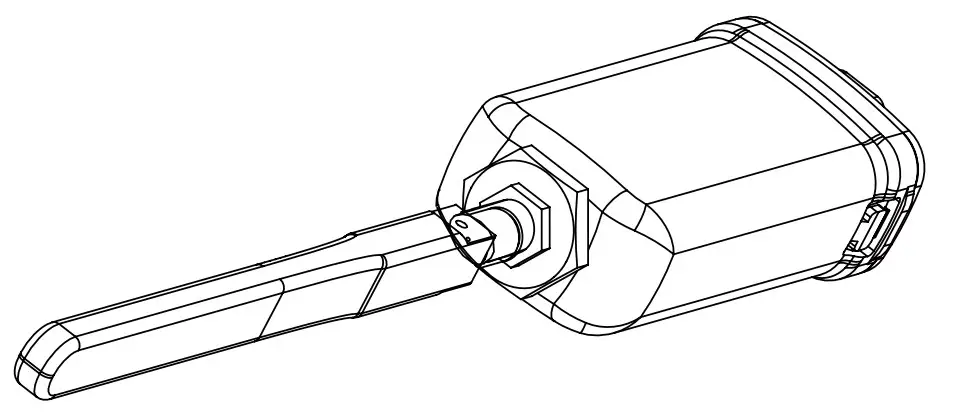
 340-00652-02
 These instructions will be updated from time to time due to product version upgrades or for other reasons. Unless otherwise specified, they are not a substitute for the safety instructions given on product labels or in user manuals.
All descriptions in the document are intended only as user instructions.
Technical Data
| Model | 4G Kit-EC | 4G Kit-AU |
| General Data | ||
| Max. Inverters Supported | 1 | 1 |
| Connection Interface | USB | USB |
| Installation | Pluq and Play | Pluq and Play |
| Indicator | LED Indicator | LED Indicator |
| Dimensions (WxHxD mm) | 49*96*32 | 49*96*32 |
| Standard SIM Card Size (mm) | 25*15 | 25*15 |
| Ingress Protection Rating | IP65 | IP65 |
| Power Consumption (W) | <4 | <4 |
| Operating Temperature Range (°C) | -30-60°C | -30-60°C |
| Storage Temperature Range (°C) | -40-70°C | -40-70°C |
| Relative Humidity | 0-100% (non-condensing) | 0-100% (non-condensing) |
| Max. Operating Altitude (m) | 4000 | 4000 |
| Wireless Parameter | ||
| LTE-FDD | B1/B3/137/B8/1320/B28A | B1/B3/137/B8/1320/B28A |
| LTE-TDD | / | B40 |
| WCDMA | B1/B8 | B1/B2/B5/B8 |
| GSM/GPRS | B3/B8 | B3/B8 |
Applications
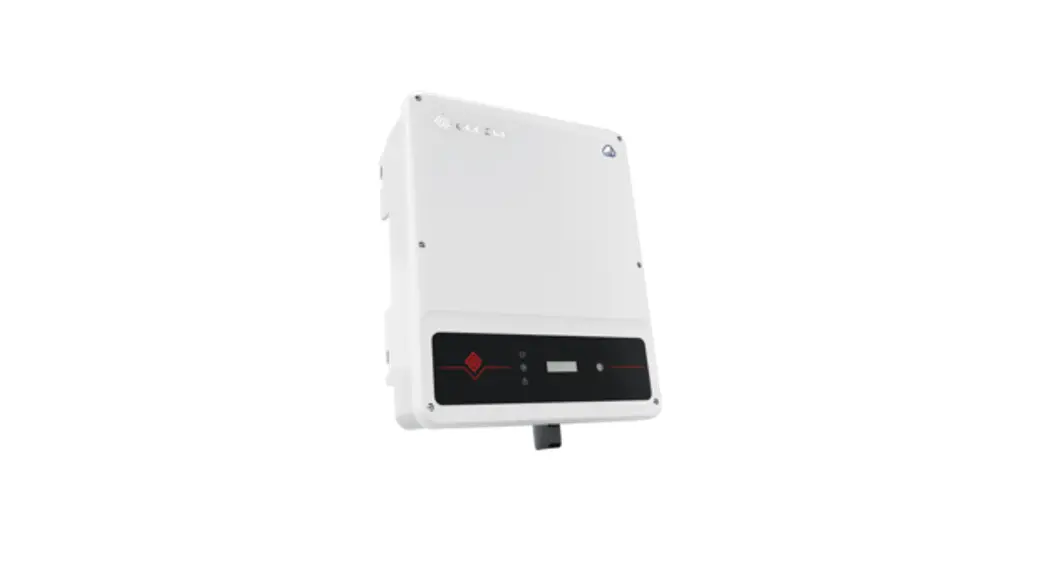
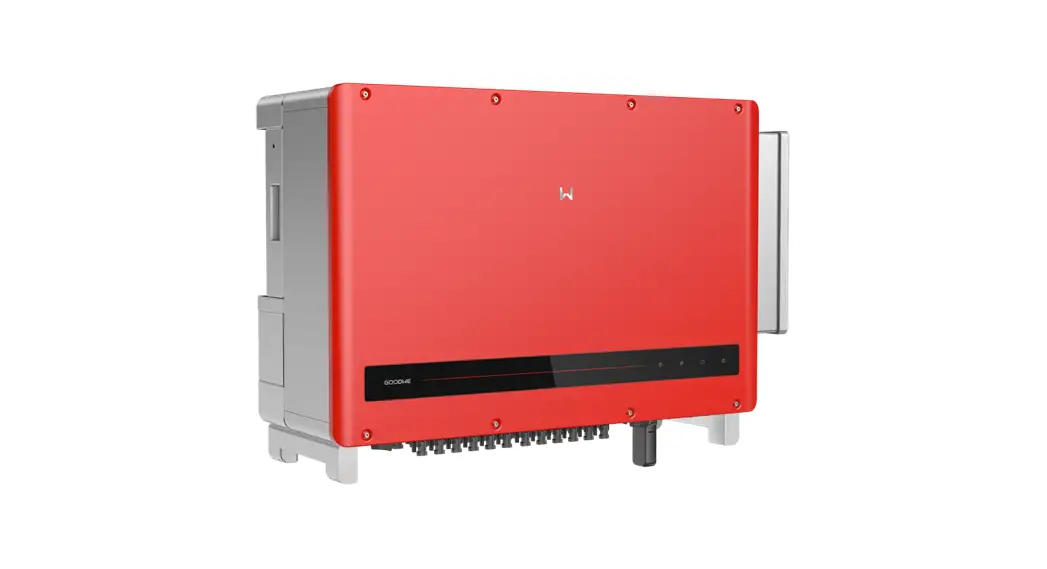
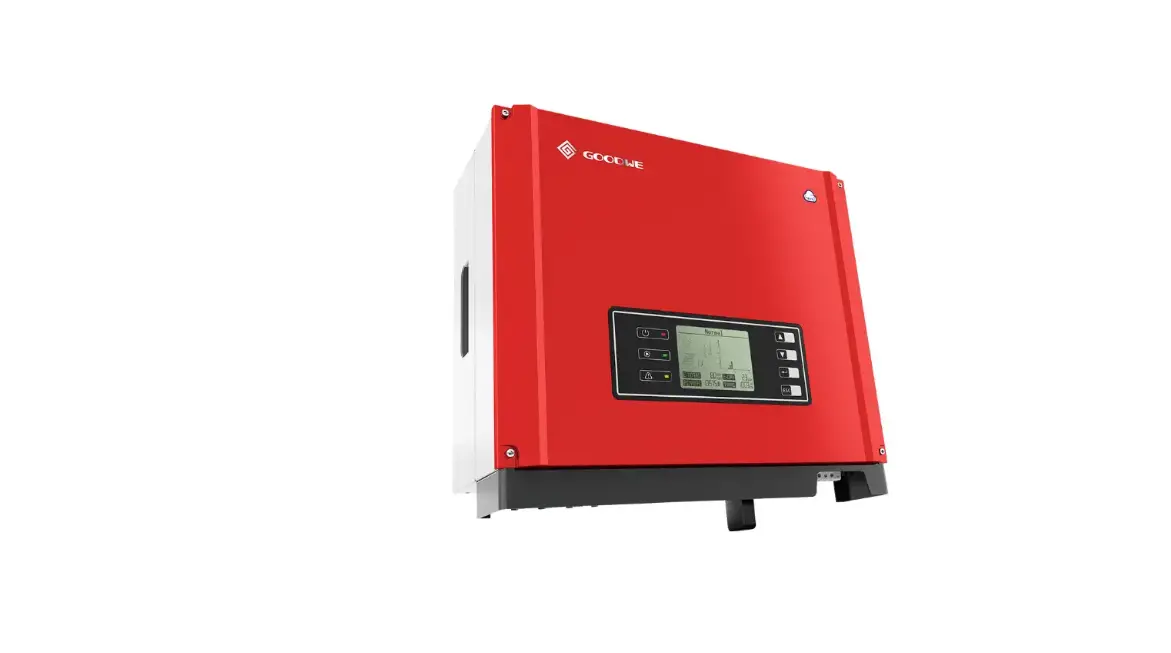
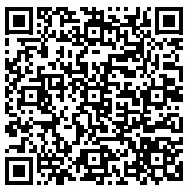
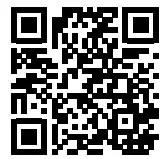
Information regarding the SIM operators, inverter models and versions supported by 4G modules will be updated from time to time, and the latest support details can be obtained by scanning the QR code.
Download the latest version of SolarGo and SEMS Portal APP from Google Play or App Store.
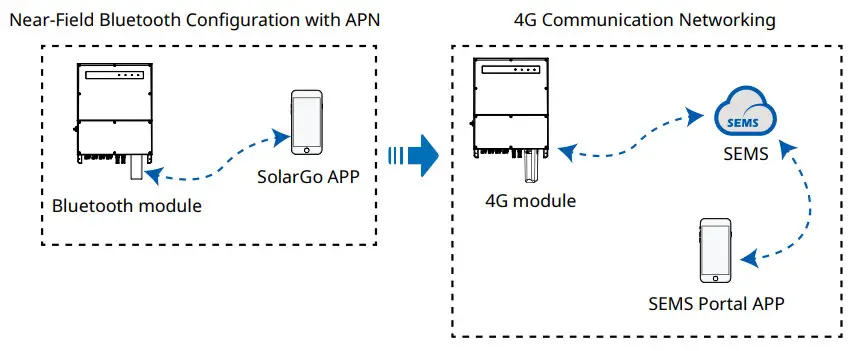
Installation and Commissioning
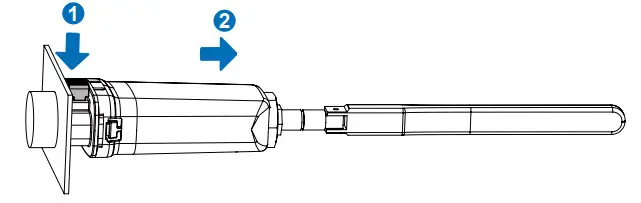
Installing Bluetooth module
- When installing the Bluetooth and 4G modules, make sure the inverter is powered off.
- During installation, wear antistatic gloves, and take electrostatic protection measures.
| 1. Check that the items delivered are correct. 1 x 4G module 1 x Bluetooth module 1 x 4G antenna 1 x 5-pin USB adapter 1 x Quick Installation Instructions 4 x M3 screws | 2. (Optional) Install the 5-pin USB adapter for the inverter. If the inverter uses a 5-pin interface for communication, perform this step.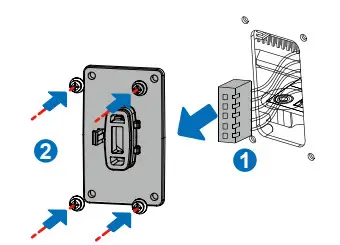 | 3. Install Bluetooth module.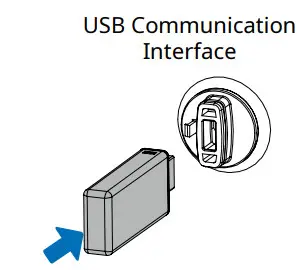 |
Setting APN parameters
Before setting the parameters, make sure that:
- The inverter is powered on.
- Communication is functioning properly between Bluetooth module and inverter.
- The SolarGo APP has been downloaded from Google Play or App Store. (SolarGo with V5.0.0 or newer version in Android system or with V5.0.0 or newer version in iOS system is required. )
- The procedure is basically identical for Android and iOS operating systems, with only slight difference between the interfaces. These instructions use the iOS operating system as an example.
- Please use the initial password when logging in for the first time, and change it as soon as possible to one that is memorable for you. To keep your account secure, it is recommended to change your password regularly.
SolarGo APP
 https://www.sems.com.cn/home/solargo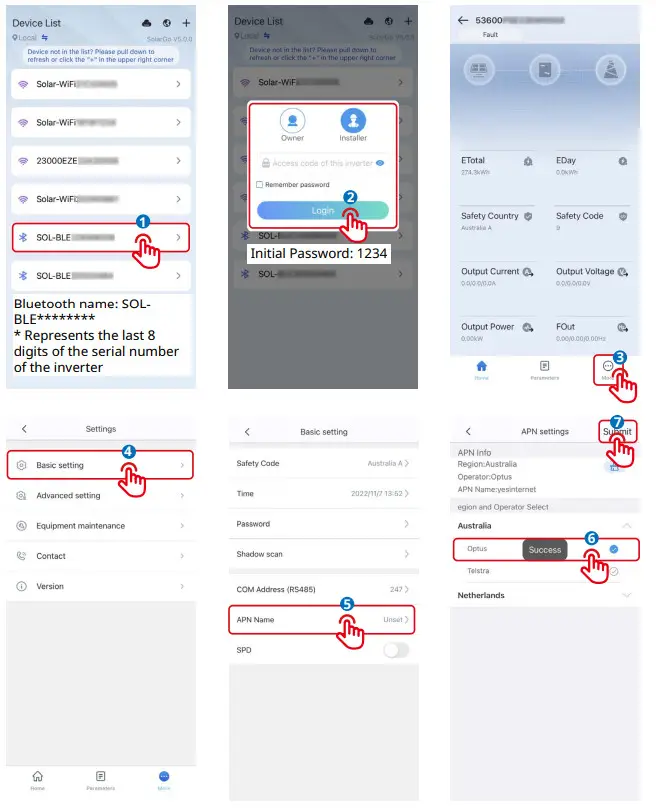
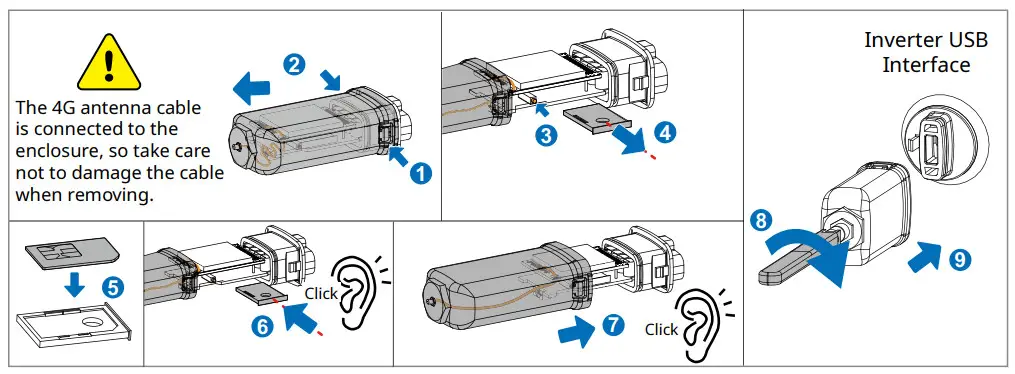
Installing 4G module
- When installing the Bluetooth and 4G modules, make sure the inverter is powered off.
- During installation, wear antistatic gloves, and take electrostatic protection measures.
Powering on the device
- Power on the inverter, thus powering on the 4G module.
- Observe the status of the indicators on the 4G module and the inverter. (When the communication indicator on the inverter is ON continuously, it means that communication is functioning properly.
For other indicator status, refer to the User Manual of the relevant inverter model.)
| Indicator | Colour | Status | Notes | Description |
 Power | Green | ON continuously | Normal | Module powered on |
| OFF | Abnormal | Module not powered on | ||
Communication | Blue | Flashing slowly (On for 0.2s, Off for 1.8s) | Normal | Searching for connections |
| Abnormal | Staying off for 15 seconds after illuminating, which indicates the SIM card is not inserted or it has a loose connection. Insert the SIM card, or remove it and then re-insert. | |||
| Flashing slowly (On for 1.8s, Off for 0.2s) | Normal | Standby | ||
| Abnormal | If the indicator stays in this state for an extended period (more than 5 minutes), the APN is set incorrectly, the SIM card has no signal, the signal strength is weak, or there is no data. Please check the APN information and reset the APN parameters on the SolarGo APP. Contact the operator to verify the SIM card signal. Check whether the SIM card credit and data are sufficient. If not, please top up. | |||
| Flashing rapidly (On for 0.125s, Off for 0.125s) | Normal | Data uploading |
Device Replacement
- Before replacing the 4G module, check that the inverter is powered down, and the new 4G module is ready for installation.
- Remove the 4G module.
- (Optional) If SIM card is bound to an existing device, consult the operator to unbind it.
- Install the new 4G module.
- Power on the inverter.

GoodWe Technologies Co., Ltd.
No. 90 Zijin Rd., New District,
Suzhou, China
www.goodwe.com
[email protected]
 固德威——以光伏逆变器为核心的整体解决方案服务商