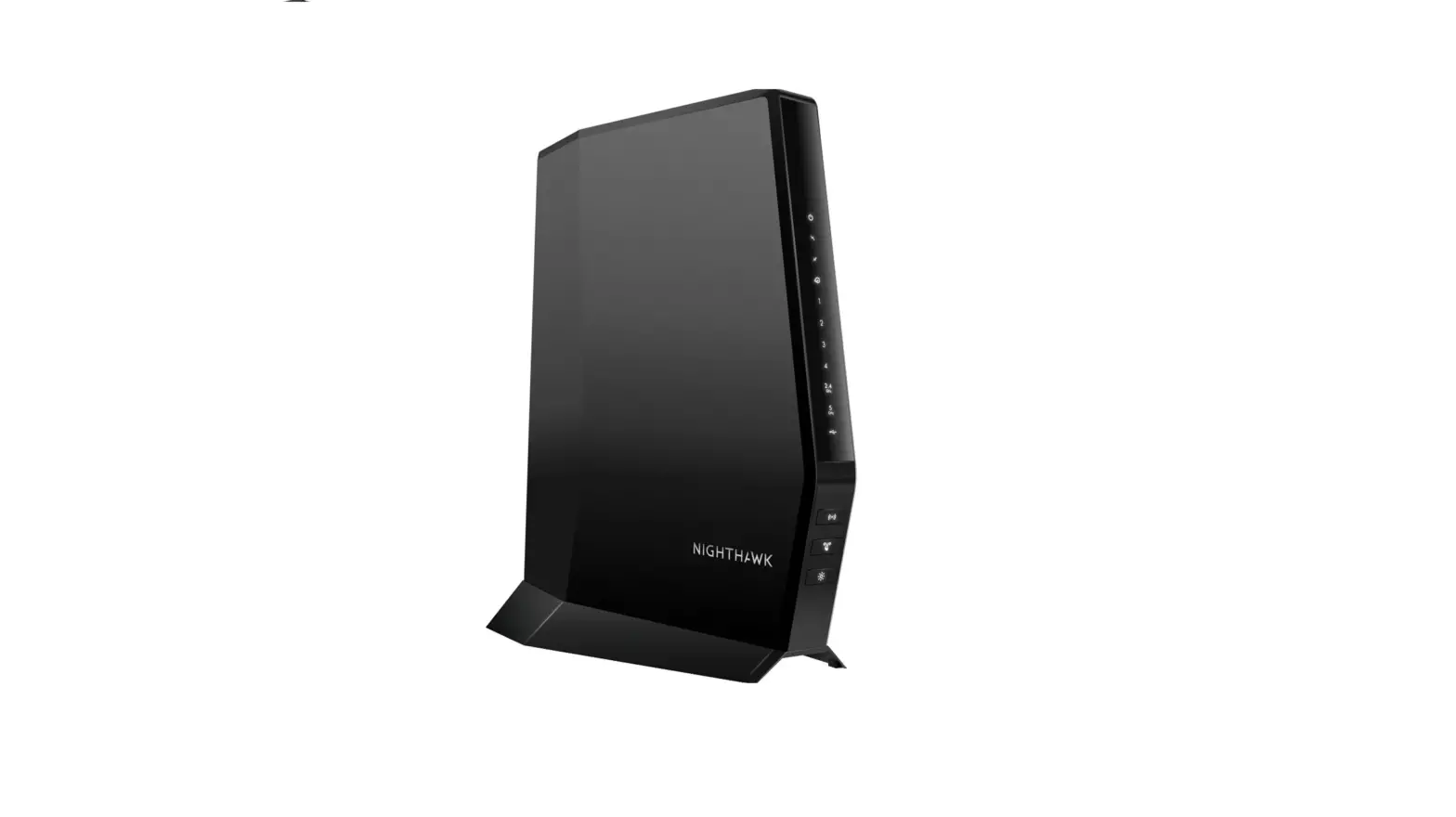
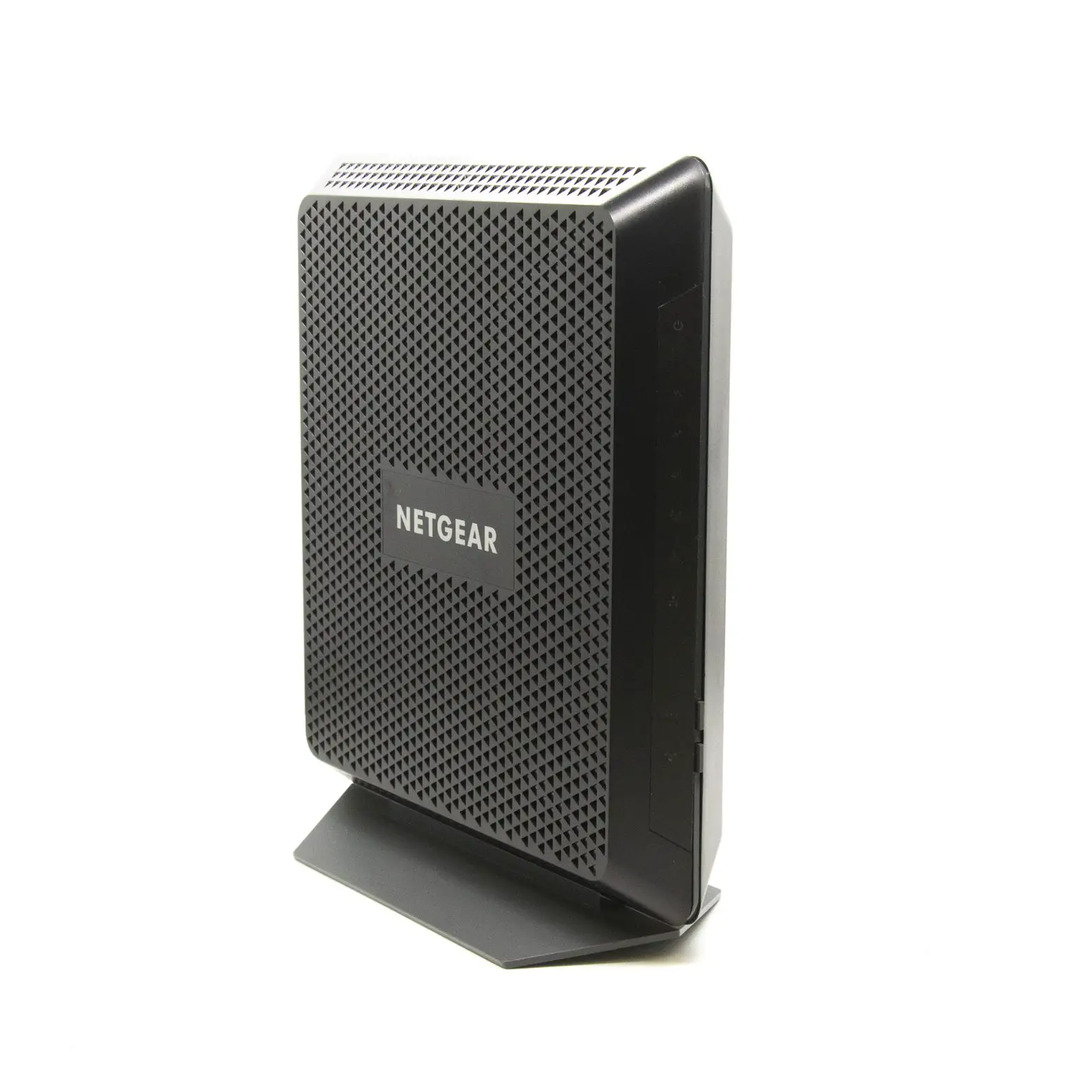
Netgear CG3000Dv2 Cable Modem Router
Modem InformationDOCSIS 3.0 Single Band WiFi Modem 8×4 channel bonding with speeds of up to 150 Mbps Cox recommends a DOCSIS 3.1 modem or gateway | Highest Service LevelPreferred 150 |
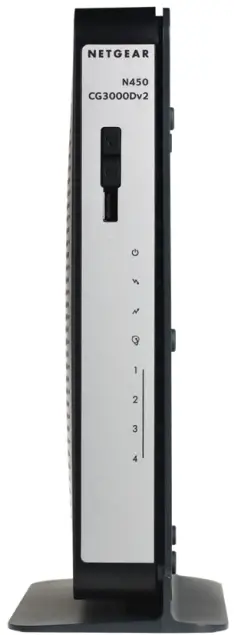
Front View
|
| |
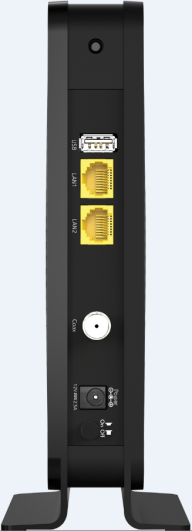
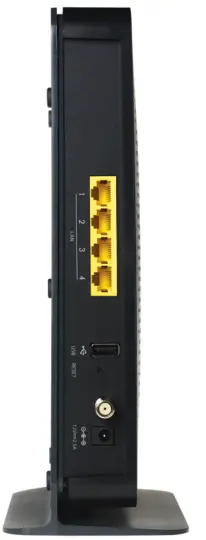
Back View
| The Netgear CG3000Dv2 has the following ports available on the back of the WiFi modem.
| |
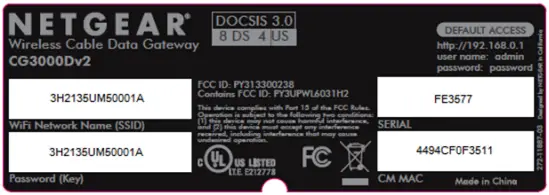
MAC Address
| MAC addresses are written as 12 digits containing both letters and numbers (0-9, A-F). A MAC address is unique. The first six characters of the MAC address are unique to the manufacturer of the device. |
Troubleshooting
The lights indicate the current status of your gateway. To troubleshoot any connection problems, use the table below.
| Modem Light | Status | Problem |
|---|---|---|
Power | Off | No power – Verify all cable connections and try resetting the modem. |
| Solid Green | None | |
| DS (Downstream)
| Blinking Green | Scanning for downstream channel – Verify all cable connections and try resetting the modem. |
| Solid Green | None – connection from the computer to the Internet | |
| Solid Blue | None – operating on more than one channel (downstream bond mode) | |
| US (Upstream)
| Off | Upstream channel inactive – Verify all cable connections and try resetting the modem. |
| Blinking Green | Scanning for upstream channel – Verify all cable connections and try resetting the modem. | |
| Solid Green | None – connection from the Internet to the computer established on one channel. | |
| Solid Blue | None – operating on more than one channel (upstream bond mode) | |
Internet | Off | No connection – Verify all cable connections and try resetting the modem. |
| Solid Green | None – cable WiFi modem operational | |
| Slow Blink | None – cable WiFi modem receiving DHCP information | |
| Fast Blink | None – cable WiFi modem downloading a configuration file | |
LINK 1 – 4 | Off | No Ethernet link detected |
| Blinking Green | None. Data is flowing. | |
| Blinking Amber | None – data flowing | |
| Solid Green | None – connected to 1000 Mbps | |
| Solid Amber | None – connected at 10 or 100 Mbps | |
WPS | Off | No WiFi client associated with the cable modem via WPS – Enable WiFi. |
| Blinking Green | None – WPS is in discovery mode, (LED blinks for up to 2 minutes) | |
| Solid Green | None – WPS configuration successful | |
WLAN | Off | WiFi disabled |
| Blinking Green | Data flowing – Enable WiFi by pressing this button for three seconds. | |
| Solid Green | None – WiFi enabled |