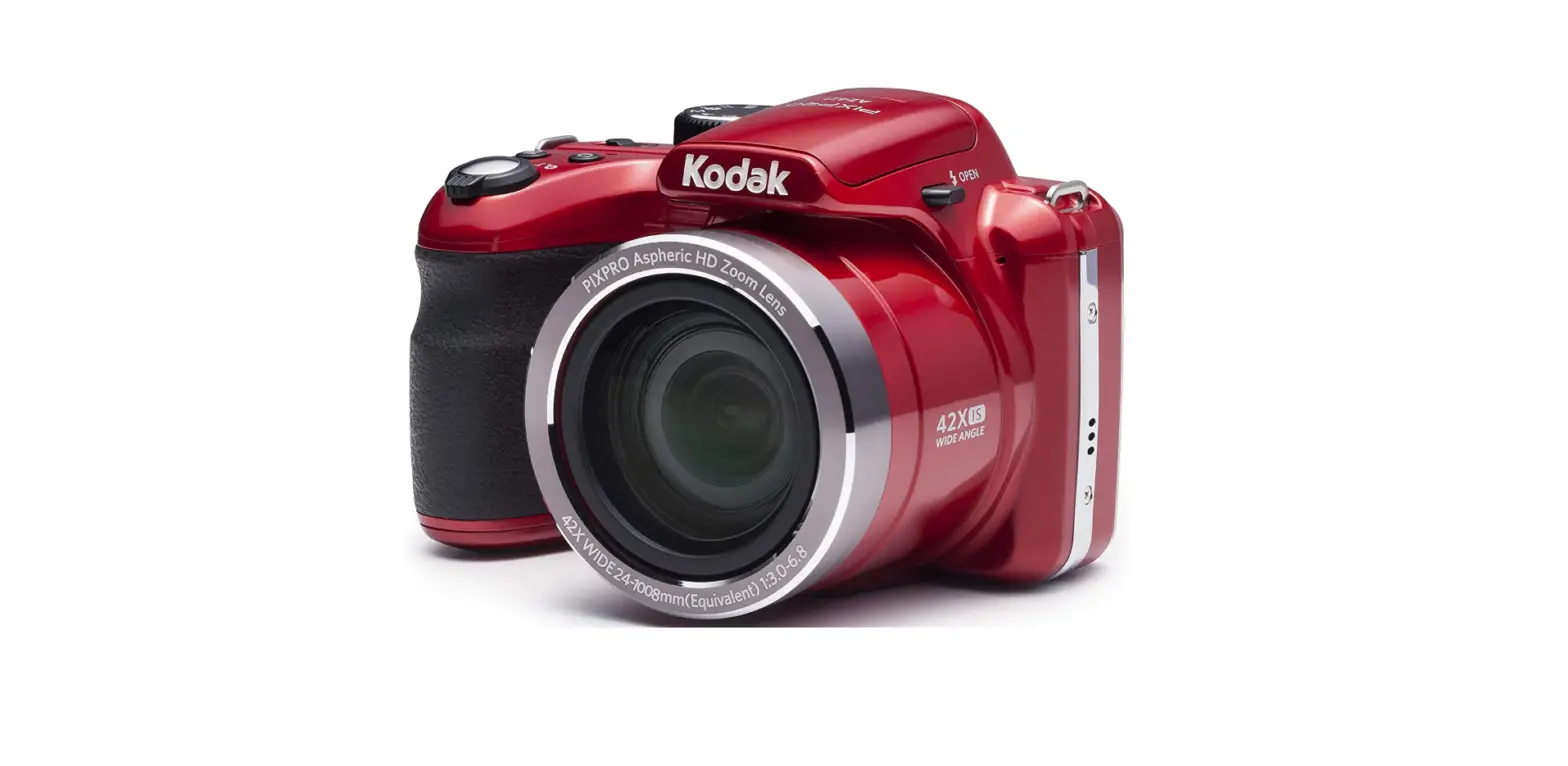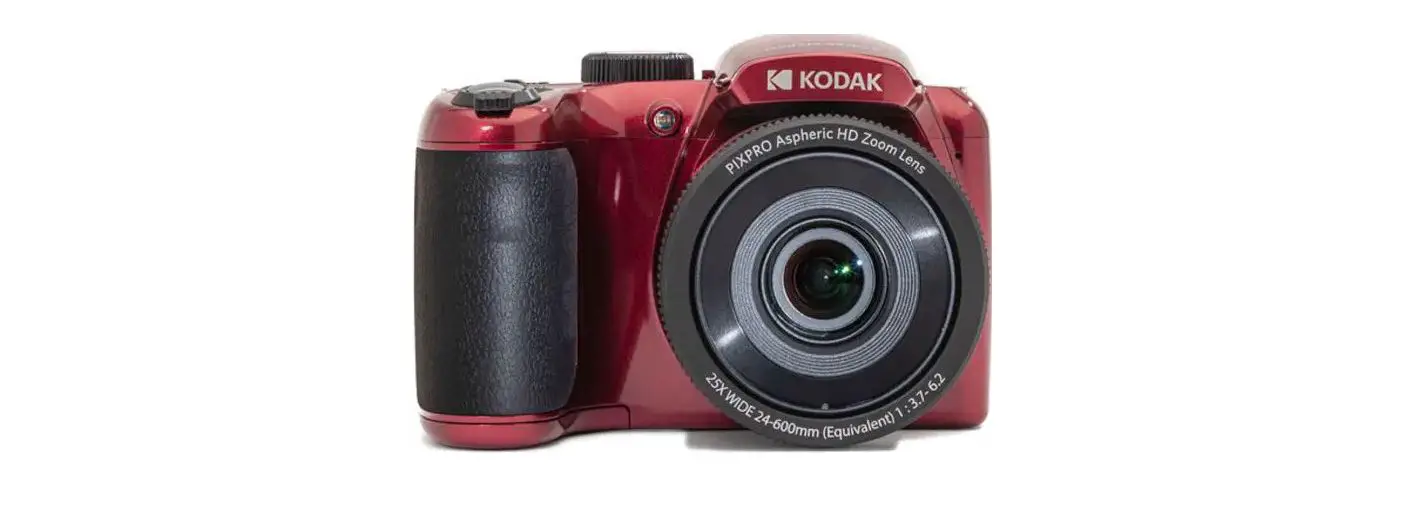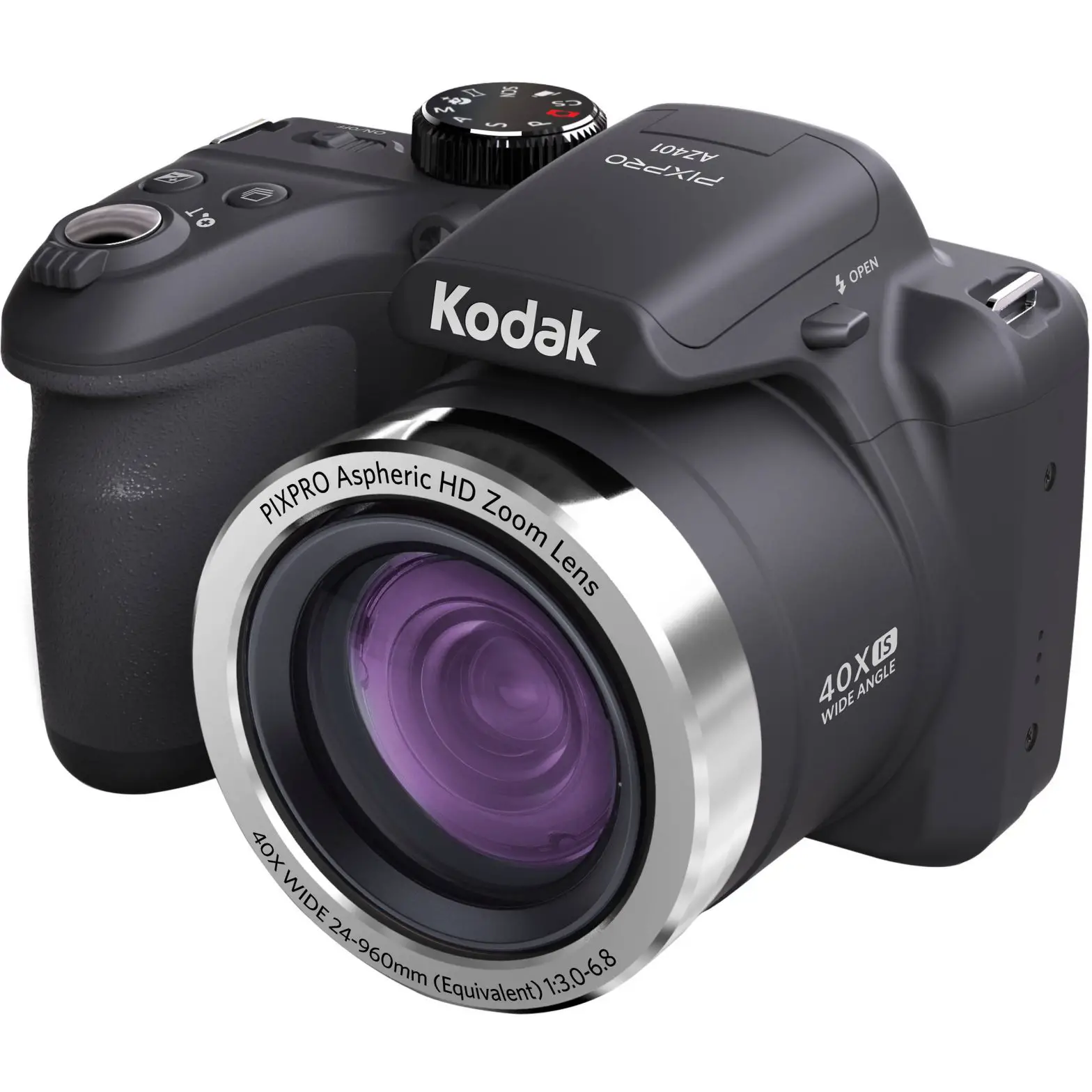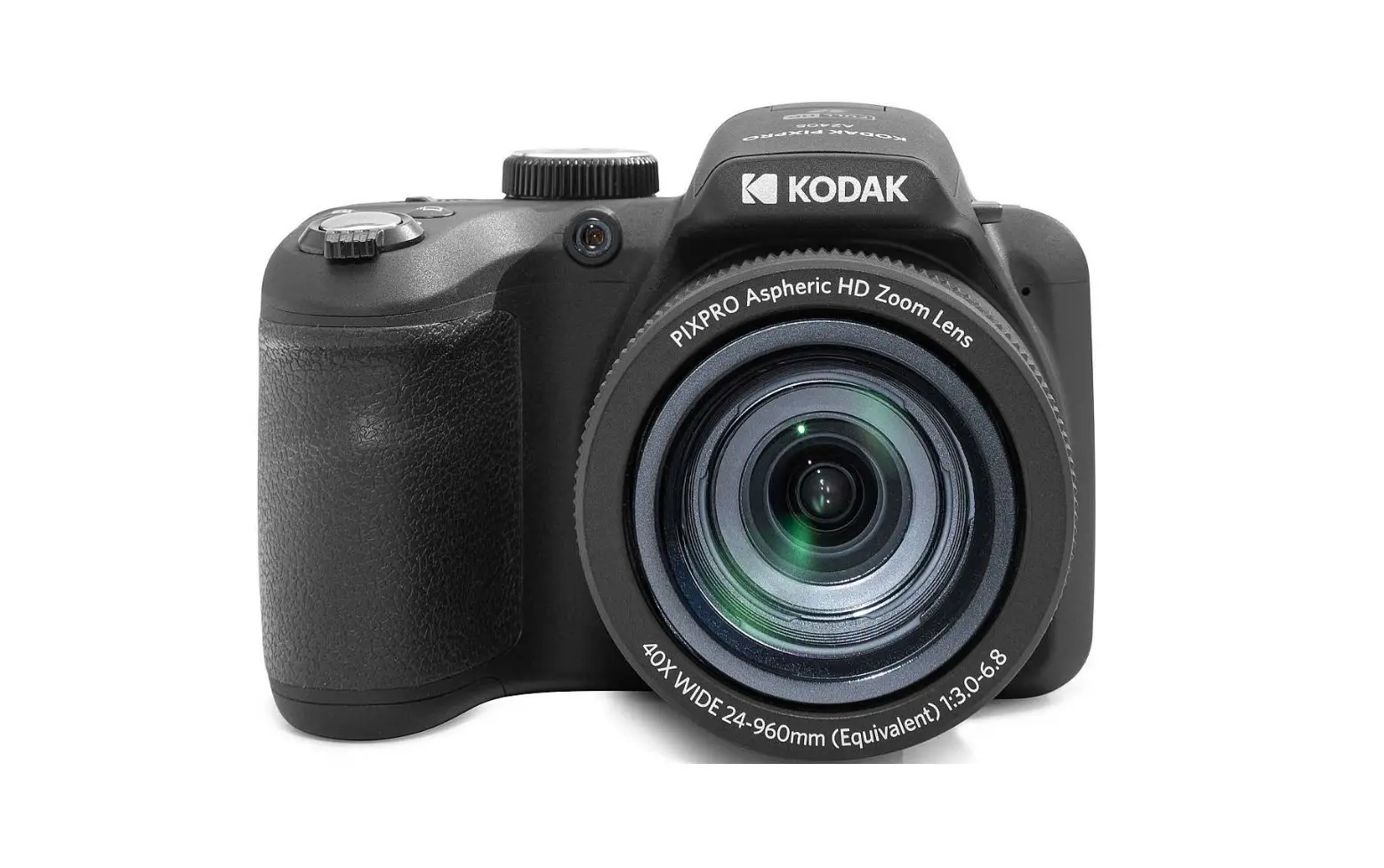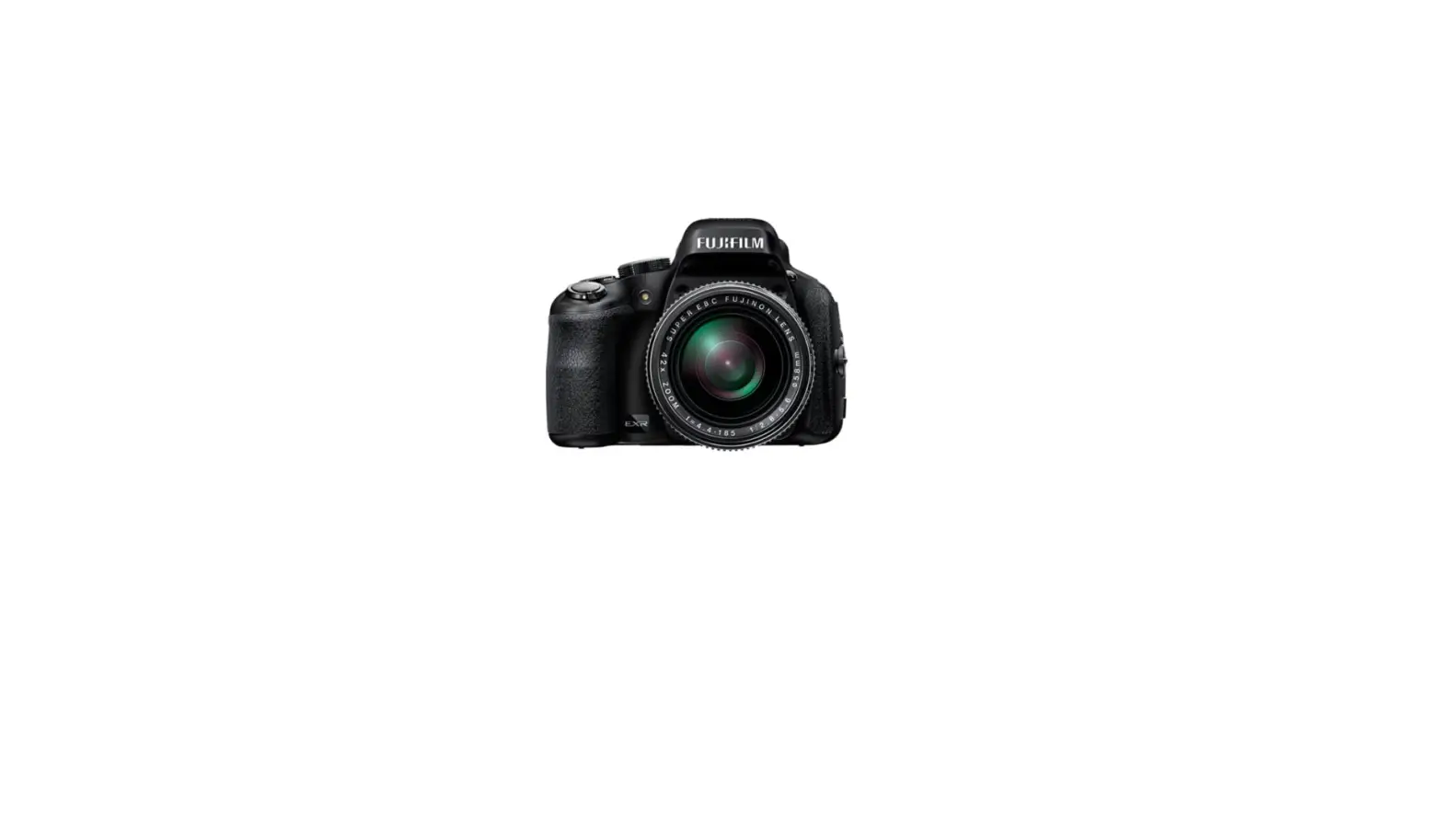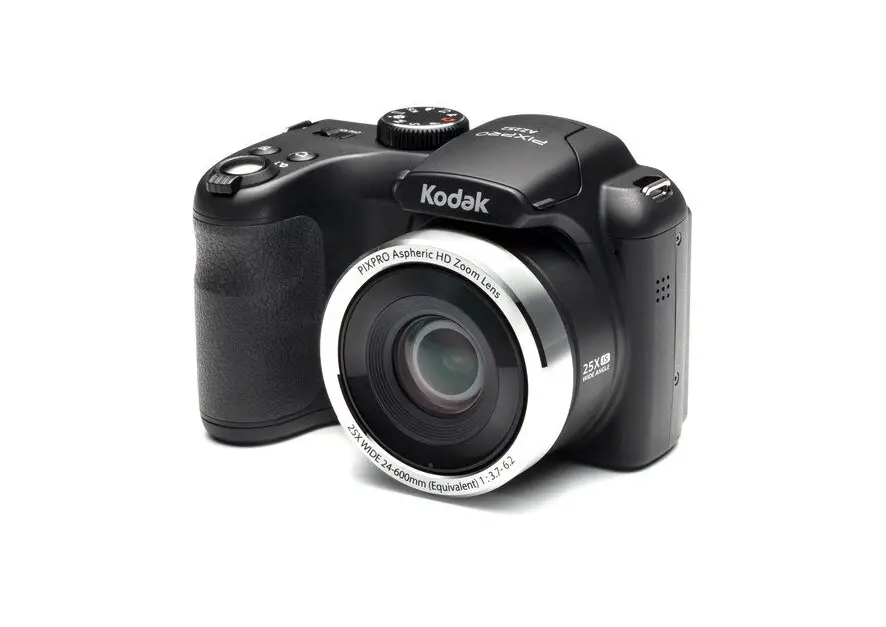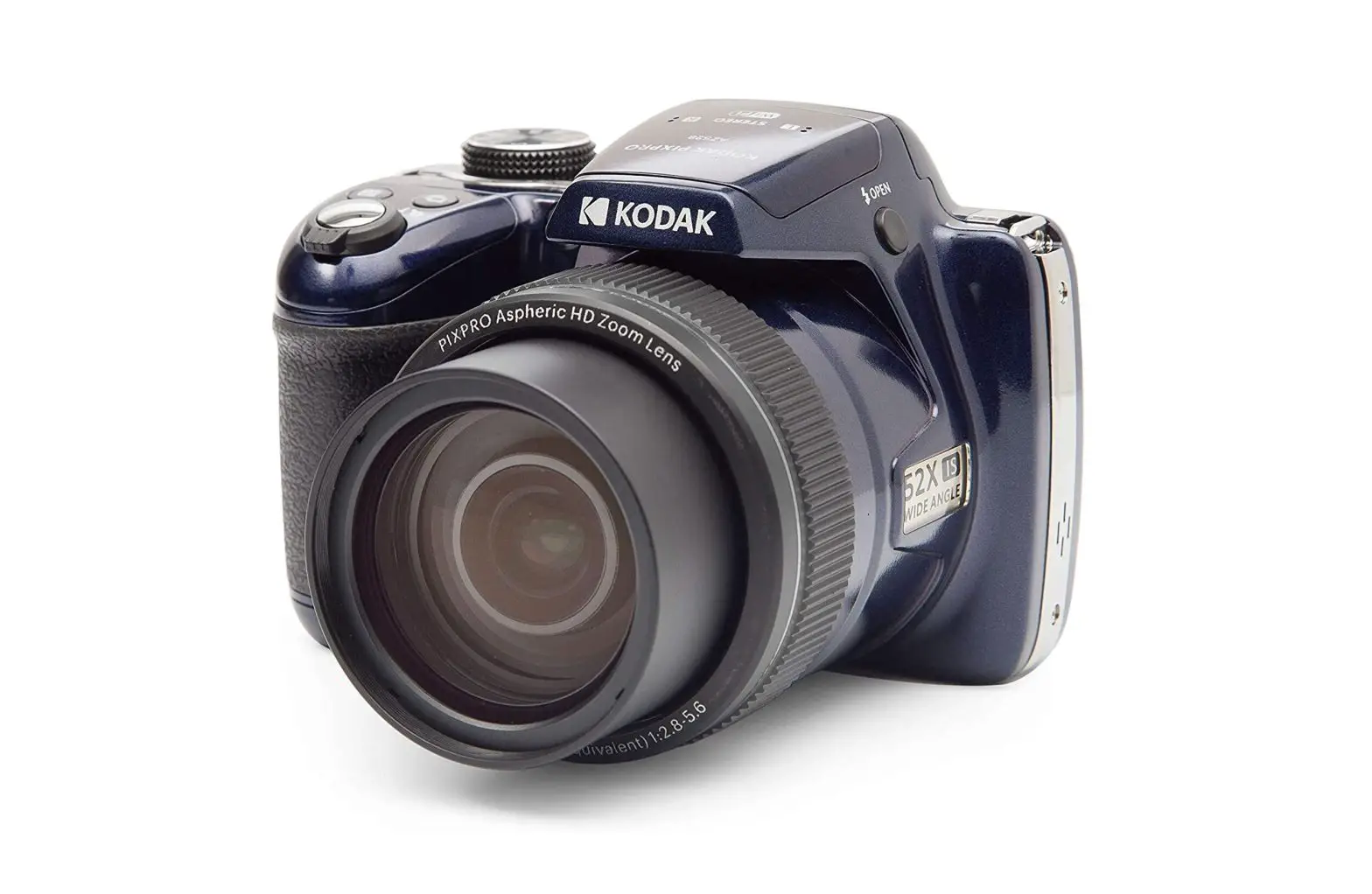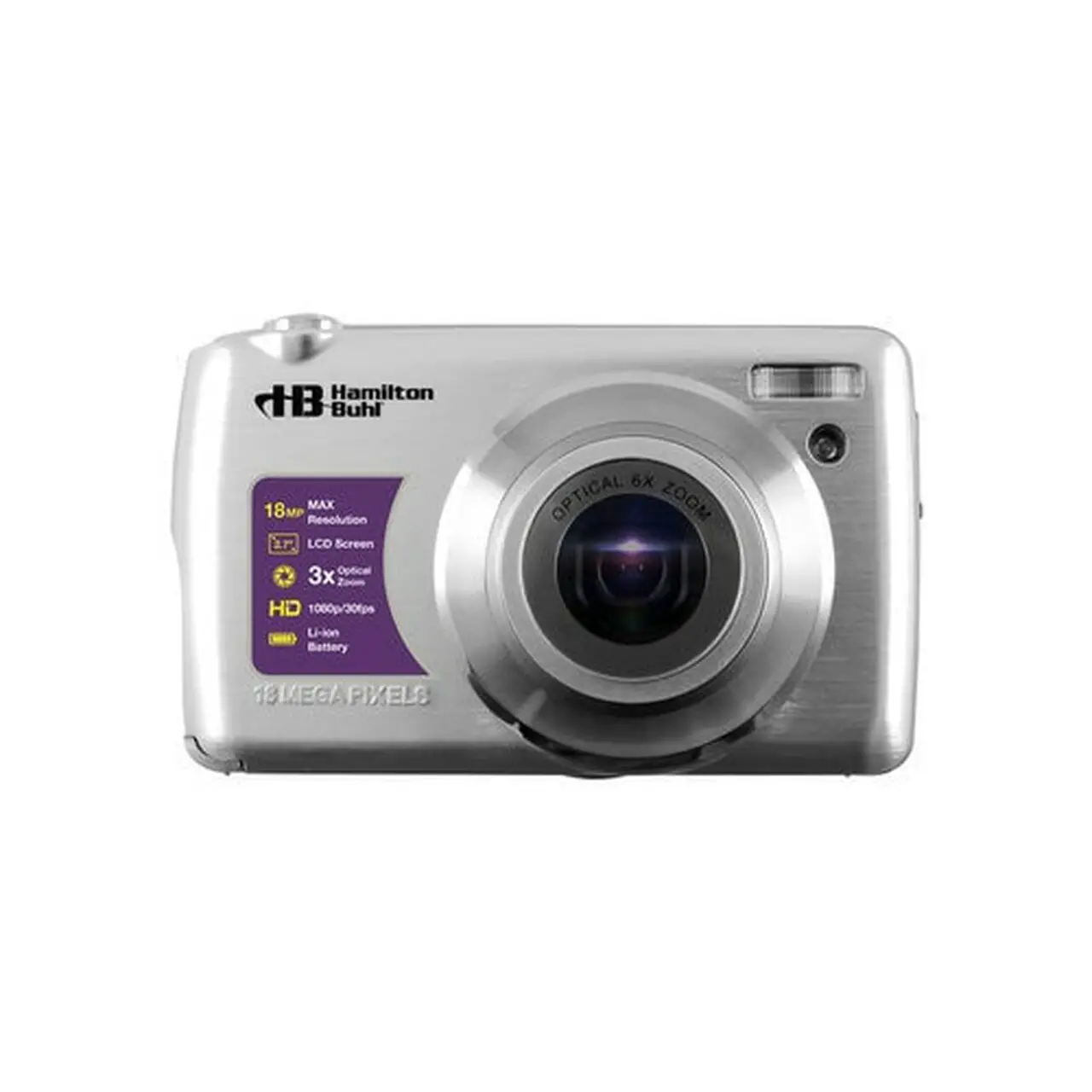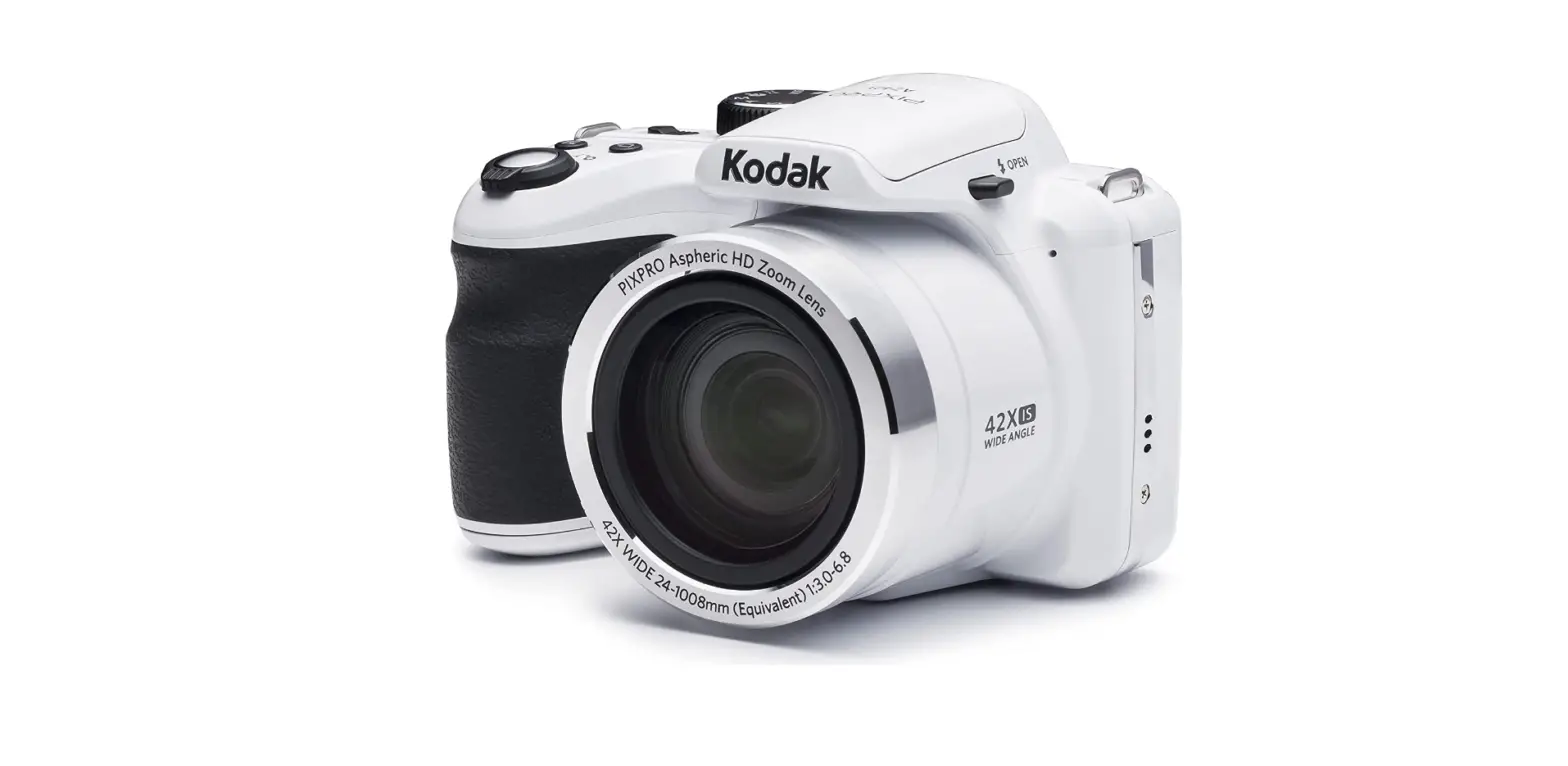
 KODAK AZ421-WH PIXPRO Astro Zoom 16MP Digital Camera
 KODAK
KODAK 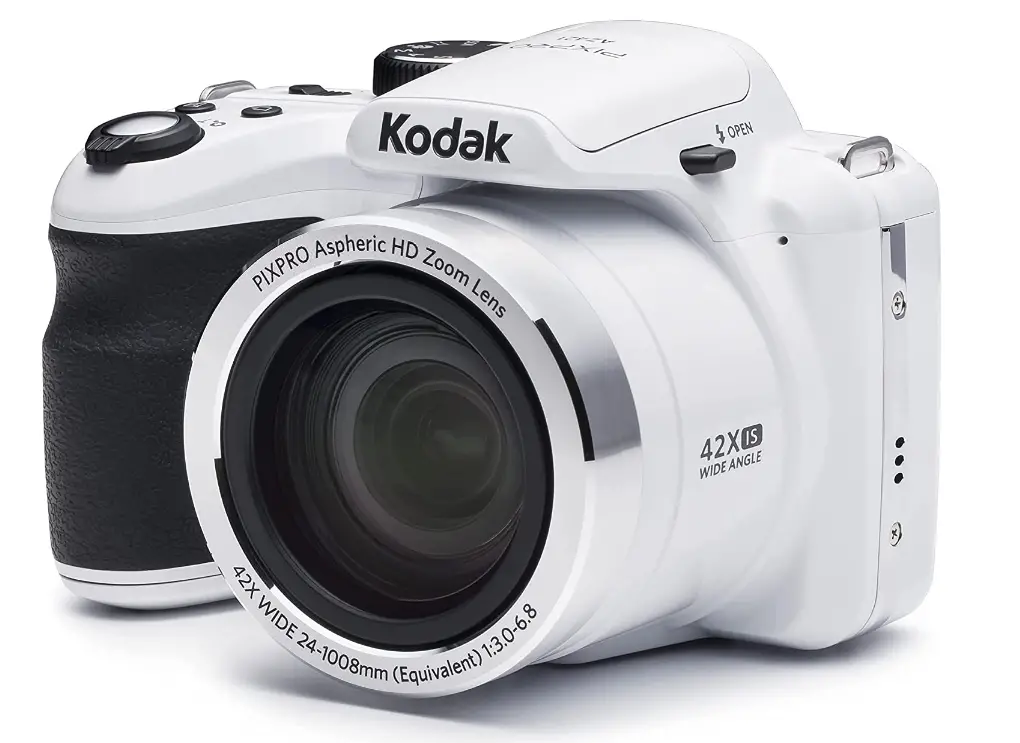
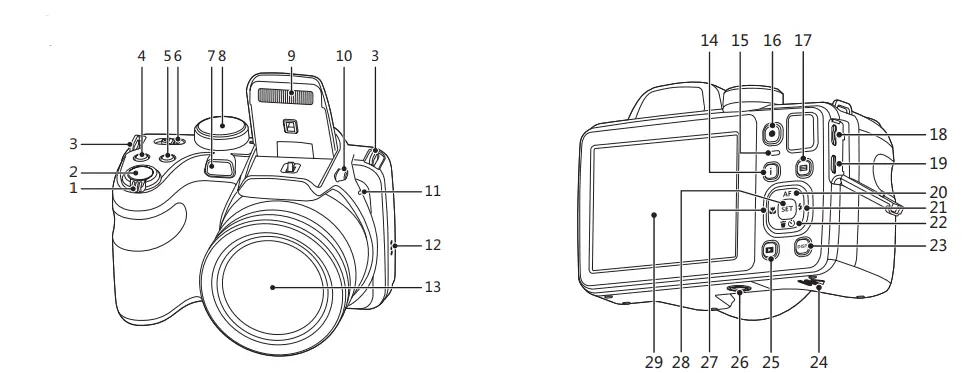
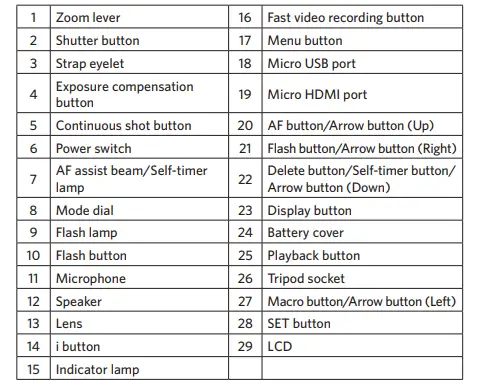
Camera Views

Inserting the Battery
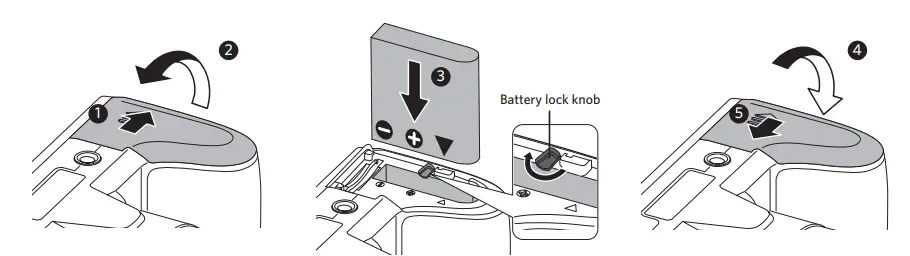
- Open the battery cover.
- Correctly insert the battery into the slot as the diagram shows.
- Close the battery cover.
Setting the Language/Date/Time
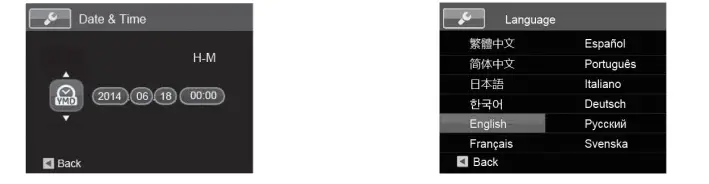
- Push the power switch to turn on the camera and the language menu will appear. Use the Up/Down/Left/Right Button to select a language, and press
 the button to confirm the language.
 - Use the Up/Down/Left/Right Button again to set the date and time, and press the button to confirm.
 the button to confirm the language.
Taking a Picture
- Hold the camera securely.
- Use the Zoom Lever to select Tele or Wide positions to zoom in or out on your subject.
- Press the Shutter Button half way to focus on the subject. When the focus frame turns green, press the Shutter Button completely down to take the picture.

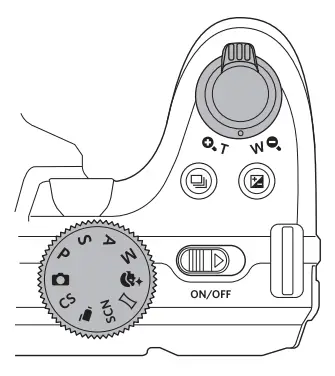
Using the Mode Dial
This camera provides a convenient mode dial that allows you to manually switch between different camera settings with ease. Available modes are listed below: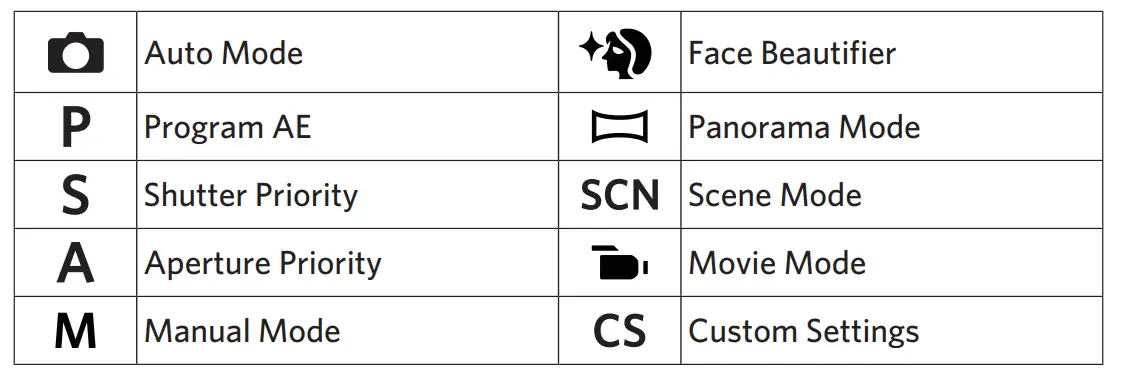
In shooting mode, press the button to begin recording a video. After In shooting mode, press the recording, press the button again to stop recording. The camera will store the video and return to the shooting screen.
Using the Menu Button
In each mode, press the button to access the “Easy Menu”. Press the
 button to access the “Easy Menu”. Press the button to make a selection. Choosing the within this list will provide access to the “Full Menu”:
For more detailed operating instructions, please refer to the “User Manual” located on the web.
Frequently Asked Questions
How fast is this camera. (This is my biggest complaint about the small digitals – they are SO slow!)
It depends on what setting you have your shots on. Mines on face beautify and portrait and its slower at taking shots because of that but regular settings is faster. 🙂 I’m a professional photographer and this camera has done well.
Will this camera record good video?
Video quality is excellent.
What type of memory card does this use? Specs say sdxc
The KODAK PIXPRO AZ421 takes a Standard SDHC “SD Card” we do not recommend using “Ultra”, “Extreme”, “SDXC” or other more expensive SD cards as these are not always compatible. Sticking to no more than 32GB of storage memory is also recommended as larger cards are not to spec. A 32GB SD card will store thousands of photos and videos.
Want simplicity, but an upgrade to my 10yr old 8mp kodak. sharp lcd image? close-ups? 12″or even closer? print quality?
The KODAK PIXPRO AZ421 Astro Zoom Camera is a great, simple upgrade for your Kodak. The 3” LCD produces a crisp image, with 460k pixels. For close-ups, the AZ421’s macro feature works from as close as 1.6cm away from your subject. 16MP is ample for very detailed photos and enlargements. Trusty “Auto” mode, along with 12 different scene modes are easy options if you prefer shooting without having to manually adjust a lot of the settings.
Can you twist the lens to focus?
This is basically a big point-and-shoot camera with a HUGE telephoto lens, wide angle and a boatload of adjustments (shutter/aperature priority or program AE list an SLR). It has multiple focus options, but no purely manual “twist the lens” variety.
I need the easiest digital camera to use, for a first time user. How is this one? Can you upload pics to phone and computer?
It is a very easy camera to use, BUT it does not take the best pictures. My phone takes way better photos than this camera. There are other cameras for the same price that take way better pictures.
When I inserted memory card, the screen went into loop of not formatted to choice, push yes back to not formatted screen.
Every memory card has their own info so they can perform well.. if you previously use the card , you might want to format the card assuming you’ve transferred your pic to another storage area . If this was a new card… if the camera is asking for you to format.. the card may have to be formatted before you use usually this may occur with an inexpensive product.
Does this come with memory card?
I bought one for my husband for Christmas and I’m pretty sure I had to buy the card separately.
Can you use it as a web camera?
No it doesn’t have WiFi.
How would this camera fare taking picture at a high speed like while riding a motorcycle?
Probably not great I’ve never tried taking pictures of things moving (I’m a mountain hiker and use it mostly for landscapes, etc.)
Is this a point and shoot camera?
Yes it is. Just a big one with a few more features. Don’t buy bridge cameras unless you really need that telephoto (zoom) lens.
How well does it take indoor videos? I would like to do family history interviews but not use studio lighting just regular room light.
It’s not going to take amazing professional videos. I would recommend using studio lights, but if you’re not interested in high-quality video, then I guess the camera is good for that.