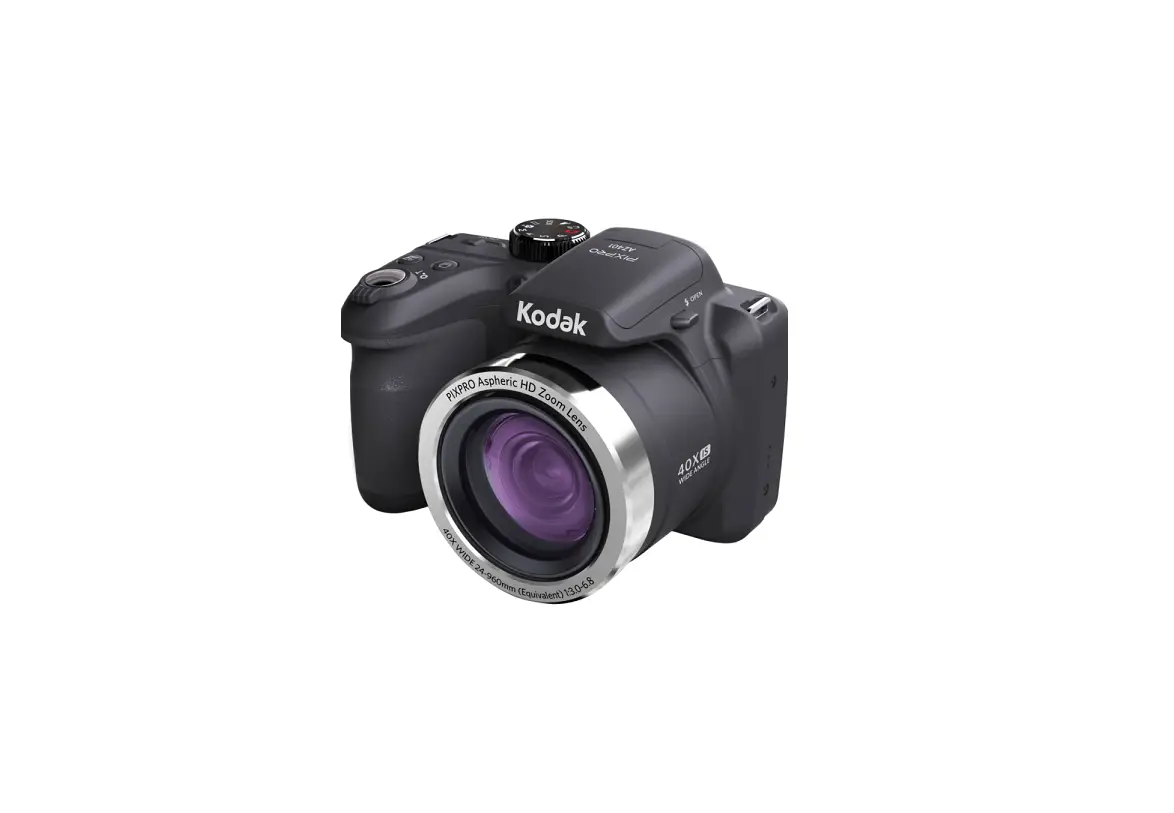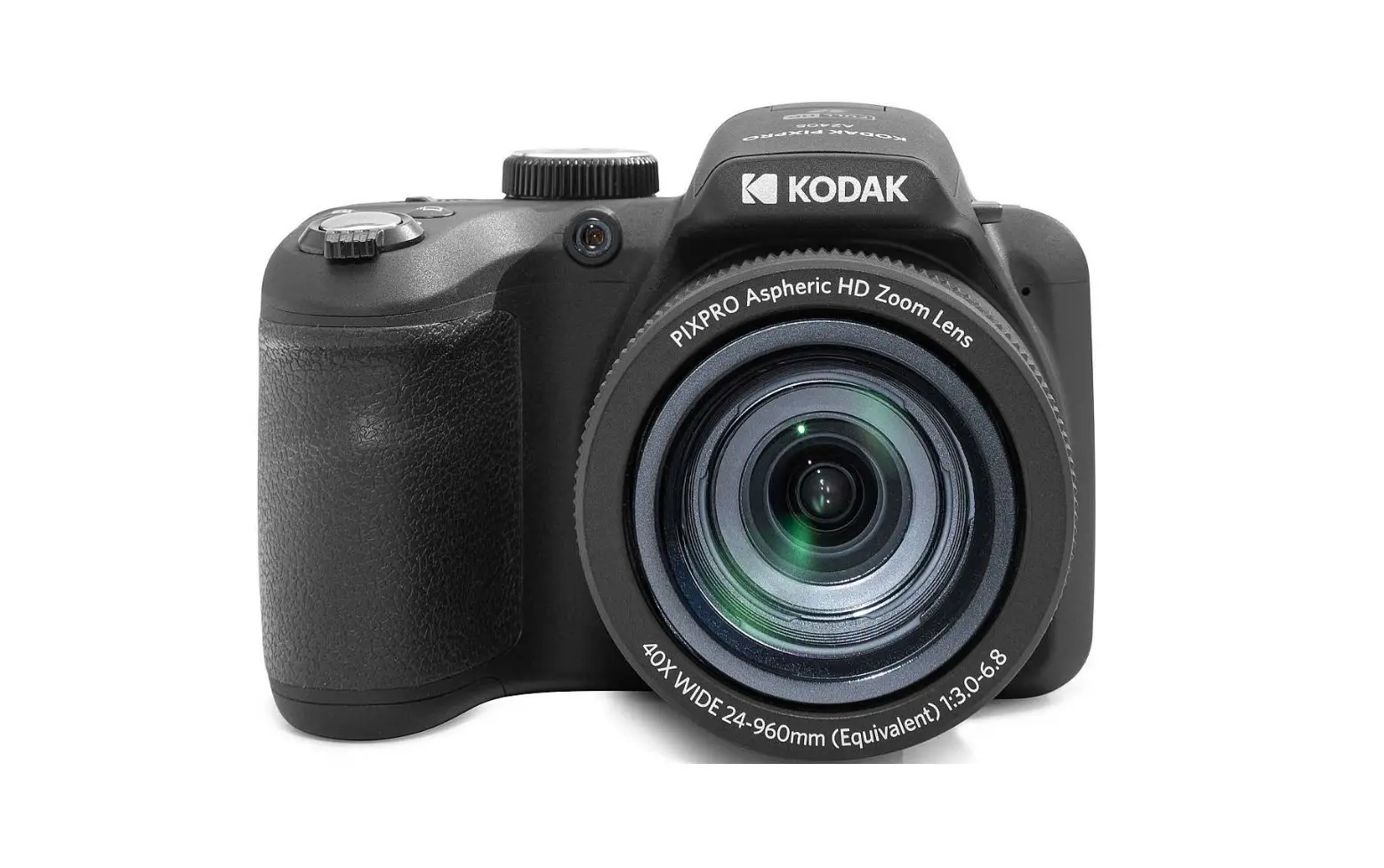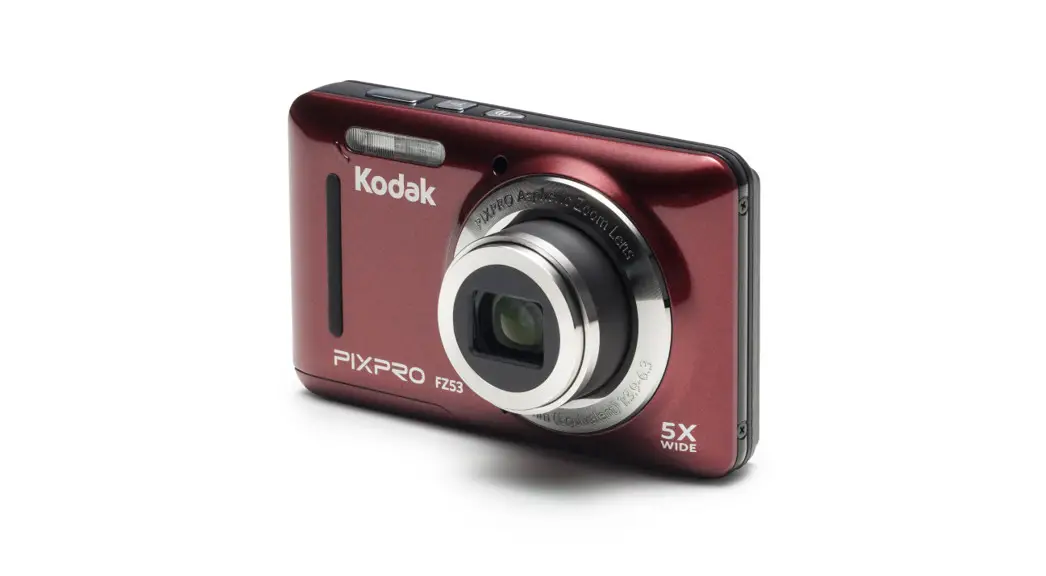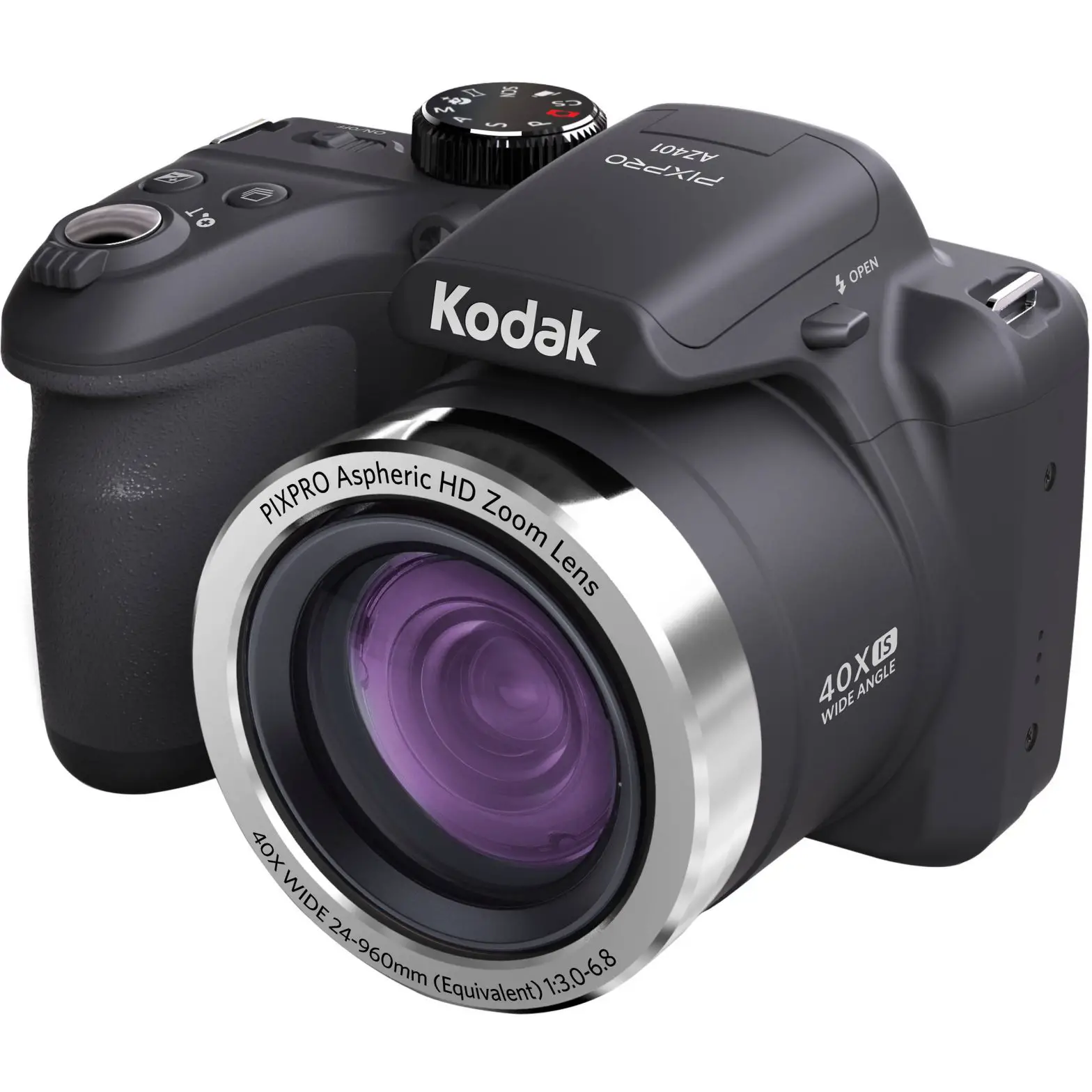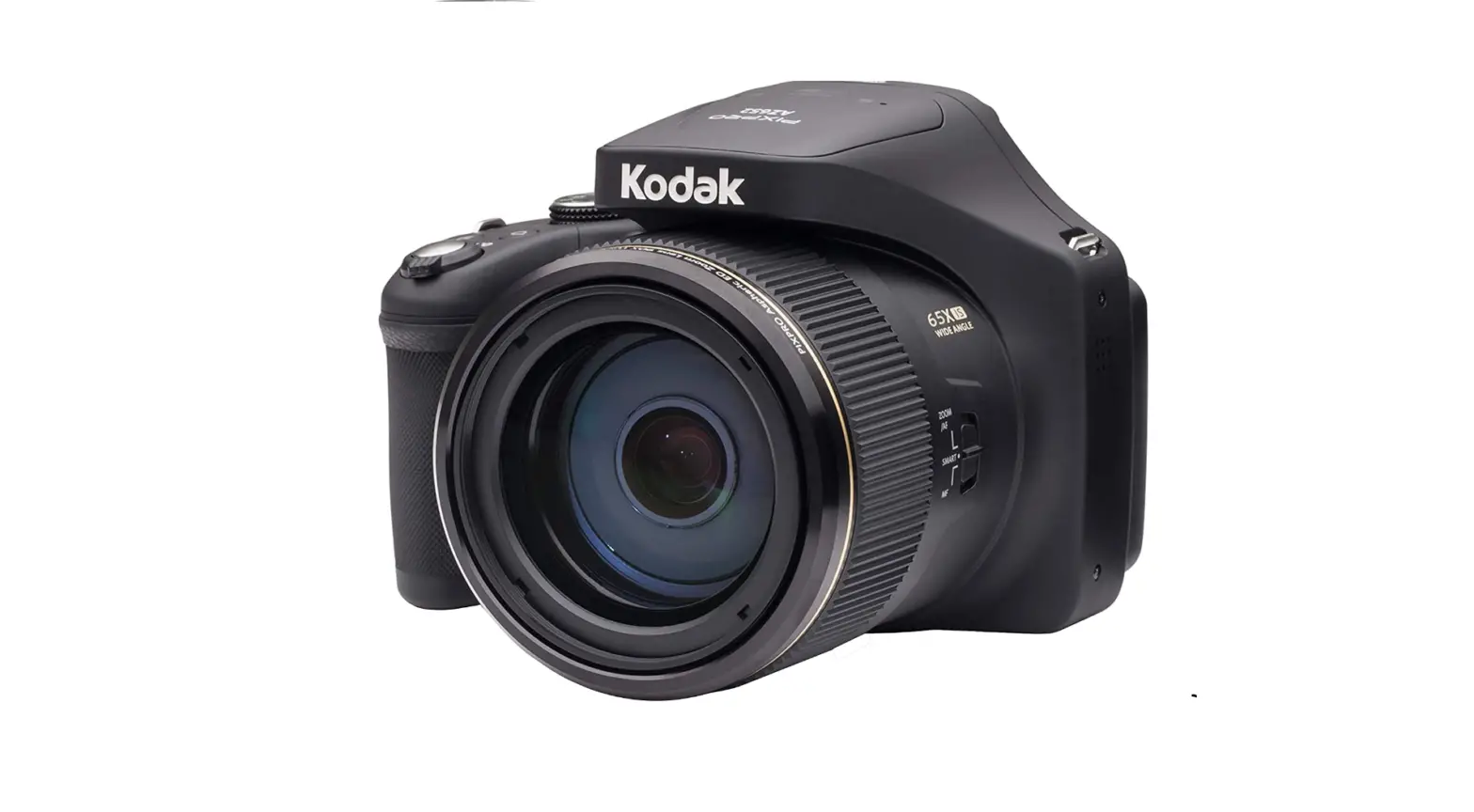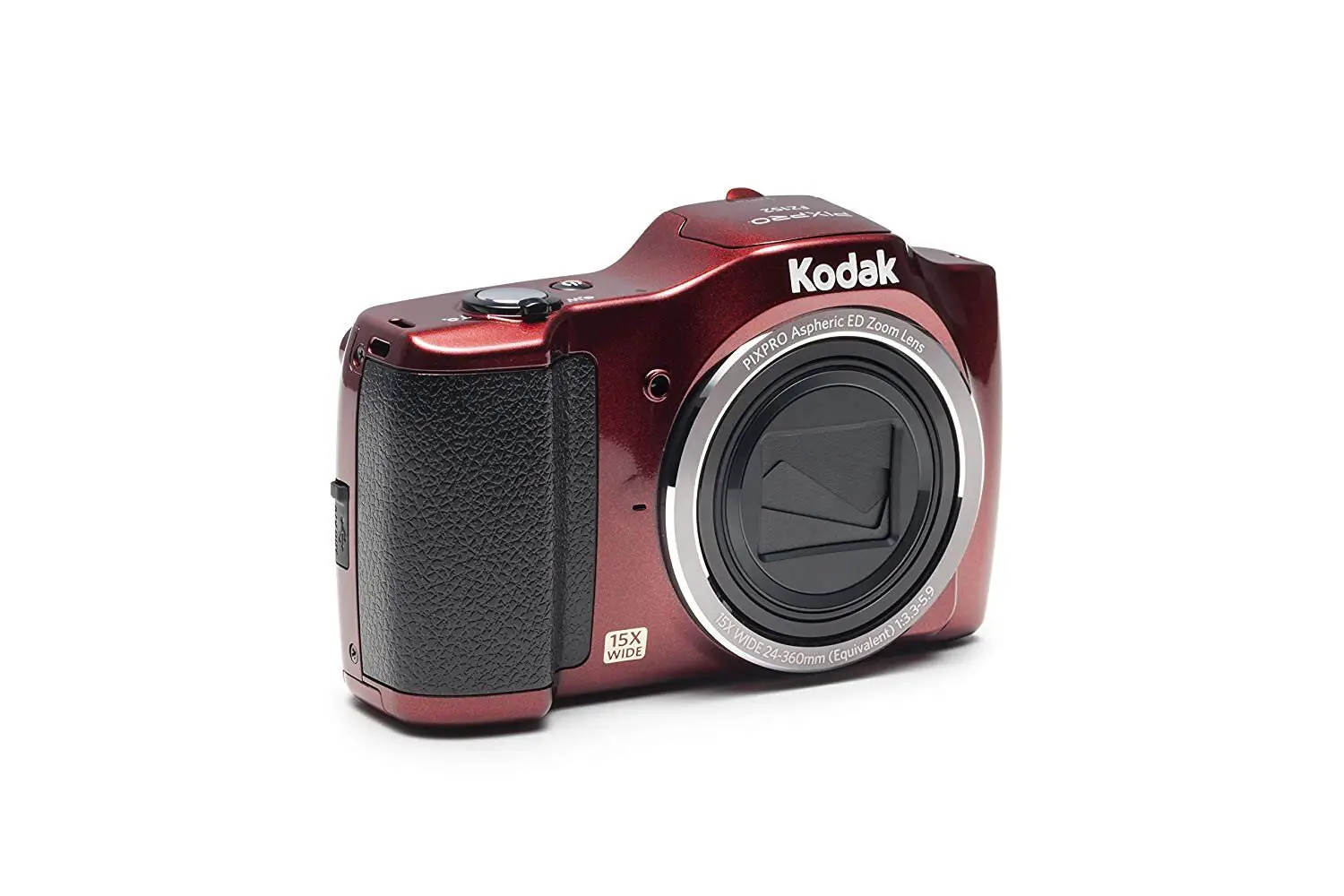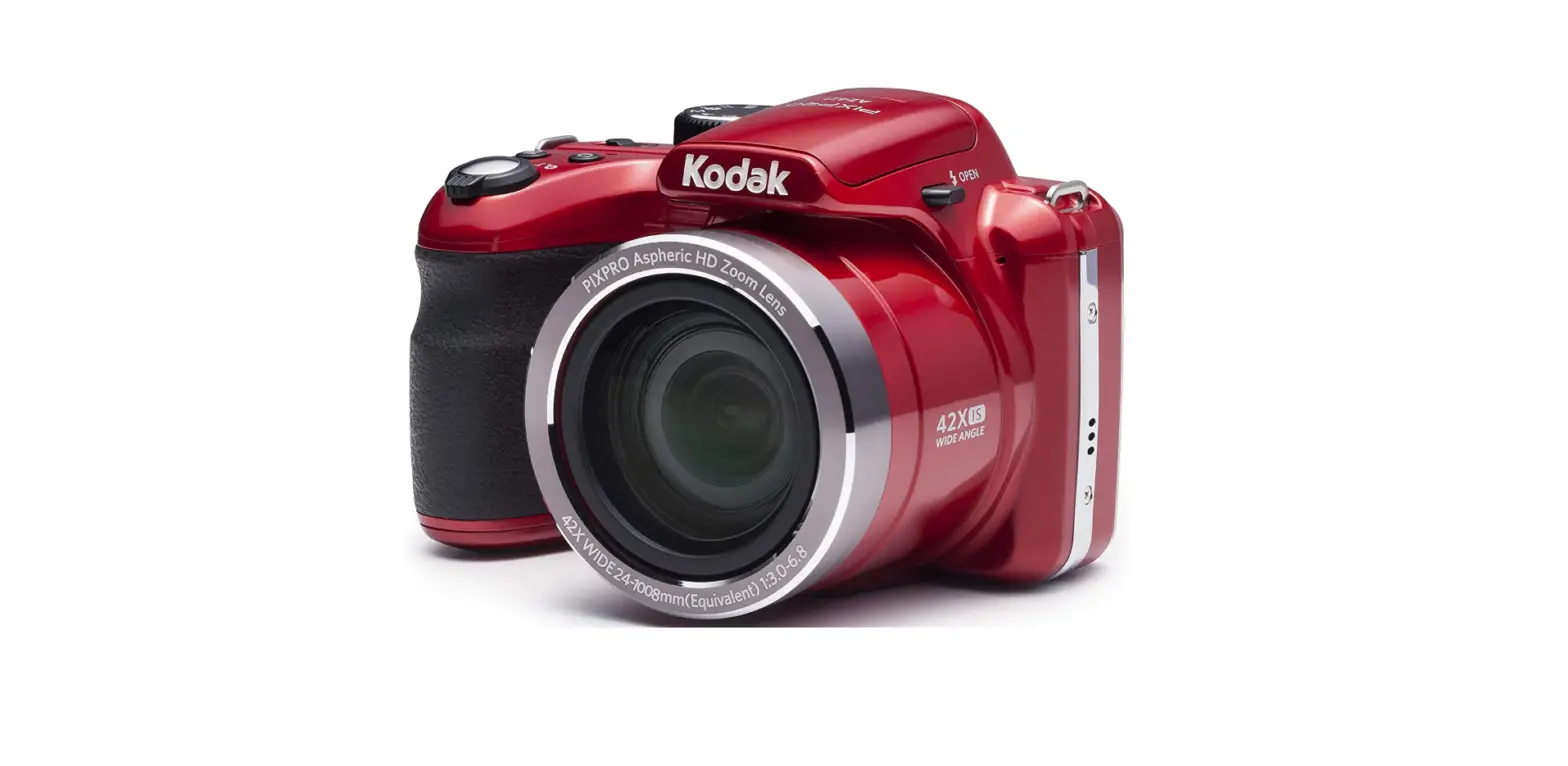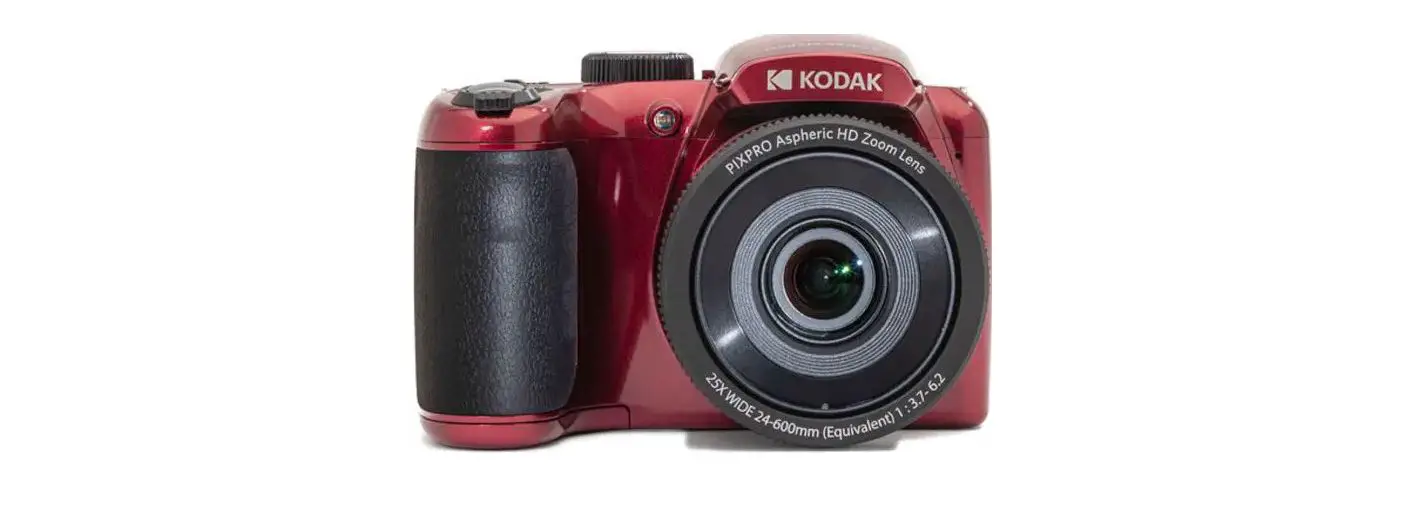

KODAK AZ255RD PIXPRO AZ255 Digital Camera

The Kodak trademark, logo and trade dress are used under license from Eastman Kodak Company.
Battery Usage Precautions
- Please use brand name batteries (such as Energizer® or Duracell®) for optimal performance. Do not mix new and old batteries or use different brands of batteries. When replacing batteries, please replace all 4 batteries at the same time.
- The performance and life expectancy of alkaline batteries will vary depending on the brand.
- Do not mix alkaline, standard (carbon-zinc), or rechargeable (ni-cad, ni-mh, etc.) batteries.
Camera Views
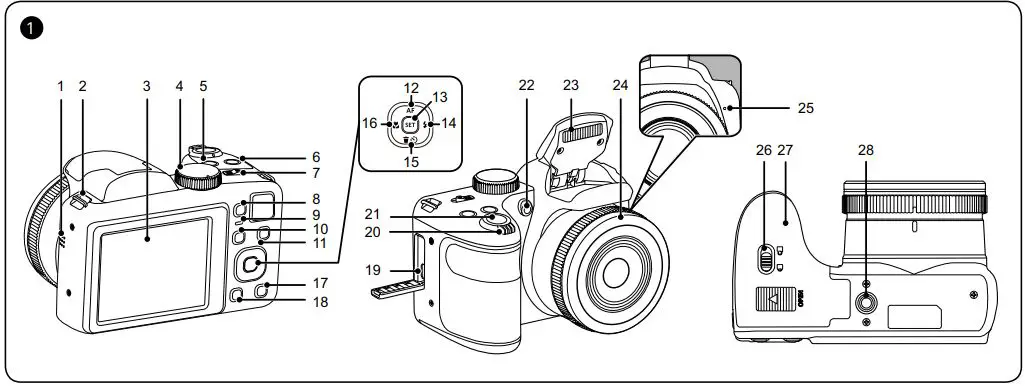
| 1 | Speaker | 15 | [  ] Delete Button / Self-Timer Button / Arrow Button (Down) ] Delete Button / Self-Timer Button / Arrow Button (Down) |
| 2 | Strap Eyelet | 16 | [  ] Macro Button / Arrow Button (Left) ] Macro Button / Arrow Button (Left) |
| 3 | LCD | 17 | Display Button |
| 4 | Mode Dial | 18 | Playback Button |
| 5 | Continuous Shot Button | 19 | Micro USB Port |
| 6 | Exposure Compensation Button | 20 | Zoom Lever |
| 7 | Power Switch | 21 | Shutter Button |
| 8 | Fast Video Recording Button | 22 | AF Assist Beam / Self-Timer Lamp |
| 9 | Indicator Lamp | 23 | Flash Lamp |
| 10 | “I” Button | 24 | Lens |
| 11 | Menu Button | 25 | Microphone |
| 12 | [  ] AF Button / Arrow Button (Up) ] AF Button / Arrow Button (Up) | 26 | Battery Cover Buckle |
| 13 | SET Button | 27 | Battery Door Cover |
| 14 | [  ] Flash Button / Arrow Button (Right) ] Flash Button / Arrow Button (Right) | 28 | Tripod Socket |
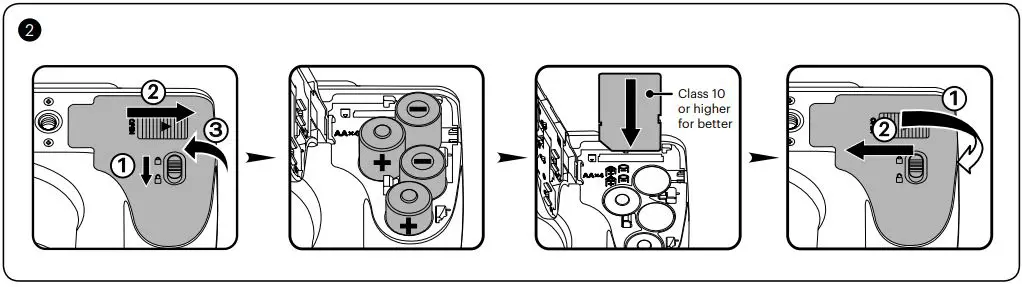
Installing AA Batteries and Memory Card
- Open the Battery Cover Door as shown in step ①, ② and ③.
- Insert the AA Batteries into the battery compartment.
- Insert the Memory Card into the memory slot.
- Close the Battery Cover Door as shown in step ① and ②.

Setting the Language/Date/Time
- 1. Push the Power Switch to turn the camera on and the language menu will appear. Use the
 buttons to select a language and press the
  button to confirm the language.
 - Use the buttons again to set the date and time and press the button to confirm.

 buttons to select a language and press the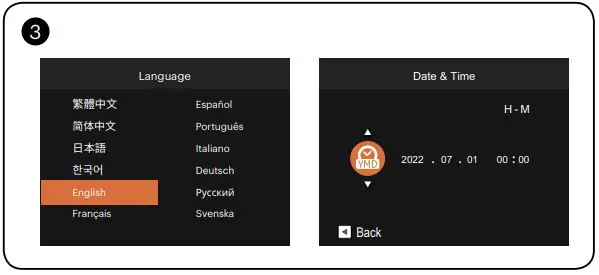
Taking a Picture
- Hold the camera securely.
- Use the Zoom Lever to select Tele or Wide positions to zoom in or out on your subject.
- Press the Shutter Button half way down to focus on the subject. When the focus frame turns green, press the Shutter Button completely down to take your photo.

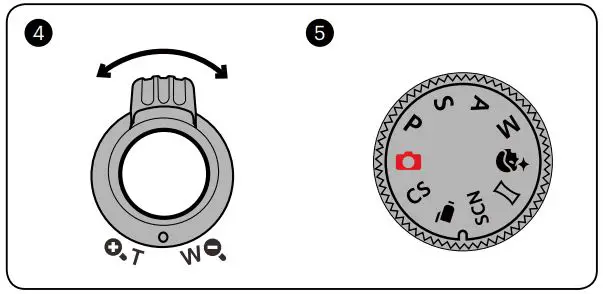
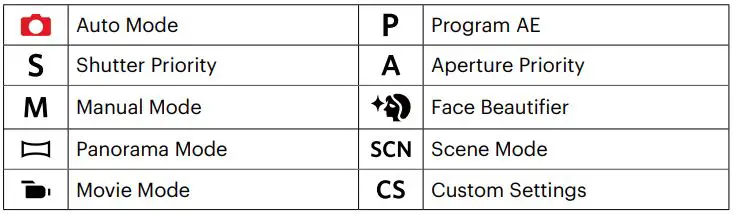
Using the Mode Dial
This camera provides a convenient Mode Dial that allows you to manually switch among different camera settings with ease. Available modes are listed below:
In Shooting Mode, press the  button to begin recording a video. After recording, press the button again to stop recording. The camera will store the video and return to the shooting screen.
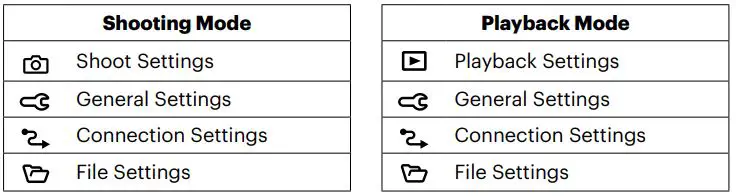
In each mode, press the  button to access the “Easy Menu”. Press the
 buttons to move among options, then press the
  button to make a selection. Choosing the
  within this list will provide access to the “Full Menu”:
 KODAK PIXPRO Digital Cameras
 KODAK PIXPRO Digital Cameras