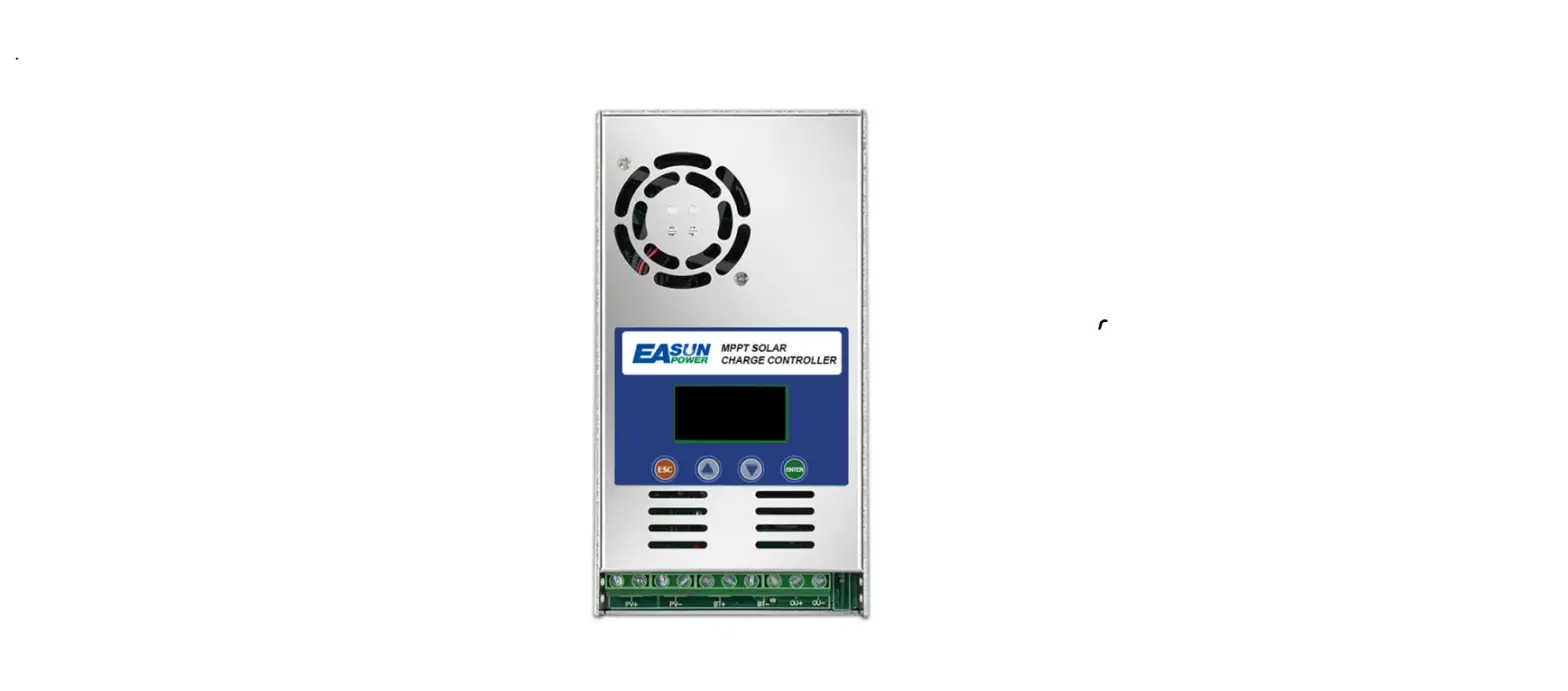
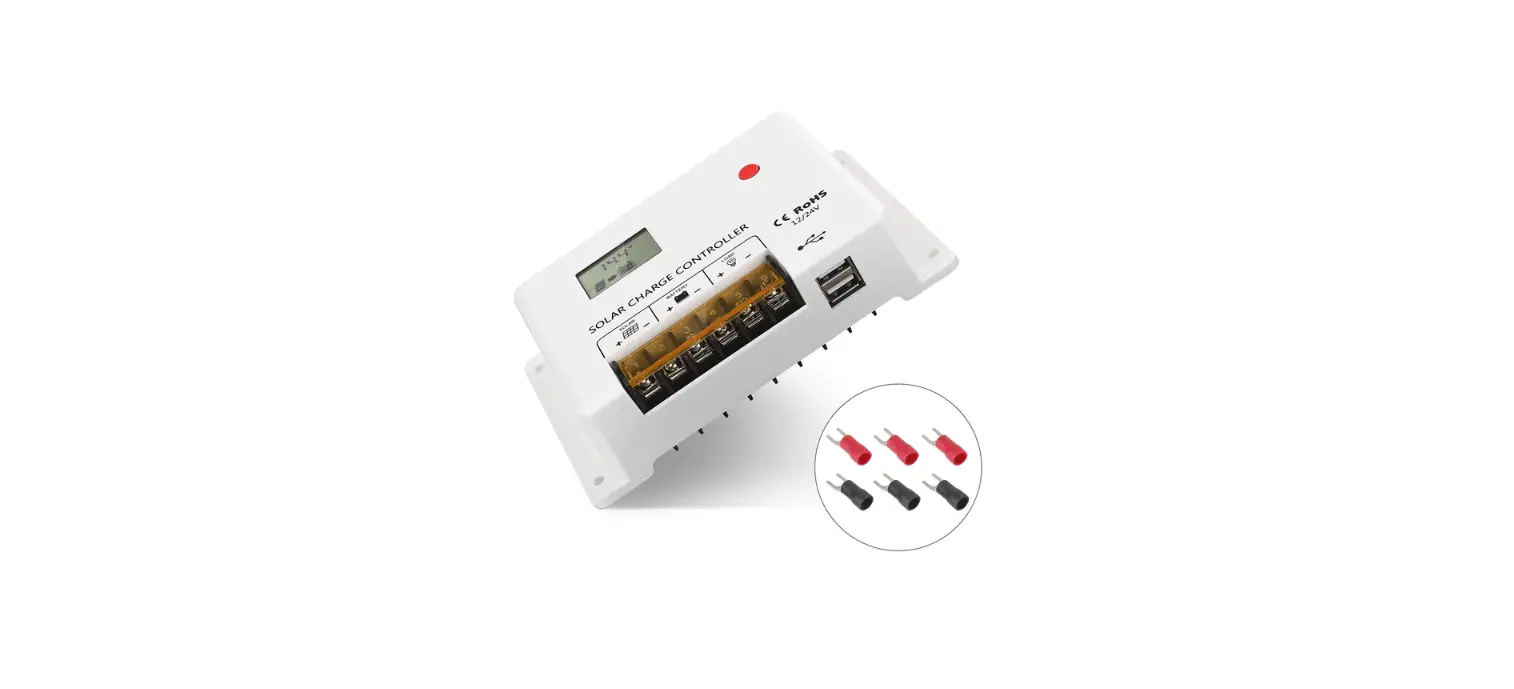
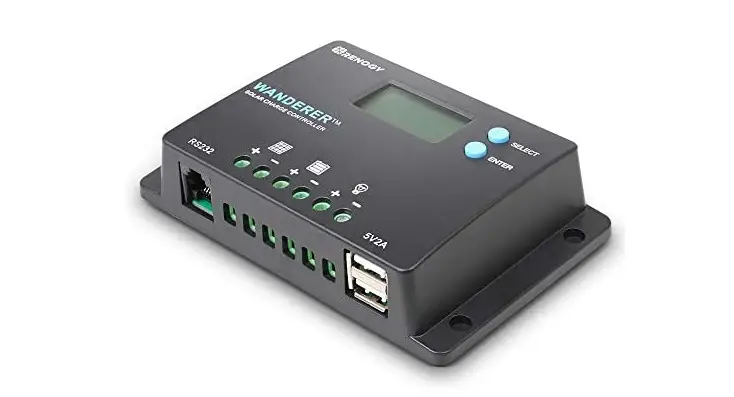
RV-2430 Solar DC-DC Buck-Boost Controller
Product Information
The Solar DC-DC Buck-Boost Controller RV-2430 is a DC-DC
intelligent charger/controller designed for vehicle or similar
systems with dual batteries. It combines the advantages of motor
power generation and photovoltaic power generation in a dual
battery system.
By default, the main/service battery is prioritized for solar
charging, while the auxiliary/starter battery is charged
automatically after the main battery is fully charged. Users can
customize the charge priority between the main and auxiliary
batteries through the external remote LCD screen. The auxiliary
battery can also be used to charge the main battery by configuring
the settings in the controller or through the IGN alternator.
The controller features MPPT (Maximum Power Point Tracking)
charge technology to optimize solar charging efficiency.
Product Usage Instructions
Warnings and Tools
- High Voltage: This device operates at high
voltage. Installation should be performed by an electrician. - High Temperature: The device generates heat.
Mount it away from other items. - Environmental Hazard: Do not dispose of this
electronic equipment in a landfill.
The following tools are recommended for installation:
- Wire Cutter
- Multi-meter
- Anti-static Glove
- Electrical Tape
- Screwdriver
Mounting Instruction
- Wire preparation: Prepare the wires by cutting
and stripping them prior to connecting. - Remove the mounting cover plate: Take off the
mounting cover plate to access the internal components. - Connect the main wire: Connect the main wire
to the positive terminal of the battery. The negative pole of the
main wire can be installed in any order as it is the common
negative pole. - Connect the communication or secondary line:
Connect the communication or secondary line according to the
provided PIN connections. - Cover the mounting cover plate and tighten the
screws: Once all the wires are connected, cover the
mounting cover plate and secure it with screws. - Placement: Place the device horizontally to
ensure proper heat dissipation. - Fixation: Use self-tapping screws or auxiliary
fixing devices to securely fix the device.
Wire Connection Sequences
Follow the specified PIN connections for wire connection:
- PIN-1: VDD:5V+
- PIN-2: RS485 PIN
- PIN-3: GND
- PIN-4: B/D-
- PIN-5: A/D+
Solar DC-DC Buck-Boost Controller
RV-2430
User Manual
*We may modify these specifications without prior notice.
1. Warnings and Tools Icon Chart
Icons
Name
Description
High Voltage
High voltage device.
Installation should be performed by an electrician.
High Temperature
This device will produce heat. Mount device away from other items.
Environmental Hazard
Electronic Equipment. Do not put in landfill.
Wire Cutter Multi-meter Anti-static Glove Electrical Tape Screwdriver
A wire cutter is needed for cutting and stripping prior wires to connect.
A multi-meter is needed for testing equipment and verifying polarity of cables.
Anti-static gloves are recommended to prevent controller damage caused by static electricity.
Electrical tape is recommended to safely insulate spliced or bare wires.
A common size screwdriver is needed to attach wires to the controller.
2. Safety Tips
· It is very important to review this manual thoroughly before attempting installation.
· Beware of any nearby electrical equipment that may interfere with installing this device. And please don’t plug in any AC source to this DC-DC product, or it may cause a fire or burn to the device.
· Solar panels may generate high voltages and currents, and please make sure your solar panels would be completely covered from sunlight during installation. It is recommended that the installation is performed by qualified electricians.
· Contact of wiring to this device may generate sparks, so please put on proper insulation wear while installing this device.
· To avoid damage to the battery or controller, use proper fuses in wiring. Please contact us if you need help with fuse sizing.
· Always keep children away from this device.
· Be certain to use the correct gauge of wire, see below for a table of recommended wire size for various current loads.
Solar Input Current Wire Cross Section Area (mm²)
Wire AWG
5A 10A 20A 30A
1.5
2.5
5
8
15
13
10
8
* We suggest no more than 5A’s current for each square millimeter’s wire core, e.g., for current of 10A, at least you should use 2mm² wire.
01
3. Product Features
Thank you for choosing our product. This device is a DC-DC intelligent charger/controller for vehicle or similar systems with dual batteries. Applied in a dual battery system, this charger combines respective advantages of motor (ordinary/smart alternator) power generation and photovoltaic power generation.
In use of vehicles, the main/service battery is prior to being charged by the solar input as the default settings. The auxiliary/starter battery would get into charge automatically, after the starter battery was fully charged. Users can also set the charge priority between main & auxiliary batteries in the controller (through the external remote LCD screen). The auxiliary battery could enforce to charge the main battery by settings in the controller, or through the IGN alternator.
The controllers have features as follows:
These MPPT charge controllers have features as follows:
· The external input can supply power to the battery through BUCK-BOOST. The external power sources, like alternator or power supply, are able to charge both main & auxiliary batteries, through a voltage buck-boost circuit.
· Supports dual battery system charge ( BAT 1/main/service battery & BAT 2/auxiliary/starter battery). If only one battery would be put in use, then please connect it in the main/service battery port as default settings.
· The charge system would identify PV or external power input as the charge sources, and distribute them to charge both main & auxiliary batteries automatically.
· Both PV and external power sources could be used for charging the dual battery system, and the user can also enforce the charge priority by setting in the remote display.
· By continuously checking solar panel power output changes, the controllers employ multiple MPPT charge algorithms in combination to boost charging efficiency in different weather and temperature conditions.
· If the remote display was connected in the controller, the user could also operate the charge system in App through mobile phones via Bluetooth.
· Charging modes available for most common deep-cycle battery types in the market, including AGM (sealed lead acid batteries/SLD), GEL, Flooded, and Lithium. Auto recognition of 12V/24V battery system voltage.
· Supports recording of system running data for up to 300 days, compatible with monitoring App through iOS and Android.
· Industrial grade design with full ranges of electronic protections on PV and battery in the controller. (optional accessory, not in the standard package list).
02
4. Device Diagram
RV- 2430
14
14
2 1
15
16
15
15
8 9 10 11 12 13 15
3456 14
7 14
#
Description
1
LED Indicator (PV,BAT 1,BAT 2,EXT,IGN)
2
Function Key
3
PV Positive Terminal
4
Battery 1 Positive Terminal
5
Battery 2 Positive Terminal
6
EXT Input Positive Terminal
7
Public Negative Port
8
IGN Single Input
9
CAN Communication Port
17
#
Description
10 BVS Input Voltage
11 External BAT 1 Temperature Sensor
12
External BAT 2 Temperature Sensor
13 RS485 Communication Port
14 Mouting Holes
15
Junction Box Cover Mounting Screw Hole
16
Junction Box Cover
17
Shell Ground Connection Point
03
5. Mounting Instruction
5.1 Wire preparation.
5.2 Remove the mounting cover plate.
5.3 Connect the main wire. The negative pole of the main wire is the common negative pole, so it can be installed in a random order.
5.4 Connect the communication or the secondary line.
PIN-1 PIN-2 VDD:5V+
RS485 PIN
PIN-3 PIN-4 GND
PIN-5 B/D-
PIN-6 A/D+
5.5 After connecting the wires, cover the mounting cover plate and tighten the screws.
5.6 Fixed. 5.6.1 Placement. This device adopts vertical heat dissipation, so it needs to be placed horizontally when it is fixed, so that the hot air can desperse smoothly.
150mm
150mm
5.6.2 Fixed with self-tapping screws or auxiliary fixing devices.
6. Wire Connection Sequences
* The MPPT charging at PV terminal is buck charging, so the voltage at PV terminal must be greater than the voltage at battery terminal. * The EXT terminal is Buck-Boost charging, so the input voltage only needs to be within the maximum voltage range 150V.
6.1 Single-battery PV charging system. The single-battery system supports any connection of the main battery or the secondary battery. The example in the figure below only shows the connection of the battery terminal. Please refer to the following scenarios for the battery connection.
MPPT Buck-Boost Charger
Bat2
PV Input Bat1
PV Input
MPPT Buck-Boost Charger
Bat2
PV Input Bat1
PV Input
(D+)
04
Starter Battery
Service Battery 05
6.2 The Alternator directly connected to the starter battery. 6.2.1 Smart Alternator.
The alternator will lead out the IGN signal line after starting. When the signal line is detected, the machine will detect the voltage of the starter battery. If the voltage is greater than the set voltage, the starter battery will start to charge the living battery.
MPPT Buck-Boost Charger
Bat2
PV Input Bat1
PV Input
Smart Alternator ING(D+) Signal Wire
Alternator
Starter Battery
Service Battery
6.2.2 Regular Alternator. The alternator will directly charge the starter battery after it is started. When the machine detects the voltage of the starter battery, if it is greater than the set voltage, the starter battery will start to charge the living battery.
MPPT Buck-Boost Charger
Bat2
PV Input Bat1
PV Input
Alternator
Starter Battery
Service Battery
6.3 The alternator is connected to the external input port of the controller. (this application is similar to the adapter or power supply directly connected to the external input port)(DC input only)
MPPT Buck-Boost Charger
External Input
Solar Input
Bat2 Bat1
PV Input
Alternator
Starter Battery
Service Battery 1
Service Battery 2
06
7.Working Process Introduction
7.1 System operating battery identification.
Dawn
Battery 1 Volt > 4V
Y
Working Battery = Battery 1
N
Battery 2 Volt > 4V
Y
N
Working Battery = Battery 1
Working Battery = Battery 2
7.2 The system determines whether the activation is required.
Dawn
Battery 1 Volt < 4V
Y
& Battery 1 is LI Battery
Battery 1 To Be Activated
N
Battery 2 Volt < 4V
Y
& Battery 2 is LI Battery
N
No Activation Required
Battery 2 To Be Activated
7.3 Switching logic between battery 1 and battery 2 during abnormal operation. (battery with load during operation) (take 12V system as an example)
Battery 1 Charging
N
Battery 1 Volt > 13.2V &
4.0V < Battery 2 Volt < 11.0V
Y
Y
Battery 2 Charging
N 4.0V < Battery 1 Volt < 12.6V
07
7.4 Switching logic between battery 1 and battery 2 during normal operation. (battery without load) (take 12V system as an example)
Start
Battery 1: MPPT
Y
Battery 1 Volt <
Boost Charge Volt
N
Battery 1: Boost Charge, the Boost Charge Starts Timing
N
Battery 1: Float Charge N
BATT 2: MPPT
Y
The charging time reaches the set time
Y
Check if battery 2 is conntected
Y Battery 2 Volt < Boost Charge Volt
Battery 1: Float Charge
Y The charging time reaches the set time
N Battery 2: Boost charge, the Boost Charge starts timing
N
7.5 Buck-Boost charging. (take 12V system as an example)
Start
EXT Volt > 13V (adj)
N
Whether the ING signal is valid
N
Battery 2 Volt > 13.2V
Y External input to charge the working battery
Y
Battery 2 Volt > 12V
Y
The working battery = Battery 1
Y N
N
Battery 2 charges battery 1
Buck-Boost Stop
08
7.6 MPPT Charging.
MPPT is the abbreviation of Maximum Power Point tracking. Since the photovoltaic curve has the following characteristics, it is hoped that the following Work Point can be tracked when the photovoltaic energy is used for charging.
I-V
P-V
Work Point
Power(W) Current(A)
Vo c
Voltage(V)
7.6.1 Lead-acid 3-phases charging.
Voltage
Current
EQU_V BST_V FLD_V
Dawn MPPT EQU/BST FLD Dusk Night
7.6.2 LI Battery Charging.
Voltage
BST_V
Dawn
MPPT EQU/BST FLD
Dusk Night
Current
Dawn MPPT
BST
Dusk Night
Dawn MPPT
BST
Dusk Night
7.7 Photovoltaic Characteristics. 7.7.1 PV from dark to normal light. (low light on the left, light enhancement on the right)
I-V
P-V
Work Point
I-V
P-V
Work Point
Power (W) Current (A) Power (W) Current (A)
Vo c Voltage (V)
Vo c Voltage (V)
09
7.7.2 The change of light intensity to photovoltaic curve. (weak light on the left and strong light on the right)
I-V
P-V
Work Point
I-V
P-V
Work Point
Power (W) Current (A) Power (W) Current (A)
Vo c Voltage(V)
Vo c Voltage(V)
7.7.3 The effect of temperature on light. (the higher the temperature, the lower the open circuit voltage, but the overall power is almost the same)
I-V
P-V
Work Point
Power (W) Current (A)
Voltage(V)
8. LED Flash Rhythm Chart
Voc
Tem++ Tem
LED Name PV B1 B2
10
LED Display
Off
Steady On Slow Flash Single Flash Slow Fast Steady On Single Flash Slow Fast Steady On
Signal Indication
Solar Input Not Charging ! * PV LED is generally off during nighttime
Charging Mode Error
Charging Error
Connect Normal Charging Error
Connect Normal
Off EXT
External Input Not Charging
Steady On
External Input Detected & DC-DC Charging
Off
Regular Alternator Not Connected
IGN
Steady On
Regular Alternator Charging
! Check the Fault light for possible system errors.
9. Key Function Chart
Function Key
Input
Long Press
Input Function System Reset
10. LCD Display Interface Overview
Please check the LCD manual for more details. The LCD screen is used to display the controller data and set controller parameters. Through the connection of the RJ11 crystal head and the controller, the RJ11 crystal head integrates with a 5V power supply and the RS485 communication cable.
LCD Display Interface: The LCD screen has Welcome, Menu, Main, Set menu, controller battery settings, controller settings, display settings, controller status, historical data (His) and controller information (DCV) interfaces. Public display area: There are public display areas on the top of all interfaces except the setting interface and historical interface, which mainly display system status, Bluetooth communication status and controller temperature. Function Keys: The display screen has four buttons from the left: set, up, down, and back. The key states include short press, long press and combined press. Long press means that the key is pressed for more than 1.5 seconds. The combined key means that the set is pressed first and then other keys are pressed.
11
10.1 Welcome interface(startup interface).
10.3 Menu interface.
Interface description: · When powered on, the screen first enters the welcome interface, and then exits after 2 seconds to enter the main interface.
10.2 Main interface.
Interface description: · The menu interface provides access to other interfaces, from left to right are main interface, setting menu interface, status interface, historical data interface and controller information(DCV) interface.
Setting menu
Interface description: · The 4 icons from left to right are PV, Battery 1, Battery 2 and EXT. · The data corresponding to the PV icon are PV voltage and PV charging state. · The data corresponding to the battery 1 icon are battery 1 voltage, battery 1 charging current and controller temperature. · The data corresponding to the battery 2 icon are battery 2 voltage, battery 2 charging current and external temperature. · The data corresponding to EXT icon are EXT voltage and EXT charging state.
12
Interface description: · The setting menu interface provides access to all setting interfaces, from left to right: controller battery setting, controller setting and screen display setting.
13
10.4 Setting interface. Battery settings interface
10.6 Historical data interface.
Interface description: · There are 3 interfaces in the setting interface: battery setting, controller setting and display setting. All setting interfaces display relevant parameters in the form of tables. You can move the selected table by pressing the button and modify the corresponding parameters. For specific operation methods, please refer to ” LCD Screen Manual”.
10.5 Status interface.
Interface description: · The status interface displays the real-time data of PV, EXT, BAT and TEMP. · PV: PV voltage, PV charging power, PV charging status. · EXT MOT: EXT voltage, EXT charging power, EXT charging status. · BAT: BAT voltage, charging current from PV to BAT, charging current from EXT to BAT. · TEMP: Controller temperature, ambient temperature.
14
The historical data is generated once a day, and the daily data includes: · The charging power of PV to BAT 1 and BAT 2. · The charging power of EXT to BAT 1 and BAT 2. · The maximum and minimum voltage of BAT 1. · The maximum and minimum voltage of BAT 2. · PV maximum charging current. A maximum of 500 days of historical data can be recorded, and the specific operation method can be found in the “LCD Screen Manual”.
11. Product Dimension
280mm
175mm
R2.5 R5.0
125mm
287mm
76mm
305mm 15
12. Controller Specification
The variable “n” is adopted as a multiplying factor when calculating parameter voltages, the rule for “n” is listed as: if battery system voltage is 12V, n=1; 24V, n=2. For example, the equalize charge voltage for a 12V FLD (Flooded) battery bank is 14.8V*1=14.8V. The equalizing charge voltage for a 24V FLD (Flooded) battery bank is 14.8V*2=29.6V.
Parameter
Charging Mode No-load Loss System Wiring Grounded Operating Temperature Storage Temperature Operating Altitude IP Protection Charging Efficiency Communication Port Charging Derating Connectors Wire Gauge LED Instructions Operating Mode
Bluetooth
Value
MPPT 25mA Negative Grounded -25 ~ 45 -35 ~ 65 <3000m IP45 >98% RS485/CAN(Optional) Step derating and recovery at 70 Bare wire terminals (V6) 10mm² (8AWG) PV,BAT1,BAT2,EXT,IGN External Display
The built-in Bluetooth module of the display screen operated by APP
Protection
PV Over-Voltage, PV Reverse Protection, Battery Over Voltage, Battery Over-Charge, Battery Reverse Protection, External input Over-Voltage, EXT Reverse Protection, Controller Over-Heating,
High Ambient Temperature.
16
Battery Battery System Voltage Battery Voltage Range Battery Type Max Current BVS
Battery Battery System Voltage Battery Voltage Range Battery Type Max Current BVS
Charging Mode Max Solar Input Power Max Solar Input Voltage PV Tracking Efficiency
Charging Mode Equipment Type Max Charging Current EXT Input Voltage Range Max EXT Input Power
Battery 1 Service Battery 12/24V AUTO
8V-32V GEL/SEL/FLD/USE/LI
30A Yes Battery 2 Starter Battery 12/24V AUTO 8V-32V GEL/SEL/FLD/USE/LI 30A No PV Buck MPPT+CC+CV 450W / 900W 60Voc >99% EXT ( External charging equipment ) DC-DC Buck-Boost Charging DC Alternator, Adapter, Charger, Power Supply, Battery 30A 8V-35V 450W / 900W
17