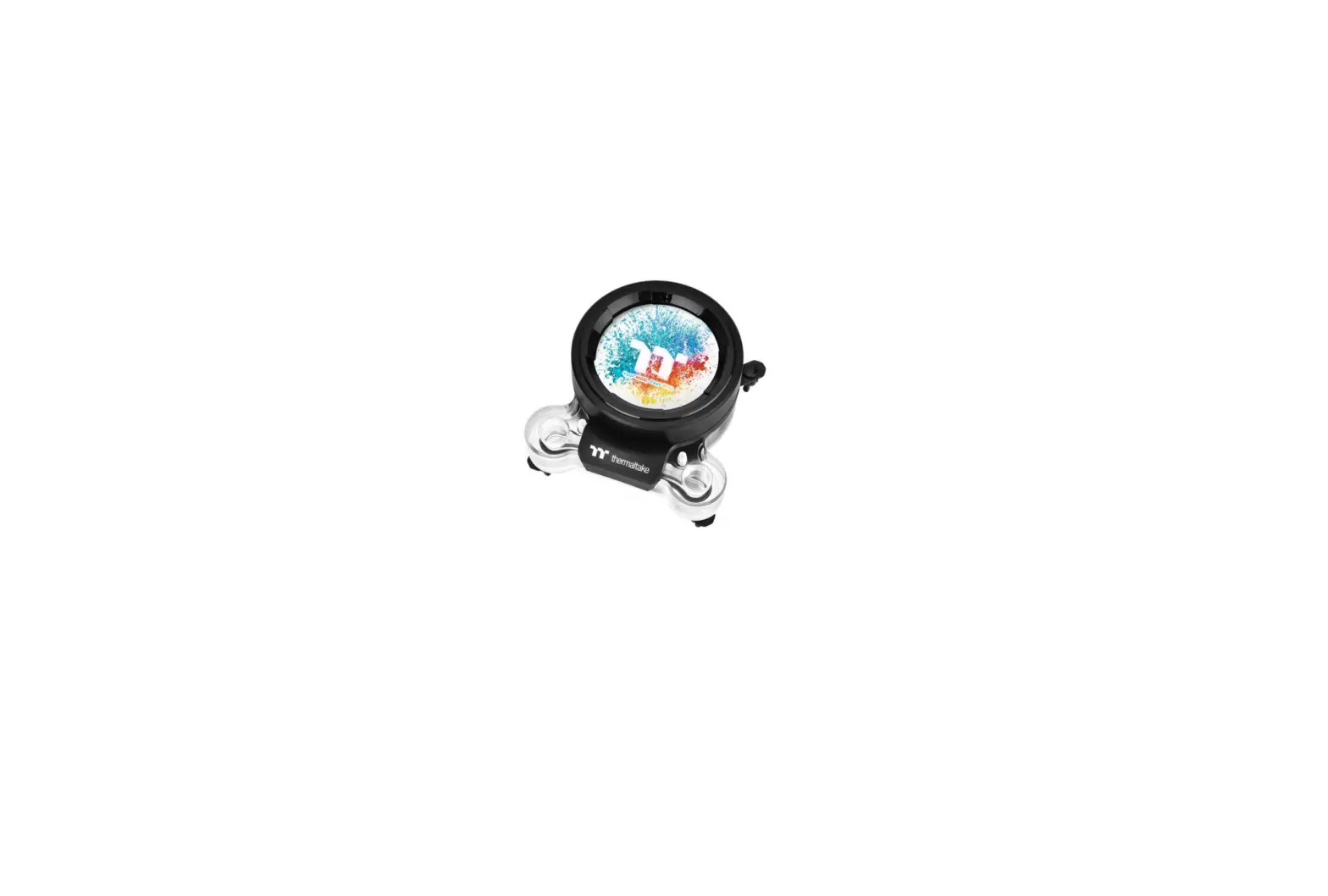

Thermaltake Pacific Mx2 Ultra Cpu Water Block Installation Guide

Thermaltake Pacific Mx2 Ultra Cpu Water Block Installation Guide

thermaltake LOGO

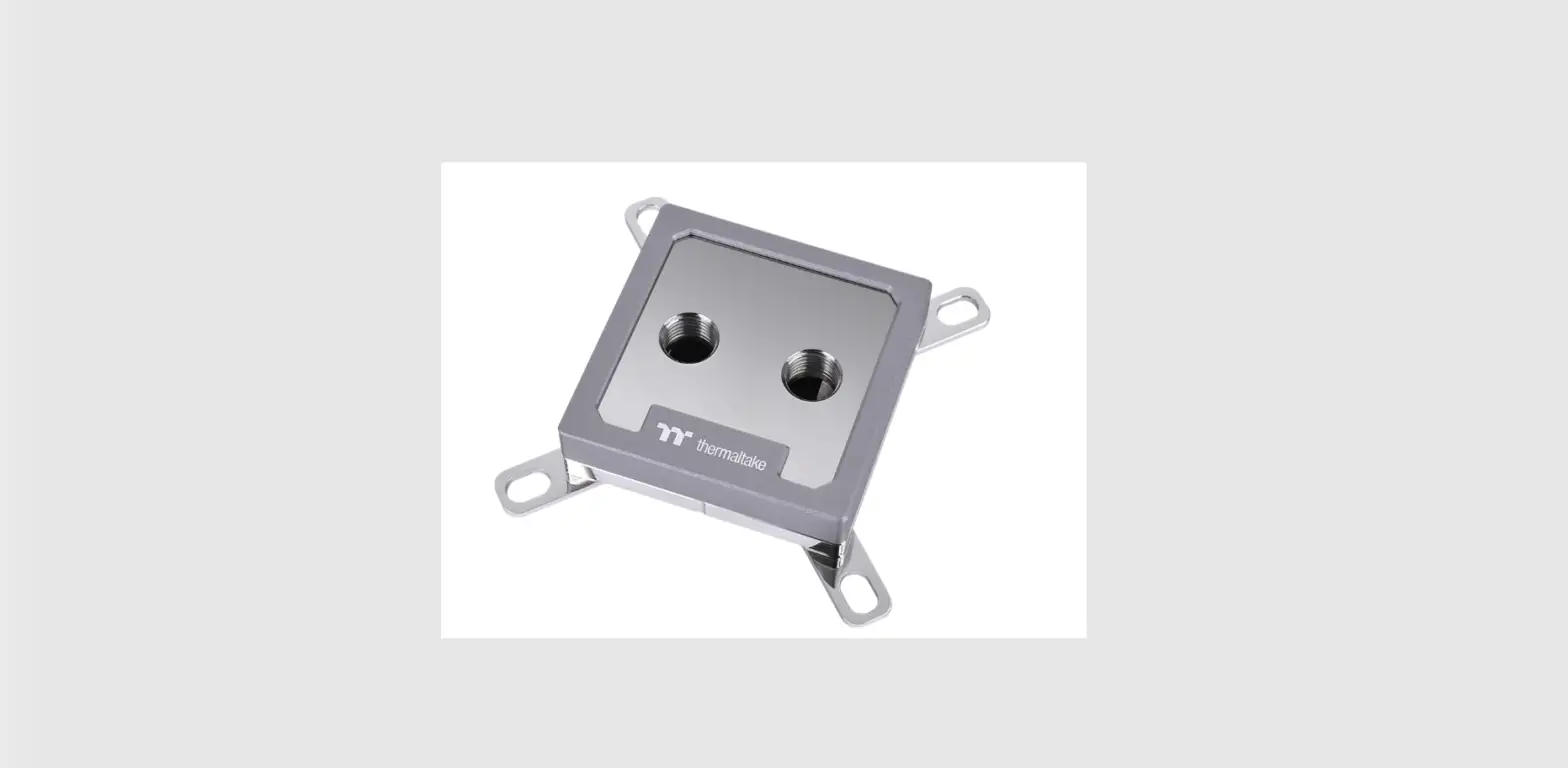
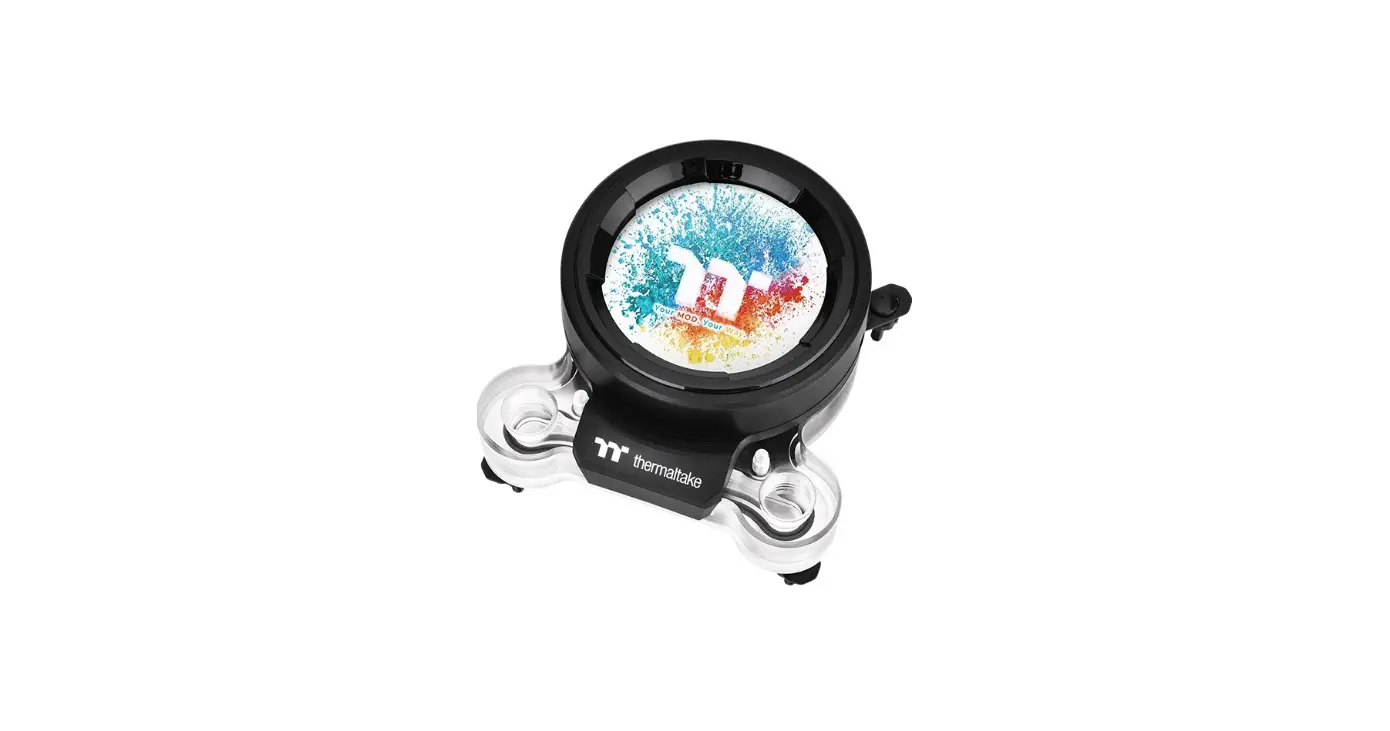
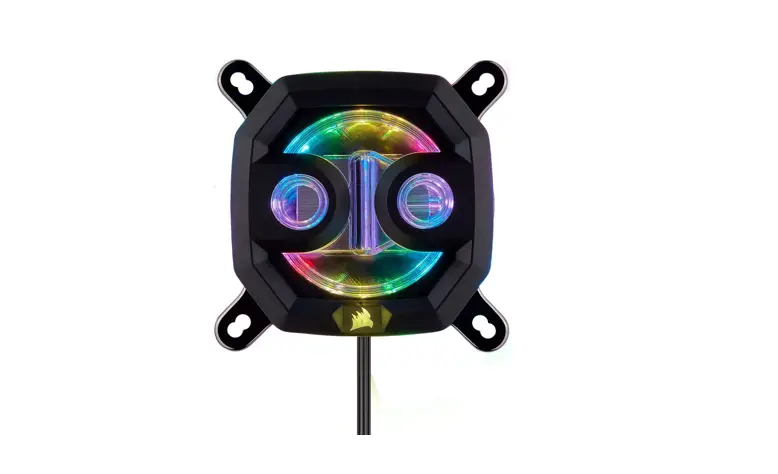
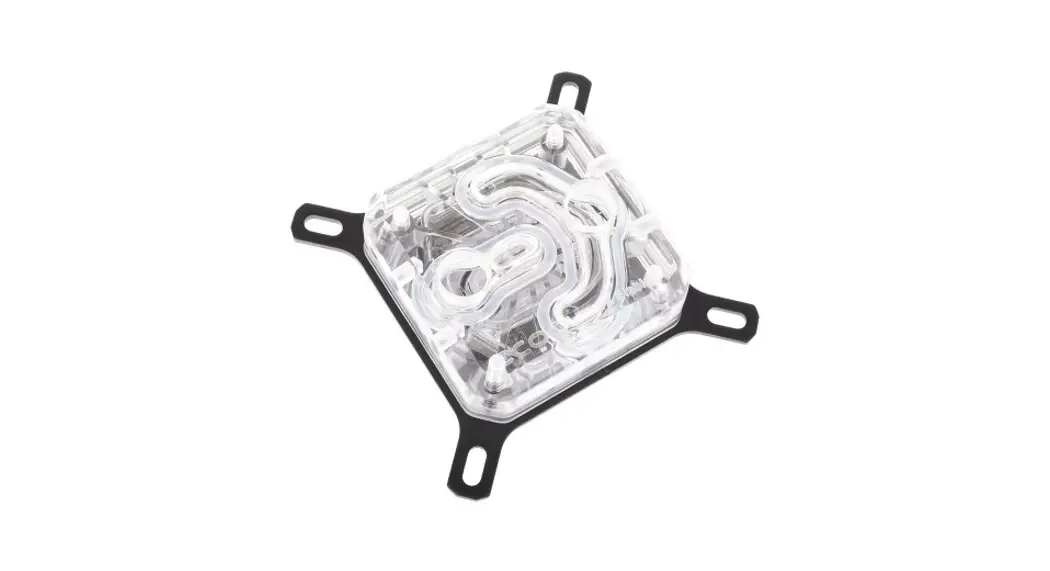
thermaltake Pacific MX2 Ultra CPU Water Block

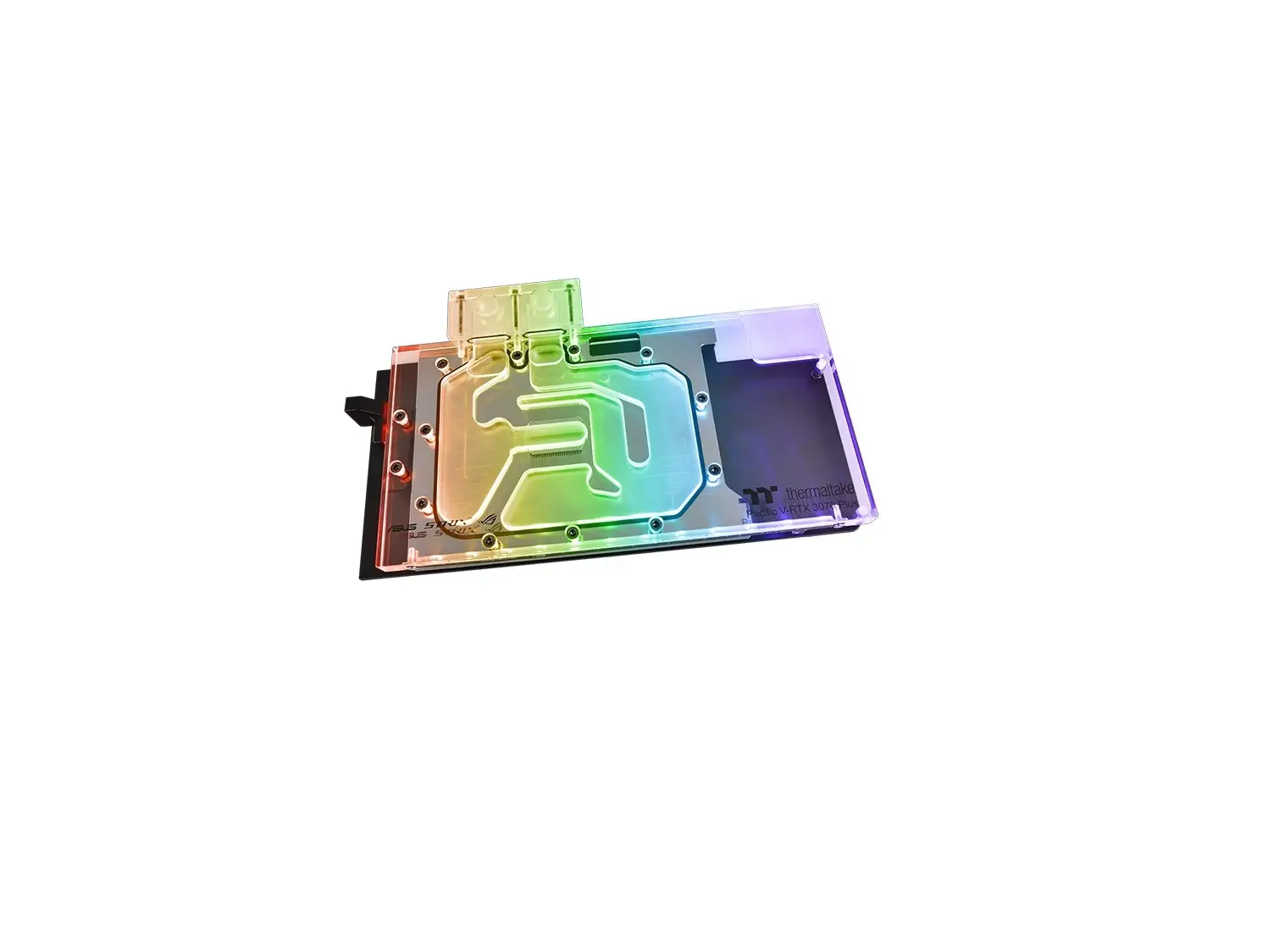
thermaltake Pacific MX2 Ultra CPU Water Block

Parts List
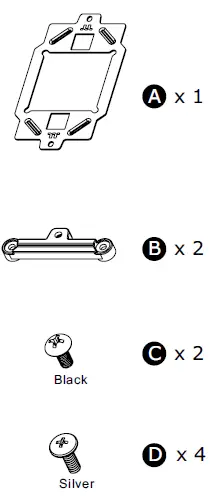
thermaltake Pacific MX2 Ultra CPU Water Block-1

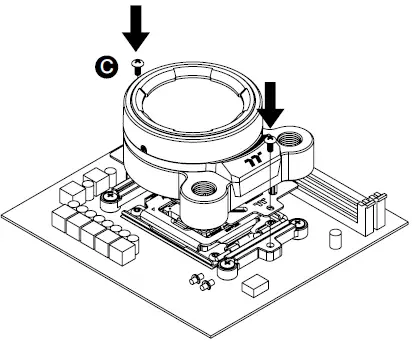
AM5 Installation Guide

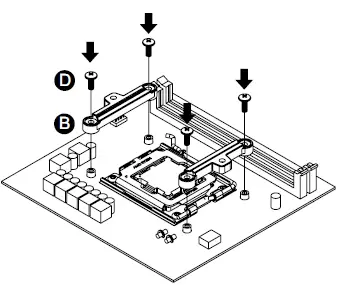
  1. Please remove the stock AMD mounting bracket, use AMD backplatethermaltake Pacific MX2 Ultra CPU Water Block-2
  2. thermaltake Pacific MX2 Ultra CPU Water Block-3
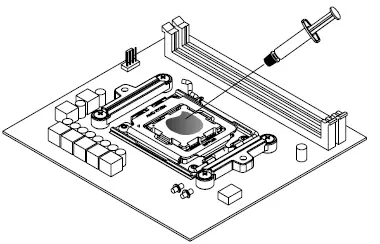
  3. Apply a thin layer of Thermal Grease onto the CPU.thermaltake Pacific MX2 Ultra CPU Water Block-4
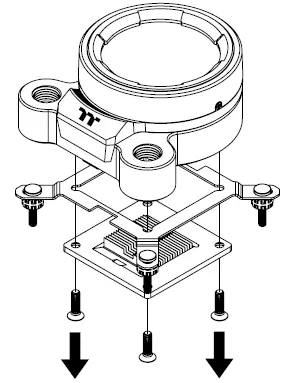
  4. Remove Intel Clipthermaltake Pacific MX2 Ultra CPU Water Block-5
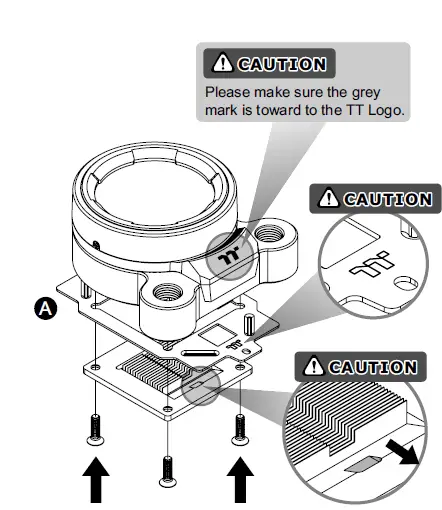
  5. thermaltake Pacific MX2 Ultra CPU Water Block-6
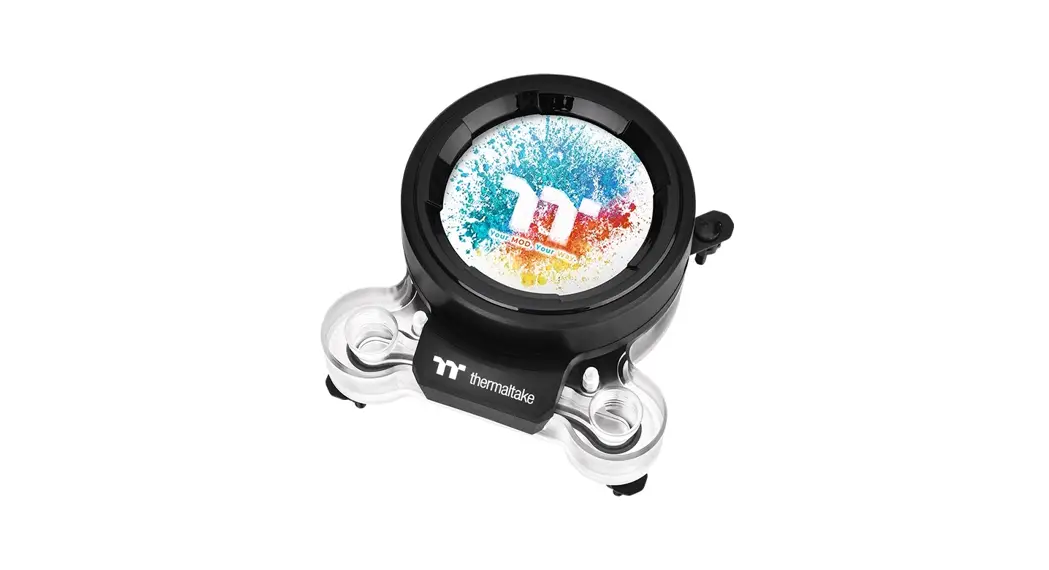
  6. Photos of Water Block are generic and for reference only.
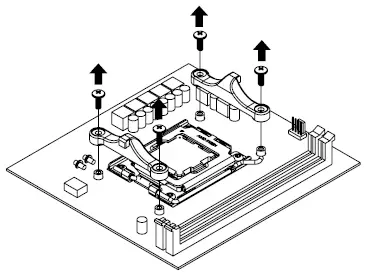
thermaltake Pacific MX2 Ultra CPU Water Block-7

© 2022 Thermaltake Technology Co., Ltd. All Rights Reserved.
www.thermaltake.com

References

Documents / Resouces

Download manual
Here you can download full pdf version of manual, it may contain additional safety instructions, warranty information, FCC rules, etc.


Related Manuals