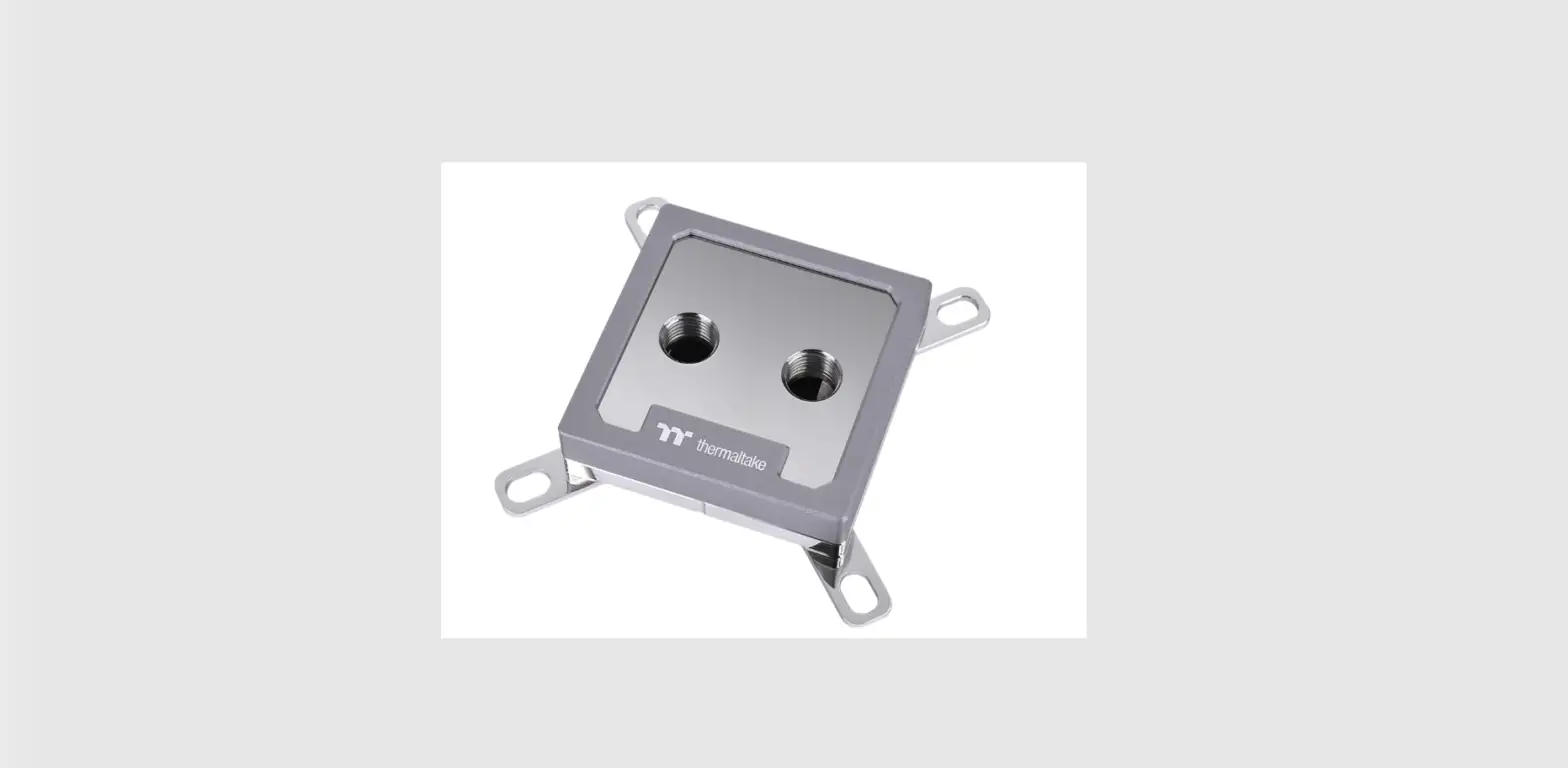
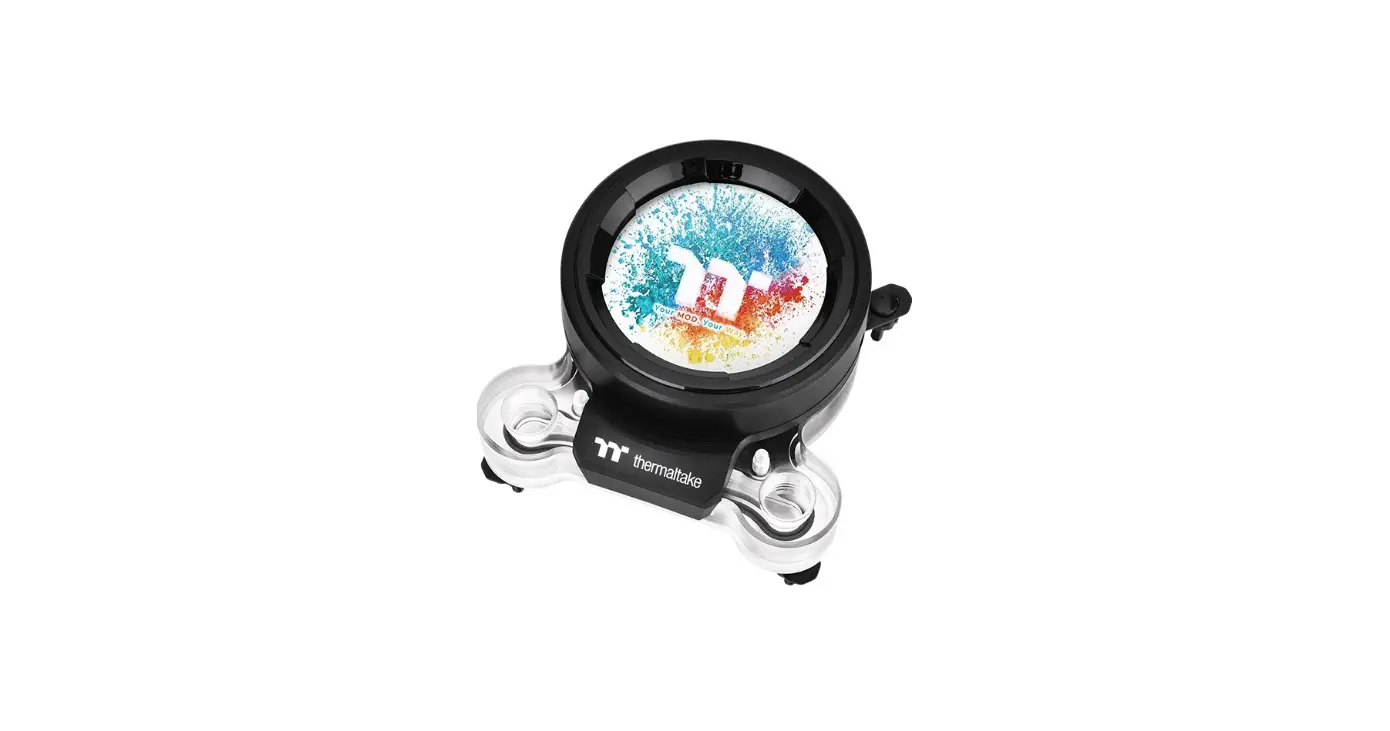
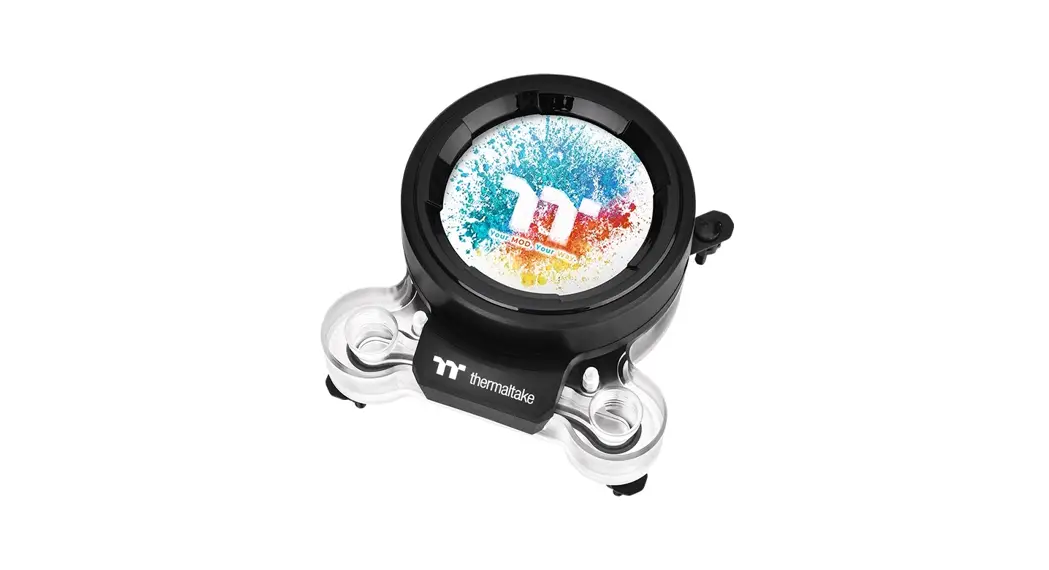
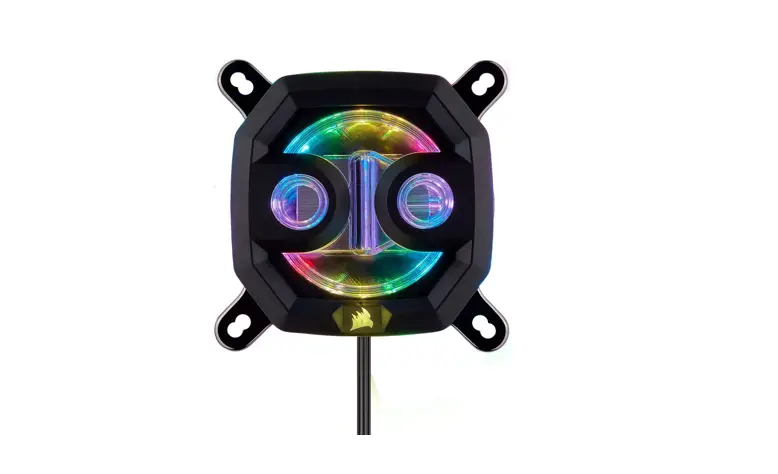
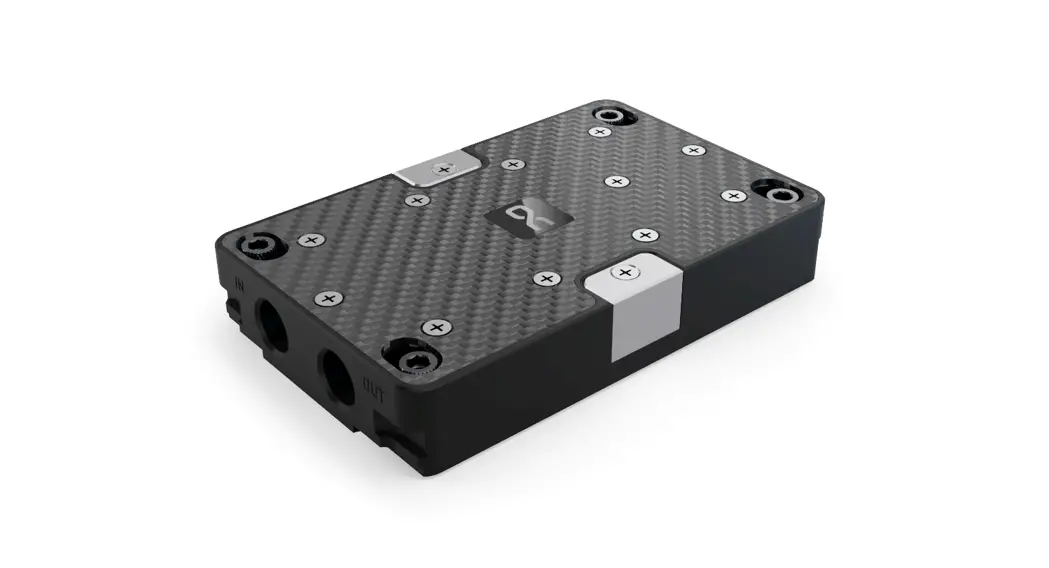
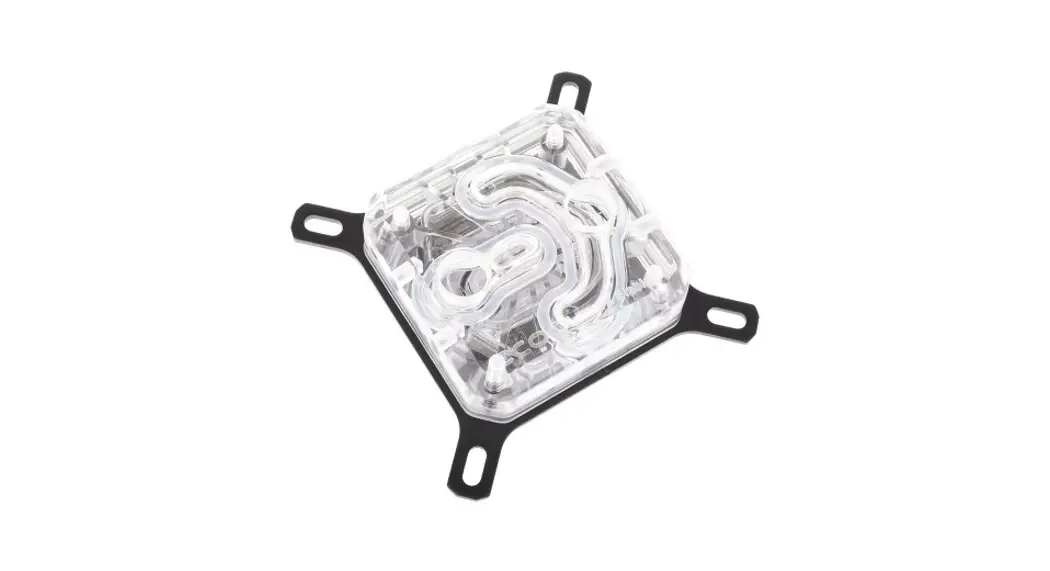
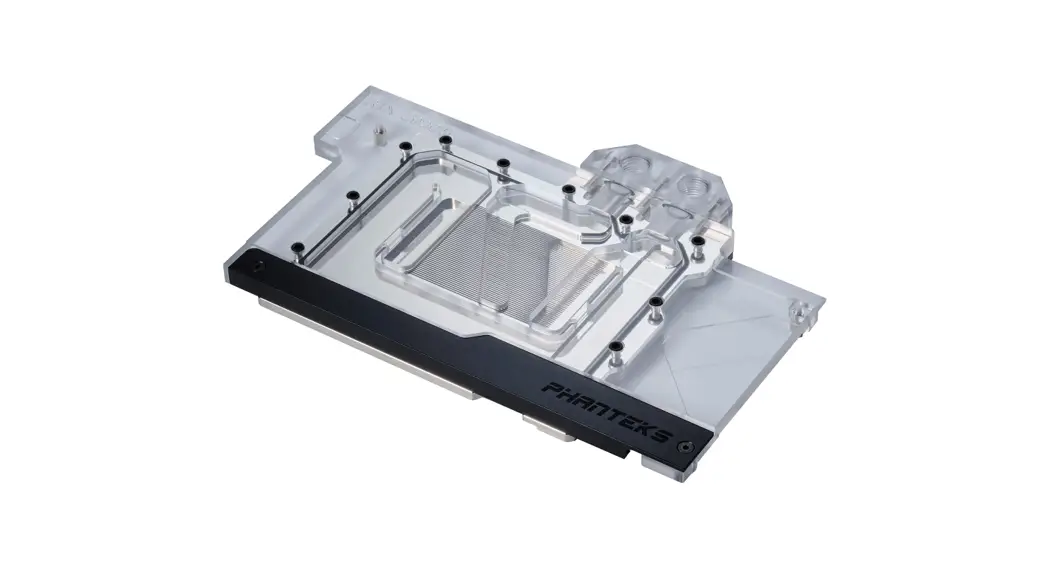
Pacific W9 CPU Waterblock
Product Information
The Pacific W9 is a high-performance water block designed for
expert users. It is intended for installation by qualified
technicians to ensure proper installation and prevent damage to
your equipment. The product comes with a comprehensive instruction
manual that should be read carefully before starting the
installation process.
It is strongly recommended to use a market-proven pre-mix
coolant, such as Thermaltake Coolant Series, for optimal
performance.
The product includes the following parts:
- A – Water Block
- B – AMD clip
- C – Backplate
- D – 4x Screw
- E – 4x Screw
- F – 4x Screw
- G – 4x Washer (Black)
- H – 4x Screw (Silver)
- I – 4x Screw
- J – Thermal grease
- K – Pinhead
- L – 2x Cotton swabs
- M – Alcohol pads
Product Usage Instructions
To ensure proper usage of the Pacific W9 water block, please
follow these instructions:
Thermal Grease Application Method
WARNING: Avoid using aluminum materials.
- Install the pinhead of TG-60.
- Squeeze a certain amount of Liquid Metal Thermal Grease on the
CPU. Wipe off any excess if overflowed. - Apply the thermal grease evenly on the CPU using the provided
cotton swabs.
Intel Installation Guide (LGA 1700/1200/115X)
- Refer to the Thermal Grease Application Method.
- Follow the installation guide provided for LGA
1700/1200/115X.
AMD Installation Guide (AM4/AM3/AM2/FM2/FM1)
- Refer to the Thermal Grease Application Method.
- Follow the installation guide provided for
AM4/AM3/AM2/FM2/FM1.
Please note that the product has specific liquid outlet and
inlet/fill circles. Ensure proper connection according to the
instructions provided in the manual.
For any further assistance or technical support, please consult
with a qualified technician or contact our customer support.
Pacific W9
Scan Here
Installation Guide
This product is intended for installation only by expert users. Please consult with a qualified technician for installation. Improper installation may result in damage to your equipment. Before you start using this product please follow these basic guidelines: 1. Please carefully read through the instruction manual before beginning the installation process. 2. Please remove your graphics card from your motherboard to insure the safest process and in order to prevent any possible
damages to your CPU and motherboard. 3. It is strongly recommended to use market proven pre-mix coolant, such as Thermaltake Coolant Series.
Thermal Grease Application Method
WARNING: Avoid Aluminum Materials
J
L K
Install the pinhead of TG-60.
Squeeze certain amount of Liquid Metal Thermal Grease on the CPU. (Please wipe it out if overflowed)
Apply the thermal grease evenly by cotton swabs.
Parts List
Complete.
A x1
Water Block
B x1
AMD clip
C x1
Backplate
D x 4
Screw
E x4
Screw
F x 4
Screw
G x4
Washer
(Black)
H x4
Screw
(Silver)
I x4
Screw
J x1
Thermal grease
Intel
a LGA1700 b LGA1200/1156/1155/1151/1150
K x1
Pinhead
L x2
Cotton swabs
M x1
Alcohol pads
AMD
a AM3/AM2/FM2/FM1 b AM4
a b
a b
a
a
b
b
A
C
B
C
Intel Installation Guide
LGA 1700/1200/115X
1
F
2
E G
A
C
J
LGA 2066,2011-3,2011
1
2
H
E
G
A J
D
Please refer to “Thermal Grease Application Method”
Please refer to “Thermal Grease Application Method”
1
2
A
B
AM5
1
2
I
AMD Installation Guide
AM4/AM3/AM2/FM2/FM1
1
2
3
E
G
F A
J
C D
Please refer to “Thermal Grease Application Method”
3
Installation Guide
E
G
A
OUT
IN
J
12
Please refer to “Thermal Grease Application Method”
1 Out : Circle 1 is designed for liquid outlet 2 In : Circle 2 is designed for liquid inlet/fill
© 2022 Thermaltake Technology Co., Ltd. All Rights Reserved. www.thermaltake.com
 Thermaltake