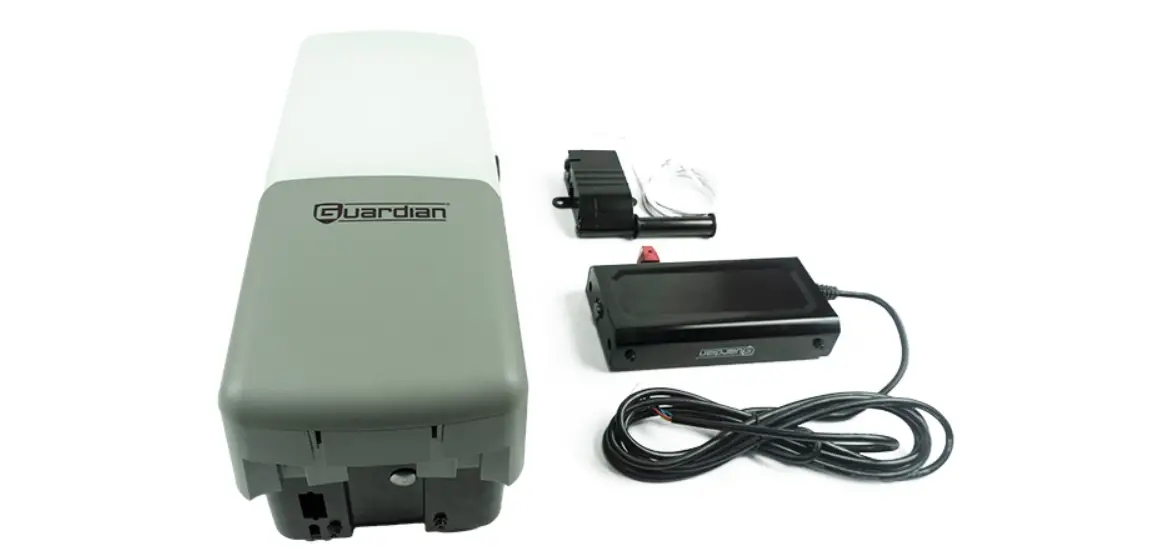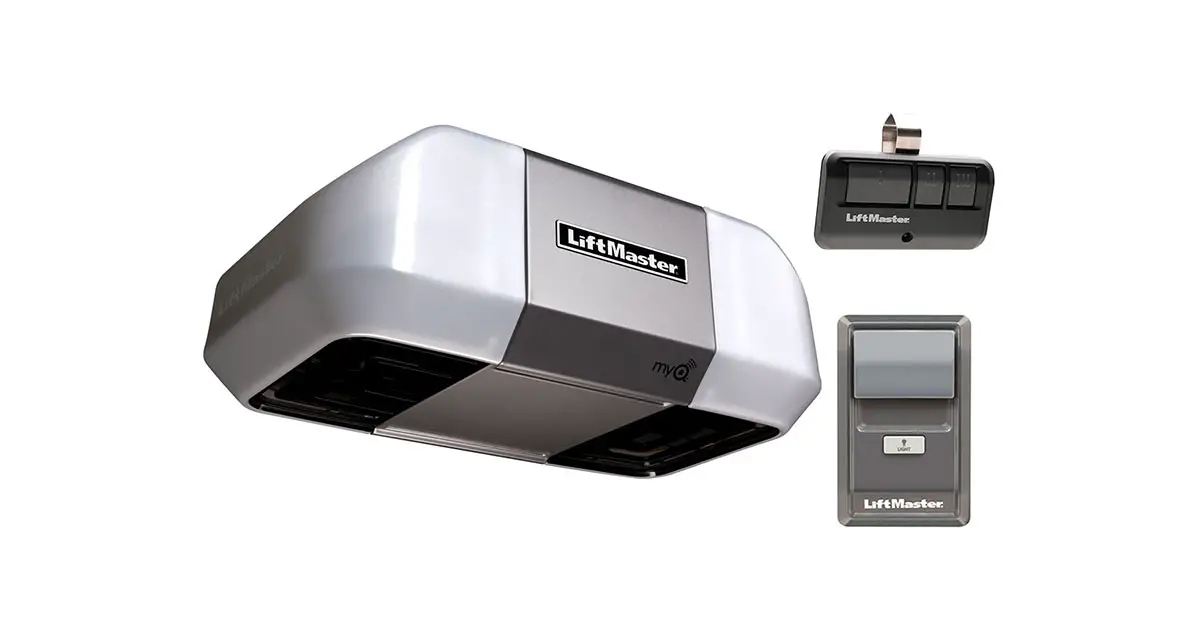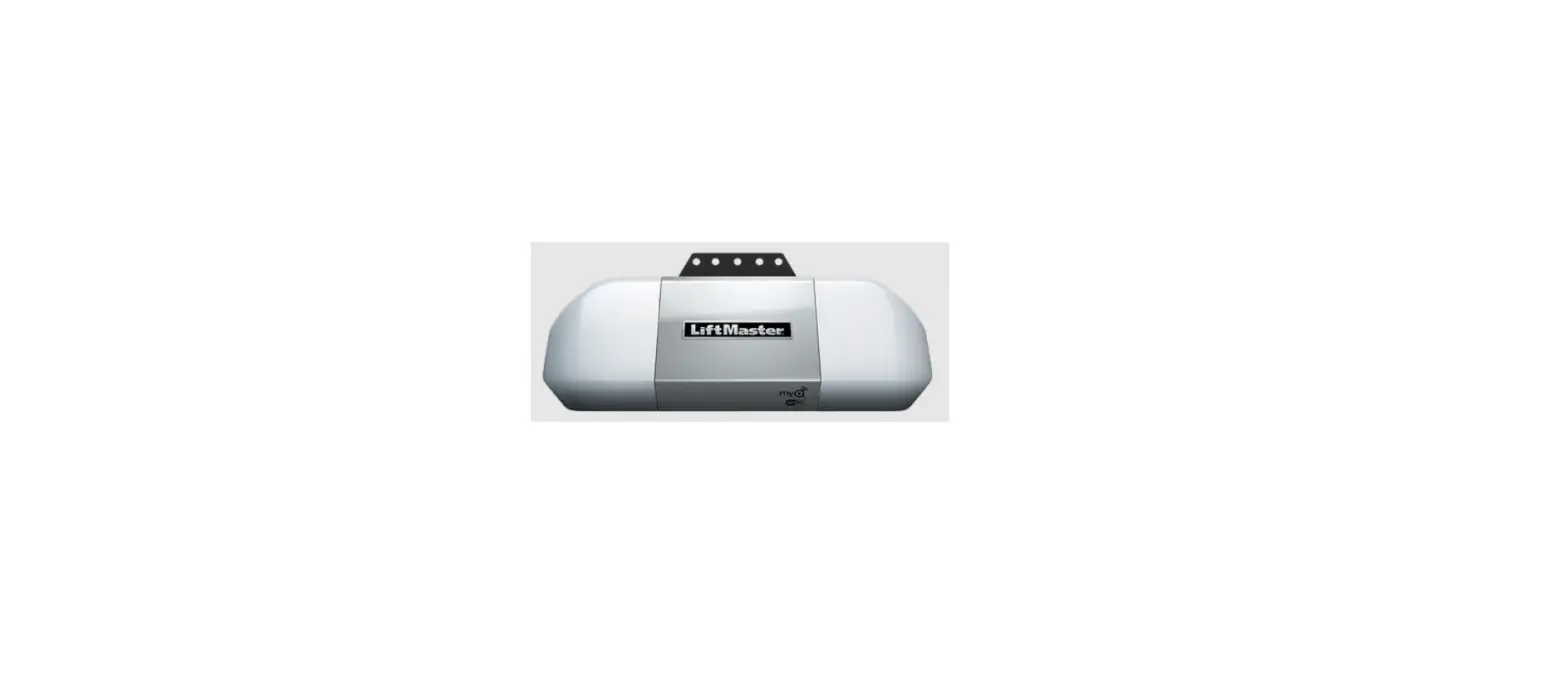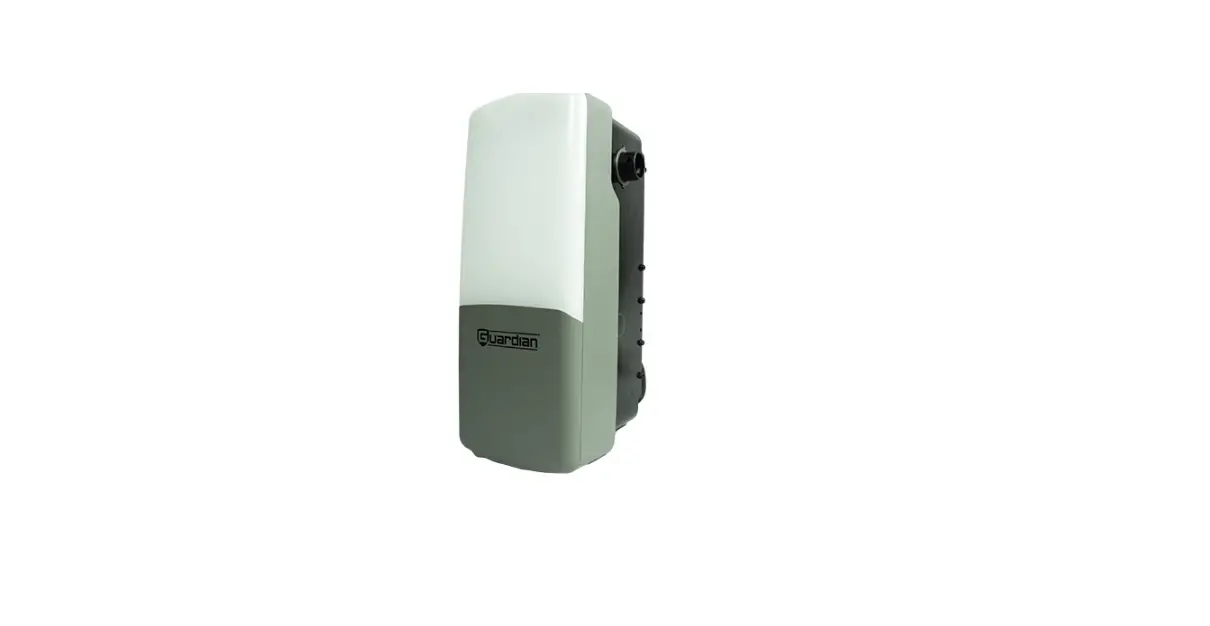

Guardian 928 Pro Series Garage Door Operator
INTALLATION INSTRUCTION
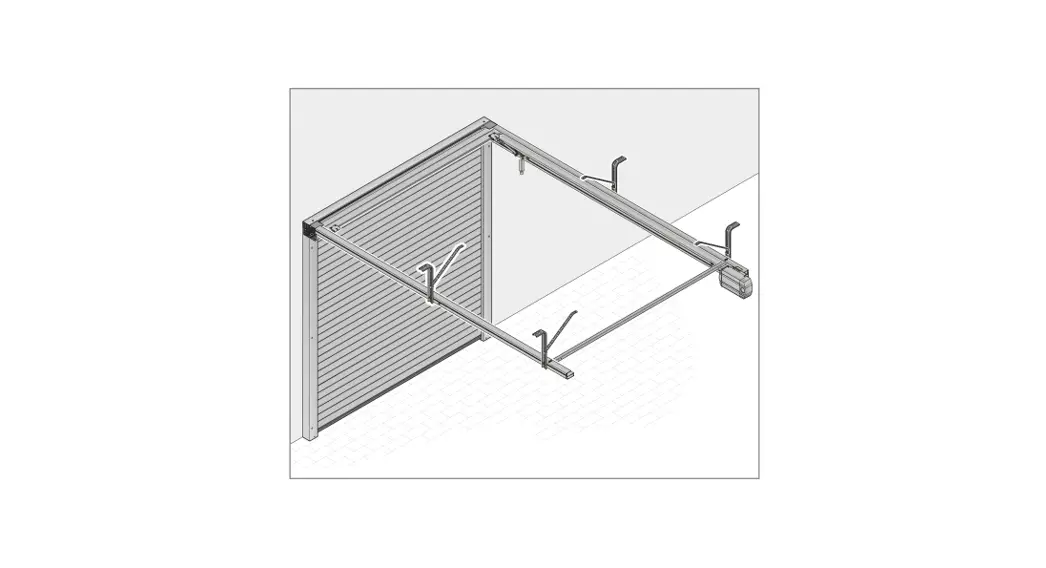
The door operator should always be assembled and installed in the closed position.
- Setting UP Limit
 Press and release LIMIT button
Press DOWN button to adjust down limit
Press UP button to adjust up limit- LED flashes once
Press and release LIMIT button when desired up limit position is reached
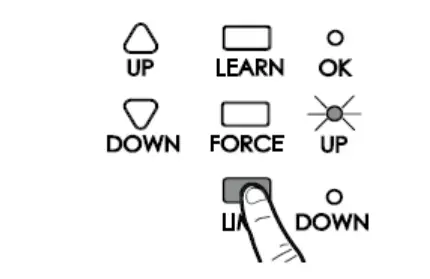 Press and release LIMIT button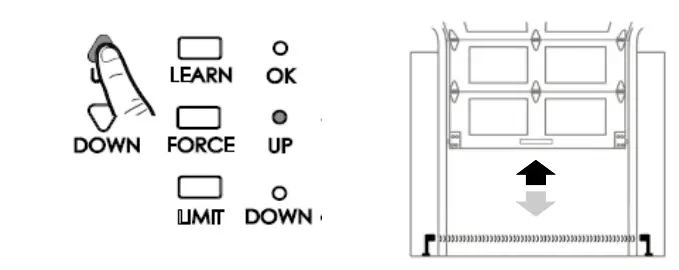
Auto Force Adjustment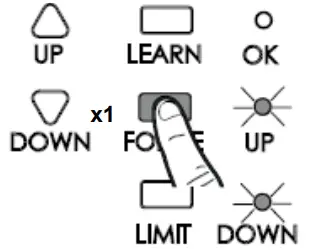
- Press and release FORCE button

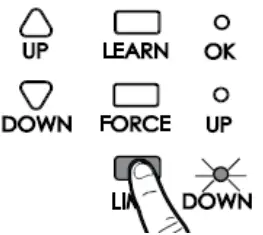
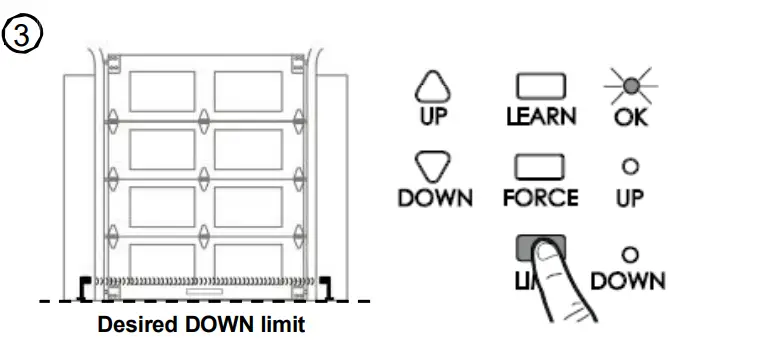
- Setting DOWN Limit

Press and release LIMIT button twice
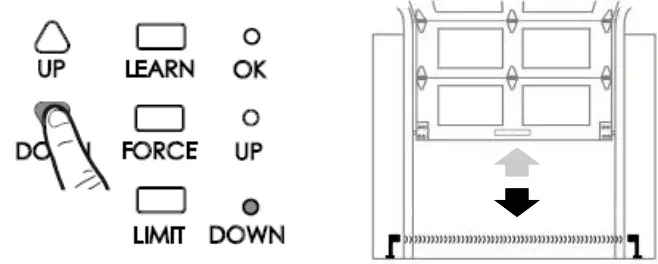
Press DOWN button to adjust down limit
Press and release Limit button when desired down limit position is reached
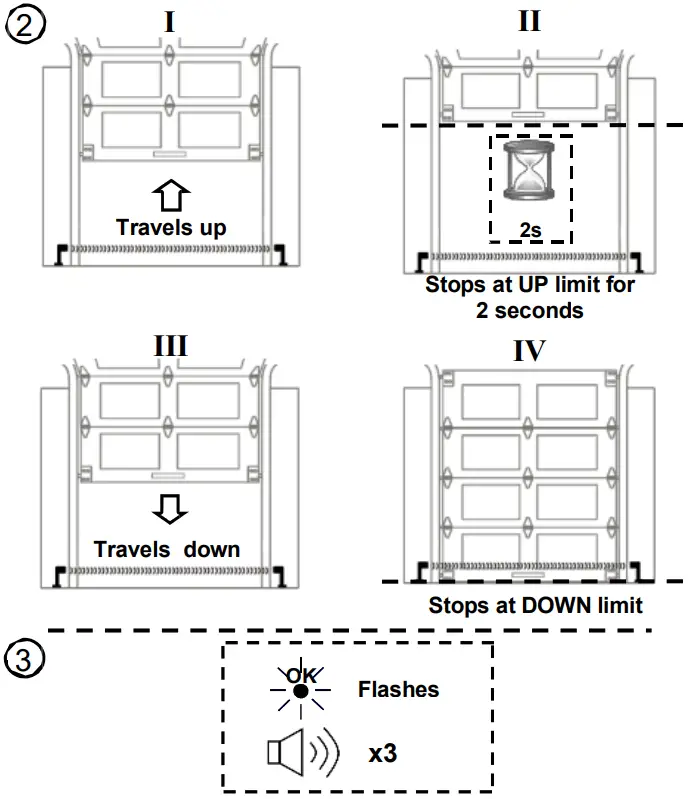
Manual Force Setting (For Installers ONLY!)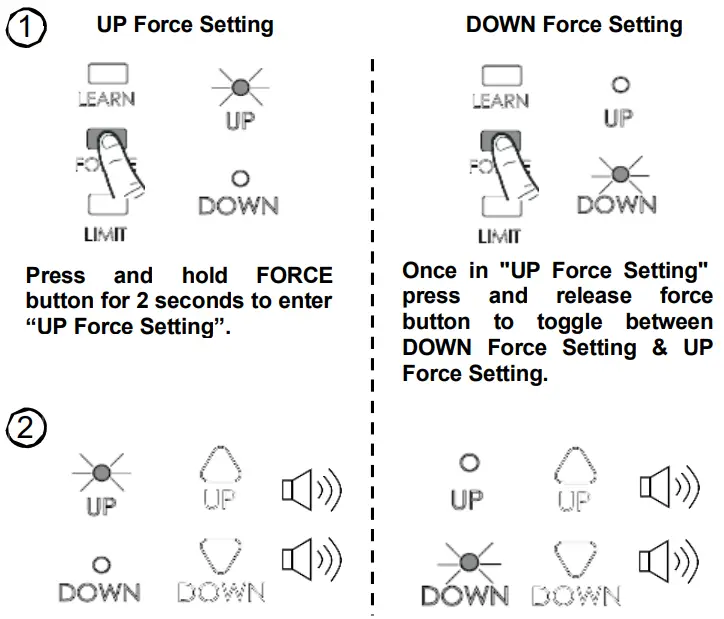
To Adjust the Force, press and release UP/DOWN button to increase/decrease force. Each press represents one increment and is confirmed by a single beep. When the maximum amount of force allowed is reached each additional press will result in 2 quick beeps indicating the maximum force allowed has been reached.
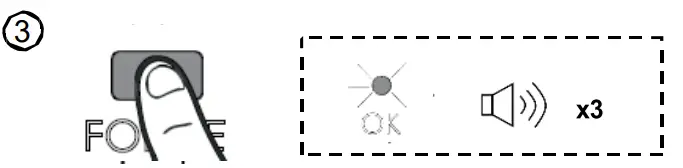
Press and release “FORCE” button to complete force setting, the “OK” LED will flash and beep 3 times.
Switching Operation Modes
- Switching from Normal mode to Overdrive mode

- Switching from Overdrive mode to Normal mode
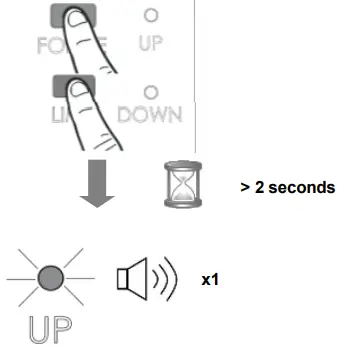
Method I. Switching Mode
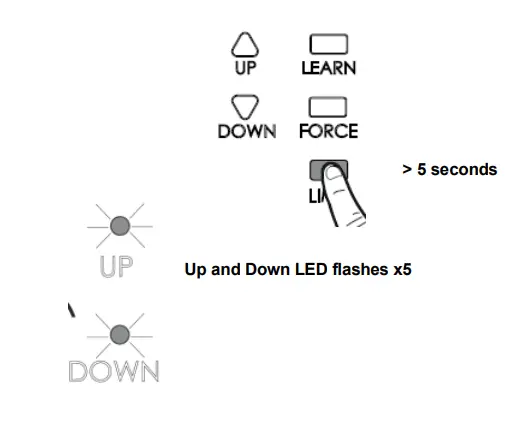
Method II. Restore to factory default
Warning: For your safety, Overdrive Mode operation is NOT recommended. Please check your door immediately!
See Instruction Manual for Further Information.
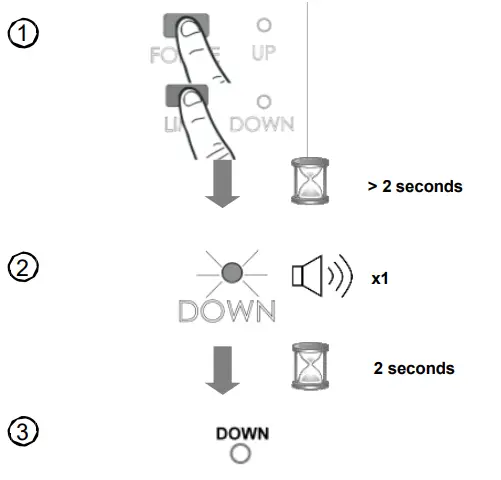
Switching from Normal mode to Overdrive mode
Press and hold both “FORCE” & “LIMIT” buttons simultaneously for 2 seconds until “DOWN” LED illuminates. (The red DOWN LED indicates the operator has successfully been placed in “Overdrive Mode” ). The “DOWN” LED will turn off in 2 seconds. Please proceed to program Travel Limits.
NOTE
All previous limit settings will be cleared upon switching modes. Soft start / stop feature is disabled in overdrive mode.
Switching from Overdrive mode to Normal mode
Method I. Switching Mode
Repeat #1 in Switching from Normal Mode to Overdrive Mode. The “UP” LED indicates the operator has successfully been placed in “Normal Mode”. The “UP” LED will turn off in 2 seconds. Please proceed to program Travel Limits.
NOTE All previous limit settings will be cleared upon switching modes. Method II. Restore to factory default
- Press and hold “LIMIT” button for about 5 seconds
- The unit will restart by itself with 5 courtesy LED flashes.
- The unit is returned to factory default and is ready for programming limits.
NOTE: All previous limit settings will be cleared upon switching modes.
Courtesy Light & Sound Responses—928
Operation
| Operation I Condition | Courtesy Light I Buzzer Responses | Trouble shooting |
| Opener is initially plugged-in (no travel limits stored) | Green – Red LED flashes 5 times | |
| Reconnecting power (with travel limits stored) | Light Turns on | |
| “LEARN” button is pressed | Beeps 1 time | |
| Upon activation | Light On for 4.5 minutes | |
| Upon activation by remote transmitters | Beeps 1x, Light on for 4.5 minutes | |
| Upon activation by remote transmitters | Beeps 2 times | Check vacation lock switch (ON) if no movement. |
| Remote Transmitter or Keyless Entry PIN code accepted | Beeps 2 times | Code accepted during Learn cycle. |
| Upon programming remote control or keypad | Beeps 3 times | Remote control code already stored in memory. |
| Opener is operated without programming | Beeps 5 times | Program or reprogram limits. |
| Door does not move or travels at abnormal speed | Beeps 12 times | Check power (around 120Vac). If only 1” to 5” of travel–check RPM encoder. Check for worn bushings. Check for slipped collar. |
| Photo Eye System is obstructed during door-closing | Beeps 20 times | Check PE alignment (solid red & green LEDs). Check environment. |
| The door is obstructed during travel | Beeps 25 times | Clear obstruction or manually increase force. Check that Cable Tension Monitor is not activating during the travel of the door. |
| Door Lock not moving | Beeps 7 times | Check that Lock is connected to proper terminals. Check lock’s shaft is not stuck. |
| Cable Tension Monitor activation | Beeps 13 times | Check installation of Cable Tension Monitor. Check that cables are thrown out of the drum. Check spring is not broken. |