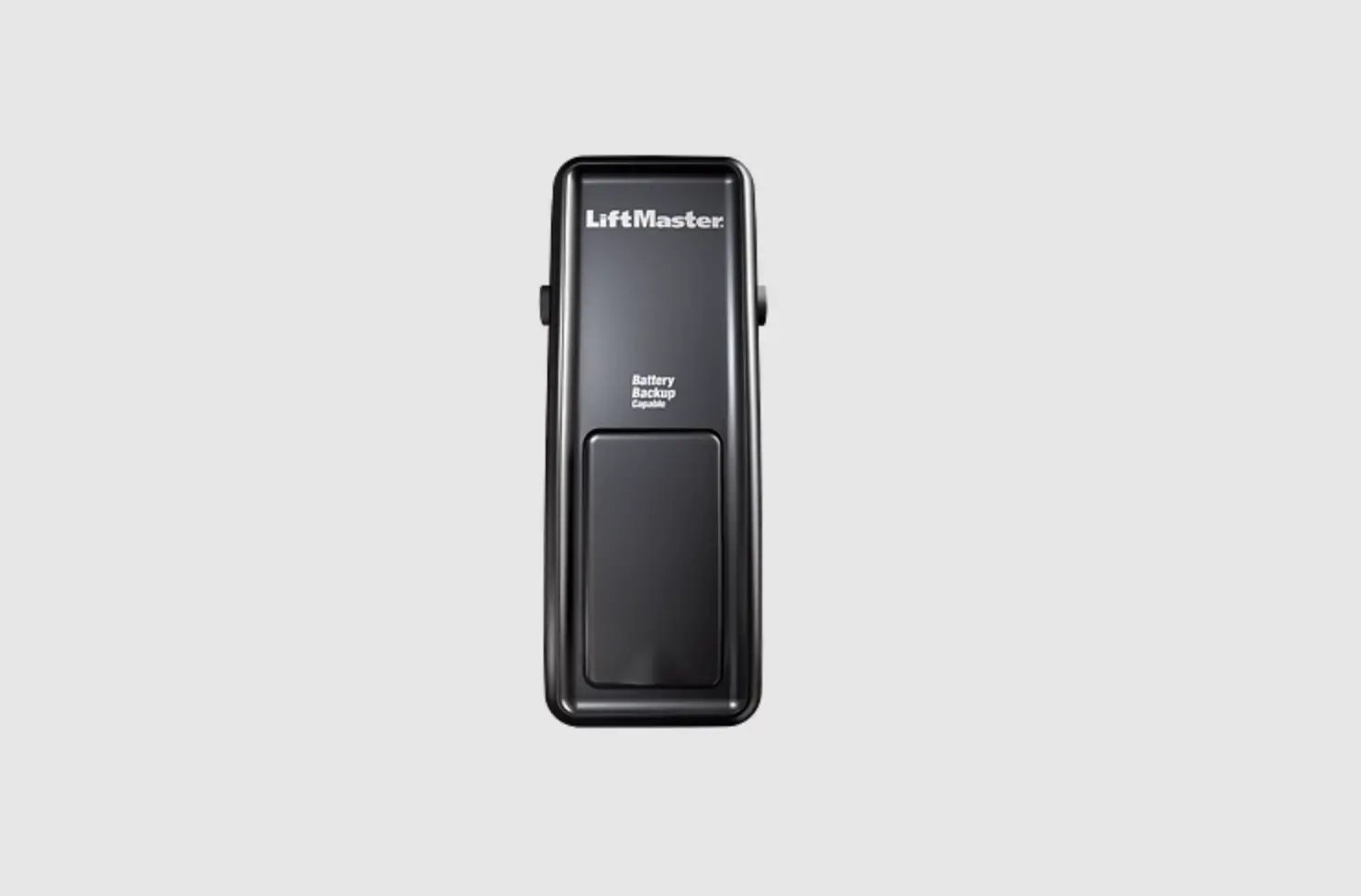
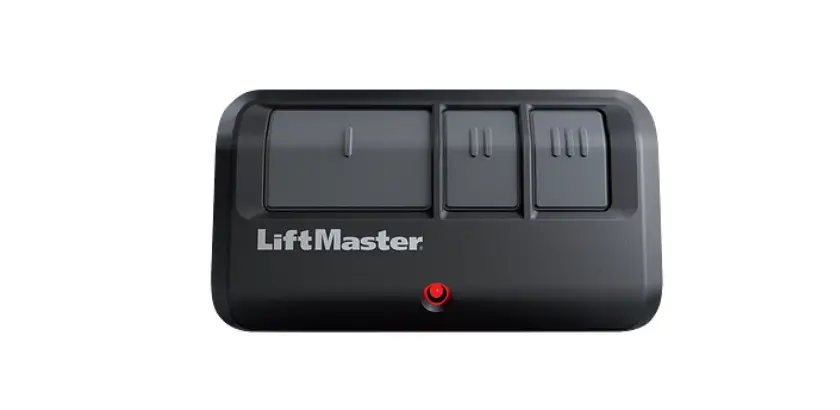
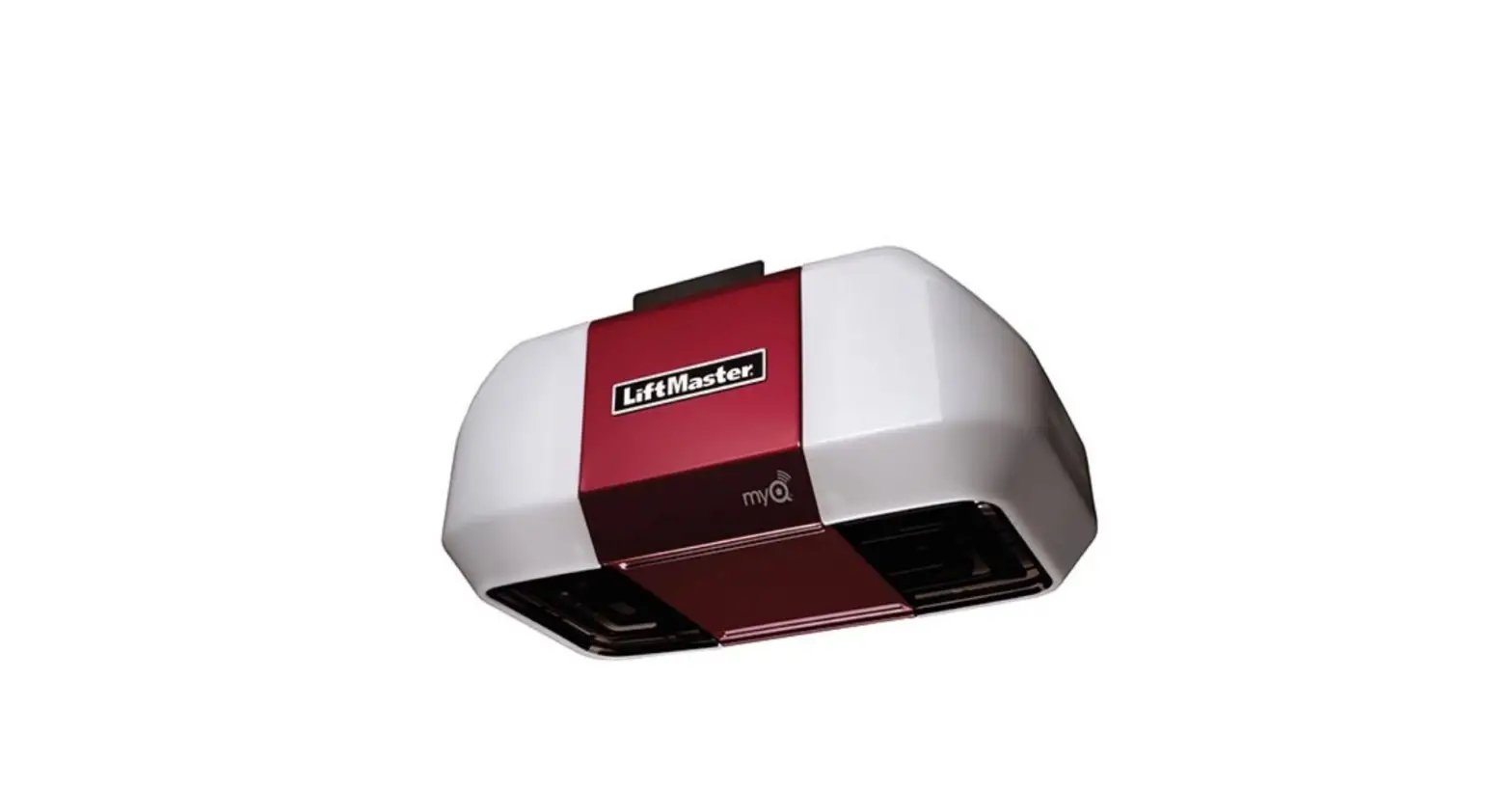
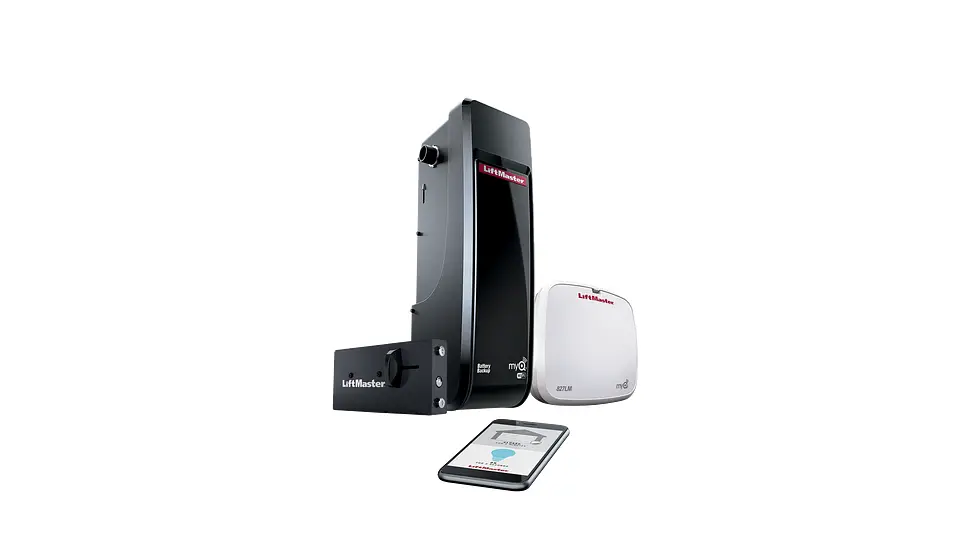
Product Information:
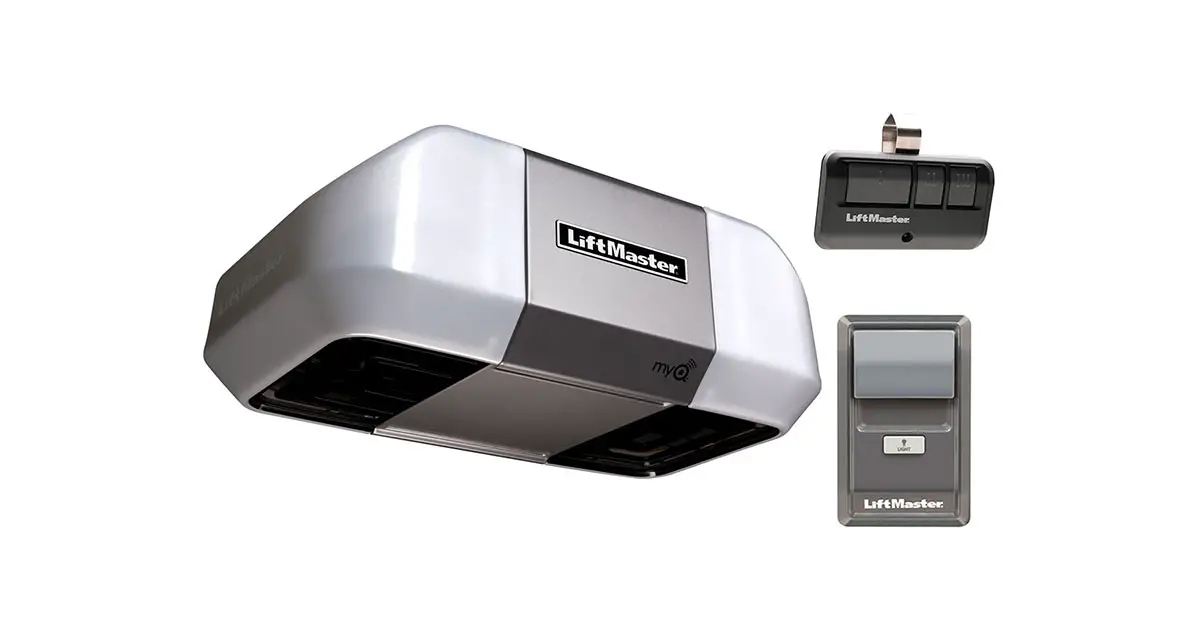
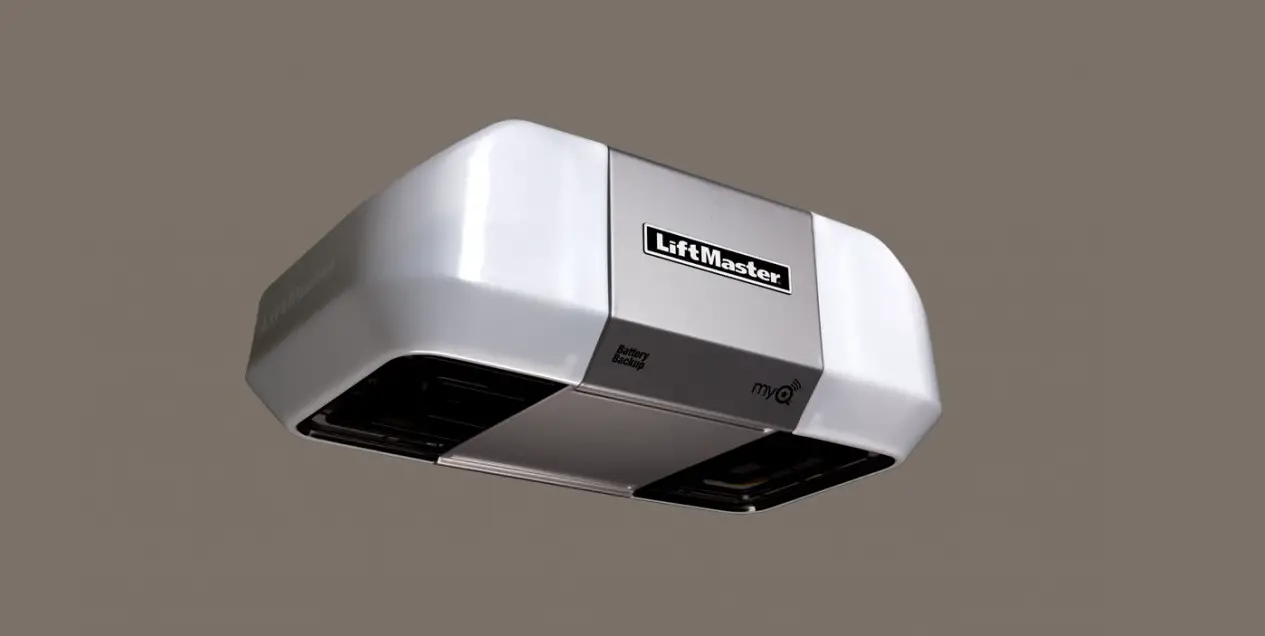
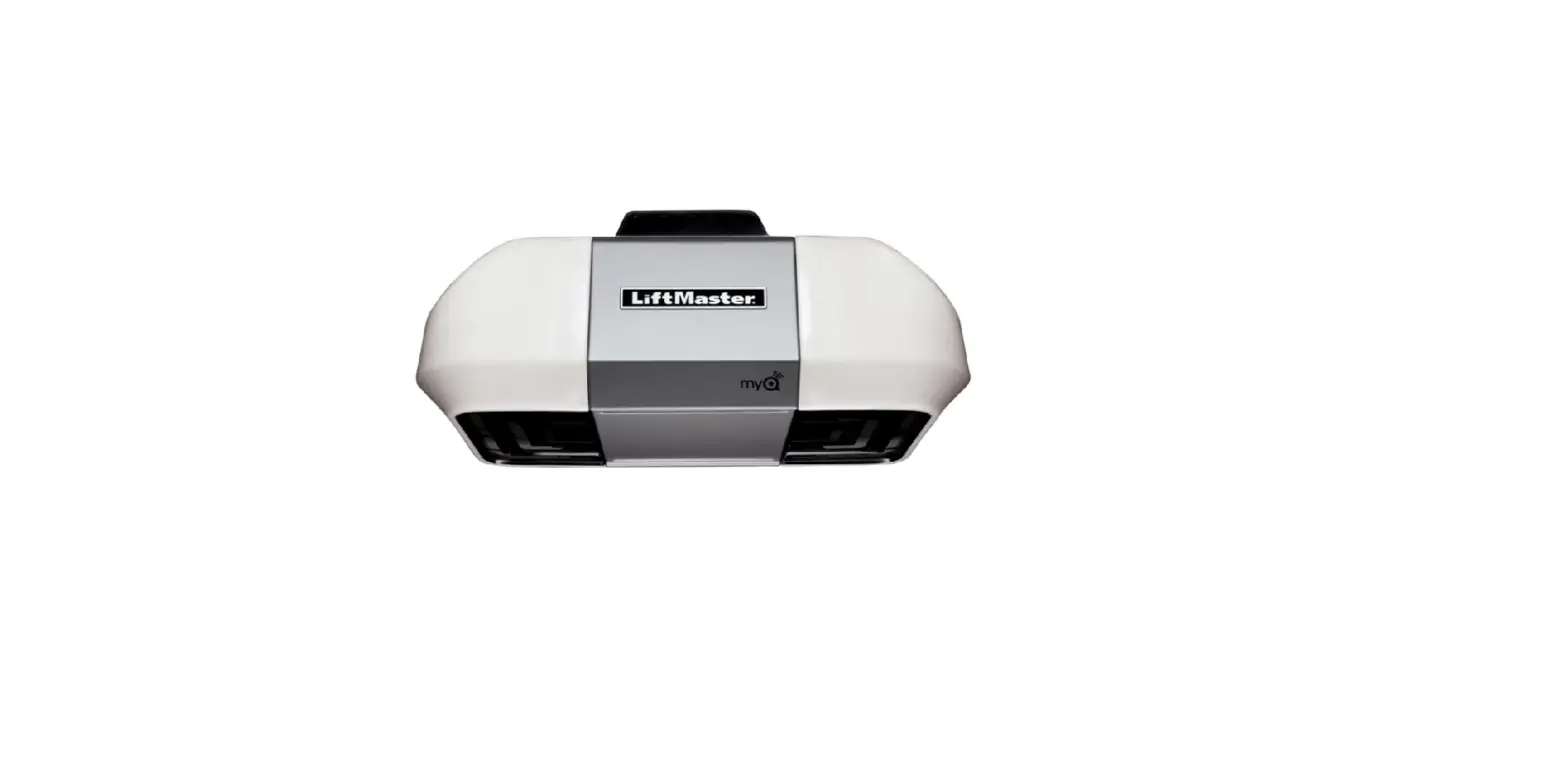
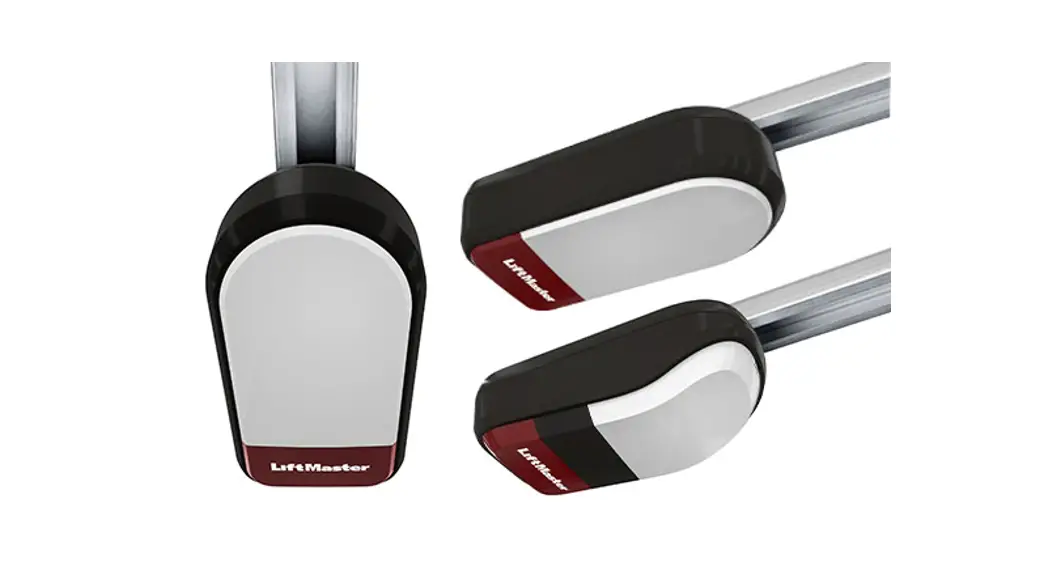
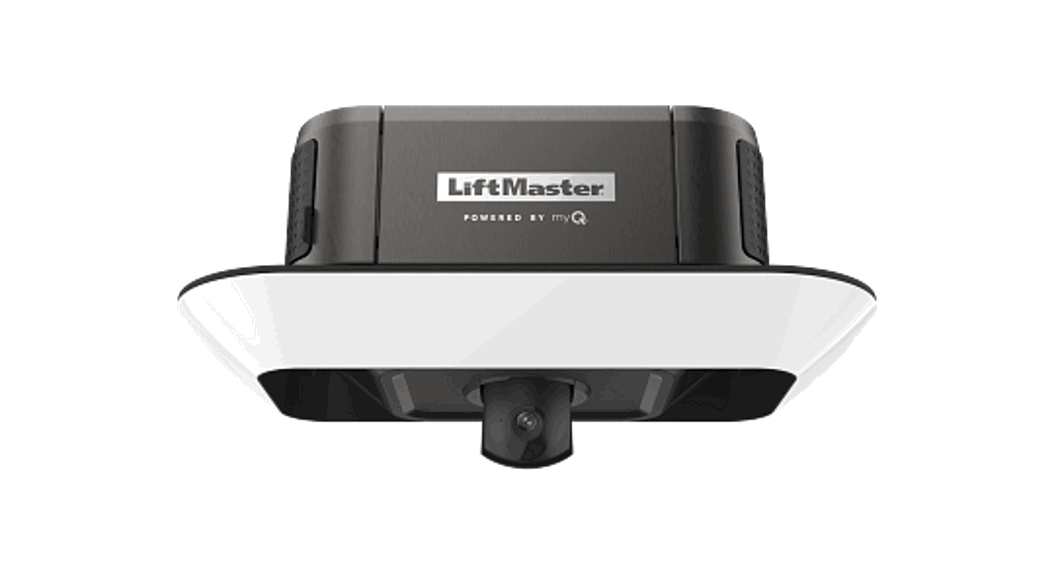
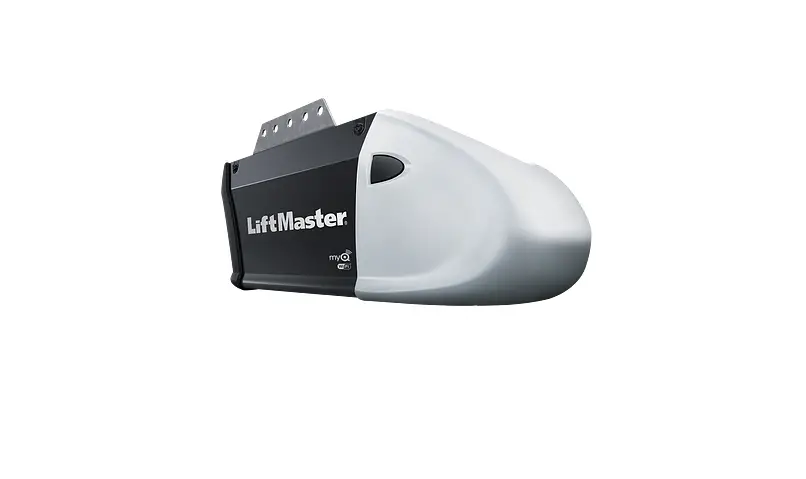
The Lift Master PREMIUM Series Garage Door Opener is designed for residential use only. It should be installed and maintained according to the instructions and warnings provided in the user’s guide to ensure safe operation. The garage door opener is compatible with MyQTM and Security+ 2.0TM accessories only. The Timer-to-Close feature should not be enabled if the garage door opener is being installed on a one-piece door. The warning labels enclosed with the product should be attached to the location indicated on the label.
Product Usage:
To ensure safe operation of the Lift Master PREMIUM Series Garage Door Opener, it is important to follow the installation, operation, and maintenance instructions provided in the user’s guide. Here are some important steps to keep in mind:
Installation
- Install the garage door opener ONLY on properly balanced and lubricated garage door. An improperly balanced door may NOT reverse when required and could result in SEVERE INJURY or DEATH.
- All repairs to cables, spring assemblies, and other hardware MUST be made by a trained door systems technician BEFORE installing opener.
- Disable ALL locks and remove ALL ropes connected to garage door BEFORE installing opener to avoid entanglement.
Operation
- Periodic checks of the garage door opener are required to ensure safe operation.
- The Timer-to-Close feature should only be used with sectional doors.
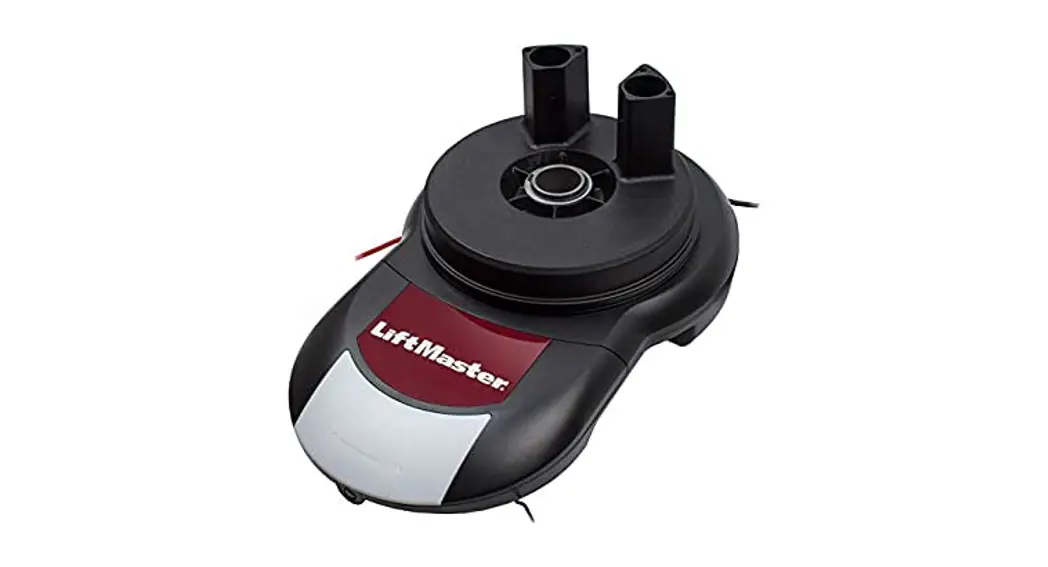
Please note that the images throughout the manual are for reference only, and your product may look different. For further information or assistance, please contact Lift Master customer support through the contact information provided in the user’s guide.
Lift Mastea:
PREMIUM Series Garage Door Opener
User’s Guide
FOR RESIDENTIAL USE ONLY
Please read this guide and the enclosed safety materials carefully! The door WILL NOT CLOSE unless the Protector System® is connected and
properly aligned.
Periodic checks of the garage door opener are required to ensure safe
operation.
This garage door opener is ONLY compatible with MyQTM and Security+ 2.0TM
accessories.
DO NOT enable the Timer-to-Close feature if you are installing the garage
door opener on a one-piece door. The Timer-to-Close is to be used ONLY with sectional doors.
Attach enclosed warning labels to the location indicated on label.
I
CONTACT INFORMATION
7
CONTENTS
Important Safety Instructions ……… 2-3 Operation………………………………4
Using the Door Control………………5 Programming-Door Control Panel ….6 Programming – Remote Controls……7 To Erase the Memory ……………….7 To Open the Door Manually …………8 Battery Backup*……………………..8 Adjustment ……………………………. 9 Program the Travel……………….. 1O Test the Safety Reversal System…. 11 Test the Protector System® ………. 11 Maintenance………………………… 12 Troubleshooting…………………. 13-14 Repair Parts ………………………… 15 Warranty ……………………………. 16
Write down the following information for future reference: Serial Number:
Date of Purchase:
I I
Leave this Users Guide with the homeowner.
L
_J
The images throughout this manual are for reference and your product may look different.
c@us
www.liftmaster.com
The Chamberlain Group, Inc. 845 Larch Avenue
Elmhurst, Illinois 60126-1196
* If applicable.
Important Safety Instructions
Safety Symbol and Signal Word Review
This garage door opener has been designed and tested to offer safe service provided it is installed, operated, maintained and tested in strict accordance with the instructions and warnings contained in this manual.
When you see these Safety Symbols and Signal Words on the following pages, they will alert you to the possibility of serious injury or death if you do not comply with the warnings that accompany them. The hazard may come from something mechanical or from electric shock. Read the warnings carefully.
A WARNING
Mechanical
&WARNING
Electrical
When you see this Signal Word on the following pages, it will alert you to the possibility of damage to your garage door and/or the garage door opener if you do not comply with the cautionary statements that accompany it. Read them carefully.
CAUTION
IMPORTANT INSTALLATION INSTRUCTIONS
A WARNING
To reduce the risk of SEVERE INJURY or DEATH:
1. READ AND FOLLOW ALL WARNINGS AND INSTRUCTIONS.
2. Install garage door opener ONLY on properly balanced and lubricated garage door. An improperly balanced door may NOT reverse when required and could result in SEVERE INJURY or DEATH.
3. ALL repairs to cables, spring assemblies and other hardware MUST be made by a trained door systems technician BEFORE installing opener.
4. Disable ALL locks and remove ALL ropes connected to garage door BEFORE installing opener to avoid entanglement.
5. Install garage door opener 7 feet (2.13 m) or more above floor.
6. Mount the emergency release within reach, but at least 6 feet (1.83 m) above the floor and avoiding contact with vehicles to avoid accidental release.
7. NEVER connect garage door opener to power source until instructed to do so.
8. NEVER wear watches, rings or loose clothing while installing or servicing opener. They could be caught in garage door or opener mechanisms.
9. Install wall-mounted garage door control: · within sight of the garage door. · out of reach of children at minimum height of 5 feet (1.5 m). · away from ALL moving parts of the door.
1o. Place entrapment warning label on wall next to garage door control. 11. Place manual release/safety reverse test label in plain view on
inside of garage door. 12. Upon completion of installation, test safety reversal system.
Door MUST reverse on contact with a 1-1/2″ (3.8 cm) high object (or a 2×4 laid flat) on the floor.
13. To avoid SERIOUS PERSONAL INJURY or DEATH from electrocution, disconnect ALL electric and battery power BEFORE performing ANY service or maintenance.
14. DO NOT enable the Timer-to-Close functionality if operating either one-piece or swinging garage doors. To be enabled ONLY when operating a sectional door.
15. SAVE THESE INSTRUCTIONS.
NOTE: For complete installation instructions visit www.liftmaster.com to print the entire owner’s manual.
2
Important Safety Instructions
IMPORTANT SAFETY INSTRUCTIONS
&A WARNING
To reduce the risk of SEVERE INJURY or DEATH:
1. READ AND FOLLOW ALL WARNINGS AND INSTRUCTIONS.
2. ALWAYS keep remote controls out of reach of children. NEVER permit children to operate or play with garage door control push buttons or remote controls.
3. ONLY activate garage door when it can be seen clearly, it is properly adjusted, and there are no obstructions to door travel.
4. ALWAYS keep garage door in sight and away from people and objects until completely closed. NO ONE SHOULD CROSS THE PATH OF THE MOVING DOOR.
5. NO ONE SHOULD GO UNDER A STOPPED, PARTIALLY OPENED DOOR.
6. If possible, use emergency release handle to disengage trolley ONLY when garage door is CLOSED. Use caution when using this release with the door open. Weak or broken springs or unbalanced door could result in an open door falling rapidly and/or unexpectedly and increasing the risk of SEVERE INJURY or DEATH.
7. NEVER use emergency release handle unless garage doorway is clear of persons and obstructions.
8. NEVER use handle to pull garage door open or closed. If rope knot becomes untied, you could fall.
9. After ANY adjustments are made, the safety reversal system MUST be tested.
10. Safety reversal system MUST be tested every month. Garage door MUST reverse on contact with 1-1/2″ high (3.8 cm) object (or a 2×4 laid flat) on the floor. Failure to adjust the garage door opener properly increases the risk of SEVERE INJURY or DEATH.
11. ALWAYS KEEP GARAGE DOOR PROPERLY BALANCED. An improperly balanced door may NOT reverse when required and could result in SEVERE INJURY or DEATH.
12. ALL repairs to cables, spring assemblies and other hardware, ALL of which are under EXTREME tension, MUST be made by a trained door systems technician.
13. ALWAYS disconnect electric power to garage door opener BEFORE making ANY repairs or removing covers.
14. This operator system is equipped with an unattended operation feature. The door could move unexpectedly. NO ONE SHOULD CROSS THE PATH OF THE MOVING DOOR.
15. DO NOT enable the Timer-to-Close functionality if operating either one-piece or swinging garage doors. To be enabled
SAVE THESE ONLY when operating a sectional door.
16.
INSTRUCTIONS.
3
Operation
Your garage door opener is equipped with features to provide you with greater control over your garage door operation. Accessories provided with your garage door opener will vary depending on the garage door opener model purchased.
ALERT2CLOSE
The Alert2Close feature provides a visual and an audible alert that an unattended door is closing.
TIMER-TO-CLOSE (ITC)
if you hold the button on the door control or keyless entry until the door is fully closed. The safety reversing sensors do not affect the opening cycle.
ENERGY CONSERVATION
For energy efficiency the garage door opener will enter sleep mode when the door is fully closed. The sleep mode shuts the garage door opener down until activated. The sleep mode is sequenced with the garage door opener light bulb; as the light bulb turns off the sensor LEDs will turn off and whenever the garage door opener lights turn on the sensor LEDs will light.
The Timer-to-Close feature automatically closes the door after a specified time period that can be adjusted using a TIC enabled door control (Models 881LM or 880LM). Prior to and during the door closing the garage door opener lights will flash and the garage door opener will beep.
MyQTM
LIGHTS
The garage door opener light bulbs will turn on when the opener is initially plugged in; power is restored after interruption, or when the garage door opener is activated. The lights will turn off automatically after 4-1/2 minutes. An incandescent A19 light bulb (100 watt maximum) or for maximum energy efficiency a 26W (100W equivalent) compact fluorescent light (CFL)
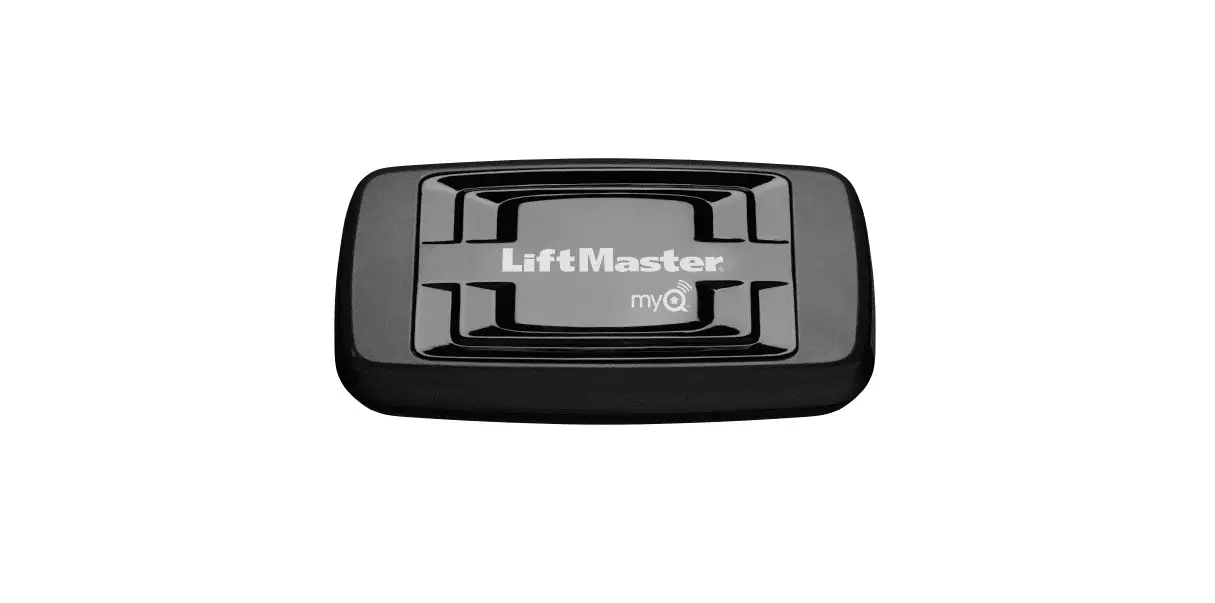
MyQTM technology uses a 900MHz signal to provide two-way communication between the garage door opener and MyQTM enabled accessories. Your garage door opener is compatible
with up to 16 MyQTM accessories.
bulb may be used. Light Feature
REMOTE CONTROLS AND DOOR CONTROLS (SECURITY+ 2.0TM)
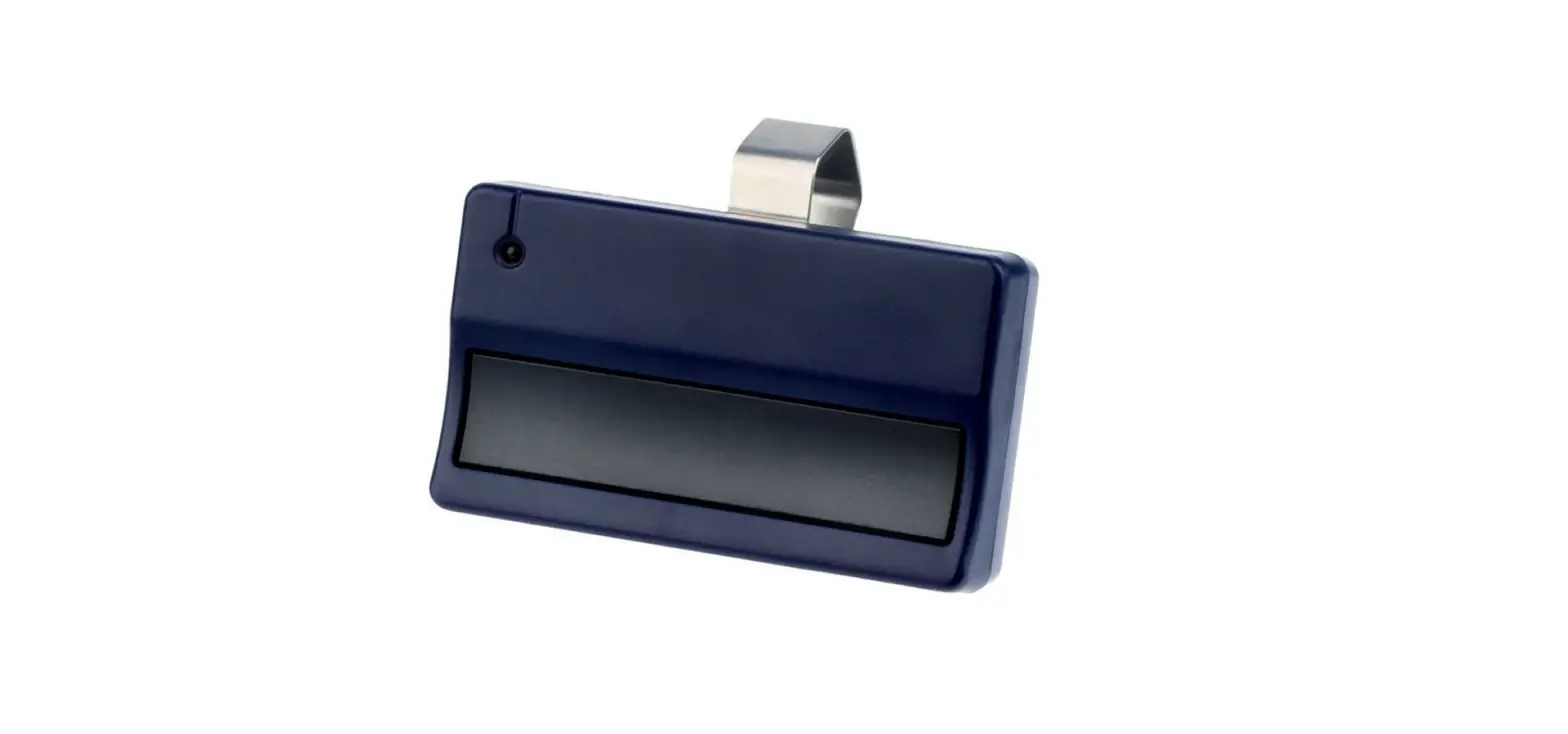
Your garage door opener has already been programmed at the factory to operate with your remote control, which changes with each use, randomly accessing over 100 billion new codes. Compatible with MyQTM and Security+ 2.0TM. NOTE: Older LiftMaster remote controls, door controls, and third party products are not
compatible.
Accessories (Security+ 2.0TM)
MEMORY CAPACITY
Remote Controls
Up to 24
Door Controls
Up to 2 Smart Control Panels or 4 of any other Security+ 2.0TM door controls
Keyless Entries
Up to 2
THE PROTECTOR SYSTEM® (SAFETY REVERSING SENSORS)
The garage door opener is equipped with an added feature; the lights will turn on when someone enters through the open garage door and the safety reversing sensor infrared beam is broken. For added control over the light bulbs on your garage door opener, see page 6.
USING YOUR GARAGE DOOR OPENER
The garage door opener can be activated through a wall-mounted door control, remote control, wireless keyless entry or MyQTM accessory. When the door is closed and the garage door opener is activated the door will open. If the door senses an obstruction or is interrupted while opening the door will stop. When the door is in any position other than closed and the garage door opener is activated the door will close. If the garage door opener senses an obstruction while closing, the door will reverse. If the obstruction interrupts the sensor beam the garage door opener lights will blink 10 times. However, you can close the door if you hold the button on the door control or keyless entry until the door is fully closed. The safety reversing sensors do not affect the opening cycle. The safety reversing sensor must be connected and aligned correctly before the garage door opener will move in the down direction.
When properly connected and aligned, the safety reversing sensors will detect an obstruction in the path of the infrared beam. If an obstruction breaks the infrared beam while the door is closing, the door will stop and reverse to full open position, and the opener lights will flash 10 times. If the door is fully open, and the safety reversing sensors are not installed, or are misaligned, the door will not close from a remote control. However, you can close the door
4
Operation
Using the Door Control
MOTION-DETECTING CONTROL PANEL
Push Bar
LEARN Button
LOCK Button
Light Button
PUSH BAR
Press the push bar to open and close the door.
LIGHT BUTTON
Press the LIGHT button to turn the garage door opener lights on or off. When the lights are turned on they will stay on until the LIGHT button is pressed again, or until the garage door opener is activated. Once the garage door opener is activated the lights will turn off after the specified period of time (the factory setting is 4-1/2 minutes). The LIGHT button will not control the lights when the door is in motion. The duration of the light timing can be adjusted using the door control, see page 6.
The following features are accessible by lifting the push bar:
LEARN A DEVICE
Any compatible remote controls, wireless keyless entry, or MyQTM accessories can be programmed to the garage door opener by pressing the Learn button on the Motion-Detecting Control Panel.
LOCK
The LOCK feature is designed to prevent activation of the garage door opener from remote controls while still allowing activation from the door control and keyless entry. This feature is useful for added peace of mind when the home is empty (i.e. vacation).
AUTOMATIC LIGHT Motion Sensor
Factory default is set to on. This feature automatically turns on the garage door opener lights when motion is sensed. The lights will come on for the set period of time, then shut off. If using the garage door opener light as a work light disable the motion sensor, otherwise the light will turn off automatically if you are beyond the range of the sensor.
Light Feature
The lights will turn on when someone enters through the open garage door and the safety reversing sensor infrared beam is broken.
MAINTENANCE ALERT SYSTEM (MAS)
This feature assists the homeowner in ensuring the garage door opener system stays in good working condition. When the garage door opener needs to be serviced (approximately 4500 garage door opener cycles) the command (yellow) and service (red) LEDs will begin to alternately flash back and forth. The factory setting for the MAS feature is off and can be activated at time of installation. Contact your installing dealer for service.
5
Operation
Programming – Motion-Detecting Control Panel
Features
Motion Sensor
Switch
Service
I
LED
I I®
r,
I]··…..
LEARN ;
I Button I
.i,
LOCK/ /11 II
Button J
‘
Command LED
LIGHT Button
Motion Sensor
Lock
Light
Motion Sensor To Program a Remote Control or Keyless Entry
NOTE: Your remote controls will NOT work when LOCK mode is active however your keyless entry will still allow access to your garage. Activate: Press and hold the LOCK button for 2 seconds. The command LED will flash as long as the lock feature is activated and your handheld remote control will not operate your door at this time. Deactivate: Press and hold the LOCK button again for 2 seconds. The command LED will stop flashing and normal operation will resume.
To change the amount of time the garage door opener lights will stay on: Press and hold the LOCK button until the garage door opener lights flash.* The time interval is indicated by the number of flashes.
NUMBER OF TIMES GARAGE DOOR OPENER LIGHTS FLASH
1
2
3
4
TIME THE GARAGE DOOR OPENER LIGHT STAYS ON
1 ½ Minutes 2 ½ Minutes 3 ½ Minutes 4 ½ Minutes
To cycle through the time intervals repeat the step above. Deactivate: Press and hold the LIGHT button until the garage door opener lights turn on, then off again.* Activate: Start with the garage door opener lights on. Press and hold the LIGHT button until the garage door opener lights turn off, then on again.*
* Approximately 10 seconds
Activate/Deactivate: Slide the motion sensor switch ON or OFF.
1. Press the LEARN button on the door control to enter Programming Mode. 2. Press the LEARN button again, the LED will flash once. 3. Remote Control: Press the button on the remote control that you wish to operate your garage door.
Keyless Entry: Enter a 4-digit personal identification number (PIN) of your choice on the keyless entry keypad. Then press the ENTER button.
The garage door opener lights will flash (or two clicks will be heard) when the code has been programmed. If programming is unsuccessful, repeat steps 1-3 or program the remote using the learn button on the garage door opener.
Maintenance Activate/Deactivate
Alert System Press and hold the LEARN button. Then press the LIGHT button. The service LED will flash the status; Active is 2 flashes and deactivated is 3
(MAS)
flashes.
6
Operation
Programming – Remote Controls
Your garage door opener has been programmed at the factory to operate with your remote control. Older LittMaster remote controls are NOT compatible. Programming can be done through the door control or the Learn button on the garage door opener. To program additional remote controls refer to the instructions provided with the additional remote controls or visit www.littmaster.com. If your vehicle is equipped with a Homelink®, you may require an external adapter depending on the make, model, and year of your vehicle. Visit www.homelink.com for additional information.
PROGRAM A REMOTE USING THE LEARN BUTTON ON THE GARAGE DOOR OPENER
1 Press and release the Learn button on the garage
door opener. The Learn indicator light will glow
steadily for 30 seconds. Learn
Indicator IJI’I
Light
DUDI
Yellowy 110(5}
Learn Button
When replacing the light lens cover, ensure the antenna wires are hanging straight down.
2 Within 30 seconds, press and hold
the button on the remote control.
3 Release the button when the garage door opener light blinks. It has learned the code. If light bulbs are not installed, two clicks will be heard.
ERASE ALL REMOTE CONTROLS AND KEYLESS ENTRIES 1 Press and hold the learn button on garage door opener until the learn LED goes out
(approximately 6 seconds). All remote control and keyless entry codes are now erased. Reprogram any accessory you wish to use.
ERASE ALL DEVICES (Including MyQTM enabled accessories) 1 Press and hold the learn button on garage door opener until the learn LED goes out
(approximately 6 seconds).
2 Immediately press and hold the learn button again until the learn LED goes out. All codes
are now erased. Reprogram any accessory you wish to use.
7
Operation
To Open the Door Manually
A WARNING
DISCONNECT THE TROLLEY 1 The door should be fully closed if possible. 2 Pull down on the emergency release handle.
To prevent possible SERIOUS INJURY or DEATH from a falling garage door: · If possible, use emergency release handle to disengage trolley ONLY when garage
door is CLOSED. Weak or broken springs or unbalanced door could result in an open door falling rapidly and/or unexpectedly. · NEVER use emergency release handle unless garage doorway is clear of persons and obstructions. · NEVER use handle to pull door open or closed. If rope knot becomes untied, you could fall.
Battery Backup (If applicable)
RECONNECT THE TROLLEY
The lockout feature prevents the trolley from reconnecting automatically.
1 Pull the emergency release handle down and back (toward
the opener). The door can then be raised and lowered manually as often as necessary.
2 To disengage the lockout feature, pull the handle straight
down.
The trolley will reconnect on the next UP or DOWN operation, either manually or by using the door control or remote control.
The battery backup system allows access in and out of your garage, even when the power is out. When the garage door opener is operating on battery power, the garage door opener will run slower, the light will not function, the Battery Status LED will glow solid orange, and a beep will sound approximately every 2 seconds.
The battery charges when the garage door opener is plugged into a 110Vac electrical outlet that has power and requires 24 hours to fully charge. A fully charged battery supplies 12Vdc to the garage door opener for one to two days of normal operation during an electrical power outage. After the electrical power has been restored, the battery will recharge within 24 hours. The battery will last approximately 1 to 2 years with normal usage. Instructions for replacement are provided with the battery. To obtain maximum battery life and prevent damage, disconnect the battery when the garage door opener is unplugged for an extended period of time.
NOTE: When the garage door opener is in battery backup mode the garage door opener lights, Timer-to-Close, and Remote Close features are unavailable.
BATTERY STATUS LED
NOTE: The Battery Status LED is most visible with the garage door opener light off. Battery does not have to be fully charged to operate the garage door opener.
GREEN LED:
All systems are normal. · A solid green LED light indicates the
battery is fully charged. · A flashing green LED indicates the
battery is being charged.
ORANGE LED:
The garage door opener has lost power and is in battery backup mode.
· A solid orange LED with beep, sounding approximately every 2 seconds, indicates the garage door opener is operating on battery power.
· A flashing orange LED with beep, sounding every 30 seconds, indicates the battery is low.
8
RED LED:
The garage door opener’s 12V battery needs to be replaced.
· A solid red LED with beep, sounding every 30 seconds, indicates the garage door opener needs servicing. Please call for replacement battery to allow your system to operate during a power outage.
Adjustment
Introduction
A WARNING
Without a properly installed safety reversal system, persons (particularly small children) could be SERIOUSLY INJURED or KILLED by a closing garage door.
· Incorrect adjustment of garage door
travel limits will interfere with proper operation of safety reversal system. · After ANY adjustments are made, the safety reversal system MUST be tested. Door MUST reverse on contact with 1-1/2″ (3.8 cm) high object (or 2×4 laid flat) on floor.
CAUTION
To prevent damage to vehicles, be sure fully open door provides adequate clearance.
Your garage door opener is designed with electronic controls to make setup and adjustments easy. The adjustments allow you to program where the door will stop in the open (UP) and close (DOWN) position. The electronic controls sense the amount of force required to open and close the door.
NOTE: If anything interferes with the door’s upward travel it will stop. It anything interferes with the door’s downward travel, it will reverse.
To watch a short instructional video on programming your new garage door opener use your smartphone to read the OR Code below:
PROGRAMMING BUTTONS
The programming buttons are located on the left side panel of the garage door opener and are used to program the travel.
9
UP (Open)
DOWN (Close)
PROGRAMMING BUTTONS
UP Button
Adjustment Button
Adjustment
1 Program the Travel
A WARNING
Without a properly installed safety reversal system, persons (particularly small children) could be SERIOUSLY INJURED or KILLED by a closing garage door. · Incorrect adjustment of garage door travel limits will interfere with proper operation of safety reversal system. · After ANY adjustments are made, the safety reversal system MUST be tested. Door MUST reverse on contact with 1-1/2″ (3.8 cm)
high object (or 2×4 laid flat) on floor.
1.1 Press and hold the Adjustment
Button until the UP Button begins to flash and/or a beep is heard.
1.2 Press and hold the UP Button
until the door is in the desired UP position.
1.3 Once the door is in the desired
UP position press and release the Adjustment Button. The garage door opener lights will flash twice
and the DOWN Button will begin to flash.
1.4 Press and hold the DOWN Button
until the door is in the desired DOWN position.
1.5 Once the door is in the desired
DOWN position press and release the Adjustment Button. The garage door opener lights will flash twice and the UP Button will begin to flash.
NOTE: The UP and DOWN Buttons can be used to move the door up and down as needed.
1.6 Press and release the UP Button.
When the door travels to the programmed UP position, the DOWN Button will begin to flash.
1 . 7 Press and release the DOWN
Button. The door will travel to the programmed DOWN position. Programming is complete.
10
NOTE: The UP and DOWN Buttons can be used to move the door up and down as needed.
* If the garage door opener lights are flashing 5 times during the steps for Program the Travel, the programming has timed out. If the garage door opener lights are flashing 10 times during the steps for Program the Travel, the safety reversing sensors are misaligned or obstructed. When the sensors are aligned and unobstructed, cycle the door through a complete up and down cycle using the remote control or the UP and DOWN buttons. Programming is complete. If you are unable to operate the door up and down, repeat the steps for Programming the Travel.
Adjustment
2 Test the Safety Reversal System
,—————,
A WARNING
2.1 With the door fully open, place
a 1-1/2 inch (3.8 cm) board
Without a properly installed safety reversal system, persons (particularly
(or a 2×4 laid flat) on the floor, centered under the garage door.
small children) could be SERIOUSLY
INJURED or KILLED by a closing
garage door.
· Safety reversal system MUST be
tested every month.
· After ANY adjustments are made,
the safety reversal system MUST
be tested. Door MUST reverse on
contact with 1-1/2″ high (3.8 cm)
object (or 2×4 laid flat) on the floor.
2.2 Press the remote control push
button to close the door. The door MUST reverse when it makes contact with the board.
If the door stops and does not reverse on the obstruction, increase the down travel (refer to Adjustment Step 1).
Repeat the test. When the door reverses upon contact with the 1-1/2 inch board, remove the board and open/close the door 3 or 4 times to test the adjustment.
If the test continues to fail, call a trained door systems technician.
3 Test the Protector System ®
A WARNING
—————,
3 . 1 Open the door. Place the garage
door opener carton in the path
Without a properly installed safety
of the door.
reversing sensor, persons (particularly
small children) could be SERIOUSLY
INJURED or KILLED by a closing
garage door.
3 . 2 Press the remote control push
button to close the door. The door will not move more than an inch (2.5 cm), and the garage door opener lights will flash 1O times.
The garage door opener will not close from a remote control if the LED in either safety reversing sensor is off (alerting you to the fact that the sensor is misaligned or obstructed).
If the garage door opener closes the door when the safety reversing sensor is obstructed (and the sensors are no more than 6 inches [15 cm] above the floor), call for a trained door systems technician.
11
Maintenance
EVERY MONTH
· Manually operate door. If it is unbalanced or binding, call a trained door systems technician.
· Check to be sure door opens and closes fully. Adjust if necessary, see page 10. · Test the safety reversal system. Adjust if necessary, see page 11.
EVERY YEAR
· Oil door rollers, bearings and hinges. The garage door opener does not require additional lubrication. Do not grease the door tracks.
· (If applicable) Test the battery backup and consider replacing the battery to ensure the garage door opener will operate during an electrical power outage. Testing the Battery Backup: 1. Unplug the garage door opener. The battery status LED will either glow solid orange indicating opener is operating on battery power or will flash indicating low battery power. 2. Open and close the door using the remote control or door control. NOTE: The garage door opener may run slower if the battery is not fully charged.
The battery will take 24 hours to fullycharge. 3. Plug in the garage door opener. Verify the battery status LED is flashing green,
indicating the battery is charging.
EVERY TWO TO THREE YEARS
· Use a rag to wipe away the existing grease from the garage door opener rail. Reapply a small layer of white lithium grease to the top and underside of the rail surface where the trolley slides.
The Remote Control Battery
A WARNING
To prevent possible SERIOUS INJURY or DEATH: · NEVER allow small children near batteries. · If battery is swallowed, immediately notify doctor.
To reduce risk of fire, explosion or chemical burn: · Replace ONLY with 3V2032 coin batteries. · DO NOT recharge, disassemble, heat above 212°F (100°C) or incinerate.
The lithium batteries should produce power
for up to 5 years. If the battery is low, the
remote control’s LED will not flash when the
button is pressed. To replace battery, pry
open the case first in the middle (1), then at each side (2 and 3) with the visor clip. Insert
0
battery positive side up.
Replace the batteries with only 3V2032 coin cell batteries. Dispose of old batteries properly.
NOTICE: To comply with FCC and/or Industry Canada (IC) rules, adjustment or modifications of this transceiver are prohibited. THERE ARE NO USER SERVICEABLE PARTS. Any changes or modifications not expressly approved by the party responsible for compliance could void the user’s authority to operate the equipment. This device complies with Part 15 of the FCC rules and IC RSS-21 0. Operation is subject to the following two conditions: (1 ) this device may not cause harmful interference, and (2) this device must accept any interference received, including interference that may cause undesired operation. This Class B digital apparatus complies with Canadian ICES-003.
AVIS : Les regles de la FCC eVou d’lnd ustrie Canada (IC) interdisent tout ajustement ou toute modification de ce recepteur. IL N’EXISTE AUCUNE PIECE SUSCEPTIBLE D’ETRE ENTRETENUE PAR L’UTI LISATEUR. Tout changement ou toute modification non expressement approuve par la partie responsable de la conformite peut avoir pour resultat d’annuler l’autorite de l’utilisateur de faire fonctionner l’equipement. Cet appareil est conforme aux dispositions de la partie 15 du reglement de la FCC et de la norme IC RSS-21 0. Son utilisation est assujettie aux deux conditions suivantes : (1 ) ce dispositil ne peut causer des interferences nuisibles, et (2) ce dispositif doit accepter toute interference reue, y compris une interference pouvant causer u n fonctionnement non souhaite. Cet appareil numerique de la classe B est conforme ii la norme NM B-003 du Canada.
12
Troubleshooting
Diagnostic Chart
Your garage door opener is programmed with self-diagnostic capabilities. The UP and DOWN arrows on the garage door opener will flash the diagnostic codes.
DIAGNOSTIC CODE
Up arrow Flash(es)
Down arrow Flash(es)
1
1
1
2
1
3
1
4
1
5
1
6
2
1 -5
3
2
3
3
SYMPTOM
SOLUTION
The garage door opener will not close and the light bulbs flash. The garage door opener will not close and the light bulbs flash. The door control will not function.
The garage door opener will not close and the light bulbs flash.
Door moves 6-8″ stops or reverses.
No movement, only a single click.
Opener hums for 1 -2 seconds no movement.
Door coasts after it has come to a complete stop.
No movement, or sound. Unable to set the travel or retain position. The battery status LED* is constantly flashing green.
Safety sensors are not installed, connected, or wires may be cut. Inspect sensor wires for a disconnected or cut wire.
There is a short or reversed wire for the safety sensors. Inspect safety sensor wire at all staple and connection points, replace wire or correct as needed.
The wires for the door control are shorted or the door control is faulty. Inspect door control wires at all staple and connection points, replace wire or correct as needed.
Safety sensors are misaligned or were momentarily obstructed. Realign both sensors to ensure both LEDs are steady and not flickering. Make sure nothing is hanging or mounted on the door that would interrupt the sensor’s path while closing.
Manually open and close the door. Check for binding or obstructions, such as a broken spring or door lock, correct as needed. Check wiring connections at travel module and at the logic board. Replace travel module if necessary.
Manually open and close the door. Check for binding or obstructions, such as a broken spring or door lock, correct as needed. Replace logic board if necessary.
Manually open and close the door. Check for binding or obstructions, such as a broken spring or door lock, correct as needed. Replace motor if necessary.
Program travel to coasting position or have door balanced by a trained door systems technician.
Replace logic board.
Check travel module for proper assembly, replace if necessary.
Battery backup* charging circuit error, replace the logic board.
* If applicable.
13
Troubleshooting
Diagnostic Chart
DIAGNOSTIC CODE
Up arrow Flash(es)
4
Down arrow Flash(es)
1 -4
4
5
4
6
SYMPTOM
SOLUTION
Door is moving stops or reverses.
Manually open and close the door. Check for binding or obstructions, such as a broken spring or door lock, correct as needed. If the door is binding or sticking contact a trained door systems technician. If door is not binding or sticking attempt to reprogram travel (refer to page 10).
Opener runs approximately 6-8″, stops and reverses. Communication error to travel module. Check travel module connections, replace travel module if necessary.
The garage door opener will not close and the light Safety sensors are misaligned or were momentarily obstructed. Realign both sensors to
bulbs flash.
ensure both LEDs are steady and not flickering. Make sure nothing is hanging or mounted on
the door that would interrupt the sensor’s path while closing.
My garage door opener beeps:
The garage door opener can beep for several reasons:
· Garage door opener has been activated through a device or feature such as Timer-to-Close, garage door monitor or LiftMaster Internet Gateway, see page 4.
· Operating on battery power or the 12Vdc battery needs to be replaced (if applicable), see page 7 and 11.
My remote control will not activate the garage door: · Verify the lock feature is not activated on the door control. · Reprogram the remote control. · If the remote control will still not activate the door check the diagnostic codes to ensure the
garage door opener is working properly.
My door will not close and the light bulbs blink on my motor unit:
The safety reversing sensor must be connected and aligned correctly before the garage door opener will move in the down direction. · Verify the safety sensors are properly installed, aligned and free of any obstructions.
My garage door opener light(s) will not turn off when the door is open:
The garage door opener is equipped with a feature that turns the light on when the safety reversing sensors have been obstructed or when the motion sensor on the door control detects movement in the garage. These features can be disabled using the door control, see page 6.
My neighbor’s remote control opens my garage door:
Erase the memory from your garage door opener and reprogram the remote control(s).
My vehicle’s Homelink® is not programming to my garage door opener:
Depending on the make, model, and year of your vehicle an external adapter may be required. Visit www.homelink.com for additional information.
14
Repair Parts
NOTE: For additional parts not shown, visit www.liftmaster.com to download or print the full owner’s manual.
48 & 4C 3A 2
15
D E S C R I PT I O N
1 Light Lens 2 Receiver Logic Board – Model 8350 & 8360
Receiver Logic Board – Model 8355 & 8365 3A Travel Module – Model 8350 & 8360 3B Travel Module – Model 8355 & 8365 4A Motor w/Travel Module – Model 8350 & 8360 4B Motor w/Travel Module – Model 8355 4C Motor w/Travel Module – Model 8365 5 3V2032 Lithium Battery (Remote Control) 6 Backup Battery (if applicable) 7 Safety Sensor Kit with receiving and sending
sensors with 3 feet (.9 m) 2-conductor wire
PART NUMBER
41A7562 45DCT 45ACT
41A71 1 4-7 41 D7742-7 41 D1739-1
41 D7442 41 D7440
1 0A20 485LM
41A5034
5
6 7
Warranty
LIFTMASTER® ONE YEAR LIMITED WARRANTY LIFETIME MOTOR AND BELT* LIMITED WARRANTY ONE YEAR LIMITED WARRANTY FOR THE BATTERY BACKUP SYSTEM*
The Chamberlain Group, Inc. (“Seller”) warrants to the first retail purchaser of this product, for the residence in which this product is originally installed, that it is free from defects in materials and/or workmanship for a period of one year from the date of purchase, except that the motor and belt* are warranted to be free from defects in materials and/or workmanship for the lifetime of the product while you own your residence, and the Battery Backup System* is warranted to be free from defects in materials and/or workmanship for a period of one year from the date of purchase. The proper operation of this product is dependent on your compliance with the instructions regarding installation, operation, and maintenance and testing. Failure to comply strictly with those instructions will void this limited warranty in its entirety.
If, during the limited warranty period, this product appears to contain a defect covered by this limited warranty, call 1-800-528-9131, toll free, before dismantling this product. You will be advised of disassembly and shipping instructions when you call. Then send the product or component, pre-paid and insured, as directed to our service center for warranty repair. Please include a brief description of the problem and a dated proof-of-purchase receipt with any product returned for warranty repair. Products returned to Seller for warranty repair, which upon receipt by Seller are confirmed to be defective and covered by this limited warranty, will be repaired or replaced (at Seller’s sole option) at no cost to you and returned pre- paid. Defective parts will be repaired or replaced with new or factory-rebuilt parts at Seller’s sole option. [You are responsible for any costs incurred in removing and/or reinstalling the product or any component.] PAULLRPIMOPSELI,EADRWE ALRIMRIATNETDIEINS DFOURRATTHIOENPRTOODTUHCETA, PINPCLILCUADBINLEG LBIUMTITNEODTWLAIMRRITAENDTTYOPAENRYIOIDMSPELTIEFDOWRTAHRRAABNOTVIEESFOORF TMHEERRCHELAANTTEADBICLOITMYPAONNDENFTIT(NS)E,SASNFDONROAIPMAPRLTIEICDULAR WARRANTIES WILL EXIST OR APPLY AFTER SUCH PERIOD. Some states do not allow limitations on how long an implied warranty lasts, so the above limitation may not apply tLoIMyoITuE. DTHTIOSALBIMUSITEE,DMWISAURSREA, NFTAYILUDOREESTONOPTRCOOVVIDEERRNEOANS-ODNEAFEBCLET ADNADMANGECE,ESDSAAMRAYGME ACIANUTSEENDANBYCEIM, UPNRAOUPTEHROIRNISZTEADLRLAEPTIAOIRNS, OOPRERANATYIOANLTOERRACTAIORNE S(INTOCLTUHDISINPGR, OBDUUTCNTO),T LABOR CHARGES FOR REINSTALLING A REPAIRED OR REPLACED UNIT, REPLACEMENT OF CONSUMABLE ITEMS (E.G. , BATTERIES IN REMOTE CONTROL TRANSMITTERS ADNODORLIOGRHTGABRUALBGSE)D, OORORUNHIATRSDIWNSATRAEL,LIENDCLFUODRINNGONB-URTENSIODTENLITMIAITLEUDSTEO. TTHHIES DLOIMOIRTESDPRWIANRGRSA, NDTOYORDOREOSLNLEORTSC, ODVOEORRAANLYIGPNRMOEBNLETMOSRWHIINTHG,ESO.RTRHEISLALTIMINIGTETDOW, TAHRERGAANRTYAGE ALSO DOES NOT COVER ANY PROBLEMS CAUSED BY INTERFERENCE. UNDER NO CIRCUMSTANCES SHALL SELLER BE LIABLE FOR CONSEQUENTIAL, INCIDENTAL OR SBRPEECAICAHL ODFAMCOANGTERSAACRTI,SNINEGGLINIGCEONNCENEOCRTISOTNRIWCITTHLIAUBSIELI,TOYREIXNCAEBEIDLITTYHETOCOUSSTEO, TFHTIHSEPPRROODDUUCCTT. ICNONVOEREEVDENHTERSHEBAYL.LNSOELPLEERRS’OSNLIIASBAILUITTYHOFROIRZEBDRETOACAHSSOUFMWEAFRORRANUTSYA, NY OTHER LIABILITY IN CONNECTION WITH THE SALE OF THIS PRODUCT.
Some states do not allow the exclusion or limitation of consequential, incidental or special damages, so the above limitation or exclusion may not apply to you. This limited warranty gives you specific legal rights, and you may also have other rights, which vary from state to state.
* If applicable.
16
Lift Mastea:
Ouvre-porte de garage
de serie PREMIUM
Guide de l’utilisateur
POUR RESIDENCES SEULEMENT
Veuillez lire attentivement ce guide de meme que la documentation de
securite incluse.
La porte NE SE FERMERA PAS si le Systeme Protector® n’est pas branche et
regle correctement.
Des verifications periodiques de l ‘ ouvre-porte de garage sont requises pour
garantir un fonctionnement securitaire du dispositif.
Cet ouvre-porte de garage est compatible UNIQUEMENT avec les accessoires
MyQTM et Security+ 2.0TM .
N’activez PAS la fonction de minuterie de fermeture si vous installez l’ouvre
porte de garage sur une porte rigide. La minuterie de fermeture doit etre utilisee UNIQUEMENT sur les portes articulees.
a Apposer les etiouettes d’avertissement incluses l’endroit indioue sur !’etiquette .
I 7 L’INFORMATION DE CONTACT
MATI ERES
lmportantes Consignes d e Securite . . . . . . . . . 2-3 Fonctionnement . . . . . . . . . . . . . . . . . . . . . . . . . . . . . . . . . . .4
Util isation de la commande de porte . . . . . . . 5 Programmation – Panneau de commande de porte . . . . . . . . . . . . . . . . . . . . . . . . . . . . 6 Programmation – Telecommande . . . . . . . . . . . . 7 Pour effacer tous le codes . . . . . . . . . . . . . . . . . . . . 7 Ouverture manuelle de la porte . . . . . . . . . . . . . . 8 Pile de secours* . . . . . . . . . . . . . . . . . . . . . . . . . . . . . . . . 8 Reglage ……………………………………..9 Programmation des courses . . . . . . . . . . . . . . . . 1 0 Essai du systeme d’inversion de securite . . . . . . . . . . . . . . . . . . . . . . . . . . . . . . . . . . . . 1 1 Essai du Protector System® . . . . . . . . . . . . . . . . . 1 1 Entretien. . . . . . . . . . . . . . . . . . . . . . . . . . . . . . . . . . . . . . . . . . 1 2 Depannage . . . . . . . . . . . . . . . . . . . . . . . . . . . . . . . . . . . 13-14 Pieces de Rechange . . . . . . . . . . . . . . . . . . . . . . . . . . . . 1 5 Garantie . . . . . . . . . . . . . . . . . . . . . . . . . . . . . . . . . . . . . . . . . . 1 6
Veuillez noter les renseignements suivants pour reference ulterieure : N umero de serie
Date d’achat :
I I
Laissez ce Guide de l’utilisateur au proprietaire .
L
_J
Les illustrations de ce mode d’emploi ne setvent qu’a titre de reference. Votre appareil peut avoir un aspect different.
www . l iftm aste r . c o m The Chamberlain Group, Inc.
845 Larch Avenue Elmhurst, Illinois 601 26-1 1 96
*S’il y a lieu.
 HomeLink
 LiftMaster | Garage Door Openers, Remotes & Accessories
 littmaster.com