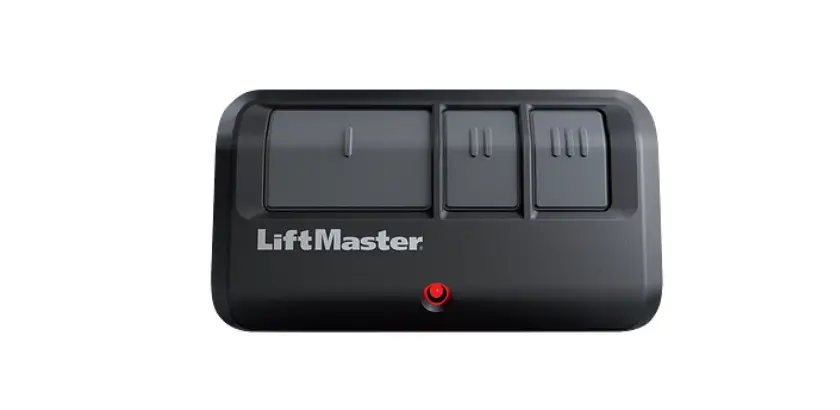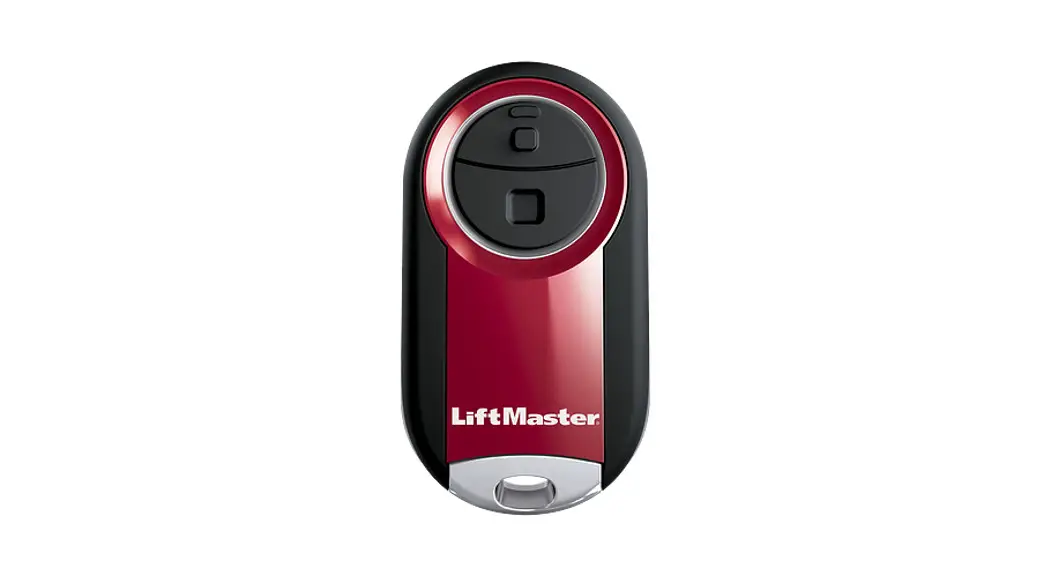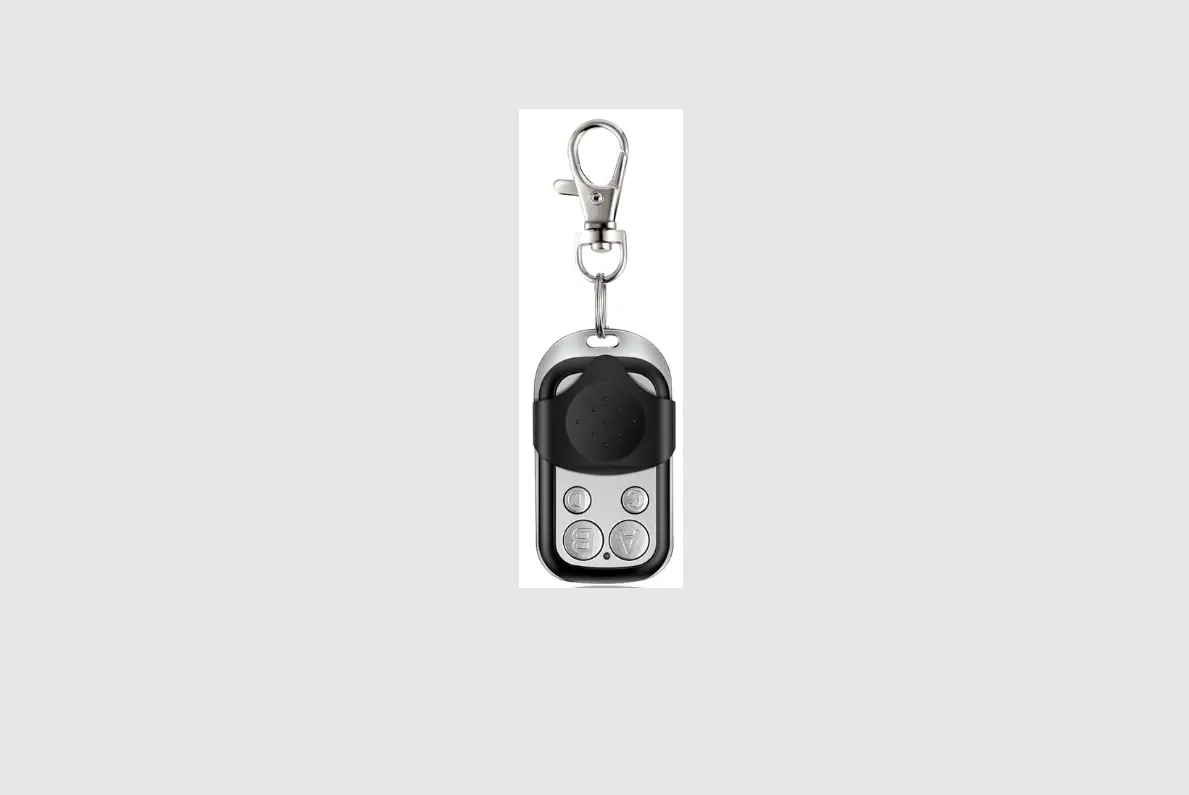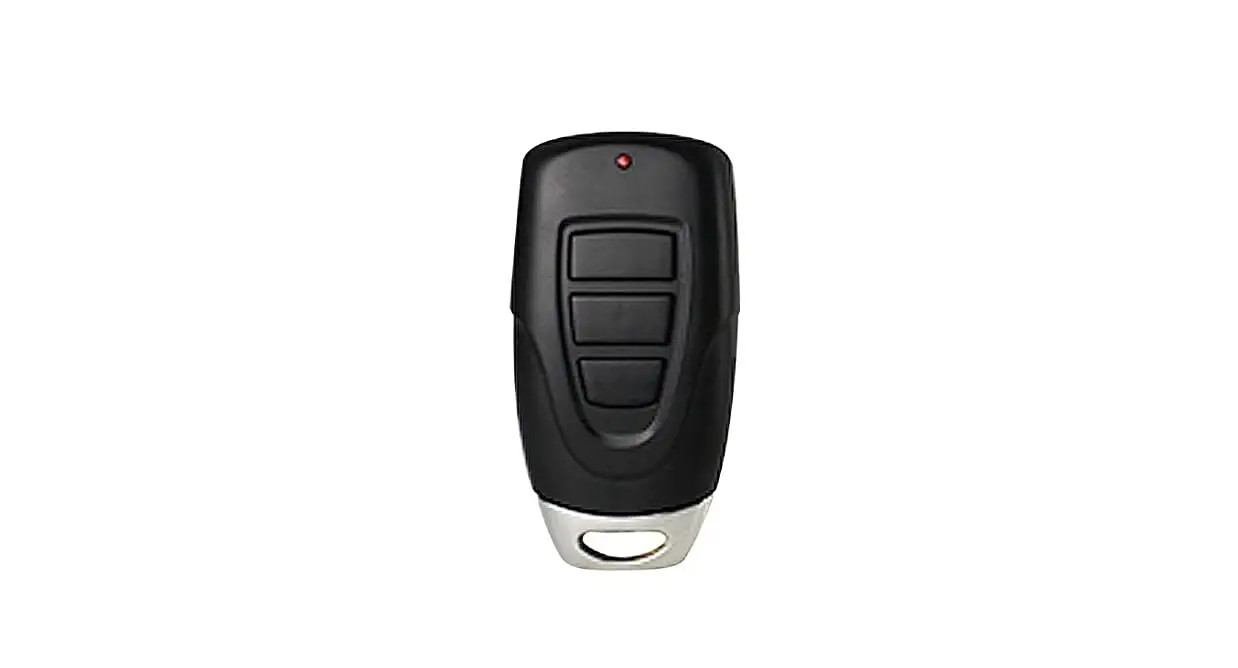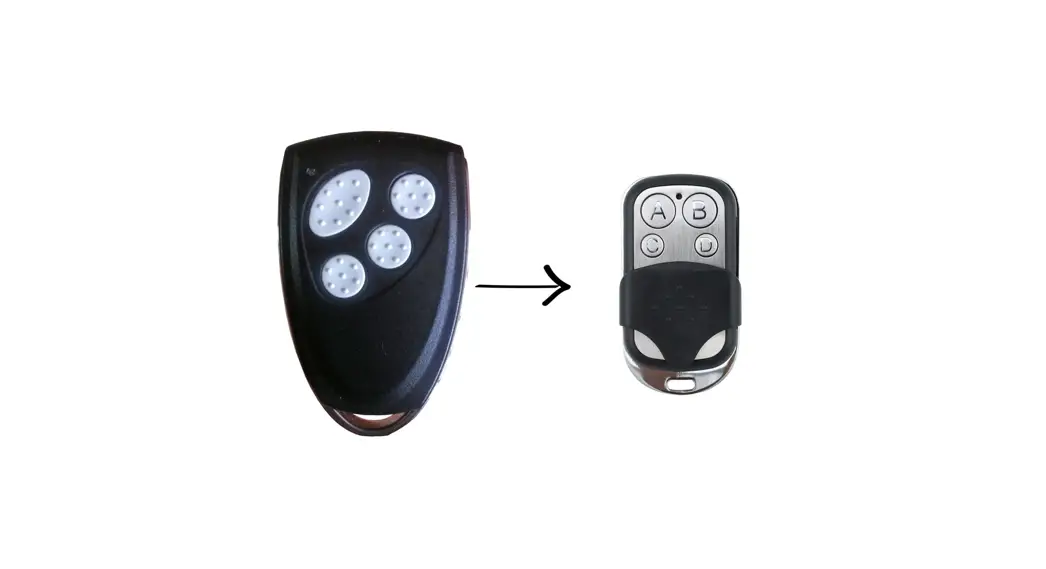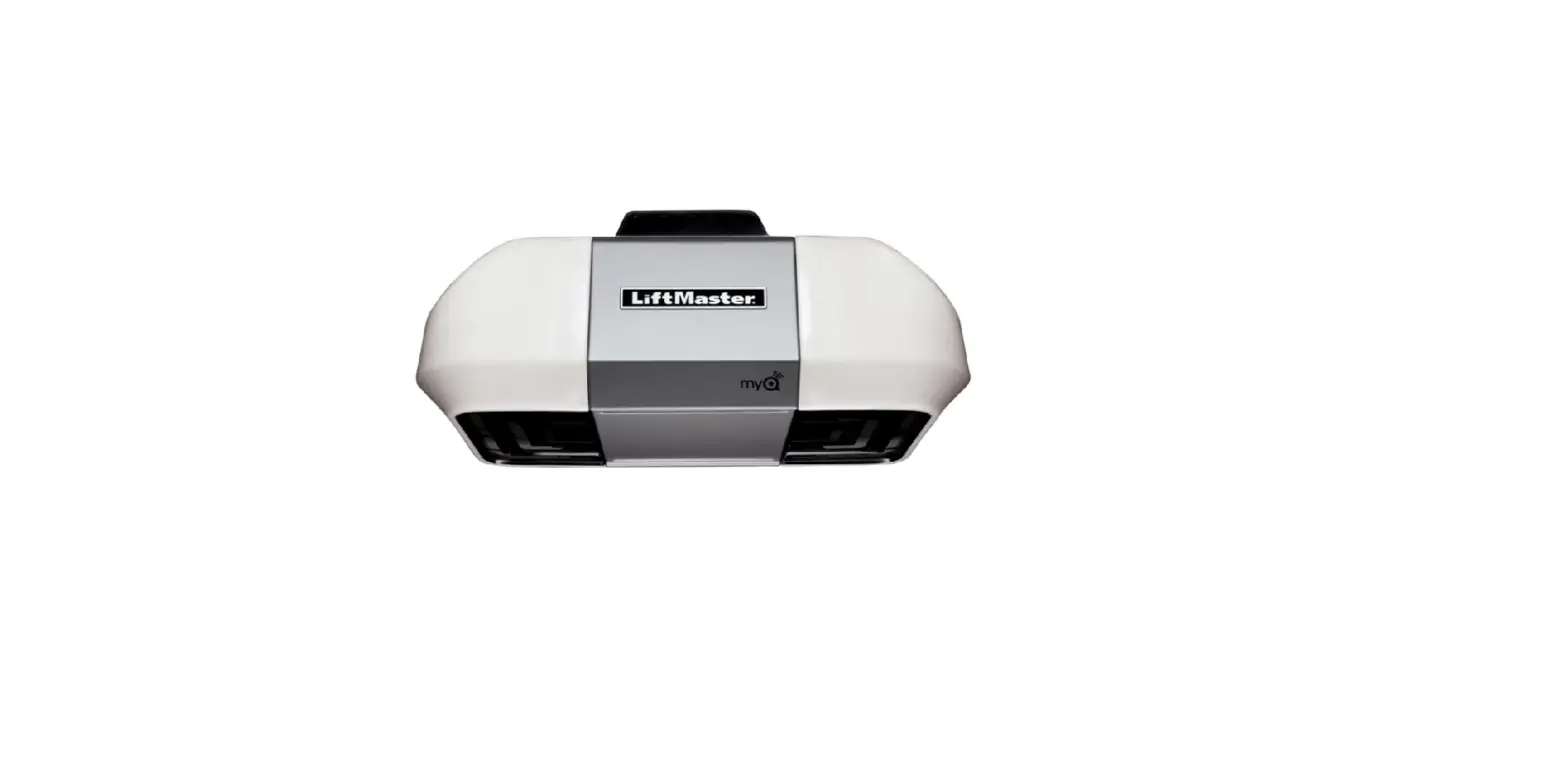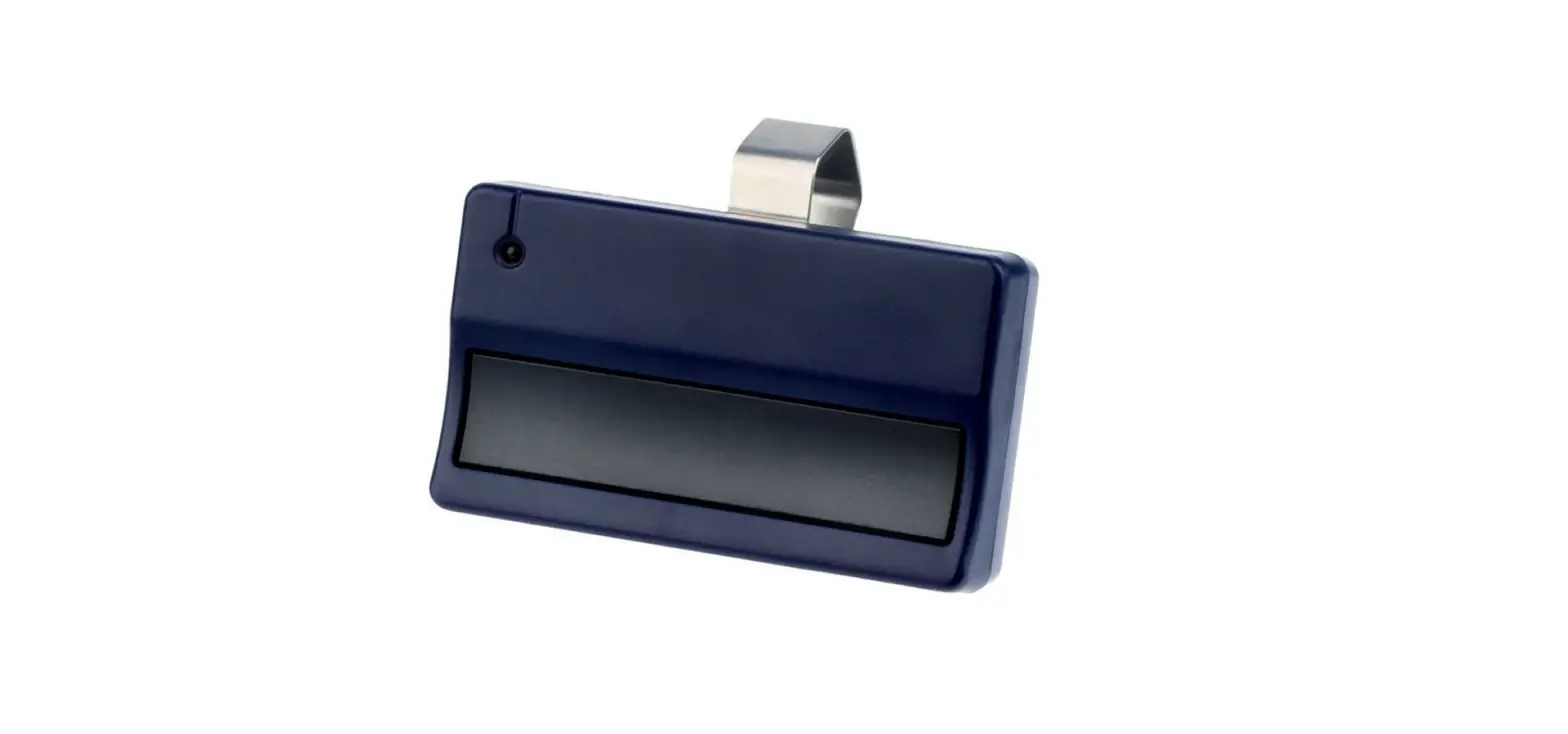

LiftMaster R11 Garage Door Remote
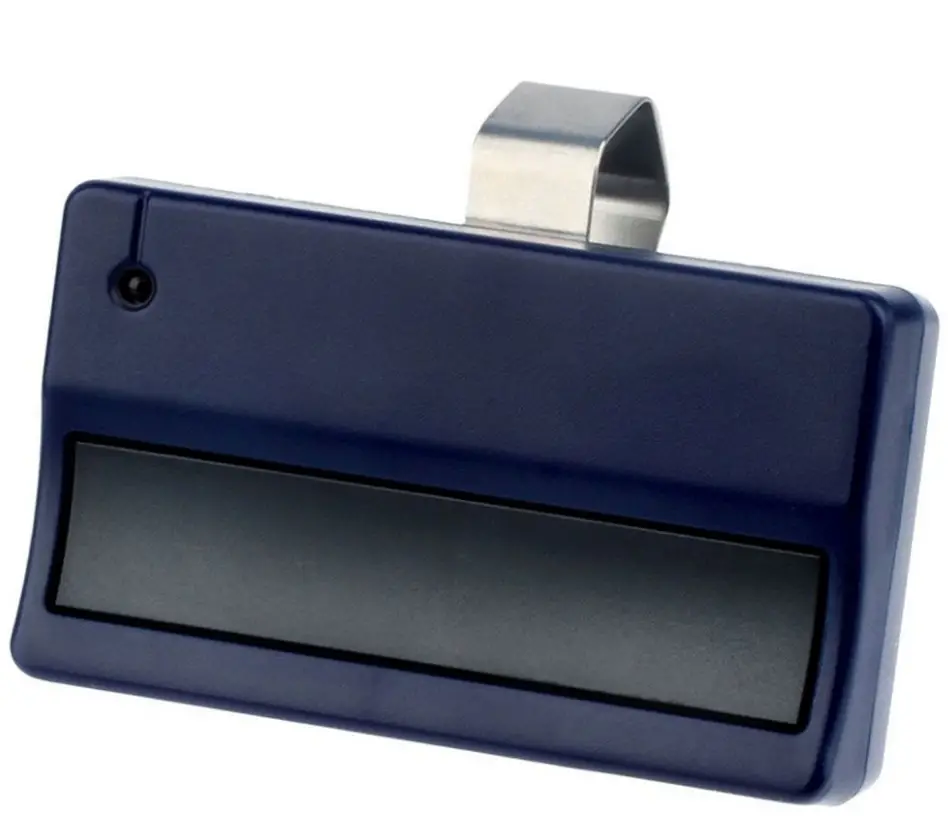
INSTRUCTIONS TO PROGRAM A REMOTE
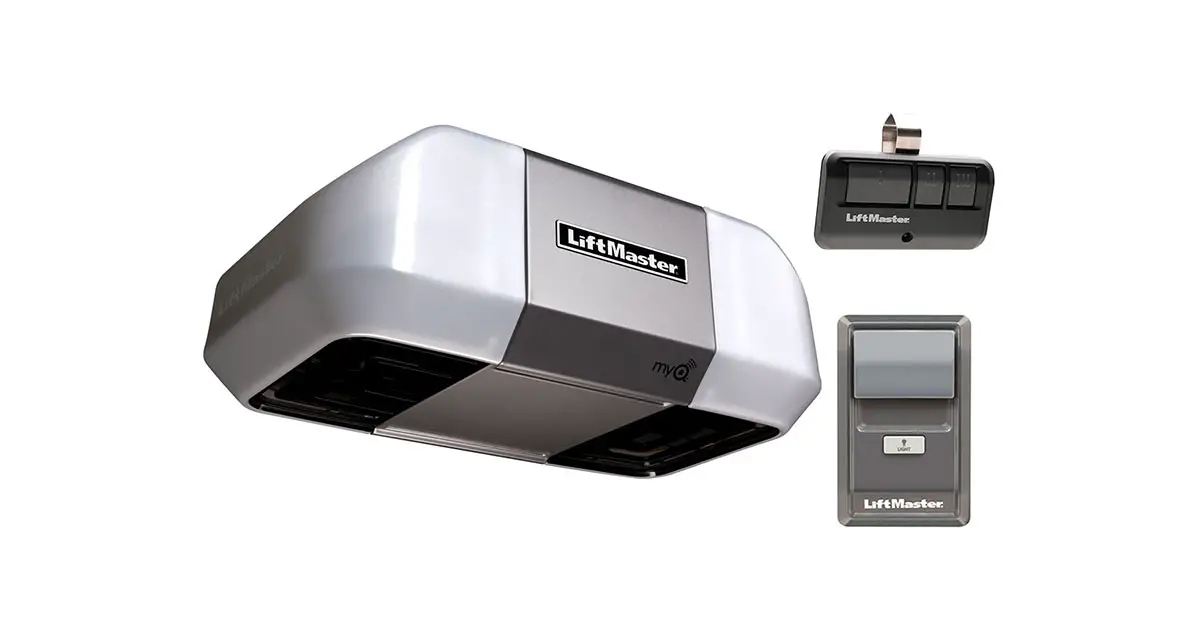
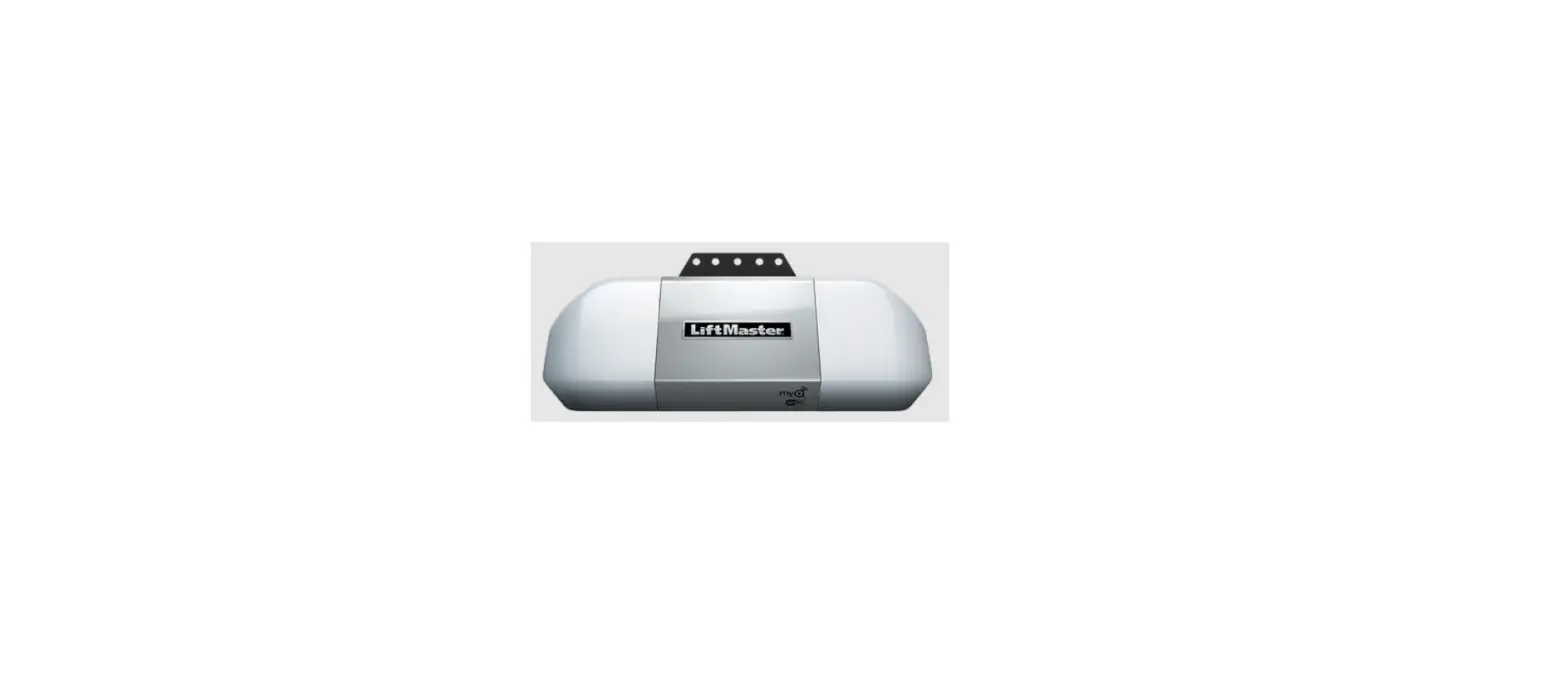
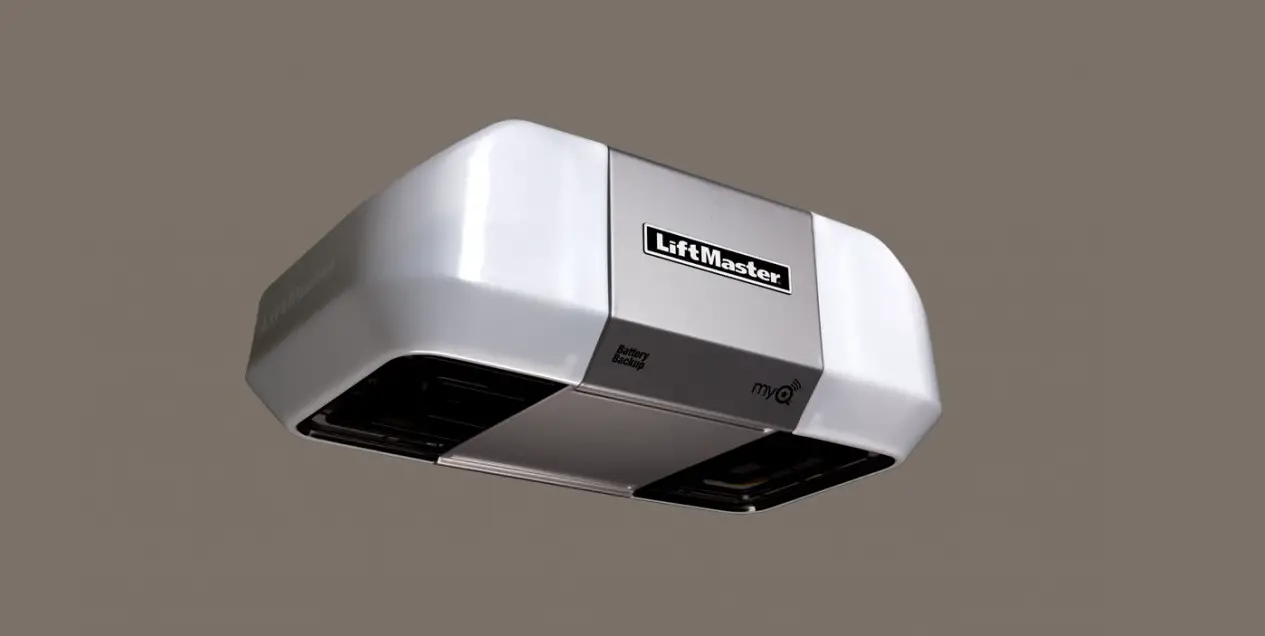
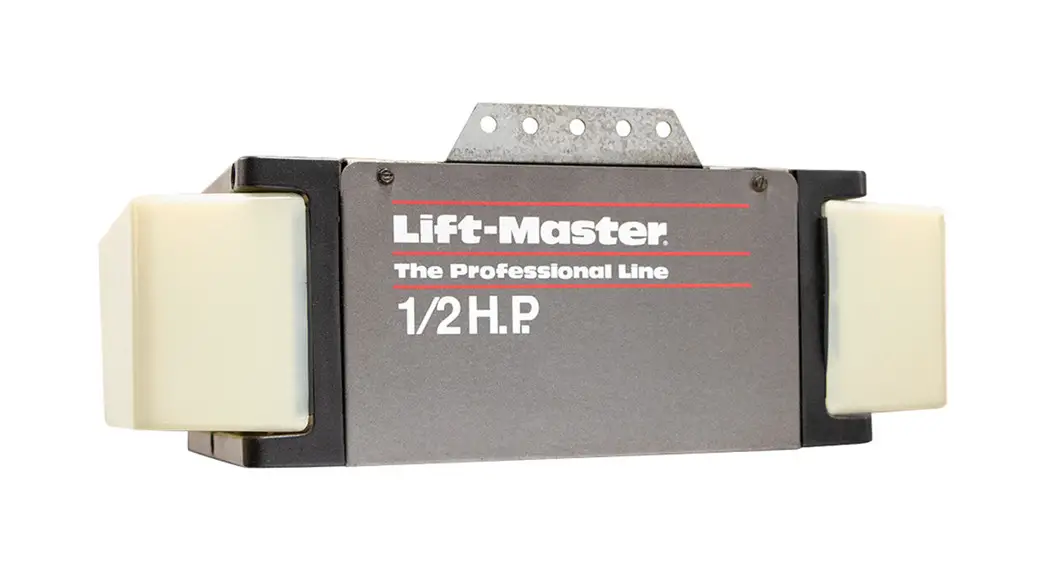
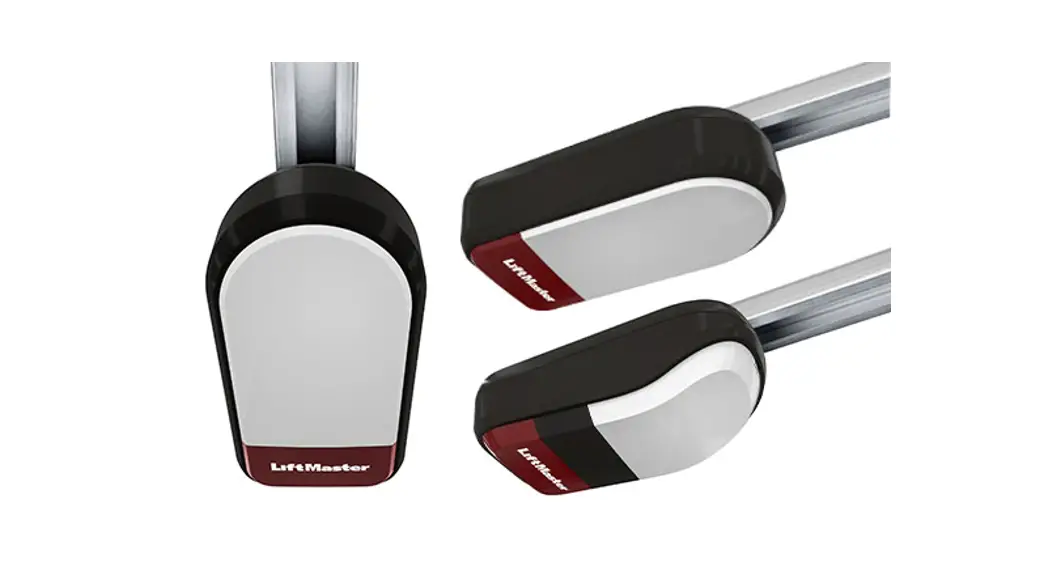
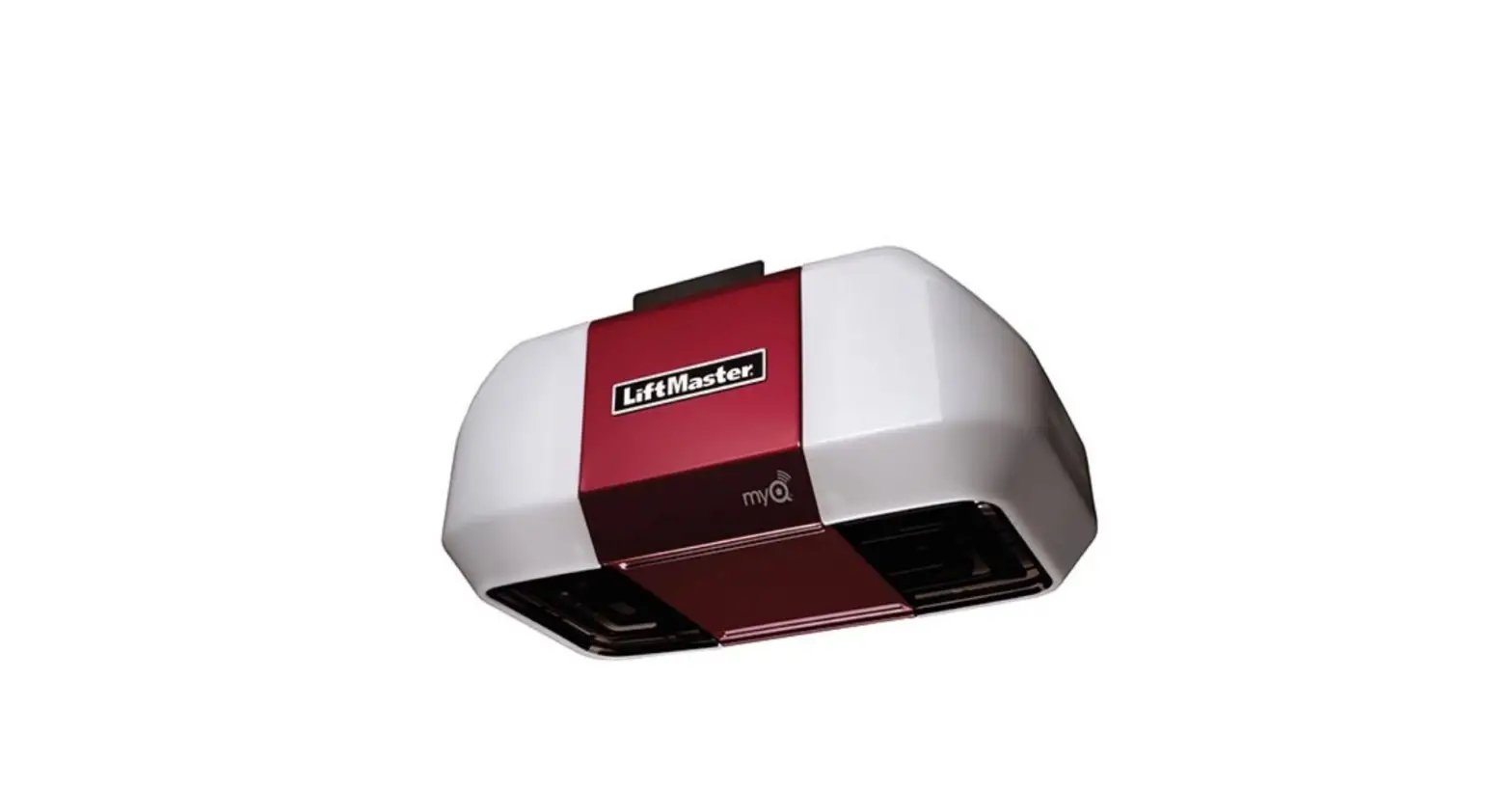
- Press and release the learn button on the back of the motor unit. The light will illuminate for 30 seconds. This indicates the unit is in programming mode

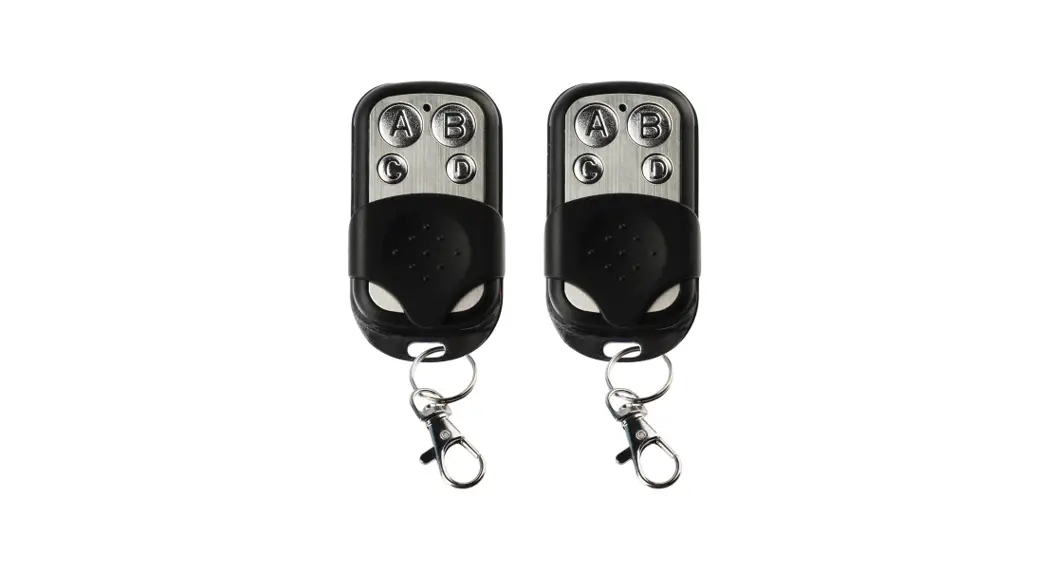
- Within 15 seconds press the button you wish to program on the remote control.

- You will hear an audible click and/or the light on the motor unit will turn off indicating the remote successful programming. Repeat steps 1-3 for any additional remotes you wish to program. Wait 60 seconds before programming another remote control.
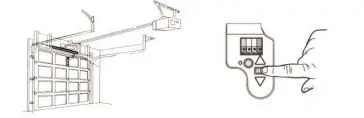

INSTRUCTIONS TO ERASE ALLcODES FROM MEMORY
Press and hold the purple learn button on the back of the motor unit for 6 seconds or until the light turns off.
WARNING
In order to prevent possible SERIOUS INJURY or DEATH from a moving gate or garage door keep remote controls out of the reach of children. Only use the remote control when the gate garage door can be seen dearly, is properly adjusted, and there are no obstructions to door travel. Keep the gate garage door in sight until it is completely closed. Do not allow anyone to cross paths with the gate/garage door while moving or operating the remote control.