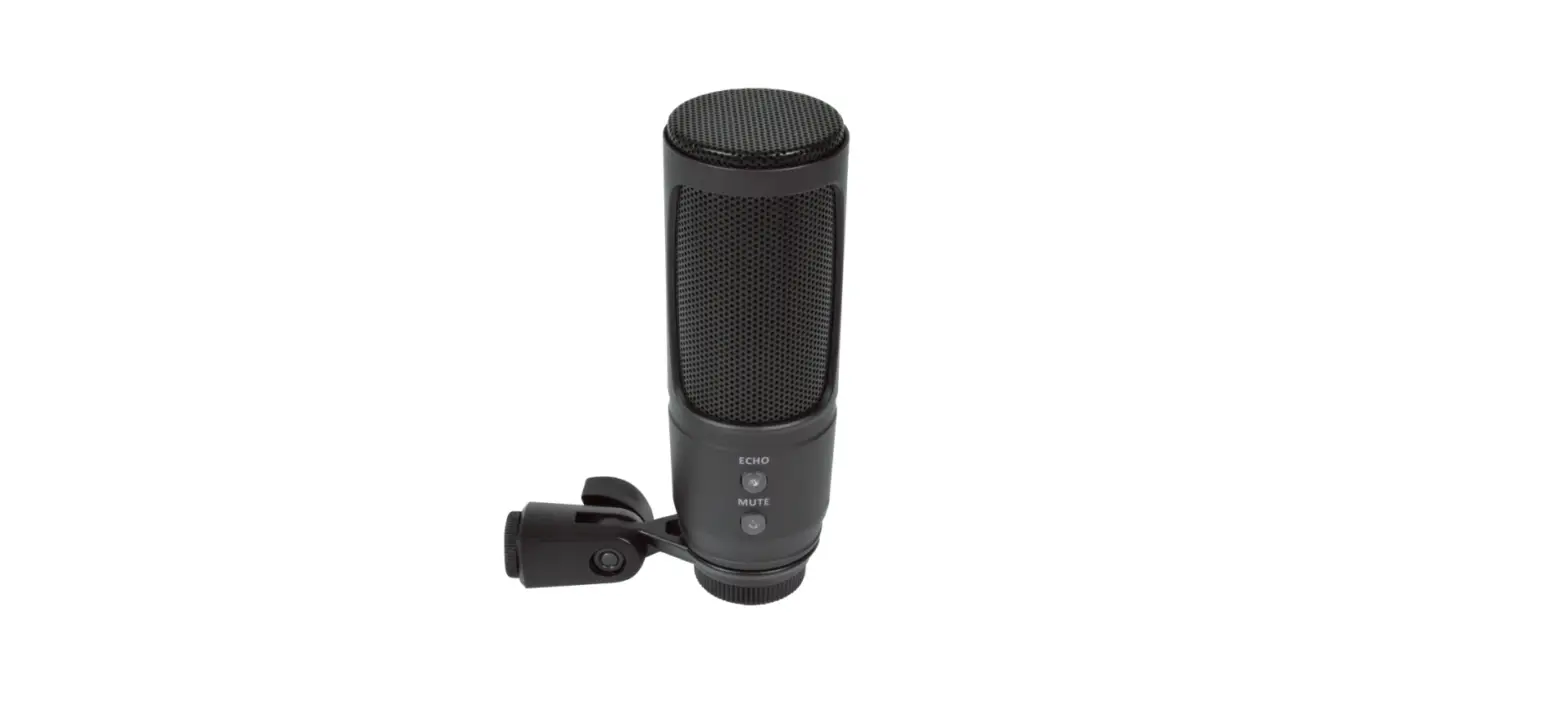

citronic CU-50 USB Recording Microphone and Stand
Setting up
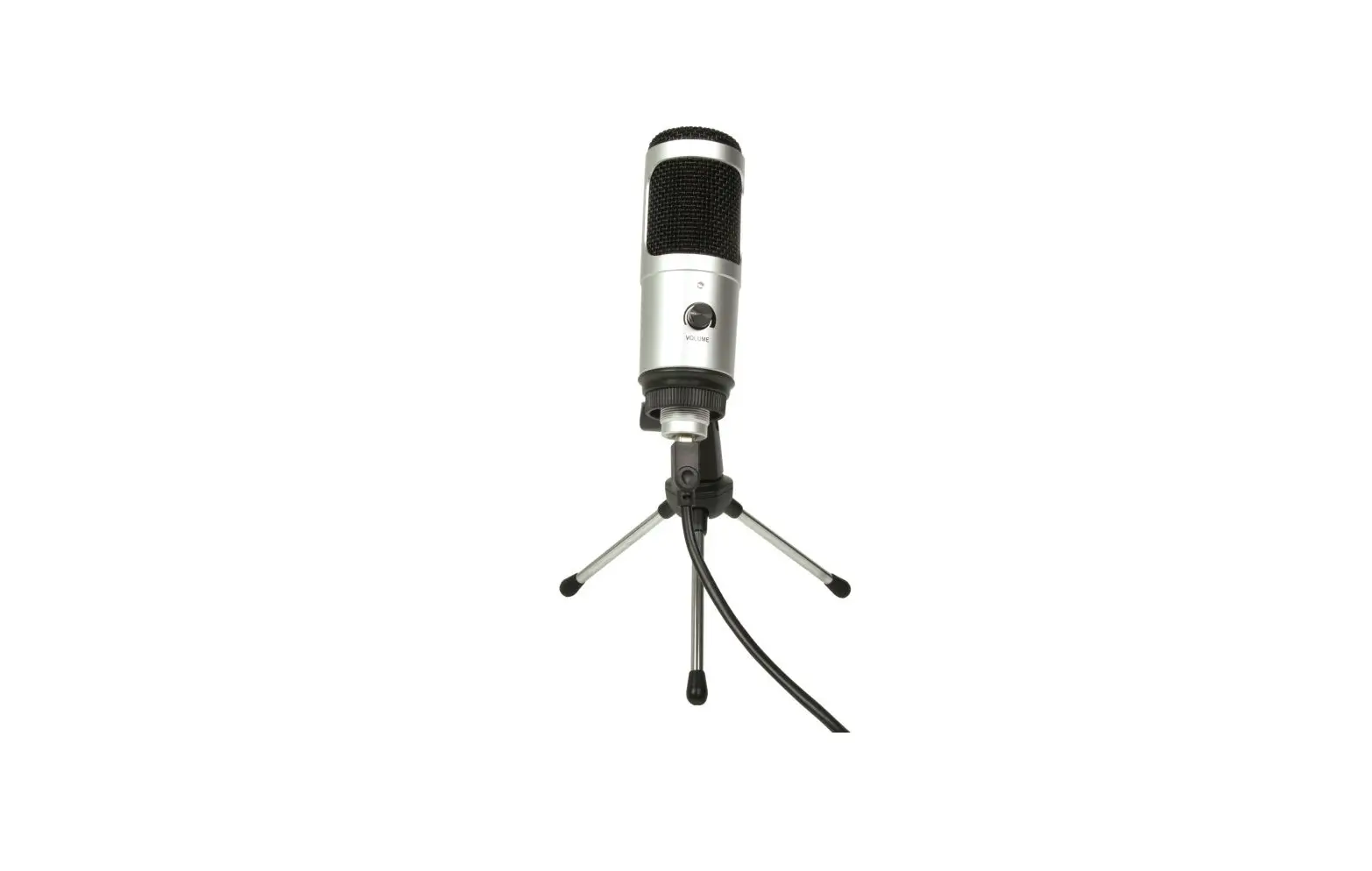
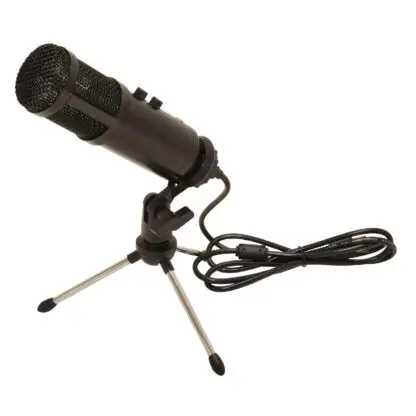
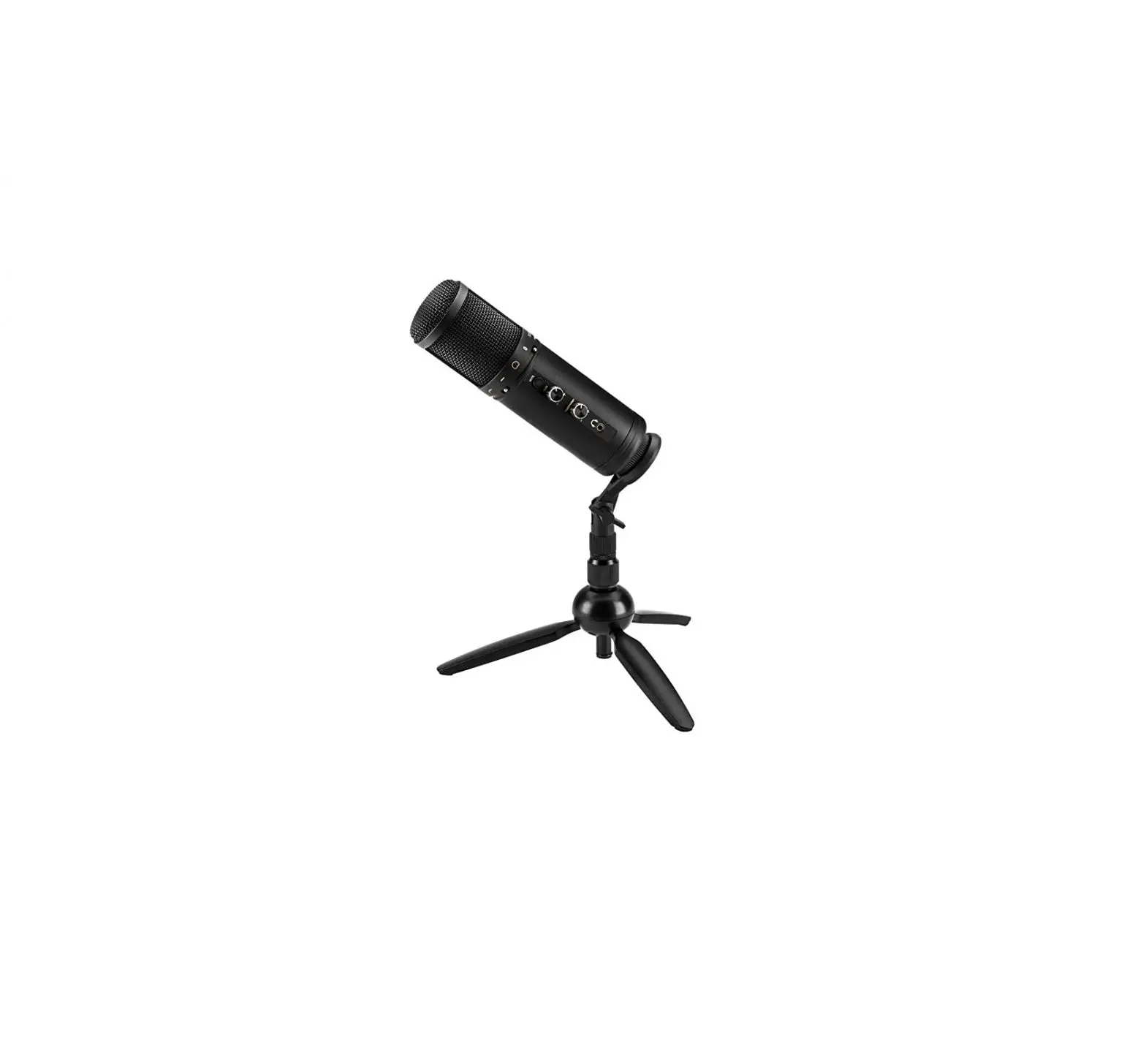
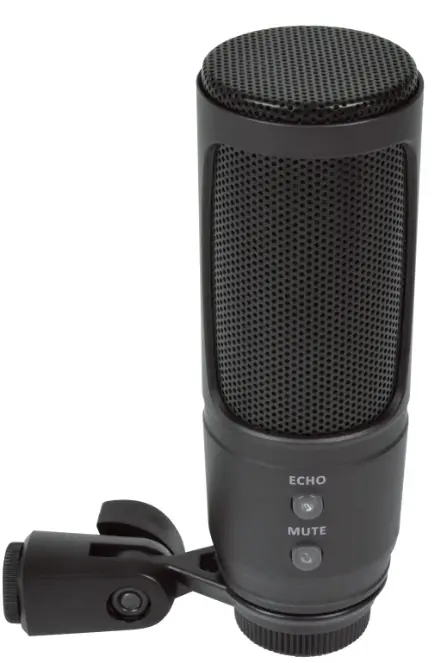
Mount the CU-50 to the supplied angle-adjustable holder by rotating it onto the Mounting Thread at the base of the microphone, surrounding the USB socket. This holder can be screwed onto to the supplied mini tripod stand for tabletop use or attached to a standard microphone stand or boom arm (remove the 3/8” thread adaptor for 5/8” threads) Connect the supplied USB lead to the type B Socket at the base of the microphone housing and the other end to an available USB port on a PC or Mac computer. The computer will recognise the CU-50 as a “USB Audio Device” in the sound or audio settings.
Operation
- Selecting the CU-50 (“USB Audio Device”) as the input device within the recording or streaming software will set the microphone as the input source.
- Pressing the MUTE button will cause this button to illuminate and will mute the microphone.
- Pressing MUTE again will un-mute the microphone.
- If an echo effect is required, this can be introduced by pressing the ECHO button, which will be illuminated when the echo effect is active. Pressing ECHO again will switch off the echo effect.
- The CU-50 can be disconnected and re-connected to USB as a hot-swappable device. Disconnect from USB after use to preserve the computer battery or power supply.
Specifications
| Capsule | 14mmØ back electret |
| Polar pattern | Cardioid |
| Connection | USB type B (power & digital audio) |
| Lead length | 1.5m |
| Frequency response | 20Hz – 20kHz |
| Sampling format | 16-bit |
| Sample rate | 44.1kHz or 48kHz |
| Controls | Echo on/off, Mute on/off |
| S/N ratio | 78dB |
| Sensitivity | -40dB (±2dB) |
| Dimensions | 147 x 50mmØ (microphone only) |
| Weight | 272g (microphone only) |
Disposal: The “Crossed Wheelie Bi symbol on the product means that the product is classed as Electrical or Electronic equipment and should not be disposed with other household or commercial waste at the end of its useful life. The goods must be disposed of according to your local council guidelines.
- Errors and omissions excepted. Copyright© 2022. AVSL Group Ltd.
- Unit 2-4 Bridgewater Park, Taylor Rd. Manchester. M41 7JQ
- AVSL (EUROPE) Ltd, Unit 3D North Point House, North Point Business Park, New Mallow Road, Cork, Ireland
- 173.633UK User Manual