
Innovative Technology
Revolution Of Both Tech & Price
Download the APP
IOS
Search for “bluebird” in App Store
Android
Search for “bird” in Google Play
- OR scan the QR code to download the app.
 http://www.bebird.cn/app/en.html
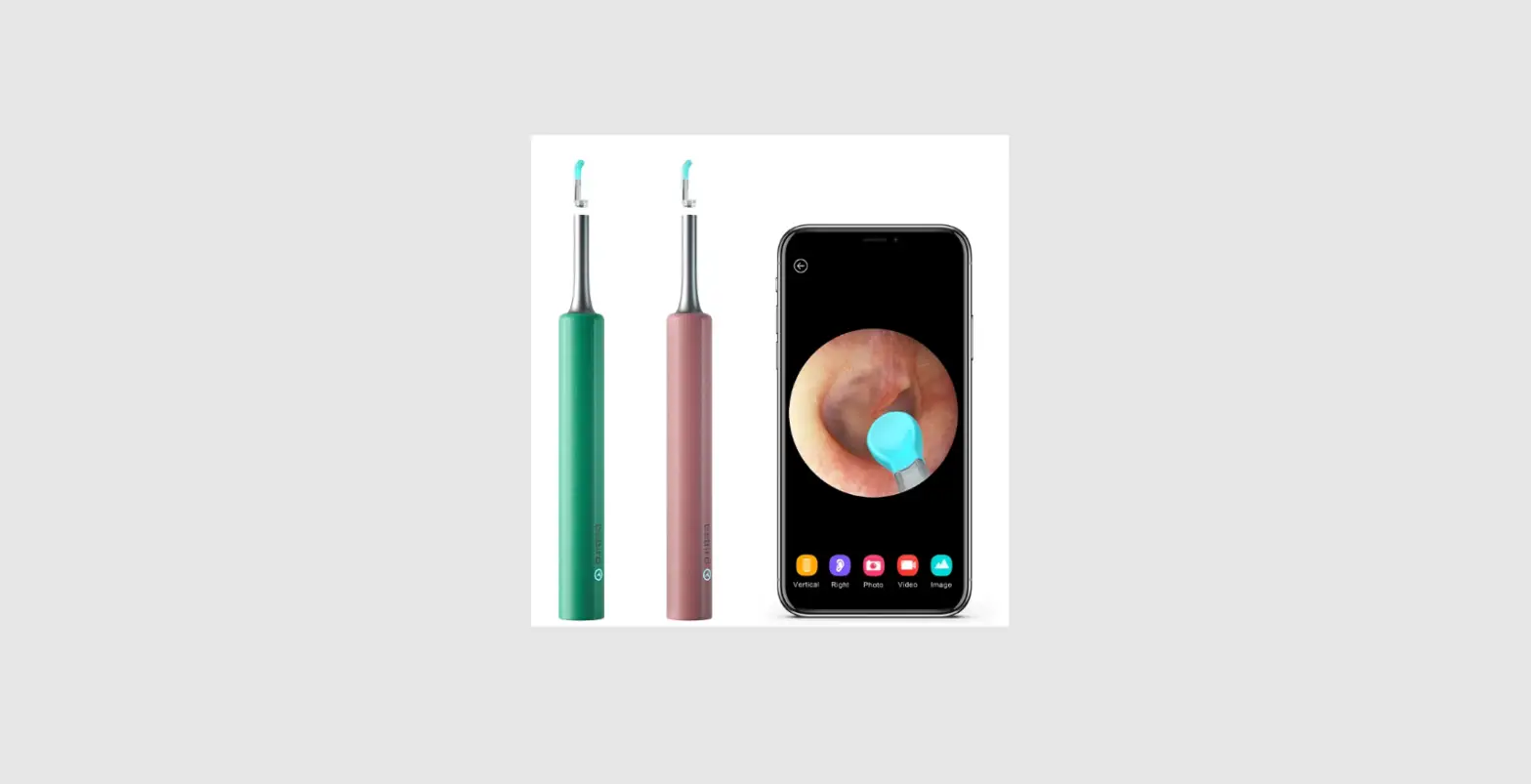
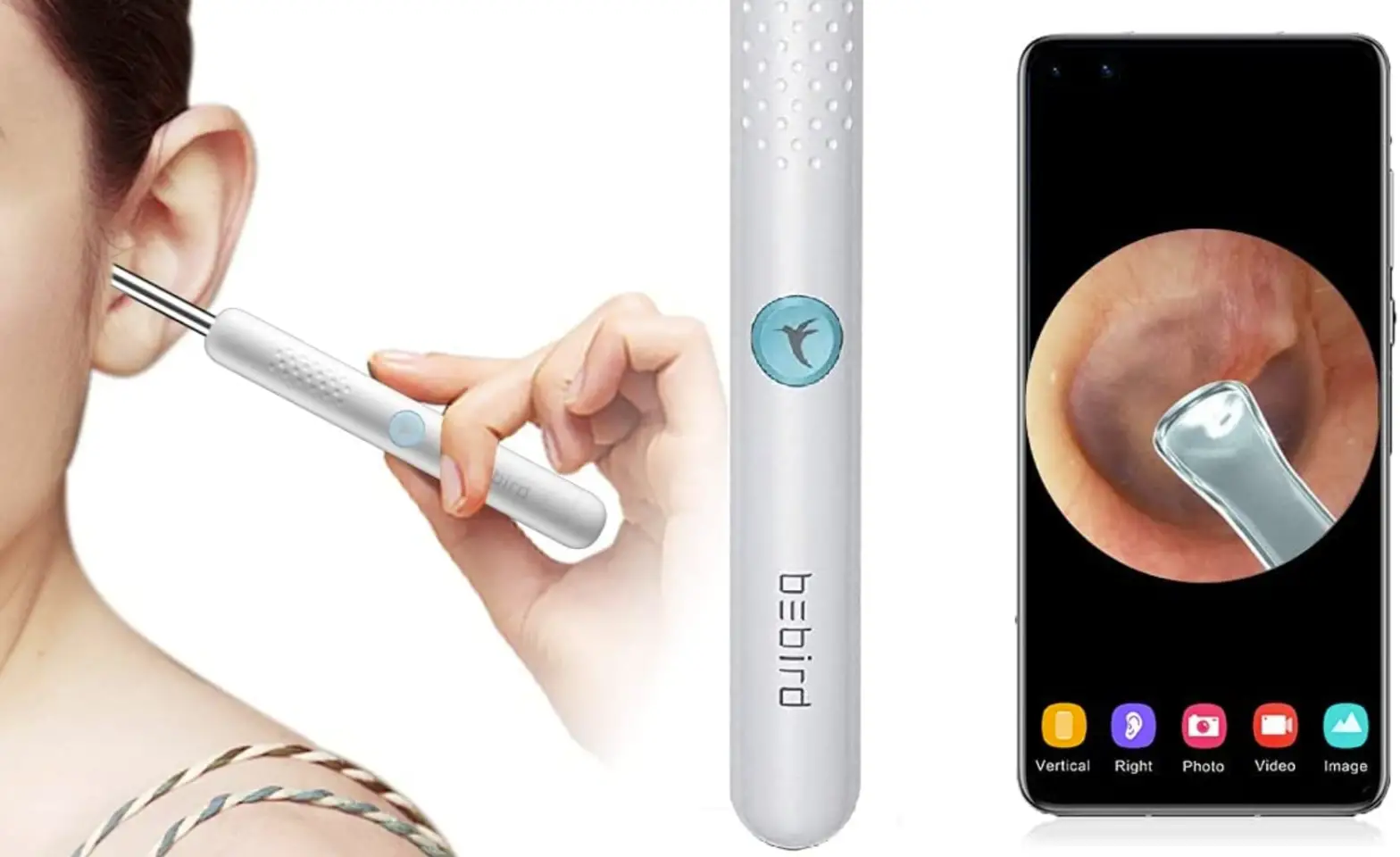
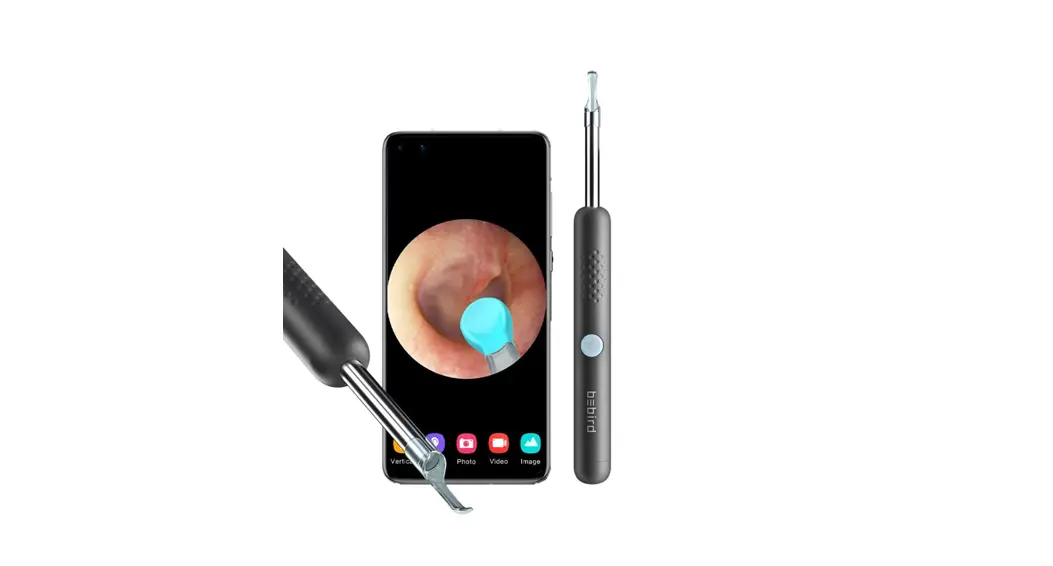
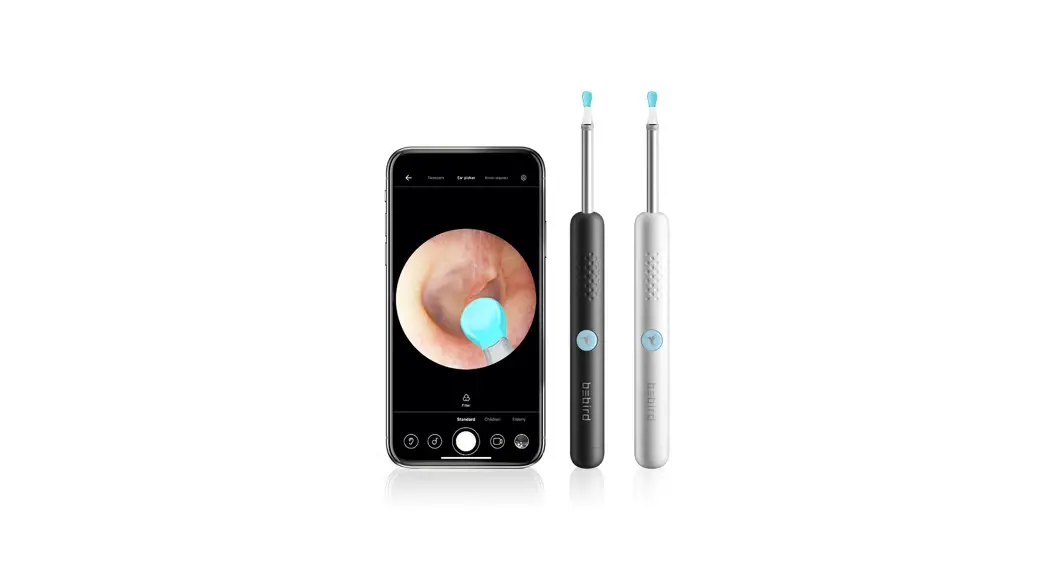
 - Open be bird APP Select be bird R1
- Connect Product WiFi “bluebird—XXXX”

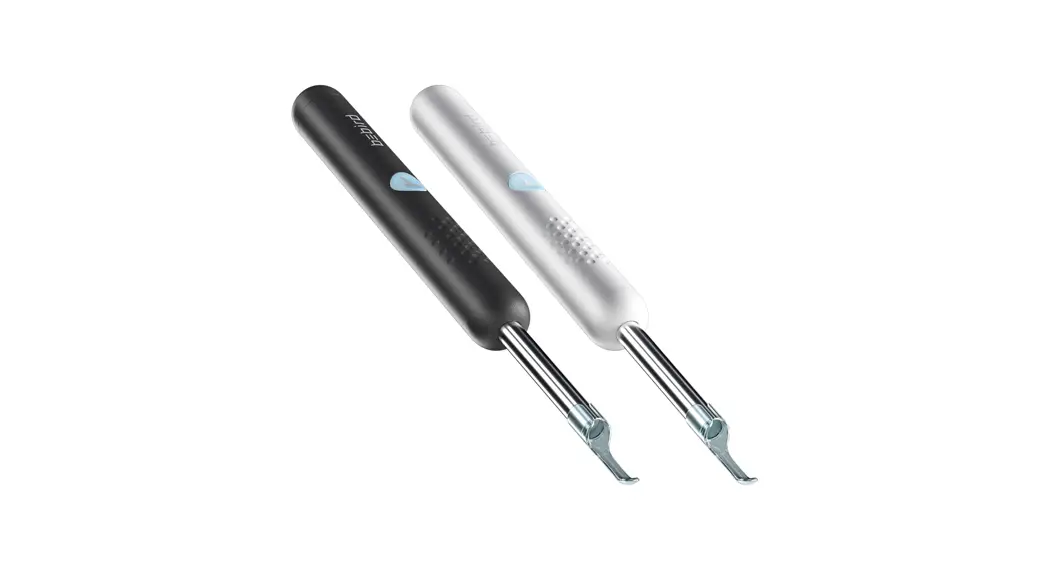
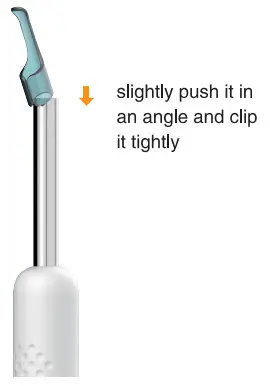
Accessory replacement
Pull the ear spoon out
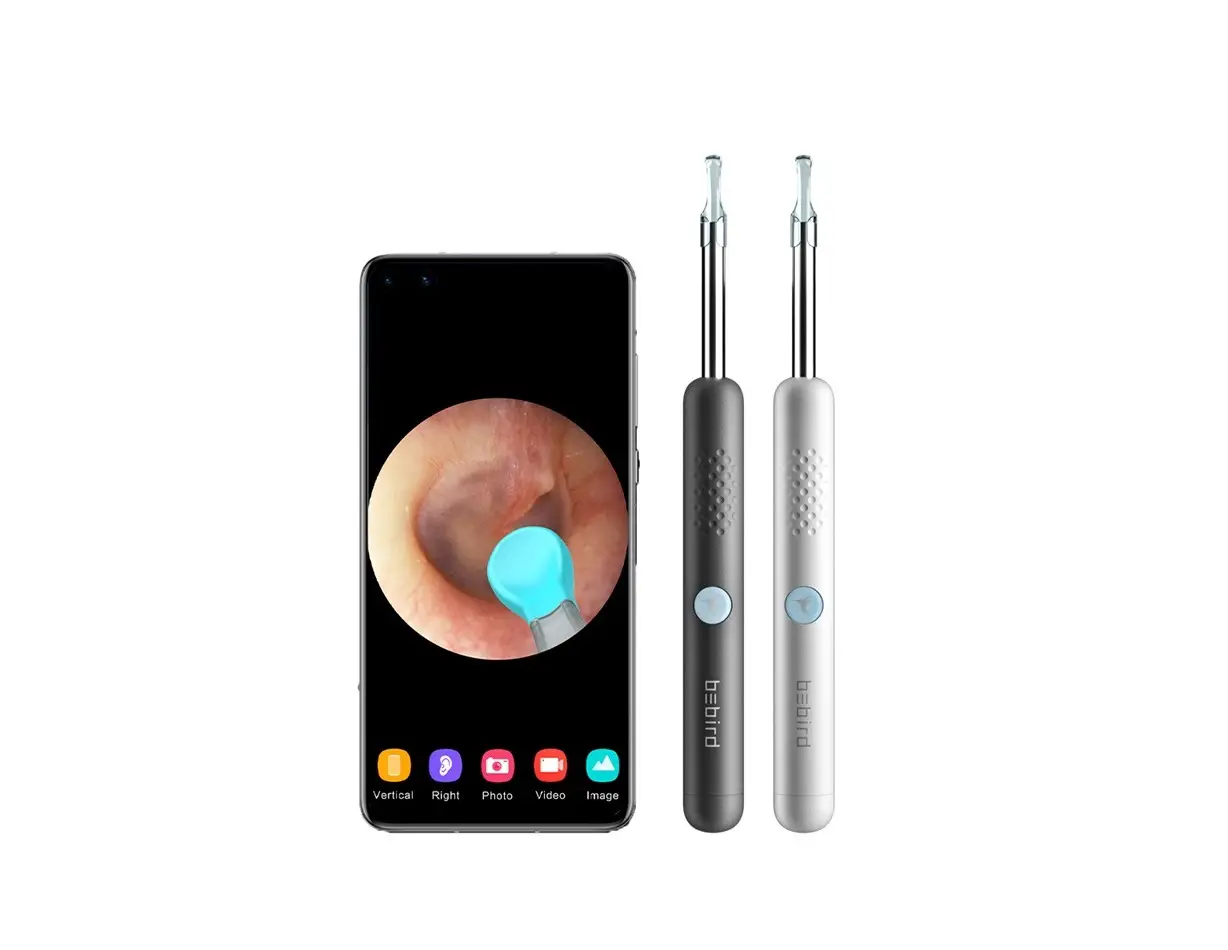
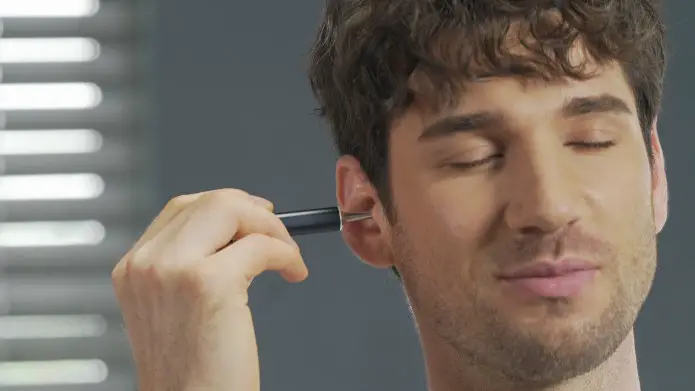
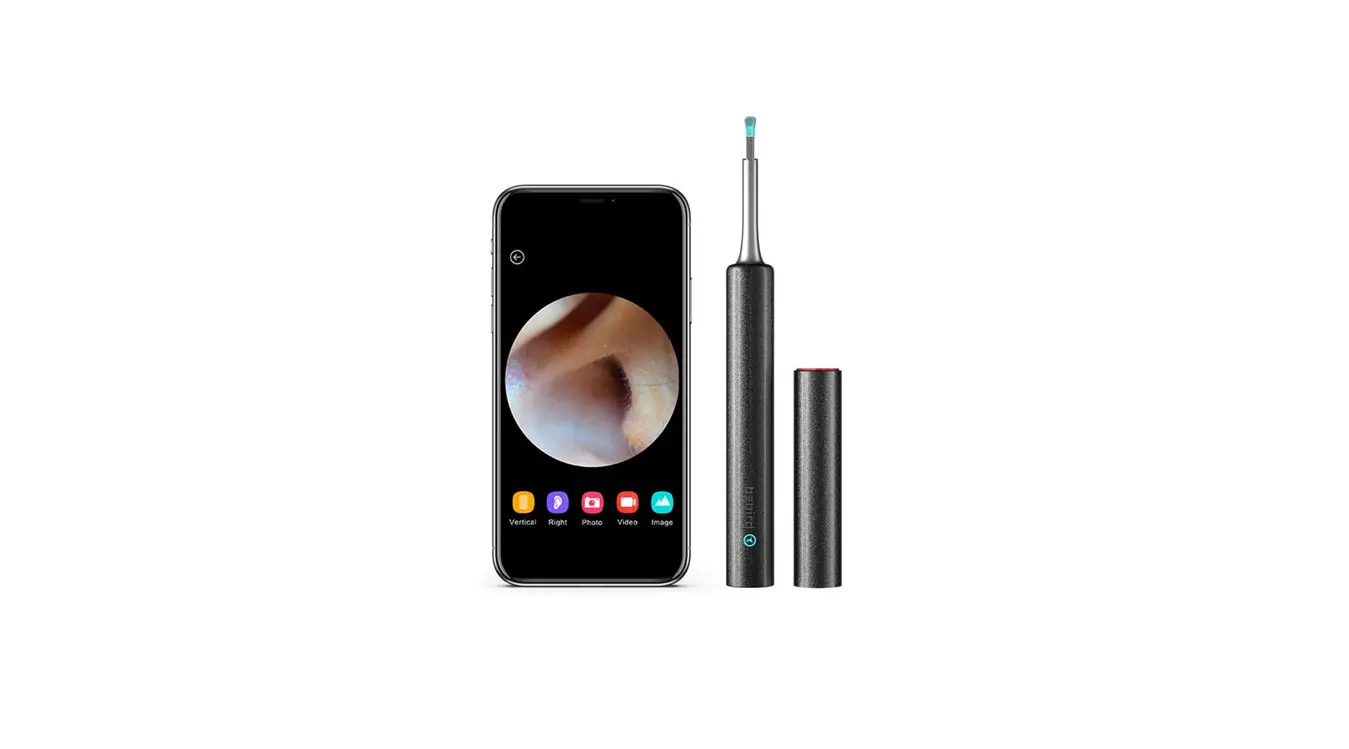
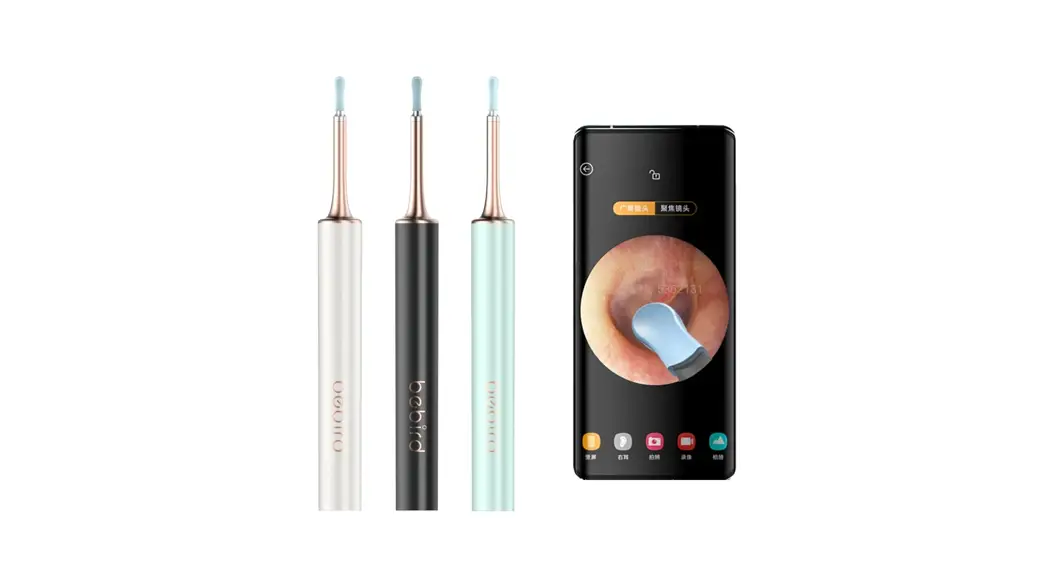
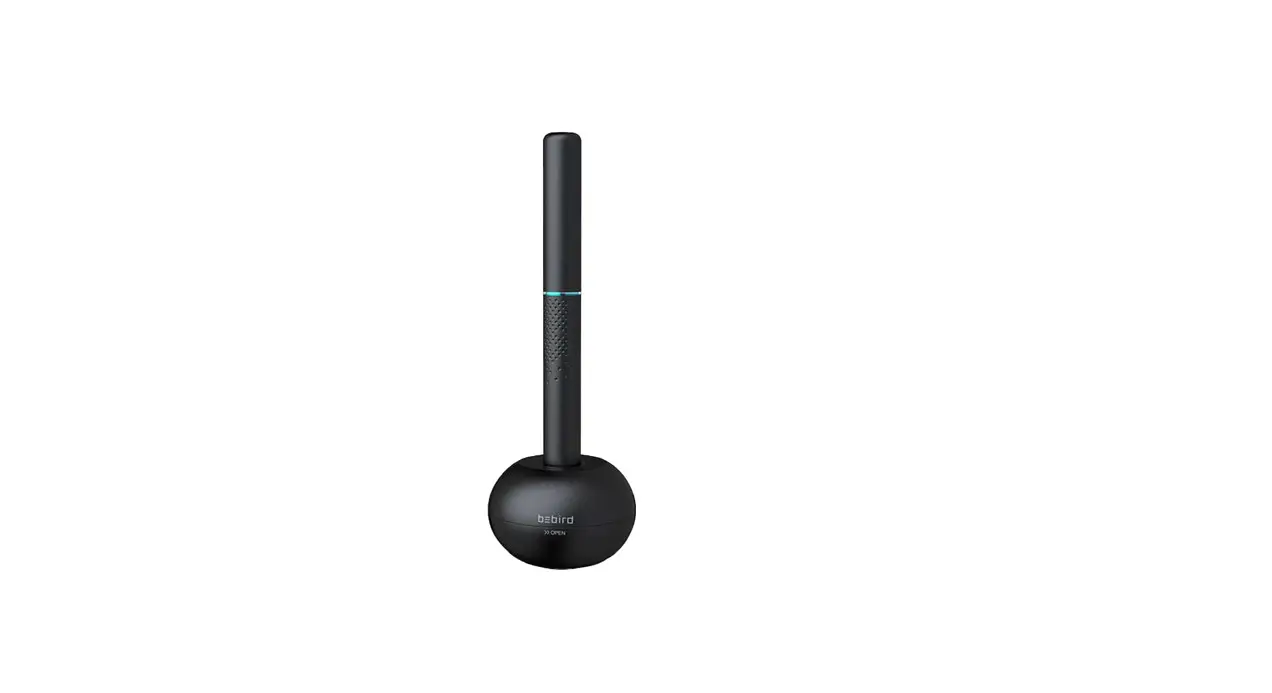
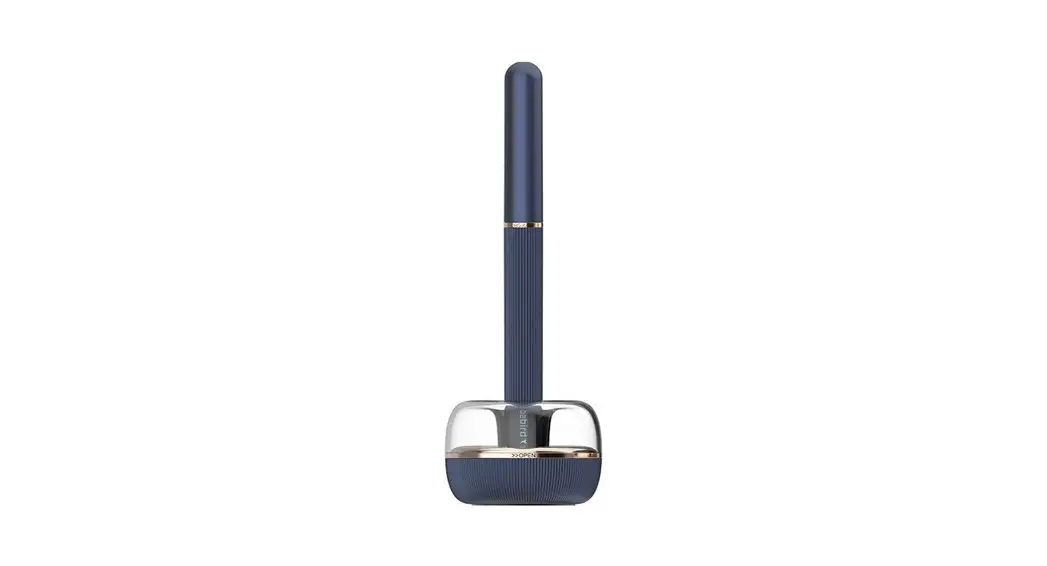
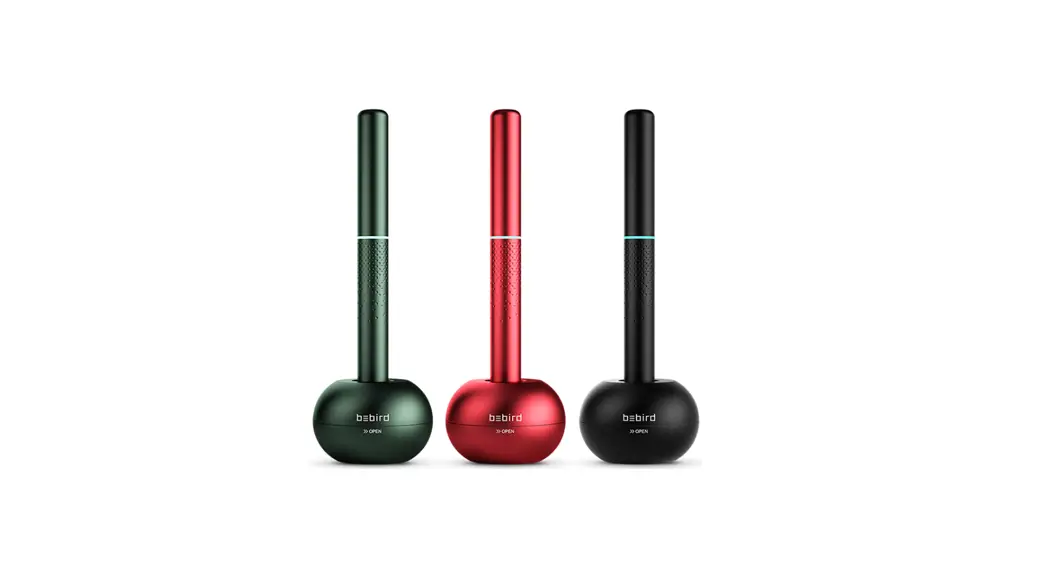
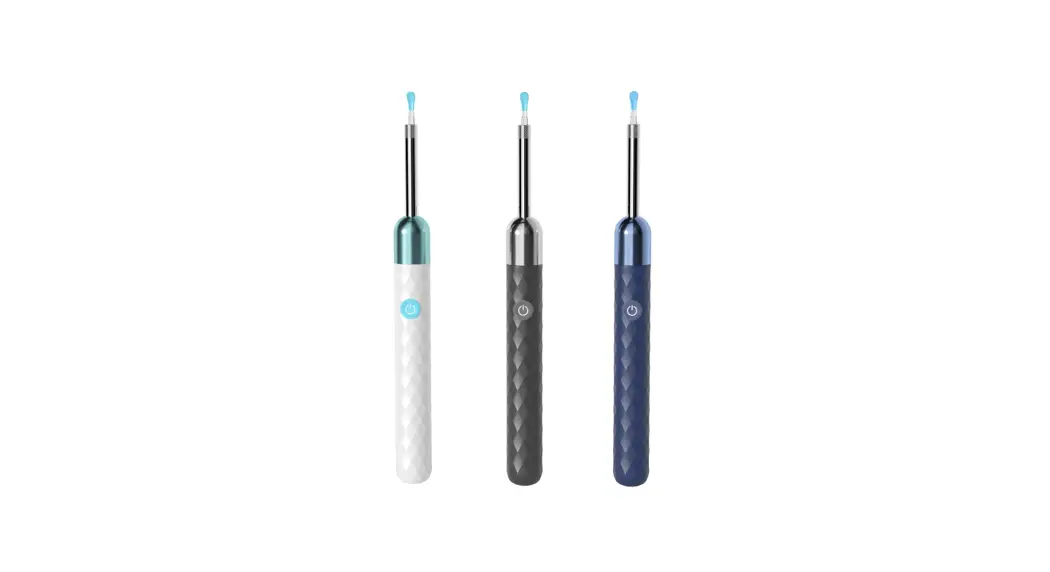
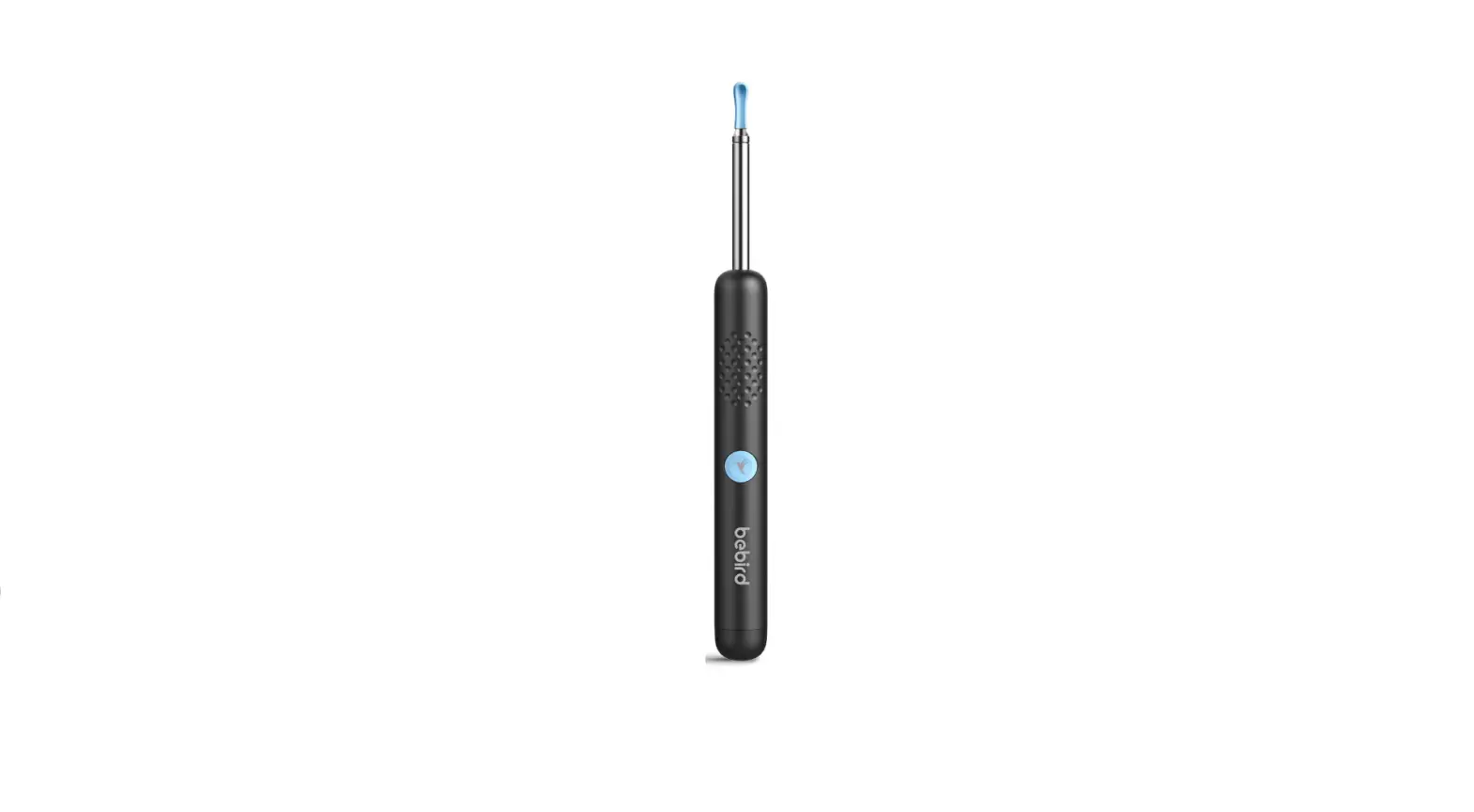
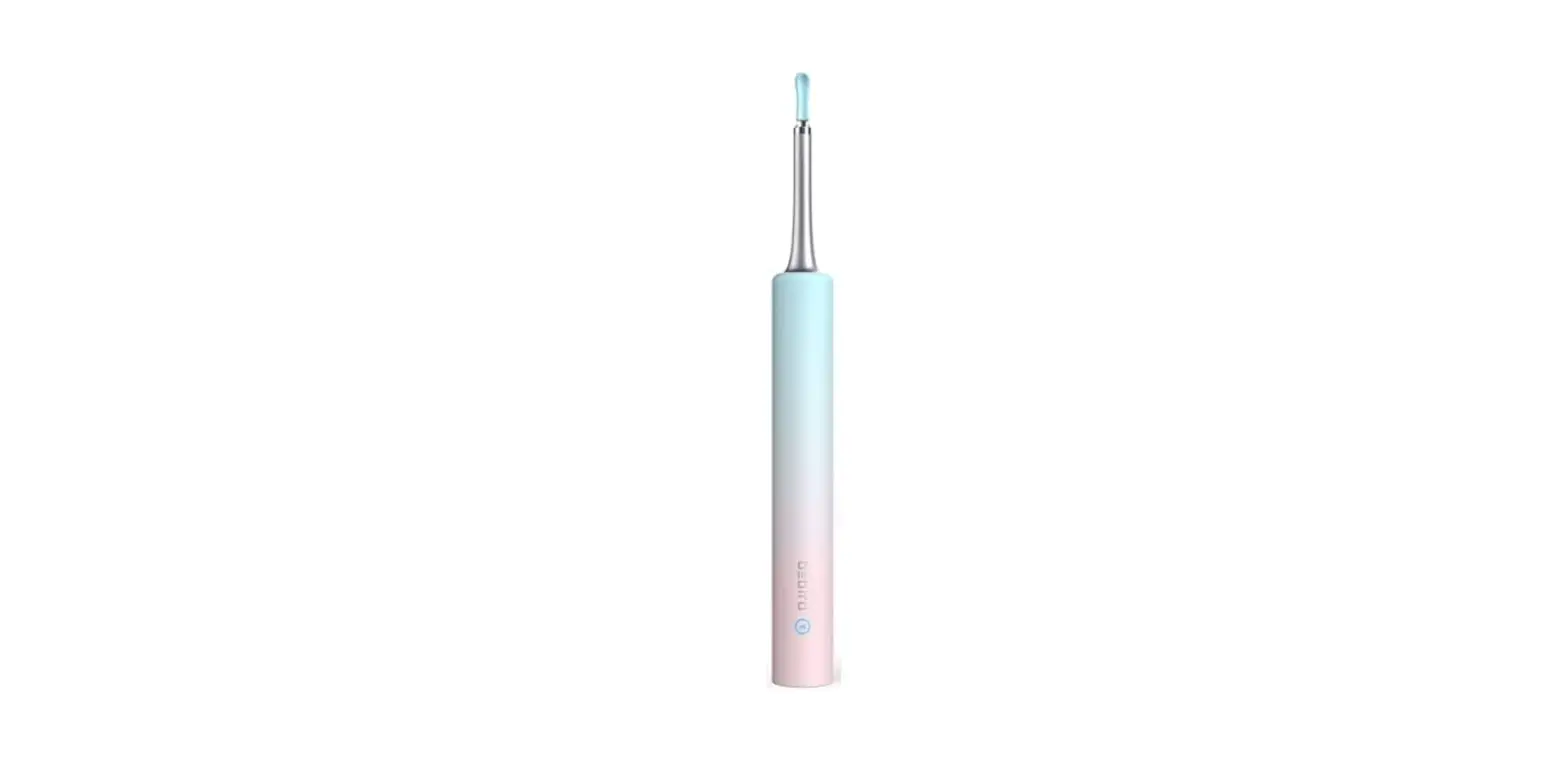
Smart visual ear-clean Rod Model: bluebird RI 210-151073
Product parameters
| Brand | bluebird |
| Product Name | Smart visual ear-dean Rod |
| Model | bluebird R1 |
| Rod weight | 13g |
| Network standard | IEEE 802.11bigin |
| Antenna | Integral Antenna |
| Working frequency | 2.4Ghz |
| Image transmission rate | 30fps |
| image sensor | CMOS |
| Working temperature | -10 – 50t |
| Battery | 130mAh lithium battery |
| Battery life | about 30 minutes |
| Charging time | 0.5h |
| Input current | DC 5V 300mA |
| Lens diameter | 4.5mm |
| Optimum focal length | 1.5 – 2cm |
| Pixel | 3M |
| Gravity Sensor | 3 axis |
FCC ID:2AU63-BEBIR RI 
Attention
- When cleaning the lens, please wipe it carefully with a professional alcohol cotton swab.
- Please don’t use it while you are moving, and protect yourself from being hit by others.
- Please do not put the product in liquid to avoid damage.
- Product built-in rechargeable lithium battery, so it must be charged once a month If it is not used frequently.
- Avoid product exposure to sunshine directly, especially the accessories, in order to avoid softening.
- During using it, the temperature of the product will rise slightly (up to 35 degree), please rest assured to use.
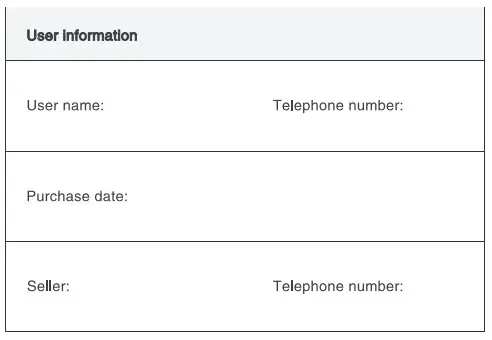
Warranty card
NOTE: This equipment has been tested and found to comply with the limits for a Class B digital device, pursuant to part 15 of the FCC
Rules. These limits are designed to provide reasonable protection against harmful interference in a residential installation. This equipment generates uses and can radiate radio
frequency energy and, if not installed and used in accordance with the instructions, may cause harmful interference to radio communications.
However, there is no guarantee that interference will not occur in a particular installation. If this equipment does cause harmful interference to radio or television reception, which can be determined by turning the equipment off and on, the user is encouraged to try to correct the interference by one or more of the following measures:
– Reorient or relocate the receiving antenna.
– Increase the separation between the equipment and receiver.
-Connect the equipment into an outlet on a circuit different from that to which the receiver is connected.
-Consult the dealer or an experienced radio/TV technician for help Changes or modifications not expressly approved by the party responsible for compliance could void the user’s authority to operate the equipment.
This device complies with Part 15 of the FCC
Rules. Operation is subject to the following two conditions:
(1) this device may not cause harmful interference, and (2) this device must accept any interference received, including interference that may cause undesired operation.
The user can find the product name, trademark, model, MIC ID, and logo in Product parameters and the position on the last page.