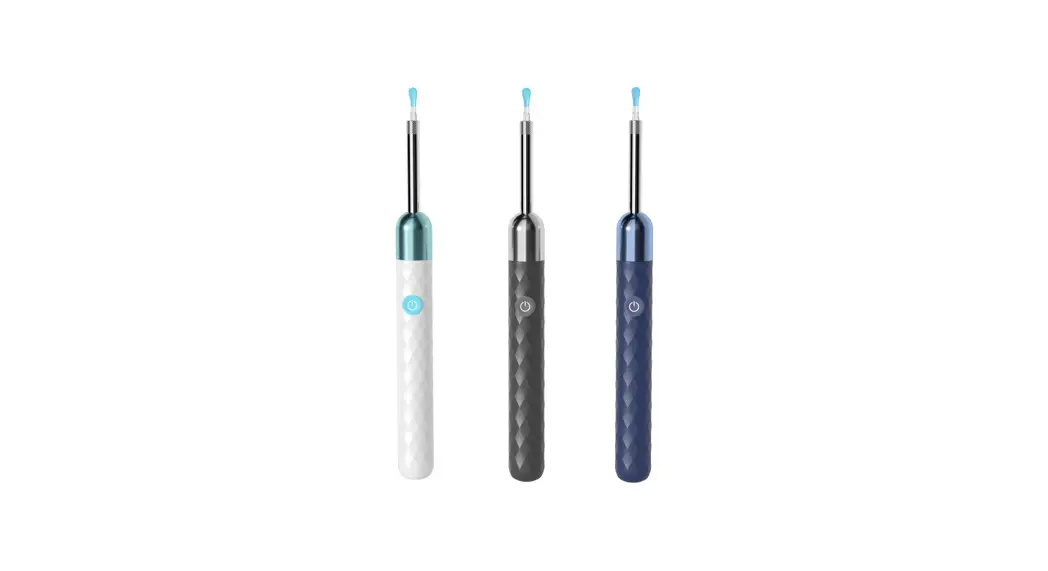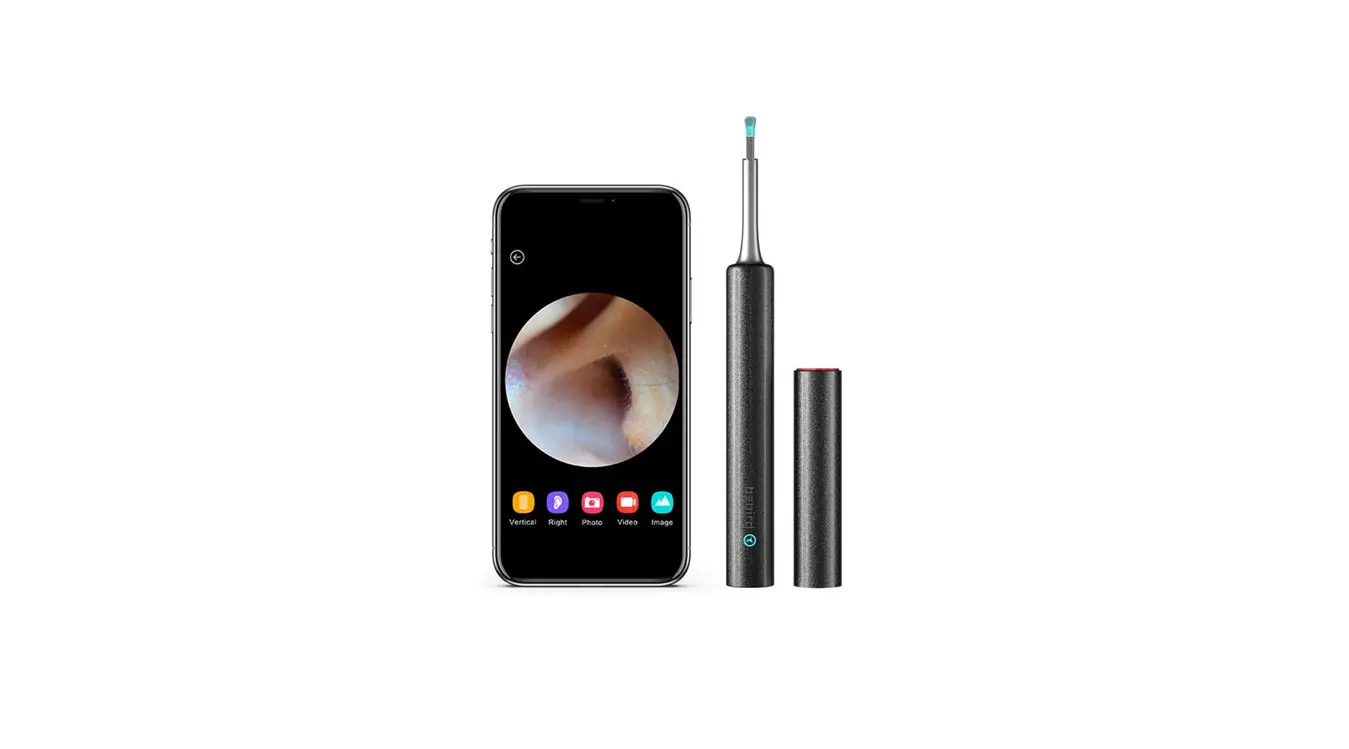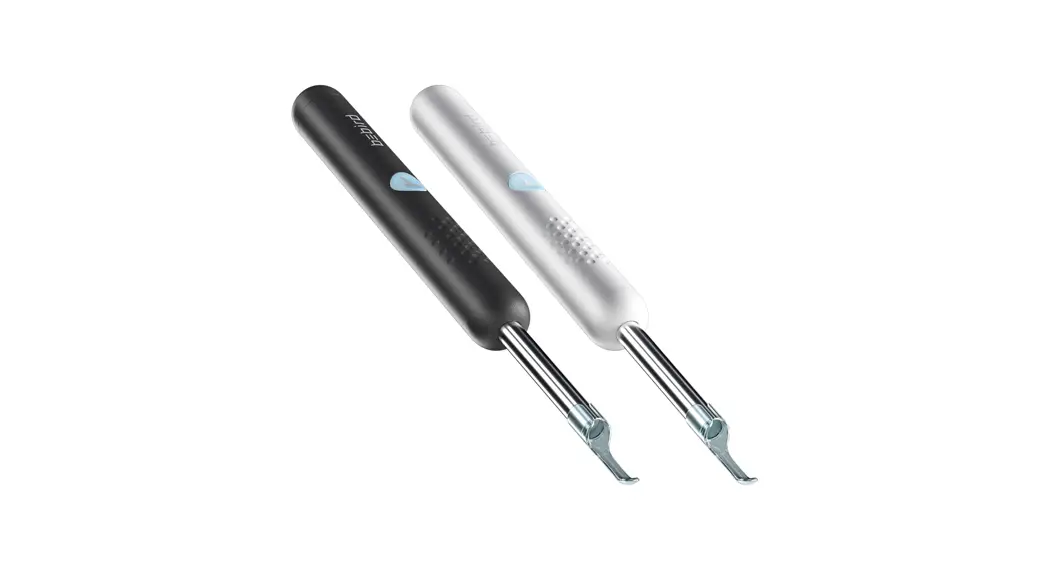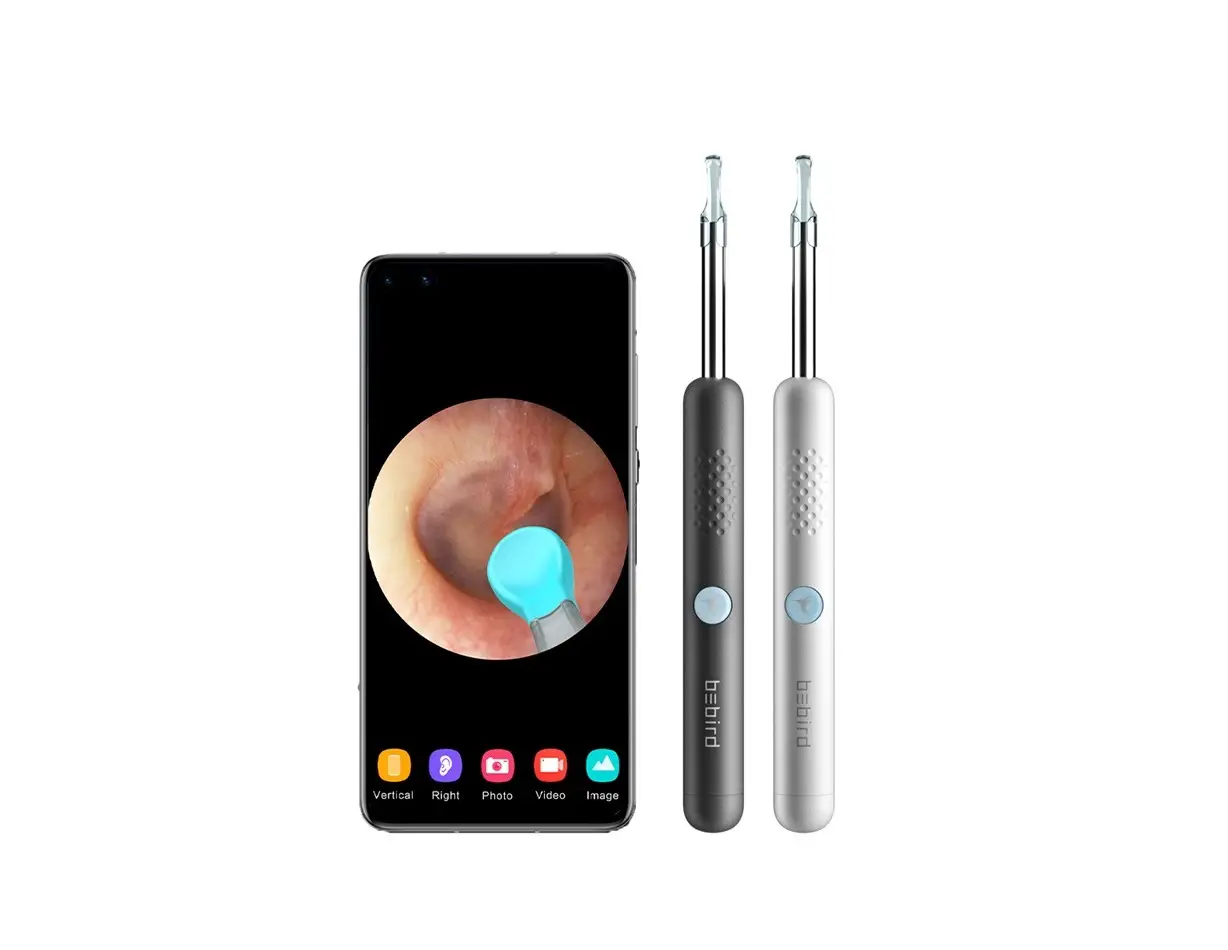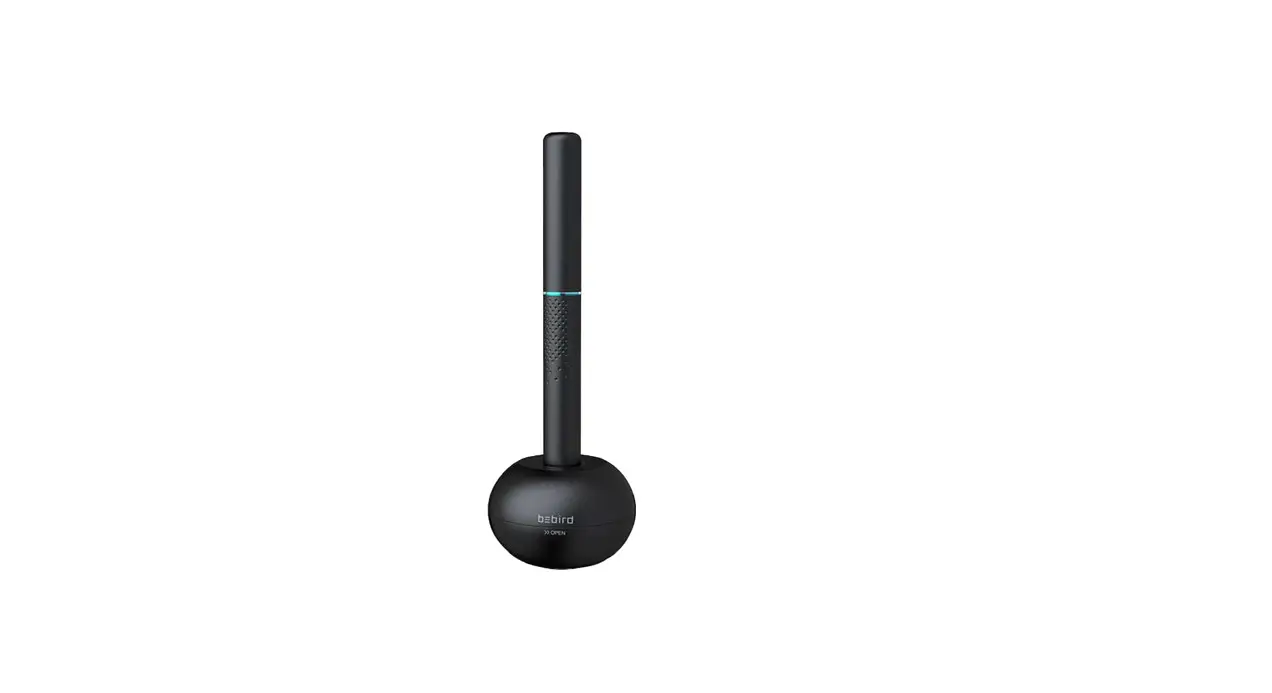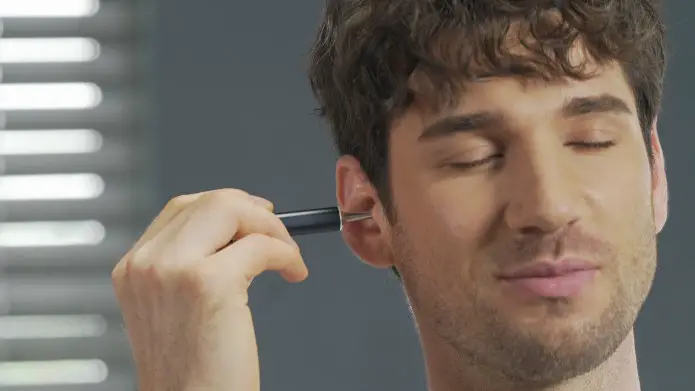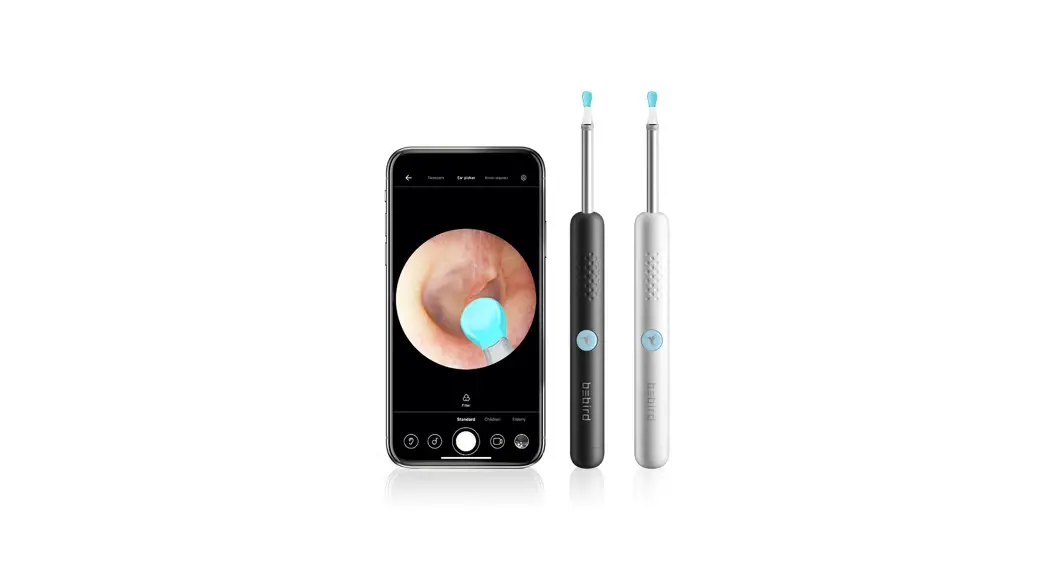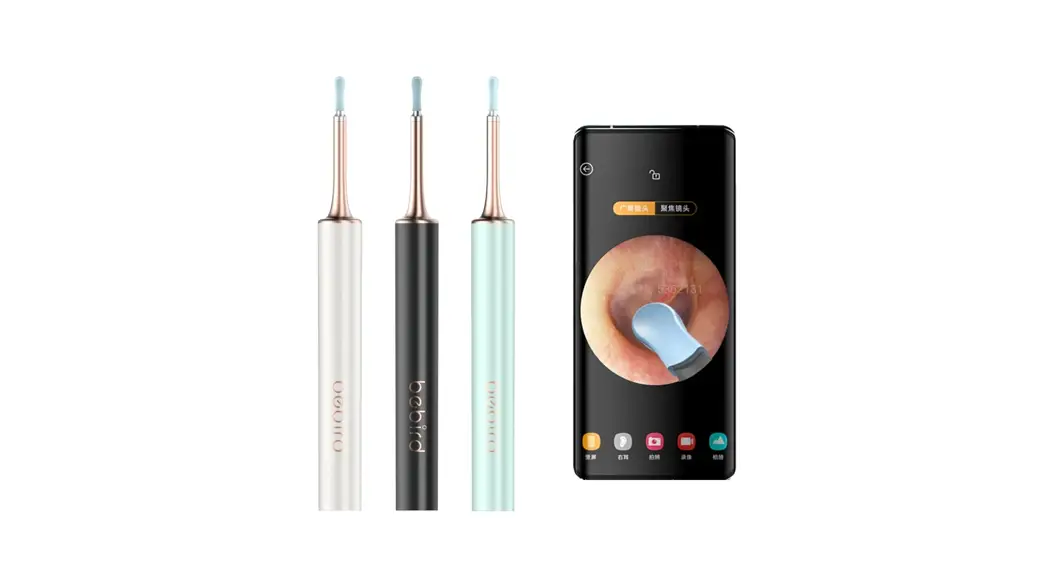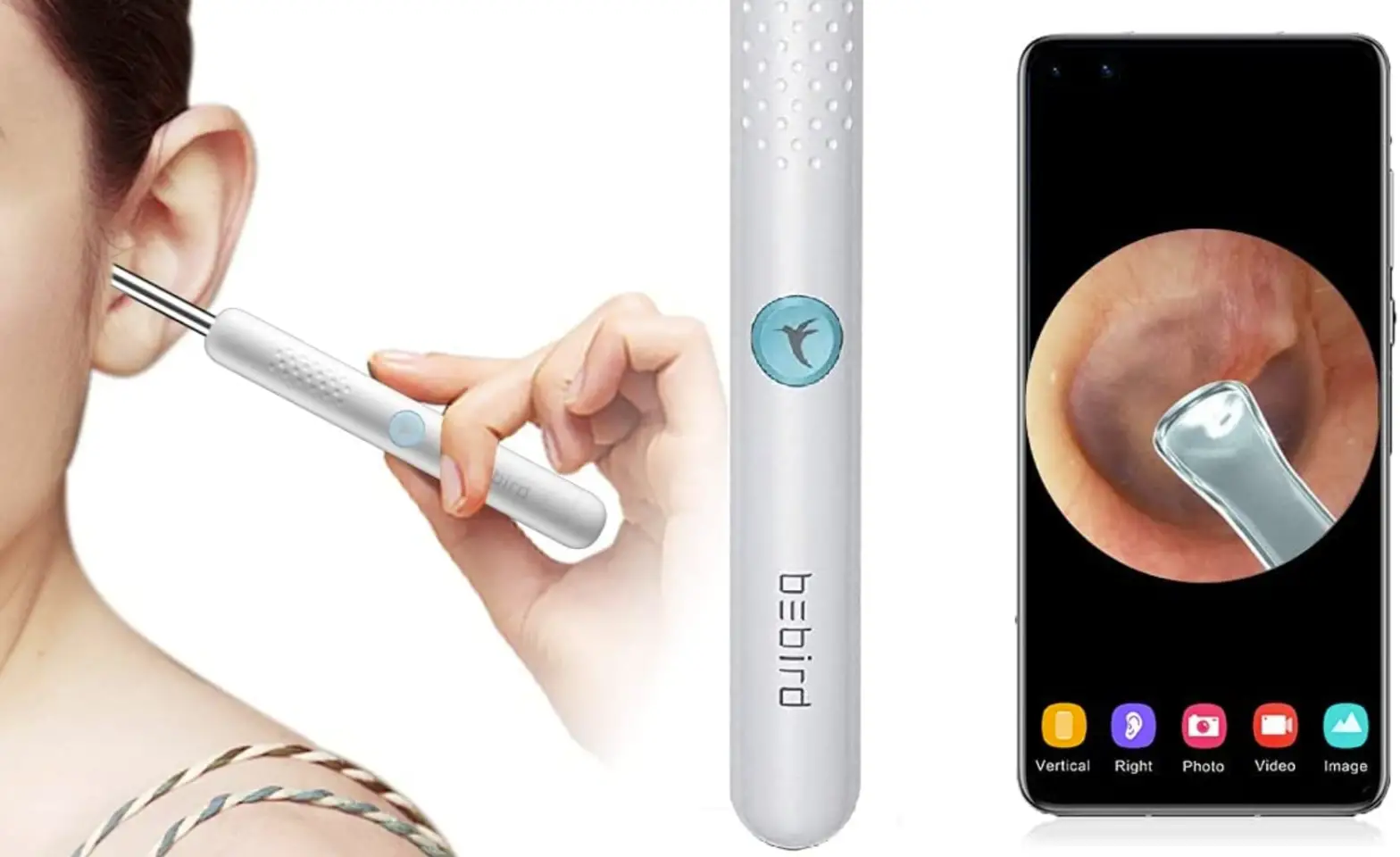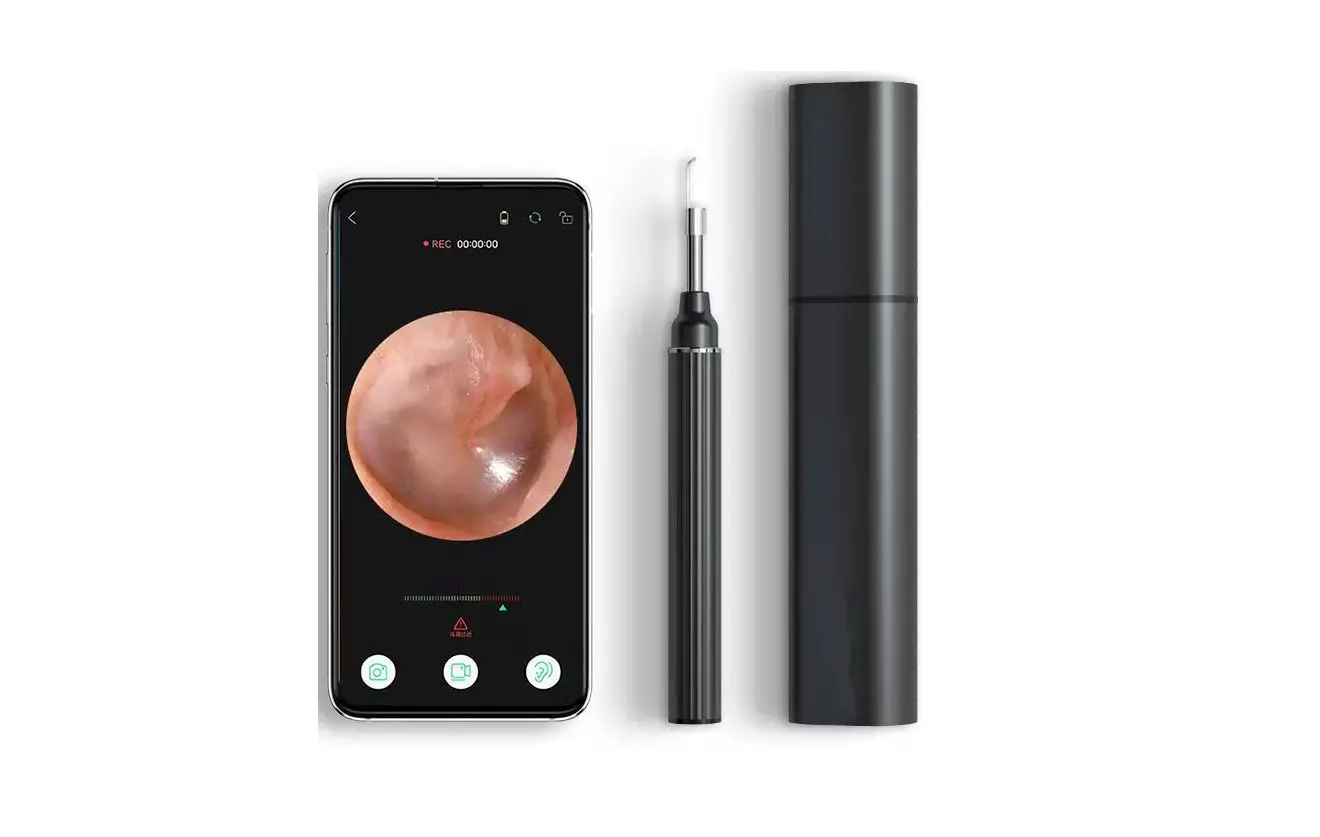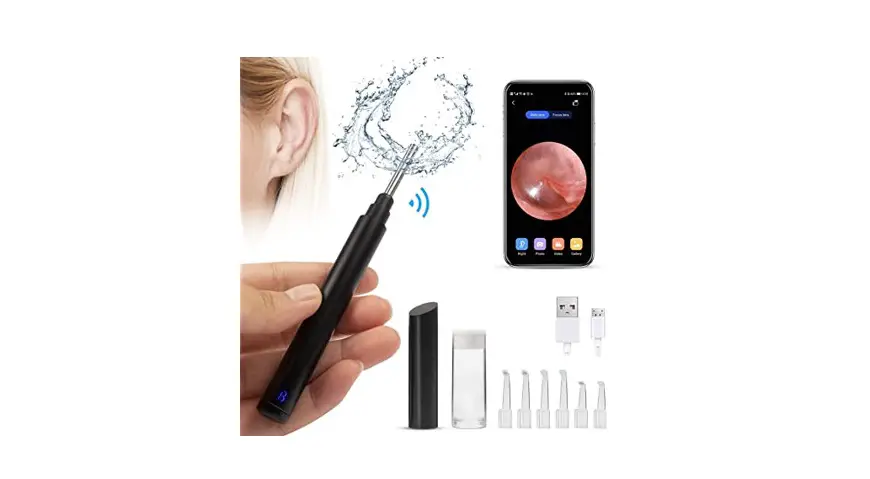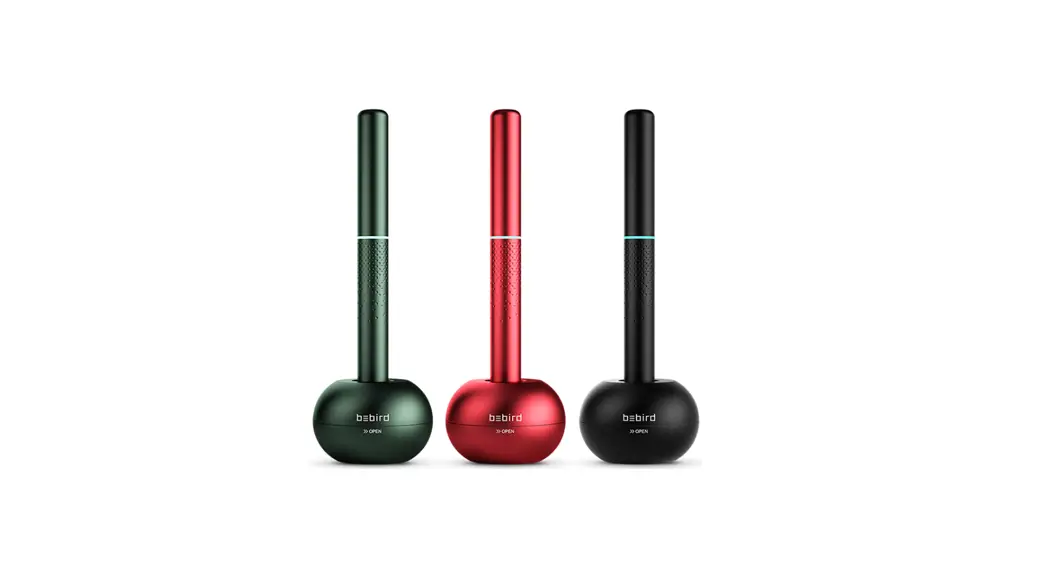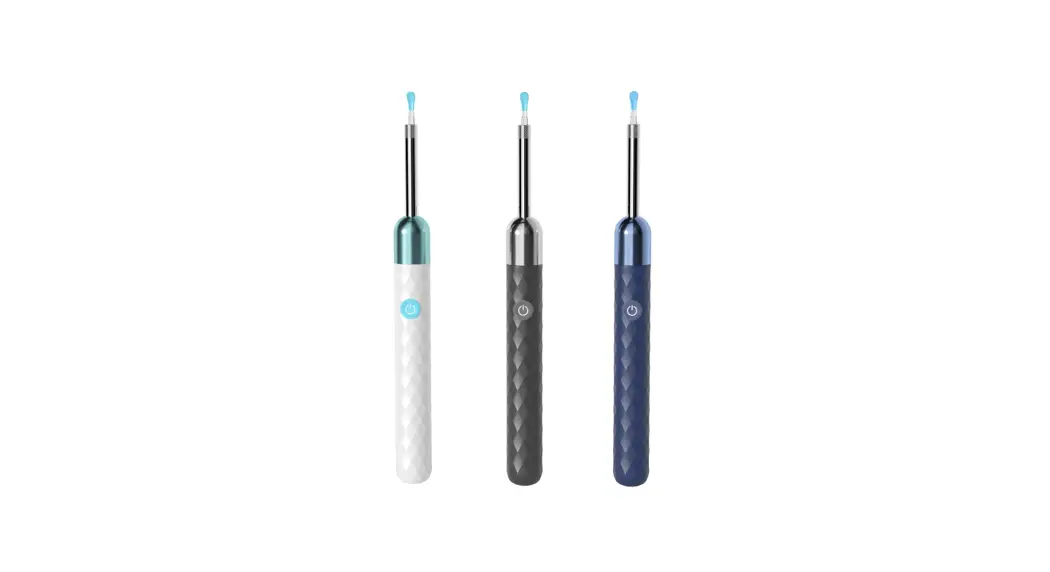

Suitable for adults and children
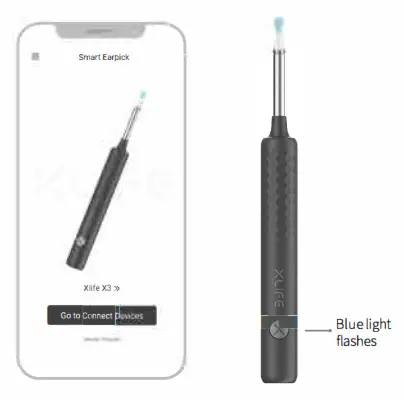
Open XlifeX3
- QR scan the QR code to download the app
 http://bebird.cn/app/xlife-en.html
 - Open APP Click Xlife X3
- Press and hold the power button to on the ear cleaning rod

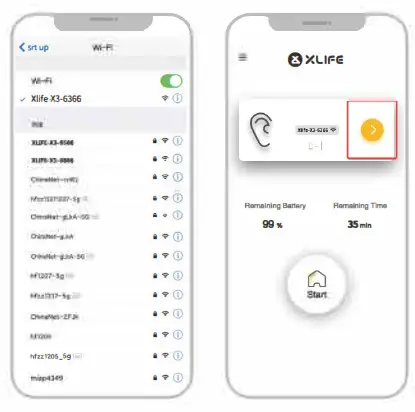
Connect product WiFi
- Connect Product Wi-F, “Xlife X3 XXXX
- Back to Bluebird app Enter and start to use it

Accessory replacement
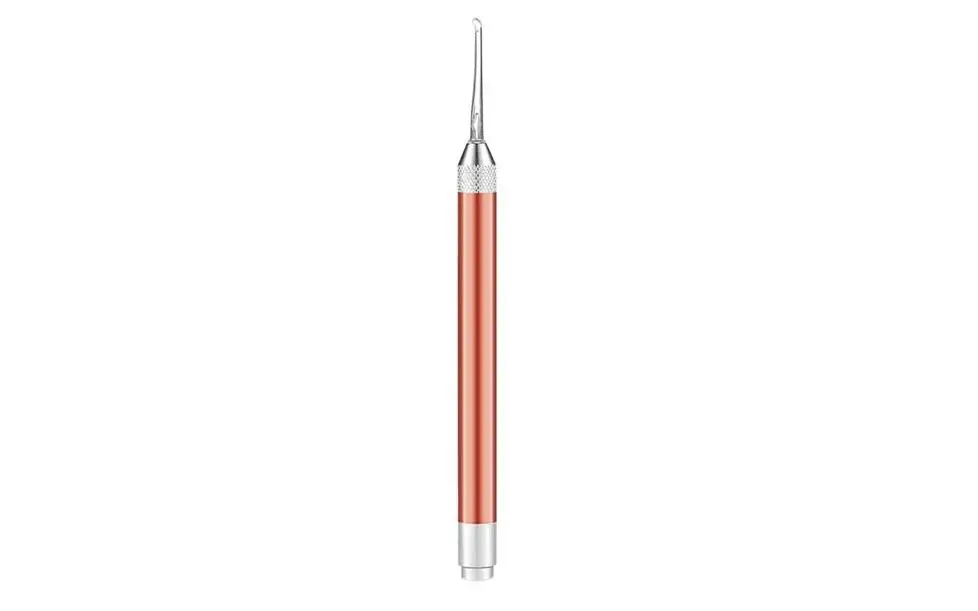
Unscrew the ear spoon head and pull out the silicone ear spoon for replacement. Screw and plug the ear spoon head well.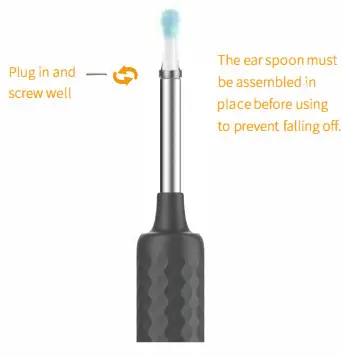
Accessory
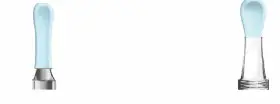
- Metal & Silicone wrapped Ear Spoon (Small) xl Haem less ear cleaning
- Q-Elastic Big ear pick tips x 1
Global First PC and Silica Gel
Synthetic Earspocn
- Charging Cable x 1
Micro charging cable
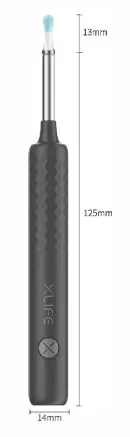
Product size
Troubleshooting
| Trouble | Solution |
| starting up and no response | Please use the attached charging cable for quick charging. The charging time is 35 minutes |
| The camera does not turn on | Close and open the cover to try a fewtimes |
| APP quite quickly | Delete the ex sbngAPP and rescan the QR code for installation |
| Installation of tools in the accessory barrel is not smooth | Unscrew the ear spoon head and pull out the silicone ear spoon for replacement. Screw and plug the ear spoon head well |
| Rod’s power indicator is red | Please use the attached charging cable for charging. The charging time is 35minutes |
| The display on the app is not reading properly | Disconnect the phone with the product and open the cover to restart it, then set the phone to reconnect the product |
| WiFi connection is unstable, sometimes it is disconnected in seconds | Gose and open the cover to restart rod and restart the app in phone to connect rod |
If you still have problems with the above procedures, please contact our Customer Service Representatives directly for further assistance | |
Hazardous substance
| Part name | Hazardous material | |||||
| (Pb) | (Hg) (Cd) | (CO)) | (PBB) | (PBDE) | ||
| Panted Circuit Components | X | 0 | 0 | 0 | 0 | 0 |
| Case | 0 | 0 | 0 | 0 | 0 | 0 |
| Plastic rubber accessory | 0 | 0 | 0 | 0 | 0 | 0 |
This form is formulated in accordance with S.I/T 11364
0: represent the hazardous maternal ratio is below GB/T26572-2011
x: represent the hazardous maternal ratio is over GB/T26572 2011
| Brand | Xlife |
| Product Name | Smart, visual ear cleaning |
| Model | XlifeX3 |
| Rod weight | 13g |
| Network standard | IEEE 802.11 b/g/n |
| Antenna | Internal FPC antenna |
| Working frequency | 2.4Ghz |
| Image transmission rate | 20fps |
| Image sensor | CMOS |
| Working temperature | 10~45°C |
| Battery | 130mAh lithium battery |
| Battery life | 35 minutes |
| Charging time | 35 minutes |
| Input current | DC 5V 300mA |
| Lens diameter | 3.5mm |
| Optimum focal length | 15~50mm |
| Depth of field | 5~20mm |
| Pixel | 3 Mega-Pixels |
| Gyroscope | 3 axis |

Attention
Attention
- When cleaning the lens, please wipe it carefully with a professional alcohol cotton swab.
- Make sure the ear spoon is well installed before using, to prevent the ear spoon from falling off.
- Please don’t use it while you are moving, and protect yourself from being hit by others.
- It is forbidden for children to use this product alone in order to avoid accidental harm.
- Please do not put the product in liquid to avoid
- Product built-in polymer battery, so it must be charged once a month If it is not used frequently.
- Avoid product exposure to sunshine directly, especially the accessories, in order to avoid softening.
- During using it, the temperature of the product will rise slightly(Data from Xlife lab, the maximum temperature of the machine doesn’t exceed about 35°C), please rest assured to use.
Warranty
User info:—————-
User name:————–Telephone number
Address:——————
Seller:———————Telephone number
Enable everyone to enjoy visible ear cleaning
FCC Statement
This equipment has been tested and found to comply with the limits for a Class B digital device, pursuant to part 15 of the FCC Rules. These limits are designed to provide reasonable protection against harmful interference in a residential installation. This equipment generates, uses and can radiate radio frequency energy and, if not installed and used in accordance with the instructions, may cause harmful interference to radio communications. However, there is no guarantee that interference will not occur in a particular installation. If this equipment does cause harmful interference to radio or television reception, which can be determined by turning the equipment off and on, the user is encouraged to try to correct the interference by one or more of the
following measures:
- Reorient or relocate the receiving antenna.
- Increase the separation between the equipment and receiver.
- Connect the equipment into an outlet on a circuit different from that to which the receiver is connected.
- Consult the dealer or an experienced radio/TV technician for help.
Caution: Any changes or modifications to this device not explicitly approved by the manufacturer could void your authority to operate this equipment.
This device complies with part 15 of the FCC Rules.
Operation is subject to the following two conditions:
- This device may not cause harmful interference, and
- this device must accept any interference received, including interference that may cause undesired operation.
RF Exposure Information
The device has been evaluated to meet general RF exposure requirements. The device can be used in portable exposure conditions without restriction.